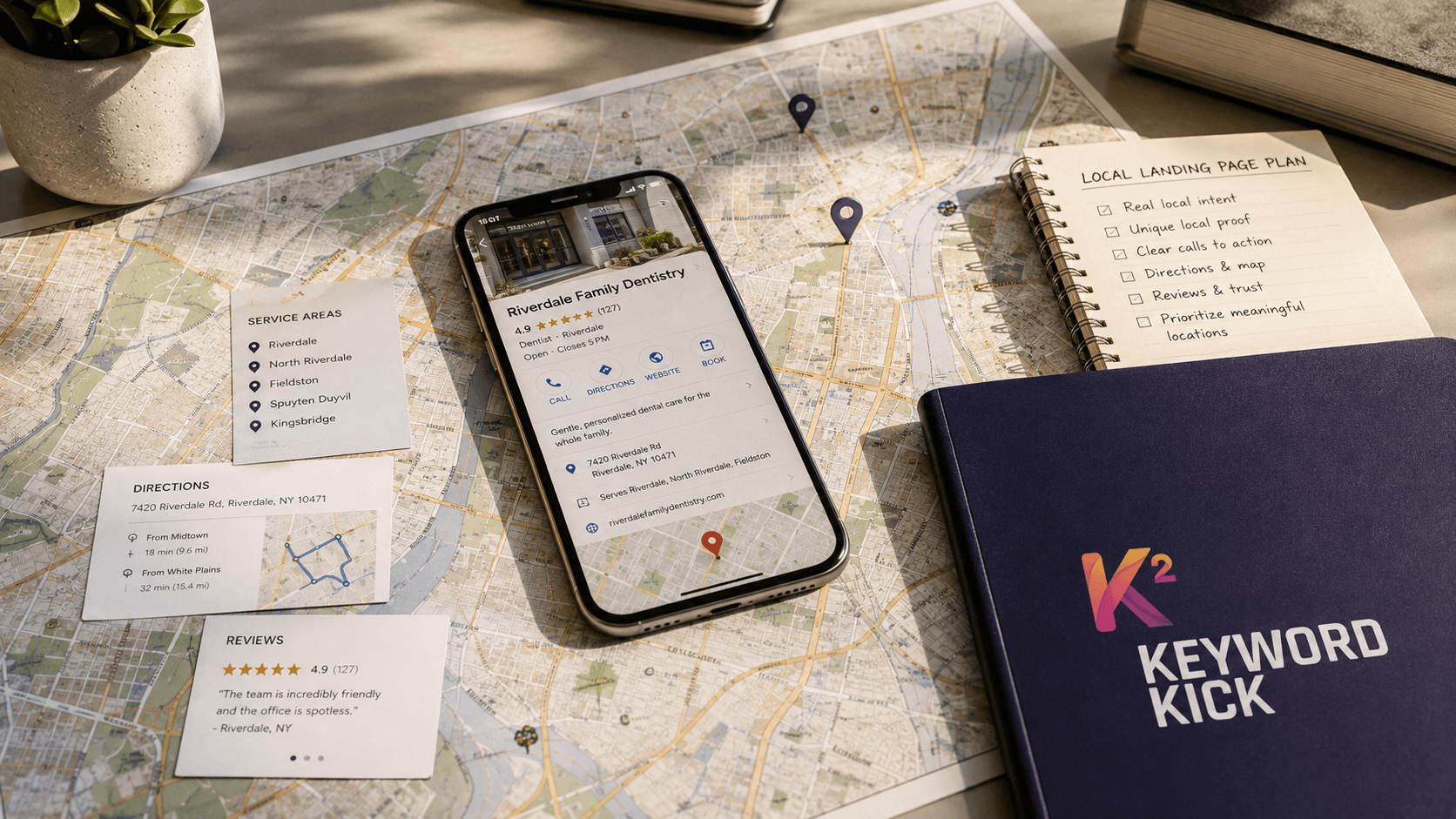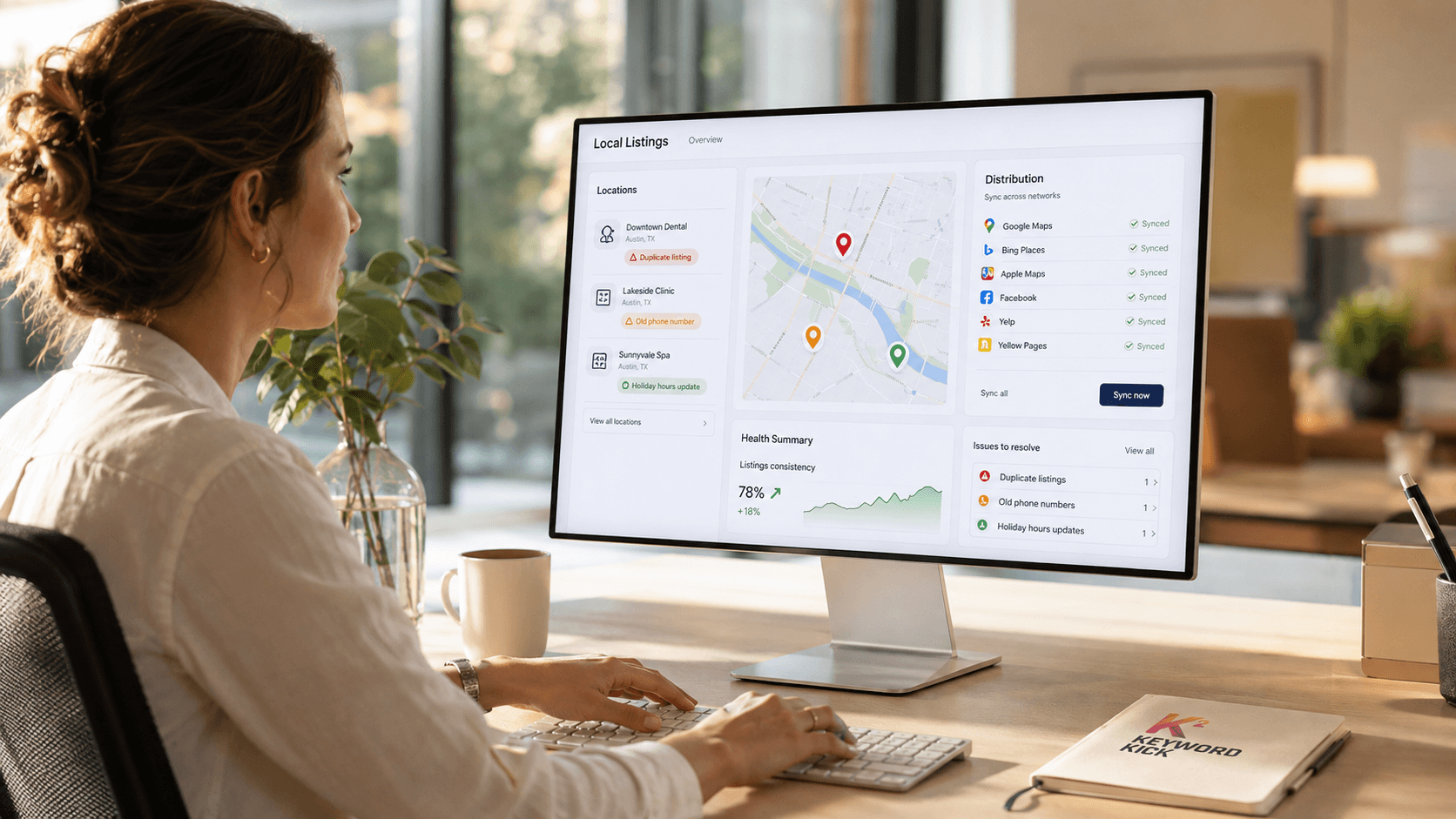
38 million monthly users still pass through MapQuest, and 95% of that traffic is in the U.S. according to Direction Local, which is enough reason to treat a MapQuest listing as more than a legacy checkbox. That audience is also highly intent-driven, with 69.79% of monthly searches classified as discovery searches, meaning people are looking for businesses rather than just routing to a destination, and 1 in 5 Americans still uses MapQuest for directions. When local visibility depends on being found at the right moment, a complete MapQuest profile can still pull weight in a broader citation strategy. tips for improving local rankings are useful context here, especially if you're comparing MapQuest against the rest of your local stack, and the broader playbook connects well with dominate local search marketing and attract customers.
Why MapQuest Still Matters for Local SEO
MapQuest isn't the first platform you think about, but the traffic profile makes it hard to dismiss. Direction Local estimates 38 million monthly users, and the fact that 95% of that traffic is U.S.-based means the platform still sits squarely inside the market most local businesses care about. If you serve a neighborhood, city, county, or multi-market region, that matters more than brand nostalgia ever will.
Intent is the true signal. Direction Local says 69.79% of monthly searches are discovery searches, which means users are actively trying to find businesses, not just looking up a place they already know. That's the kind of behavior local SEOs chase across every directory, because discovery traffic can turn a clean listing into a phone call, a visit, or a direction request.
Why older platforms still convert
MapQuest also continues to act like a meaningful local discovery channel on the publisher side. Direction Local estimates 72,111 websites are listed on MapQuest, including 7,544 U.S. websites and 12,087 domains that redirect to websites on MapQuest, which suggests the ecosystem is still active rather than abandoned. When a platform maintains that kind of footprint, a business listing can still influence how accurately a company appears across the local web.
That's why I don't treat MapQuest as a relic. I treat it as one more place where NAP consistency, category choice, and ownership details can reinforce the same trust signals you're building everywhere else. If you're already working through Keyword Kick's local SEO checklist, MapQuest belongs in the citation layer, not as an afterthought.
Practical rule: if a platform still attracts real discovery behavior, the listing has strategic value even when it isn't the newest interface in the room.
Preparing to List Your Business on MapQuest
Before you touch the MapQuest portal, audit the business footprint you already have. The claim-and-verify workflow branches by business type and ownership structure, so guessing at the intake step is how teams create cleanup work for themselves later. Search your business using the exact name, city, and phone number first, because you need to know whether you're claiming an existing profile or accidentally opening the door to a duplicate.
Gather the right inputs first
Have your official customer-facing business name, standardized postal address, and a local trackable phone number ready before you begin. Don't improvise these fields on the fly, because local listings data gets messy fast when a business name is padded with keywords or an address is entered two different ways. For owner proof, keep any supporting documentation handy in the same format you'll use for verification, so you aren't stuck reworking the submission halfway through.
For agencies and multi-location brands, the entity choice matters just as much as the data itself. MapQuest's workflow branches around single-location, multi-location, and marketing agency structures, and the wrong selection can make later edits awkward or slow. If your team manages several branches, treat this as an intake decision, not a cosmetic one.
Before you open the listing flow, I'd also run the business through a simple audit of name, address, and phone consistency across your current citations. That's especially important if you're following contractor marketing tips for 2026, because field teams often have the most drift between storefront data, tracking numbers, and service-area descriptions. A cleaner starting point saves time later, and it reduces the odds that you'll need to unwind a bad claim.
The Step-by-Step Process to Claim or Create a Listing
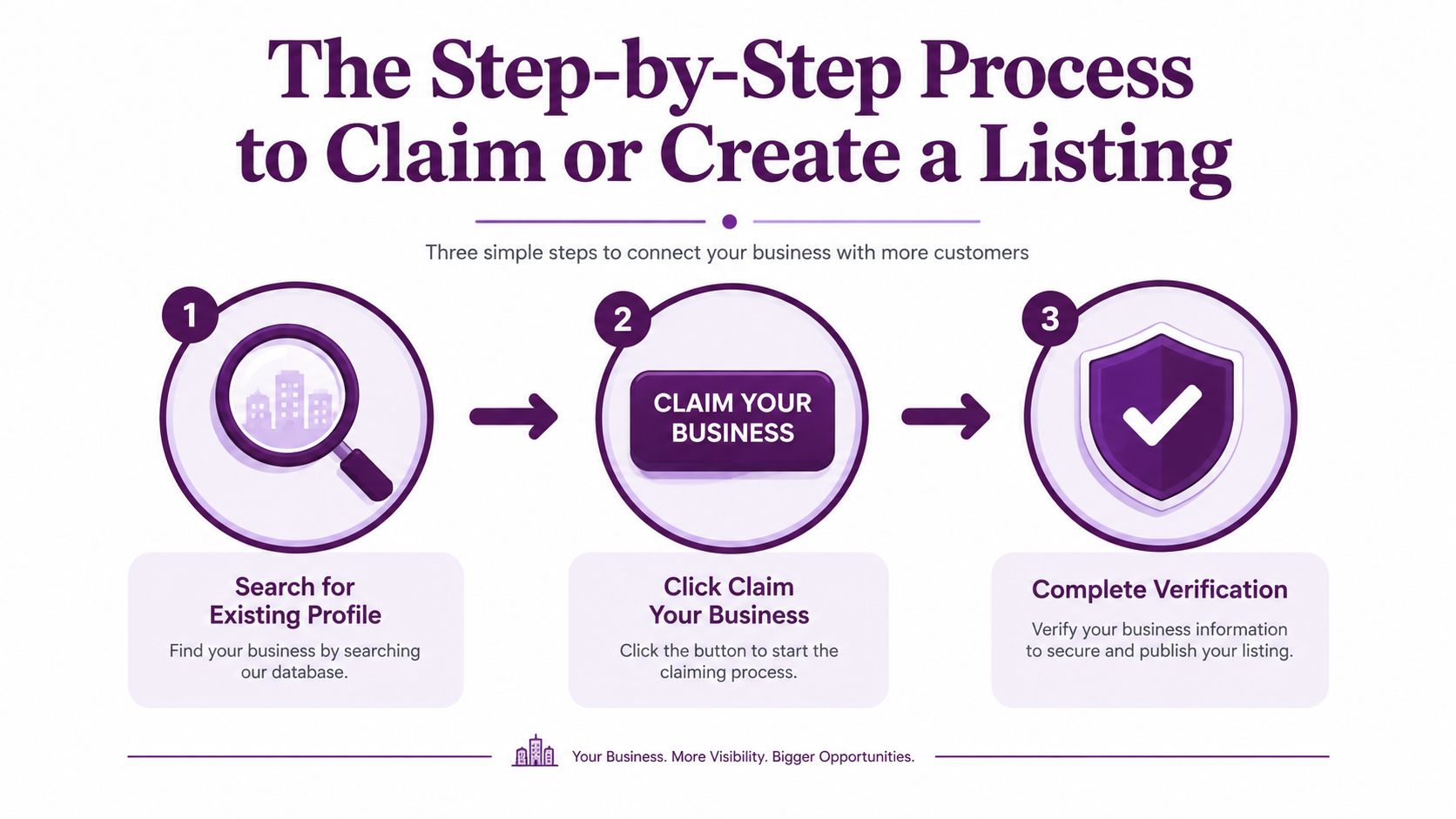
MapQuest doesn't behave like a casual directory submission form. The platform uses a claim-and-verify workflow, and the order matters because the system expects you to identify the business, choose the right entity type, and complete checkout before the change is fully published.
Start with an exact search
Search for the business by name and location first. If a profile exists, you should claim that live record instead of building a second version from scratch, because duplicate suppression problems are common in local listings management. If nothing appears, then you're dealing with creation rather than ownership transfer, and that changes the way you document the submission.
Next, click Claim Your Business if the profile is already there. From there, MapQuest asks you to choose a business type such as single-location, multi-location, or marketing agency, and that selection affects how the rest of the intake behaves. Misclassifying the entity at this point is one of the easiest ways to create friction for future edits, especially when an agency is managing a portfolio rather than one storefront.
Don't assume the first matching record is the right one. Search by business name, city, and phone before you commit to a claim.
Expect paid plan selection during checkout
MapQuest's current model isn't a free-form submit-and-wait setup. Vendasta reports that MapQuest's Local Business Center includes four plans, with the basic MapQuest-only listing priced at $150 per year and expanded plans ranging from $449 to $999 per year. That pricing reality changes the decision tree, because you're not just “adding a listing,” you're choosing a management tier.
Instant verification may require a premium account, so don't promise a same-day result if the workflow pushes you into a paid upgrade. I've seen teams lose time because they assumed the process was immediate, then discovered the checkout step was part of the publishing gate. If you're handling multiple locations, build time for review and approval before you start the claim, not after the system asks for payment.
Optimizing Your MapQuest Listing for Maximum Visibility
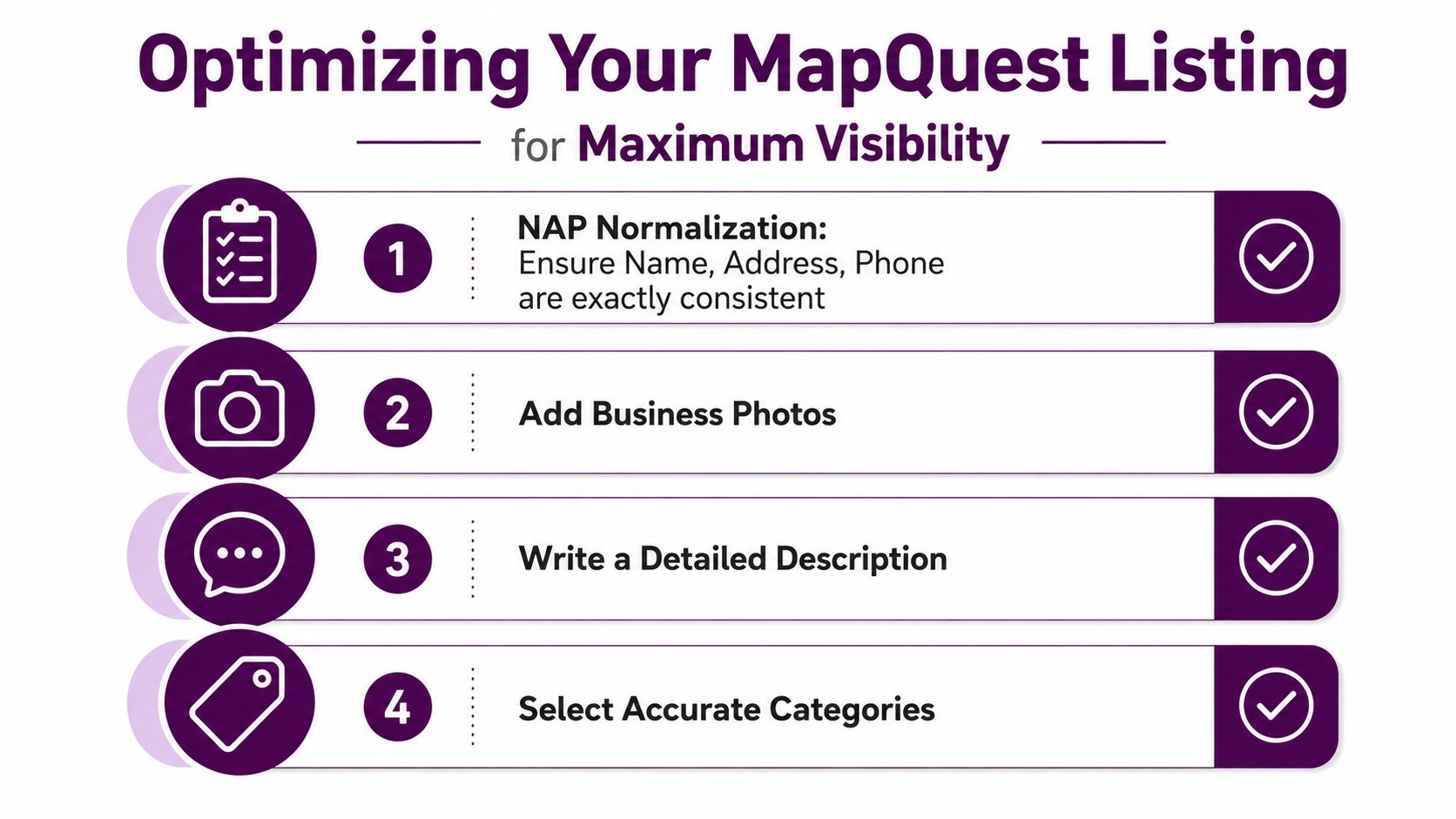
Once the listing is live, the highest-value optimization step is NAP normalization. Name, Address, and Phone need to match exactly across every field that MapQuest uses, because directory data quality depends on consistency, not just completeness. Small differences, like alternate abbreviations in the street name or a branded tracking number in one place and the main line in another, can create avoidable trust issues across the citation ecosystem.
Clean data first, then enrich
Use the official customer-facing business name, not a keyword-stuffed version. Standardize the postal address, and route the phone number through a local trackable line that still connects directly to the business. Enter those core fields only after confirming ownership and checking for conflicting records, because fixing the base record later is slower than getting it right the first time.
After the core NAP fields are stable, fill in the richer parts of the listing. Business hours, a useful description, photos, and payment methods all help the profile feel complete and easier to trust. That doesn't replace accuracy, though, because a polished profile with stale contact data is still a bad citation.
Keep the record current
The common failure mode is drift after operational change. If hours, location, or phone numbers change and no one updates the listing everywhere, the profile becomes inconsistent and downstream directories can mirror the wrong information. I prefer a recurring review cadence, either quarterly or weekly depending on how often the business changes, because seasonal hours and relocations are exactly where otherwise solid listings go stale.
Best practice: accuracy comes before polish. A complete profile with bad NAP is still weaker than a plain profile with clean NAP.
Troubleshooting Common MapQuest Listing Issues
Most MapQuest problems come from the same three failure points, duplicates, verification mismatches, and stale data. The fix starts before you file any support request, because the fastest resolution is usually the one that avoids a second record in the first place. Search multiple variations of the business name, address, and phone number before assuming you need to add anything new.
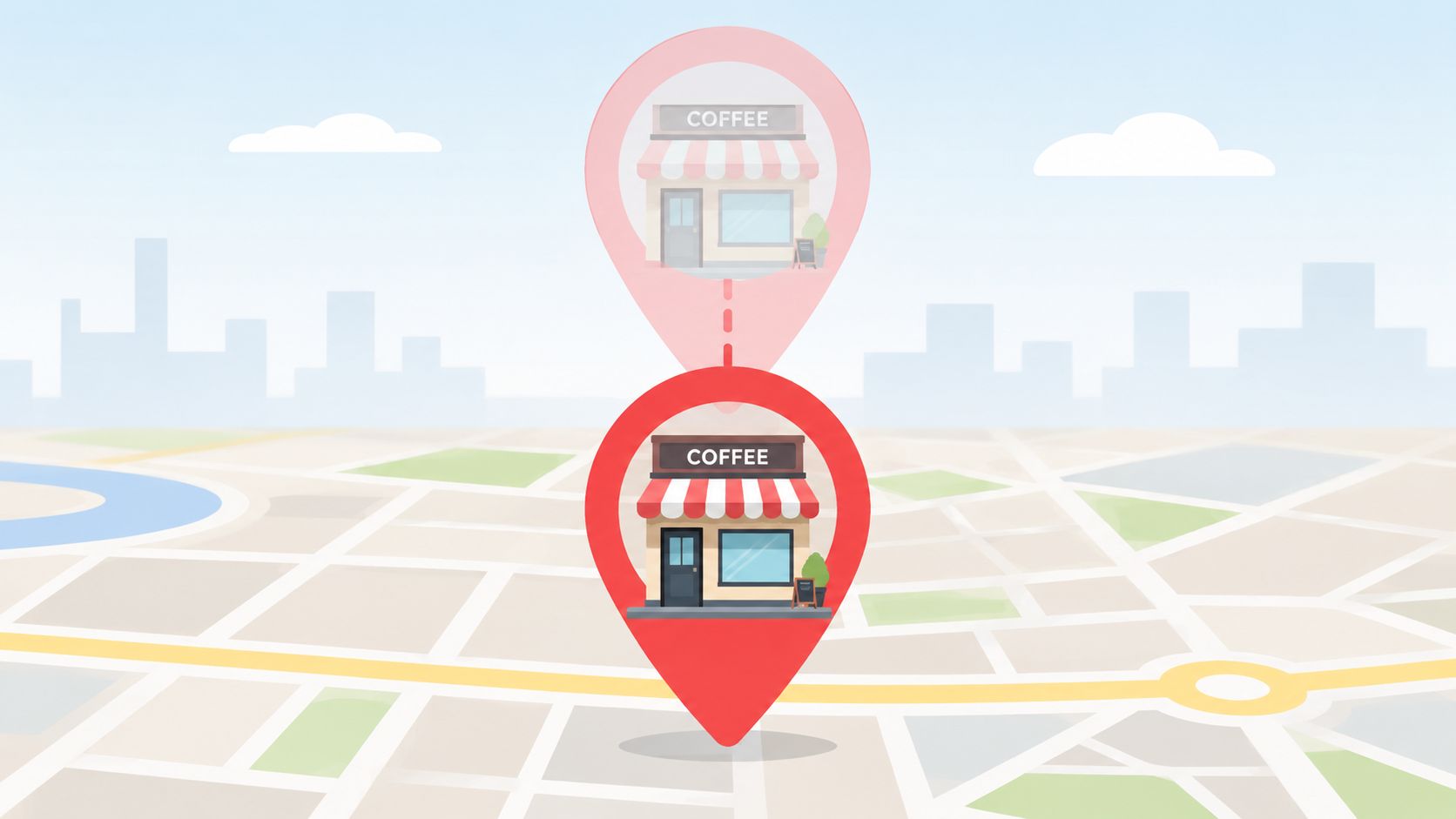
Duplicate listings create the most noise
If you find two profiles for the same business, don't leave both in circulation. Merge or delete the extra record through the Business Listings dashboard when that option is available, and make sure the surviving profile keeps the cleanest set of NAP fields. A duplicate is more than a cosmetic issue, because users can land on the wrong phone number or the wrong address and never tell you about it.
Verification failures usually come from mismatched ownership details or documentation that doesn't align with the entered record. If the name or address on the proof doesn't match what you typed during claim, fix the mismatch before retrying. That small correction often saves more time than repeated submissions with the same bad inputs.
Stale hours and disappearing listings need a different check
Incorrect hours are common after seasonal adjustments or temporary closures. Set a review reminder so the listing doesn't drift when the business changes its schedule, and use whatever automated notifications your platform supports if available.
If a listing disappears after it was showing correctly, check whether the plan renewal went through or whether a data quality flag triggered suppression. At that point, the quickest path is usually a support request with the account details and business information already assembled. I've found that a clean paper trail beats back-and-forth guesswork every time.
Next Steps for Citation Consistency and Monitoring
A MapQuest listing works best when it matches the rest of your local footprint. The profile itself matters, but the bigger win comes when the same business name, address, and phone number line up across Google Business Profile, Apple Maps, Bing Places, Yelp, and the industry directories your customers use. That consistency is what makes the citation layer feel deliberate instead of accidental.
Make MapQuest part of the audit cycle
Start by checking your major citations for exact field alignment. If one platform shows a suite number one way and another platform abbreviates it differently, that's still drift, even if a human can infer the same address. A listing management tool or citation audit service can help you scan that mismatch at scale, which is much more practical than trying to eyeball every entry one by one.
For teams with multiple locations, the process needs a standard. Create a data entry protocol that defines how names, addresses, tracking numbers, hours, and categories get entered every time a new record is built or updated. That keeps new staff, agencies, and franchise stakeholders from each inventing their own version of the business data.
Operational truth: local SEO breaks down less from one bad listing than from small differences repeated across many of them.
Monitoring is the part most businesses skip after launch. A monthly manual check works for some brands, while others need automated alerting if hours, addresses, or ownership details shift often. Either way, the goal is the same, keep MapQuest aligned with the rest of the citation set so the listing stays useful instead of slowly decaying into another stale profile. For a tighter definition of that discipline, use NAP consistency as the rulebook, not the exception.
If you want a cleaner local SEO process around MapQuest, citation audits, and the rest of your business listings, visit Keyword Kick and see how our platform helps teams turn messy search data into clear next steps. We help agencies, in-house teams, and consultants spot drift, prioritize fixes, and keep local visibility work organized across every location.