You've got a page that should be winning work. The offer's clear, the proof's there, and Search Console shows steady impressions. Clicks, though, stay flat. Then you look at how the page appears in search and the problem is obvious. The title is a brand slogan, the heading repeats it, and nothing tells a searcher why this page answers their specific query.
That gap is where on page optimization earns its keep. I don't treat it as a keyword checklist you run once and file away. I treat it as an audit, fix, measure loop, ranked by what affects crawling, indexing and clicks, not by how many warnings a tool can generate.
What On-Page Optimization Covers and the Targets to Hit
Say a plumbing service page targets emergency callouts in one city. It gets impressions, but its title reads "Quality You Can Trust | Smith Plumbing" and the H1 says the same thing. A searcher comparing three results has no reason to pick it, and Google has little page level evidence about which service and location the page serves. The fix isn't more keywords. It's making each element you control describe the page accurately.
On-page optimization covers the title tag, meta description, URL, headings, body copy, internal links, images, structured data, speed and mobile layout. Together they help search engines understand the page, display it well and connect it to the rest of your site. A local service business working through this list might also use location pages and reviews to improve your plumbing company's local rankings, but the page level checks below come first because they apply to every URL.
| Element | Target | What to Check |
|---|---|---|
| Title tag | About 50 to 60 characters, unique per page | Primary topic first, differs from H1 wording |
| Meta description | About 120 to 155 characters, unique per page | States the outcome, unique, no duplicate across templates |
| URL | 3 to 5 lowercase words, hyphen separated | Describes the page, no session IDs or stray parameters |
| H1 | Exactly one per page | Matches search intent, visible in rendered HTML |
| H2 subheadings | One per subtopic | Each answers a sub-question from the same query |
| Opening paragraph | Answer within the first 100 words | States the direct answer or definition |
| Internal links | 2 to 3 contextual links minimum | Anchor text describes the target page |
| Image alt text | Under about 125 characters | Describes the image in the context of the page |
Treat these numbers as audit targets, not ranking guarantees. A title at 58 characters won't outrank a better page at 70. The value is consistency. Every page gets checked against the same standard, so you can spot template problems quickly.
If an element doesn't help a person or a crawler understand the page faster, fixing it is decoration, not optimization.
Google may also rewrite your title or build a snippet from body copy instead of using your meta description. That doesn't make the targets pointless. It means the whole page, not one tag, has to communicate the topic clearly. Keep this table beside you when you run the audit process at the end of this guide.
How to Write Titles, Meta Descriptions and Headings
Take a coffee blog post stuck with the title "Coffee Grinders | Our Blog" and an H1 that repeats it. The post compares burr grinders, but neither element says so. Here's the sequence I'd run to fix it, step by step.
Start With One Intent Per URL
1. Pick one primary intent. Check the queries the URL already earns in Search Console and compare them with the top results for those queries. If the post serves people comparing models, that's the intent. Move the how to clean a grinder material to its own page instead of forcing one URL to serve two jobs. A rigorous workflow starts with query to page mapping, then checks each URL for a unique title, a clear primary heading and content written in the audience's own search language, a sequence set out in Google Search Central guidance on SEO fundamentals.
2. Write the title tag. Aim for about 50 to 60 characters, lead with the topic and add one specific detail. "Burr Coffee Grinders Compared: 6 Models Under $200" tells a searcher exactly what's inside. The number and the price ceiling do the persuasive work, so you don't need clickbait adjectives.
Make the Heading and Snippet Do Different Jobs
3. Write the H1 in different words. The H1 lives on the page, so it can be slightly fuller. "The 6 Best Burr Coffee Grinders for Home Brewers on a Budget" covers the same intent without duplicating the title. Two distinct phrasings give Google two honest options for the result title link and give readers confirmation they've landed in the right place.
4. Write a meta description that names the outcome. Keep it around 120 to 155 characters. "We tested grind consistency, noise and ease of cleaning on 6 burr grinders under $200. See which one suits espresso, filter or French press." Note what's missing. There's no keyword stuffing and no vague promise, just the result the reader gets. If you want a deeper method for writing descriptions that turn search impressions into clicks, apply the same outcome first rule to every template.
5. Turn subtopics into answer shaped H2s. Readers ask "Which grinder is quietest?" and "Do I need conical or flat burrs?" Use those questions, or close paraphrases, as H2s. Keyword strings like "Best Burr Grinder Noise Level" read badly and tell the reader less.
6. Check what Google shows. Google doesn't rely on the <title> alone. It can build a title link from your visible main title, heading elements, og:title, prominent page text, anchor text, inbound link text and WebSite structured data. So view the rendered page, check the H1 and review the anchors pointing at the URL. Changing the tag while internal anchors still say "Our Blog" often explains why the search result never changes.
The most common mistake in this whole process is treating the meta description as guaranteed snippet copy. Google frequently generates snippets from page content instead. Write your opening paragraphs so they'd work as a snippet on their own, with the answer and the payoff up front, and the rewrite stops being a problem.
How to Structure Content and Link Pages Internally
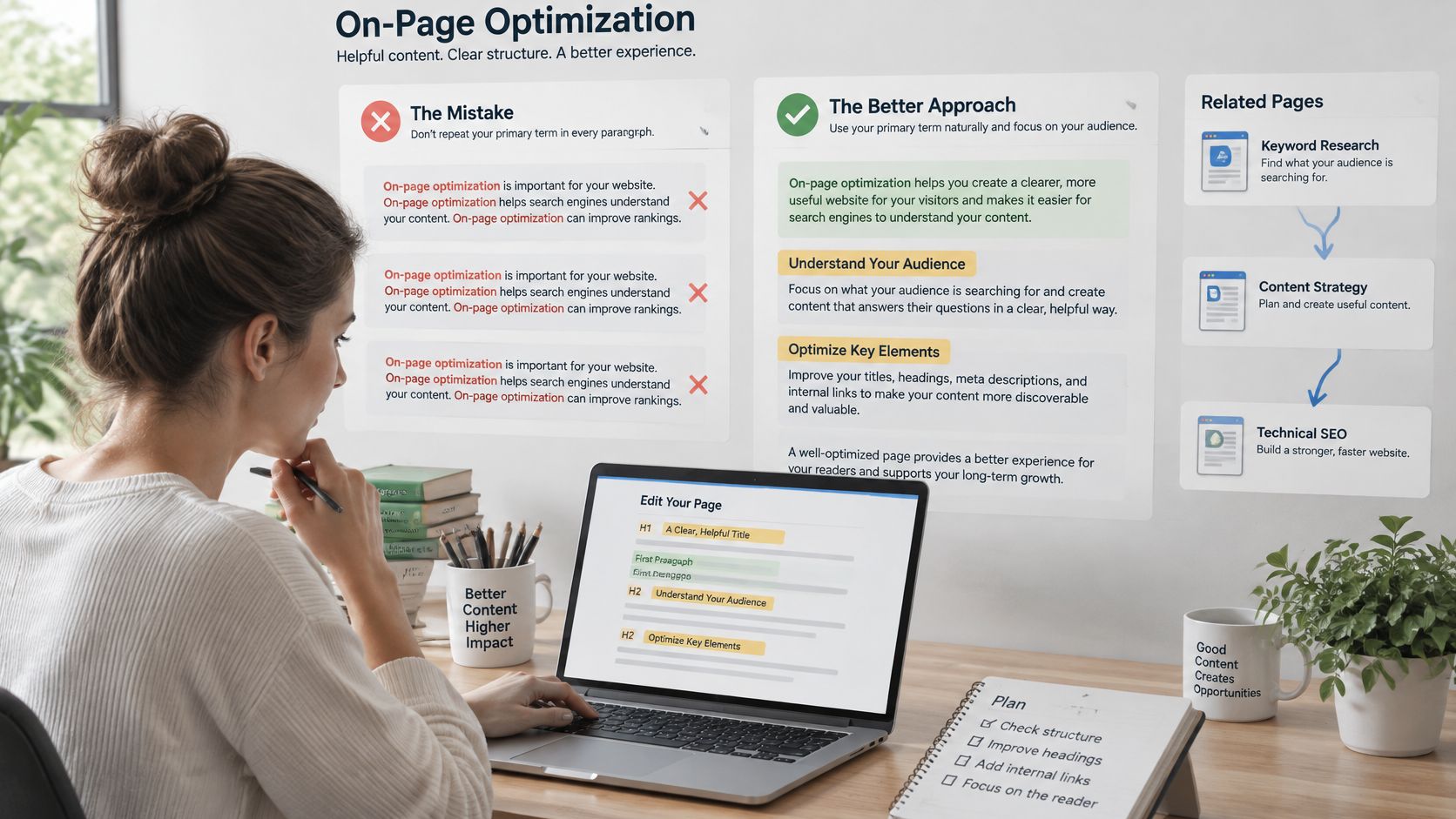
A page can repeat its target phrase in every paragraph and still fail to answer the reader's question. Relevance comes from clear coverage, not density. Use the primary term naturally in the opening and in a relevant heading, then explain the topic with the language readers use, including synonyms and specific industry terms. Check whether each section answers a distinct question; remove repetitions that add no value.
Make the page easy to scan without fragmenting it into thin sections. Put a direct answer near the top, then use each following section to resolve one related question. Keep paragraphs focused. Use a table or list when readers need to compare options, prices, or specifications, where a series of prose descriptions can slow the decision.
Treat Internal Linking as Prioritization
Internal links help readers and search engines understand how pages relate, and which destinations matter. A 2025 peer-reviewed study examining Google ranking attributes found that internal linking was the most effective on-page SEO factor in its analysis. The number of distinct internal pages linking to a target, called unique inlinks, ranked above other examined attributes. The proportion of site pages linking to that URL, unique external outlinks, response time, and word count followed. Correlation does not prove causation, but the findings support measuring internal links rather than adding them by feel.
Use a crawl export to turn that principle into an audit:
- Export crawl data: Include indexable URLs, status codes, and inlink counts.
- List priority URLs: Identify the pages with commercial or strategic importance.
- Count unique inlinks: Check how many distinct pages link to each priority URL.
- Add contextual links: Aim for at least 2 to 3 per important page, placed in relevant body copy on pages that already attract crawl attention and traffic. Write anchor text that describes the destination.
The study found that keyword placement in URLs, titles, and headings was not the strongest factor in its correlation results. Those elements still help communicate relevance and can affect clicks. When time is limited, link an orphaned commercial page from relevant, established articles before making another round of heading edits. Then measure whether the change improves crawling, indexing, or search clicks.
Run the Cleanup Checks Afterwards
Review the link graph after making changes. Find orphan pages with no inlinks, check whether sitewide navigation links crowd out useful contextual links, and look for identical anchor text pointing to different destinations. Also check for internal links that lead to redirected or canonicalized pages. Regulated industries face an extra constraint: internal copy and the pages it promotes must respect their compliance rules. Guidance on protecting client privacy in law firm marketing offers a relevant perspective for that audience.
Finish by reviewing images and URLs. Write alt text that describes each image in the context of its page, keep it concise, and avoid repeating keywords. Use short, lowercase URLs with hyphens between words. If a URL must change, redirect the old address and update internal links to point directly to the new one. This prevents links from sending readers and crawlers through an unnecessary redirect. Prioritize these edits on pages already earning impressions, then compare performance after the changes. That audit-fix-measure loop keeps effort focused on issues that can affect visibility, rather than on how many checks a tool flags.
Structured Data That Earns Its Place
Structured data is useful when it accurately describes a page and supports a result or entity signal relevant to that page type. It is not a requirement to add schema everywhere for AI search. Markup must match information visitors can see; describing hidden or absent content creates a mismatch rather than value.
| Schema Type | Suits These Pages | Must Match Visible Content |
|---|---|---|
| Article | Guides, blog posts, news | Headline, author name, publish date |
| BreadcrumbList | Any page in a clear hierarchy | Breadcrumb trail shown on the page |
| Product | Product and offer pages | Price, availability, product name |
| FAQPage | Pages with a real Q&A section | Questions and answers shown to visitors |
| HowTo | Procedures | Steps shown in order on the page |
| Organization | Homepage and about page | Company name, logo and contact details shown |
FAQPage and HowTo markup may have limited value for earning visible rich results, so choose them for accurate description, not as a promise of enhanced search display. For schema types that can produce visible enhancements, using rich snippets in SEO strategy starts with selecting the primary type that fits each template. Adding every available type can create more markup to maintain without improving how the page appears.
Validation rule: After every template change, run a sample URL through a rich results testing tool and compare each property against the rendered page, not the source code you intended to ship.
Schema is one part of an audit-fix-measure loop. Check whether the markup is valid and accurate, fix mismatches that affect eligibility or how the page is understood, then measure whether search appearance and clicks change. Prioritize these issues by likely impact on crawling, indexing and clicks, not by how many warnings a tool lists.
For AI search, Google's guidance on AI features in Search says there are no additional technical requirements for appearing in AI Overviews or AI Mode beyond being crawlable, indexable and eligible for a normal snippet. Structured data must match visible content. Google also points to unique, non commodity content and preview controls such as nosnippet and data-nosnippet for limiting what appears. Treat AI visibility as an outcome of strong fundamentals. Schema can describe the page clearly, but it cannot replace useful content or sound technical SEO.
Page Speed, Core Web Vitals and Mobile Experience
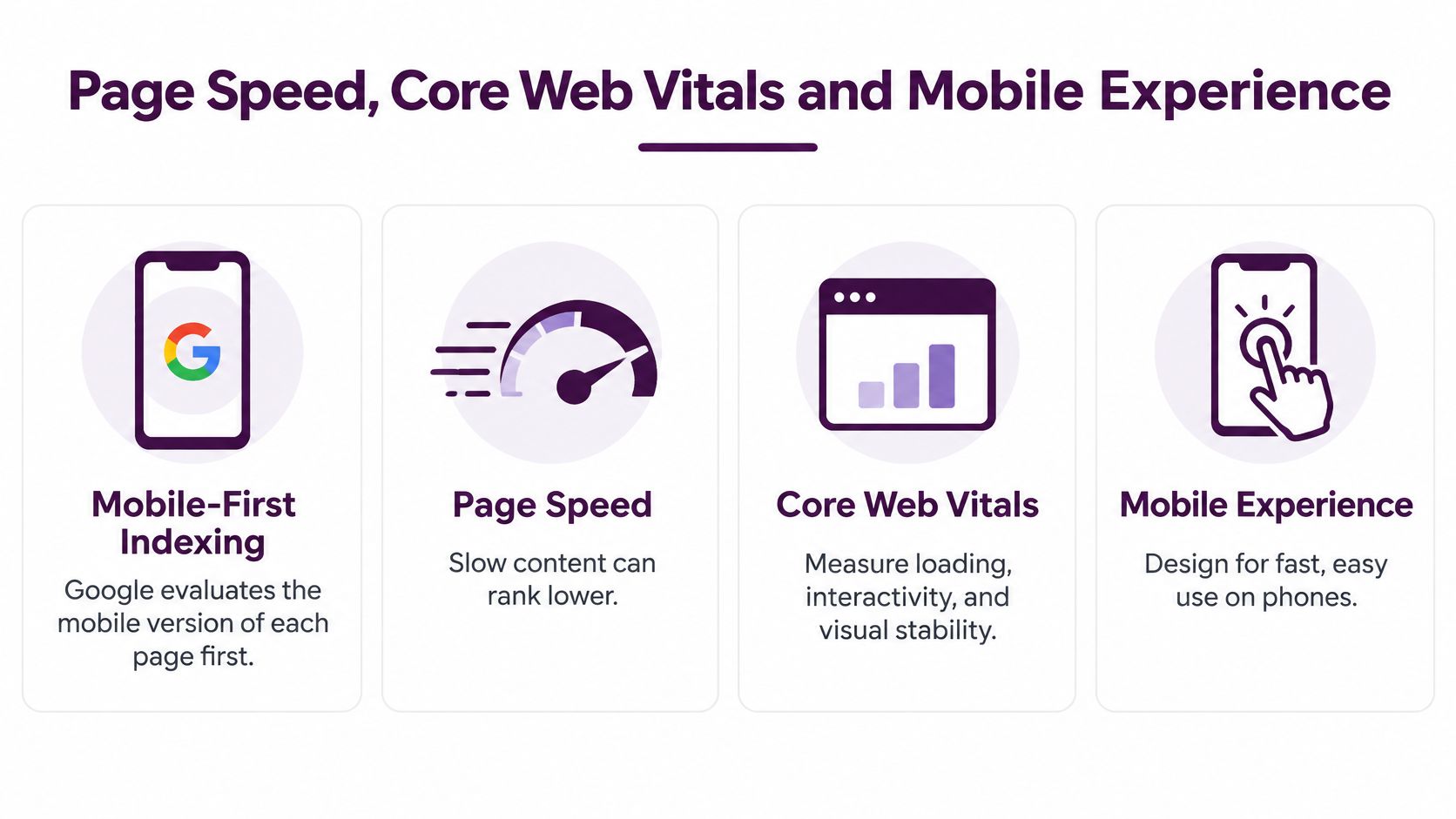
Speed and mobile layout count as on-page work for a structural reason. In its announcement rolling out mobile-first indexing, Google said it began the migration on March 26, 2018, after one and a half years of experimentation and testing, using the mobile version of a page for indexing and ranking. By October 31, 2023, Google described mobile-first indexing as complete. Google also announced that, beginning in July 2018, slow loading content could perform less well for both desktop and mobile searchers. Your mobile page isn't a secondary version anymore. In indexing terms, it is the page.
| Metric | Typical On-Page Cause |
|---|---|
| Largest Contentful Paint, good at 2.5 seconds or less | Oversized hero image or blocking CSS |
| Interaction to Next Paint, good at 200 milliseconds or less | Heavy JavaScript on menus, filters or buttons |
| Cumulative Layout Shift, good at 0.1 or less | Images or ads without width and height |
The Mobile Checklist I Run
- Viewport and layout: Confirm the viewport meta tag is present and nothing triggers horizontal scrolling.
- Tap targets: Keep targets at least 24 by 24 CSS pixels under WCAG 2.2, and use 48 by 48 as the safer working target.
- Text size: Set body text around 16 pixels so mobile browsers don't force zoom behavior.
- Content parity: Keep the same headings and key text on mobile as on desktop, since the mobile version is what's indexed.
Test in the right order. Start with field data in Search Console, because it reflects real visitors. Move to lab results in a speed testing tool to diagnose causes. Then fix the template that affects the most URLs before tuning individual pages, since one hero image rule in a shared template can move hundreds of pages at once. Keyword Kick's guide to page experience walks through the metrics in more depth.
One operational habit matters as much as any single fix. Performance regressions usually arrive with a redesign, a new script or a hosting problem, and you want to know the day it happens rather than at the next quarterly audit. Setting up continuous uptime and performance checks, the approach described in SiteAlive's guide to website monitoring, turns a silent traffic loss into an alert you can act on.
Common Audit Findings and How to Fix Them
Most audits don't start with an element. They start with a symptom in Search Console or a crawl export, usually a page getting impressions it doesn't convert into clicks. Work symptom first, because the same broken title can hide behind three different complaints.
| Symptom | Likely Cause | Fix |
|---|---|---|
| Google rewrites the title in results | Generic title or title repeats the H1 | Rewrite to name the specific topic and add one detail |
| Duplicate titles across templates | Template sets the same title | Add a product, location or attribute per URL |
| Two URLs swap for one query | Cannibalization | Merge the weaker page or sharpen each page's intent |
| Position 3-6 with low clicks | Weak title or meta description | Rewrite with a benefit and a number, compare CTR after 4 weeks |
| Page with zero inlinks | Never linked from the site | Add 3 contextual links from related pages |
| LCP over 4 s on mobile | Oversized hero image or blocking script | Compress, size, preload hero, defer non-critical scripts |
| Layout shifts during load | Images or ads without reserved space | Set width and height, reserve ad slots |
| Key copy missing from rendered HTML | Content loaded only by client-side JavaScript | Server-render the core text |
Two patterns are worth calling out. Cannibalization is often misdiagnosed as a ranking penalty when it's really two pages splitting one intent, and the fix is a content decision, not a tag edit. And a page sitting at position 3 to 6 with weak CTR is usually your cheapest win, because the ranking work is already done and only the snippet is underperforming.
Do not rewrite a title, change the H1 and add internal links in the same week, then guess which one worked. Change one thing, set a measurement window, then decide.
Fix in this order. Resolve indexing and duplication problems first, because a page Google can't index cleanly can't benefit from anything else. Then work on snippets for pages already ranking, and leave speed tuning for templates until you know which metrics are failing in field data.
Run Your First On-Page Audit This Week
You don't need a full site project to start. You need one focused pass over the pages that already matter, done in this order.
- Export your top 50 URLs by impressions from Search Console, with average position and CTR. About 15 minutes.
- Crawl the site and record titles, meta descriptions, H1s, word counts, inlink counts and status codes. About 30 minutes plus crawl time.
- Flag every URL that breaks a target from the opening reference table, then group flags by template rather than by page. About 45 minutes.
- Check rendered HTML on your top 10 pages to confirm the H1 and core copy are present without relying on client side rendering. About 20 minutes.
- Run Core Web Vitals and mobile checks on the highest traffic templates, not on random single pages. About 30 minutes.
- Map each flag to a cause and fix using the symptom table, then rank by impact on indexing first, clicks second, speed third, weighed against effort. About 30 minutes.
- Pick the five highest impact fixes and set a 4 week before and after window for impressions, clicks, position and conversions. About 15 minutes.
Our site audit supports exactly this sequence, ranking issues by SEO impact and implementation difficulty and covering meta tags, heading hierarchy, Core Web Vitals, crawlability and indexation checks across 100+ factors, so the same audit can run on a recurring schedule instead of starting from a blank spreadsheet each quarter.
Start with one template and one measured change. A product template title fix across 40 URLs, tracked for four weeks, teaches you more about your site than a full rewrite you can't attribute to anything.
Ready to run this loop without stitching together five exports? Visit Keyword Kick to audit titles, headings, internal links and Core Web Vitals in one workspace, with every issue ranked by impact and difficulty. Start with your highest impression template today, ship one fix, and measure it for four weeks before you touch the next one.