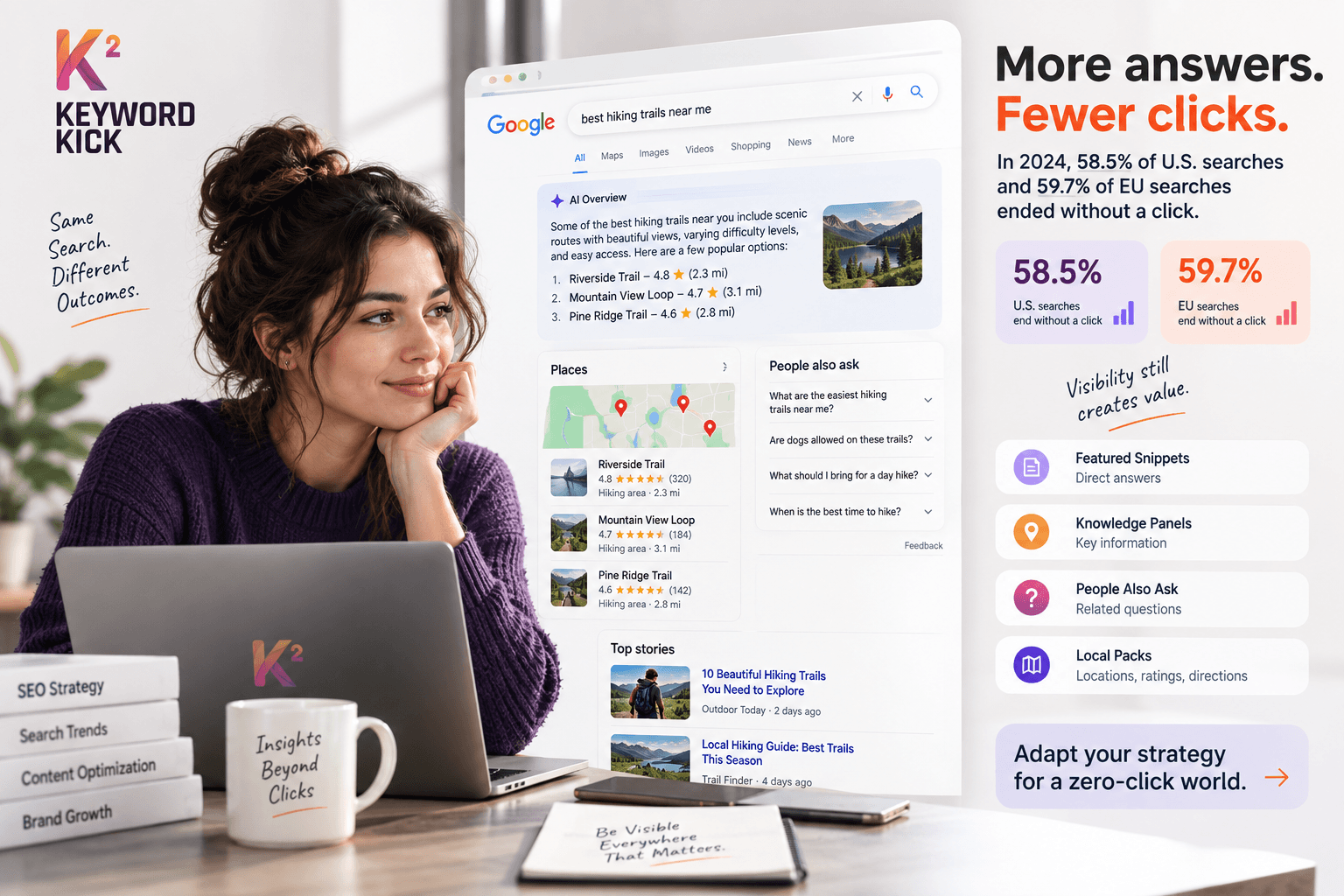
Zero-click search ends without an outbound click. In 2024, 58.5% of U.S. Google searches and 59.7% of EU Google searches ended this way, with only 360 and 374 clicks per 1,000 searches reaching the open web.
You've probably experienced it today. You search for a definition, check a store's opening hours, compare two products, or ask for a quick calculation. Google displays the answer immediately, often above the traditional blue links, and you move on without visiting a website.
For a marketer, that moment can look like failure. The impression was recorded, but no session followed. The ranking may still be strong, yet the click-through rate feels disappointing. That's why the question “what is zero click search?” matters beyond terminology. It describes a change in how search visibility creates value.
A zero-click result can answer a question directly, expose someone to your brand, support a later branded search, or influence a decision that happens through another channel. It can also remove a valuable website visit. Both things can be true.
This guide builds the idea from the ground up. You'll learn how to recognize zero-click results, understand the features that create them, see how AI summaries alter click behavior, optimize content for citations and mentions, and measure influence across more than one session.
Introduction to Zero Click Search and Why It Matters Now
Search used to feel like a simple handoff. Someone typed a question, Google returned a list of pages, and the person clicked the result that looked most useful. Today, Google often acts more like an answer desk. It can provide a definition, map, summary, related question, or business detail before the searcher reaches a website.
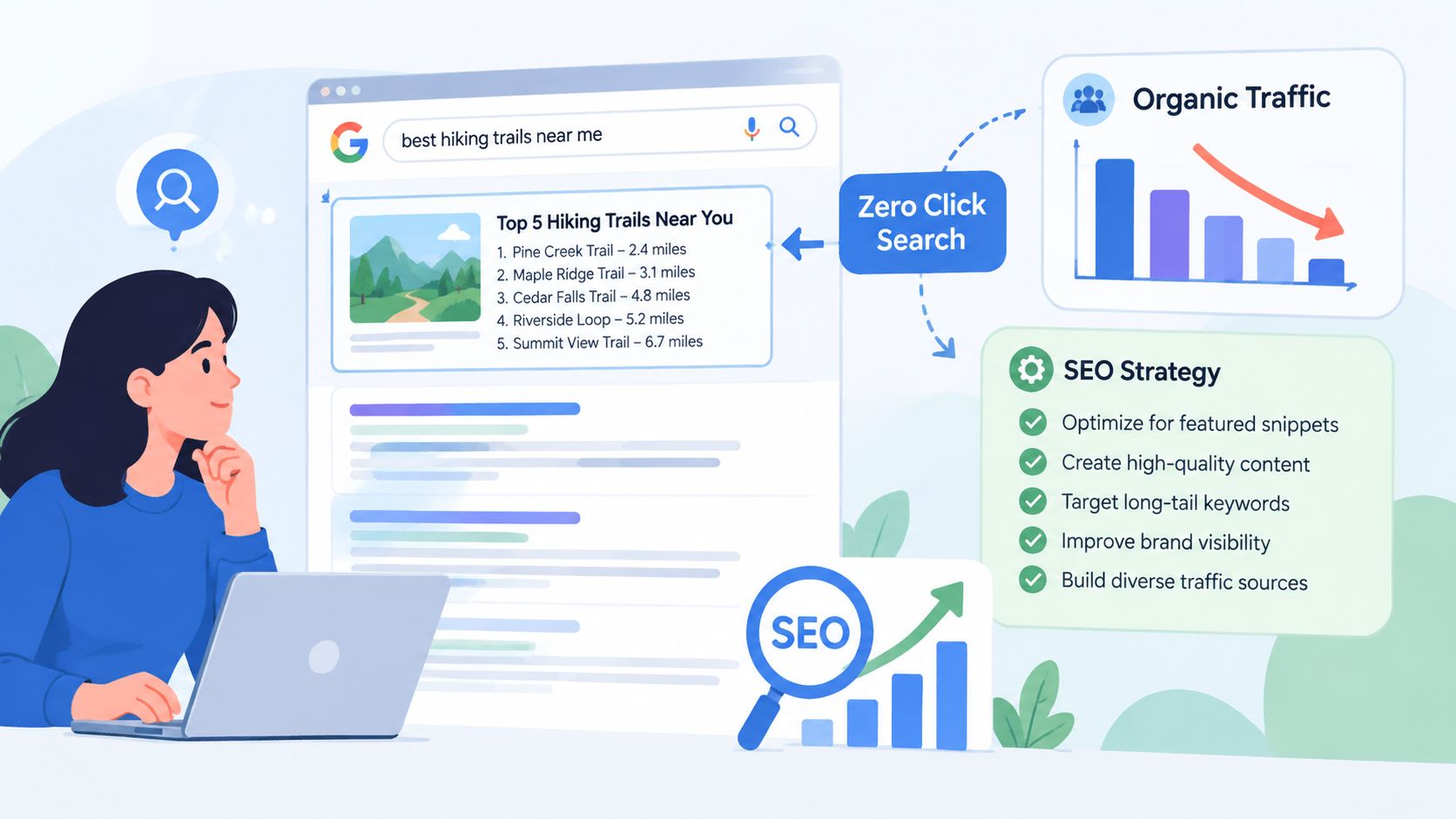
Consider a search for “best hiking trails near me.” A local pack may show trail locations, ratings, directions, and business information. The user might call, save a location, open a map, or decide they've found enough information. No website session appears, but the search may still have shaped the choice.
That distinction is easy to miss in a weekly SEO report. A page can gain impressions while receiving fewer clicks because the results page has absorbed part of the user journey. The visible outcome is a traffic gap. The underlying outcome may be brand discovery, validation, or assisted demand.
Practical rule: Treat a missing click as an observation to investigate, not an automatic verdict on the content.
The market-level picture makes the issue impossible to ignore. SparkToro's 2024 zero-click search study found that 58.5% of U.S. searches and 59.7% of EU searches ended without a click. The same analysis found that only 360 clicks per 1,000 U.S. searches and 374 clicks per 1,000 EU searches went to non-Google-owned, open-web properties.
Those figures don't mean every click has disappeared from every topic. Commercial, navigational, local, and research queries behave differently. They do show that SEO teams can't use organic sessions as the only proxy for search performance.
The practical question is no longer, “How do we rank and get the click?” It's also, “How do we become the source Google presents, cites, or associates with the answer, and how do we detect value that appears later?”
What Zero Click Search Really Means
A zero-click search is a search session that ends without the user clicking an external result. The searcher may stop because the result page answered the question, abandon the search, or reformulate the query without opening a website.
Think of the search engine results page as a concierge desk. A directory would hand you a list of businesses and ask you to investigate each one. A concierge might answer the question, show the relevant options, and provide directions immediately. Google increasingly performs both roles, depending on the query.
The definition becomes clearer when separated into three outcomes:
On-page satisfaction: The user sees enough information in a featured snippet, panel, map, question box, or AI summary.
Search abandonment: The user leaves without clicking because the result wasn't useful, urgent, or worth further effort.
Query reformulation: The user changes the wording and searches again, still without visiting an external page.
All three are zero-click sessions, but they don't carry the same business meaning. A search for a simple measurement conversion may be fully resolved. A search for a software comparison may be postponed, refined, or continued elsewhere.
What counts and what doesn't
A person can see your brand in a result and still produce no website session. That exposure counts as zero-click behavior from the search-session perspective. It doesn't mean the brand had no effect.
A click on a normal organic result isn't zero-click, even if the user returns immediately. A click on a map listing, phone button, or another Google-owned feature also deserves separate treatment from an external website click. Your reporting needs to define whether it's measuring outbound clicks, any SERP interaction, or business actions generated from search.
The measurement trap starts here. One session may contain no external click while still contributing to a later branded search, an app open, a phone call, an in-store visit, or a conversion in another session. That's why a useful explanation of zero click search and AI overviews should be paired with an attribution model, not treated as a traffic definition alone.
The same query can also behave differently for different users. Device, location, search history, intent, and the presence of SERP features all change what appears. Zero-click search is therefore not a permanent label attached to a keyword. It's a description of what happened in a particular search context.
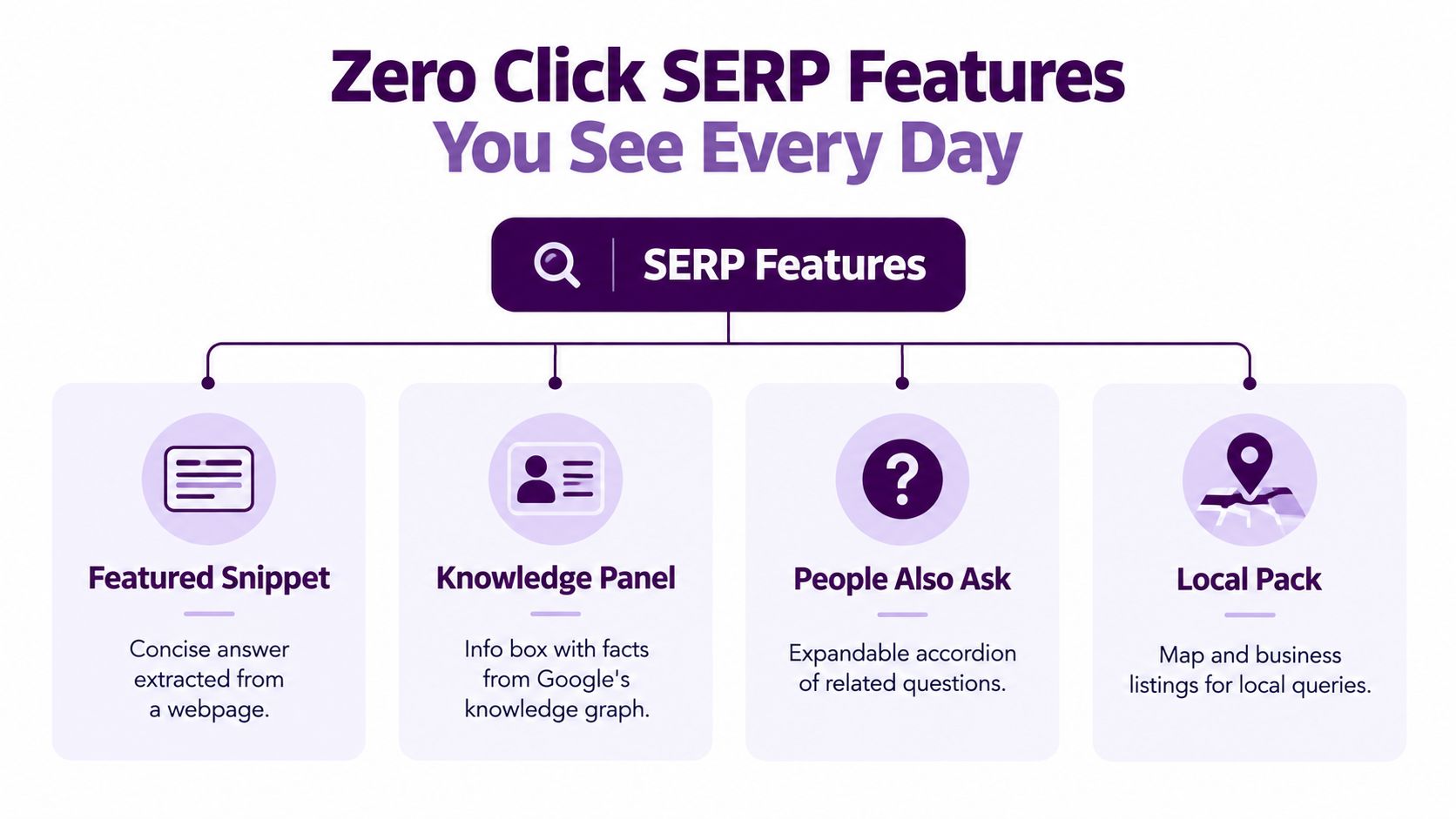
Zero Click SERP Features You See Every Day
Zero-click behavior becomes easier to understand when you recognize the formats that create it. Each feature answers a different kind of question, so the absence of a click often reflects the user's intent rather than a universal weakness in organic search.
Featured snippets
Search “how to clean a cast-iron pan,” and Google may show a concise paragraph or numbered process above the standard results. If the extracted answer handles the immediate question, the user may stop there.
The source page can still receive visibility, even when the searcher doesn't visit. This makes answer selection important. A page that ranks below the first result may gain attention if Google extracts its wording for the featured snippet.
Knowledge panels
A search for a well-known company, person, place, or concept may produce an information box with facts, attributes, and related entities. The panel works especially well for users checking basic context. They may confirm who an organization is without opening its homepage.
Knowledge panels can also affect brand perception. The user sees the entity's name, category, imagery, and connected information before interacting with the company directly. Accuracy and consistency across the web matter because the panel depends on how Google understands the entity.
People Also Ask
People Also Ask boxes turn related questions into expandable accordions. A query such as “how long does SEO take?” may lead to follow-up questions about timelines, costs, or ranking factors. The user can expand several answers without visiting a page.
This format creates a sequence of small answer opportunities. A content team can target the questions customers ask after the initial query, not just the primary keyword. For practical guidance on finding and monitoring these placements, use this SERP feature tracking guide.
Local packs and maps
A search for “marketing agency near me” can display nearby businesses, addresses, reviews, opening information, calls, and directions. The searcher may phone a business or request directions directly from the result.
That action may be commercially valuable, but it may not appear as an organic landing-page session. Local SEO reporting should therefore separate website visits from calls, direction requests, profile interactions, and other local actions where the available data supports them.
Image and video carousels
Some searches are easier to satisfy visually. A person looking for a product appearance, recipe technique, exercise demonstration, or destination may scan images or videos directly in the SERP. The content owner earns attention without receiving a page visit.
AI Overviews
AI Overviews synthesize information into a conversational summary and may include supporting links or citations. A searcher can get a broad explanation before deciding whether deeper research is necessary. The citation becomes a visibility asset, but it doesn't guarantee a click.
Across all these features, the common thread is simple: Google answers part of the question before the user chooses a destination. The right response isn't to make content less useful. It's to make the answer clear enough to be selected and the deeper resource valuable enough to justify the next step.
Why Zero Click Happens and How the Trend Is Evolving
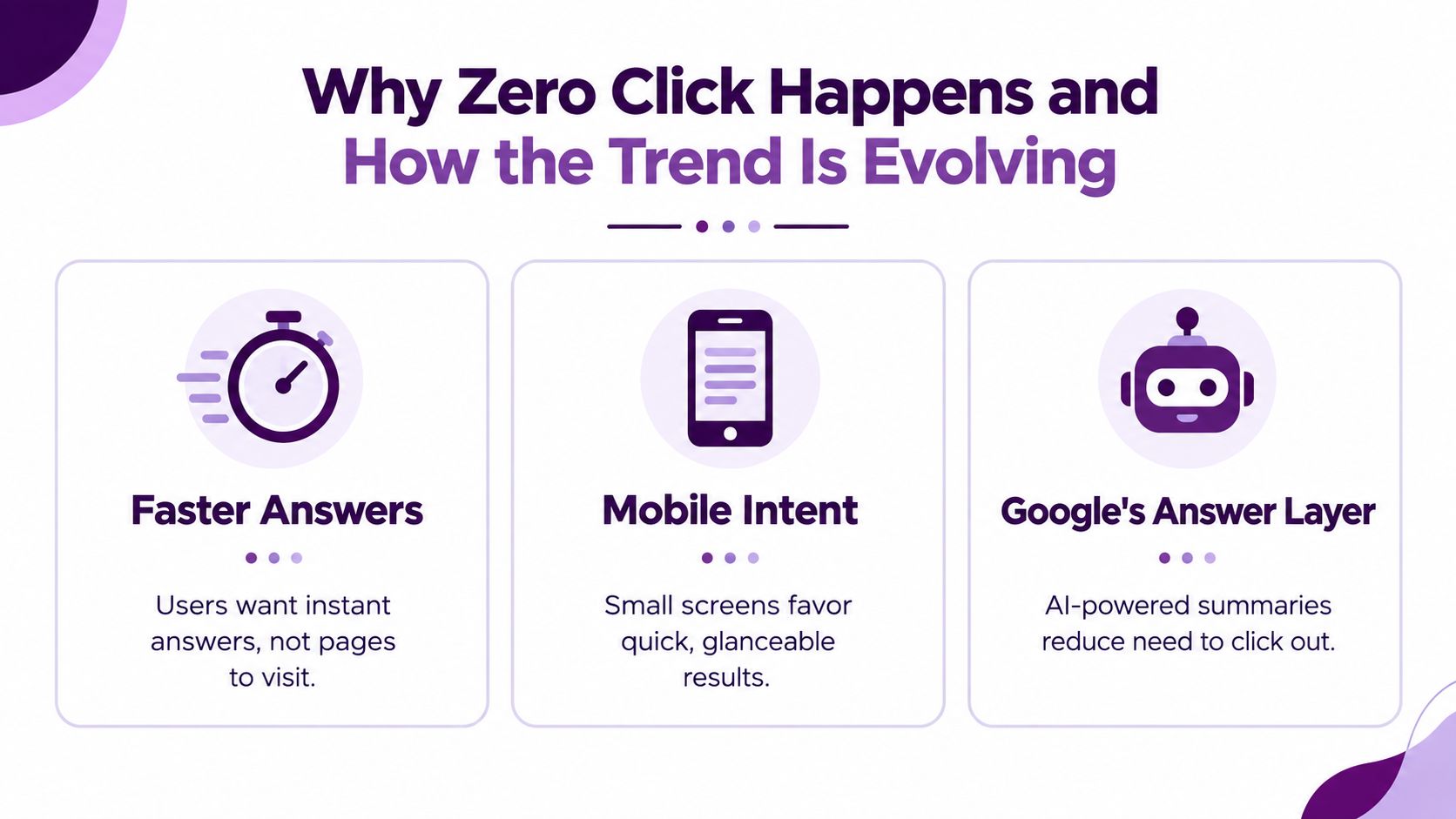
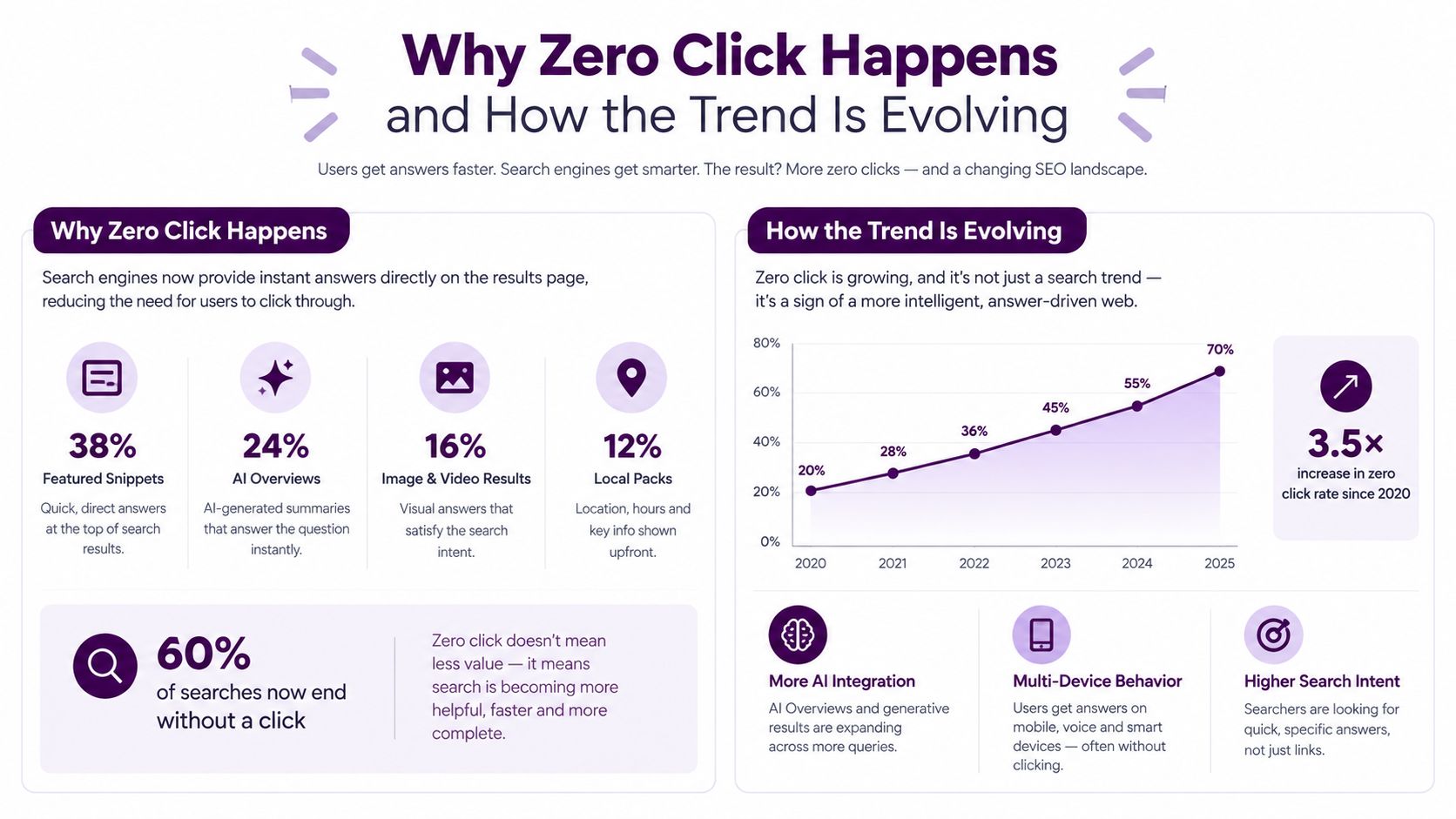
Zero-click search grows from a basic user preference: people want useful information with as little friction as possible. A quick factual question doesn't always justify opening a page, waiting for it to load, dismissing a consent banner, and scanning for a single sentence.
Mobile behavior reinforces that preference. Small screens make glanceable answers, maps, expandable questions, and short summaries convenient. A searcher checking a time, location, definition, or route may have no reason to continue.
AI changes the click decision
AI-powered SERP features intensify this compression because they can combine information from multiple sources into one response. Pew's 2025 analysis found that users clicked a traditional result 8% of the time when an AI summary appeared, compared with 15% when no AI summary appeared, a relative difference of about 47% in click propensity. The figures come from Pew Research Center's analysis as reported in the cited zero-click overview.
The mechanism matters more than the label. If an AI summary resolves informational intent, the user may not need to inspect several pages. The strategic opportunity shifts toward being a cited source, earning a brand mention, and giving the searcher a compelling reason to continue.
Independent commercial analyses cited in the same source have reported AI Overviews pushing zero-click rates to about 83% on affected queries, with organic CTR falling from 1.76% to 0.61% in one study. Those figures describe specific analyses, not a universal rate for every query or website, so teams should use them as directional context rather than a forecast.
The trend isn't uniform
A common mistake is treating every AI Overview as a traffic suppressor. Semrush reported that keywords with AI Overviews had zero-click rates move from 33.75% to 31.53% when the same keywords were compared before and after an AI Overview appeared. That finding, covered by Search Engine Land's analysis of the SERP shift, shows that AI answers can alter behavior in more than one direction.
Query intent explains part of the variation. A broad educational question may be satisfied immediately. A query involving a product, provider, tool, destination, or complex decision may still require evidence, comparison, and action. For teams exploring how to adapt content for AI-mediated discovery, a practical resource on generative engine optimization can provide useful strategic context.
The conclusion is not that clicks no longer matter. It's that the SERP now captures more of the early decision process, so visibility, citations, and downstream behavior deserve measurement alongside traffic.
How Zero Click Search Impacts Organic Traffic and SEO Strategy
Zero-click search changes the meaning of a strong ranking. A top position still creates exposure, but the amount of traffic it generates depends on everything displayed above, beside, and within the result.
A page can rank well beneath an answer box or AI summary and receive fewer visits than its position suggests. The result isn't necessarily invisible. It may be contributing language, evidence, or brand recognition to the page that appears first.
That creates two separate questions for SEO reporting:
Question | What it measures |
|---|---|
Did the user visit the site? | Direct organic traffic |
Did the brand or content appear during the search? | Search visibility and influence |
Neither question replaces the other. A sales team still needs qualified visits and conversions. An SEO team also needs to know whether the brand appears in the moments that shape later demand.
The attribution trap
Suppose a buyer searches for a category problem and sees your company cited in an answer. They don't click. Later, they search your brand name, visit the site, and request a demo. A last-click report may credit the branded session and hide the earlier discovery moment.
That first search wasn't worthless. It was an assist opportunity that the standard session report didn't connect.
Useful signals include:
Impressions without equivalent click growth: This can indicate that content is being displayed where the SERP answers part of the intent.
Branded search movement: Look for changes in brand-query impressions and clicks after visibility efforts, while controlling for seasonality and other marketing activity.
SERP feature ownership: Track whether your pages appear in featured snippets, People Also Ask, local results, or cited summaries.
Assisted conversions: Connect search exposure with later visits, lead submissions, calls, purchases, or other business outcomes where your analytics setup permits.
Strategy follows intent
Don't optimize every keyword for the same outcome. A definition query may be worth pursuing for awareness and authority, while a detailed comparison or product query may deserve a stronger click path.
Measurement principle: Separate “the user didn't click” from “the search created no value.” They're different conclusions.
The practical reset is to report traffic and visibility together. Rank, impressions, CTR, citations, branded demand, and conversions each describe a different point in the journey. Combining them gives leadership a less distorted view of organic performance.
How to Optimize Content to Win Visibility Without the Click
Winning a zero-click result starts with answering the target question in language a search engine can extract cleanly. Don't bury the definition beneath a long introduction. Put the direct answer near the relevant heading, then add nuance, examples, evidence, and a useful next step.
Format the answer for the feature
Use the format that matches the likely SERP feature:
Featured snippets: Lead with a concise paragraph, then support it with a short list, process, or comparison.
People Also Ask: Turn real customer questions into descriptive headings and answer each one independently.
How-to queries: Use numbered steps with one clear action per step.
Local searches: Keep business details accurate and consistent across your website and business profiles.
Knowledge-oriented topics: Explain entities, relationships, definitions, and attributes with clear, stable wording.
Structured data can help search engines interpret a page, but it isn't a guarantee of placement. Markup must match visible content and should support the page's actual purpose. It shouldn't be used to disguise promotional claims or add information users can't see.
Make citations easy to earn
AI summaries need understandable source material. Write with clear claims, descriptive headings, short paragraphs, and supporting context. Include original explanations, first-hand expertise, or proprietary information when you have it, rather than publishing another indistinguishable summary.
A strong page should work in two modes. It should provide a satisfying experience for the person who clicks, while also containing self-contained sections that can be accurately extracted without losing meaning.
Before publishing, review how the title and description may appear in search with a SERP snippet preview tool. Then inspect the live results for the target query. If Google already answers the question completely, add depth that the result doesn't provide, such as a decision framework, original example, calculator, template, or detailed implementation guidance.
For teams that need specialist support with AI-mediated discovery, researching an AI visibility agency for SaaS may help clarify the difference between traditional rankings, citations, and brand mentions.
The goal isn't to give away everything indiscriminately. It's to provide the immediate answer while making the complete resource the logical place for deeper confidence and action.
How to Measure Zero Click Impact and Take Action with Keyword Kick
Start with Google Search Console. Compare impressions, clicks, CTR, and average position for pages and queries that trigger SERP features. A pattern of strong impressions with weaker click engagement deserves investigation, especially when the page appears alongside an answer box or AI summary.
GA4 adds the post-click view. Monitor organic landing pages, branded search trends, engaged sessions, key events, and conversions. Search Console tells you what happened before the visit. GA4 helps show what happened after it. Neither tool alone can prove that an impression caused a later conversion, but together they reveal patterns that a traffic-only report misses.
Rank tracking supplies the SERP context. Record which target queries display featured snippets, People Also Ask, local packs, video results, or AI features, then compare your page's presence with click behavior. A ranking improvement that produces no additional visits may still have increased visibility, or it may indicate that another feature has absorbed the available attention.
Build a practical reporting loop
Use a simple operating cycle:
Find the mismatch: Identify pages with meaningful impressions, strong rankings, and suppressed CTR.
Inspect the result: Check which SERP features appear and whether competitors or third-party sources occupy the answer layer.
Choose the objective: Decide whether the page should pursue a citation, a feature placement, a branded discovery role, or a direct visit.
Change the page: Improve answer structure, evidence, internal links, schema alignment, or the click path.
Review the wider journey: Compare branded searches, returning users, assisted conversions, and feature visibility over time.
For a broader framework connecting AI discovery with reporting workflows, see this guide to AI visibility tracking for SEO teams.
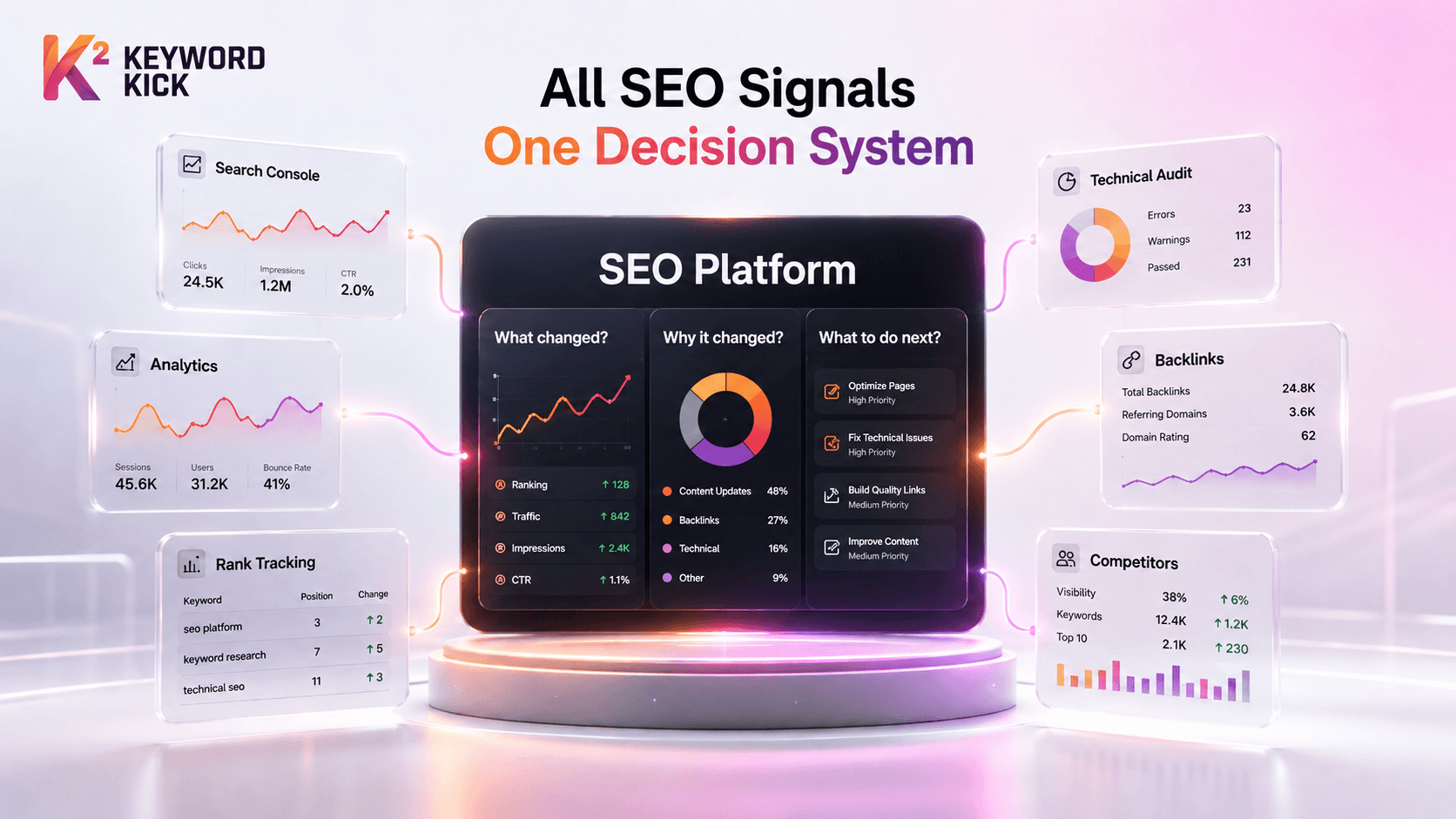
Keyword Kick brings Google Analytics 4, Google Search Console, rank tracking, backlinks, technical SEO signals, and SERP feature monitoring into one workspace. Its K² AI Agent can analyze those connected signals and turn questions such as “Which pages should I optimize first?” into prioritized, data-backed actions.
The central lesson is straightforward. Zero-click search is a visibility and attribution shift, not a simple traffic-loss category. Measure what happens on the SERP, what happens in later sessions, and which business outcomes follow.
Keyword Kick connects the data needed to understand zero-click performance, including Search Console visibility, analytics behavior, rankings, and SERP features. Visit Keyword Kick to identify where clicks are being compressed, uncover assisted-value signals, and turn the findings into prioritized SEO actions.