For a tight small-business budget, the strongest all-around picks are Keyword Kick, Semrush, and Ahrefs. Paid alternatives for small businesses commonly start at $99 to $139.95 per month, with SurferSEO at $99/month, Ahrefs at $108/month, and Semrush at $139.95/month, so your best return often comes from building a lean stack instead of paying for every feature in one tool.
Running a small business usually means SEO gets squeezed between real work. You answer leads, handle delivery, chase invoices, and then at the end of the week you open an SEO tool and get buried in charts that don't tell you what to do next.
That is the core challenge. Most owners do not need more raw data. They need a short list of actions that moves rankings, traffic quality, and leads in the right direction.
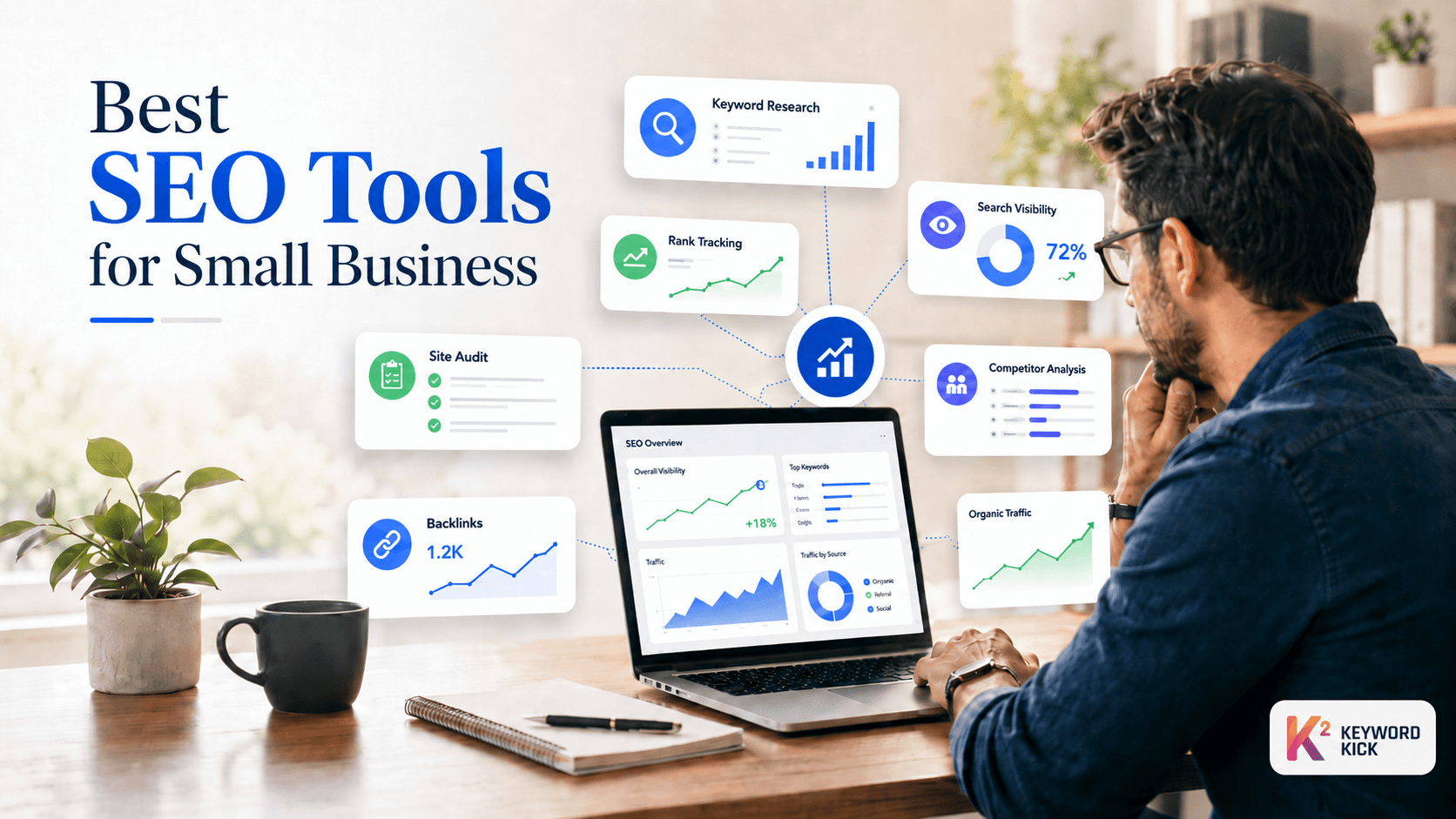
The best seo tools for small business solve that in different ways. Some give you first-party data from Google. Some are better at competitor research. Some are technical crawlers. A few are worth paying for because they save time, not because they have the longest feature list.
If you're trying to keep costs under control, think in terms of a stack. Use Google's free tools as your foundation. Add one tool for direction, one for deep research if you need it, and one technical tool to catch site issues before they pile up. That's usually smarter than buying an expensive platform and using a fraction of it.
1. Keyword Kick

A common small business SEO problem looks like this. Rankings slip, leads slow down, and the owner has GA4 in one tab, Search Console in another, a rank tracker somewhere else, and no clear answer on what to fix first.
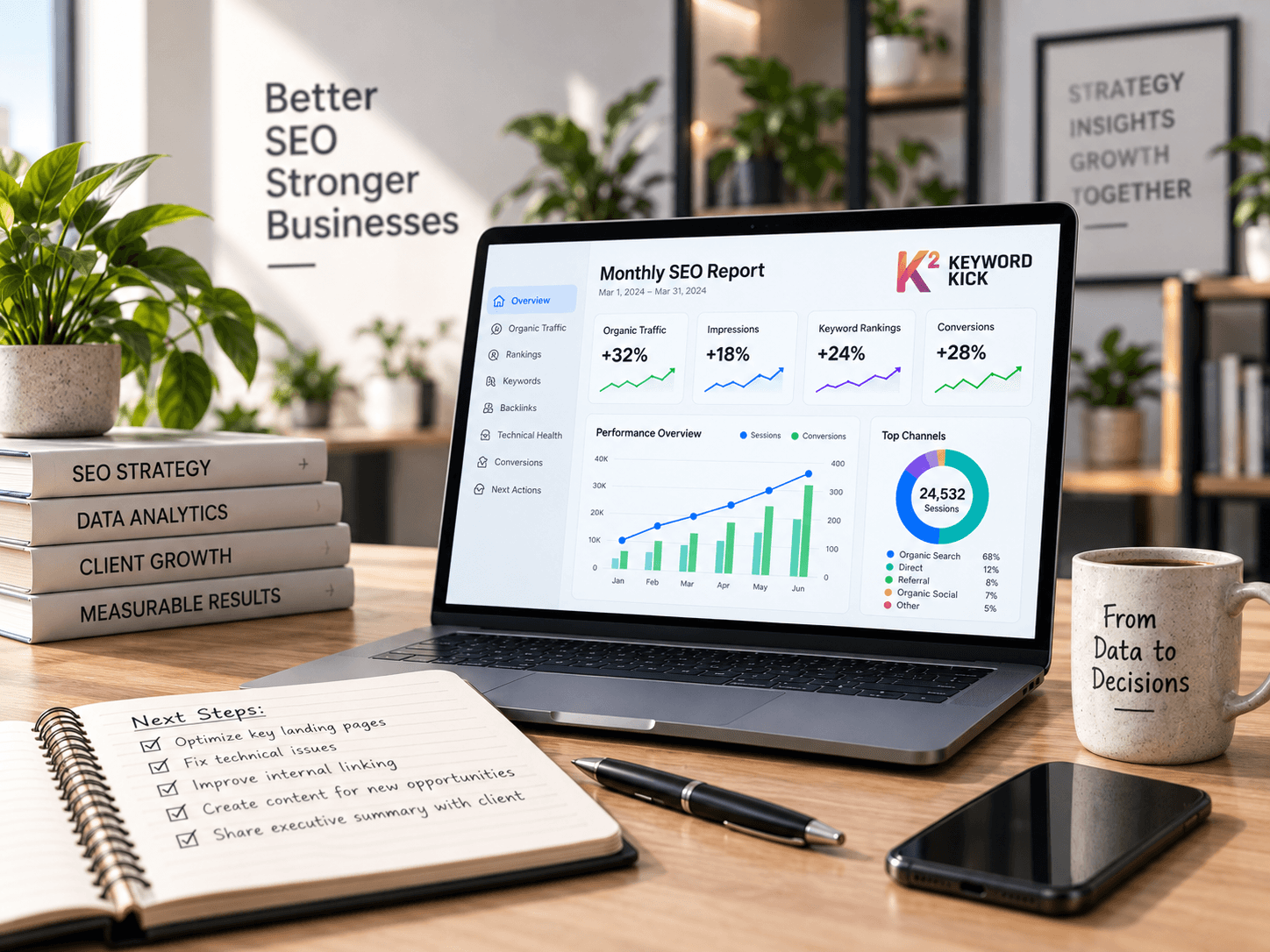
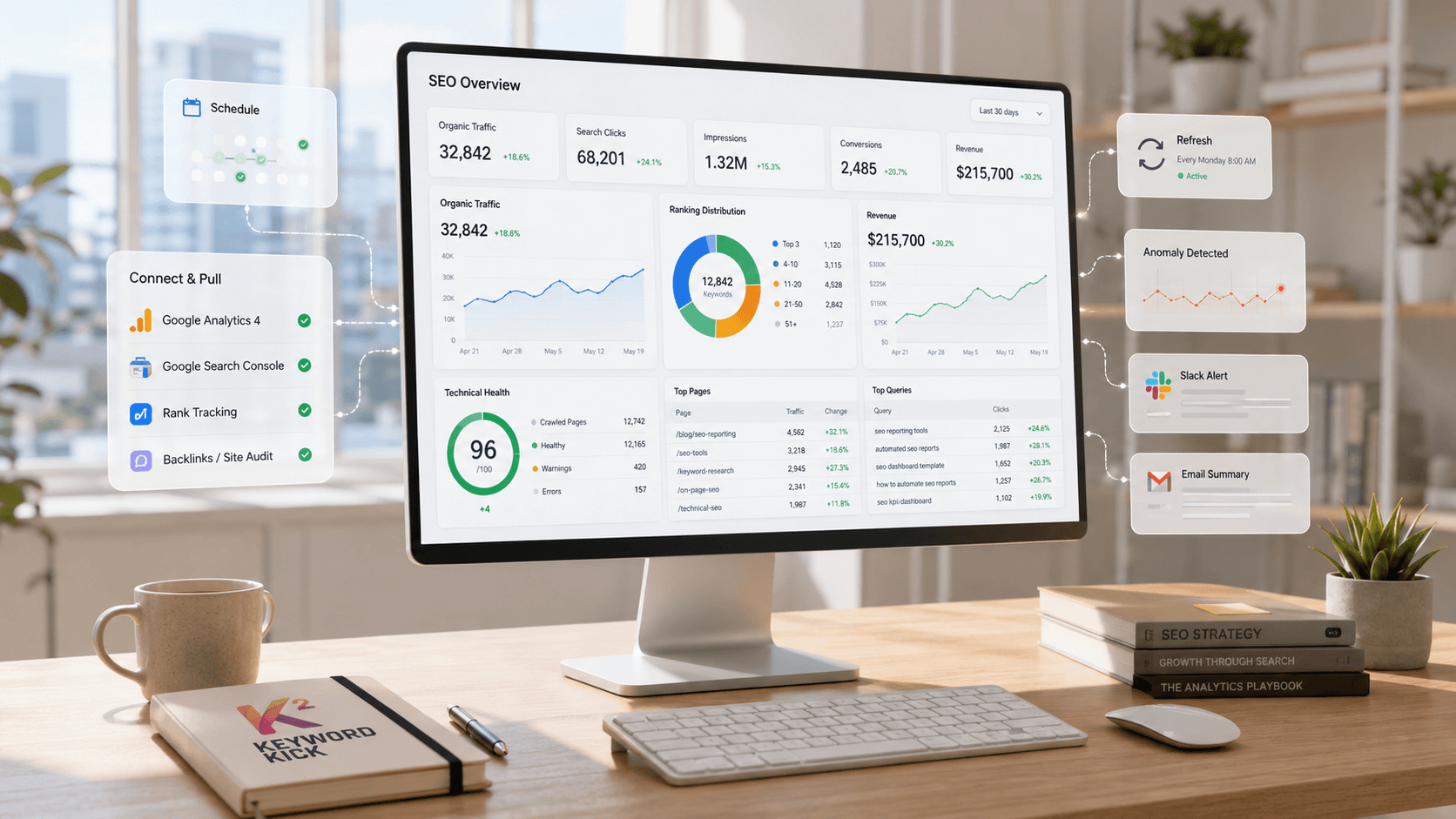
Keyword Kick is a strong first tool for that situation. It pulls together GA4, Google Search Console, rank tracking, backlinks, and audit data, then uses its K² AI Agent to turn that pile into prioritized actions. For a lean SEO stack, that approach has real value. It reduces the number of places you need to check before you can decide what to do.
The impact is that you spend less time diagnosing and more time shipping fixes. That trade-off gets ignored in a lot of tool roundups. Small teams do not just pay in subscription fees. They also pay in context switching, setup time, and delayed decisions. Marketer Milk makes a similar point in its review of SEO tools, noting how easy it is for businesses to overpay for subscriptions they barely use, as noted in Marketer Milk's review of SEO tool trade-offs.
Why it works well for lean teams
Keyword Kick makes sense for businesses trying to build a practical stack instead of buying one oversized platform too early. You can start with its free plan, connect your core data sources, and use it as the command center while keeping other parts of your stack light. For example, a business might use Keyword Kick for prioritization and tracking, Google Search Console for query detail, and Screaming Frog later when technical audits get more demanding.
That setup is cost-aware. It also matches how small teams work.
The free plan includes daily rank tracking, GA4 and Google Search Console integration, a limited number of K² messages, tracked keywords, site audits, and keyword queries. Paid plans run from $49/month for Starter to $119/month for Pro, $249/month for Business, and $599/month for Enterprise, according to Keyword Kick pricing as of May 2026.
Here is the simple math. If a tool saves three hours a month by helping you find the cause of a traffic drop faster, and your time is worth even $50 an hour, that is $150 in recovered time. A $49 subscription can pay for itself before a single ranking gain shows up.
Practical rule: If nobody on your team wants to live inside five different SEO dashboards, use the tool that gives you a ranked to-do list.
Keyword Kick also covers daily rank tracking, SERP feature tracking, backlink analysis, competitor comparisons, cannibalization checks, and site audits. Higher tiers add JavaScript rendering, which matters if your site depends on scripts and standard crawls miss content or internal links.
Best fit
Keyword Kick fits solo owners, in-house marketers, consultants, and small agencies that want one workspace to manage direction. It is especially useful when the main bottleneck is prioritization, not access to raw data.
The trade-off is straightforward. It does not implement fixes for you, and lower tiers have usage caps. You still need someone to update pages, publish content, and handle technical issues.
For small businesses building a lean SEO stack, Keyword Kick works best as the layer that helps you decide what to do next. That makes it one of the more practical options in any list of the best seo tools for small business.
2. Semrush
Semrush makes sense when one person is juggling SEO, paid search, local visibility, and competitor checks, and buying three separate tools would create more cost and more friction than one larger subscription.
That does not make it the default choice for every small business. It makes it a strong fit for a lean SEO stack when you will use more than one part of the platform.
Where Semrush earns its price
Semrush starts at $139.95/month, which puts it near the premium end for small business buyers, based on Devenup's pricing overview for small business SEO tools. For a local service business or small ecommerce team, that price is easier to justify if Semrush replaces a keyword tool, a rank tracker, a basic site audit tool, and at least part of your competitor research workflow.
The simple math is similar to hiring one capable generalist instead of several part-time specialists. If you would otherwise spend $50 on one tool, $40 on another, and another $30 to cover rank tracking, you are already close to Semrush pricing before counting the time lost switching between platforms. The primary return is not just data access. It is faster decisions.
Semrush is strongest in planning and monitoring. A small business can research a topic, review who already ranks, audit the target page, publish the update, and track whether positions improve without exporting data across multiple tabs.
A practical workflow looks like this:
Pick a term with buying intent: Start with service, product, and location keywords tied to revenue, not vanity traffic.
Check whether the SERP is realistic: Review the current top pages and competing domains before assigning the page to a writer or developer.
Improve the page with context: Use the audit and on-page tools to catch obvious gaps in headings, copy, internal links, and technical signals.
Track the outcome: Add the target terms to position tracking and watch whether the page moves after the update.
That workflow matters for small teams because it reduces wasted content production. Publishing one page that had little chance to rank can cost more than a month of software.
Semrush pays off when it becomes the research and tracking layer in your SEO stack. If you only need occasional keyword ideas, cheaper tools make more sense.
Its local listing management can help multi-location businesses keep directory data consistent, but the add-ons raise the monthly cost quickly. That is the main trade-off. Semrush covers a lot, but small businesses with narrow goals often get better value by pairing one lower-cost research tool with Google Search Console and a crawler.
3. Ahrefs

Ahrefs earns its place in a small business SEO stack when the fundamental question is not "what keyword should we target?" but "can we realistically beat the sites already winning?" That is a different job from general planning. It requires competitor page data, backlink context, and a quick way to spot where the gap is too wide.
For a small business owner, that matters because bad SEO bets are expensive. If a page costs $300 to $800 to write, design, and publish, one weak decision can burn more cash than a month of software. Ahrefs helps reduce that waste by showing whether the top results are held up by strong links, deeper topical coverage, or both.
Where Ahrefs stands out
Ahrefs is strongest as the competitive research layer in a lean stack. Use it to pressure-test opportunities before you assign work to a writer or developer.
Its best use cases usually include:
Backlink review: See which competitor pages attract links, and whether those links come from local citations, industry sites, or digital PR.
Content gap analysis: Compare your site with competing domains to find topics and terms they rank for that you do not.
Top page research: Review which pages drive traffic in your market so you can model page type, topic depth, and intent before publishing.
SERP difficulty checks: Look at the strength of ranking pages before you spend money chasing a term that is out of reach.
A practical SMB workflow is simple. Start with one revenue-focused service or product page. Check the current top results in Ahrefs, review the linking domains to those pages, then compare topic coverage against your own page. If the leaders have few links and thin content, that is a good opening. If every top page is backed by strong domains and dozens of relevant links, the better move may be to target a narrower variation first.
Ahrefs also has pricing and a limited free option for verified site owners through Ahrefs Webmaster Tools. That free access is useful if you want site-level visibility without committing to a full subscription yet.
The trade-off is cost and utilization. Ahrefs makes sense when you publish regularly, build links, or compete in a crowded local or national market. It makes less sense as your first paid tool if the basics are still unfinished. A business that still has weak title tags, thin service pages, and indexing issues will usually get better ROI by pairing Google Search Console with a crawler and a lower-cost research tool first.
Used well, Ahrefs is not the whole stack. It is the tool you bring in when you need to choose your battles, estimate effort, and avoid spending six hours building a page that had little chance to rank.
4. Screaming Frog SEO Spider

Screaming Frog SEO Spider is the technical tool that punches above its price category. If your site has crawl issues, redirect messes, duplicate titles, or broken internal links, this crawler finds them quickly.
It isn't pretty, and it isn't beginner-soft. But it works.
Why technical teams still rely on it
The free version crawls up to 500 pages at no cost, which makes it one of the most useful technical audit tools available to small businesses. That single fact is enough to put it on almost every serious shortlist for the best seo tools for small business, because many local and service sites can get real audit value before paying anything.
Use it when you need answers to practical questions like:
What broke: Broken links, redirect chains, missing metadata, and duplicate elements.
What Google may struggle with: Thin pages, canonical issues, and crawl traps.
What changed: Recrawl after a migration or redesign to catch damage early.
Most small business sites don't lose rankings because they lack a fancy dashboard. They lose them because no one noticed technical issues piling up after a redesign, plugin change, or CMS update.
The main downside is that Screaming Frog is a desktop crawler, so you're using local machine resources instead of a cloud dashboard. Non-technical users can also get lost in the tabs. Still, if you want one technical tool in your stack, this is often the smartest choice.
5. SE Ranking

SE Ranking sits in the sweet spot between affordability and coverage. If Semrush feels too heavy and Ahrefs feels too specialized for your current budget, SE Ranking is one of the better middle-ground options.
It's also one of the few tools that feels built with SMB reporting needs in mind. The interface is easier to hand off to a teammate or client without requiring a long walkthrough.
Why SMBs like it
SE Ranking specializes in keyword research for small businesses, which is part of why it gets recommended so often in budget-conscious tool stacks. In practice, it covers the core jobs most owners care about: rank tracking, keyword research, site audits, competitor checks, backlink monitoring, and reporting.
It usually fits best here:
Owner-led marketing: You need enough data to make decisions, but not an enterprise system.
Small agency or consultant work: You want client-friendly reporting and straightforward limits.
Growing in-house teams: You need daily tracking and audit coverage without paying premium-suite pricing.
SE Ranking's weakness is the one you'd expect. Its data depth isn't usually the reason people leave Ahrefs or Semrush. The bigger suites still tend to feel deeper for hard-core competitive analysis. But for a small business that needs usable breadth and cleaner pricing logic, SE Ranking is often the more sensible buy.
6. Mangools

Mangools is what I recommend to owners who say, "I need keyword research and rank tracking, but I don't want to study a platform for two weeks." It's light, clear, and easy to learn.
That simplicity is its edge. Plenty of tools can do more. Fewer tools can get a busy non-specialist moving this quickly.
Where Mangools makes sense
Mangools is often mentioned as a beginner-friendly option in small-business tool roundups, and that description fits. Its KWFinder, SERPWatcher, SERPChecker, LinkMiner, and SiteProfiler tools cover the daily basics without making you dig through layers of menus.
What works well:
Keyword discovery: Great for finding content topics and service modifiers.
Simple tracking: Daily visibility checks without clutter.
Fast SERP review: Helpful when you want to know what kind of page Google rewards for a term.
What doesn't work as well is deeper technical work or serious backlink intelligence. If your site has indexing issues, architecture problems, or a competitive link gap, Mangools won't replace a crawler or a stronger research suite.
For solo creators, consultants, and small teams that value speed over depth, it's a smart pick. For larger sites or more aggressive campaigns, it usually becomes a supporting tool, not the center of the stack.
7. Moz Pro
Moz Pro remains a practical option for teams that want SEO software to feel teachable. Some platforms feel built for people who already speak fluent SEO. Moz has long been better at helping normal marketing teams get oriented.
That matters more than people admit. A tool with slightly less depth but better adoption often beats a more powerful platform that no one wants to open.
Where Moz Pro helps
Moz Pro has positioned itself as a beginner-friendly option, and its Domain Authority metric is still widely recognized as a shorthand way to discuss site strength and link equity in plain English. If you report to an owner, founder, or manager who wants clean concepts instead of technical overload, that helps.
Its core strengths are familiar:
Keyword Explorer: Useful for planning and prioritization.
Site audits and on-page recommendations: Good for steady optimization work.
Link Explorer and MozBar: Helpful for quick link review and browser-based checks.
The downside is that more advanced users can outgrow it. If your SEO process leans heavily on competitor research, deeper backlink analysis, or more advanced workflows, Moz may feel constrained faster than Ahrefs or Semrush.
Still, for small teams that want guidance, training resources, and stakeholder-friendly metrics, Moz Pro is easier to live with than many newer platforms.
8. SpyFu

SpyFu is less of a full SEO operating system and more of a competitor intelligence shortcut. If you're trying to understand what nearby or niche competitors target in organic search and Google Ads, it can be a very useful addition.
I don't usually recommend SpyFu as the only tool in a stack. I do recommend it when competitive research is the fastest path to better decisions.
Best use case
SpyFu is strong when your questions sound like this:
What are competitors bidding on: Useful for commercial intent clues.
What SEO terms are they already winning: Helpful for content gap planning.
What ad angles keep repeating: Good signal for offers and messaging that matter in your market.
Its value is especially clear for businesses that run both SEO and paid search. If the same team handles content and ads, SpyFu helps connect those dots without paying all-in-one suite prices.
The trade-off is feature balance. Its site audit and backlink capabilities aren't as complete as dedicated SEO platforms, and the interface can feel dense. But if your growth strategy starts with "show me what competitors are doing that already works," SpyFu earns its place.
9. Ubersuggest
A common small-business SEO setup looks like this. One person handles marketing, updates the site between other tasks, and needs answers fast. In that situation, Ubersuggest can do enough to get an SEO stack off the ground without committing to a heavier platform on day one.
It works best as a starter layer in a lean stack. Use it to collect keyword ideas, run a quick site audit, check basic backlink trends, and monitor a small set of rankings. Then pair it with free tools like Google Search Console for real performance data. That combination usually gives a small business more value than paying early for a large suite it will only use at 20 percent capacity.
Where it fits
The main reason to consider Ubersuggest is cost. Shopify's overview of SEO tools lists it among lower-priced options compared with larger suites, which supports its role as an entry-level choice for budget-conscious teams (Shopify SEO tools guide). For a business testing SEO before making it a bigger channel, that matters.
The practical use case is straightforward:
Early keyword planning: Build a first pass list of service pages, blog topics, and local modifiers.
Basic site checks: Catch missing tags, broken pages, and other visible issues before they pile up.
Light rank tracking: Follow a focused set of money terms instead of trying to monitor everything.
Here is the trade-off. Ubersuggest helps answer, "What should we work on next week?" It is less reliable for, "What is the full competitive gap, and where are the best link opportunities?"
That distinction matters for ROI. If the tool costs less and helps you publish two useful service pages that bring in one new customer, the math can work fast. If you need stronger backlink analysis, deeper competitor research, or more confidence in audit data, the savings can disappear because you start spending extra time verifying what you found. For very small teams, Ubersuggest is usually a starting point in the stack, not the final version.
10. Serpstat

Serpstat is another budget-conscious all-in-one option that tries to cover the full SEO workflow. For some businesses, that's exactly the appeal. You get keyword research, audits, backlinks, and rank tracking under one roof without stepping straight into premium-suite pricing.
It isn't the most polished platform on this list, but it can be a practical one.
Who should consider it
Serpstat makes sense for small teams that want broad coverage and are willing to trade some polish or data depth for lower entry cost. That's especially true if you're comparing several mid-tier tools and want generous functionality before moving upmarket.
Its strongest use cases include:
Generalist SEO work: One platform for research, tracking, and audits.
Budget-controlled teams: Broader feature access without enterprise pricing pressure.
Agencies or consultants testing alternatives: Useful when you need another stack option for smaller accounts.
The main caution is market depth. In more competitive industries, many practitioners still prefer the data confidence they get from Ahrefs or Semrush. But for an SMB that wants functional breadth and can tolerate a denser interface, Serpstat is worth a serious look.
Top 10 SEO Tools for Small Businesses: Features & Pricing
Tool | Core features | Quality ★ | Value & Pricing 💰 | Ideal Users 👥 | Unique Strengths ✨/🏆 |
|---|---|---|---|---|---|
Keyword Kick 🏆 | GA4 + GSC, daily rank & backlink tracking, site audits, K² AI action plans | 4.5 ★ | Free forever + $49–$599+/mo; 7‑day trial 💰 | Agencies, in-house teams, solo creators 👥 | ✨ AI-guided, prioritized step-by-step fixes; daily updates; transparent pricing 🏆 |
Semrush | Keyword research, site audit, PPC & social tools, daily rank tracking | 4.5 ★ | Starts ~ $119+/mo; scalable add-ons 💰 | SMBs & agencies needing multi-channel marketing 👥 | ✨ Very broad marketing suite; strong competitor & PPC intelligence |
Ahrefs | Industry backlink index, Site Explorer, Keywords Explorer, audits, rank tracker | 5 ★ | Mid-to-high pricing; higher limits raise cost 💰 | SEO pros focused on backlinks & competitor research 👥 | ✨ Industry-leading link data and content discovery workflows |
Screaming Frog SEO Spider | Desktop crawler with JS rendering, custom extraction, scheduling, integrations | 4.5 ★ | Low-cost license; excellent value for technical work 💰 | Technical SEOs, migrations, QA teams 👥 | ✨ Deep, flexible technical diagnostics and crawl customization |
SE Ranking | Daily rank tracking, site/on-page audits, backlink monitoring, reporting | 4 ★ | Affordable plans with generous limits for price 💰 | SMBs and agencies on budgets 👥 | ✨ Strong value-for-money and agency-friendly reporting |
Mangools | KWFinder, SERPWatcher, SERPChecker, LinkMiner, lightweight toolset | 4 ★ | Budget-friendly bundles; good for solo users 💰 | Solo creators and small teams new to SEO 👥 | ✨ Very easy to learn; fast keyword & SERP workflows |
Moz Pro | Keyword Explorer, site audits, Link Explorer, MozBar & training resources | 3.5 ★ | Mid-range pricing; recognized metrics (DA) 💰 | Small teams wanting approachable metrics & training 👥 | ✨ Gentle learning curve and stakeholder-friendly metrics |
SpyFu | Competitor keywords & ad history, PPC campaign tools, rank tracking | 4 ★ | Competitive pricing for competitor/PPC intel 💰 | Competitor-driven marketers and PPC teams 👥 | ✨ Deep historic ad/keyword data; generous exports on tiers |
Ubersuggest | Keyword ideas, basic audits, backlink overviews, rank tracking | 3.5 ★ | Lowest entry prices; lifetime option available 💰 | Solo site owners and beginners 👥 | ✨ Very budget-friendly and simple UI for quick starts |
Serpstat | Keyword research, rank tracking (desktop/mobile), site audits, backlinks | 4 ★ | Lower entry price; flexible plans & frequent updates 💰 | SMBs wanting generous limits without top-tier cost 👥 | ✨ Cost-effective limits and growing AI/LLM visibility features |
From Tools to Traction Making Your Choice
You have two hours on Friday to work on SEO. One dashboard shows 40 charts. Another shows three actions: fix the title tag on your service page, update internal links to your highest-converting blog post, and clean up a crawl issue blocking an important page. For a small business, the second setup usually wins.
The right choice is the tool, or tool stack, that helps you decide what to do next and gives you enough data to trust that decision. Small teams rarely need the biggest database on day one. They need coverage across the jobs that move traffic and leads: keyword research, rank tracking, technical checks, and performance measurement.
That is why I recommend building a lean SEO stack instead of shopping for a single "best" platform. Start with the foundation. Google Search Console, GA4, and Google Keyword Planner cover the basics well enough for many local businesses, service companies, and early-stage ecommerce sites. Then add one paid tool to close your biggest gap.
A simple way to choose is to match the stack to the problem:
You need direction, fast. Add Keyword Kick to connect the basics and prioritize next steps.
You need competitor and content depth. Add Semrush or Ahrefs once you are actively publishing and updating pages every month.
You need technical control. Add Screaming Frog if your site has a lot of templates, migrations, redirects, or recurring indexing issues.
You need lower-cost all-in-one coverage. SE Ranking, Mangools, Ubersuggest, SpyFu, Moz Pro, and Serpstat can all fit, depending on whether you care more about rank tracking, easier reporting, simpler workflows, or competitor research.
The ROI math is usually straightforward. If a $50 to $150 monthly tool helps you avoid publishing four weak pages that never rank, that may save 8 to 12 hours of work. If your time is worth even $50 an hour, the tool already paid for itself. The same math applies if a crawler catches broken canonicals or noindex tags before they tank a revenue page.
Use tiers, not impulses.
For many SMBs, the practical stack looks like this:
Free-first stack: Search Console + GA4 + Keyword Planner
Lean paid stack: Free-first stack + one paid decision tool
Growth stack: Lean paid stack + Semrush or Ahrefs for deeper research
Technical stack: Growth stack + Screaming Frog for scheduled audits
One caution. Lower-cost tools can be a smart buy, but pricing changes often and feature limits matter more than the headline number. If you are comparing budget options such as Network Solutions SEO Tools, verify the current plan details on the vendor's pricing page before you commit.
The mistake I see most often is overspending on features the team never uses. A half-used premium suite is usually worse than a focused stack with clear ownership and a weekly workflow. Review rankings, check Search Console, inspect technical issues, update one page, then measure the result. That cadence produces traction.
If you want a practical starting point without stitching together multiple dashboards, Keyword Kick is a strong place to begin. Its free plan gives small businesses a low-risk way to connect their data, use the K² AI Agent for prioritized recommendations, and build a lean SEO stack before committing to a bigger software bill.