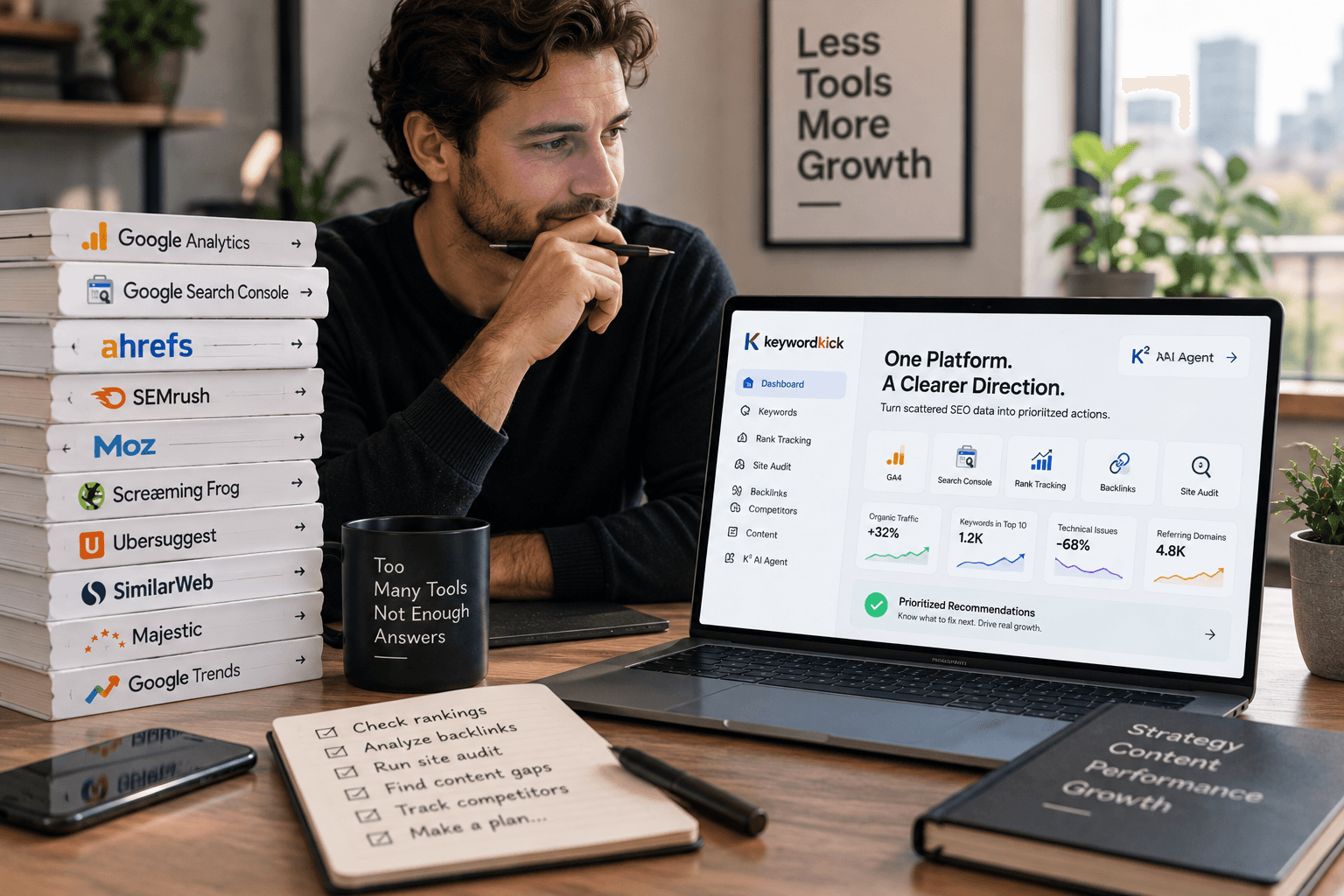
You're probably in the same spot most SEO teams are in right now. You already have too many tabs open, half your reporting comes from one platform, your technical audits live in another, and keyword research is split between a premium suite and whatever free workflow you've stitched together. Then every new vendor says their AI layer will replace the rest.
That pitch falls apart fast in real work. Search optimization tools are useful only when they reduce decision fatigue, surface the next action clearly, and fit the way your team operates. If a platform gives you more dashboards but fewer answers, it's adding overhead, not advantage.
That matters more now because search behavior keeps shifting. The global SEO services market is projected to reach $83.98 billion in 2026, and the same projection notes the market doubled since 2024, which tells you how aggressively companies are investing in organic visibility (verified market projection). Teams aren't buying tools just to collect data. They're buying them because the upside of ranking well is still too large to ignore.
Clicks are still concentrated at the top. In 2026, the top three organic results on Google collectively received 68.7% of clicks, and the first result alone captured 39.8% (verified click distribution). That's why the tool stack question matters so much. If you want a broader view before you buy, Narrareach has a useful roundup of best SEO recommendations.
The list below cuts past feature sprawl. These are the search optimization tools worth evaluating in 2026, grouped by what they solve, plus the stack combinations that make sense for agencies, in-house teams, and solo operators.
1. Keyword Kick
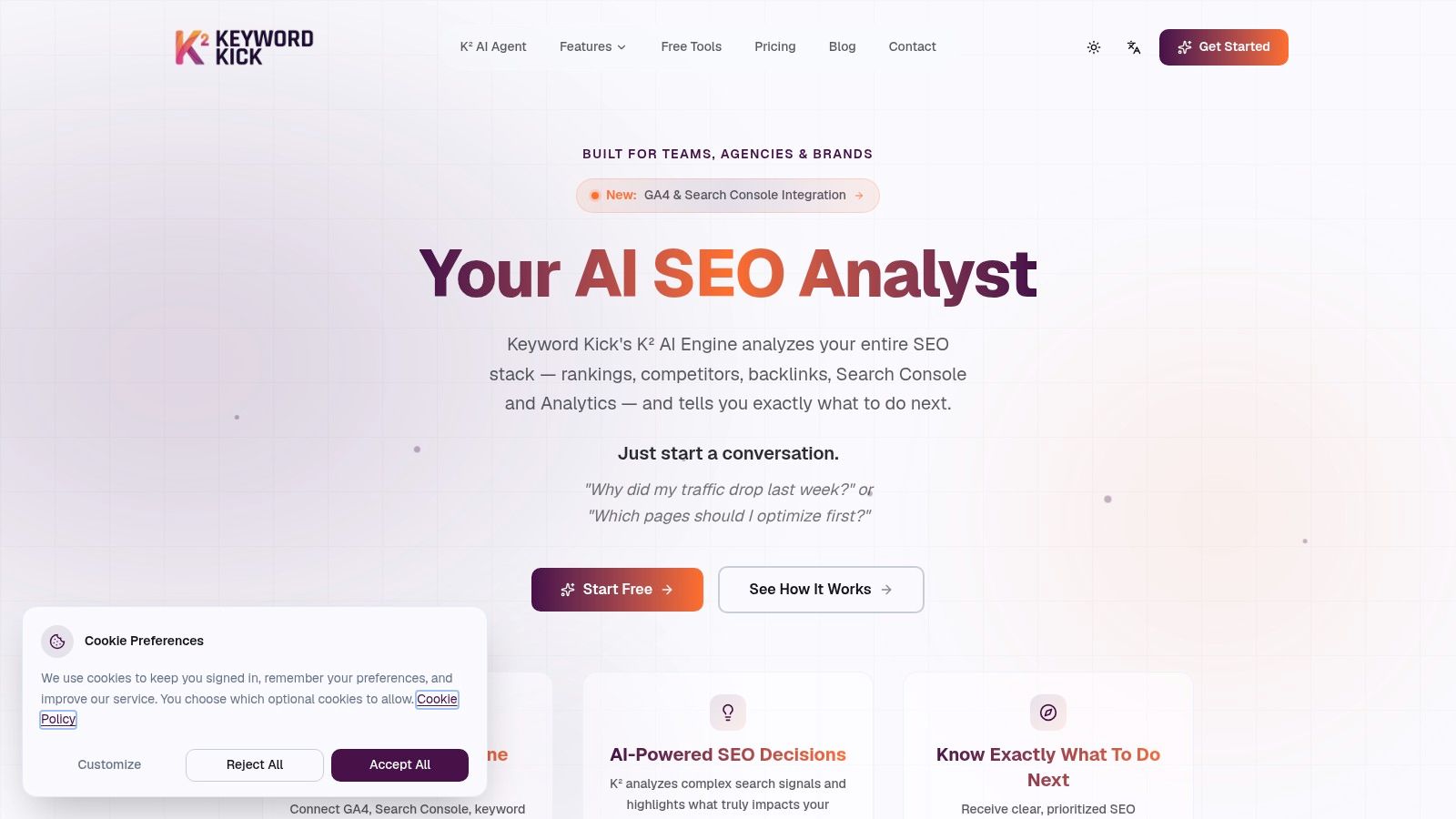
Keyword Kick stands out because it aims to solve the core problem many teams encounter. The problem isn't lack of data. It's fragmented data, weak prioritization, and too much manual interpretation between Search Console, GA4, rank tracking, backlinks, and technical audits.
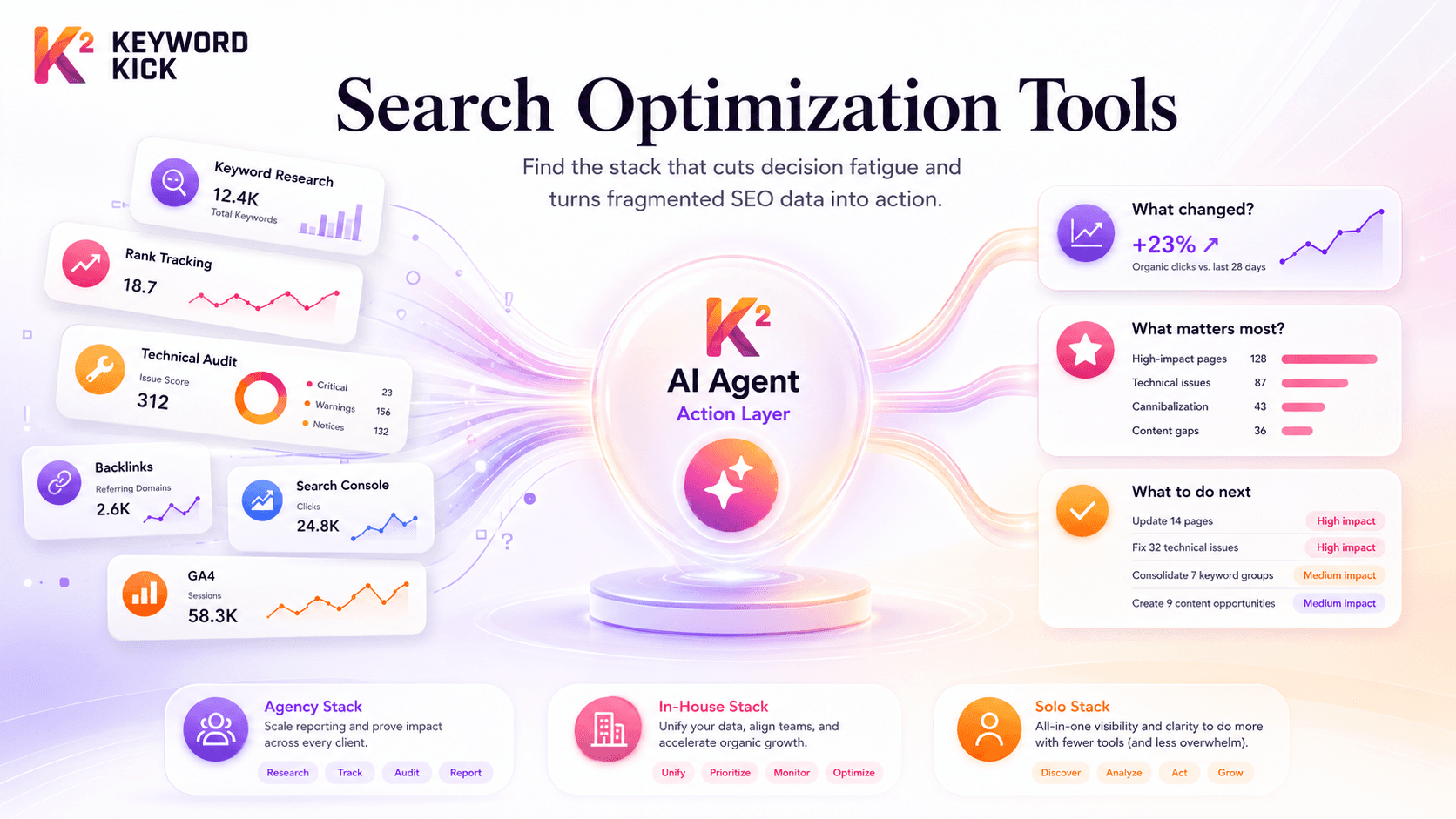
Instead of making you bounce between modules and spreadsheets, Keyword Kick centers the workflow around its K² AI Agent. That matters if your usual pattern is pulling reports first, then trying to figure out what changed and what deserves attention. K² is built to answer the practical questions SEO teams ask every week, such as why traffic dropped, which pages need work first, and where cannibalization is creeping in.
Why it works in practice
The platform is strongest when you need one workspace to cover daily operations. It combines rank tracking, backlink analysis, site audits, keyword research, competitor analysis, SERP feature tracking, and technical auditing, including JavaScript rendering on higher tiers. That's a serious advantage for small teams and agencies that don't want five separate subscriptions.
The other useful differentiator is how it turns discovery into action. Plenty of tools can tell you a page slipped. Fewer tools can connect that drop to technical issues, query changes, internal overlap, or missed optimization opportunities in a way that a junior SEO or busy marketer can act on quickly.
If long-tail keyword discovery is part of your process, Keyword Kick also has a practical learning resource on keyword research workflows that lines up well with the product's day-to-day use.
Practical rule: If your current stack forces you to export data before you can decide what to do, you don't have a tool problem. You have a workflow problem.
Where it beats bigger suites, and where it doesn't
Keyword Kick is especially strong for teams that want guided prioritization instead of a giant menu of separate products. Its native cannibalization detection across multiple conflict types is more useful than the basic duplicate checks many platforms stop at. That matters because AI-assisted publishing has made internal overlap harder to catch cleanly.
It also has transparent pricing, which is still rare in this category. There's a Free Forever plan with no credit card, and paid plans start at $49 per month, then move through Pro at $119, Business at $249, and Enterprise at $599. The free plan is fully usable for testing the workflow, but the limits are real. If you need broader tracking, more K² usage, or JavaScript rendering, you'll outgrow it quickly.
Two trade-offs are worth noting:
Best for action-first teams: Agencies, consultants, and in-house teams that want recommendations, not just reports.
Less ideal for proof-before-purchase buyers: The site doesn't display public testimonials, awards, or case studies, so a hands-on trial matters more here than with vendors that lean heavily on social proof.
Upgrade pressure is real: The free and lower paid tiers are useful, but growing accounts will likely need higher limits sooner than expected.
For agencies that want one core platform and fewer moving parts, this is one of the most sensible places to start. For enterprise buyers who need heavy procurement validation, the product should be trialed against your actual workflow before you commit.
Website: Keyword Kick
2. Semrush
Semrush is the suite you buy when breadth matters more than elegance. It covers keyword research, competitive analysis, rank tracking, site auditing, backlink work, and broader market intelligence in one ecosystem. For many agencies and in-house teams, that's enough reason to keep it in the stack even if they don't love every module equally.
Its biggest advantage is coverage. If leadership asks for competitor visibility, content gaps, brand monitoring, and technical reporting in the same week, Semrush can handle all of it without forcing you into multiple vendors.
Best fit and main trade-off
Semrush works best for teams with more than one SEO job to do. It's useful when content, SEO, paid search, and digital PR overlap, because the platform extends beyond pure organic search and into adjacent functions that often share stakeholders.
That broader lens matters because search itself is fragmenting. Google's search market share fell to 89.34% in early 2025, its first dip below 90% since 2015, while ChatGPT held 80.1% of the AI search market, according to the verified data provided for this article. In that environment, a suite that's expanding into AI visibility tracking is easier to justify than a tool built only for classic SERPs.
Semrush's downside is predictable. Pricing grows as you add modules, seats, and extras, and the interface can feel crowded if your team only needs a few core workflows.
A practical read on Semrush:
Use it when: You need one large platform that multiple departments can share.
Skip it when: You want a lean stack with minimal training overhead.
Pair it with: A stronger technical crawler if site health is a major revenue driver.
Website: Semrush
3. Ahrefs
If backlinks, link gaps, and competitor content research sit at the center of your workflow, Ahrefs is still one of the safest bets. It has a reputation for strong link data for a reason, and that reputation continues to drive its value even as the product expands into broader visibility analysis.
Ahrefs is often the tool experienced SEOs keep paying for after trimming other subscriptions. That usually tells you something. It may not be the cheapest option, but the data depth is hard to replace if your process depends on link intelligence and SERP history.
Where Ahrefs earns its keep
The best use of Ahrefs isn't vague “SEO research.” It's targeted investigation. You use it to understand why a competitor's page wins links, which topics attract authority in your niche, and where your content has a realistic chance to close a gap.
That's also where it connects well to practical execution. If your team is building authority pages or planning outreach, the workflow is stronger when you connect competitive discovery with an actual outreach or editorial plan. This guide on link building strategies is a useful companion framework for that step.
High-quality link data is only useful if it changes what you publish or who you pitch next.
Ahrefs also benefits from a reality in AI search that many teams underestimate. Ranking first on a traditional SERP gives a 33.07% chance of being cited in AI Overviews, compared with 13.04% for ranking tenth, according to the verified data supplied for this article. So even if you care about AI visibility, classic rank improvement still matters, and tools that help you close competitive gaps remain relevant.
The trade-offs are straightforward:
Strongest for: Link builders, content strategists, and SEOs who do deep competitor work.
Weaker for: Small sites that don't need enterprise-grade link and keyword depth.
Budget caution: Premium pricing can feel heavy if you only use a narrow slice of the product.
Website: Ahrefs
4. Screaming Frog SEO Spider
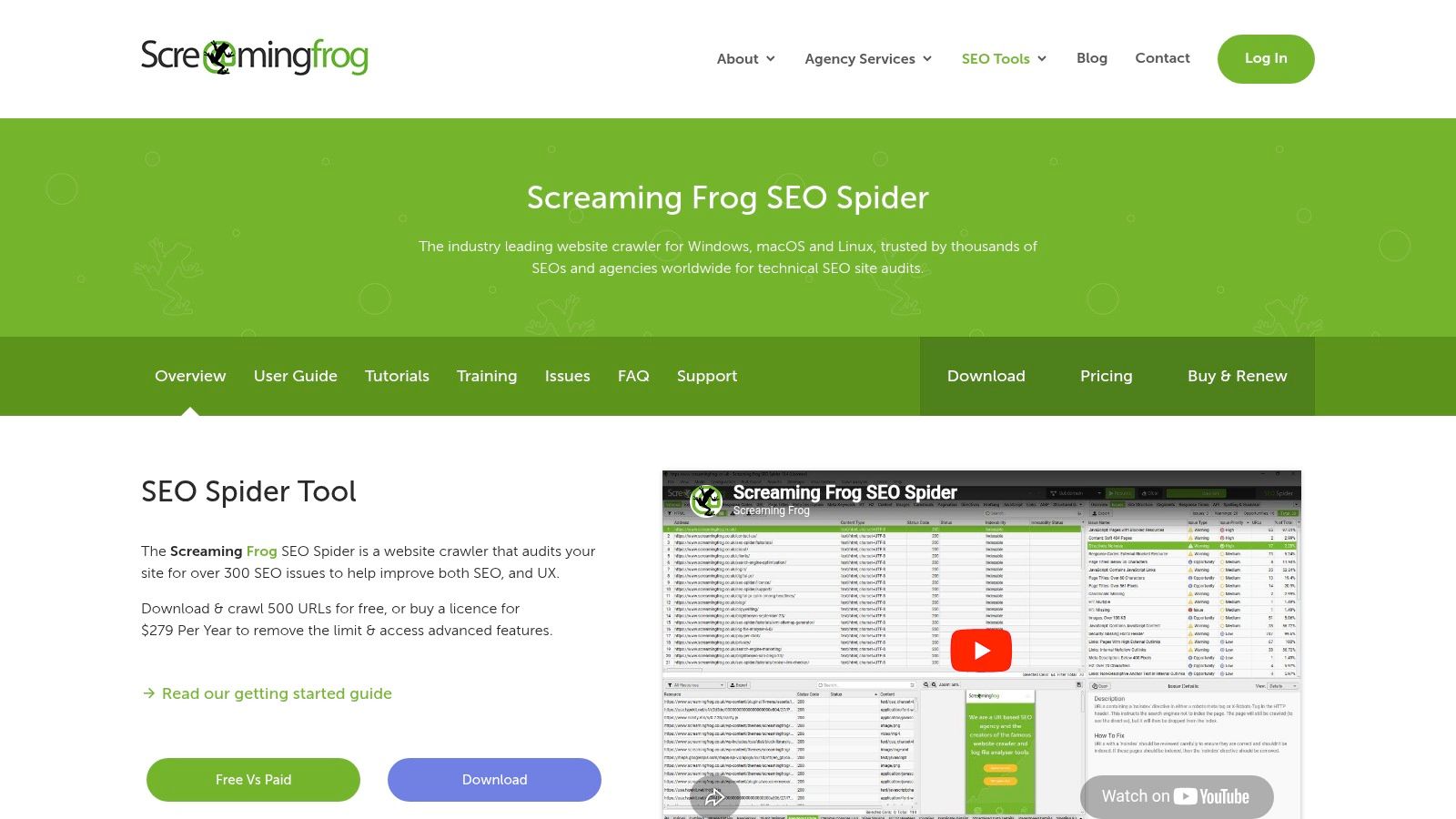
Screaming Frog is still the tool technical SEOs open when they need facts, not opinions. It crawls sites fast, surfaces status codes, canonicals, redirects, duplicate elements, structured data issues, hreflang problems, and JavaScript rendering behavior with a level of control that cloud suites rarely match.
This is not the tool you buy because the interface is pretty. You buy it because when indexation, internal linking, or rendering is broken, you need to see the site the way a crawler sees it.
What it solves that all-in-one tools often miss
Cloud audit modules are fine for recurring scans and broad prioritization. They're weaker when you need custom extraction, crawl segmentation, or forensic-level technical investigation. Screaming Frog is better for edge cases, migrations, faceted navigation issues, and very specific audits where defaults don't cut it.
It also integrates well with first-party data sources, which makes it more useful than a standalone crawl export. When you blend crawl data with analytics and search performance, it becomes easier to separate cosmetic issues from revenue issues. For teams building repeatable audit processes, this technical SEO audit resource is a good framework to pair with the tool.
Who should use it, and who probably shouldn't
Screaming Frog is cost-effective if you run audits often. It's less appealing if your team wants browser-based simplicity and hand-holding. The desktop model also means local machine resources matter, especially on large sites.
Here's the blunt version:
Best for technical depth: Agencies, consultants, and in-house technical SEOs.
Not ideal for casual users: Non-specialists may find the UI too dense.
Best used with: Search Console and a reporting layer, so crawl findings map to actual performance impact.
Website: Screaming Frog SEO Spider
5. Sitebulb
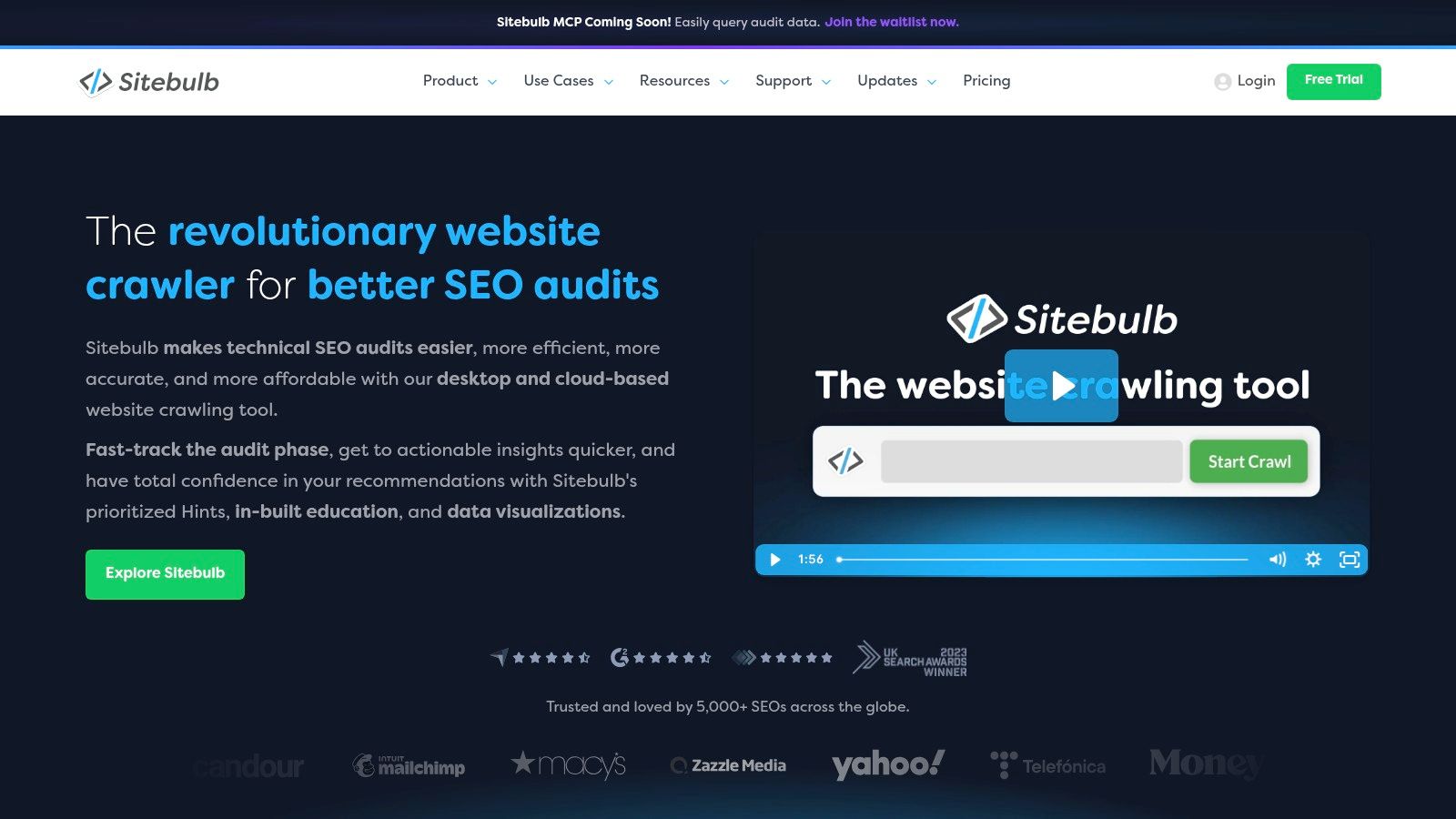
Sitebulb is what I recommend when a team needs serious technical auditing but doesn't want every deliverable to look like it came from a command center. It's strong at surfacing issues visually, explaining why they matter, and packaging audits in a way clients or internal stakeholders can follow.
That sounds softer than technical depth, but it isn't. Reporting quality changes whether recommendations get approved.
Why agencies like it
The “Hints” system is the main selling point. Sitebulb doesn't just dump raw crawl output on you. It tries to prioritize issues and present them in a way that turns into action. The visual crawl maps and internal linking views are especially useful when you're explaining architecture problems to people who don't live in log files or spreadsheets.
Cloud functionality makes it more practical for collaboration. Scheduling, change tracking, and shareable reports reduce the back-and-forth that usually follows a major audit.
Field note: A technically perfect audit that no client understands won't get implemented. Clear visuals often beat deeper exports.
Its trade-offs are mostly operational. The desktop version still relies on local resources, and large sites may push you toward the cloud product. If your work is highly forensic and heavily customized, some SEOs still prefer Screaming Frog for raw control.
Use Sitebulb when communication matters as much as diagnosis. That's common in agency work, multi-stakeholder in-house teams, and audit-led consulting.
Website: Sitebulb
6. Surfer
Surfer is best treated as an on-page optimizer, not a content strategy brain. Teams get into trouble when they expect a scoring tool to replace editorial judgment. Used properly, Surfer speeds up briefs, revisions, and competitive page tuning. Used badly, it produces pages that look optimized but read like stitched-together SERP averages.
That distinction matters more now because user intent is where many SEO programs fail. The verified data for this article states that 68% of agencies fail to convert search traffic because intent and content don't line up, while only 12% of SEO tool guides address emotional search modifiers and lower-funnel interpretation. Surfer can help structure content. It won't do the interpretation work for you.
Best use case
Surfer shines when you already know the page target, the funnel stage, and the business outcome. In that setup, the Content Editor and audit workflows save time because writers and editors have clear boundaries. It's also useful for refreshing legacy pages that rank but underperform.
Where it struggles is with nuance. A term recommendation engine won't tell you whether the query reflects frustration, urgency, comparison behavior, or objection handling. Your team still needs to map those signals manually.
A practical way to use Surfer well:
Use it for: Content briefs, revision passes, and optimization of pages with clear intent.
Don't use it for: Deciding whether the page should be a comparison, tutorial, product page, or objection-handling asset.
Pair it with: Search Console, customer research, and a human editor who can say no to bad recommendations.
Website: Surfer
7. SE Ranking
SE Ranking sits in a useful middle ground. It covers the daily SEO basics well enough for many small agencies and growing in-house teams, but it doesn't come with the cost or complexity overhead of the largest suites.
That makes it attractive when you need a practical operating system for routine work. Rank tracking, site audits, keyword research, backlink monitoring, reporting, and client-facing features are all there without turning setup into a major project.
Where it makes sense
SE Ranking is a solid fit for service businesses managing several sites. White-label reporting and client portal options matter because agencies don't just need data. They need deliverables clients can read and account managers can present without translation.
It's also easier to onboard than heavier platforms. That's a real advantage if your team has mixed experience levels or if SEO responsibilities are shared with generalist marketers.
The limitations are also clear. If your strategy relies heavily on the deepest backlink index, broad market intelligence, or extensive add-on ecosystems, you'll probably hit the ceiling faster than you would with Ahrefs or Semrush.
A fair summary:
Good choice for: SMBs, lean agencies, and teams that need broad coverage at a more manageable cost.
Less compelling for: Enterprise search programs with advanced competitive research needs.
Best stack role: Core management platform paired with a specialist crawler or specialist link tool.
Website: SE Ranking
8. Mangools
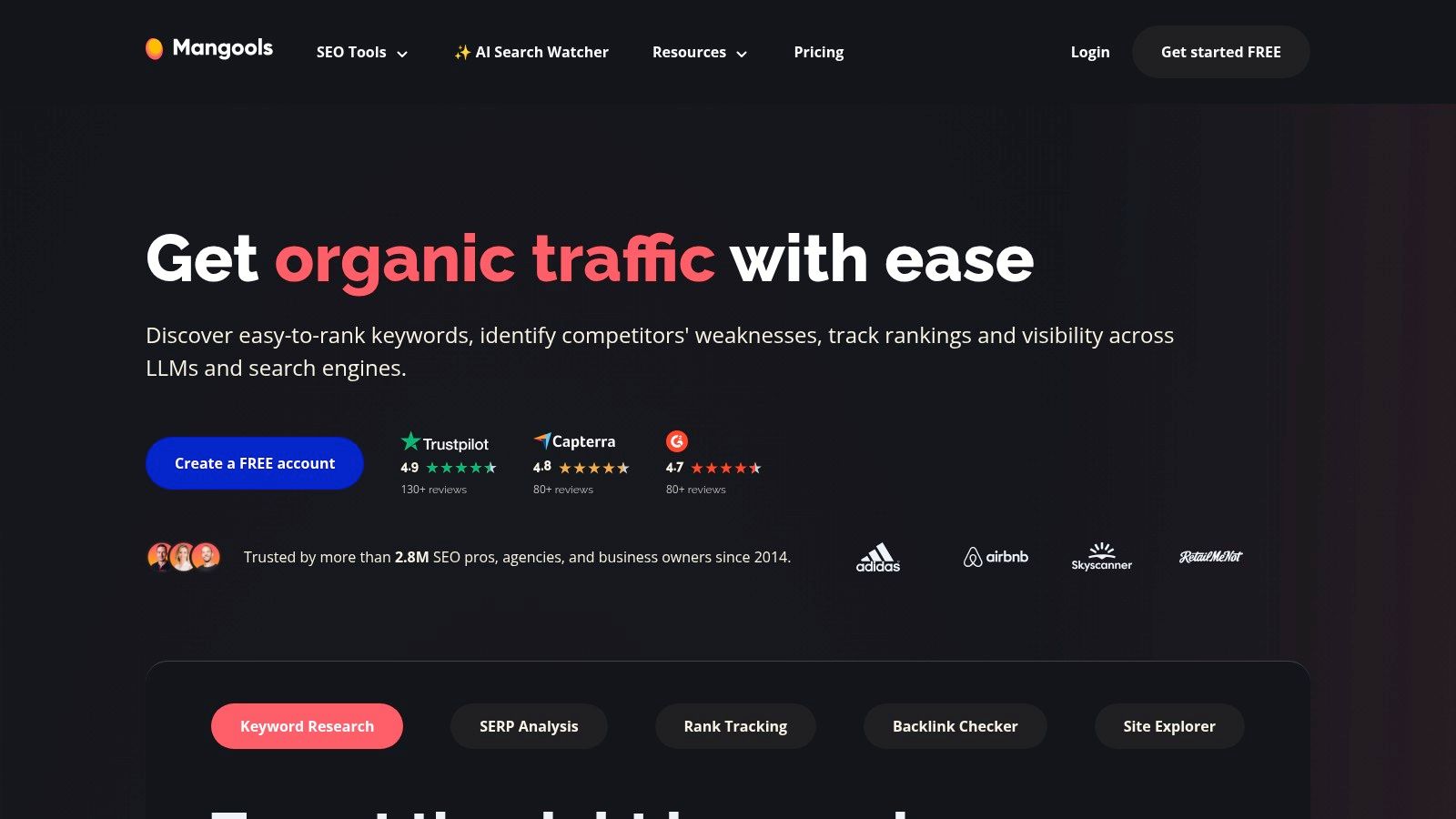
Mangools is the tool I'd hand to a solo site owner who wants useful data without the enterprise theatre. It's simple, clean, and fast to learn. KWFinder, SERPChecker, SERPWatcher, LinkMiner, and SiteProfiler cover a surprising amount of ground for people who don't need advanced workflows.
That simplicity is the reason to buy it. If you want to start doing keyword research and rank tracking today, Mangools gets out of your way.
What it does well, and where it stops
Mangools is good for discovering opportunities, checking SERPs, monitoring rankings, and getting a lightweight read on links and site authority. For bloggers, niche site owners, freelancers, and tiny teams, that's often enough.
Its limits show up when your process becomes more layered. If you need deeper competitive intelligence, advanced technical analysis, or stronger collaboration features, Mangools starts to feel like a starter toolkit rather than a long-term system.
That doesn't make it weak. It makes it honest.
Simple tools often produce better execution because people actually use them every day.
One strategic note matters here. The verified data for this article states that 94.74% of keywords have monthly search volumes of 10 or less. That's exactly the kind of environment where a lightweight keyword discovery tool can still be useful, especially for solo operators targeting specific problems instead of chasing head terms.
Website: Mangools
9. Majestic
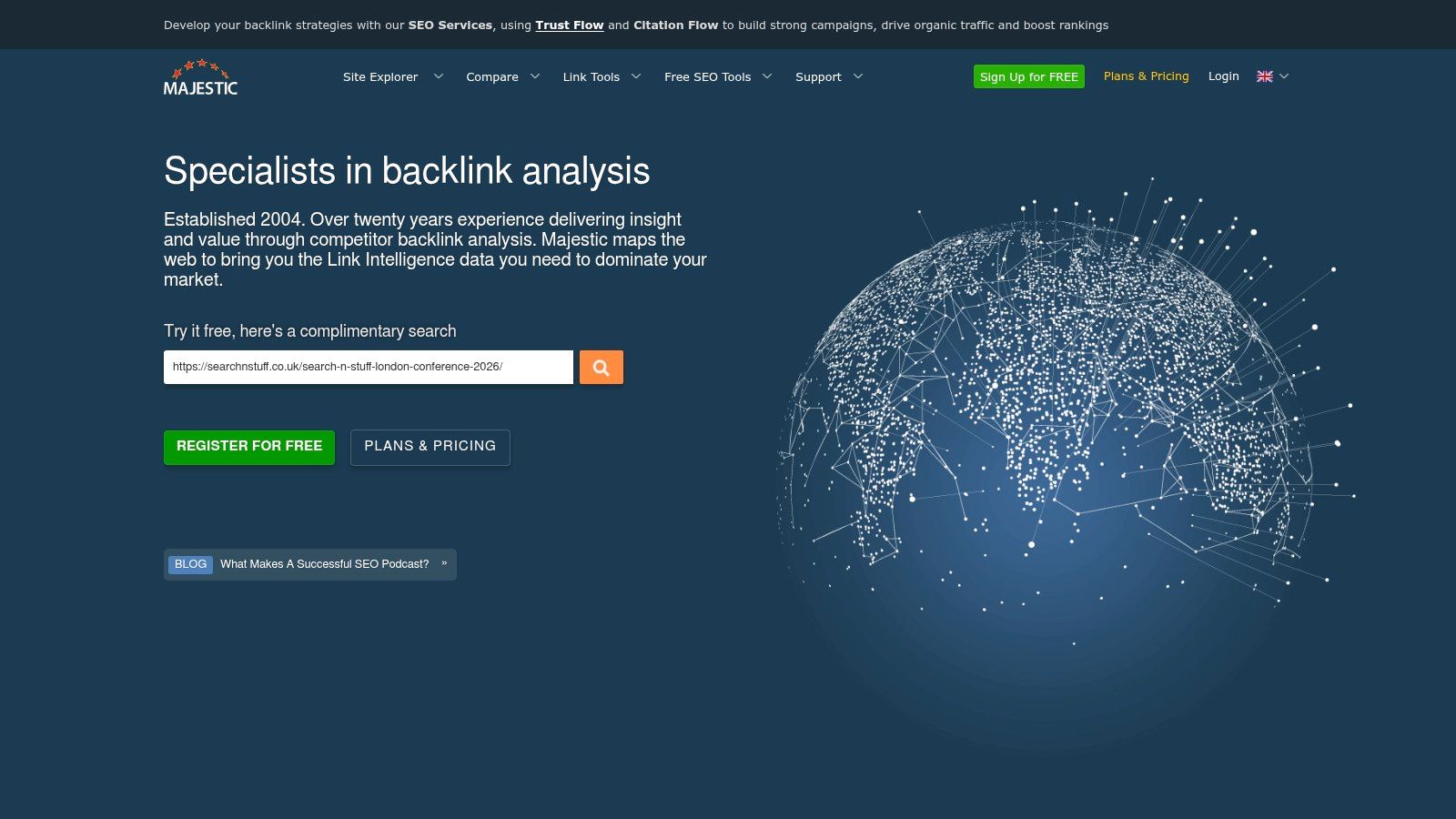
Majestic is a specialist, and that's the right way to judge it. If you evaluate it like an all-in-one suite, it will look incomplete. If you evaluate it as a deep backlink analysis tool, it still has a clear place in many professional stacks.
Trust Flow, Citation Flow, Topical Trust Flow, historical indexes, and link graph views make it useful for link prospecting, risk review, and competitor backlink profiling. Some SEOs keep Majestic around specifically because its perspective on link quality complements the broader platforms.
The right way to use Majestic
Majestic works best as a second opinion or enrichment layer. You don't replace your main platform with it unless your work is heavily link-centric. You add it when backlink quality and link neighborhoods need closer inspection than your main suite provides.
That's valuable in outreach-heavy niches, reputation-sensitive industries, and recovery projects where the shape and source of links matter as much as raw counts.
The downside is obvious. It's narrower than tools that cover keywords, content, site health, and reporting all at once. Newer users can also find the interface more analytical than intuitive.
Use Majestic if links are a priority and you want another lens on authority. Skip it if you need one subscription to do everything.
Website: Majestic
10. Google Search Console
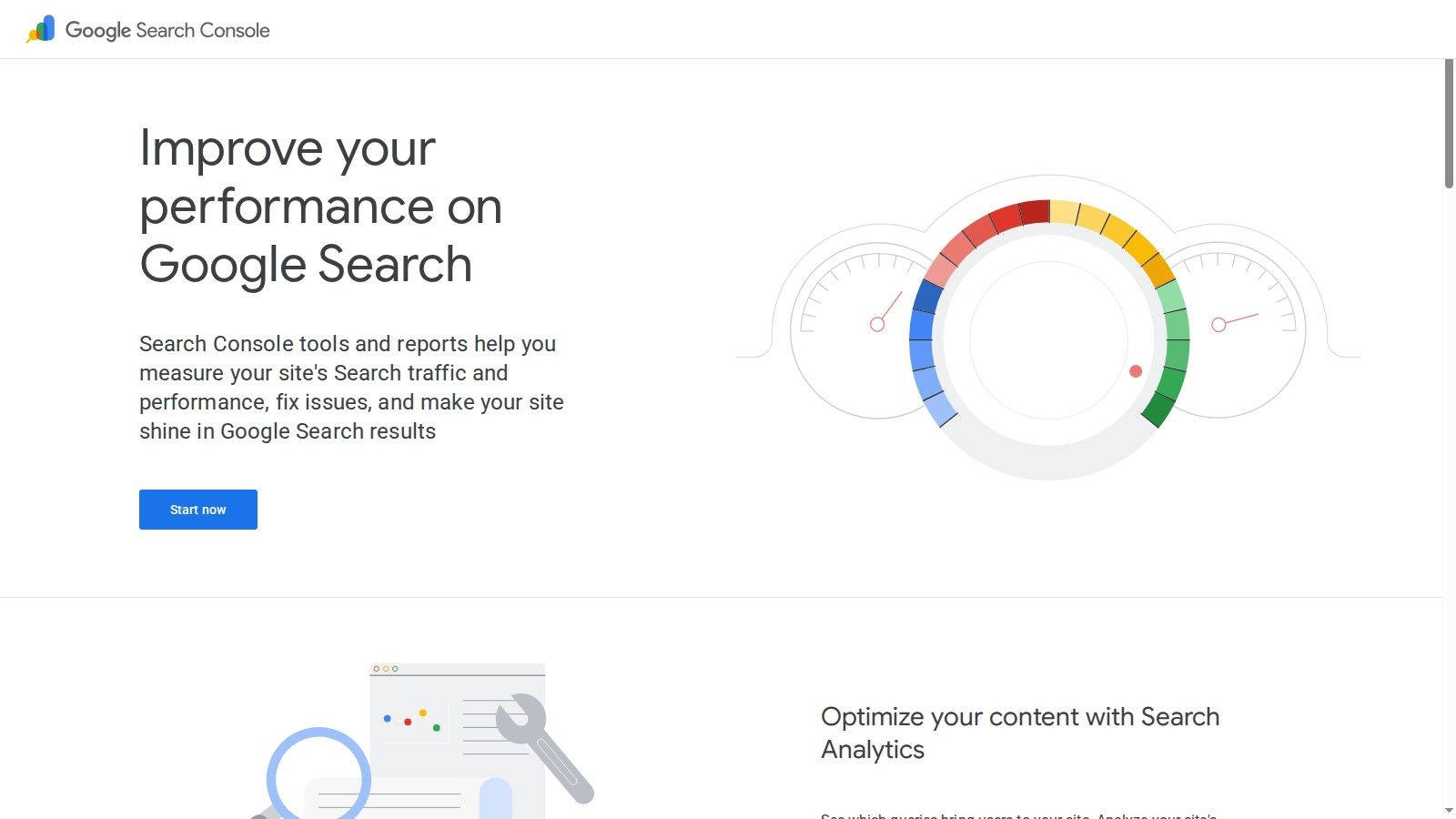
Google Search Console is not optional. It's free, first-party, and still the cleanest place to verify how Google is indexing and presenting your site. Every other platform in this list becomes more useful when Search Console data is connected to it.
The reason is simple. Third-party tools estimate. Search Console reports what Google is showing, indexing, and surfacing for your property.
The baseline every stack needs
Search Console handles performance reporting, indexing diagnostics, sitemaps, URL inspection, Core Web Vitals, enhancement reports, and manual action visibility. If rankings or clicks move unexpectedly, it enables you to confirm whether the issue is query demand, coverage, indexing, page-level decline, or feature-level changes.
That has become more important because Google is changing how often users click through. The verified data for this article notes that AI Overviews appeared in 13.14% of U.S. desktop searches in March 2025, up from 6.49% in January, and 60% of searches now end without a click. You need first-party visibility into impressions and query behavior because traffic alone no longer tells the whole story.
Search Console also belongs in every technical and performance conversation around site speed and page experience. If you're sorting out performance diagnostics, this comparison of Lighthouse vs PageSpeed Insights is a useful companion read.
Its limitation is also why it matters. It only shows your site, and only through Google's lens. That's why it should anchor your stack, not replace it.
Website: Google Search Console
Top 10 Search Optimization Tools Comparison
Tool | Core features ✨ | UX / Quality ★ | Price / Value 💰 | Target audience 👥 | Unique strength |
|---|---|---|---|---|---|
Keyword Kick 🏆 | ✨ K² AI analyst, GA4/GSC + rank/backlink unification, JS audits, content tools | ★★★★☆, action‑oriented recommendations, daily trends | 💰 Free Forever; plans $49 → $599/mo | 👥 Agencies, in‑house growth teams, consultants, freelancers | ✨ Per‑project AI analyst + native cannibalization detection |
Semrush | ✨ Keyword research, site audit, backlinks, market & AI visibility | ★★★★☆, comprehensive but broad UI | 💰 Premium; add‑ons may raise cost | 👥 Agencies & brands needing market intel | ✨ Strong competitive intelligence & reporting |
Ahrefs | ✨ Large backlink & keyword index, Site Explorer, Rank Tracker | ★★★★☆, deep data, reliable alerts | 💰 Premium; API/advanced features extra | 👥 Link builders, competitive researchers | ✨ Industry‑leading backlink depth |
Screaming Frog SEO Spider | ✨ Fast configurable crawler, JS rendering, custom extractions | ★★★★☆, expert desktop tool (technical) | 💰 One‑time/annual license; cost‑effective for heavy use | 👥 Technical SEOs & agencies | ✨ Precise crawl diagnostics and scripting control |
Sitebulb | ✨ Desktop + Cloud audits, crawl maps, prioritized “Hints” | ★★★★, clear visuals, client‑friendly reports | 💰 Desktop affordable; Cloud extra for teams | 👥 Agencies producing client reports | ✨ Visual crawl maps & prioritized issue scoring |
Surfer | ✨ Content Editor, SERP Analyzer, content audits & briefs | ★★★★, streamlined content workflows | 💰 Mid‑range; add‑ons/usage caps possible | 👥 Content teams, freelancers | ✨ Data‑backed content briefs & scoring |
SE Ranking | ✨ Rank tracking, audits, keyword & backlink modules, white‑label | ★★★★, balanced, approachable UI | 💰 Budget‑friendly with generous limits | 👥 SMBs & growing agencies | ✨ White‑label reporting & client portal |
Mangools | ✨ KWFinder, SERPChecker, SERPWatcher, LinkMiner | ★★★☆, very user‑friendly for beginners | 💰 Affordable plans for solo users | 👥 Bloggers, solo operators, small teams | ✨ Simple, fast keyword discovery & low learning curve |
Majestic | ✨ Trust Flow/Citation Flow, historic & fresh backlink indexes | ★★★☆, focused link analytics | 💰 Moderate; often used as a link‑data add‑on | 👥 Link analysts & prospectors | ✨ Deep link metrics & topical Trust Flow |
Google Search Console | ✨ Performance, index coverage, URL inspection, Core Web Vitals | ★★★★☆, authoritative first‑party data | 💰 Free | 👥 All site owners, SEOs | ✨ Official Google search data and debugging tools |
From Data Overload to Actionable Insight
The best search optimization tools don't win because they have the most buttons. They win when they shorten the distance between signal and decision. That's the standard worth using when you evaluate any platform in this space.
A lot of teams buy tools in the wrong order. They start with the broadest platform they can afford, then add another one when reporting feels thin, then another when technical issues get missed, then another when content performance stalls. Before long, they're paying for overlap and still making decisions from disconnected data.
A better approach is to build by function.
Recommended stacks by team type
For solo SEOs and site owners, keep it light. A practical stack is Google Search Console plus Mangools, with Surfer only if content production is a major part of your workflow. If you want one platform that can replace several subscriptions early, Keyword Kick is the stronger alternative because it gives you prioritization along with research and tracking.
For in-house teams, the right stack depends on how technical your site is. A common setup is Search Console plus Semrush or Ahrefs, then Screaming Frog or Sitebulb for deeper technical work. If your team struggles more with prioritization than raw analysis, Keyword Kick can reduce the reporting lag between discovery and execution.
For agencies, stack design is mostly about repeatability. You need client reporting, technical auditing, rank tracking, and a way to standardize recommendations across accounts. One practical combination is Keyword Kick or SE Ranking as the operating layer, then Screaming Frog or Sitebulb for technical audits, and Ahrefs or Majestic when link analysis needs more depth.
The core mistake is expecting one tool to solve everything equally well. Most don't. All-in-one suites are convenient, but they often go shallow in at least one area. Specialist tools are sharper, but they add workflow friction if you rely on too many of them. The best stack sits in the middle. Enough breadth to keep work centralized, enough specialization to solve the problems that drive rankings and conversions.
That balance matters even more because search itself is getting messier. Organic search still accounts for 29% of all traffic, and 94% of Google clicks still go to organic results rather than paid ads, according to the verified data provided for this article. At the same time, search behavior is shifting toward AI-assisted discovery, fragmented search journeys, and more zero-click outcomes. That means your tool stack has to do two jobs at once. It has to protect classic SEO performance and help you interpret newer surfaces where visibility doesn't always look like a click.
There's also a trust problem. The verified data notes that 28% of Americans lack trust in AI-powered search results, while 66% of people rely on AI output without checking accuracy. That puts extra pressure on brands to publish content that is clear, authoritative, technically accessible, and easy for both search engines and AI systems to cite correctly. Tools can help with that, but only if your team uses them to improve content quality and site health, not just generate more reports.
One more issue deserves attention. AI-assisted publishing has made internal overlap harder to manage. The verified data states that 41% of mid-sized sites now face internal ranking conflicts, and 57% of SEO consultants still waste time identifying overlaps manually. That's why cannibalization detection, version control, and page-level prioritization should be part of your buying criteria, not an afterthought.
Search optimization tools should make your next move clearer. If they don't, they're noise. Start with the bottleneck that costs you the most time or revenue right now. For some teams, that's technical diagnosis. For others, it's content prioritization, link analysis, reporting, or cannibalization cleanup. Pick the one or two tools that directly solve that bottleneck, connect your first-party data, and pressure-test the workflow before you add anything else.
If you need broader infrastructure around SERP data and visibility analysis, it's also worth reviewing options to find a SERP API alternative before committing to another data vendor.
If you want one platform that turns rank tracking, GA4, Search Console, backlinks, and technical SEO into clear next steps, try Keyword Kick. Its K² AI Agent is built for the question most tools still leave unanswered: what should you do next, and why?