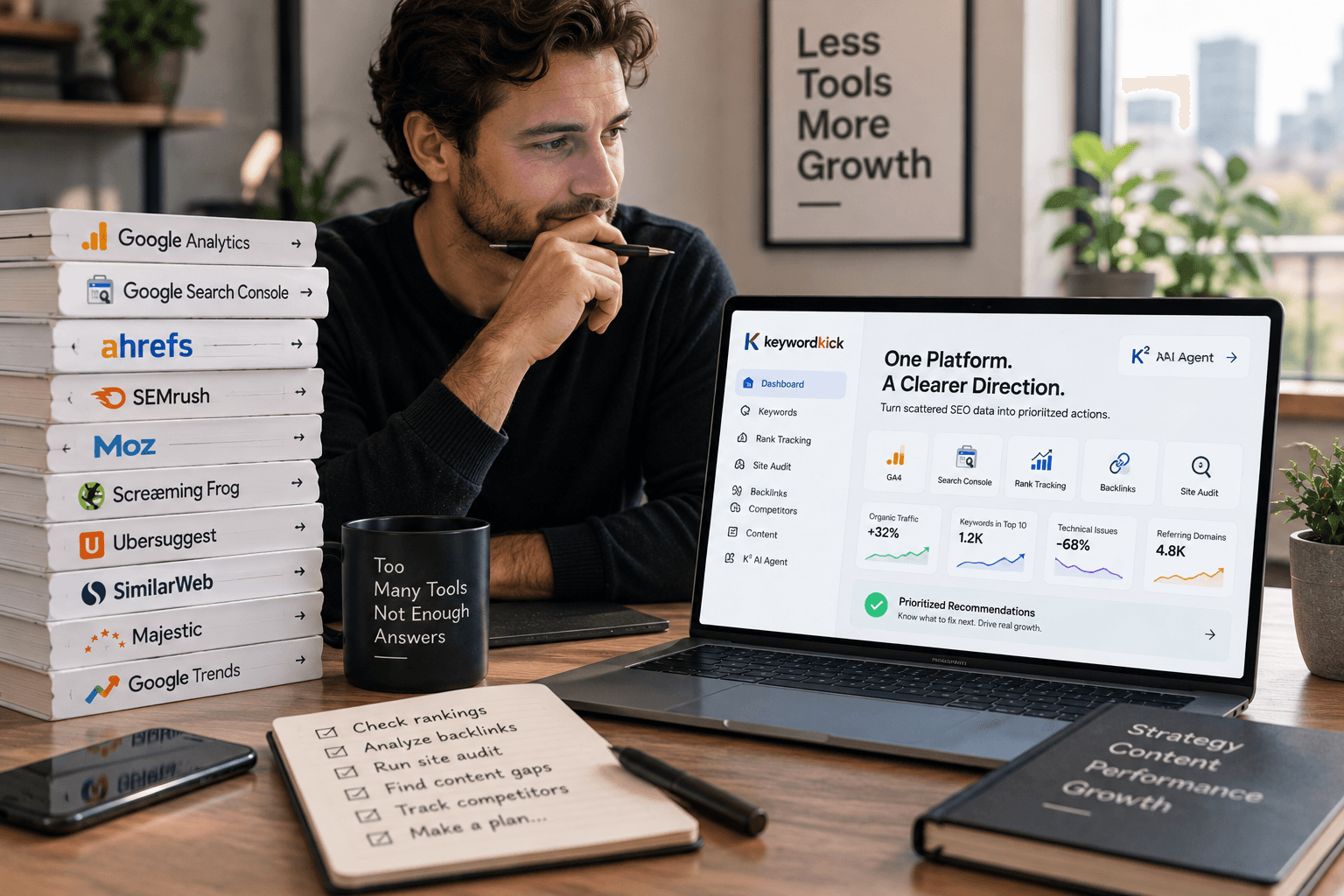
You're ready to grow organic traffic, but your budget says otherwise. You need real data, technical diagnostics, keyword ideas, and at least a basic view of links, yet most SEO software starts to feel expensive the moment you need more than one feature.
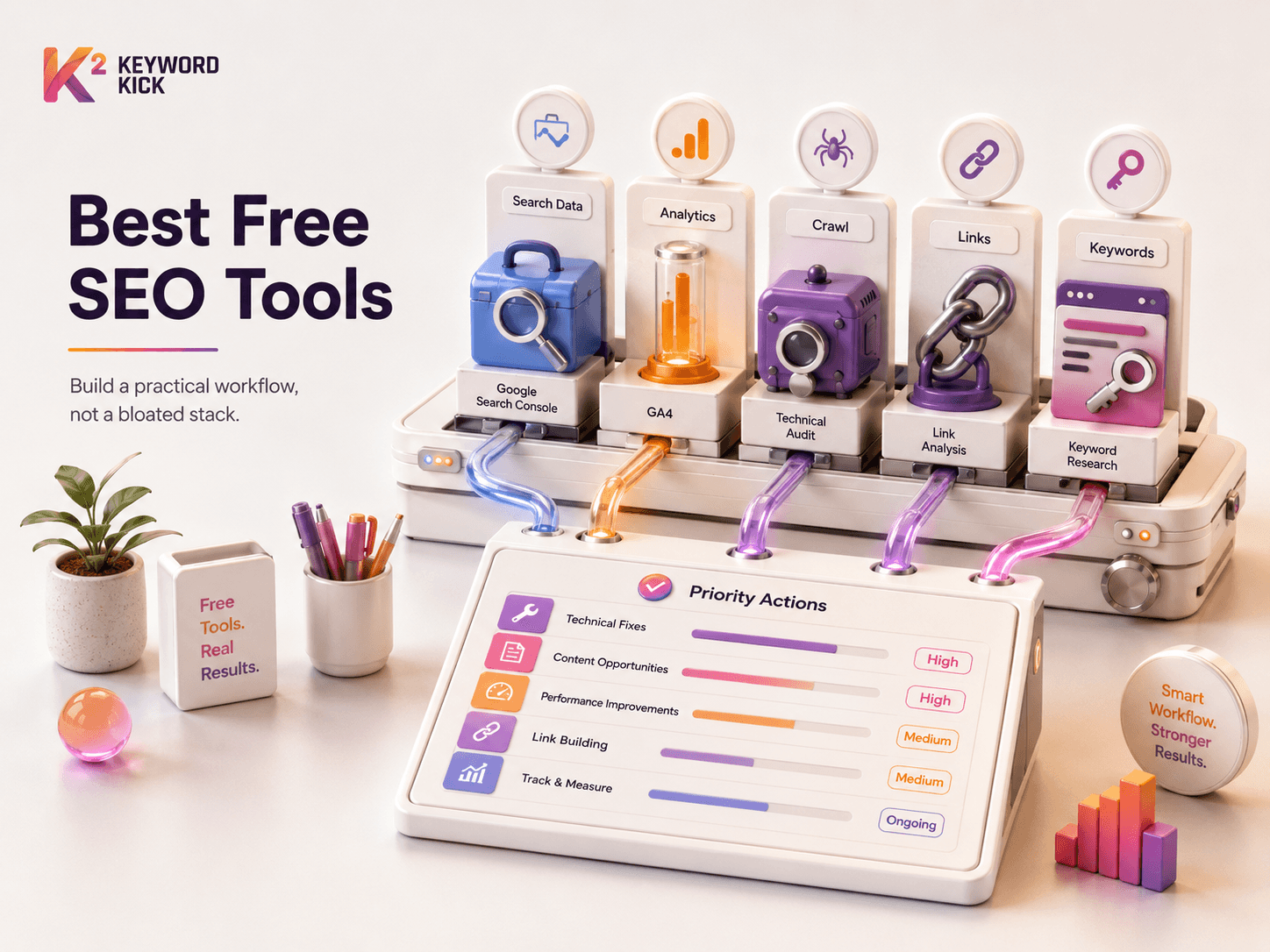
That doesn't mean you're stuck. A practical stack of free search engine optimization tools can cover far more ground than one might expect, especially if you stop looking for one magical tool and start combining specialist tools on purpose. Google Search Console tells you what Google sees. GA4 tells you what visitors do after the click. A crawler finds technical issues. A backlink tool gives you directional link data. A keyword tool helps you decide what to publish next.
That's the difference between collecting tools and building a workflow.
If your goal is to optimize content for search engines, the free stack below is enough to get disciplined, repeatable SEO work done. It won't replace every paid platform forever, and I'll be blunt about those limits. But it will give you a working system for technical SEO, content planning, measurement, and link monitoring without paying for a bloated suite on day one.
1. Keyword Kick
Most free SEO stacks break down for one reason. The tools are fine, but the workflow isn't. You bounce between Google Search Console, GA4, a crawler, a rank tracker, and a notes doc, then spend more time interpreting than fixing.
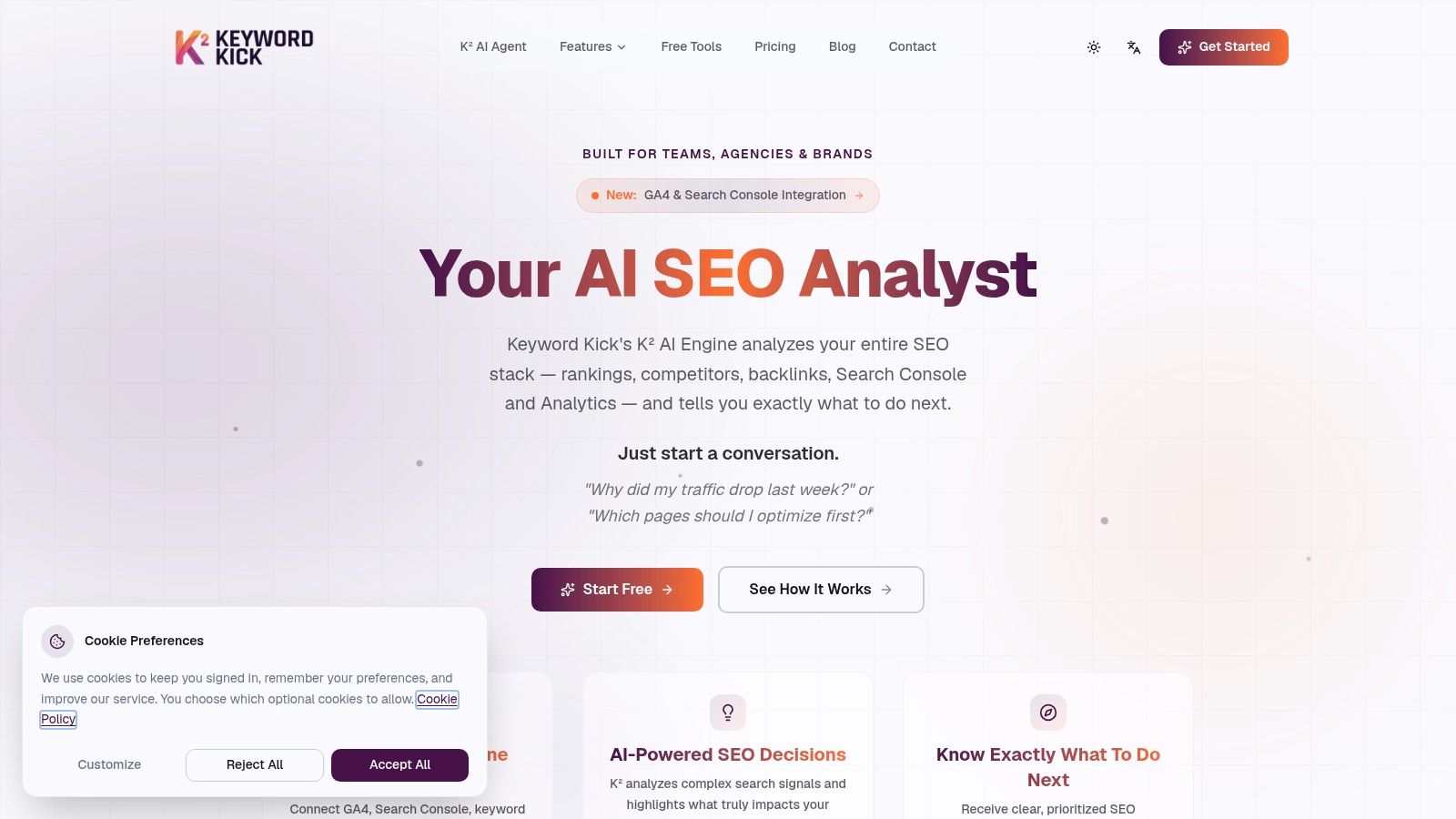
Keyword Kick is the cleanest answer I've seen to that problem. It's an all-in-one SEO workspace built around the K² AI Agent, which acts more like an analyst than a dashboard. Instead of dumping raw metrics on you, it connects GSC, GA4, rank tracking, backlinks, site audits, and technical signals into one place, then helps prioritize what deserves attention first.
Where it fits in a free stack
If you're trying to assemble free search engine optimization tools into something usable, Keyword Kick works as the layer that reduces tool sprawl. You still need to execute the fixes, but the platform gives you a clearer operating view than a loose collection of disconnected reports.
That matters when you're asking practical questions like:
Traffic drops: Why did clicks fall last week, and was it rankings, indexing, or page-level decay?
Content prioritization: Which pages should be refreshed first based on visibility and opportunity?
Cannibalization issues: Which URLs compete with each other instead of supporting the same topic cluster?
Technical blockers: Which audit findings are noise, and which ones are likely affecting visibility?
For teams doing regular keyword research training inside Keyword Kick, that combination is useful because research, tracking, and diagnosis live in the same workspace.
Practical rule: Free tools are strongest when they answer one question well. A unified platform becomes valuable when your bigger problem is prioritization, not data access.
What stands out
Keyword Kick has real depth, not just a broad feature list. Daily rank updates, historical trends, SERP-feature tracking, native cannibalization detection, merchant-feed validation, and JavaScript rendering push it beyond the usual “lite” all-in-one claim.
Its free plan is also straightforward. There's a permanent Free Forever option with no credit card, which makes it easier to test whether unified reporting changes how you work before you commit to a paid plan. Paid plans start at $49 per month, then scale through Pro, Business, and Enterprise.
The trade-off is simple. The free tier is useful, but tight. If you manage a large site, multiple clients, or need wider tracking and audit coverage, you'll hit the limits quickly. And like any SEO platform, it won't implement changes for you. It tells you what to do. You or your developer still have to do the work.
2. Google Search Console
If you only install one SEO tool, install Google Search Console. It's the closest thing SEO has to a source-of-truth platform because it comes directly from Google and shows the queries, pages, impressions, clicks, indexing status, sitemap submissions, and coverage issues tied to your own site.
That's why it sits at the center of every no-cost stack. One 2026 roundup describes GSC and GA4 as the foundational free data sources for the industry, and notes that GSC provides direct access to indexing status, crawl errors, and click-through data for over 5 billion indexed pages worldwide in aggregate usage context across Google's ecosystem, while also framing GSC as a mandatory starting point for SEO work according to this overview of free SEO monitoring tools.
What GSC is best for
Use GSC for diagnosis, not guesswork. When a page stalls, the first questions I want answered are whether Google indexed it, what queries it already appears for, and whether it has impressions without clicks.
Three reports matter most:
Performance report: Shows which queries and pages already have demand.
Indexing and coverage views: Surface crawl and indexing issues.
URL Inspection: Confirms what Google sees on a specific page and lets you request indexing.
If you need help getting it wired correctly, this Google Search Console setup guide is a useful companion.
GSC won't tell you what your competitors rank for. It will tell you exactly where your own site is weak, and that's often the faster win.
The downside is just as important. GSC doesn't do competitor research, and its backlink view is limited compared with specialized link tools. It's also not where you measure business outcomes well. For that, you need GA4.
3. Google Analytics 4
Google Analytics 4 answers a different question than GSC. GSC explains search visibility. GA4 explains what people do after they arrive.
That distinction matters because rankings alone don't pay for anything. A page can gain clicks and still fail if visitors bounce, never view a second page, or never complete the event you care about. GA4 is where SEO becomes measurable against business behavior.
What works well in GA4
GA4 is strongest when setup is intentional. Event-based tracking lets you define meaningful interactions, and Explorations can uncover weak points in journeys that standard reports miss.
Use it for:
Landing page evaluation: See which organic landing pages engage users.
Conversion tracking: Tie SEO traffic to form submissions, purchases, or lead events.
Path analysis: Understand where visitors go after entering through organic search.
Audience segments: Compare branded and non-branded traffic behavior if your setup supports it.
The platform is free and extensively integrated into the broader marketing ecosystem, which is one reason it remains part of nearly every working stack. But it's not beginner-friendly in the way older analytics tools were. If the setup is sloppy, the reporting becomes misleading fast.
A common mistake is using GA4 as if it were an SEO research tool. It isn't. GA4 won't tell you why rankings changed. It will tell you whether the traffic you already earned is useful.
That's why I pair it with GSC without exception. GSC tells me what searchers clicked. GA4 tells me whether that visit mattered.
4. PageSpeed Insights
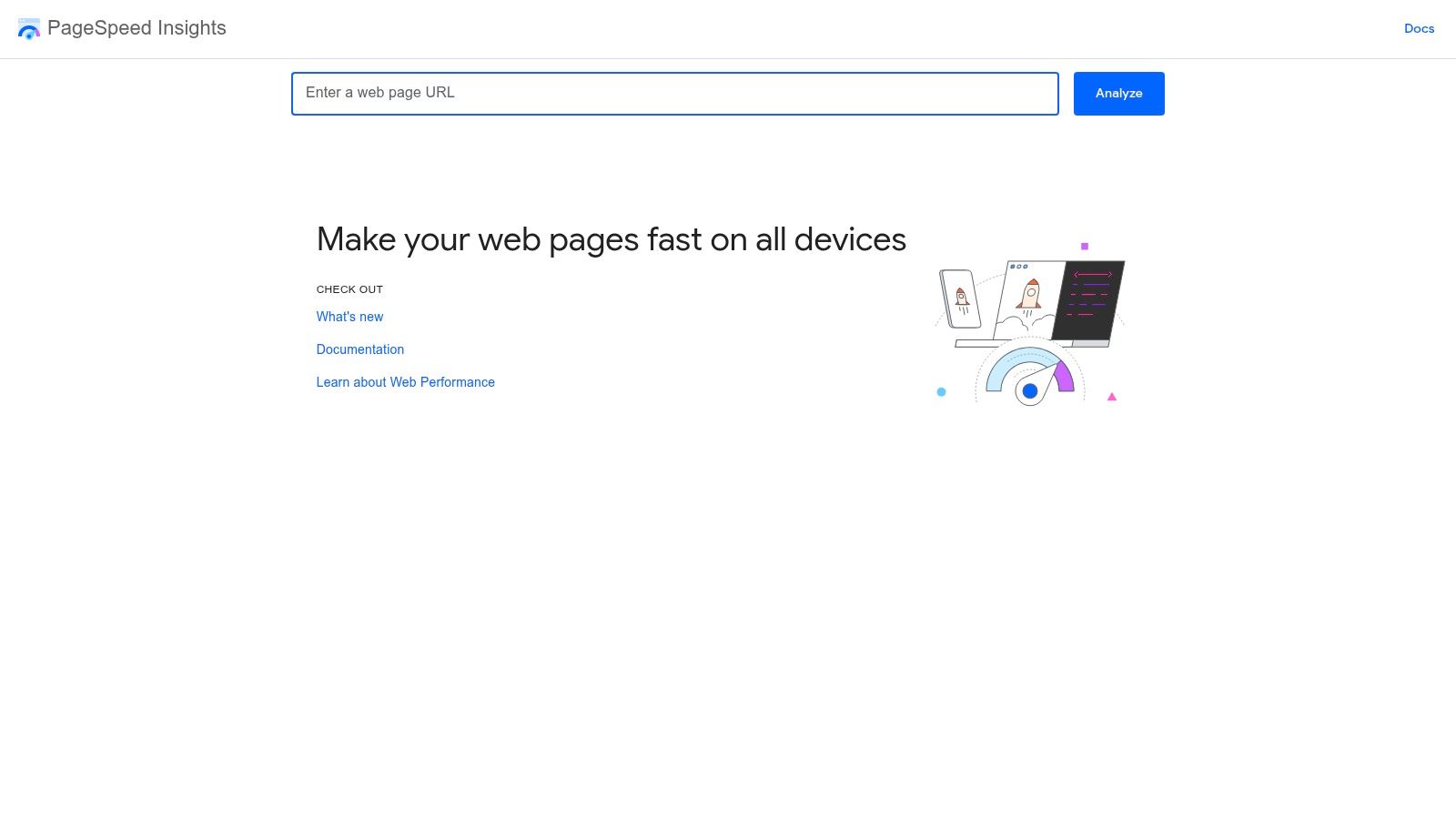
PageSpeed Insights is the fastest way to stop arguing about “the site feels slow” and start looking at evidence. It combines real-world field data from Chrome UX Report with Lighthouse lab diagnostics, which makes it more useful than a generic speed tester.
For SEO, this matters because performance issues rarely stay isolated to user experience. Slow templates often come bundled with heavy JavaScript, unstable layouts, bloated images, and rendering problems that also hurt crawl efficiency and usability.
How to use it without wasting time
Run it at the template level, not just on the homepage. Test a blog post, a category page, a product page, and a lead-gen page. Problems usually cluster by page type.
It's especially good for spotting:
Core Web Vitals problems: LCP, INP, and CLS issues that need engineering attention.
Render-blocking assets: Scripts and styles that delay useful content.
Image delivery issues: Oversized or poorly formatted images.
Mobile bottlenecks: Slow performance that desktop testing hides.
If your team needs practical remediation paths, this Core Web Vitals improvement guide is a good next step.
One thing to keep in mind. Lab scores are simulated. They're helpful, but they aren't the final word on actual user experience. Treat PSI as a diagnostic tool, not a vanity score generator. Chasing a prettier score while ignoring real field performance is a waste of time.
5. Bing Webmaster Tools
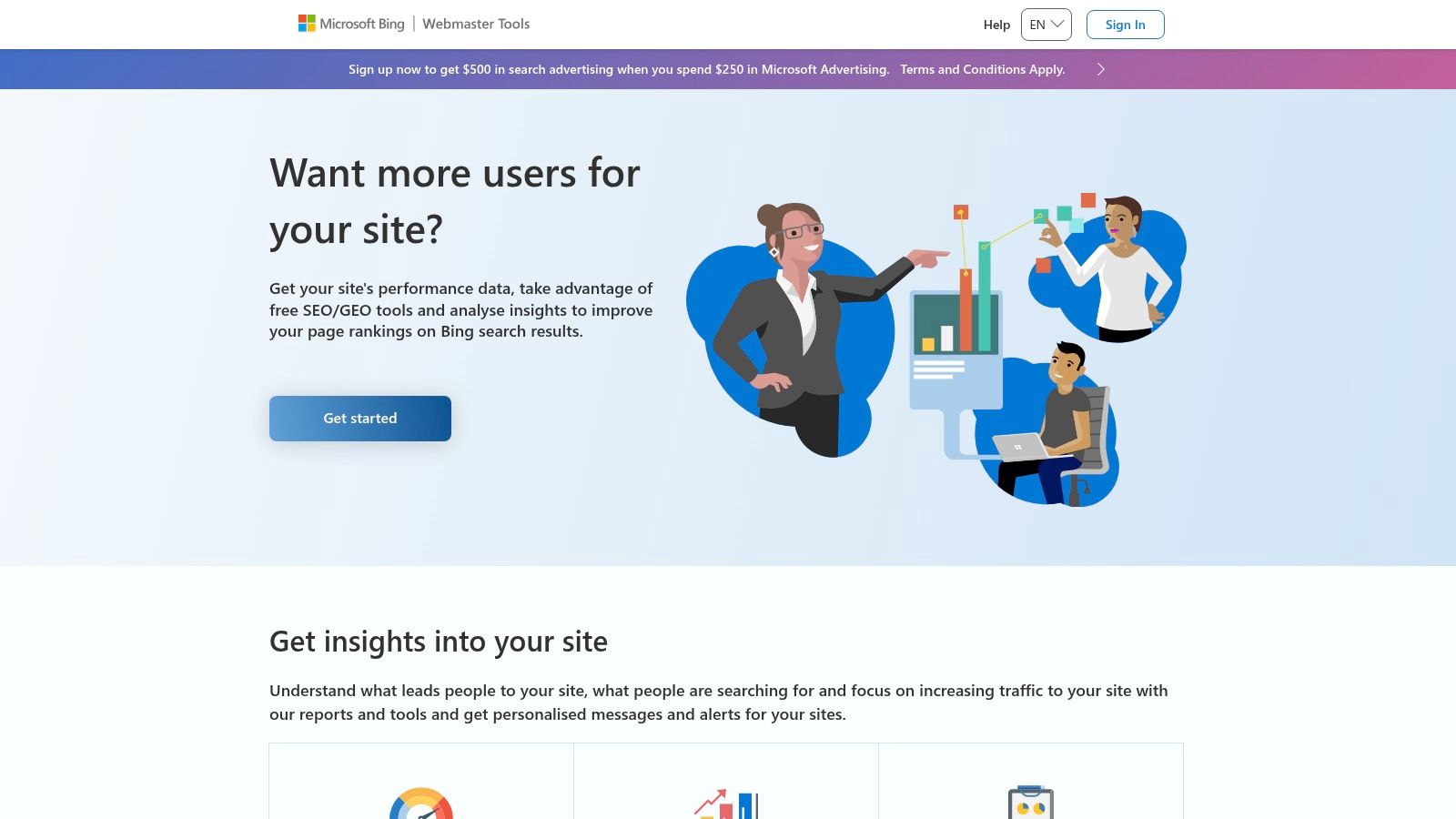
Most site owners underuse Bing Webmaster Tools. That's a mistake. It complements GSC well, and its built-in diagnostic features make it one of the more practical free search engine optimization tools for technical work.
You get performance reporting, index data, backlink views, URL inspection, Site Explorer, and a built-in Site Scan. That last part is what makes it especially useful in a no-budget stack. You can run a meaningful technical check without immediately leaning on a third-party crawler.
Why it belongs in your stack
Free native webmaster platforms have unusually strong adoption. One 2026 stats page reports that Google Search Console and Bing Webmaster Tools show a 94% usage rate among SEO practitioners globally, reinforcing how foundational these first-party tools are for technical SEO work according to this SEO tool market statistics roundup.
That tracks with real-world use. Bing's data won't replace Google's, but it often gives you a second angle on crawling and indexing issues. If both platforms surface similar trouble, I take it more seriously. If only one does, I investigate before making broad changes.
Don't use Bing Webmaster Tools as a substitute for Google Search Console. Use it as a second set of diagnostics that can catch things your main workflow misses.
The trade-off is obvious. For many sites, Bing won't represent the largest share of search demand. But that doesn't reduce its usefulness as a free audit layer.
6. Ahrefs Free
Ahrefs Free is one of the better examples of a freemium SEO product that's still helpful. You won't get full competitive depth, but you can get enough backlink and keyword context to make better decisions, especially for your own verified site.
Its biggest strength is range. Ahrefs Webmaster Tools gives verified owners limited Site Explorer and Site Audit access, while the public free tools like Keyword Generator, Backlink Checker, and SERP Checker are handy for quick directional checks.
Where Ahrefs Free earns its spot
Use it when GSC can't answer the question. GSC shows some links, but not with the desired depth or usability. Ahrefs fills that gap with a stronger backlink lens and some useful snapshots of top pages and site health.
It's especially good for:
Backlink spot checks: Reviewing who links to a page or domain.
Top page discovery: Seeing which URLs appear to attract the most visibility.
Technical issue sampling: Running a lightweight site audit for verified properties.
Quick SERP review: Getting directional context around a keyword without launching a big workflow.
A 2026 overview of free SEO tools highlights Ahrefs Webmaster Tools as one of the most important free resources for monitoring site health, analyzing backlinks, and identifying top-ranking pages, alongside Google Keyword Planner and Screaming Frog, in this discussion of the best free SEO tools.
The limitation is depth. The free plan is enough for snapshots, not sustained research. Once you need broader exports, historical depth, or serious competitor analysis, you'll feel the ceiling quickly.
7. Semrush Free Account
Semrush on a free account is best treated like a sampler tray. You can do a little keyword research, peek at domains, review limited backlink and position data, and run a restricted site audit. That won't support a mature SEO program by itself, but it can still help when you need quick competitive direction.
I use free Semrush access for question-first work. If I want a fast read on whether a topic has surrounding subtopics, SERP competition, or obvious domain-level patterns, it's often enough to point me in the right direction.
What it does well, and where it doesn't
The big advantage is breadth. Even a constrained free account gives you exposure to several types of SEO research in one interface. That makes it useful for people who want to understand how an all-in-one platform thinks before paying for one.
Good use cases include:
Topic ideation: Broad keyword exploration for early-stage planning.
Competitor peeks: Quick checks on another domain's visible themes.
Light auditing: Sampling technical issues without a full crawl setup.
Workflow testing: Deciding whether an all-in-one suite matches how you work.
The problem is that free usage limits arrive fast. Semrush is generous enough to demonstrate value, but not generous enough to become your main no-cost operating system. Exports, advanced reports, and deeper data stay behind paid tiers.
That's fine if you know what you're using it for. It's not a free replacement for a premium suite. It's a directional research tool with training wheels.
8. Moz Free Tools
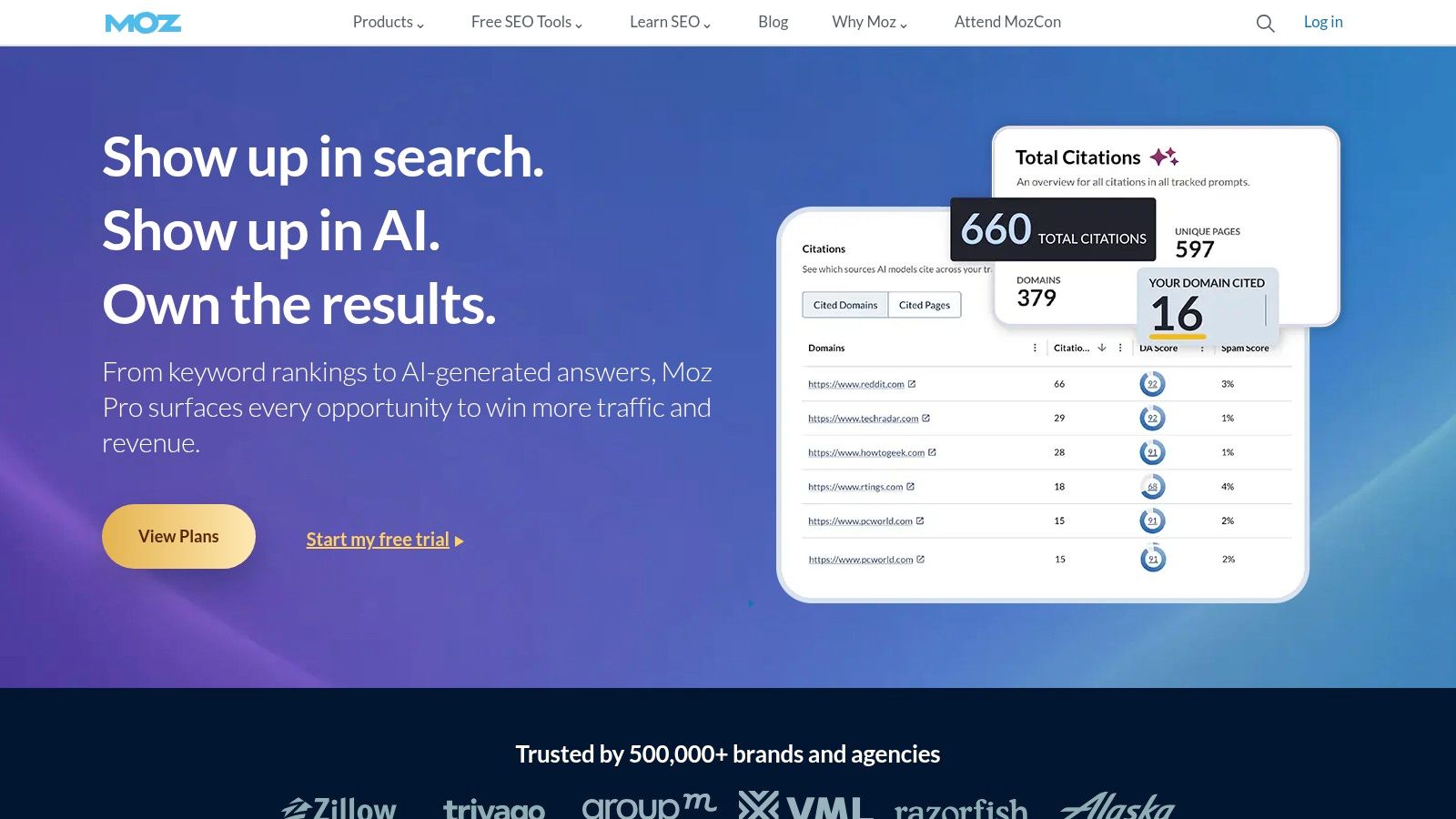
Moz still has a place in a free stack, mainly because MozBar is convenient and lightweight. When you want quick in-browser context while reviewing SERPs or prospecting sites, it saves time.
The other free components, including limited Keyword Explorer and Link Explorer access, are better for occasional checks than heavy research. I wouldn't build my full workflow around them, but I would keep them available.
Best use cases for Moz's free tools
MozBar is the standout. It's useful during live SERP reviews because you can inspect basic on-page elements and authority-style metrics without leaving the browser.
That makes it helpful for:
SERP triage: Scanning result pages quickly during keyword review.
Prospect qualification: Getting directional context on sites before outreach.
On-page review: Checking titles, meta data, and structural basics while browsing.
Competitive sniff tests: Fast comparisons when you don't need a full export.
The biggest caution here is overreliance on third-party authority metrics. They're useful as shorthand, not as decision-makers. A page can rank with weak-looking metric profiles if it matches intent, structure, and internal linking well. And a strong-looking domain can still publish pages that don't deserve to rank.
If backlinks are part of your evaluation process, it's worth reading this perspective on what truly matters for Brisbane backlinks, because it pushes against the habit of reducing link quality to a single score.
Moz free tools are best for quick context, not final judgment.
9. Screaming Frog SEO Spider
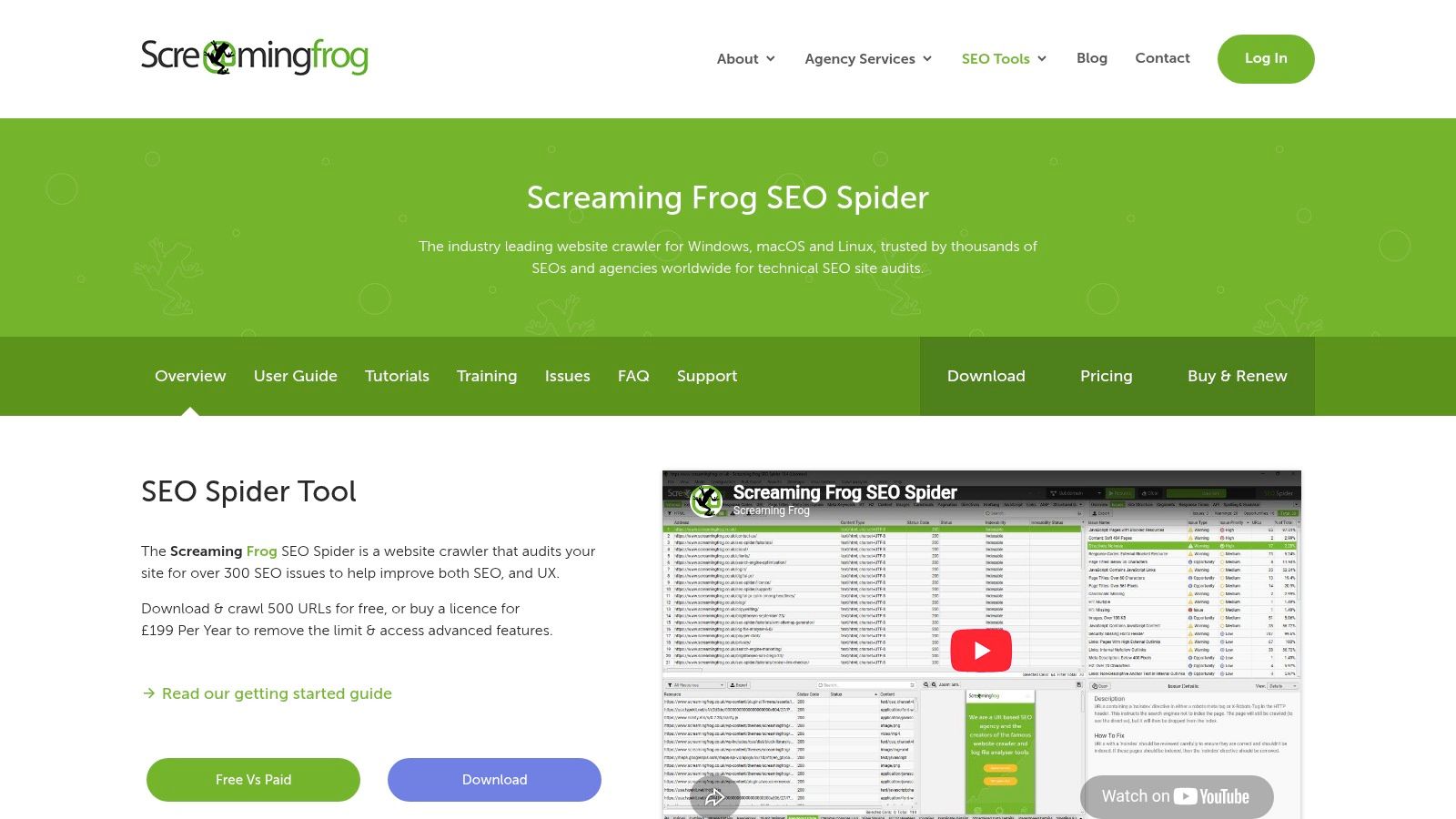
Screaming Frog SEO Spider is the technical workhorse in a free stack. If GSC tells you something is wrong, Screaming Frog often helps you find exactly where the issue lives.
The free version has a crawl limit of 500 URLs, which sounds restrictive until you use it properly. For small sites, it's enough. For larger sites, it's still useful if you crawl sections, templates, or problem areas intentionally.
Why technical SEOs keep it installed
This is one of the few free search engine optimization tools that feels professional even in its restricted mode. It exposes status codes, redirect chains, canonicals, duplicate elements, missing tags, noindex directives, and internal linking patterns with far more precision than browser-based quick tools.
Use the free tier for:
Broken link discovery: Find internal errors before users or crawlers do.
Metadata review: Export titles, descriptions, headings, and directives.
Canonical checks: Catch duplicate or conflicting canonical signals.
Internal architecture review: See how pages connect and where orphan risks may exist.
A 2025 usage summary says technical SEO tooling reached approximately 78% adoption across global websites, while in-depth keyword research suites reached 72%, reflecting stronger reliance on accessible technical diagnostics than deep keyword platforms according to this SEO tools usage statistics page.
That split makes sense to me. A technical issue can often be acted upon immediately. Keyword strategy often needs more context, more judgment, and sometimes better paid datasets.
10. Ubersuggest
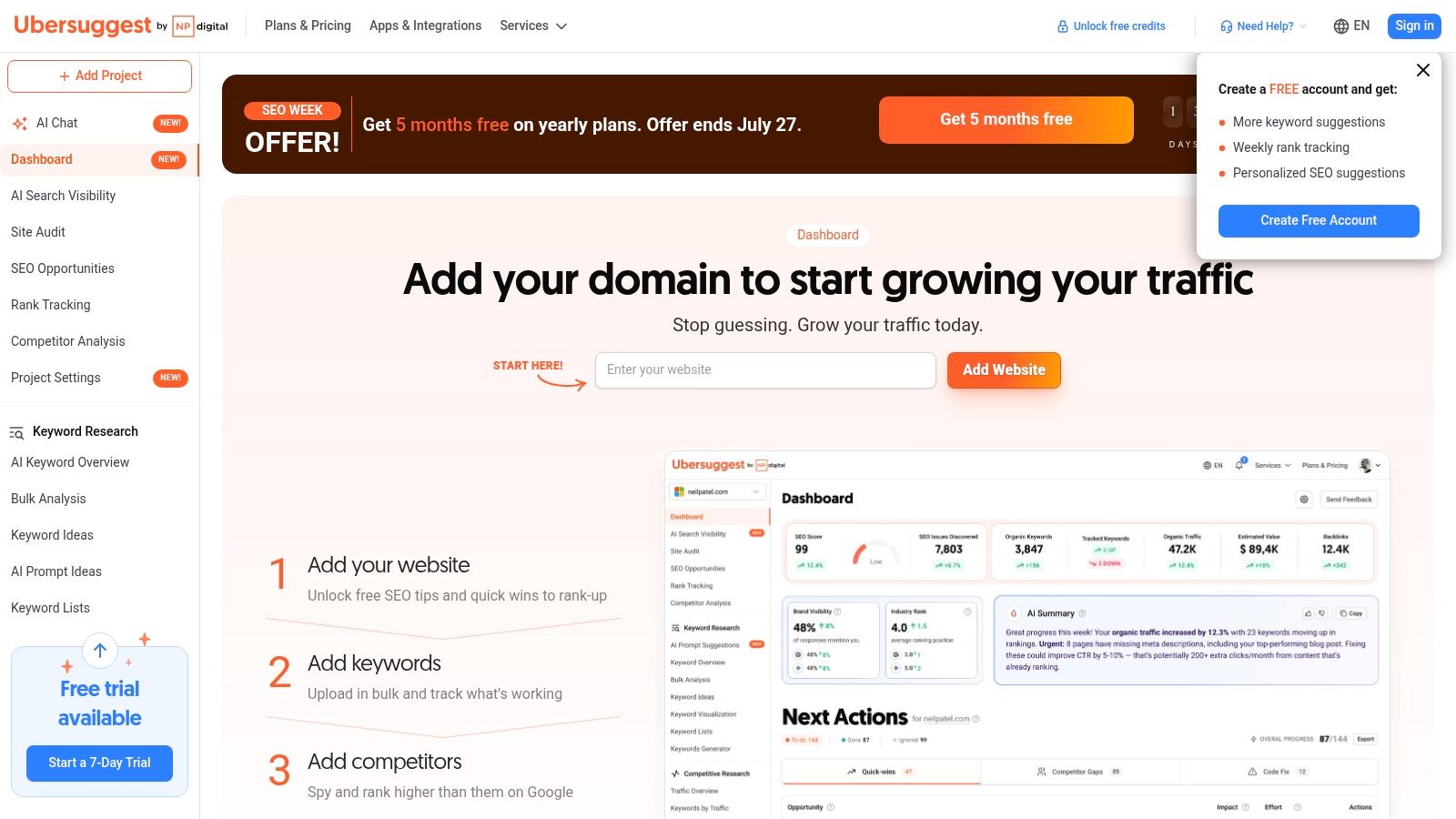
Ubersuggest is the tool I'd hand to a beginner who wants quick feedback without a steep learning curve. The interface is simple, the reports are readable, and the free account gives enough access to understand the basics of keyword research, light auditing, and domain checking.
That simplicity is its advantage. Some tools overwhelm new users with tabs and filters before they've learned how to evaluate a keyword or page in the first place.
Where Ubersuggest fits best
It works well for solo creators, small teams, and non-specialists who need a lightweight research companion, not a deep data platform.
Useful cases include:
Early keyword discovery: Building a rough content shortlist.
Quick site checks: Reviewing simple audit outputs for obvious issues.
Backlink glimpses: Getting basic directional link context.
Entry-level rank monitoring: Watching a small set of priority terms.
The trade-off is strict limits. Free usage caps arrive fast, and once you want wider coverage, richer exports, or more frequent checks, the tool starts to feel narrow. That doesn't make it bad. It just means it's better as a starter tool than a long-term operating system.
If you're new to SEO, a simpler tool that you'll actually use beats a more powerful tool that you avoid because the interface feels like cockpit controls.
Top 10 Free SEO Tools, Feature & Capability Comparison
Tool | Core features ✨ | Quality & UX ★ | Price & Value 💰 | Target audience 👥 |
|---|---|---|---|---|
🏆 Keyword Kick | ✨ AI-driven prioritized actions; unified GA4+GSC, rank tracking, backlinks, audits | ★★★★★, daily updates + actionable steps | 💰 Free forever; paid from $49/mo; 7‑day trial | 👥 Agencies, in-house teams, ecommerce, freelancers |
Google Search Console (GSC) | ✨ First‑party search performance, index coverage, URL Inspection | ★★★★★, authoritative Google data | 💰 Free | 👥 All site owners & SEOs |
Google Analytics 4 (GA4) | ✨ Event-based behavior & conversion tracking; BigQuery export | ★★★★, powerful but steeper learning curve | 💰 Free | 👥 Analysts, growth teams, product managers |
PageSpeed Insights | ✨ CrUX (field) + Lighthouse (lab); Core Web Vitals guidance | ★★★★, Google-aligned performance diagnostics | 💰 Free | 👥 Developers, performance-focused SEOs |
Bing Webmaster Tools | ✨ Indexing controls, Site Scan audit, backlinks | ★★★★, useful complementary diagnostics | 💰 Free | 👥 Sites targeting Bing/Copilot & multi-engine SEOs |
Ahrefs Free | ✨ Limited Site Explorer/audit for verified sites; no‑login tools | ★★★★, strong backlink snapshots (capped) | 💰 Free tier (verification required) | 👥 SEOs needing backlink checks & quick audits |
Semrush (Free) | ✨ Keyword/domain snapshots, limited site audits & queries | ★★★, broad toolkit but tight free caps | 💰 Free account with usage limits | 👥 Marketers exploring competitors & topics |
Moz Free Tools | ✨ MozBar + limited Keyword/Link Explorer lookups | ★★★, handy in-browser insights | 💰 Free with strict query caps | 👥 Beginners & quick competitive checks |
Screaming Frog (Lite) | ✨ Desktop crawler: broken links, redirects, meta & directives | ★★★★, precise technical crawling (desktop) | 💰 Free (500 URLs/crawl limit) | 👥 Technical SEOs & devs |
Ubersuggest (Free) | ✨ Simple keyword ideas, basic audits & rank checks | ★★★, user-friendly for novices | 💰 Free account with daily/monthly caps | 👥 Small businesses & beginner SEOs |
From Free Tools to a Unified Workflow When to Upgrade
A patchwork stack can take you much further than most vendors want you to believe. With Google Search Console for search visibility, GA4 for on-site outcomes, PageSpeed Insights for performance diagnostics, Bing Webmaster Tools for second-opinion indexing and technical checks, and Screaming Frog for crawl-level analysis, you can cover the core operational layers of SEO without spending anything upfront. Add Ahrefs Free, MozBar, Semrush's free account, or Ubersuggest for directional keyword and backlink context, and you have a workable system.
The catch is friction.
Free tools usually solve individual problems well, but they don't share context. GSC shows falling clicks. GA4 shows weaker engagement. Screaming Frog shows duplicate metadata and bad canonicals. A backlink checker shows a weak link profile on key pages. None of those tools will connect the dots for you in a clean, prioritized way. You do that manually.
That manual stitching is where free stacks start to cost time. You export CSVs. You compare date ranges. You keep notes in separate docs. You revisit the same pages because one tool flagged symptoms and another flagged causes. That's manageable on one site. It becomes messy across multiple sites, multiple stakeholders, or an editorial calendar that's moving every week.
A simple rule helps here. Upgrade when diagnosis starts taking longer than execution.
If your time is mostly spent collecting evidence instead of shipping fixes, the stack has done its job and reached its limit. That's the moment to stop chasing one more free tool and move toward a unified workflow.
That's where Keyword Kick makes sense. Instead of asking you to maintain separate habits across analytics, search reporting, rank tracking, site auditing, and backlink review, it pulls those layers into one workspace and uses the K² AI Agent to interpret them together. That changes the nature of the work. You spend less time deciding what matters and more time acting on a prioritized list.
For agencies and in-house teams, that operational clarity is a true upgrade. Not just more data. Better sequencing. If rankings drop, you can look at visibility, technical signals, and behavioral outcomes in one place. If content underperforms, you can assess cannibalization, ranking trends, and opportunity without opening five tabs and guessing which signal deserves trust.
The nice part is that you don't need to leap straight into a heavy enterprise contract to get that benefit. Keyword Kick has a Free Forever plan, so you can test the unified model before committing to paid tiers. That makes it a practical bridge between a scattered free stack and a full paid workflow.
If you've outgrown disconnected free tools and want a clearer way to turn SEO data into action, try Keyword Kick. It gives you one place to connect GSC, GA4, rank tracking, audits, and backlinks, then uses the K² AI Agent to tell you what to fix first and why.