You sent the monthly report on Tuesday. On Wednesday the client replies with one line. Why did traffic dip, and does it matter? Your SEO monthly report template either helps you answer in two minutes or sends you back into Search Console, GA4, and three spreadsheets to rebuild the story.
That's the test for these downloads. A good template doesn't just look tidy. It forces you to separate branded from non-branded queries, name the pages that moved, and connect clicks to conversions before you write commentary. A weak one gives you colorful charts and no place to explain cause, confidence, or next action.
I've sorted these options by the job they do. Some automate delivery. Some give you a manual workbook you control. Some are built for stakeholder storytelling, where the layout matters more than diagnostic depth. What each one still forces you to do by hand matters more than its feature count.
That point comes through clearly in Transactional's guide to client SEO reporting, and it's the lens I'll use below. Pick for your reporting job first. Then worry about branding.
1. Semrush My Reports
If your team already works in Semrush, Semrush My Reports reduces the manual work of assembling a monthly client report. It combines Semrush, GA4, and Search Console data in repeatable reports, with scheduled updates and PDF exports for clients who prefer a document to a live dashboard.
What It Handles Well
- Performance and technical coverage: Rankings, traffic, backlinks, site health, and technical issues share one report, so you can include audit findings without stitching them in separately.
- Layouts for different stakeholders: Build an executive view and a working view from the same data. The first keeps attention on outcomes; the second gives page owners more detail to act on.
- Scheduled delivery: Repeatable PDFs reduce monthly assembly work for retainer clients, though the report still needs clear commentary on what changed and what to do next.
The trade-off is fit. Semrush My Reports is most useful for existing Semrush users. White labeling and broader integrations require the Pro reporting tier. If you are not already paying for Semrush, compare the platform cost with the value of the reporting workflow first. Our SE Ranking vs Semrush comparison can help with that decision.
Save each report when you send it. Search Console keeps performance data for a limited rolling window, so archive each month's report as you send it, or last year's comparison will disappear. A saved report also gives you a fixed record to reference when discussing changes with stakeholders.
2. AgencyAnalytics

AgencyAnalytics is built for agencies running the same report across many clients, every month, without rebuilding it. The reusable SEO template tracks keyword rankings, backlinks, and site audit findings, then layers in analytics metrics, annotations, and goals.
Annotations are the underrated feature here. They let you mark a migration, a tracking change, or a site release on the chart itself, so next quarter you aren't guessing why a line moved. Scheduled reports and dashboards handle delivery, and an approval workflow on Agency plans and above stops a junior sending an unchecked report to a client.
Practical rule: If a report can be sent without anyone approving the commentary, it eventually will be, usually in a bad month.
You can combine SEO with other marketing data in one report, which suits full-service retainers. There's a 14-day free trial to test it. The downside is fit. It requires a subscription and it's more platform than a single site or occasional report needs. If you're evaluating an SEO reporting tool mainly to escape complexity, check whether you'll use the multi-client machinery before you commit.
3. Reporting Ninja
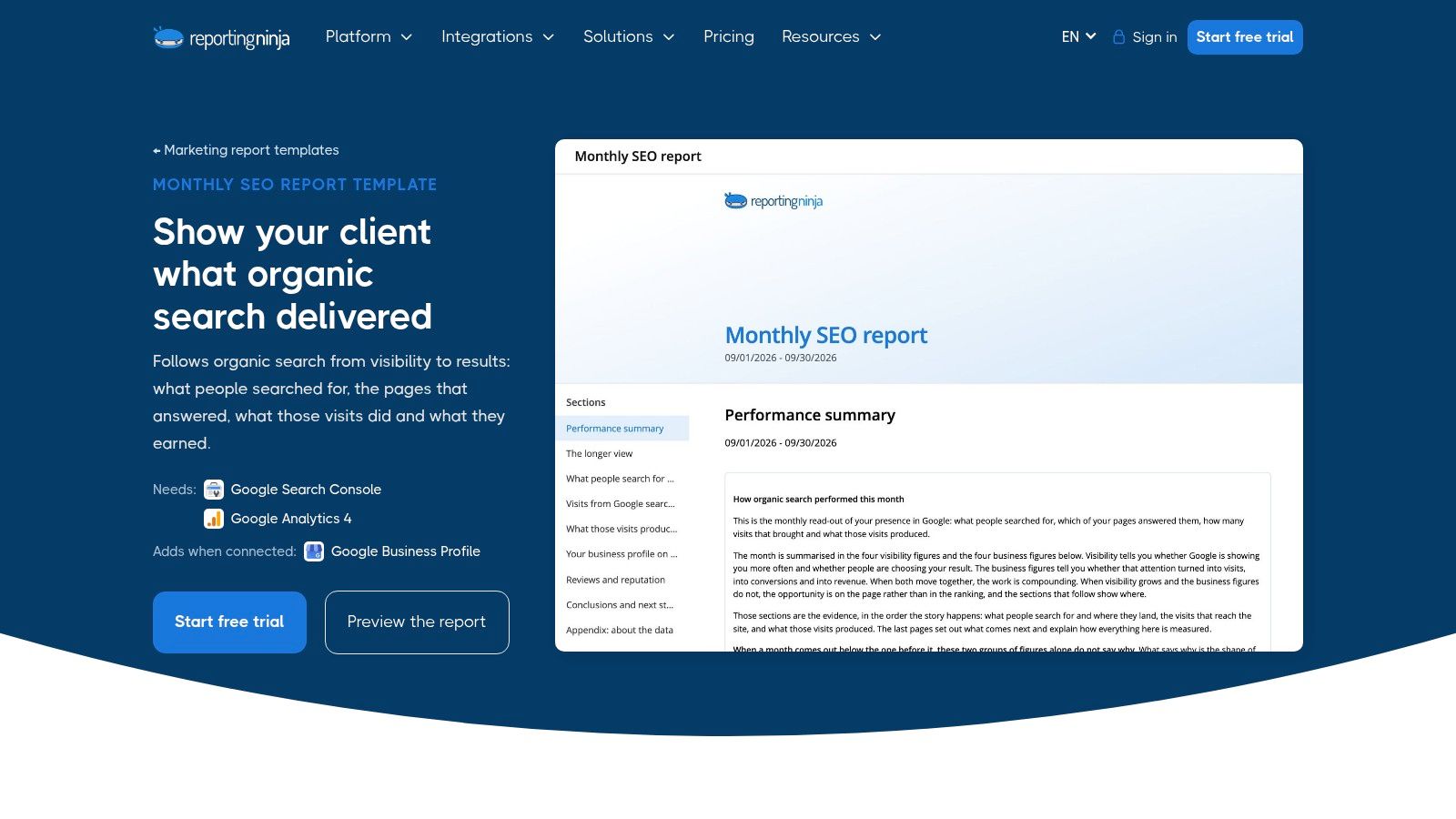
Reporting Ninja tells a cleaner story than most. Its monthly SEO report template runs from visibility and queries through landing pages, visits, conversions, and revenue, using Search Console and GA4 data. That order matters. It stops you leading with rankings that didn't produce anything.
That emphasis matches where measurement is heading. In 2025, 62.9% of surveyed U.S. marketers prioritized revenue, conversion rate, and pipeline when measuring organic growth in the Omniscient Digital survey of 170 marketers, yet only 31.8% connected those metrics to stakeholder reporting. This template closes that gap by design.
Where It Stops
You can preview the template before signup, customize sections and branding, and schedule sharing once accounts are connected. The template catalog is included with every plan and free trial.
What you don't get is third-party rankings or backlinks. If your client contract promises rank tracking for a fixed keyword set, you'll report that elsewhere. I'd accept that trade for most in-house teams. Search Console queries plus GA4 outcomes answer the money question better than a rank table does. Automated reporting still requires connecting the relevant accounts, so budget setup time in month one.
4. Whatagraph
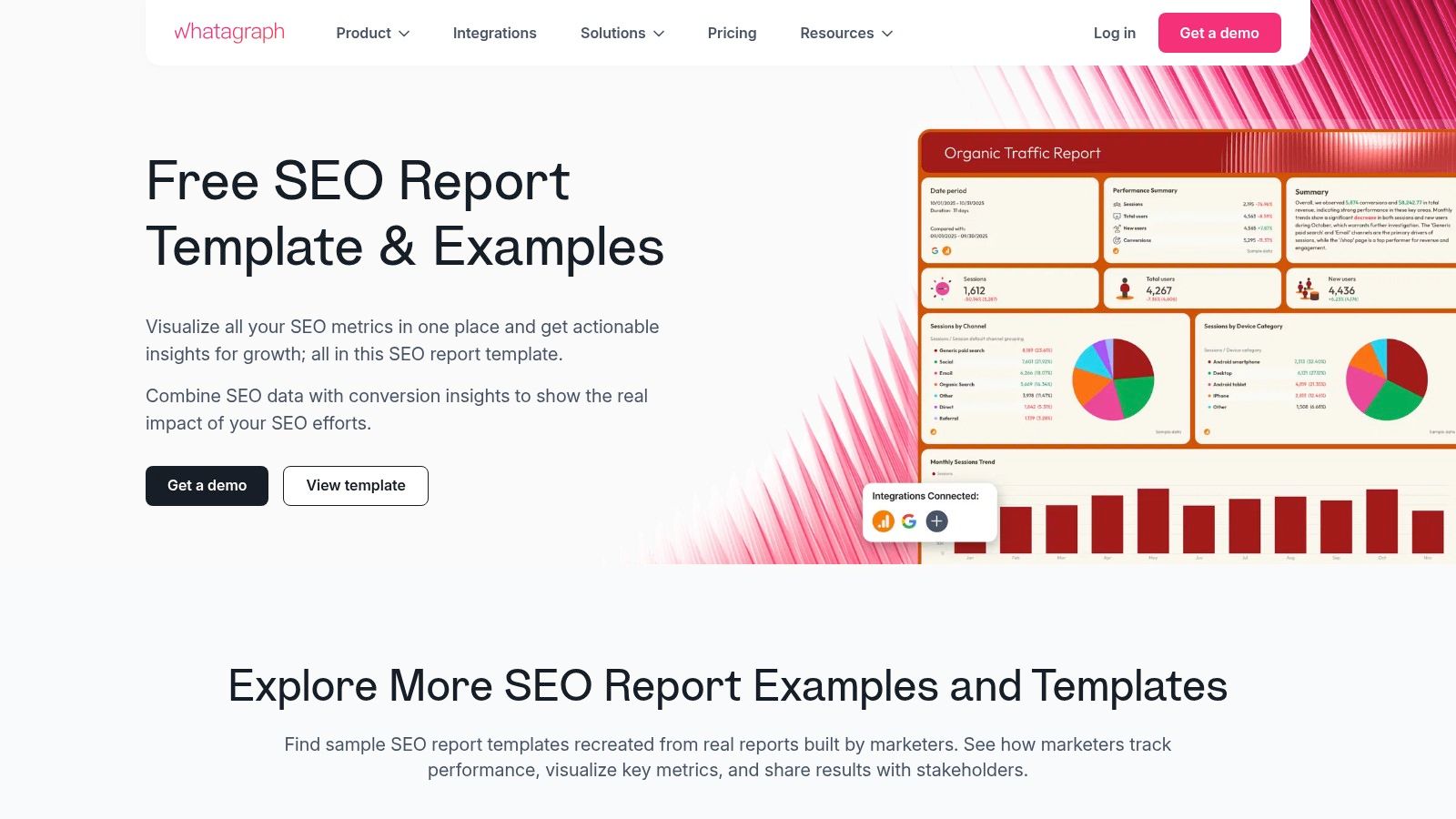
Say your audience is a founder or marketing director who'll give your report ninety seconds. Whatagraph is built for that reader. Its SEO report template organizes performance, organic visibility, traffic, and conversions into a visual report that's easy to scan and share.
It reports visibility, traffic, rankings, conversions, and revenue in one view, with customization and sharing built in. The AI summaries and recommendations based on connected data give you a first draft of commentary. Treat it as a draft, not an answer. An AI summary can describe a dip. It can't know your client paused a product line or shipped a redirect change.
Stakeholder trust is exactly why human review matters. In a 2026 survey of 103 senior North American marketers in the MMA Global state of marketing analytics report, only 30% trusted their KPIs enough to drive strategy and only 29% could trace decisions to a data-supported rationale.
Whatagraph is a reporting platform, not a free spreadsheet. Its full value depends on data connections and setup. For non-SEO stakeholders, that polish earns its keep. For diagnostic work, you'll still drill into source tools.
5. DidYouSEO
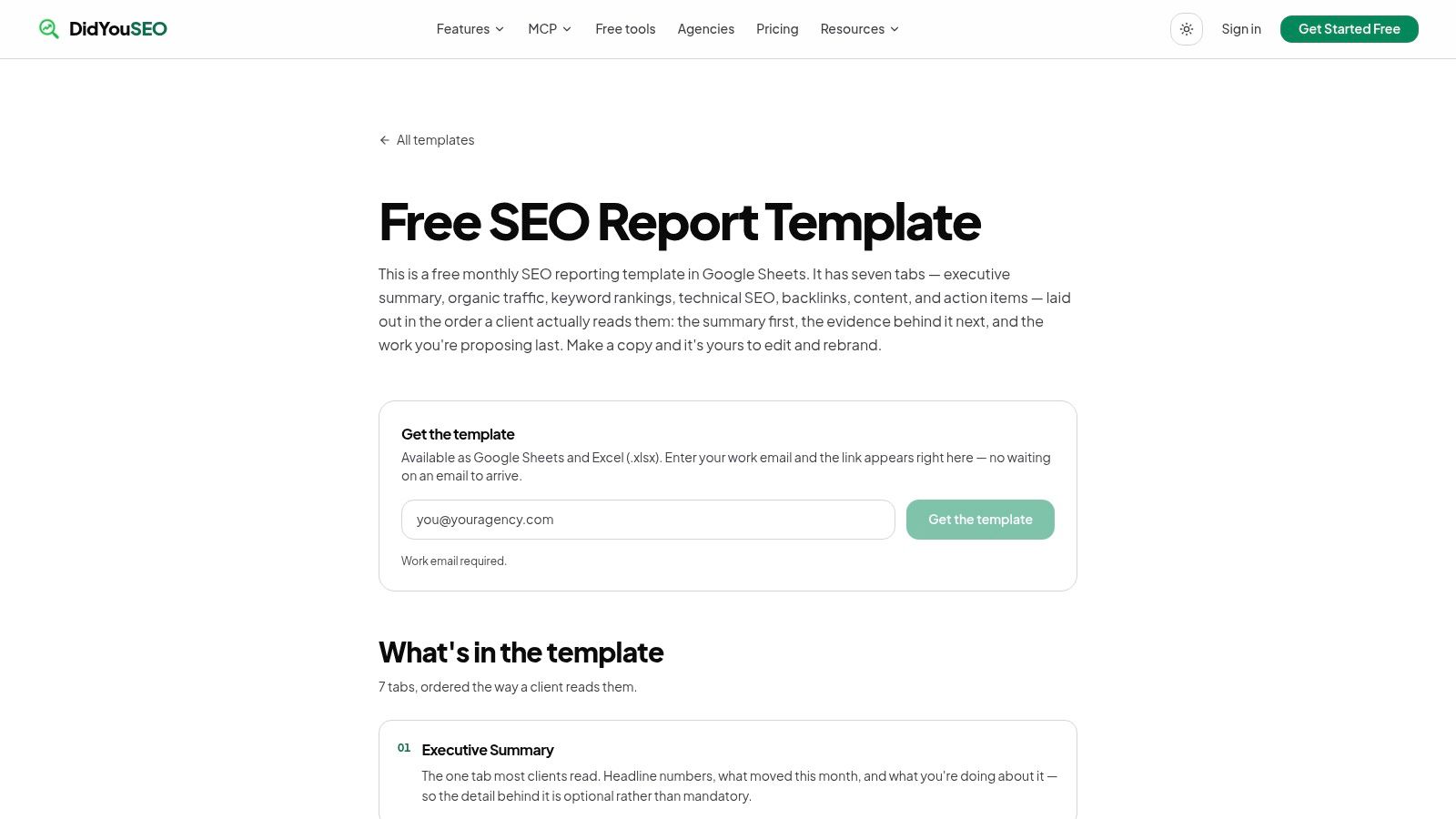
DidYouSEO is the manual handoff option. It's a free, editable workbook for Google Sheets and Excel with seven tabs covering an executive summary, organic traffic, rankings, technical SEO, backlinks, content, and action items.
That spread is its strength. Most free templates skip either technical health or the action list. This one makes you fill both in, and the action items tab keeps next steps attached to the numbers that justified them. Month-over-month traffic and ranking fields are built in, and you can edit and rebrand freely.
- Best fit: Freelancers and small agencies who want one workbook per client and don't mind manual entry.
- Manual work: Every metric, every month. It doesn't import data automatically.
- Access catch: Download requires a work email.
Manual entry has one hidden benefit. You look at each number as you type it, so you notice the odd drop before the client does. It has an obvious cost too. At five or more clients, this becomes a day of copying.
Version notes matter in a manual file. Add a line recording your analytics platform and any migration date, so year-over-year comparisons stay honest when definitions change underneath you.
6. SEOJuice
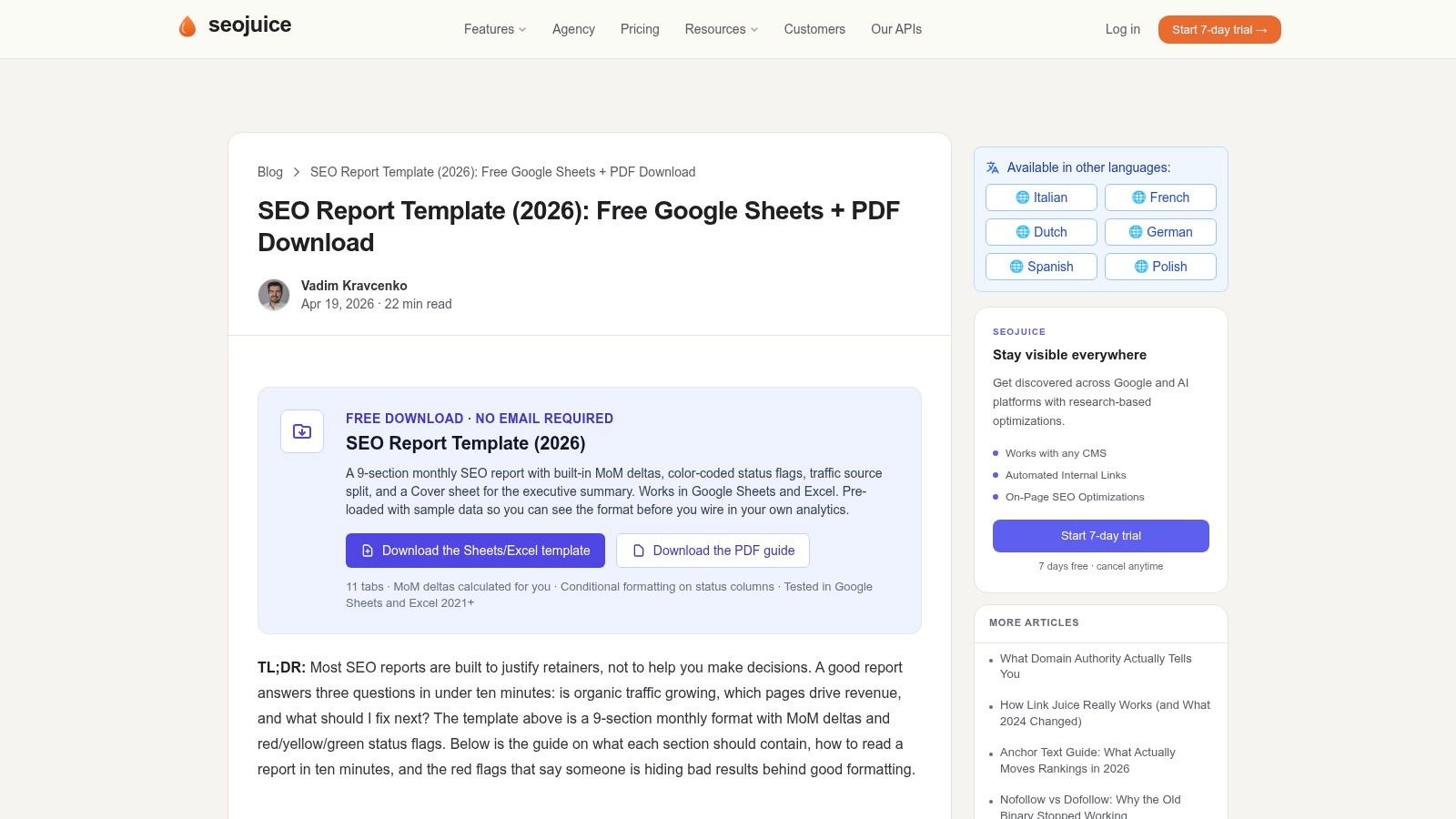
SEOJuice goes bigger. Its reporting workbook for Google Sheets and Excel has 11 tabs and nine reporting sections, with sample data, built-in month-over-month calculations, and color-coded status flags.
Sample data sounds minor. It isn't. Seeing a completed tab teaches a new hire what good looks like faster than written instructions do. Built-in comparisons also remove a class of spreadsheet errors, since you aren't hand-writing percentage formulas at midnight before a client call. No email is required, according to the provider.
The Manual Diagnosis Problem
The workbook calculates change. It doesn't explain it. That gap is where monthly reports usually fail, because a percentage alone can't separate your work from seasonality, brand demand, an algorithm update, or a tracking change. The Ambeltek SEO report template guide supports mapping each intervention to affected URLs and an observation window, then comparing treated pages with similar unchanged pages as a directional control.
Use that approach inside this workbook. Add an intervention log tab. Otherwise you'll have precise deltas and vague commentary.
It doesn't connect to live data, and 11 tabs may be excessive for simple client updates. Delete sections you won't maintain. Empty tabs make a report look abandoned.
7. Seller's Bay
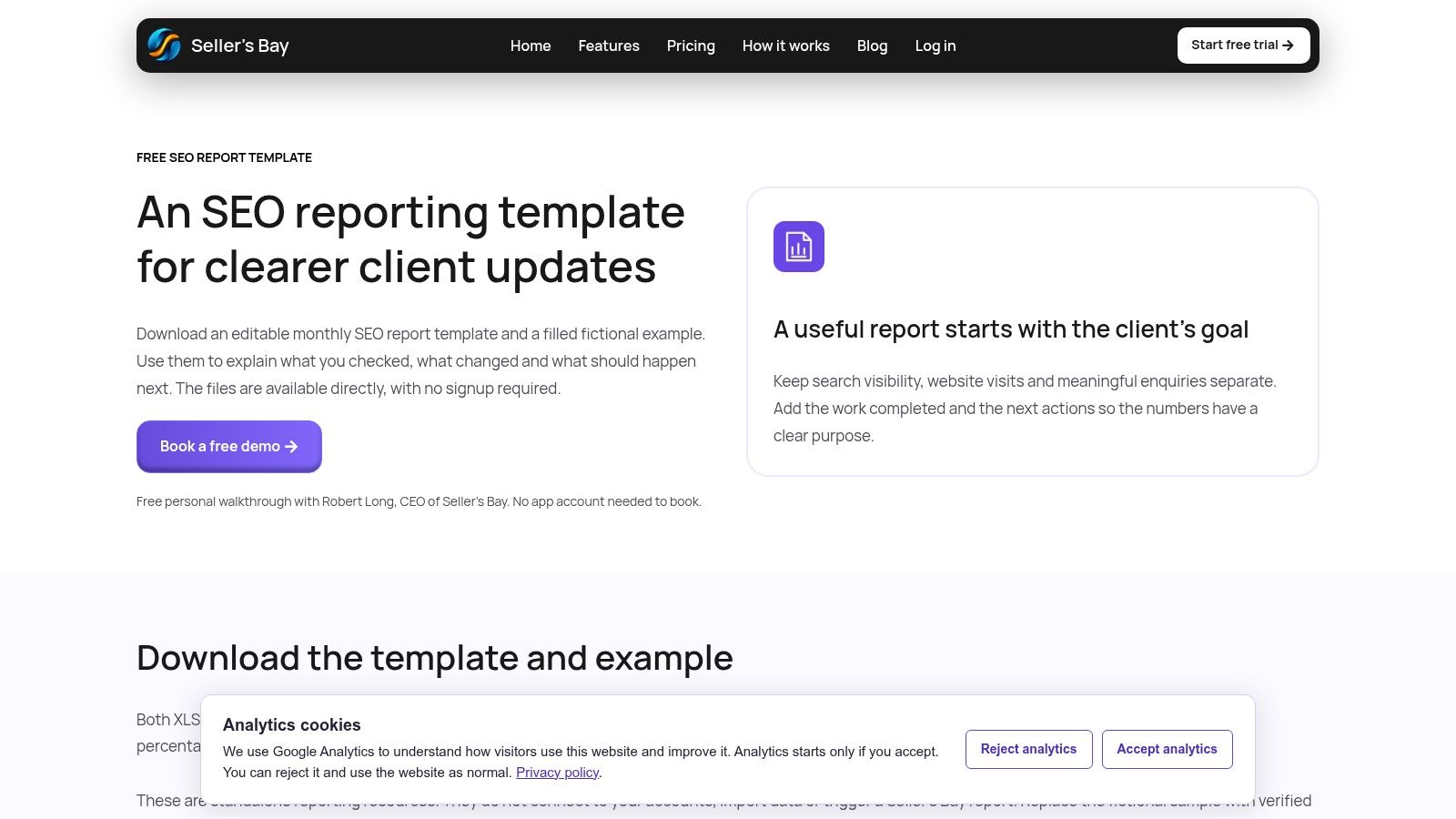
Seller's Bay takes the opposite approach to SEOJuice. It's a free, editable XLSX workbook with just two sheets, Report and Actions, plus a percentage-change calculation. Downloads are available without signup.
The best part is the fictional completed example that ships alongside the blank file. It shows exactly how to fill each field, and it clearly labels its figures and tasks as fictional. That's honest and useful, especially for a solo site owner sending their first report upward.
A short report you send every month beats a thorough one you abandon in month three.
Two sheets also enforce discipline on metric count. In 2025, 46% of marketers tracked three to five SEO metrics and 40% tracked six to ten metrics, according to a Databox survey cited in the DaxRM SEO in 2025 report. A compact template keeps you in that sane range instead of reporting everything you can measure.
The limits are plain. Data entry is manual, and there are fewer dedicated sections than templates covering technical SEO, content, and backlinks. If technical health is part of your retainer, you'll need a separate audit summary. For a monthly pulse check with clear actions, this does the job.
8. Gatilab
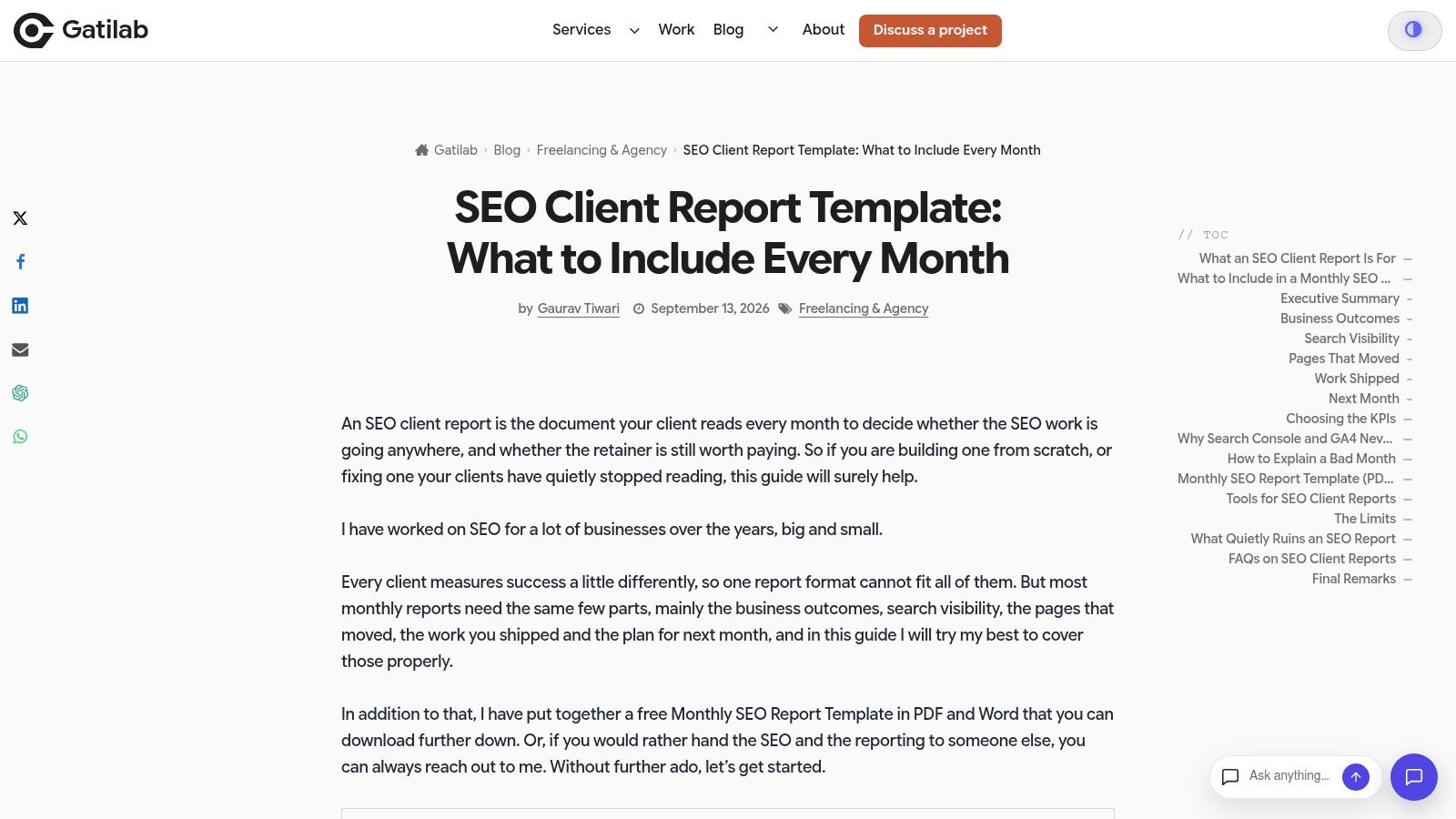
Gatilab is built around narrative, not data feeds. The free template comes in PDF and Word, with summary, outcome, and visibility tables, page winners and losers, completed work, and next-month commitments. It can be rebranded for client use.
Two elements set it apart. First, page winners and losers force you to name specific URLs instead of hiding behind sitewide averages. Second, it includes a checklist for investigating a weak month. Most templates assume good news. This one gives you a process for the call where traffic fell and the client wants to know why.
That process should include a platform check before you blame rankings. Google announced standard Universal Analytics properties would stop processing new hits on July 1, 2023, with Universal Analytics 360 following on July 1, 2024, in Google's GA4 preparation announcement. Reports spanning that window can show a measurement break that looks like a performance drop.
The trade-offs are real. It doesn't automatically retrieve or verify data, and it isn't suited to live dashboards or automated delivery. I'd pick it for consultants whose value is judgment and explanation, not reporting volume.
9. Rank.ai
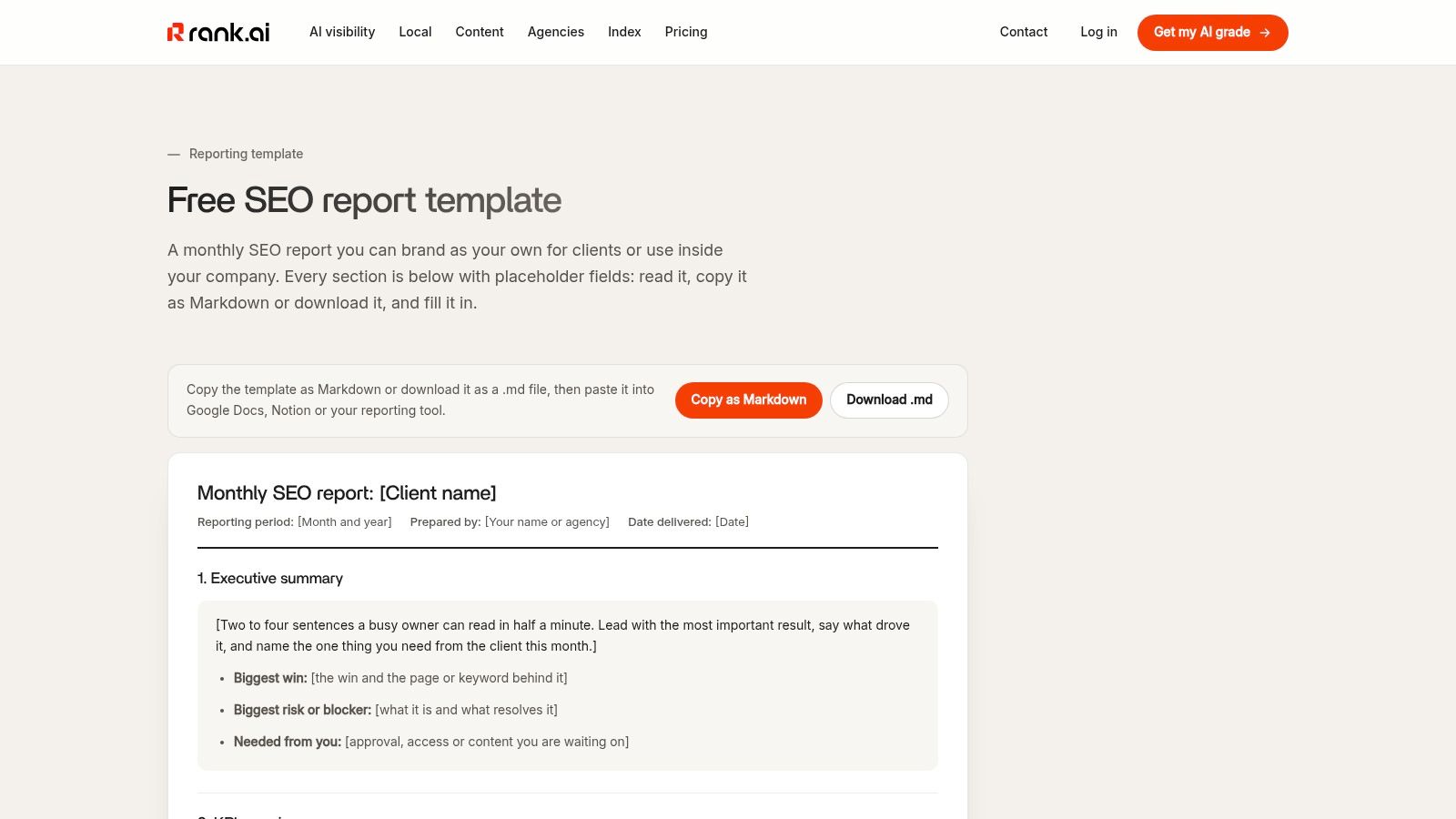
Rank.ai offers its SEO monthly report template as copyable Markdown or a downloadable file, so it drops straight into Docs, Notion, or whatever your team already uses. It covers an executive summary, KPI comparison, ranking movement, completed work, and next-month plans, plus optional sections for AI-search visibility and local performance.
Those optional sections need careful handling. Don't blend AI impressions, citations, and referral sessions into one win. Google's generative AI reporting defines impressions as appearances of a site's URL in AI features in the Google generative AI performance reports announcement, and an impression isn't a visit or a sale. Split presence, exposure, and outcome into separate lines.
Context helps here. In 2025, 73% of marketing agency leaders said artificial intelligence would permanently change marketing in the AgencyAnalytics marketing agency benchmarks report. Clients will ask about AI visibility. Answer with layered evidence, not hype, which is also the standard serious AI SEO work should meet.
It doesn't auto-fill performance data, and some sections depend on Rank.ai products or other sources. For Notion-based teams, the format flexibility outweighs that.
10. Semrush Academy SEO Report Template
Semrush Academy offers a different Semrush route. Instead of an automated platform, this is a customizable Google Sheets starting point created with Steven Schneider, co-founder of TrioSEO. You make a copy in Google Sheets and adapt it to track keywords, rankings, and traffic.
That simplicity suits marketers who want an editable sheet in Google Drive and full control over formulas. It comes from a recognizable SEO software provider, which helps when a manager asks where the format came from. Pair it with solid reporting guidance for SEO agencies so you trim sections that don't drive decisions.
Built for Control, Not Scale
- Access: Requires a Semrush login to get the template.
- Data: No live pull. You enter or paste everything yourself.
- Fit: Strong for one site or a small client roster. Painful at agency volume.
One scale warning applies to any sheet fed from Search Console exports. Large sites hit row limits in manual exports and even API pulls. The Google Search Console support documentation notes the API is limited to 50,000 rows per day per search type, while bulk export to BigQuery sends all available performance data without that daily row limit. When your long tail matters, outgrow the spreadsheet feed, not just the sheet.
How the 10 monthly SEO report templates compare
| Item | Format | Data Connection | Free Option | Best For |
|---|---|---|---|---|
| Semrush My Reports | Automated customizable reports; PDF export | Semrush, GA4, and Google Search Console | No free option specified | Semrush users automating recurring SEO reports |
| AgencyAnalytics | Dashboards and client-facing reports | SEO and analytics data sources | 14-day free trial | Agencies managing recurring client reports |
| Reporting Ninja | Customizable scheduled reports | Google Search Console and GA4 | Free trial; template catalog included | Connecting search performance to conversions |
| Whatagraph | Visual reports with AI summaries | Connected SEO, traffic, and conversion data | No free option specified | Presenting SEO results to stakeholders |
| DidYouSEO | Google Sheets and Excel workbook | Manual data entry | Free editable template | Structured manual client reporting |
| SEOJuice | Google Sheets and Excel workbook | Manual data entry | Free template; no email required | Detailed manual reporting with built-in comparisons |
| Seller's Bay | XLSX workbook | Manual data entry | Free download without signup | Simple reporting and action tracking |
| Gatilab | PDF and Word template | Manual data entry | Free template | Narrative reports with decline-diagnosis guidance |
| Rank.ai | Markdown or downloadable template | Manual data entry; optional external data sources | Free template | Adaptable reports for Docs, Notion, and similar tools |
| Semrush Academy SEO Report Template | Google Sheets template | Manual data entry | Free template; Semrush login required | Marketers who want an editable reporting sheet |
Pick One Template, Then Make It Your Own
Choose by the reporting job, not by layout. A manual workbook gives you control over interpretation but requires hands-on updates. An automated platform reduces report assembly, while a stakeholder-focused format prioritizes a clear business story.
Choose manual control if you report on one site or a handful of clients and your value is interpretation. DidYouSEO, SEOJuice, Seller's Bay, Gatilab, and the Semrush Academy sheet make you review and enter the figures yourself. Gatilab suits narrative reporting and diagnosing a weak month. Seller's Bay offers a compact pulse check. SEOJuice suits detailed workbooks where built-in comparisons reduce formula work.
Choose automated delivery if you send similar reports to many clients and report assembly is taking time away from analysis. Semrush My Reports fits teams already using Semrush. AgencyAnalytics suits multi-client agencies that need annotations, goals, and approval workflows. Reporting Ninja connects Search Console and GA4 data to conversions, but does not include third-party rank data.
Choose stakeholder storytelling if your reader is a founder, executive, or marketing lead who needs the business picture quickly. Whatagraph is built for visual reporting. Rank.ai suits teams working in Notion or Docs that want optional AI visibility and local sections.
Your Next Step This Week
Pick one template and define five KPIs. For each, write a commentary rule: what change triggers an explanation, and what should that explanation cover? Clicks, non-branded clicks, organic conversions, top page gains and losses, and one technical health measure cover common reporting needs.
Organic search can account for a substantial share of site traffic. In 2024, it generated an average of 33% of website traffic across seven major industries, according to the Conductor benchmark analysis of more than 800 domains. Reports should explain what drove a change, not just show that it happened.
Before your next client call, run a test report using last month's data. Fill each section, then delete anything you cannot explain in one sentence. Add an intervention log that connects completed work to affected URLs and an observation window. Put the analytics platform, comparison periods, and data freshness on the first page.
Keep monthly reporting separate from auditing. Monthly reports track progress and decisions; audits examine problems in more depth. When a diagnostic document is needed, model your next SEO audit report on an audit structure instead of expanding the monthly template.
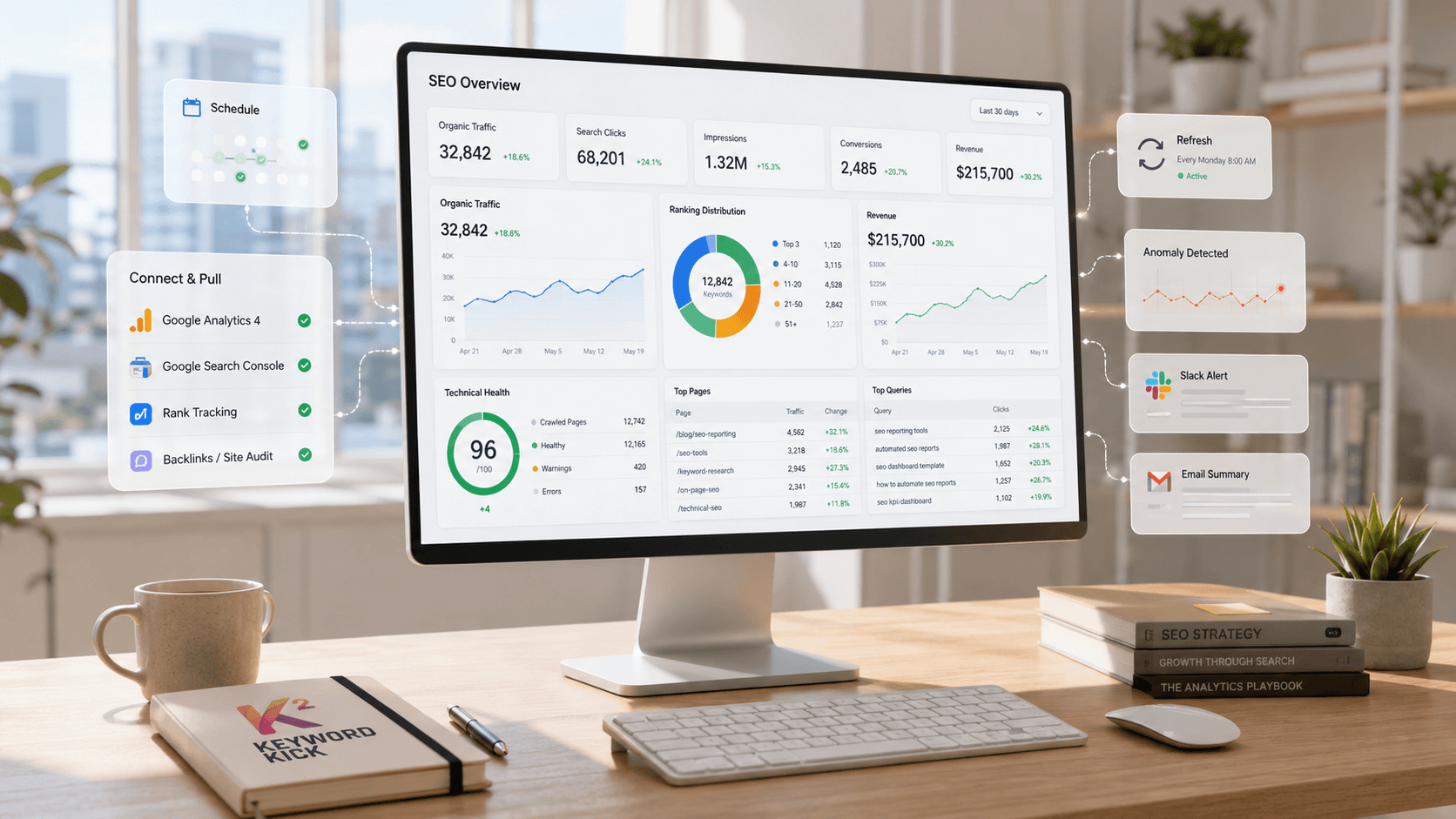
Keyword Kick connects GA4, Search Console, rank tracking, backlinks, and technical SEO signals in one workspace. It analyzes those signals and returns prioritized, data-backed next steps, including guidance on traffic changes and pages to optimize. Start with the Keyword Kick free plan if you want to build your reporting decisions around connected search data.