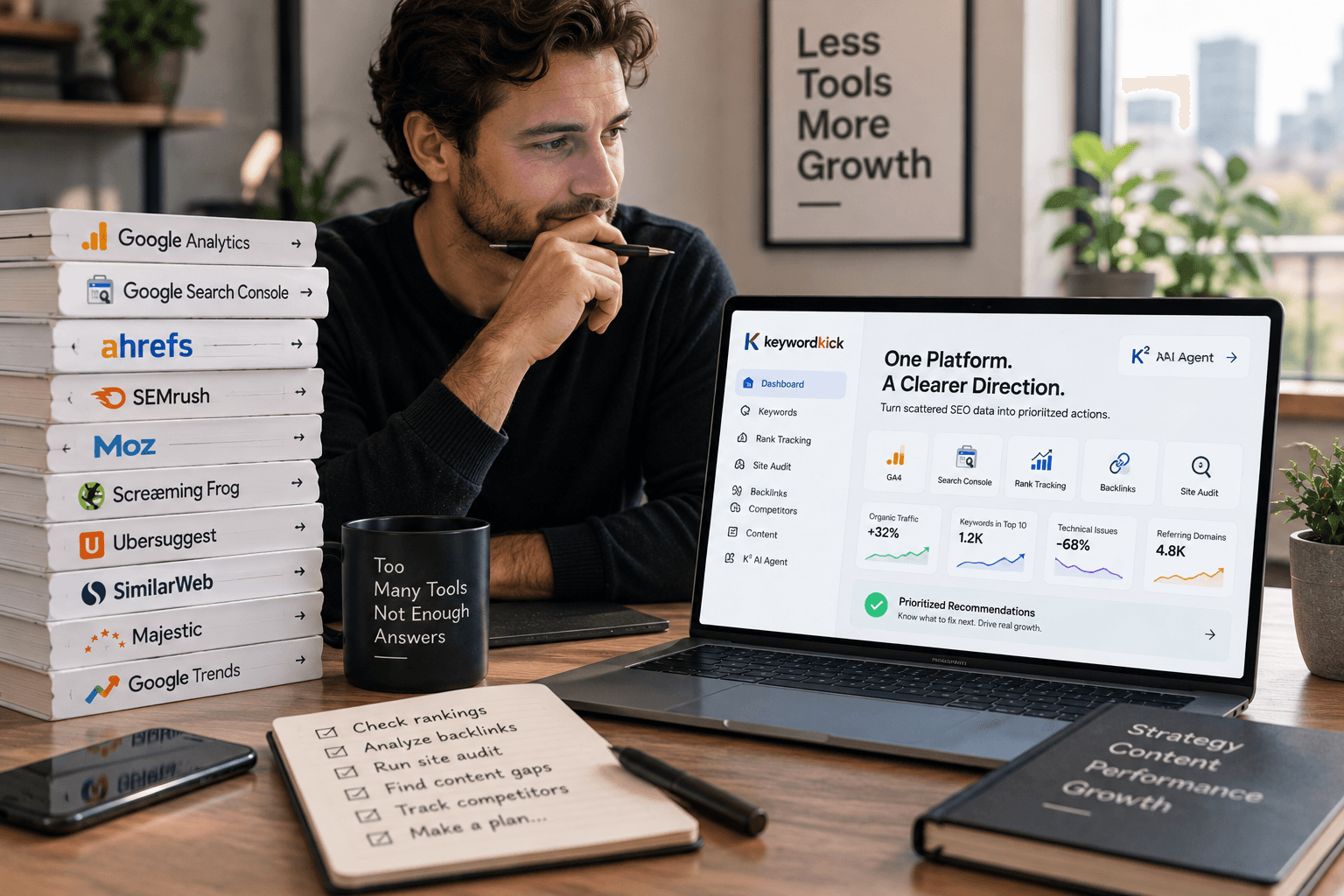
Monday morning. Search Console is down, branded rankings look fine, pipeline is soft, and three people are pulling three different reports to explain the same problem.
That is the reason SaaS teams buy SEO software. The job is not collecting more charts. The job is figuring out what changed, what matters, and what to fix first. For a solo consultant, that usually means replacing manual checks with one reliable workflow. For an agency, it means finding patterns across accounts without wasting analyst time. For an in-house team, it means connecting technical issues, content gaps, rankings, and conversions closely enough to support a decision.
The cost of getting that wrong shows up fast. A traffic drop can come from one cannibalized page cluster, a rendering issue, a lost snippet, or a competitor taking over a high-intent term. If the tool cannot help your team isolate the cause, you burn hours in investigation and still end up guessing on priorities.
That is also why this list focuses on the job to be done for each platform, not a feature checklist. Some tools are better at technical diagnosis. Some are better for competitive research, content optimization, or rank tracking at scale. A few newer platforms are pushing further with AI, turning raw SEO data into recommendations your team can act on.
The right choice depends less on who has the longest feature grid and more on how your team works day to day.
1. Keyword Kick
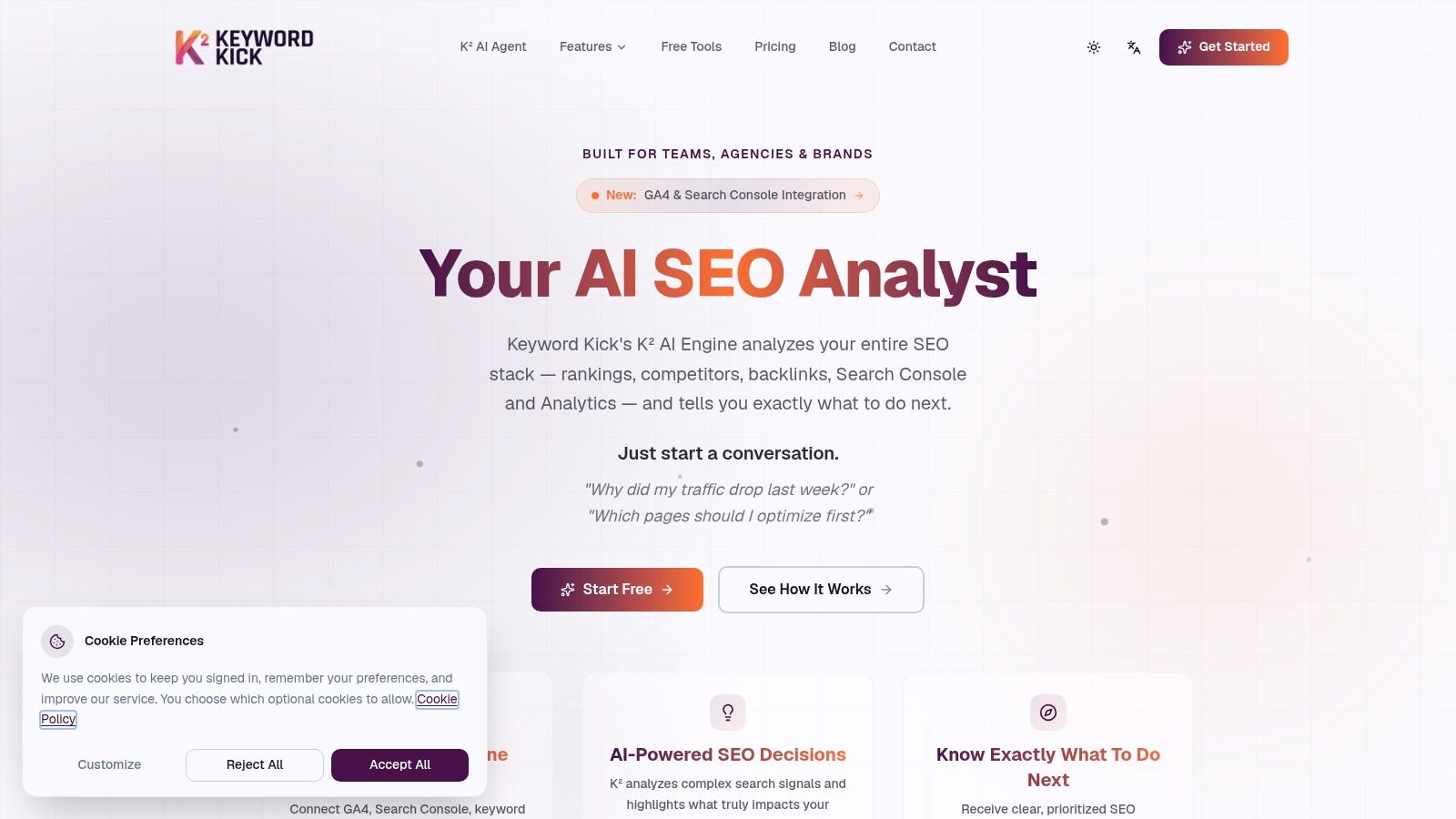
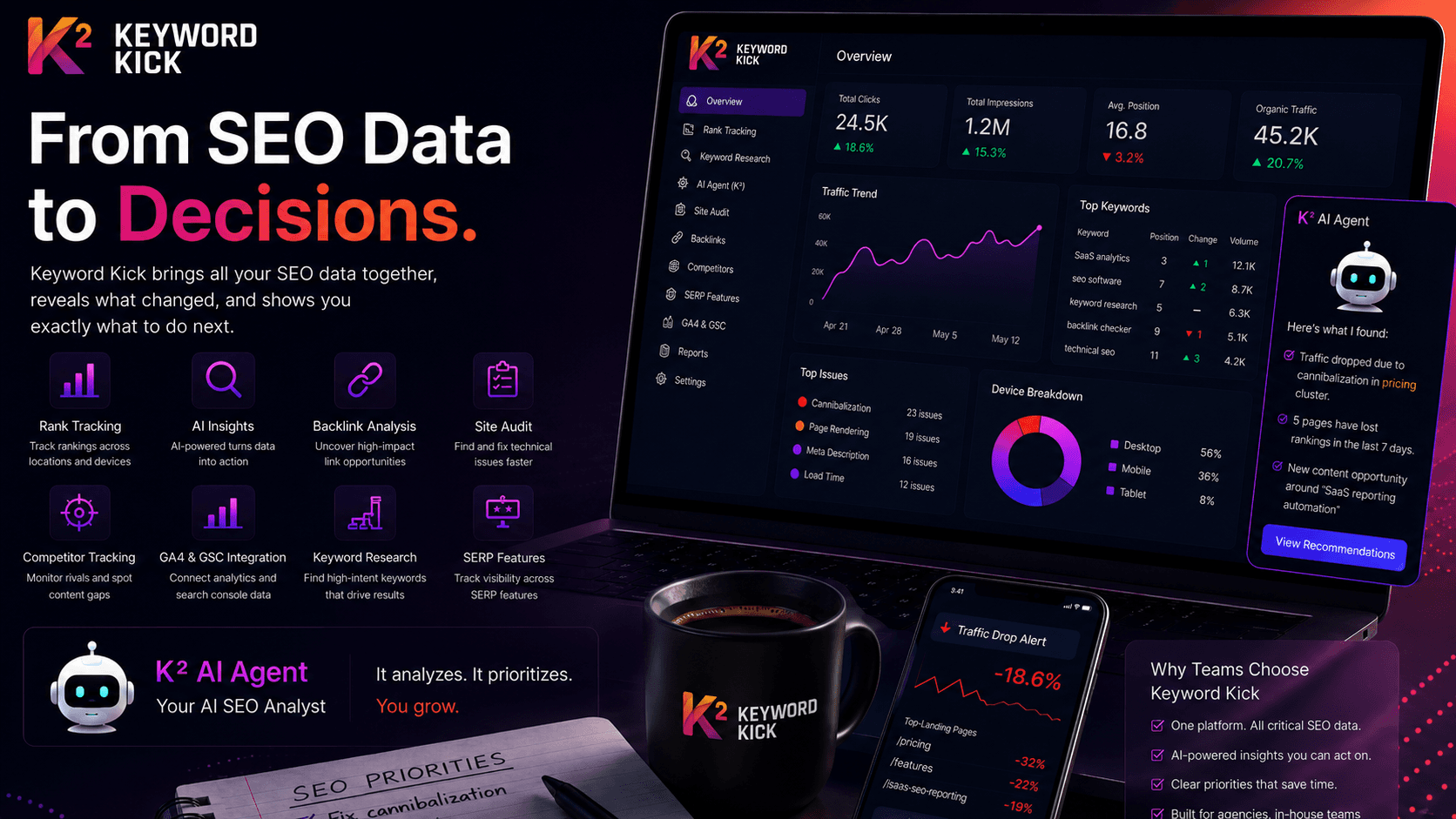
Keyword Kick is the tool I'd put in front of a team that's tired of jumping between dashboards just to answer basic questions like "why did traffic drop?" or "what should we fix first?" It combines rank tracking, backlink analysis, site auditing, keyword research, competitor tracking, SERP feature visibility, and integrations with GA4 and Google Search Console in one workspace. The defining difference is that it doesn't stop at showing data. Its K² AI Agent turns that data into prioritized recommendations.
That matters because most SEO teams don't fail from lack of reports. They fail from unclear prioritization. Keyword Kick is built around the idea that your tool should function more like an analyst than a spreadsheet.
Where Keyword Kick fits best
If you're running an agency, in-house growth team, e-commerce SEO program, or even a solo consultancy with too many moving parts, Keyword Kick is strongest when you need one system to connect fragmented signals. It can ingest GA4, GSC, rank data, backlinks, and technical findings, then surface what changed and what deserves action next.
I also like that it handles the less glamorous work that often gets missed until rankings slide. Native cannibalization detection goes beyond a basic duplicate warning. JavaScript rendering helps with modern sites that hide issues behind client-side rendering. Merchant-feed validation is useful for teams that straddle SEO and commerce operations.
Practical rule: If your current workflow requires exporting data from three tools just to set next week's SEO priorities, you don't have a data problem. You have a workflow problem.
What it does well, and where the limits are
Keyword Kick is especially good for teams that want AI guidance without handing strategy over to a black box. It gives you focused next steps, but your team still owns execution. That's the right balance. SEO software should accelerate judgment, not replace it.
A few trade-offs are worth calling out:
Best strength: It unifies scattered SEO data into one decision layer, which reduces analysis time and cuts down on duplicate investigation.
Best for action: The K² AI Agent can point out traffic drops, content opportunities, cannibalization issues, and technical blockers in a way junior and senior teams can both use.
Real limitation: Lower tiers have tighter limits on tracked keywords and AI messages, so growing agencies may outgrow the entry plans quickly.
Execution gap: It recommends changes, but it won't deploy fixes for you. You still need content, dev, or SEO ops capacity.
Pricing is refreshingly clear. There's a Free Forever plan with no credit card, plus paid tiers starting at $49 per month, then Pro at $119, Business at $249, and Enterprise at $599. Annual billing reduces the cost compared with monthly billing, and paid tiers include trial access. That makes it one of the easier all-in-one platforms to test without procurement drama.
2. Ahrefs
A competitor takes your target term, picks up links from three industry sites, and starts outranking your product page. Ahrefs is one of the fastest ways to figure out what changed and what to do next.
Ahrefs is built for investigation. Site Explorer, Keywords Explorer, Rank Tracker, and Site Audit give SEO teams a clear path from "why did rankings move?" to "which pages, links, and topics should we act on?" That matters for SaaS teams because the job is rarely just keyword research. The job is finding the gap between your site and the pages already winning.
This platform is strongest for competitor mapping and backlink analysis. It helps agencies pitching against entrenched players, in-house teams entering crowded categories, and consultants who need to audit a market quickly without stitching together five exports. If your workflow starts with, "show me the pages earning links, the terms we miss, and the content clusters we still haven't built," Ahrefs usually earns the tab it occupies.
Its newer AI search features also make it more useful than the old "backlink tool" label suggests. Brand Radar and prompt tracking help teams watch how brand visibility is showing up beyond classic blue-link rankings. For teams comparing suites before they commit, this Semrush vs Ahrefs comparison for SEO workflows is useful because the key difference is usually how your team works, not whether either platform can cover the basics.
The trade-off is cost and focus.
Ahrefs is expensive for solo operators who only need rank tracking or light reporting. It also goes deeper in research than in execution, so it will tell you where the opportunity is, but your team still needs writers, editors, and developers to turn that insight into traffic. That is a fair trade if competitive research is the bottleneck. It is less compelling if your bottleneck is publishing speed or stakeholder reporting.
3. Semrush
Semrush is for teams that want breadth first. It doesn't just cover SEO. It reaches into content, advertising, PR, reporting, and competitive market intelligence. If your organization prefers one vendor for multiple digital workflows, Semrush is often the practical choice.
Its SEO toolkit is mature, and the newer AI Visibility features make it more relevant than older perceptions of the platform suggest. Position Tracking, Site Audit, keyword research, and cannibalization analysis are all useful. The question isn't whether Semrush can do the work. It can. The question is whether your team will use enough of it to justify the complexity.
Where Semrush wins
Semrush works best for in-house marketing departments and agencies that run integrated programs. If SEO, content, paid media, and reporting live under one roof, having one shared platform can reduce tool sprawl.
For teams comparing the two biggest all-in-one suites, this breakdown of Semrush vs Ahrefs differences is useful because the gap usually comes down to workflow preference, not raw capability. Ahrefs often feels sharper for backlink and competitor investigation. Semrush often feels broader and more modular for cross-channel teams.
A few grounded trade-offs:
Use it when: You need one system for SEO plus adjacent marketing work.
Avoid it when: You only need rank tracking and content planning. It's too much platform for that.
Watch for: Seat costs and add-ons. The base plan rarely ends up being the final cost for larger teams.
Semrush is the kind of tool that can become either your operating system or your most expensive underused subscription. Adoption discipline matters.
4. Moz Pro
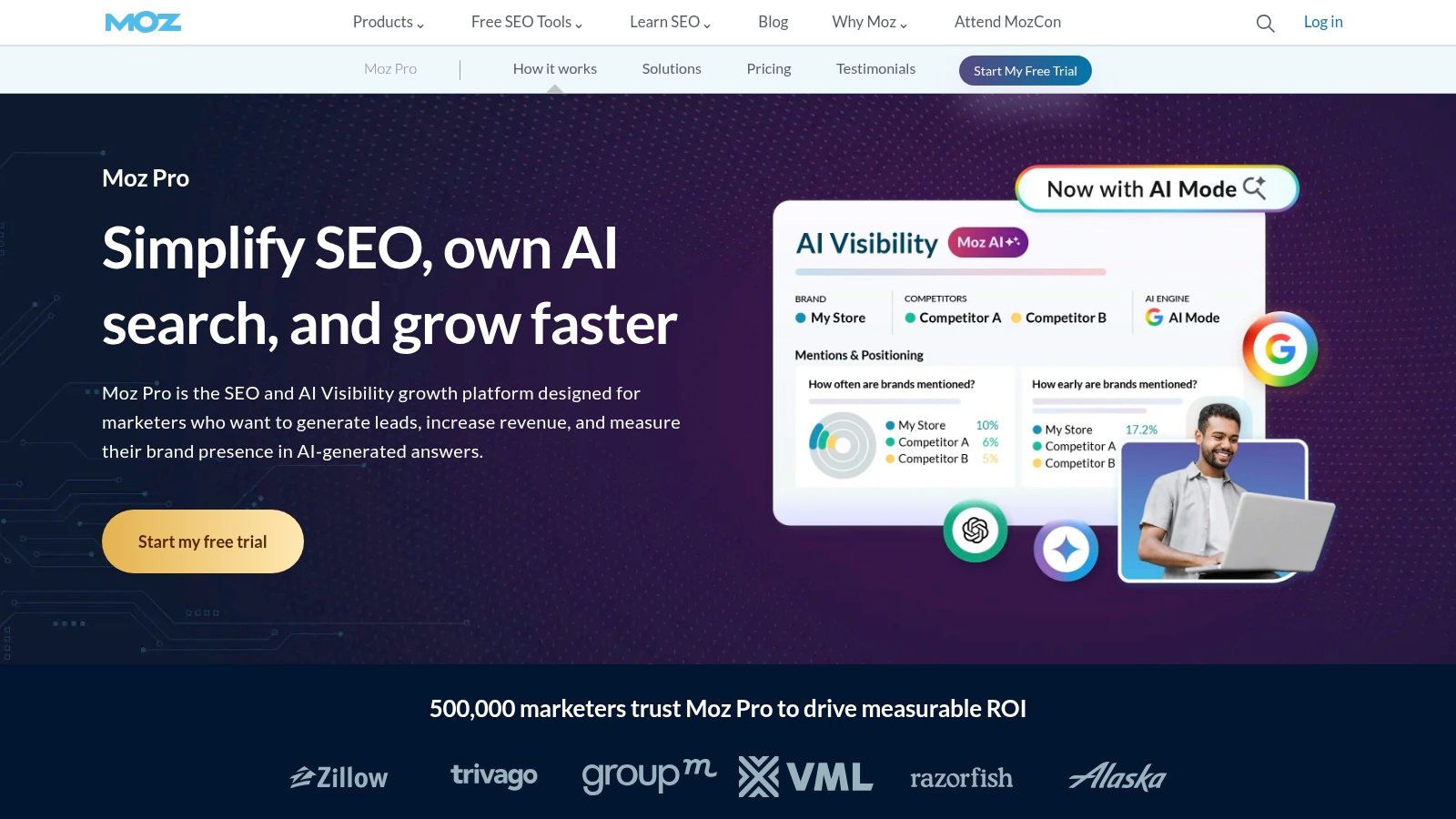
Moz Pro still has a place, especially for teams that want an approachable all-in-one suite without a punishing learning curve. Keyword Explorer, Rank Tracker, Site Crawl, and Link Explorer are enough for a lot of SMB and agency work. MozBar is also still handy when you want quick SERP and page-level checks without opening a full platform.
Moz's value isn't that it has the flashiest AI story. It doesn't. Its value is that teams can get productive quickly. That matters more than feature depth if your team won't use the advanced features elsewhere.
Who should pick Moz Pro
Moz Pro is a good fit for smaller agencies, marketing teams without a dedicated technical SEO lead, and businesses that want a stable toolkit they can learn fast. If your team is still building SEO process maturity, Moz often feels less overwhelming than larger suites.
If you're evaluating broader platforms, this list of all-in-one SEO tools gives useful context on where Moz sits. It tends to win on usability and onboarding, not on cutting-edge AI search monitoring.
What works: Moz helps teams build a repeatable SEO routine.
What doesn't: It's not the platform I'd choose if AI search tracking is a top requirement today.
Moz is a sensible choice when consistency and ease of use matter more than being first to every new feature category.
5. SE Ranking
SE Ranking has become a serious option for agencies and multi-site teams that want strong value without dropping into enterprise pricing. It covers rank tracking, audits, backlink research, keyword discovery, competitor analysis, reporting, and integrations with GA4, GSC, and Looker Studio. For many teams, that bundle is enough to run day-to-day SEO without feeling underpowered.
The platform's appeal is practical. Limits are easier to understand than with some larger suites, and scaling up feels less punishing.
Best use case for SE Ranking
SE Ranking is a strong fit when your workflow is client-heavy or project-heavy. Agencies managing multiple sites often care as much about transparent usage and reporting as raw feature depth. SE Ranking handles that balance well.
Its AI search visibility features are also relevant, though some of them sit behind add-ons. That's not a dealbreaker, but you need to budget with open eyes. Don't compare only sticker prices. Compare the actual plan you'll need once reporting, AI search monitoring, and higher usage come into play.
What I like most is that SE Ranking doesn't force an enterprise mindset on smaller teams. It feels operational, not bloated.
6. Serpstat
Serpstat is the tool I think of when a team wants broad coverage and cares a lot about budget discipline. It gives you keyword research, domain analysis, rank tracking, site auditing, backlink data, API access, and integrations in one suite. It isn't usually the first name people bring up in enterprise conversations, but that's also why it can be attractive.
For agencies with many domains or consultants handling varied clients, Serpstat often covers more jobs than expected for the price point.
Where Serpstat makes sense
Use Serpstat when you need a broad SEO and SEM toolkit and don't need every dataset to be the deepest in the category. That's the key trade-off. You get range and affordability, but not always the same data depth or freshness people expect from the top-tier leaders.
Good fit: Agencies juggling audits, ranking checks, and keyword research across many smaller accounts.
Less ideal: Teams whose SEO strategy depends heavily on elite backlink intelligence or highly specialized enterprise reporting.
Quiet advantage: API and integration options make it more useful than many "budget" labels suggest.
This is the kind of platform that wins when procurement asks for efficiency and the team still needs a real operating tool, not a stripped-down toy.
7. Conductor
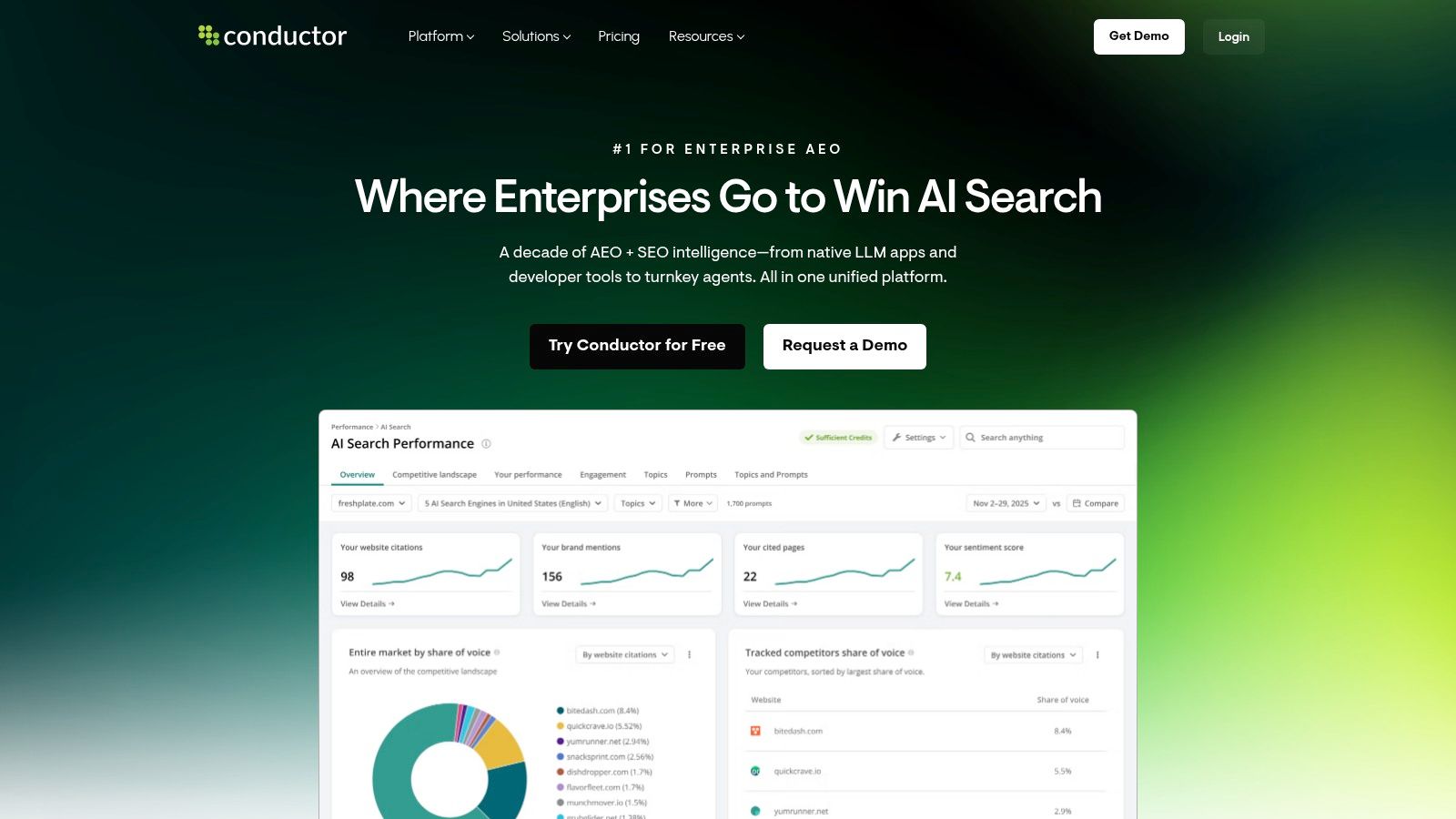
Conductor makes sense when the hard part of SEO is no longer research. The hard part is getting content teams, product managers, developers, and regional stakeholders to act on the same priorities without losing momentum.
That is the job Conductor is built for.
It combines AI visibility tracking, content guidance, site monitoring, and workflow support in one platform. For enterprise teams, that matters more than adding another keyword database. Conductor is designed to help large organizations turn search insights into assigned work, approved projects, and published updates.
Why enterprises buy it
On big teams, SEO often breaks down in handoffs. The team already knows which pages need updates or which technical issues are blocking growth. What slows progress is coordination across multiple owners, approval layers, and business units. Conductor is stronger on that operating model than tools that focus mainly on research depth.
This makes it a better fit for in-house enterprise teams than for a solo consultant or a small startup. If one strategist owns everything, Conductor can feel heavy for the job. If ten or twenty people touch SEO outcomes, the structure starts to pay off.
A practical trade-off matters here. You are not buying Conductor because it wins every head-to-head comparison on raw link data or niche technical analysis. You buy it because your SEO program needs governance, shared visibility, and a clearer path from insight to execution.
For lean in-house teams inside large companies, software alone rarely solves the problem. Workflow alignment does.
The limitation is straightforward. Conductor is expensive relative to lighter tools, and smaller teams often will not use enough of its workflow and collaboration layer to justify that cost.
8. Botify
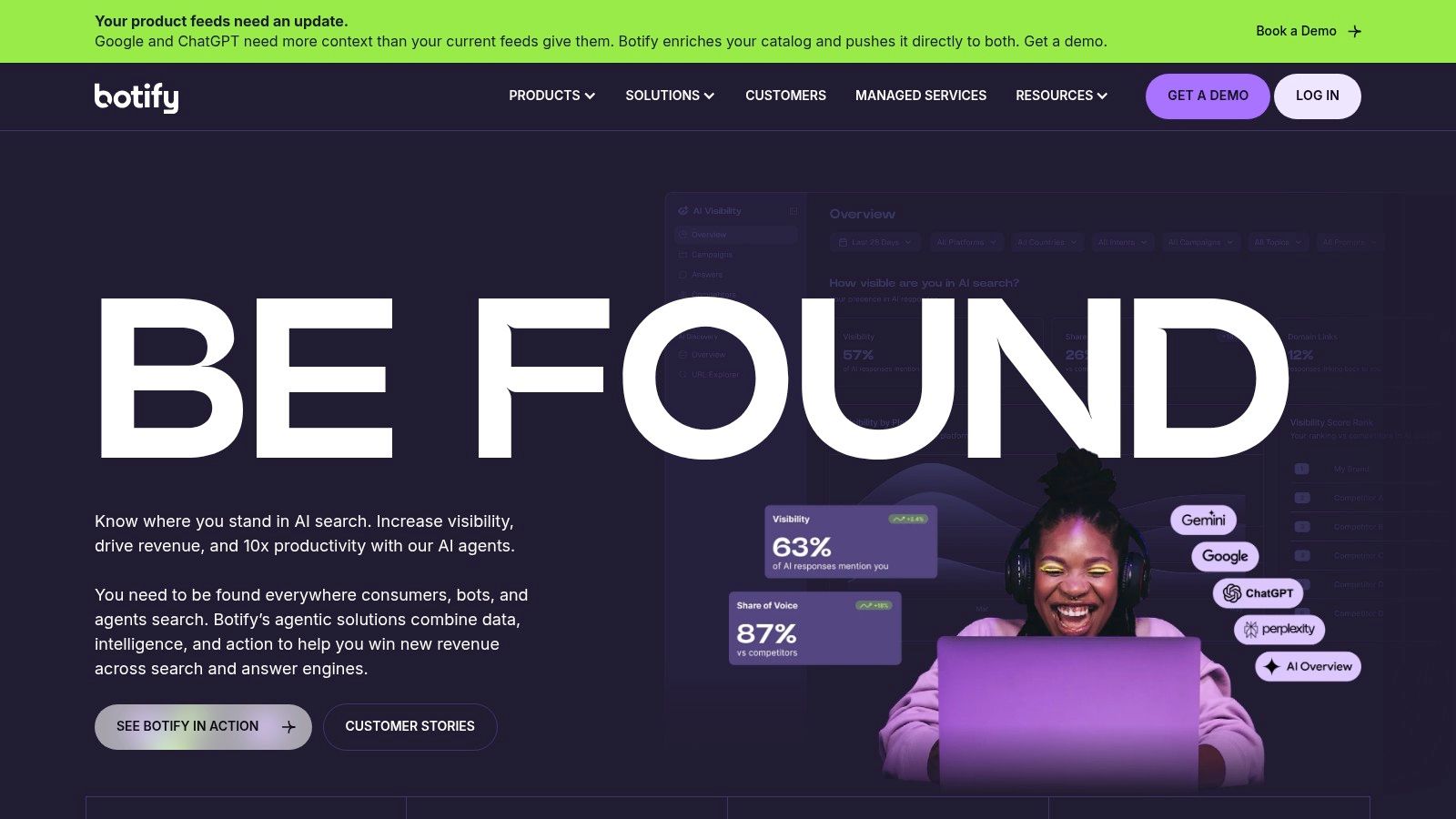
Botify fits teams that need to answer a hard technical question: are search engines reaching, rendering, and prioritizing the pages that matter? That job shows up on large ecommerce sites, publisher archives, marketplaces, and international web properties where millions of URLs, template rules, and crawl traps distort what simpler audit tools report.
Its value is not in being another all-purpose SEO suite. Botify earns its keep when technical SEO is tied to revenue and small indexing mistakes affect thousands of pages at once.
The real job Botify solves
On large sites, the problem is rarely "we need more recommendations." The problem is figuring out which URLs bots spend time on, which templates fail to render correctly, where internal linking wastes crawl budget, and which technical fixes will change indexation or organic traffic in a measurable way. Botify is built for that level of diagnosis, with enterprise crawling, log analysis, rendering data, and forecasting that help technical teams prioritize work instead of shipping blind.
That makes it a strong fit for organizations with engineering support and a site architecture complex enough to justify that analysis.
The trade-off is simple. Botify has a narrower job than tools built for broad keyword research or editorial planning. If the site is a few thousand pages on a standard CMS, a lighter crawler plus a general SEO platform is often enough. If the site has faceted navigation, JavaScript rendering issues, multiple regional versions, and high-value category pages fighting for crawl attention, Botify starts to look less like a luxury and more like infrastructure.
It also reflects a broader shift in SaaS SEO tools. AI is pushing more platforms to generate recommendations faster, but Botify is still most useful when the team needs evidence from actual bot behavior, not another layer of surface-level suggestions.
9. Surfer
A common SaaS content problem looks like this. The strategy is set, the keyword list exists, writers are shipping drafts, and traffic still stalls because briefs are too loose and on-page standards change from one article to the next. Surfer fits that workflow. It gives content teams a faster way to turn a target topic into a draft with clearer requirements around headings, term usage, structure, and content depth.
That makes Surfer useful for teams trying to increase publishing velocity without letting every article become a one-off SEO experiment.
The real job Surfer solves
Surfer is best for editorial execution. It helps content leads standardize what "optimized" means across freelancers, in-house writers, and agencies. The Content Editor is the main draw because it reduces briefing time and gives writers concrete targets inside the draft instead of burying guidance in a separate document.
The trade-off is straightforward. Surfer is strong at improving pages you already plan to publish, but it is weaker at helping you decide what to prioritize across the whole SEO program. It will not replace backlink research, technical diagnostics, or market-level keyword discovery. Teams usually get the most value from it when strategy happens elsewhere and Surfer handles production quality control.
This is also where AI-driven SEO tools are changing the workflow. Surfer and similar platforms help teams produce optimized drafts faster, but speed only matters if the content maps to the right job. A solo consultant may use it to tighten briefs and reduce editing time. A growing agency may use it to keep multiple writers aligned. An in-house team may use it to scale output across product-led pages, comparison pages, and supporting blog content.
If rank tracking is part of that workflow, pair Surfer with one of these rank tracking tools for monitoring movement after publication. Surfer can help improve the page. You still need another system to confirm whether those changes moved the needle.
10. AccuRanker
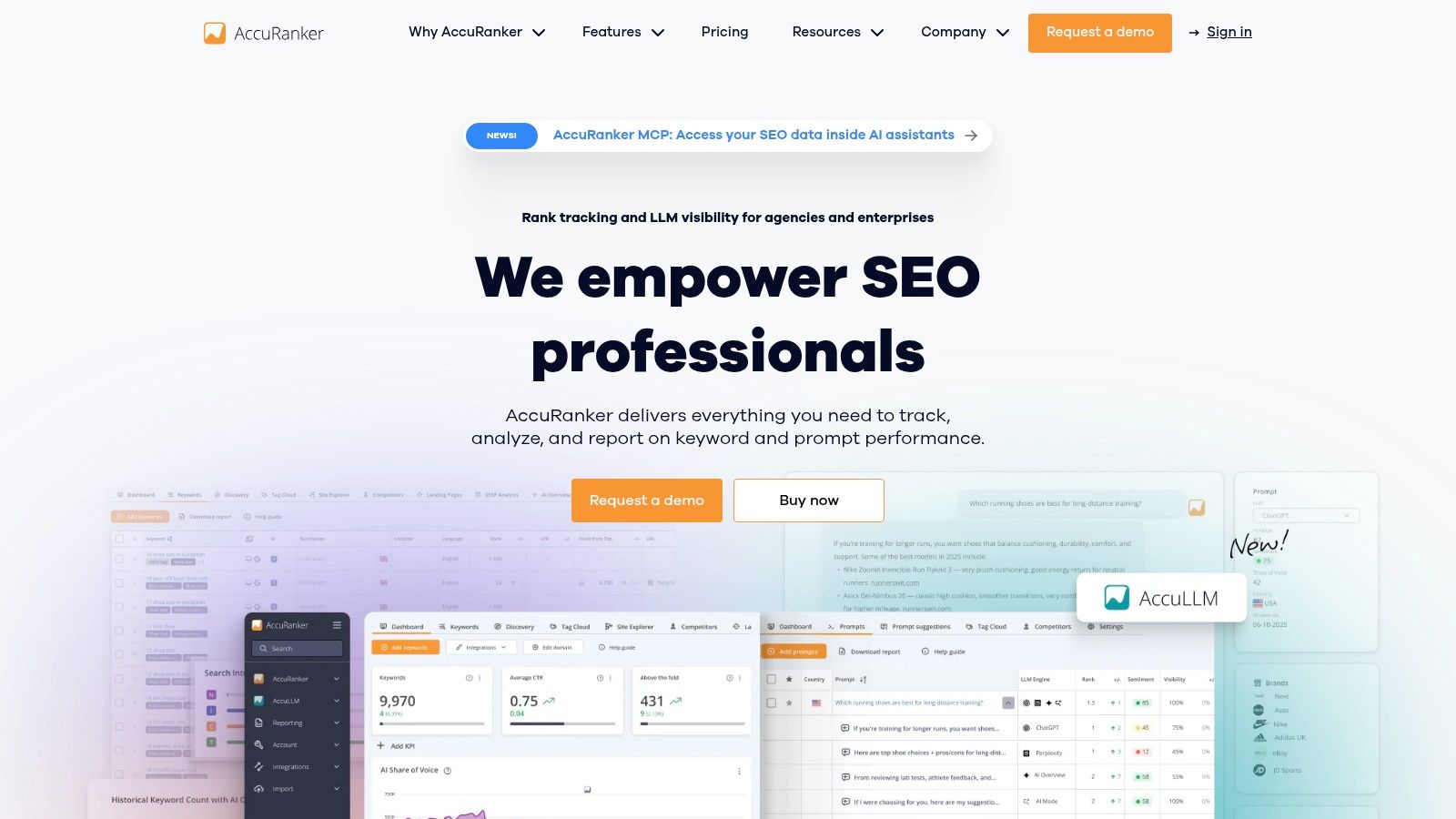
AccuRanker is a specialist tool, and that's exactly why people buy it. If your biggest need is fast, reliable rank monitoring across a large keyword set, it does that job well. The interface is quick, segmentation is strong, and white-label reporting is useful for agencies.
Specialist tools often look narrower on paper than they feel in practice. Rank tracking sits at the center of reporting, client communication, and experiment validation, so a focused platform can earn its keep.
Best for teams that care about rank movement every day
AccuRanker is best for agencies, in-house teams with active reporting cadences, and brands that need to monitor keyword movement closely across markets or device types. The pricing model is straightforward because you're paying by tracked keywords rather than trying to decipher a giant bundled suite.
If you're comparing dedicated trackers, this roundup of rank tracking tools is a useful reference point. AccuRanker usually stands out for speed and reporting rather than broad SEO research.
One strategic caveat. Don't confuse rank tracking with full SEO intelligence. Rankings tell you what moved. They don't tell you why. That's why AccuRanker works best paired with a broader audit, keyword, or analytics platform.
Top 10 SaaS SEO Tools Comparison
Tool | Core features | Quality & UX ★ | Value & Price 💰 | Target 👥 | Unique strengths ✨ |
|---|---|---|---|---|---|
Keyword Kick 🏆 | Rank tracking, backlinks, site audits, keyword research, K² AI, GA4+GSC sync | ★★★★☆ daily updates, actionable UI | 💰 Free Forever; Starter $49/mo; 7‑day trial on paid tiers | 👥 Agencies, in‑house growth, e‑comm, solo creators | ✨ Per‑project K² AI analyst, cannibalization detection, JS rendering, built‑in ticketing |
Ahrefs | Site Explorer, Keywords Explorer, Rank Tracker, Site Audit, large backlink index | ★★★★★ deep link data, robust reporting | 💰 Premium tiers; free features for own site | 👥 Agencies & teams needing deep backlink intel | ✨ Industry‑leading backlink index & always‑on crawler |
Semrush | Keyword research, Position Tracking, Site Audit, AI Visibility, content/PR tools | ★★★★☆ very broad feature coverage | 💰 Mid‑high; add‑ons increase cost; 7‑day trial | 👥 Cross‑channel marketing teams & agencies | ✨ Wide marketing toolkit + AI Visibility tracking |
Moz Pro | Keyword Explorer, Rank Tracker, Site Crawl, Link Explorer, MozBar | ★★★☆☆ intuitive UX, strong learning resources | 💰 Lower entry price; add‑ons for scale | 👥 SMBs, beginner agencies, educators | ✨ MozBar, Domain/Page Authority metrics, gentle learning curve |
SE Ranking | Rank tracking, site audits, backlink/keyword research, AI add‑ons | ★★★★☆ transparent limits, reliable tools | 💰 Budget‑friendly; generous trials & clear limits | 👥 Agencies managing multiple projects | ✨ Transparent quotas, flexible scaling, Looker Studio/GA4 integrations |
Serpstat | Keyword research, domain analysis, rank tracking, site audit, API | ★★★☆☆ broad toolkit; some data latency reported | 💰 Competitive pricing; API credits for scale | 👥 Cost‑sensitive teams & agencies | ✨ API/MCP integrations, planner/pricing calculator |
Conductor | AEO/SEO intelligence, content workflows, site health monitoring | ★★★★☆ enterprise workflows & collaboration | 💰 Quote‑based, premium | 👥 Large brands & enterprise SEO programs | ✨ Marketplace for SEO services; programmatic content workflows |
Botify | Advanced crawling, rendering, log analysis, forecasting & automation | ★★★★☆ enterprise‑grade technical SEO | 💰 Quote‑based enterprise pricing | 👥 Very large or highly complex sites | ✨ Deep crawl/render, log‑file analytics, bot management |
Surfer | Content Editor (NLP), SERP Analyzer, on‑page audits, AI components | ★★★★☆ fast to value for content teams | 💰 Mid‑priced; transparent plans | 👥 Content & growth teams, SEOs focused on on‑page | ✨ NLP content briefs, entity coverage, quick briefs→publish workflow |
AccuRanker | Daily/on‑demand rank tracking, white‑label reports, granular segmentation | ★★★★☆ very fast refresh cadence & UI | 💰 Keyword‑based pricing; pay‑by‑keywords | 👥 Agencies & brands needing rapid rank insights | ✨ On‑demand refresh, white‑label reporting, granular filters |
From Insight to Impact Choose Your Tool and Start Today
Monday morning usually looks the same on SaaS SEO teams. Rankings slipped on a few money pages, the content team wants new briefs, product marketing needs competitor data, and engineering has a crawl issue sitting in the backlog. The tool you choose determines whether those requests turn into a usable workflow or another week of tabs, exports, and conflicting priorities.
Start with the job that is blocking progress.
Keyword Kick fits teams that need one workspace for search data, prioritization, and action. Ahrefs fits teams that win by tracking competitors, links, and content gaps. Semrush fits broader marketing operations that want SEO inside a larger demand generation stack. Moz Pro works well for teams that want a simpler setup and fewer training hurdles. SE Ranking and Serpstat make sense when cost control matters and you still need coverage across several client accounts or business units.
Specialist tools earn their place when the workflow is narrow and the outcomes are critical. Botify is for large sites where technical debt, rendering, and crawl waste affect revenue. Surfer is for content production teams that need faster briefs and clearer on-page guidance. AccuRanker is for teams that care about rank movement every day, not once a week. Conductor is for larger organizations that need collaboration, approvals, and reporting across multiple stakeholders.
That distinction matters because search visibility is no longer measured by ten blue links alone. Teams now have to track classic rankings, AI Overviews, zero-click SERP features, and brand mentions inside AI-generated answers. The old inputs still matter. Content quality, authority, internal linking, and intent alignment still drive performance. What changed is the amount of noise around them, and the need for software that helps teams spot which issue deserves attention first.
I also would not buy based on feature count alone. A solo consultant usually gets more value from a tool that saves time every day than from an enterprise platform with six modules they will never configure. An in-house SaaS team may need tighter integrations with GA4, Search Console, and reporting workflows. An agency often needs multi-project controls, clean exports, and client-friendly reporting more than advanced AI features.
Use-case targeting is a good test here. SaaS companies often get better returns from pages built around specific buyer problems than from broad, high-volume terms. A query like "CRM for healthcare clinics" says more about purchase intent than a head term like "CRM software." Good tools help teams find those patterns, connect them to pages, and decide what to publish next. Bad tool selection creates more keyword lists and very little execution.
AI is changing the category, but not in the way vendors pitch it. The useful shift is not "AI writes your SEO." It is AI helping teams cluster terms faster, flag weak coverage, summarize SERP changes, and prioritize fixes across large sites. That saves time if the underlying data is sound. It creates expensive noise if the recommendations are generic or detached from business goals.
Pick the software that fits your current bottleneck, run it on a live workflow, and judge it by output. Did it help your team choose faster, publish smarter, fix the right pages, or report impact with less manual work? That is the standard.
If you want one platform that connects GA4, Google Search Console, rank tracking, backlinks, audits, and AI-guided prioritization in one workspace, try Keyword Kick. Its free forever plan is enough to test the workflow, and the paid tiers give growing teams room to expand tracking, analysis, and recommendations.