
You publish a page that should win. The brief was solid, the copy is better than the current top results, and the piece answers the query clearly. Three weeks later, it still sits on page two because competitors matched the intent more precisely, covered the supporting entities Google expects, and structured the page in a way AI systems can summarize and cite.
That gap is why ai content optimization tools matter. Strong writing helps, but it does not tell you whether the page targets the right subtopics, supports the primary intent, closes content gaps against the SERP, or gives search engines enough context to rank it with confidence.
The tools in this category have also matured. A few still act like glorified keyword checkers. The better ones help with on-page optimization, content briefs, topic planning, and workflow decisions across a full content program. In practice, those are very different buying decisions.
That is the point of this guide.
Some teams need an editor-side optimizer that helps writers improve a draft without overcomplicating the process. Some need a briefing tool that speeds up production across dozens of pages. Agencies often need broader visibility so they can connect rankings, search intent, technical issues, and content updates in one workflow. In-house teams usually care more about scale, governance, and how well a platform fits existing processes. Freelancers often need fast wins, reasonable pricing, and tools that do not require a long setup.
A long feature list does not make a tool a good fit. The right choice depends on the job you need it to do, who will use it every week, and how much strategy you expect the platform to support beyond the editor. This comparison focuses on that practical difference so you can choose a tool based on use case, not marketing copy.
1. Keyword Kick

A familiar scenario plays out on larger sites. The team has a decent draft ready to publish, but the primary question is whether that page should be touched at all. Sometimes the faster win is updating an older URL, fixing cannibalization, or addressing a technical issue that is suppressing performance. Keyword Kick is built for that decision layer, which makes it a different kind of buy than the writing-first tools in this list.
Keyword Kick fits teams that need one workspace for content decisions, rankings, and site health. Its K² AI Agent pulls together Search Console, GA4, rank tracking, backlinks, audits, and technical signals so an SEO lead can sort work by likely impact instead of gut feel. For agencies and in-house teams, that matters because the bottleneck usually is not writing quality. It is deciding what deserves resources this week.
Why it stands out
Its strongest use case is prioritization. It turns scattered SEO inputs into recommended actions, which is far more useful than another content score once a site has enough pages, enough stakeholders, and enough competing requests. If you want a clearer view of how that process should work day to day, this guide to content optimization workflows is worth reading.
It also covers more ground than editor-centric tools. You get daily rank tracking, SERP feature monitoring, backlink analysis, keyword research, competitor gap analysis, technical audits, JavaScript rendering, and cannibalization detection across different conflict types.
Practical rule: If a platform cannot tell you which page to update first, it is only solving part of the problem.
That distinction matters in a buyer's guide. A freelance writer who wants live term suggestions inside the draft will usually get more value from a lighter on-page editor. An agency lead, consultant, or in-house SEO manager who needs to connect briefs, updates, technical checks, and reporting in one workflow will get more value here.
Best fit and trade-offs
Keyword Kick makes the most sense for agencies, consultants, in-house teams, and solo operators who want one system instead of stitching together several point tools. It is especially useful for mixed workflows where strategy, execution, and performance review all sit in the same queue.
There are trade-offs.
Best for prioritization: It is stronger at deciding what to work on next than guiding sentence-level optimization in a document.
Best for multi-role teams: Strategists, writers, and SEO leads can work from the same project view instead of reconciling separate platforms.
Check plan limits early: Lower tiers cap usage for messages, tracked keywords, rendering, and audits, so growing teams should verify ceilings before rollout.
Test it in your workflow: The value depends on how well its recommendations match your process, so a hands-on trial matters more than feature-page promises.
Pricing is straightforward. There is a free forever plan, then paid tiers at $49, $119, $249, and $599 per month, plus a 7-day trial on paid plans. For buyers comparing tools by use case, Keyword Kick sits in the middle of the market. It is not the pick for pure writer-side optimization. It is a stronger fit for teams that need help choosing the right SEO action, not just polishing the page once the decision is already made.
2. Surfer
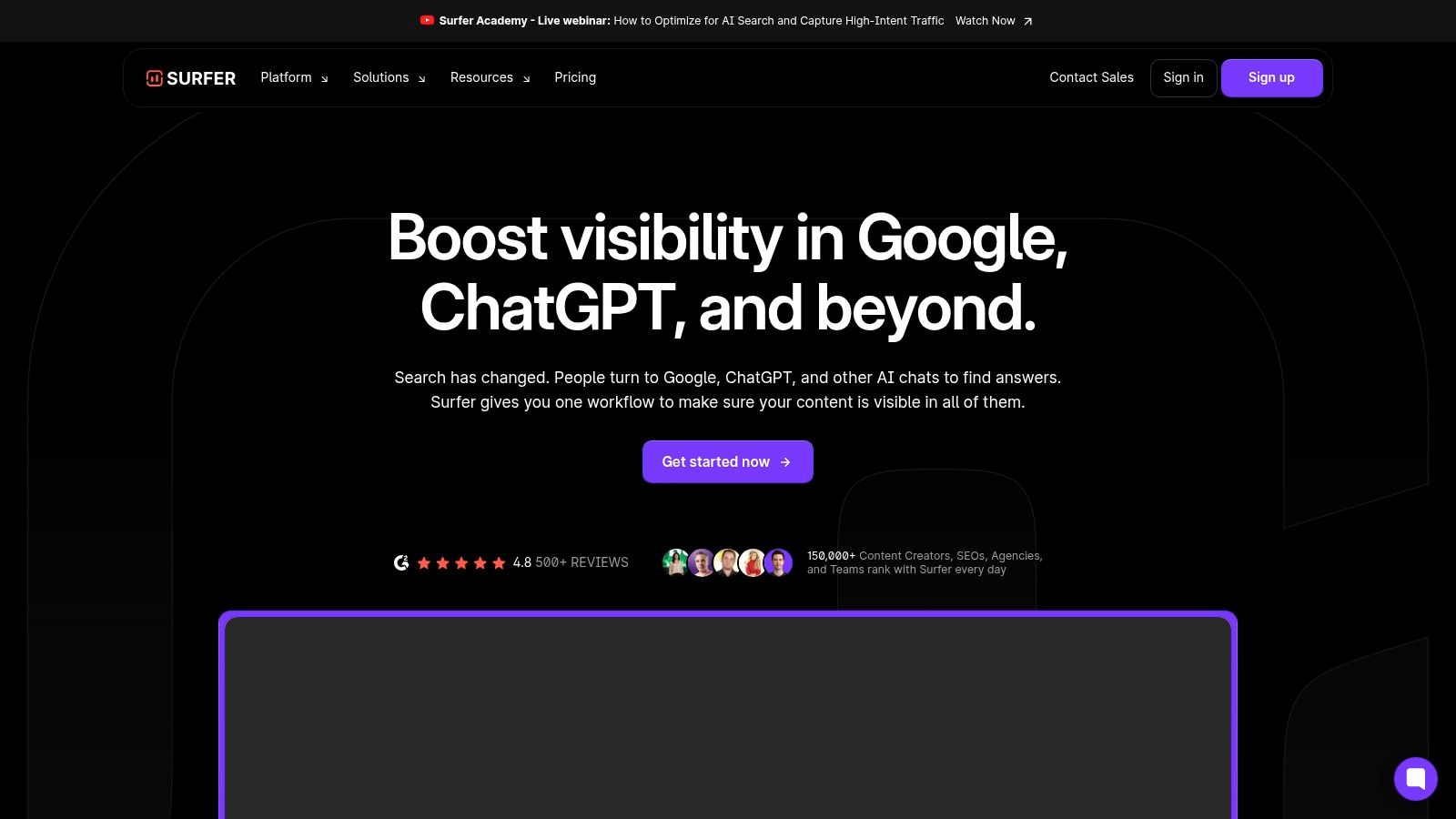
Surfer is still one of the easiest tools to hand to a writer and get consistent output from. Its core strength is the live optimization editor. Writers can see content score, term coverage, structure guidance, and length recommendations while drafting, which makes it one of the most practical on-page tools for editorial teams.
That simplicity is why Surfer keeps showing up in agency stacks. It doesn't ask a writer to think like a technical SEO. It gives just enough direction to improve topical coverage without forcing the team into a clunky workflow.
Where Surfer works best
Use Surfer when your main problem is execution inside the document. It's well suited to teams producing briefs, new landing pages, and refreshes at scale. The newer AI visibility tracking also matters because content teams now need to know whether pages are only ranking, or also getting surfaced by assistants.
If you want a broader explanation of where editors like this fit into the workflow, this guide on content optimization workflows is a useful companion.
Surfer also bundles useful support features around the editor, including briefs, topic discovery, internal linking suggestions, and cannibalization reporting. That gives content managers more than just a score-chasing interface.
Surfer is at its best when you already know which page to work on and need to improve it fast.
Best for and limits
Best for content teams: Strong fit for agencies and in-house teams with active writers.
Best for on-page optimization: Especially good when the process starts from a target keyword and a draft.
Less ideal for lean budgets: It can feel expensive for solo creators who only need occasional optimization.
Plan usage carefully: Higher-volume teams need to watch credits and document limits.
Surfer has also adapted better than some older optimization tools because it now spans classic on-page SEO and AI citation tracking. That aligns with the broader shift in search behavior noted earlier, where tools have had to expand beyond keyword density and basic SERP averages.
3. Clearscope
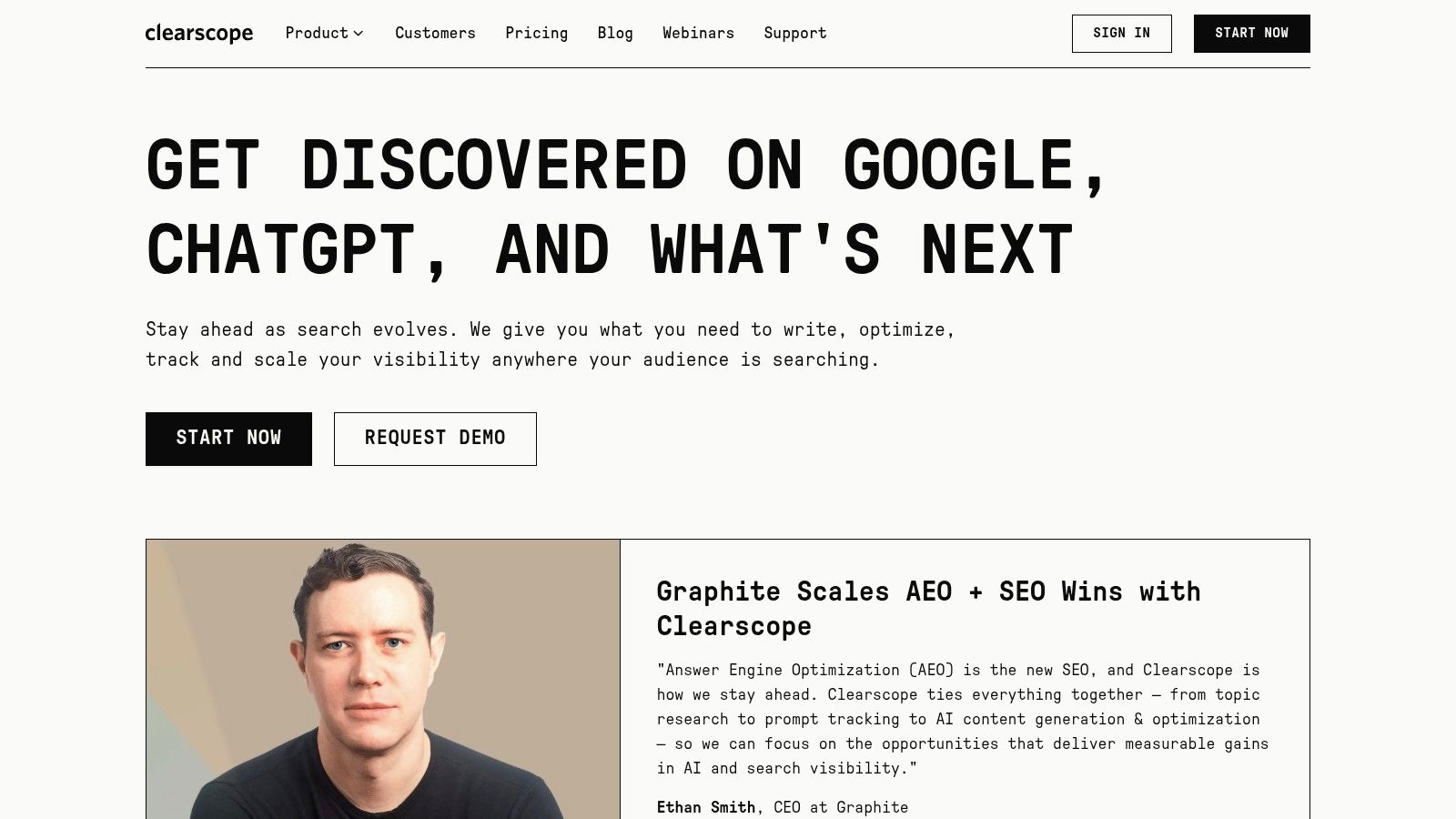
Clearscope is the tool I'd choose when the writing team needs a clean interface and minimal training. It has one of the most writer-friendly editors in the category, and that matters more than people admit. A tool can have excellent recommendations, but if writers resist it, adoption dies.
Clearscope is strong at live grading, term coverage, readability guidance, and in-editor workflow through Google Docs and WordPress. For non-SEO writers, that's often enough. They don't need a bigger dashboard. They need a page-level system that tells them how to improve the draft without making the process feel mechanical.
Why teams buy it
The appeal is clarity. Clearscope tends to keep the optimization experience focused instead of overwhelming teams with peripheral features. For editorial organizations, that can be a feature, not a limitation.
It also suits brands that already have separate tools for technical SEO, rank tracking, and backlink analysis. In that setup, Clearscope fills the content quality and topical coverage role well.
A few practical trade-offs:
Strong editor adoption: Writers usually get comfortable with it quickly.
Good for larger teams: Its reputation is strongest among brands that care about editorial quality and process consistency.
Narrower product scope: It isn't trying to be a full SEO platform.
Higher entry pricing: Compared with budget options, it's a premium purchase for a focused use case.
One reason Clearscope still holds its place is that not every team needs an all-in-one platform. Some teams just need a high-confidence optimization layer inside their editorial workflow. If that's your setup, it remains one of the safest picks.
4. MarketMuse
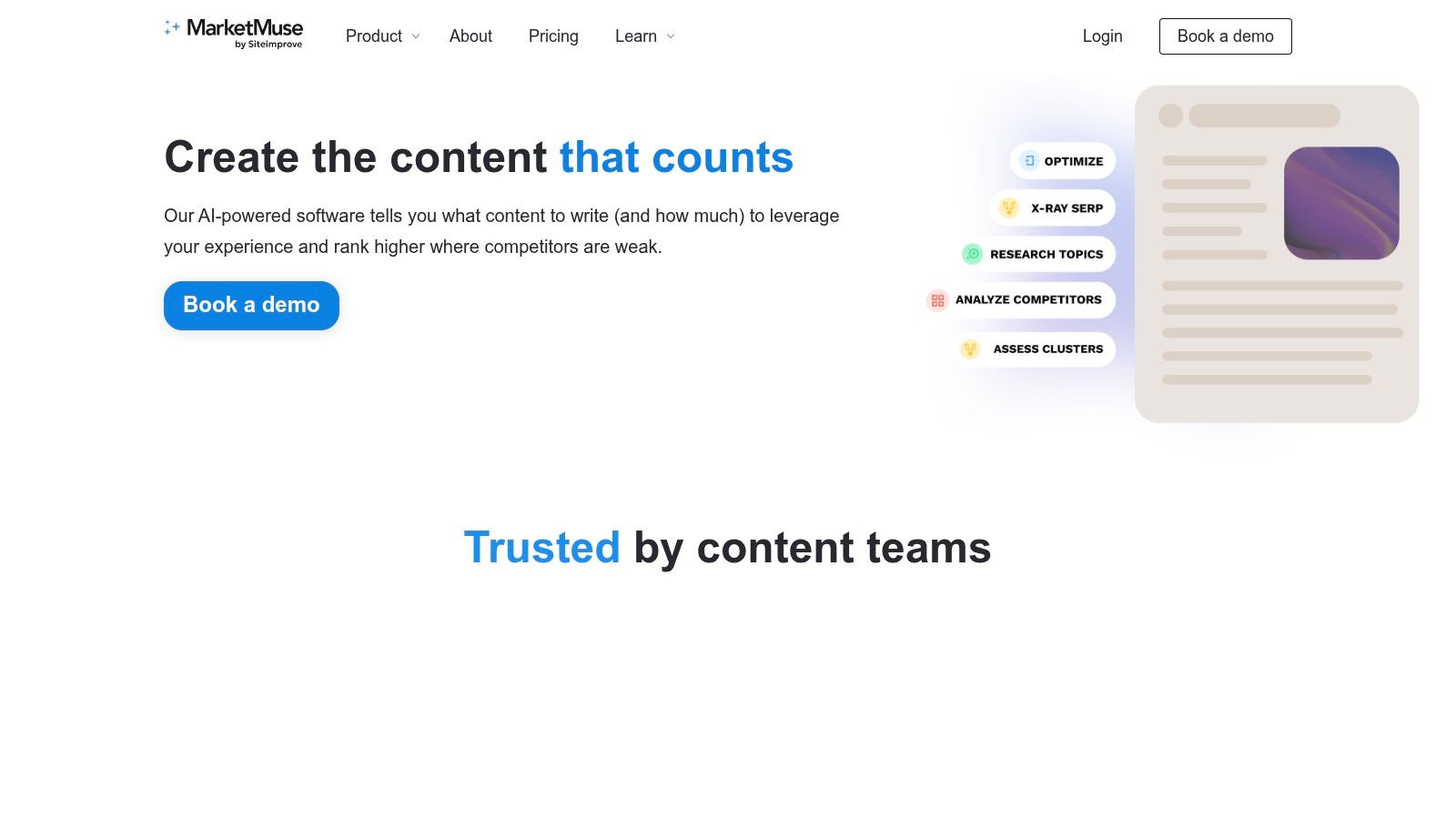
MarketMuse is the most strategy-heavy tool in this lineup. I wouldn't buy it just to optimize a few blog posts. I'd buy it when the primary challenge is planning, prioritization, and topical authority across a large site.
It's built for teams asking bigger questions. Which clusters are underdeveloped? Which existing pages deserve a refresh before new content gets produced? Which topics are realistic based on your site's authority? That's where MarketMuse earns its price.
Best for strategic planning
MarketMuse does a good job of inventorying content and mapping topic coverage across a site. That makes it useful for in-house teams managing large archives, publishers, and agencies handling complex content programs where page-level editing isn't the bottleneck.
Its planning orientation also makes it a good fit if you've already learned that many AI tools look impressive in demos but fail in day-to-day prioritization. That's a problem discussed well in this piece on why many AI SEO tools fail in real workflows.
The trade-off is straightforward. It's more powerful than lightweight editors, but also slower to learn and harder to justify for freelancers or small content teams.
MarketMuse is for teams deciding what deserves attention across the site, not just how to improve a single page.
Good fit and caution points
Best for large content programs: Strong when you need clustering, prioritization, and content roadmap support.
Useful for ROI conversations: Easier to connect planning decisions to broader content performance.
Steeper learning curve: Less intuitive than tools built around a single editor.
Higher commitment: Better for established teams than casual users.
If your workflow starts with “What should we update or create next?” rather than “How do we optimize this draft?”, MarketMuse is one of the stronger answers.
5. Frase
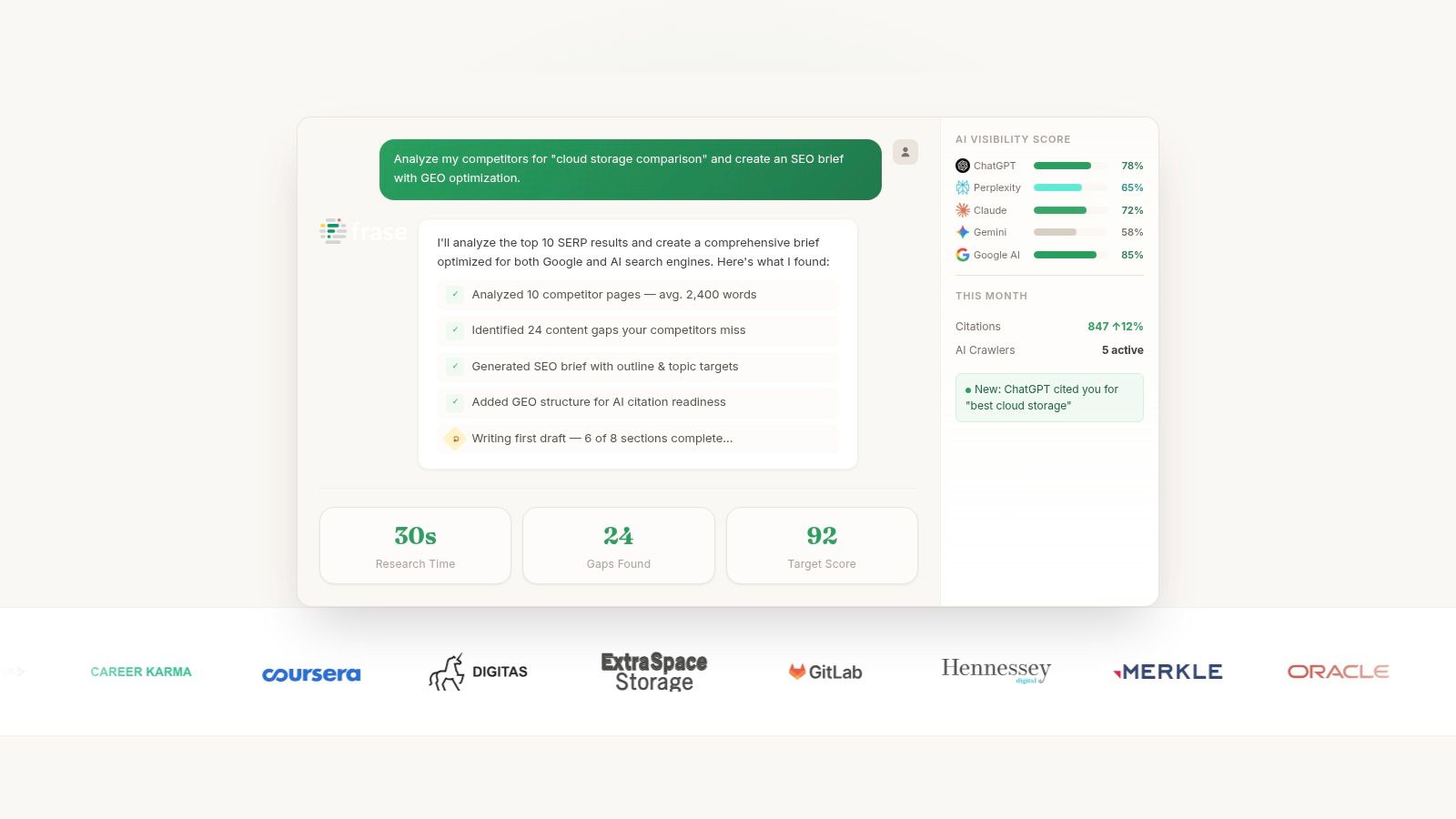
Frase fits a common buyer problem. A strategist builds a brief in one tool, a writer drafts in another, and optimization happens later in a separate editor. That setup slows production and creates avoidable revision cycles. Frase solves that by keeping research, outlining, drafting, and on-page optimization in one workspace.
That makes it a strong option for buyers who care more about content throughput than site-wide planning depth.
Where Frase delivers
Frase is at its best when the primary constraint is getting pages produced and improved on schedule. I've found it especially useful for teams that need to turn a topic into a workable brief fast, then give writers enough structure to produce a draft that does not start from a blank page.
The appeal is practical. You can review SERP themes, build an outline, generate supporting copy, and tighten topic coverage without bouncing between systems. For freelancers and small agencies, that consolidation matters because every extra handoff adds time and usually lowers consistency.
It also helps teams that need a buyer's-guide style workflow rather than a pure writing assistant. Frase is less about broad editorial ideation and more about answering a specific operational question: can this tool help us go from keyword to brief to optimized draft with less friction?
Who should buy it
Best for freelancers and lean content teams: Good fit when one person handles strategy, briefing, and first-draft production.
Useful for agencies with repeatable deliverables: Works well when client work depends on publishing a steady volume of solid, well-structured pages.
Strong on briefs and on-page workflows: Better for page creation and refreshes than for portfolio-level content planning.
Less suited to deep strategic analysis: Teams choosing between site-wide prioritization models may outgrow it.
Still requires editorial review: Fast drafts save time, but facts, differentiation, and brand voice still need a human pass.
The trade-off is clear. Frase is efficient, but the faster the workflow gets, the easier it is to publish copy that sounds competent and still misses the point. On competitive topics, that usually shows up as generic introductions, repetitive subheads, and weak differentiation. Teams with a strong editor or SEO lead will get much more value from it than teams expecting the tool to replace judgment.
For buyers comparing use cases, Frase stands out for brief creation and on-page execution. It is a better purchase for a freelancer, a small agency pod, or an in-house team trying to ship more content each month than for a large organization choosing its long-range content strategy platform.
6. Scalenut

A common buying problem shows up once a team is publishing at real volume. One tool handles clustering, another handles briefs, another handles optimization, and the handoff between them slows everything down. Scalenut is built for teams trying to reduce that operational drag.
Its value is less about any single feature and more about how much of the workflow it keeps in one system. Scalenut combines keyword clustering, topical gap analysis, content audits, internal linking support, AI drafting, and AI visibility tracking. For agencies and in-house teams running a repeatable content machine, that matters. Fewer tool switches usually means faster production and fewer missed steps.
I see Scalenut as a buyer's guide pick for production-heavy use cases, not for pure strategy. If your main question is, "How do we plan, write, optimize, refresh, and monitor more pages each month without adding headcount?" it deserves consideration. If your main question is portfolio prioritization or deep editorial differentiation, other tools are usually stronger.
The trade-off is complexity. Scalenut packs a lot into the interface, and that can slow adoption for newer users. Some of the features that make it attractive for larger workflows also sit on higher tiers, so pricing fit depends on how heavily your team will use the platform.
Best fit
Best for agencies and in-house teams with publishing volume: Strong fit when the goal is to standardize on-page workflows across many pages or clients.
Useful for refresh and audit programs: Helps teams update existing content, find gaps, and queue improvements without managing separate point tools.
Less suited to beginners or occasional publishers: The interface makes more sense once you already have an SEO process to plug it into.
Better for execution than long-range strategy: Good buyer choice for content operations, weaker choice for teams that need deep site-level planning first.
Scalenut is a practical purchase when speed, process control, and workflow consolidation matter more than a stripped-down editing experience. For the right buyer, that trade-off is worth it.
7. NEURONwriter
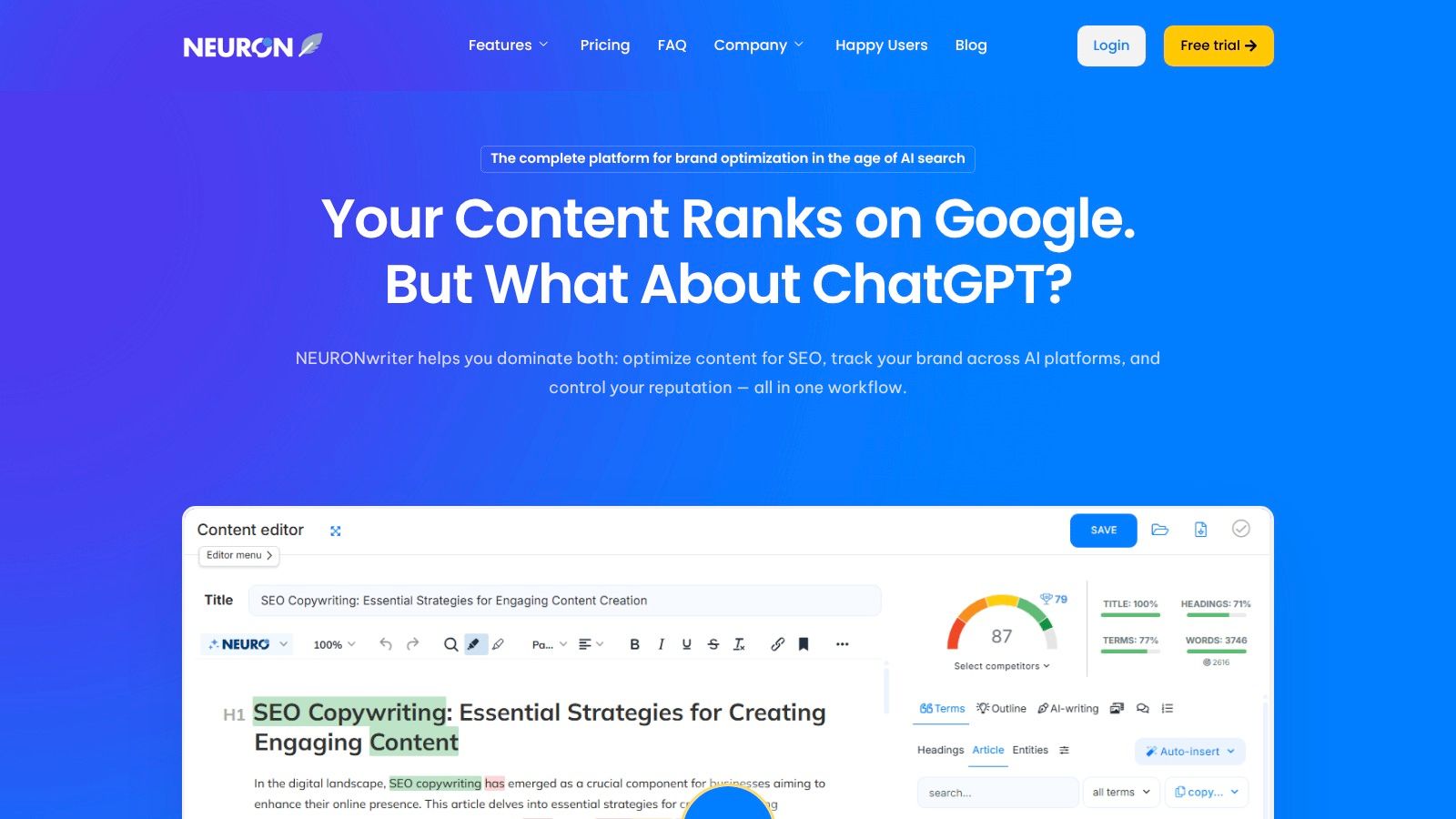
NEURONwriter has always made sense to me as the value pick for semantic optimization. It doesn't pretend to be the most expansive platform in the category. Instead, it focuses on the core job well enough at a price point that's easier for freelancers, niche site owners, and small agencies to justify.
The product centers on SERP-based content editing, semantic term suggestions, article drafting, and a few practical integrations with Google Search Console, WordPress, and Shopify. That's a sensible package for users who need optimization guidance more than enterprise reporting.
Why budget-conscious buyers like it
If you've used premium tools before, NEURONwriter will feel leaner. That's not always a bad thing. For solo operators, simpler often means faster adoption and better ROI.
It's also one of the clearest examples of feature-to-price efficiency in this category. Budget buyers usually don't need advanced technical SEO, multi-team governance, or a huge reporting layer. They need a tool that helps improve coverage and structure without eating margin.
The cheaper tool often wins if your workflow is simple and you'll actually use it every week.
Where it falls short
Best for freelancers and small teams: Good fit for writers, consultants, and compact agency setups.
Strong semantic focus: Helpful when entity coverage and topic completeness are the main concern.
Lighter collaboration features: Team workflows are more basic than premium platforms.
Less depth beyond the editor: Not the right choice if you need broad SEO intelligence in one system.
If you want one of the more affordable ai content optimization tools and don't need a larger suite, NEURONwriter remains easy to recommend.
8. Dashword
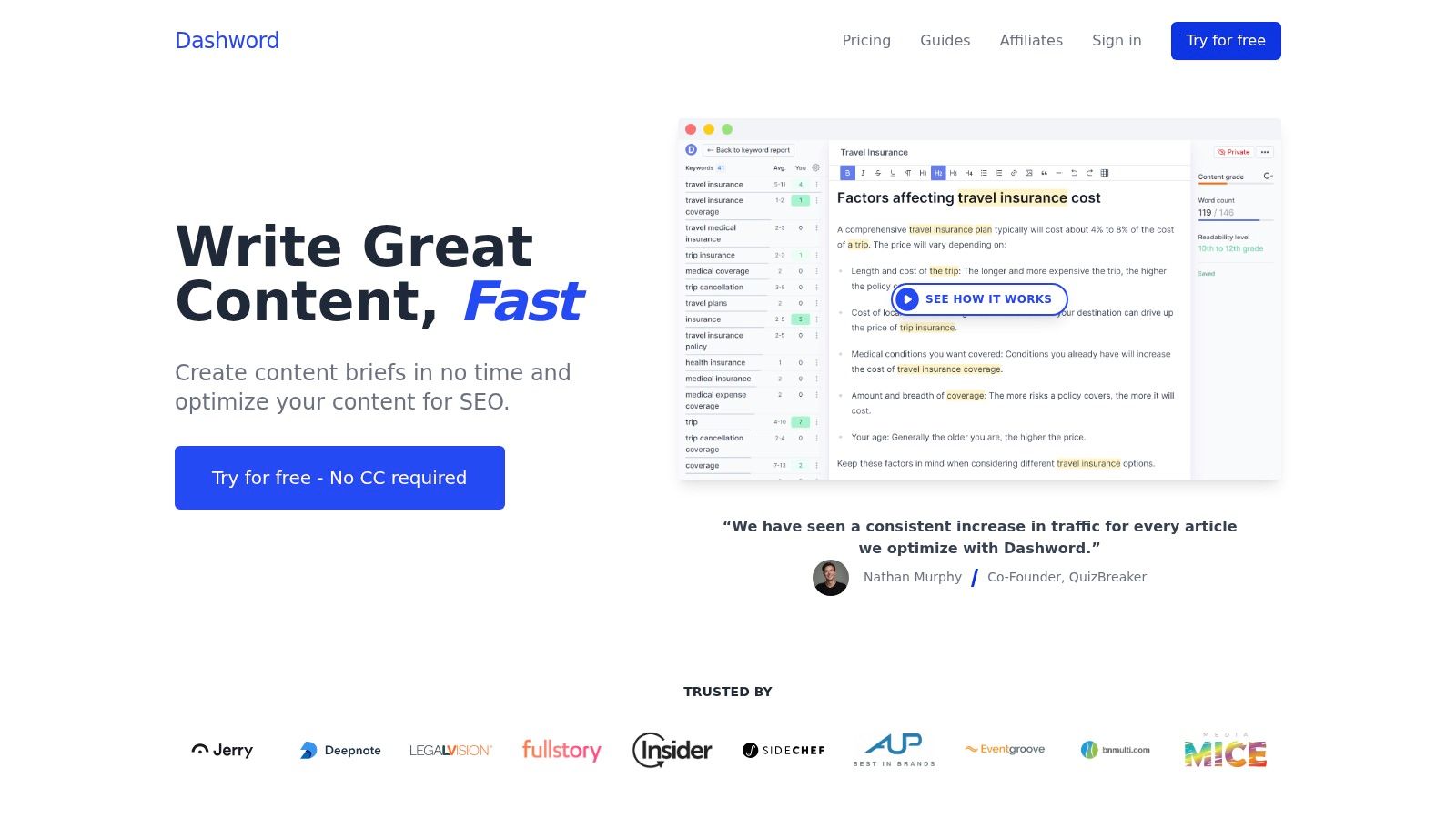
Dashword is the stripped-down option for people who want less software and more writing. It's an efficient optimization tool with content briefs, structure recommendations, term suggestions, and a live grade inside the editor.
That restraint is its advantage. A lot of writers don't need a giant workspace. They need a brief, a target structure, and a feedback loop while drafting. Dashword keeps the product close to that use case.
Best use case
I'd put Dashword in front of freelancers, boutique agencies, and content teams that prioritize fast onboarding. If you've ever had writers ignore a tool because it felt bloated, Dashword solves that problem better than most.
Its higher tiers also add monitoring and API access, which gives it some room to grow with a team. Still, this isn't the product for deep technical audits or backlink analysis.
A few quick trade-offs stand out:
Easy to learn: One of the simpler editors in the category.
Good for briefs and drafting: Useful for content teams with writer-heavy workflows.
Limited site-wide SEO depth: Not built for audits, backlinks, or full rank tracking.
Best as a focused tool: Works well when paired with broader SEO systems elsewhere.
Dashword isn't trying to replace an SEO platform. If you evaluate it on that basis, you'll undersell it. Evaluate it as a writing-first optimizer, and it makes more sense.
9. GrowthBar
GrowthBar usually comes up when a team wants one tool that can cover research, drafting, and light optimization without stretching the budget. I've seen it fit best in small, fast-moving workflows where the primary bottleneck is getting from topic idea to a publishable draft.
That buyer profile matters. GrowthBar is less about squeezing every last on-page gain out of a competitive SERP and more about giving freelancers, SMBs, and smaller agencies a practical all-in-one starting point. You get AI writing, keyword research, competitor snapshots, and a Chrome extension that works well for people who draft inside WordPress or other browser-based editors.
Why smaller teams buy it
GrowthBar makes sense when the decision is not "Which platform has the deepest analysis?" but "Which tool will the team readily use every week?" For lean content operations, adoption often matters more than feature depth. A simpler product that gets used consistently can outperform a stronger tool that writers avoid.
That also means there are clear trade-offs. The optimization guidance is serviceable, but it does not match the page-level depth you get from tools built primarily for on-page tuning or content scoring. Agencies handling high-stakes enterprise pages will usually want more control and stronger diagnostics.
What to expect
Best fit for lean teams: Good for bloggers, freelancers, SMBs, and smaller agencies that need one accessible workflow.
Useful for browser-based publishing: The Chrome extension is very helpful if writers work directly in CMS environments.
Good enough for research plus drafting: It covers the basics well enough to reduce tool switching.
Limited depth for advanced SEO work: Larger in-house teams and specialist agencies may outgrow its recommendations, tracking, and competitive analysis.
GrowthBar is a buyer's guide pick for convenience-first users. If your priority is speed, ease of use, and keeping the stack small, it deserves a look. If your priority is precision on competitive pages, there are stronger options higher up this list.
10. PageOptimizer Pro (POP)
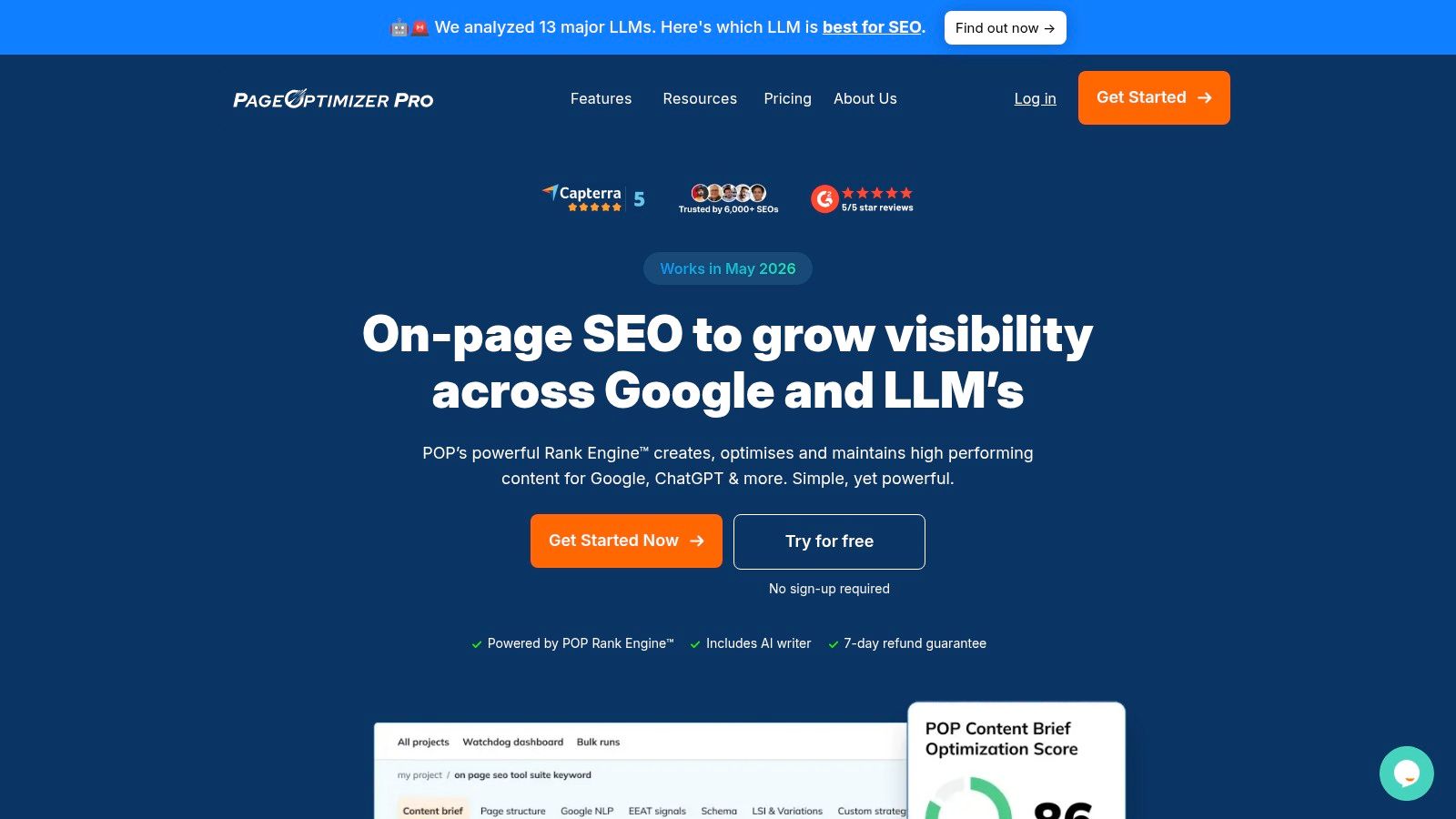
PageOptimizer Pro is for practitioners who like to test, adjust, and rerun. It's less polished than some mainstream editors, but that's part of the appeal. POP has always felt like a tool built by people who spend a lot of time experimenting with page-level SEO.
You get on-page recommendations, iterative reruns, an AI writer, schema and EEAT guidance, monitoring through Watchdog, and editing options through Google Docs and WordPress. That makes it useful for teams that want more control over page refinement rather than a broad all-in-one system.
Where POP fits best
If your workflow involves repeated on-page testing on important commercial pages, POP is a good fit. It supports a tighter test-and-learn loop than many tools that are designed mainly for content briefs and article production.
That matters more now because optimization is becoming more granular. Gomega highlights a newer buying question in its discussion of autonomous AI content optimization: should a tool merely recommend edits, or should it fix existing content automatically? That distinction matters for POP users because the product leans into hands-on refinement rather than full autonomous execution.
Pros and limits
Best for page-level practitioners: Strong for SEOs who want to refine pages iteratively.
Transparent credit model: Useful once you understand how to manage runs.
Narrower product scope: It's not trying to replace a full SEO platform.
Learning curve for new users: The credit system and recommendation style can take getting used to.
POP isn't the right choice for everyone. But for technical on-page operators and consultants who like granular control, it still has a real place in the market.
Top 10 AI Content Optimization Tools: Feature Comparison
Tool | Core features | UX & quality (★) | Price & value (💰) | Best for (👥) | Unique selling point (✨) |
|---|---|---|---|---|---|
Keyword Kick 🏆 | Unified SEO: GA4, GSC, rank & backlinks, audits, JS rendering, native cannibalization, K² AI agent | ★★★★★, action-focused insights | 💰 Free forever; paid from $49/mo, scalable | 👥 Agencies, in-house teams, freelancers, solo creators | ✨Per-project AI analyst + prioritized, step-by-step recommendations |
Surfer | On-page editor, NLP suggestions, briefs, SERP analysis, AI visibility | ★★★★☆, editor-led, widely adopted | 💰 Mid, team tiers, usage credits | 👥 Content teams & agencies | ✨Real-time content score & AI-visibility across assistants |
Clearscope | Live content grading, term coverage, readability, Docs & WP add-ons | ★★★★☆, clean, writer-friendly | 💰 Higher, enterprise pricing | 👥 Enterprise brands & writer teams | ✨Polished UX with in-editor integrations for writers |
MarketMuse | Site inventory, topical mapping, personalized difficulty, content briefs | ★★★★☆, strategic, research-first | 💰 Premium, enterprise-focused | 👥 Mature content teams & strategists | ✨Site-level topical authority modeling & prioritization |
Frase | AI briefs & drafts, SERP-driven editor, site audits, opportunity reports | ★★★★☆, fast workflow | 💰 Mid, flexible add-ons, 7‑day trial | 👥 Teams, agencies, freelancers needing speed | ✨End-to-end briefs → drafts → optimization flow |
Scalenut | AI writing, keyword clustering, audits, visibility tracking, auto-publish | ★★★★☆, high throughput | 💰 Mid, tiered for volume | 👥 High-volume content production teams | ✨Scale-focused AI + auto-publish and cluster workflows |
NEURONwriter | Semantic editor, one-click drafts, plagiarism checks, GSC/Shopify/WP integrations | ★★★☆☆, lean but effective | 💰 Budget-friendly, cost-conscious plans | 👥 Freelancers, small agencies, small teams | ✨Semantic/entity-driven SEO at a lower price point |
Dashword | Content briefs, in-editor grade, AI writer, content monitoring | ★★★☆☆, simple, fast to learn | 💰 Low–Mid, clear limits & collaboration seats | 👥 Writers, small teams, freelancers | ✨No-frills brief + grading tool for fast content ops |
GrowthBar | AI blog generator, keyword research, audits, Chrome extension | ★★★☆☆, value-oriented UX | 💰 Low, affordable starter plans | 👥 Bloggers, SMBs, small agencies | ✨Chrome extension surfaces SEO guidance in editors |
PageOptimizer Pro (POP) | On-page optimization reports, AI writer, schema/EEAT, Watchdog monitoring | ★★★★☆, practitioner-focused | 💰 Mid, credit-based model | 👥 Technical SEOs & agency practitioners | ✨Granular on-page testing with iterative re-runs |
AI is Your Co-Pilot, Not the Pilot
A common buying mistake shows up right after a team rolls out one of these platforms. The tool starts scoring pages, suggesting terms, and generating briefs, so people assume strategy is handled. Then performance stalls because nobody has decided which pages matter, what search intent they are targeting, or where human review needs to step in.
That is the core role of AI content optimization tools. They compress research, shorten feedback cycles, and reduce avoidable mistakes. They do not replace editorial judgment or SEO prioritization.
That distinction matters more now because content teams are optimizing for two outcomes at once. They still need rankings and clicks from traditional search. They also need visibility in AI-assisted search experiences, where the same topic can surface differently across platforms. As noted earlier, that creates a practical buying question. Is the tool helping improve a draft, or is it helping the team decide what deserves attention in the first place?
Buyers get better results when they match the tool to the bottleneck.
If writers need guidance while drafting, Surfer and Clearscope are usually the cleaner fit. If the actual issue is content planning, topical gaps, and page prioritization, MarketMuse is stronger. If the team needs to move from brief to draft fast, Frase and Scalenut fit that workflow better. If budget matters and semantic guidance is enough, NEURONwriter is often the sensible pick. If a practitioner wants page-level testing and tighter on-page control, POP still has a clear place in the stack.
There is another category entirely. Some teams do not need another optimizer inside the editor. They need one place to connect rankings, GSC trends, audits, technical issues, backlinks, and content tasks so they can decide what to fix next. In that case, Keyword Kick is a practical option because it supports decision-making across SEO work, not just draft scoring.
The ROI conversation has changed too. Earlier examples in this article showed how teams now justify spend against traffic value and opportunity cost, not just content output. That is the right frame. A tool that saves two hours per brief but creates weak content is expensive. A tool that helps an editor ship fewer, better-targeted pages can pay for itself quickly.
The same goes for scale. As noted earlier, adoption data points to higher publishing velocity once AI enters the workflow. More output only helps if the process stays disciplined. Without clear briefs, strong editing, and page selection based on business value, faster production just creates more mediocre content.
Use AI to surface gaps, score drafts, cluster topics, and speed up repetitive work. Keep humans responsible for search intent, factual accuracy, brand standards, and trade-offs between speed and quality. That is how these tools produce value in practice.
If you want one platform that goes beyond draft scoring and helps you decide what to optimize, why traffic shifted, and which SEO actions deserve attention first, try Keyword Kick. It's a strong fit for agencies, in-house teams, consultants, and solo operators who want AI-guided SEO decisions inside a unified workspace instead of another isolated content tool.