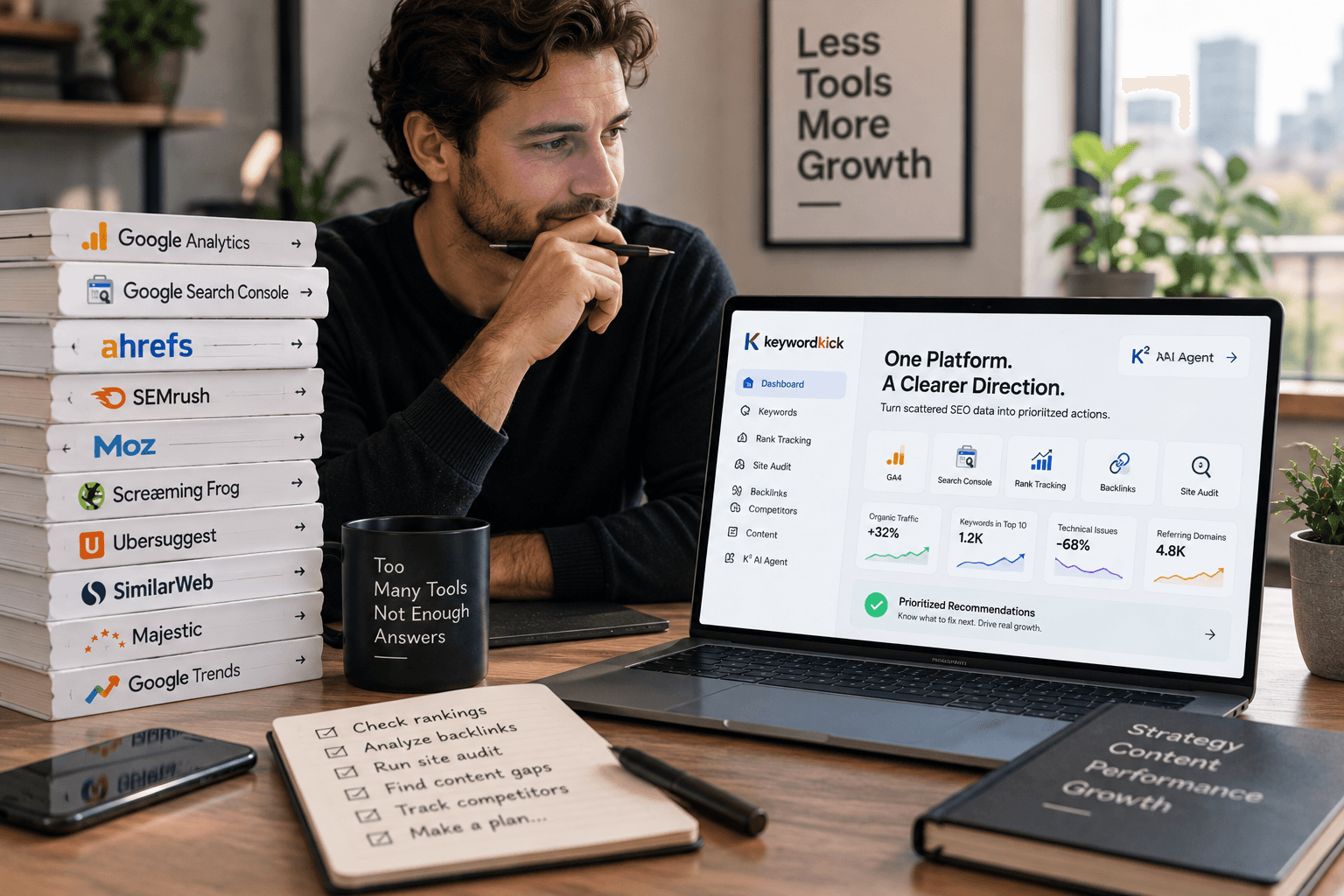
Monday morning. Search Console shows a click drop on a priority page. GA4 says traffic quality is down. Your crawler flags canonicals and missing metadata. The hard part is not finding data. It is figuring out which signal deserves action first.
That gap is where free SEO workflows usually break. Freelancers lose paid hours reconciling reports. In-house teams lose momentum because every update requires someone to connect ranking data, engagement metrics, and technical findings by hand. The tools are useful on their own, but the handoff between them is messy.
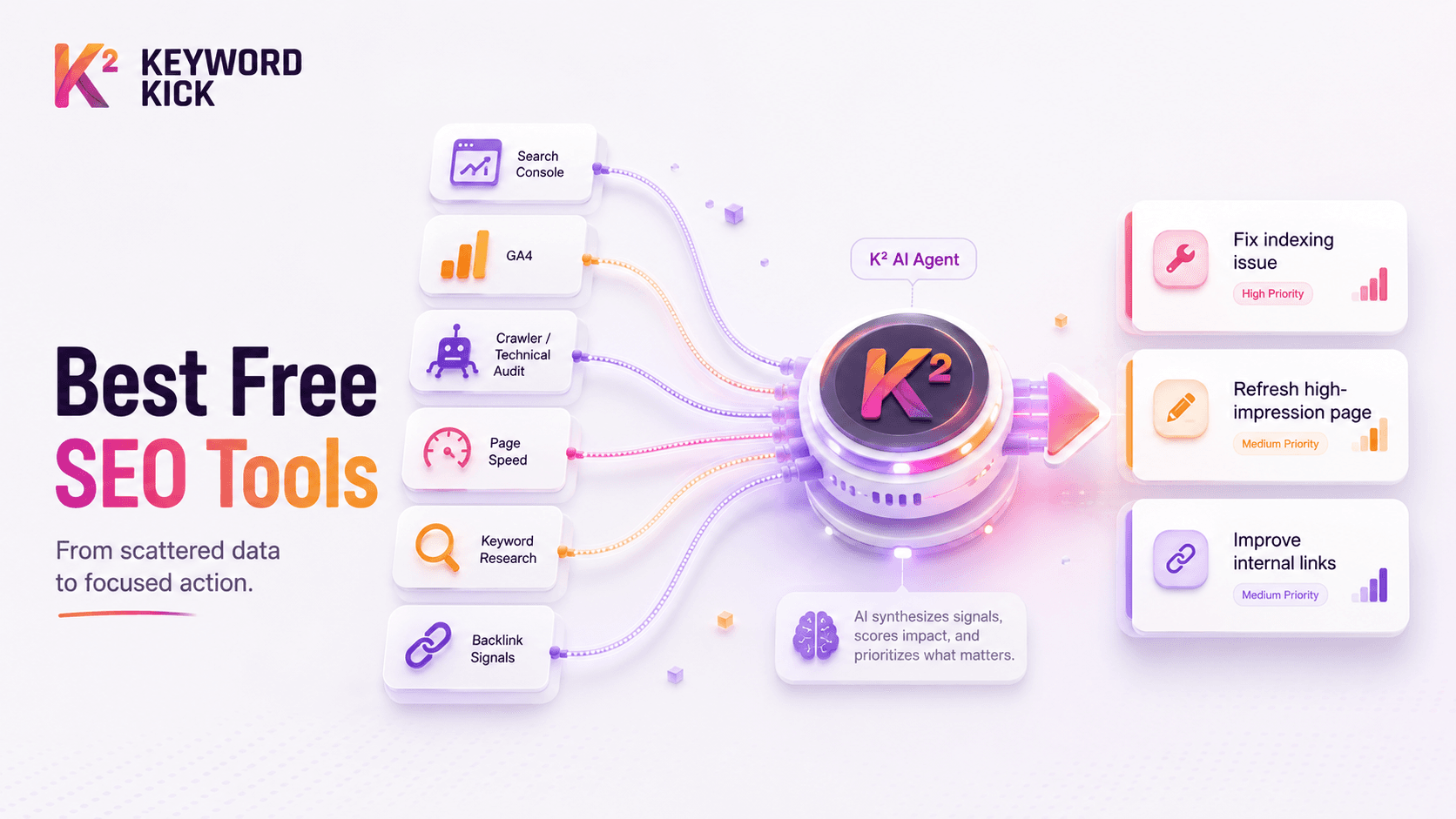
This guide is built around that handoff. It covers the best search engine optimization free tools for 2026, but the focus is how to use them together as a working system. Search Console can surface query and indexing issues. GA4 can confirm whether those visits lead to engaged sessions or conversions. Crawlers can explain why a page underperforms. Keyword Kick can pull those inputs into one workflow so prioritization happens faster and with less guesswork.
That approach helps small teams compete without adding another layer of software cost too early. It also makes later upgrades easier, because you already know which data sources belong in the same decision path. If you want a broader benchmark before building your stack, this roundup of SEO tools for top use cases and team setups is a useful companion.
1. Keyword Kick
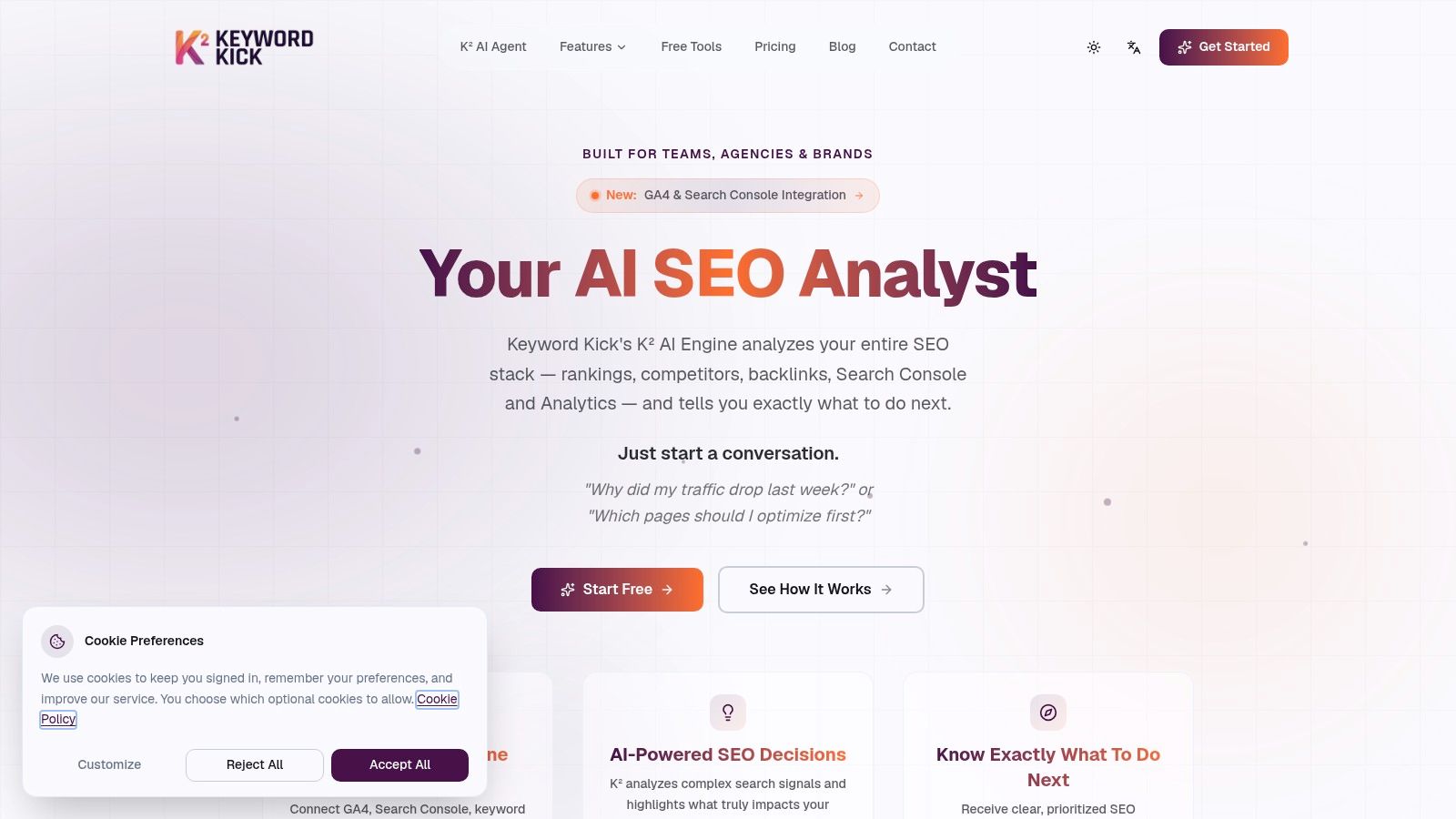
If your current SEO workflow feels like detective work across five tools, Keyword Kick is the one that changes the operating model. It isn't just another dashboard. It's an AI-first workspace built to pull together Search Console, GA4, rank tracking, backlink data, audits, and competitor signals so you can decide what to do next without manually stitching the story together.
The core feature is the K² AI Agent. Instead of asking you to interpret disconnected metrics, it answers practical questions like which pages deserve attention first, where cannibalization is happening, or why traffic dropped. That matters because free tools are strong at collecting signals, but weak at prioritization.
Why it works in a real workflow
Most free SEO stacks break at the analysis step. Google Search Console shows clicks and position. GA4 shows engagement and conversions. A crawler shows indexation and metadata problems. Keyword Kick sits on top of those inputs and turns them into ranked action.
That's the differentiator. Daily rank updates, historical trend context, SERP feature tracking, content-gap analysis, backlink visibility, JavaScript rendering, and technical audits live in one place. For agencies and lean in-house teams, that reduces the lag between finding a problem and assigning the fix.
Practical rule: Free tools collect evidence. A unified workspace should decide priority.
Pricing also makes the platform usable before you're ready to commit. There's a free forever plan with no card required, and paid plans start at $49 per month, with higher tiers for larger teams and agency use. If you want a broader breakdown of how the platform compares with other stacks, the Keyword Kick guide to top SEO tools is worth reviewing.
Best fit and trade-offs
Keyword Kick is strongest when you already use free data sources but hate the manual synthesis.
Best for agencies: Multi-project workflows, team access, and ticket-friendly analysis are built in.
Best for in-house teams: It helps connect SEO visibility with site behavior and technical blockers.
Best for freelancers: The free plan is enough to test whether centralized analysis saves time.
The trade-off is simple. It won't implement fixes for you. If the agent identifies broken internal links, weak page targeting, or technical debt, your team still has to execute.
That said, for teams tired of tab juggling, this is the cleanest bridge between search engine optimization free tools and an actual operating system for SEO.
2. Google Search Console
A common Monday morning problem looks like this. Clicks are down, rankings look unstable, and nobody knows whether the issue is indexing, relevance, or a bad rollout. Search Console is the first place to check because it shows what Google crawled, indexed, and surfaced.
Its value is not the top-line chart. The useful work happens at the page and query level. Check which queries lost impressions, which URLs dropped out of the index, and whether Google chose a different canonical than the one your team intended. That is how you separate a content problem from a technical one before anyone wastes time rewriting a page that was never eligible to rank.
If you're setting it up from scratch, this Google Search Console setup guide covers the essentials.
Where it fits in the stack
Use Search Console as the diagnostic layer in your workflow. It answers three questions fast. Can Google access the page? Did Google index the page you want indexed? Which queries and URLs changed?
That makes it especially useful in three situations:
Performance report: Find pages with high impressions and weak CTR. Rewrite titles and meta descriptions only after checking the actual queries that trigger the page.
URL Inspection: Verify crawl status, canonical selection, live index status, and rendered page output when a URL should rank but does not.
Indexing and sitemap reports: Catch coverage issues, excluded URLs, and sitemap mismatches before they turn into a bigger traffic drop.
Search Console also works better when it is not isolated. Pair it with GA4 to see whether search traffic does anything useful after the click. Pair it with a crawler such as Screaming Frog when GSC shows an indexing pattern but you need to find the template or internal linking issue behind it. Bring those inputs into a platform like Keyword Kick if you want one place to compare query loss, page behavior, and technical signals without copying data between tabs.
The trade-off is clear. Search Console only reports on your own property. It will not give you competitor rankings, broad keyword expansion, or backlink prospecting. That limitation is exactly why experienced teams use it as a first-party source inside a broader process, not as the whole process.
3. Google Analytics 4
GA4 answers the question Search Console can't. What happened after the click?
That sounds basic, but it changes prioritization. A page can gain impressions and clicks while still being a weak SEO asset if it drives low engagement or no meaningful conversion action. GA4 gives you the behavioral layer you need to separate vanity visibility from traffic that matters.
How to use GA4 without overcomplicating it
The best GA4 setups for SEO are usually the simplest. Track organic landing pages, engagement, key events, and conversion paths. Then compare those patterns with Search Console data page by page.
When the two tools are connected, you can spot pages that rank but don't satisfy users, and pages that satisfy users but need stronger search visibility. That's where content refreshes and internal linking decisions get easier.
Landing page review: Find organic pages bringing in visits but weak downstream action.
Event analysis: Check whether blog traffic interacts with forms, demos, or product pages.
Explorations: Use them for deeper pathing questions, not routine reporting.
GA4 is also part of the broader free stack that underpins most SEO work. As noted earlier, it sits beside Search Console as one of the dominant free tools in use by SEO practitioners globally.
The downside is the learning curve. Universal Analytics was easier for many marketers to read at a glance. GA4 is more flexible, but it asks better questions from the user. If you don't define useful events and conversions, the reports won't rescue you.
4. Ahrefs Webmaster Tools
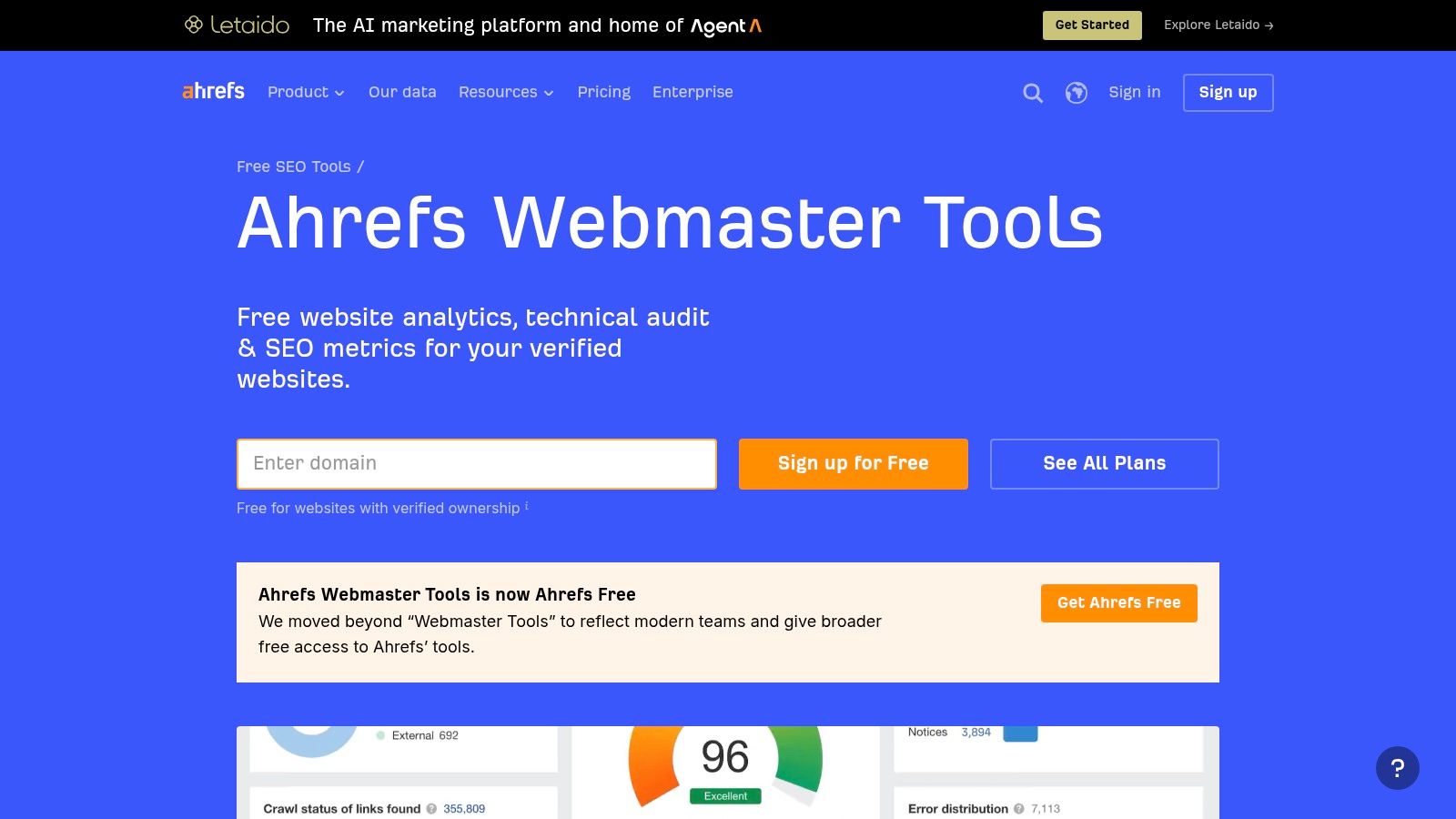
Ahrefs Webmaster Tools is one of the best free add-ons to a Google-first stack. Once you verify your site, you get ongoing technical audit visibility plus useful backlink and organic keyword data for your own domain. For many smaller sites, that covers a lot of ground without paying for a full third-party suite.
Its value is practical, not theoretical. Search Console tells you what Google reports. Ahrefs helps you inspect your site the way an SEO platform would, especially on links and technical debt.
Best use case
Use AWT when you need technical and backlink visibility on a verified site without buying a full Ahrefs subscription. It's especially useful for site owners who've outgrown basic diagnostics but don't need broad competitive research every day.
The free-tool environment has improved enough that platforms like this now replace much of what smaller teams used to pay for. G2's SEO tools category summary notes that expert insights show free tools can replace 80 to 90% of expensive platform functionality for real-world use cases. That doesn't mean every free tool is equal. It means selective use gets you surprisingly far.
Site Audit: Good for surfacing recurring technical issues and cleanup priorities.
Backlink checks: Strong enough for monitoring your own profile and spotting obvious link changes.
Organic keyword visibility: Helpful for your own site, not for deep competitor mapping on the free tier.
The catch is verification and scope. AWT is great for your properties. It's limited if your process depends on aggressive competitor research or large exports. In that case, it works best as the technical and backlink layer in a broader workflow.
5. Semrush Free Account
Semrush's free account is best treated as a reconnaissance tool, not a daily command center. You won't get the depth of the paid suite, but for quick keyword checks, domain overviews, and a limited audit, it's useful.
That's the right expectation to set. Many people sign up hoping the free account will replace a full enterprise subscription. It won't. But it can absolutely help validate a hunch before you spend time elsewhere.
Where it helps most
I like Semrush free for fast external context. If Search Console shows a page losing ground, Semrush can help you sanity-check whether the domain, keyword environment, or competing pages shifted in ways your first-party tools won't show.
That's where third-party estimates have value. Just don't mistake them for exact truth. As noted in the broader discussion on free tool accuracy earlier, estimated keyword and difficulty data are better for ideation and directional checks than exact decision-making.
Domain overview: Good for quick competitive snapshots.
Keyword checks: Useful when you need rough expansion ideas.
Small audit runs: Fine for basic issue spotting on starter projects.
The weakness is the quota wall. You hit limits quickly, especially if you manage multiple clients or need repeated lookups in a single working session. That's why Semrush free works best in a supporting role alongside GSC, GA4, and a crawler.
6. Moz Free SEO Tools
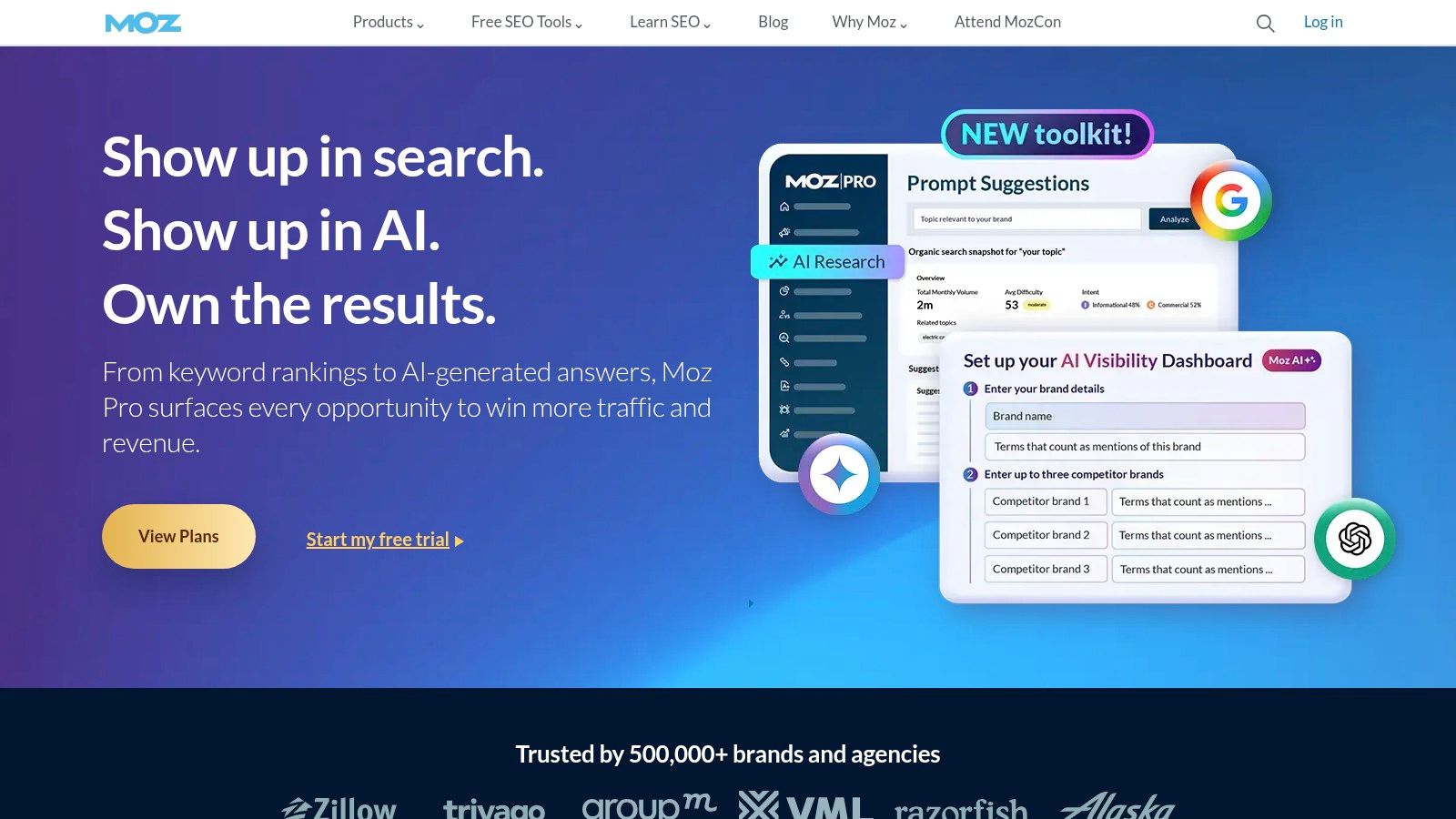
Moz's free toolset is handy when you need quick SERP context without opening a heavier platform. MozBar remains the most practical part of the bundle. It gives you page-level and SERP-level overlays that speed up spot checks during content planning and page reviews.
That makes it a good browser-side companion. Not a replacement for first-party data. Not a replacement for a crawler. Just a fast way to inspect what's in front of you.
The right way to use Moz for free
Use MozBar when you're manually reviewing search results and want another lens on page strength, links, and basic on-page factors. Use Link Explorer and Keyword Explorer in limited bursts when you need extra clues, not final answers.
Consider that not all free keyword and authority metrics are equally reliable for high-stakes decisions. The strongest use case is ideation, comparison, and sanity checking. The weakest use case is budgeting a full content roadmap based solely on estimated difficulty numbers.
Manual SERP analysis plus a lightweight tool overlay often beats overconfident reliance on estimated metrics.
Moz's free tools are also easy to explain to non-SEO stakeholders. Many marketers and clients recognize Domain Authority and related metrics, even if you need to remind them those are third-party constructs, not ranking factors.
The downside is the same one you'll see in most freemium suites. Query caps arrive quickly, and deeper exports stay behind the paid wall. Still, for lightweight SERP review and stakeholder-friendly shorthand, Moz earns its place.
7. Screaming Frog SEO Spider
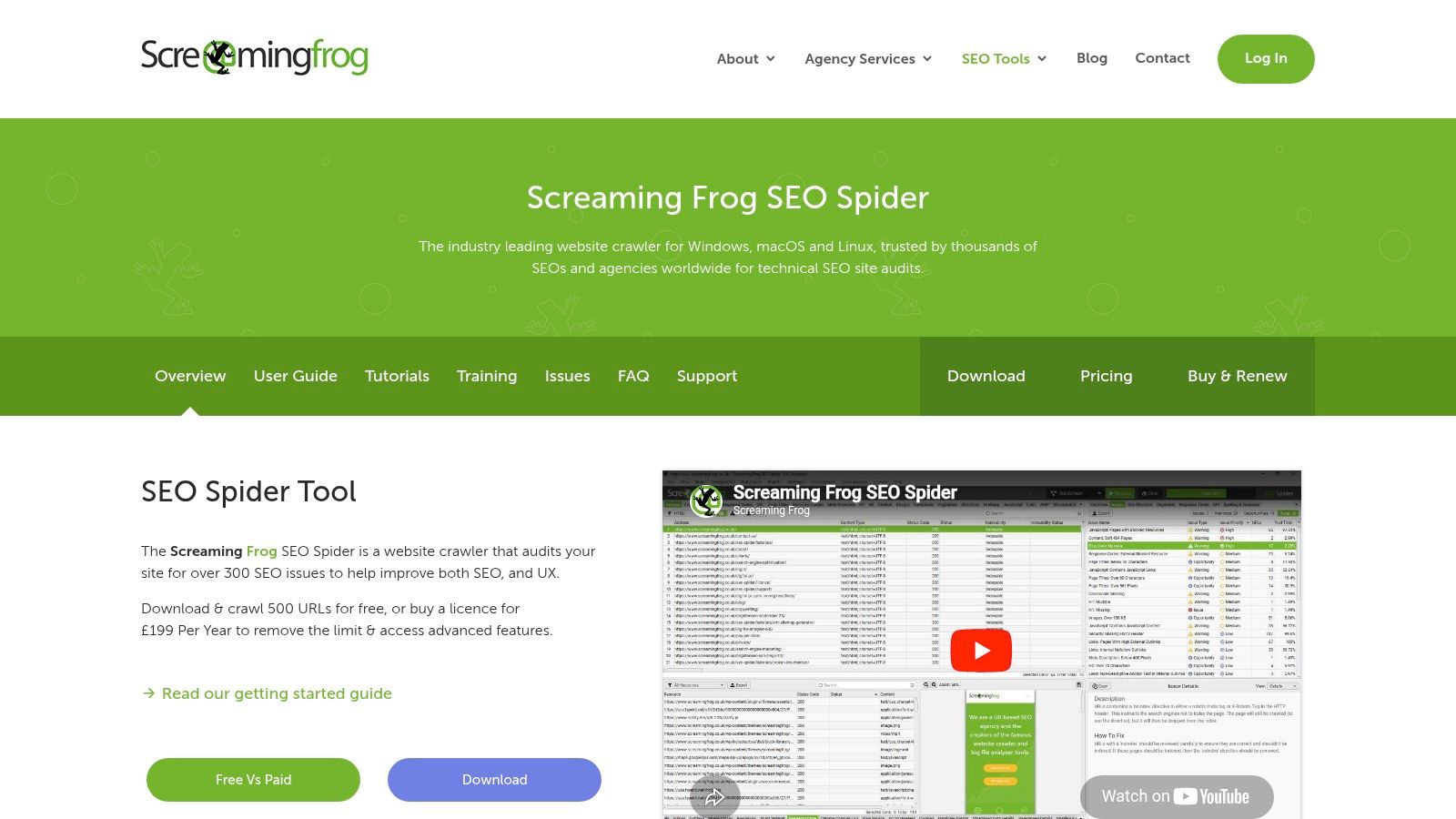
Screaming Frog is the tool you open when you need facts, not guesses. It crawls the site the way an SEO needs to inspect it, showing status codes, directives, titles, canonicals, internal links, headers, and other technical elements in one exportable view.
The free version is capped at 500 URLs, which is enough for small sites, sample crawls, and page-type audits. For learning technical SEO, it's still one of the best tools available.
What it's best at
Use Screaming Frog when a site has structural problems and dashboard tools aren't enough. It's especially good for redirect chains, broken links, duplicate metadata, orphan-risk discovery, and comparing page templates.
Pre-launch audits: Catch noindex tags, broken canonicals, and blocked assets before migration issues go live.
Content audits: Export titles, meta descriptions, headings, and status codes in one place.
Internal linking reviews: Find pages that are too deep or poorly connected.
It's less convenient for casual users because it's a desktop crawler, not a polished cloud dashboard. It also asks you to know what you're looking at. That's why I pair it with Search Console. GSC tells you which pages matter most. Screaming Frog tells you what's technically wrong with them.
If your site is larger than the free crawl limit, use it selectively. Crawl priority directories, blog folders, or a filtered list of landing pages instead of trying to brute-force the whole site.
8. Google PageSpeed Insights
A common scenario. Search Console shows impressions growing, rankings look stable, but the page still underperforms on engagement or conversions. PageSpeed Insights is often where the cause starts to show up, especially on mobile.
PSI is useful because it puts lab data and real-world field data on the same screen for a single URL. That makes it one of the fastest ways to separate cosmetic speed complaints from issues that affect users, such as slow Largest Contentful Paint, layout shifts, or heavy JavaScript that delays interaction.
What to trust in PSI
Use PSI for diagnosis, not score chasing. The score matters far less than the specific failures behind it. If the report shows oversized images, long server response times, unused JavaScript, or shifting elements above the fold, those are problems worth fixing because they affect both usability and crawl efficiency.
The trade-off is context. PSI looks at one page at a time, so it does not tell you whether a problem is isolated to a single landing page or baked into a site template. That is why I pair it with Search Console and Screaming Frog. Search Console helps identify URLs losing clicks or mobile performance. Screaming Frog helps confirm whether the same asset, script, or template issue repeats across sections of the site.
That workflow matters more than the tool by itself. Start with pages that already have search demand. Test them in PSI. Group the findings by template or page type. Then feed those patterns into your broader process, whether that means handing fixes to developers or combining page performance findings with keyword research tools for SEO planning so you prioritize the pages that can produce the biggest traffic lift.
If you are using an all-in-one platform like Keyword Kick, the process becomes faster. Instead of treating PSI as a standalone report, you can line up performance issues with keyword opportunity, page value, and search visibility to decide what to fix first. That is the difference between collecting free tool data and turning it into a working SEO system.
9. Bing Webmaster Tools
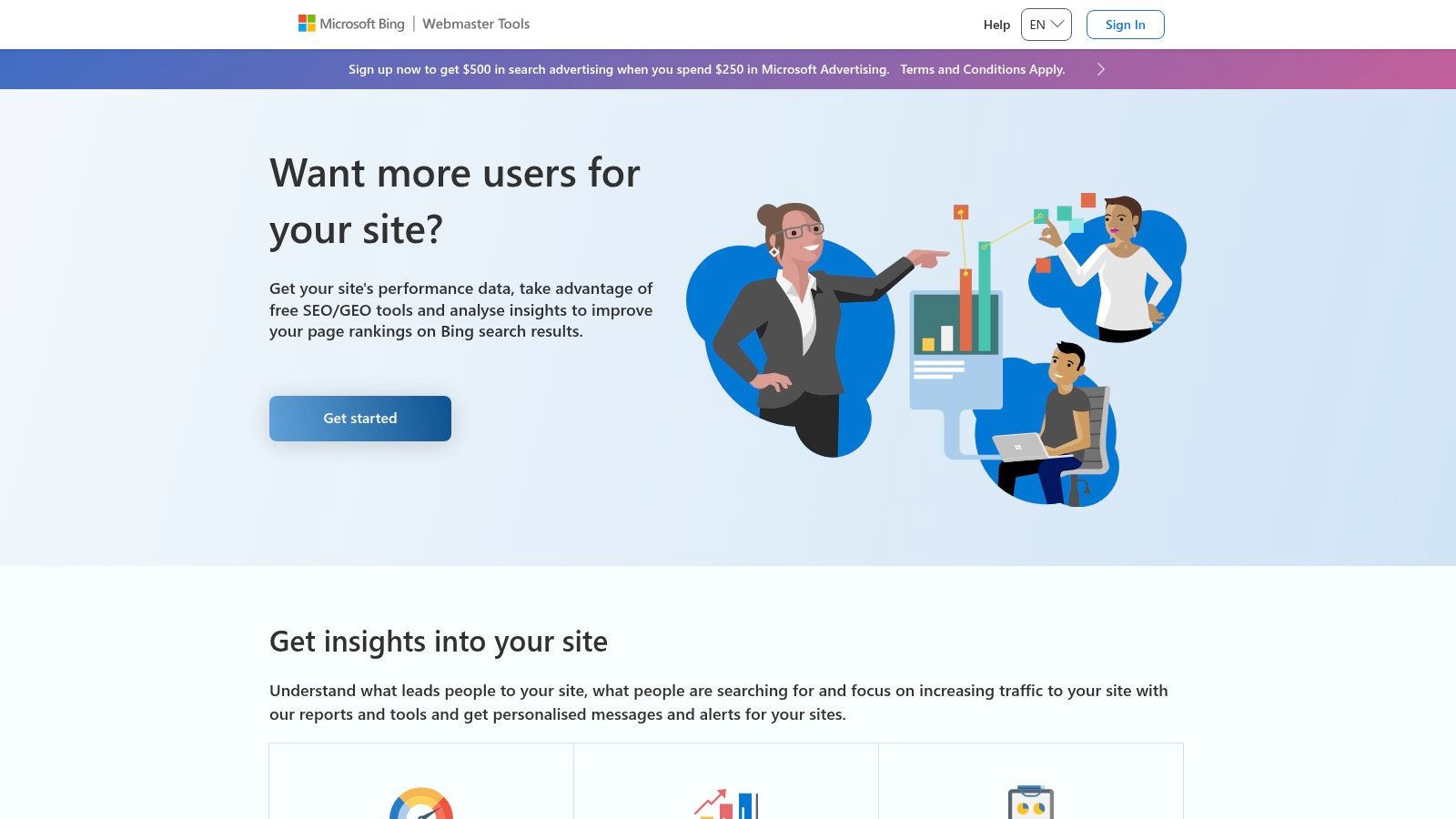
A common scenario. Search Console shows stable impressions, but a page still underperforms on Microsoft-powered search results, Copilot surfaces, or Bing local queries. Bing Webmaster Tools helps diagnose that gap without adding another subscription or another crawler to your stack.
Its value is not just extra visibility. It gives you a second search engine view on crawling, indexing, backlinks, and query performance. That matters because pages do not always behave the same way across engines. I use Bing Webmaster Tools to pressure-test assumptions from Google data, especially on local sites, service businesses, and older audiences where Bing traffic can be meaningful.
Why it deserves a spot
The best use case is workflow coverage. Run your primary monitoring in Google Search Console and GA4. Use Bing Webmaster Tools to check whether the same URLs are indexed, whether Bing sees different technical issues, and whether backlink or query patterns line up. If they do, confidence goes up. If they do not, you have a clue worth investigating.
A few features make it practical:
Site Scan: Catches technical issues from Bing's crawl perspective, which is useful for validating what Screaming Frog found.
Search performance reports: Show query and page data that can reveal demand pockets Google-first teams miss.
URL inspection and indexing tools: Help troubleshoot pages that are live but slow to appear in Bing.
Backlink data: Works well as a second source beside Ahrefs Webmaster Tools.
The trade-off is scale. For many sites, Bing sends less traffic than Google, so you should not treat it as your main source of truth. Treat it as a complementary dataset that improves coverage and catches blind spots.
That is also where workflow integration matters. If Bing surfaces queries that are absent or weak in your Google reports, fold them into your broader research process with other keyword research tools for SEO planning. In Keyword Kick, that kind of cross-source comparison gets faster because you can line up Bing terms, page-level opportunity, and existing visibility in one place instead of checking each tool separately.
10. Google Keyword Planner
Google Keyword Planner is a keyword ideation tool first and an SEO decision tool second. If you keep that distinction clear, it's extremely useful. If you expect a full SEO platform, it's frustrating.
The biggest advantage is obvious. You're getting keyword ideas and historical volume trends from Google Ads infrastructure, which makes it a strong starting point for topics, variants, and geo-specific research.
Best use in an SEO workflow
Use Keyword Planner to expand topics, cluster seed ideas, and compare regional demand. Then validate those ideas with manual SERP review and your own Search Console data. That sequence matters because free keyword tools are often more reliable for brainstorming than exact forecasting.
This fits a broader market shift toward automated and accessible optimization workflows. Business Research Insights reports that the global AI SEO software tools market is valued at USD 2.43 billion in 2026 and is forecasted to reach USD 5.97 billion by 2035, with free and tiered tools serving as key entry points for lean teams. Keyword Planner remains one of the most practical of those entry points.
If you want alternatives and companions for topic research, this list of best keyword research tools is a useful reference.
Use for seed expansion: Start broad, then refine by intent and geography.
Use for local research: Helpful when service areas and language targeting matter.
Don't use alone for prioritization: Pair it with SERP review and first-party performance data.
Its limitation is built into the product. It was designed for advertisers, not SEOs. That means you won't get SEO-native difficulty logic or editorial prioritization. Treat it as the front end of ideation, not the end of analysis.
Top 10 Free SEO Tools Comparison
Tool | Core features | Quality & UX (★) | Value & Pricing (💰) | Best for (👥) | Standout (✨) |
|---|---|---|---|---|---|
Keyword Kick 🏆 | Unified GA4 + GSC + rank, backlinks, audits, SERP tracking | ★★★★★, daily updates, AI guidance | 💰 Free‑forever; paid from $49/mo | 👥 Agencies, in‑house teams, freelancers | ✨ K² AI Agent: prioritized, step‑by‑step SEO actions |
Google Search Console | Query & page performance, indexing, URL inspection | ★★★★, direct Google search data | 💰 Free | 👥 All site owners, SEOs validating fixes | ✨ First‑party search signals & issue validation |
Google Analytics 4 (GA4) | Event‑based analytics, conversions, BigQuery export | ★★★★, powerful but steeper learning curve | 💰 Free (paid 360 for SLAs) | 👥 Analysts, product teams, growth marketers | ✨ Event model + BigQuery for advanced analysis |
Ahrefs Webmaster Tools (Free) | Site Audit, backlink & organic insights for verified sites | ★★★★, solid technical/backlink data | 💰 Free (limited) | 👥 Small teams, site owners on a budget | ✨ Generous free audit + backlink data for your sites |
Semrush (Free Account) | Keyword research, domain overview, limited position tracking | ★★★, broad toolkit, capped quotas | 💰 Free (strict limits); paid upgrades | 👥 SEOs doing quick reconnaissance | ✨ Wide feature set in one interface (limits apply) |
Moz Free SEO Tools | MozBar, Link Explorer, Keyword Explorer (limited) | ★★★, handy SERP overlays and metrics | 💰 Free (limited queries) | 👥 SEOs needing quick on‑page checks | ✨ Fast SERP overlay (MozBar) and familiar DA/PA metrics |
Screaming Frog SEO Spider (Free) | Desktop crawler: status codes, metadata, JS render subset | ★★★★, precise technical crawling (500 URL cap) | 💰 Free up to 500 URLs; paid for full features | 👥 Technical SEOs, developers, auditors | ✨ Industry‑standard crawler with detailed exports |
Google PageSpeed Insights | CrUX field data + Lighthouse lab tests, Core Web Vitals | ★★★★, actionable dev diagnostics | 💰 Free; API available | 👥 Developers, UX and performance teams | ✨ CrUX + Lighthouse + prioritized optimization tips |
Bing Webmaster Tools | Performance, index coverage, backlink insights, site scan | ★★★, complementary search engine data | 💰 Free | 👥 Sites targeting Bing/alternative search markets | ✨ Built‑in SEO Site Scan and Bing‑specific signals |
Google Keyword Planner | Keyword ideas, volume forecasts, bid ranges (PPC‑centric) | ★★★, good seed data, PPC focus | 💰 Free (Google Ads account required) | 👥 PPC managers, local keyword researchers | ✨ First‑party search volumes & forecasted bid ranges |
From Free Data to Focused Action
A weekly SEO review often starts the same way. Search Console shows a drop on a handful of pages. GA4 shows weaker engagement on the same URLs. Then the actual work begins: open Screaming Frog to check canonicals and status codes, run PageSpeed Insights on templates, compare backlink changes in Ahrefs Webmaster Tools, and pull keyword variations from Keyword Planner or Semrush. The tools are free. The time cost is not.
That is the main limit with free SEO tooling. Data is available from almost every angle, but the workflow is fragmented.
Each tool in this list answers a different question. Search Console shows how Google surfaces your pages. GA4 shows what visitors do after the click. Ahrefs Webmaster Tools and Screaming Frog help confirm technical causes. PageSpeed Insights helps isolate performance issues that hurt both rankings and conversion rates. Keyword Planner, Moz, and Semrush help with topic research and outside-in validation. Bing Webmaster Tools adds a second search engine view that can catch problems or opportunities you would miss if you only watch Google.
Used together, that stack is strong. Used loosely, it creates reporting debt.
A common example: an ecommerce category page loses traffic. Search Console shows lower impressions, but clicks are down harder than position. GA4 shows conversion rate slipped after the drop. Screaming Frog finds duplicate title tags across filter variants. PageSpeed Insights shows mobile performance regressed after a template update. Ahrefs Webmaster Tools confirms no meaningful backlink loss, so links probably are not the main cause. That sequence turns a vague traffic drop into a ranked task list: fix duplication, improve mobile speed, then rewrite the page to match current query intent.
The problem is not analysis quality. It is analysis speed and consistency across tools.
Teams also have another option now. AI utilities can summarize exports, compare SERPs, cluster terms, and surface patterns across content sets. That helps, but only if the inputs are organized and the prompts follow a repeatable process. Otherwise, teams still spend too much time collecting screenshots, cleaning exports, and reconciling metrics that were never designed to live in one place.
A unified workspace changes that by connecting the free sources you already use and turning them into one operating view. Keyword Kick fits that role well because it helps combine performance, technical, and keyword signals into prioritized actions instead of leaving you to interpret each source in isolation. If a page loses traffic, the question is no longer "which tab should I open next?" The better question is "which issue has the highest likely impact, and what should the team fix first?"
SEO judgment still matters. The gain comes from reducing analysis drag, standardizing triage, and helping the team move from diagnosis to execution faster.
Start with the free tools in this list and use them with clear jobs. Let Search Console anchor visibility analysis. Use GA4 to validate business impact. Use crawlers and speed tests to confirm technical causes. Use keyword tools to expand or refine coverage. Then, once the tab switching starts slowing decisions, centralize the workflow so the team can spend more time shipping fixes and less time stitching reports together.
Keyword Kick is the fastest way to turn your scattered free SEO data into a real action plan. If you're tired of jumping between Search Console, GA4, rank trackers, audits, and backlink tools, try Keyword Kick to unify those signals and get clear, prioritized recommendations from the K² AI Agent.