You're probably in one of two situations right now. Either you've tried to handle SEO with a spreadsheet, Google Search Console, and a pile of browser tabs, or you've looked at a few SEO platforms and immediately felt the usual small-business frustration: too many features, too much jargon, and prices that make no sense unless you run a large team.
That's why choosing SEO software for small business isn't really about finding the tool with the longest feature list. It's about finding the one that fits your workflow, your budget, and the type of business you run. A local roofer doesn't need the same setup as a Shopify store. A solo consultant doesn't need the same reporting stack as a five-person content team.
The right tool should help you answer a few practical questions fast. What should I optimize first? Which pages are slipping? What are customers searching for? Where am I wasting time doing manual work that software should handle for me?
Why the Right SEO Software Is a Game Changer
A lot of small businesses start SEO the hard way. They check rankings manually, guess which pages matter, and only notice technical problems after traffic drops. That approach works for about a week. After that, SEO turns into reactive cleanup instead of steady growth.
Good software changes that because it gives you a working system. You stop guessing which keywords deserve attention. You stop missing broken pages, thin metadata, and indexing issues. You stop treating competitors like a mystery.
Manual SEO breaks first on consistency
The issue with DIY tracking isn't effort. It's inconsistency.
You might review rankings one month and skip the next. You might publish content but never measure whether it moved anything. You might know your competitors outrank you, but not know whether they're winning on content depth, backlinks, or cleaner site structure.
That's where software earns its keep. It turns SEO into a repeatable process:
Track rankings automatically so you can spot gains and declines without digging.
Run site audits so technical issues don't sit unnoticed for months.
Research keywords based on actual search behavior instead of instinct.
Watch competitors so you can respond to what's already working in your market.
If you need a basic refresher before choosing a platform, this guide to actionable steps for SEO is a useful primer because it keeps the focus on execution rather than theory.
SEO software is becoming infrastructure
The market tells the same story. The global SEO software market was valued at USD 86.52 billion in 2025 and is projected to reach USD 311.02 billion by 2035, growing at a 13.37% CAGR, according to SNS Insider's SEO software market report.
That matters for one reason. Businesses aren't treating SEO platforms as optional add-ons anymore. They're treating them as operating systems for online visibility.
Practical rule: If SEO affects lead flow, booked jobs, product sales, or inbound inquiries, the software isn't just a marketing expense. It's part of how you monitor demand.
The mistake I see most often is paying for software that's too advanced, then barely using it. The second most common mistake is refusing to pay for any software, then burning hours every month doing manual tasks badly. The sweet spot sits in the middle. Buy enough capability to support your actual workflow, then use it consistently.
What Small Businesses Actually Need in SEO Software
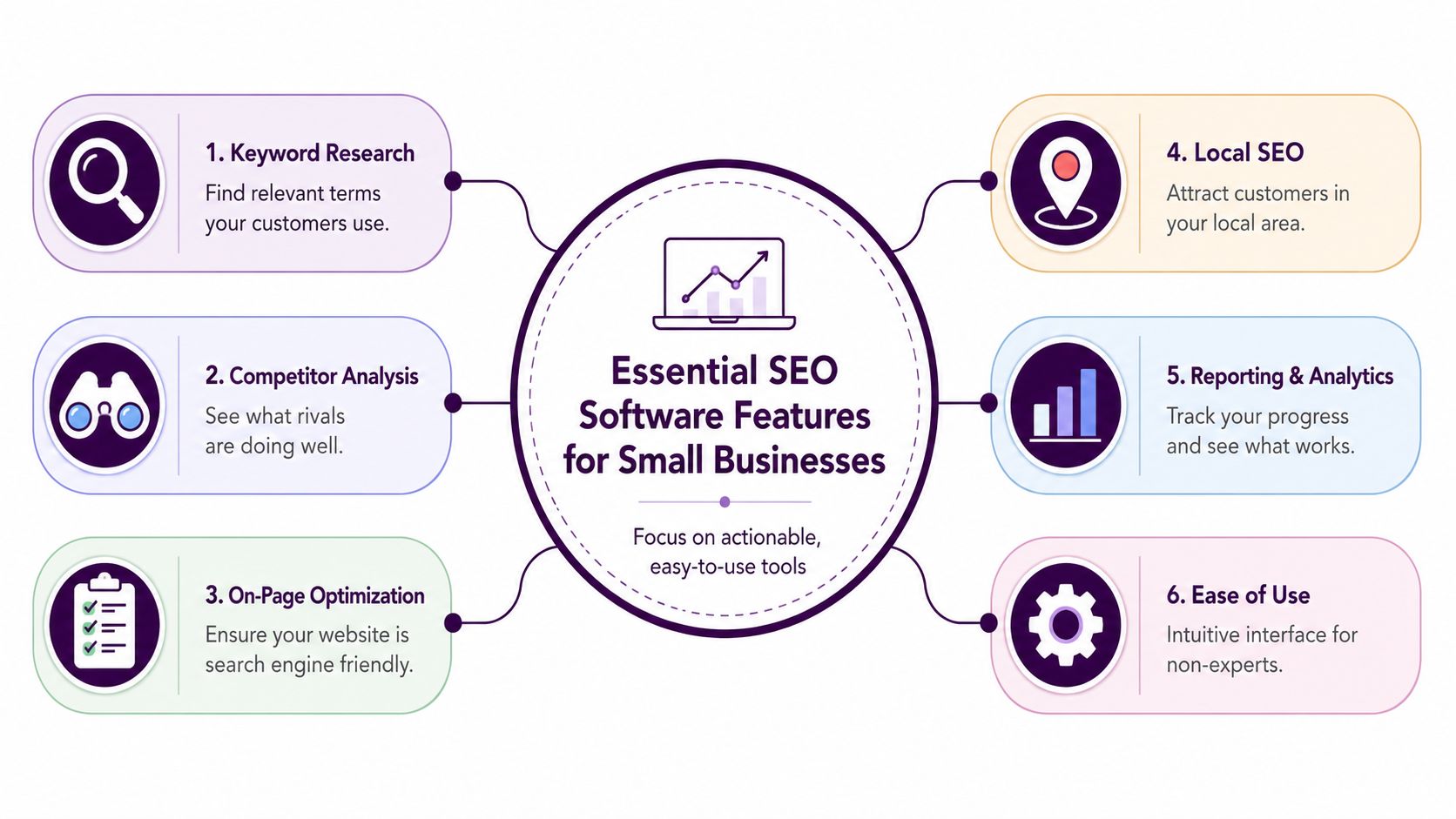
Most small businesses don't need a bloated platform. They need a short list of functions that connect directly to revenue and visibility. The easiest way to evaluate SEO software for small business is to ignore the fancy labels and ask what business problem each feature solves.
The core features that actually matter
Here's the practical checklist I use.
Keyword research helps you find what customers already search for. This is how you stop writing service pages nobody wants and start building pages around real demand.
Rank tracking shows whether your SEO work is moving anything. Without it, you can't tell if a page update helped, hurt, or did nothing.
Site audits catch technical problems that subtly drag down performance. Broken links, missing metadata, crawl problems, and page-level issues add up.
Backlink analysis helps you understand authority gaps. You don't need an obsession with link metrics, but you do need to know why stronger competitors keep outranking you.
Competitor insights save time. Instead of brainstorming in a vacuum, you can see which topics, keywords, and pages already work in your niche.
Ease of use matters more than people admit. A tool you understand beats a complex platform you avoid opening.
Price only matters if the tool gets used
Budget is part of the buying decision, especially now. Cost is the primary barrier to AI adoption for 55% of small business owners, and only 17.7% have paid for an AI tool, according to this small business AI adoption report covered by WFTV.
That tells you something important about software buying behavior. Small businesses aren't resisting tools because they hate efficiency. They're resisting tools that look expensive, complicated, or hard to justify.
So when you compare platforms, ask four blunt questions:
Can I learn it quickly without a consultant?
Will it replace other manual work I'm already doing?
Does it help me decide what to do next, not just show charts?
Can I tie its use to leads, sales, or rankings I care about?
A small business usually doesn't have a data problem. It has a prioritization problem.
One missing area most tools still handle poorly
Two workflow gaps get ignored in a lot of software roundups.
First, answer engine optimization. The BDC notes that for good AEO, you need to write 50 to 60-word answers to frequently asked questions, as explained in its guide to small business SEO tactics and FAQ-focused content. Most tools still don't give small teams a clean workflow for creating, validating, and managing those answer blocks.
Second, local data consistency. For local companies, NAP details must stay exact across listings, and many platforms still treat that job as a separate manual process instead of part of a unified SEO workflow. If you're a location-based business, that gap matters a lot more than another dashboard widget.
The Top SEO Software for Small Business Compared
If you want a quick shortlist, start here. These tools solve different problems, and that's the point. There isn't one universal winner. There's only the best fit for the way your business operates.
Tool | Best For | Starting Price (per month) | Key Differentiator |
|---|---|---|---|
SE Ranking | Budget-conscious owners and small agencies | $52 | All-in-one suite at a lower entry price |
SEMrush | Businesses that want one platform for broad marketing work | $139.95 | Large toolkit in a single dashboard |
Ahrefs | Teams focused heavily on research and backlink analysis | $108 | Strong research-oriented workflow |
BrightLocal | Local service businesses | Qualitative | Built around local SEO operations |
Keyword Kick | Teams that want guided SEO actions from unified data | Qualitative | AI-assisted prioritization across connected search data |
SE Ranking for balanced value
SE Ranking is the practical option for small businesses that want solid coverage without paying enterprise pricing. It includes rank tracking, site audits, keyword research, backlink monitoring, and competitor analysis in one suite.
According to Devenup's comparison of SEO tools for small businesses, SE Ranking starts at $52/month, compared with SEMrush at $139.95/month and Ahrefs at $108/month.
Why people choose it: It covers the main SEO jobs well enough for most small teams, and the entry price is easier to justify.
That makes it a sensible fit for an owner-operator, a lean in-house marketer, or a small agency that needs breadth before depth.
SEMrush for one-dashboard operations
SEMrush fits businesses that don't want separate tools for SEO, content, competitor research, and related digital marketing work.
If your team keeps asking, “Can we do this in the platform we already pay for?” SEMrush is usually the tool they're describing.
The trade-off is cost and complexity. It's powerful, but it expects a user who will spend time learning the system and use the breadth it offers.
Ahrefs for research-heavy teams
Ahrefs tends to appeal to users who spend a lot of time on competitive research, content planning, and backlink analysis. If your strategy leans hard into editorial SEO, topic mapping, and authority building, it often feels cleaner than broader platforms.
The drawback for some small businesses is that research depth doesn't always translate into workflow simplicity. A local business owner may not need that much horsepower.
BrightLocal for local-first businesses
BrightLocal isn't trying to be everything. That's why it works for local service businesses. If your revenue depends on maps, reviews, local citations, and service-area visibility, focused local software is often more useful than a general SEO suite.
Many companies waste money, buying a broad SEO platform and then still managing local listings manually.
Choose by workflow, not by reputation
A good selection rule is simple:
Pick SE Ranking if price sensitivity is high and you need broad utility.
Pick SEMrush if one platform needs to support several marketing functions.
Pick Ahrefs if content research and backlink work drive your strategy.
Pick BrightLocal if local presence is the core growth channel.
Pick Keyword Kick if you want connected SEO data interpreted into prioritized actions rather than manually piecing the story together.
If you're also thinking about positioning and messaging, not just rankings, this archive of purpose-driven marketing strategies is worth browsing because software only works when the underlying offer and message are clear.
Deep Dive Keyword Kick The AI-Powered Choice
Some business owners don't need more dashboards. They need clearer answers. That's the lane this type of platform fits.
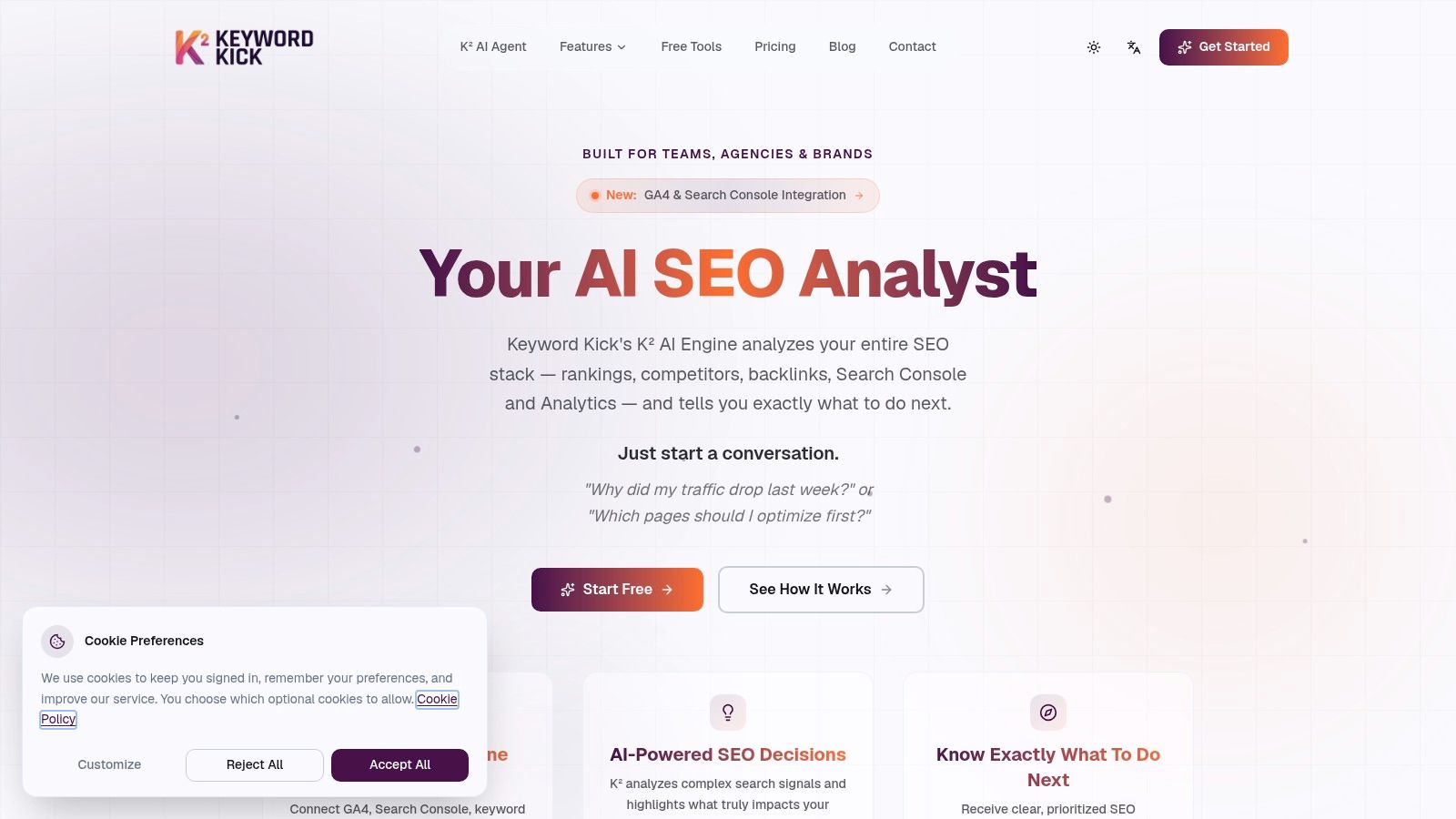
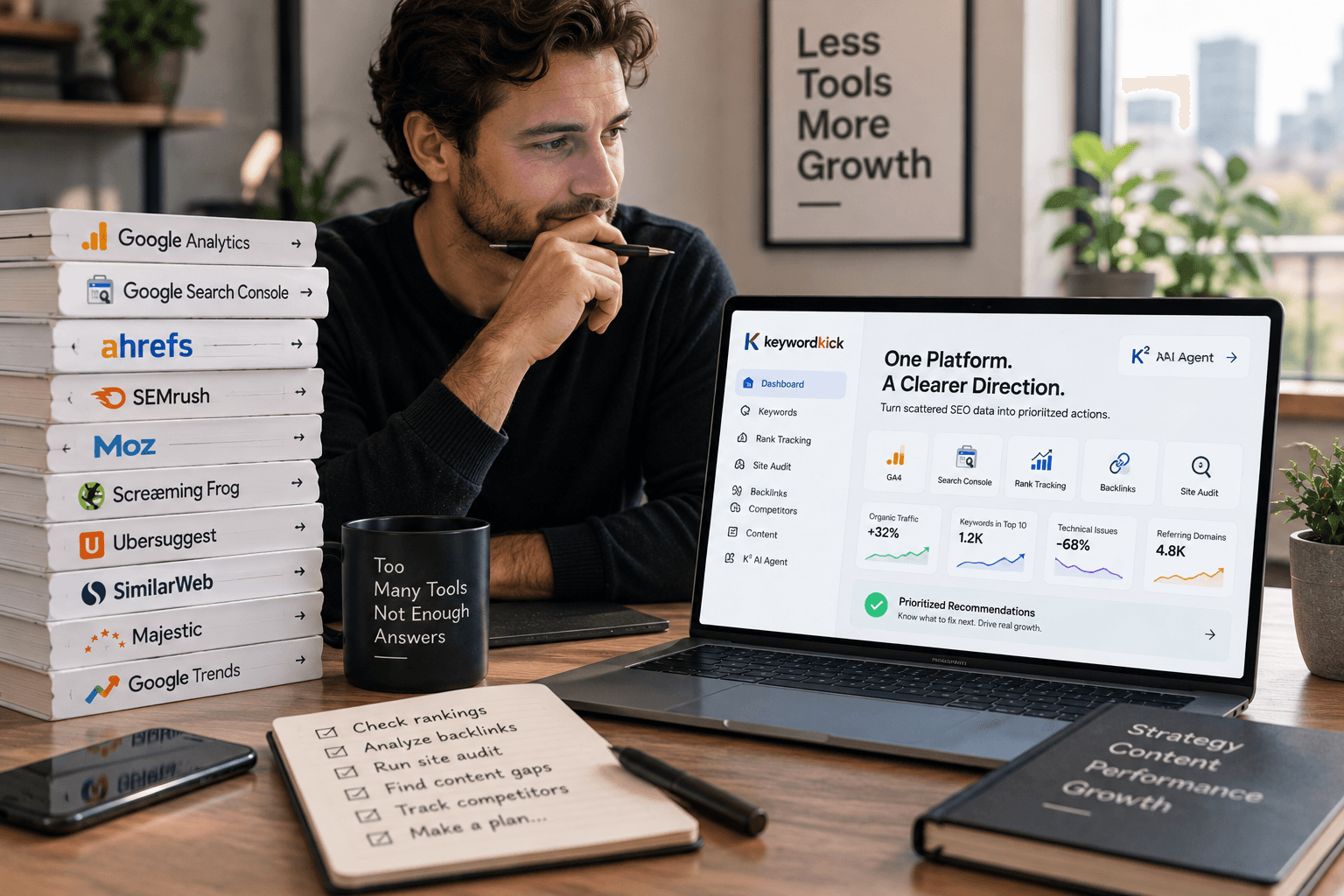
Keyword Kick is built around a simple idea. Search data is fragmented, and most small teams lose time trying to stitch it together. Instead of bouncing between GA4, Search Console, rank tracking, and audit tools, the platform brings those inputs into one workspace and uses the K² agent to interpret what matters.
Where this approach fits best
This setup makes the most sense when you run into one of these problems:
You have data but no prioritization. You can see traffic shifts, but you can't tell what deserves attention first.
You're time-poor. You need recommendations you can act on this week, not another report to decode.
You manage multiple moving parts. Rankings, technical fixes, content updates, and competitor changes all affect performance, and you want one place to evaluate them together.
The useful part isn't just aggregation. It's asking plain-language questions and getting directional guidance back. A business owner or marketer can ask why traffic dropped, which pages deserve optimization first, or where ranking opportunities sit, then act from there.
What to watch for in real use
This kind of tool works best if you connect the data sources and use the recommendations to drive a weekly workflow. If you don't connect Search Console, Analytics, and ranking inputs, you'll get less value because the whole premise is unified context.
Software that gives you an answer is only useful if the answer leads to a task somebody owns.
For teams curious about the agent workflow itself, the K² AI agent overview shows how that question-and-recommendation model works in practice.
The practical trade-off is that AI-assisted guidance is most helpful for teams that want triage and prioritization. If you prefer raw research depth and doing your own analysis from scratch, a more traditional research-first platform may feel more familiar. But for a small business that needs to move from “what happened?” to “what should we do next?” quickly, this model is easier to operationalize.
Deep Dive SEMrush The All-In-One Powerhouse
SEMrush is the platform I think of when a business wants one subscription to cover a lot of marketing ground. It's broad, not narrow. That's the appeal and the risk.
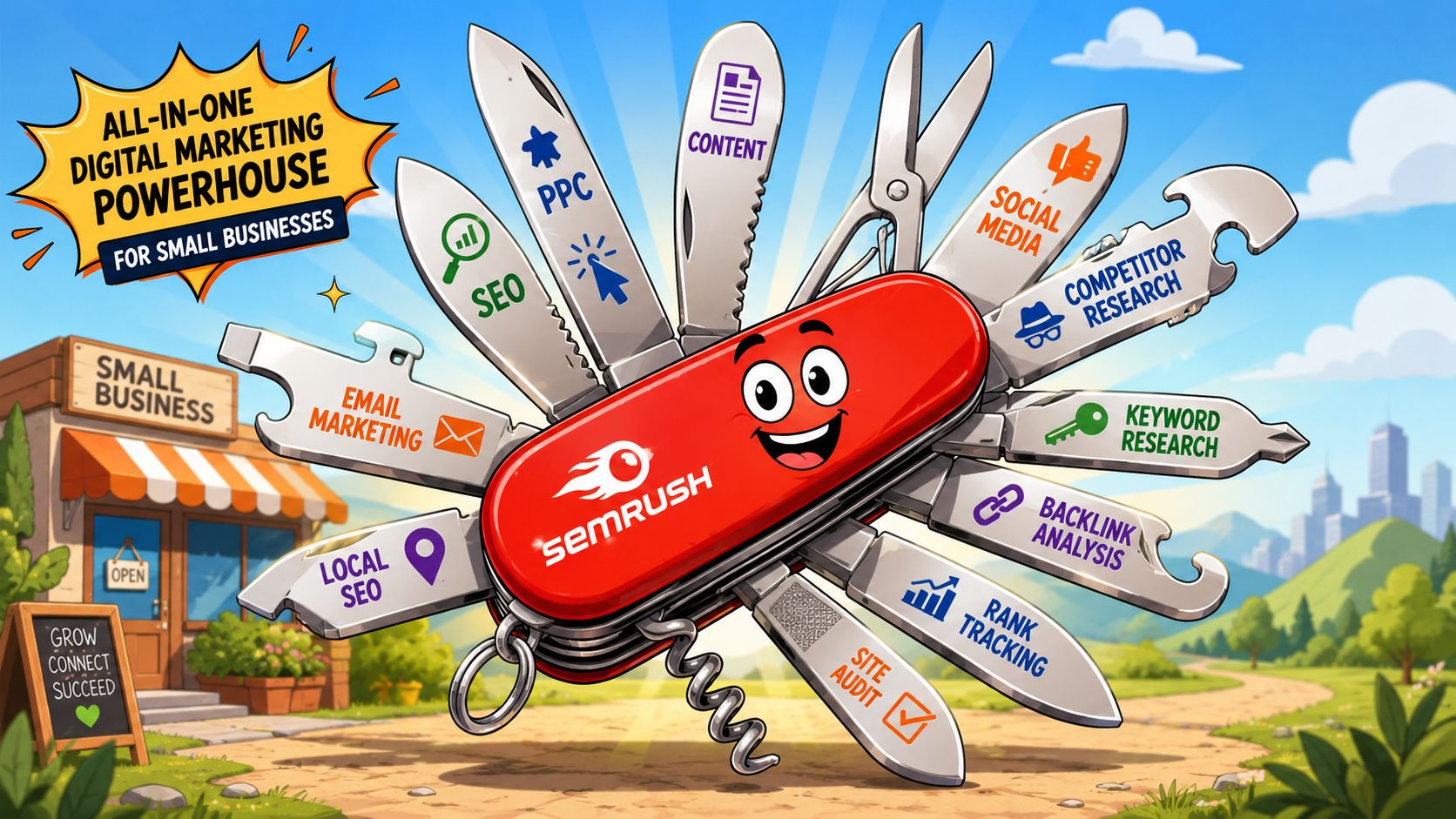
According to Outrank's review of SEO software for small businesses, SEMrush includes a site audit that scans for 130+ technical issues and a keyword database of over 20 billion keywords. That's the kind of breadth that reduces tool sprawl if your team would otherwise patch together multiple subscriptions.
Why some small businesses love it
SEMrush works well when SEO doesn't live alone. If your team also touches content planning, local optimization, competitive monitoring, and paid search research, the single-dashboard setup can make daily work cleaner.
It also helps agencies and in-house teams that need reporting depth. You can pull a lot of context from one place instead of exporting data across tools.
SEMrush makes the most sense when one person isn't doing one job. It fits better when one team handles several growth functions.
Why some small businesses overbuy it
The flip side is predictable. Plenty of small companies pay for SEMrush and use a small slice of it. They run the occasional audit, track a few terms, and ignore the rest. At that point, the platform isn't the problem. The mismatch is.
If you're deciding whether the extra breadth is worth it, this breakdown on choosing between Semrush and SpyFu is useful because it highlights how tool choice changes when your workflow is research-heavy versus broader marketing-focused.
For a side-by-side look at where a leaner alternative may fit, this Semrush comparison page gives a useful framing around platform depth versus guided action.
The short version is simple. SEMrush is a strong fit when you'll use the range of features. If not, it becomes expensive overhead.
Recommendations for Common Business Scenarios
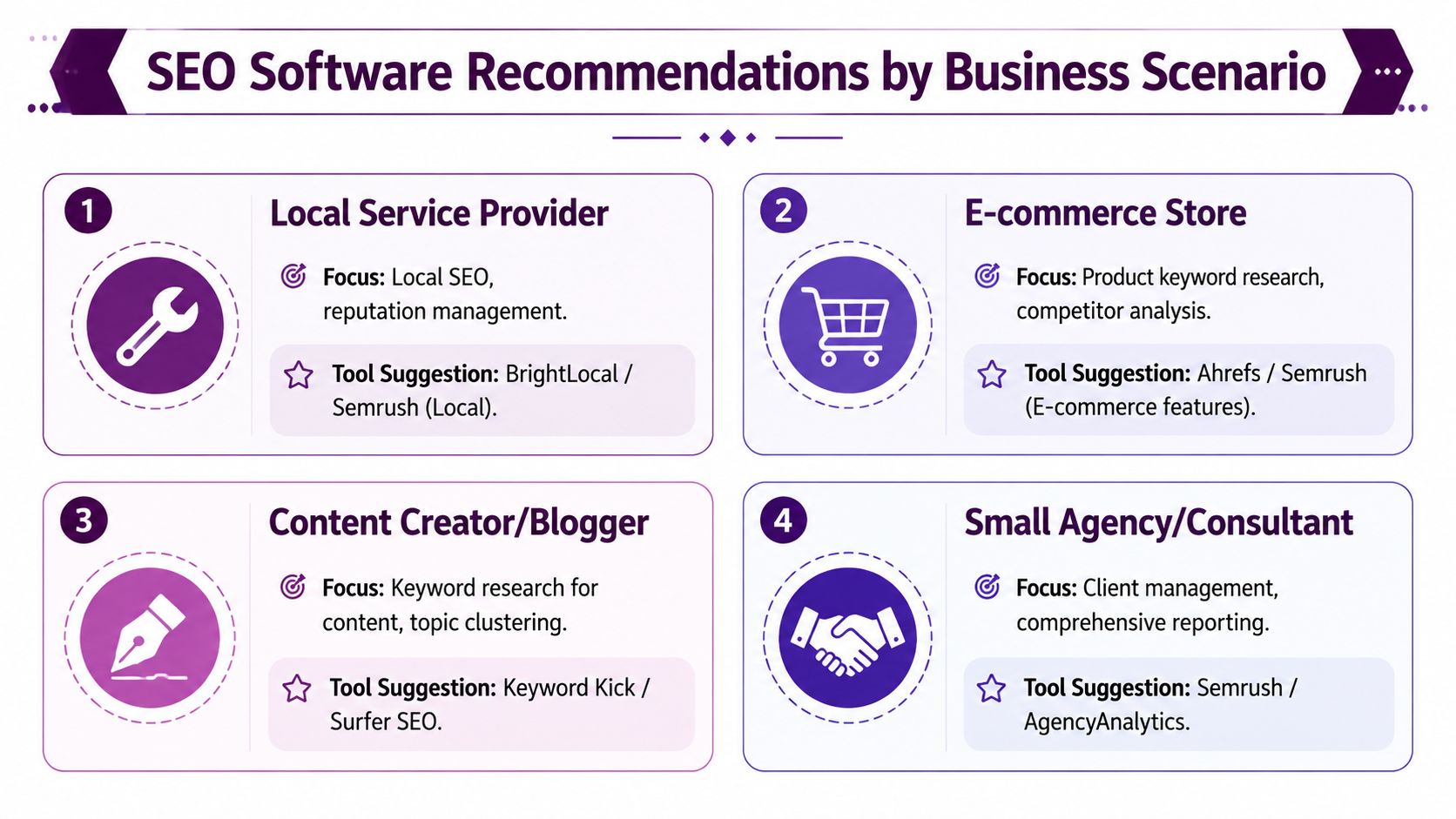
The smartest way to buy SEO software for small business is to match it to how money enters the business. Your workflow should decide the tool, not the other way around.
Local service business
If you run a plumbing company, dental practice, law office, med spa, or home service brand, local visibility usually matters more than national content reach. You need tight control over listings, reviews, service pages, and location signals.
One issue matters more than many owners realize. For local businesses, NAP consistency across directories is critical to avoid ranking penalties, as explained in this guide to local SEO best practices and directory consistency.
Use a local-first tool like BrightLocal when your day-to-day work revolves around citations, reviews, and listings. Use SEMrush if local SEO is only one part of a broader marketing operation.
E-commerce store
An online store has a different problem set. Category pages, product intent, competitor monitoring, and search-driven merchandising matter more than citation cleanup.
For this workflow, Ahrefs or SEMrush usually fit better because product keyword research and competitive analysis need more depth. You need to understand which queries map to collections, which products deserve dedicated landing pages, and where rivals are taking visibility you could reasonably win.
A general rule applies here. If your catalog is growing, your SEO software should help you prioritize page groups, not just individual keywords.
Content creator or publisher
Bloggers, niche site owners, and media-style brands live and die by topic selection and editorial consistency. They need tools that make keyword research usable, identify content gaps, and show where posts are drifting or cannibalizing each other.
A platform that turns connected signals into recommendations offers valuable support. A content-focused workflow often benefits from guidance around which pages to refresh, which clusters to expand, and where internal linking is weak.
A publisher rarely loses because they ran out of ideas. They lose because they published the wrong ideas in the wrong order.
Small agency or consultant
Agencies and consultants need two things at once. Breadth for execution, and clean reporting for clients.
That's why SE Ranking is attractive for budget-conscious agency work, while SEMrush fits agencies that want a wider operating system. White-label reporting, multi-project management, and consolidated visibility all matter more here than they do for a solo operator.
If you're a consultant with a small client roster, don't overcomplicate it. Pick the platform you can use fast in front of a client. A pretty report nobody can explain doesn't help retention.
How to Select and Implement Your SEO Software
Most buying mistakes happen before the trial even starts. Owners compare feature lists instead of deciding what job the software needs to do first.
A simpler process works better.
A four-step rollout that keeps things clear
Set one primary goal and one hard budget
Decide what matters most right now. More local calls, more qualified organic traffic, better technical visibility, or better content planning. Then decide what you're willing to spend each month.Test one or two tools, not five
Too many trials create noise. Pick the two closest fits and ignore the rest for now.Complete one real task inside each tool
Run a site audit. Find keyword opportunities for one service page. Review one competitor. Track a small keyword set. Make the software prove itself on actual work.Connect your core data sources immediately
If the platform supports integrations, connect Search Console and Analytics early so you aren't judging it on an empty workspace. This explainer on what an SEO platform does and how data-driven SEO works is helpful if you want a plain-English view of what those connections should enable.
What good implementation looks like
The first month shouldn't be about mastering every feature. It should be about building one repeatable habit.
That habit might be a weekly ranking review, a monthly technical audit, or a content prioritization session every Monday. If the tool supports a real operating rhythm, you picked well. If it keeps turning into shelfware, you probably bought for features instead of fit.
If you want SEO software for small business that connects your search data and turns it into clear next actions, take a look at Keyword Kick. It's designed for teams that want one workspace for rankings, audits, backlinks, and analytics without spending their week stitching reports together.