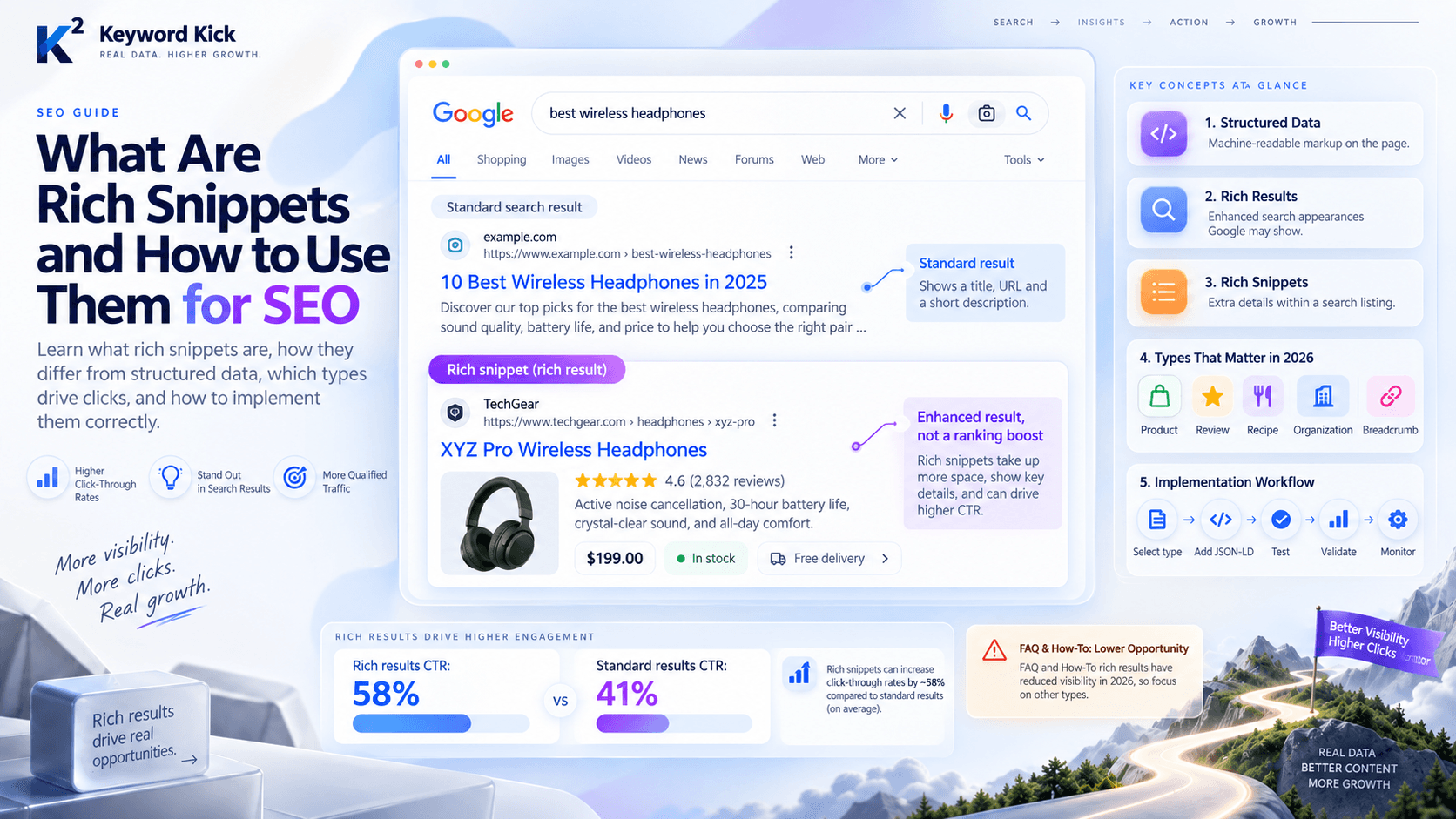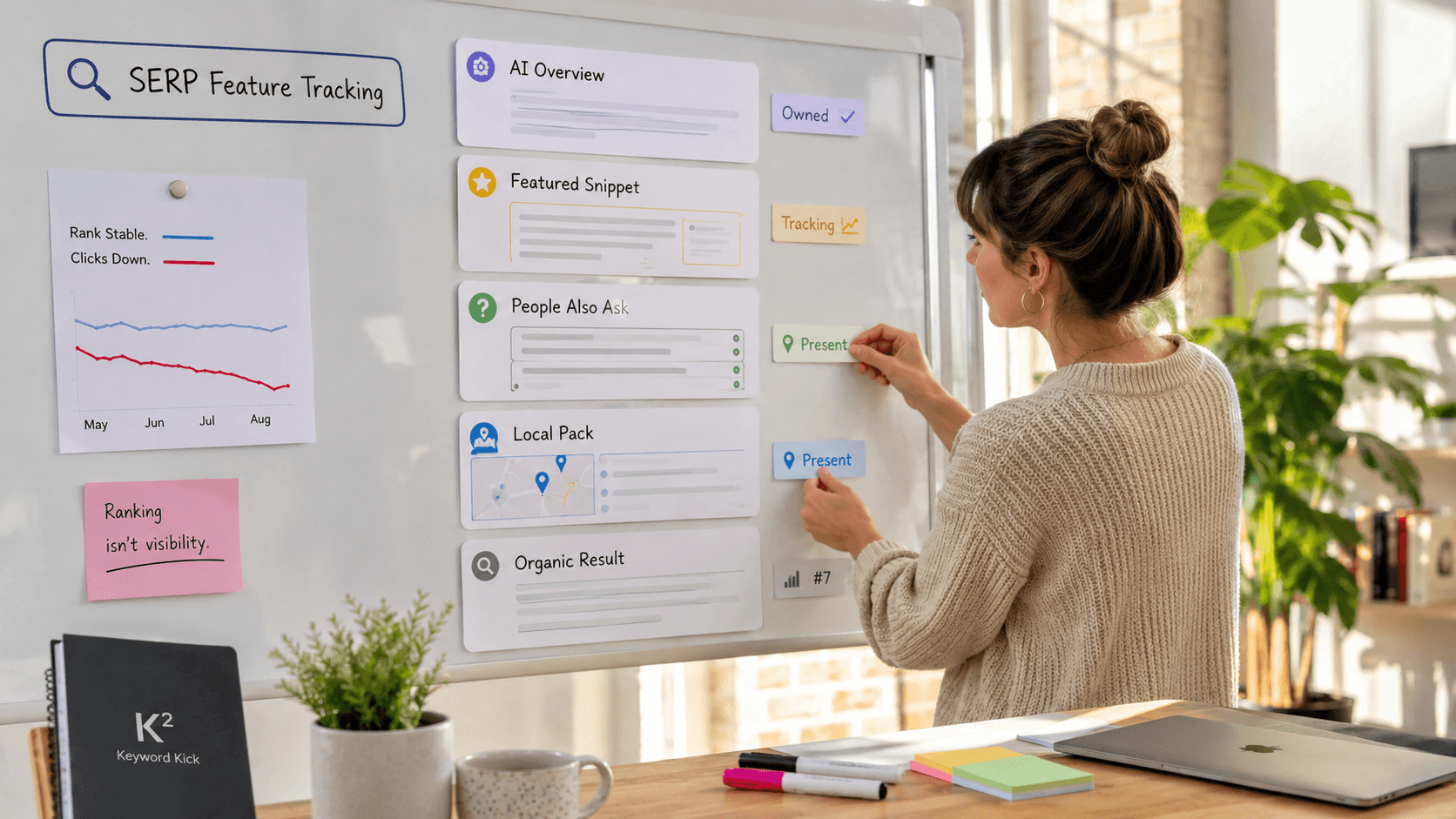
Tracking SERP features is essential because 50% of Google clicks go to non-organic features like snippets, local packs, and AI surfaces, so ranking number one without tracking features means you're flying blind. If traffic drops while your “rank” looks stable, the page may have been pushed down by a feature you never measured.
That's the trap most SEOs hit. You can hold a strong organic position and still lose the click because the search results page now acts like a crowded interface, not a neat list of links. The practical fix is to track feature presence, ownership, and layout changes on a keyword-by-keyword basis, then connect those shifts to traffic and conversions instead of treating them like background noise Keyword tracking fundamentals.
Why SERP Features Matter More Than Your Rank Position
A page can sit in a strong organic spot and still lose the click. The result page may be dominated by a featured snippet, a local pack, or a People Also Ask block, so the ranking looks healthy while the traffic tells a different story. That is the failure mode to track, because the visible order on the page often matters more than the position shown in a report.

The SERP is now a layout problem
Rank-only reporting keeps missing the core issue. Modern tracking has to include the full page layout, not just the blue-link position, because a result can sit high in the classic list and still lose visibility to modules above it. Practical tracking means measuring each feature above or below the fold, comparing share of SERP against competitors, and saving each query as a time-stamped snapshot keyed by keyword, location, device, and timestamp so you can compare changes over time tracking SERP features in practice.
That snapshot-and-diff workflow turns search monitoring into an operating system instead of a screenshot pile. It shows when a feature appears, disappears, or changes owner, and ownership is often the difference between click opportunity and irrelevance.
Practical rule: if a keyword matters commercially, track the page as it renders for a real user, not as a ranking number in isolation.
The shift goes beyond classic snippets. SERP tracking now extends to AI surfaces alongside traditional elements such as snippets, local packs, and PAA, so the old “where do I rank?” question is too small for the current search page. If you want the broader context for why plain rank tracking falls short, rank tracking for 2026 maps cleanly to this problem. For the capture layer, a web scraping api like Context can help collect the live page structure your dashboard needs.
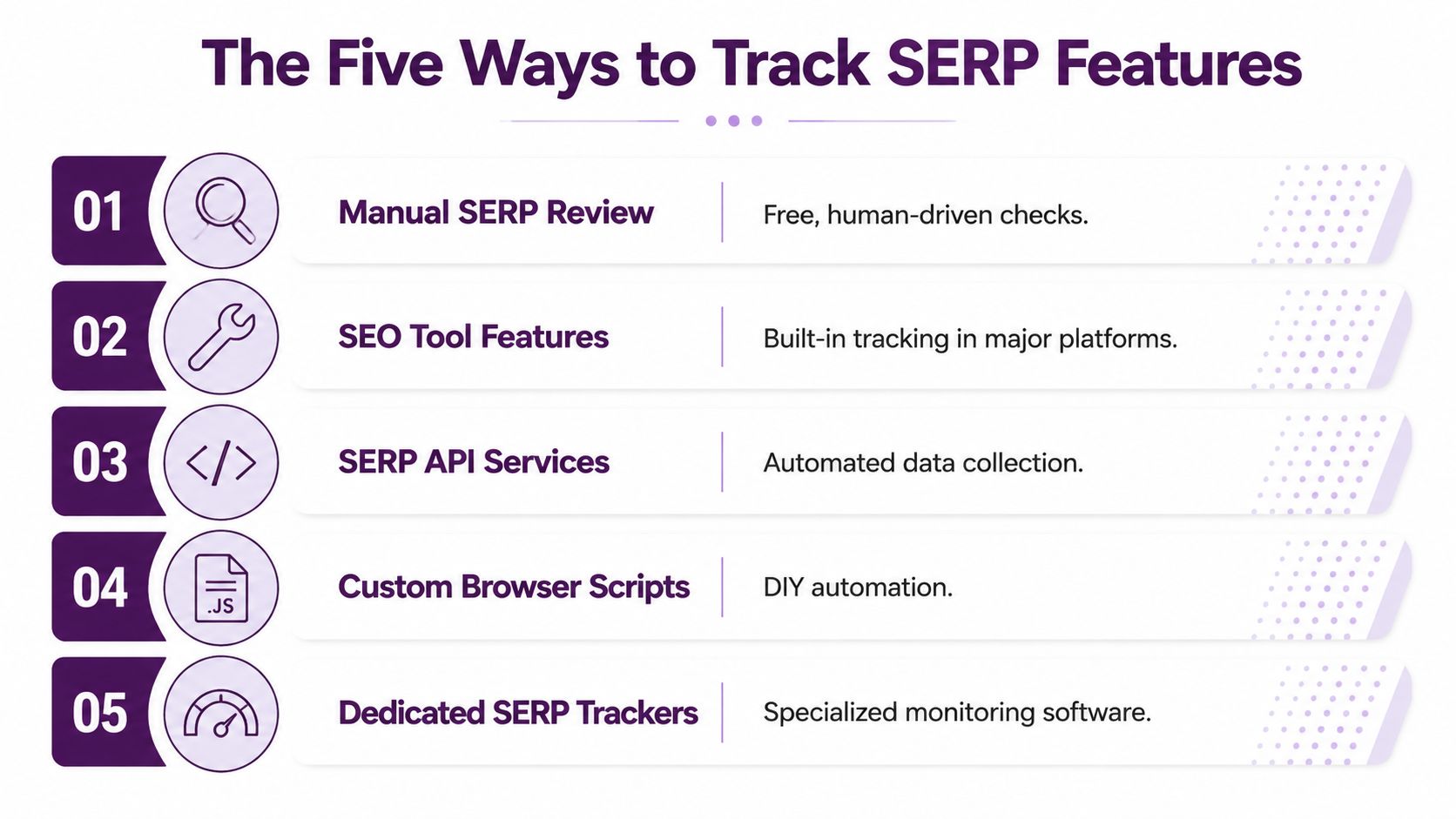
The Five Ways to Track SERP Features
There is no single tracking method that works for every market, device, and query type. A practical setup combines manual checks, Google Search Console, a rank tracker, programmatic collection, and a dashboard that puts the outputs into one view.
Manual checks still catch what tools miss
Start with the simplest method, because it teaches you how the SERP behaves. Open Google in an incognito window, set the right location and device context, and record what appears above the fold, who owns it, and whether your URL is visible at all. It is slow, but it shows the results page the way a user sees it, which matters when a feature is present but buried low enough that it does not move traffic.
Search Console shows your own feature impressions
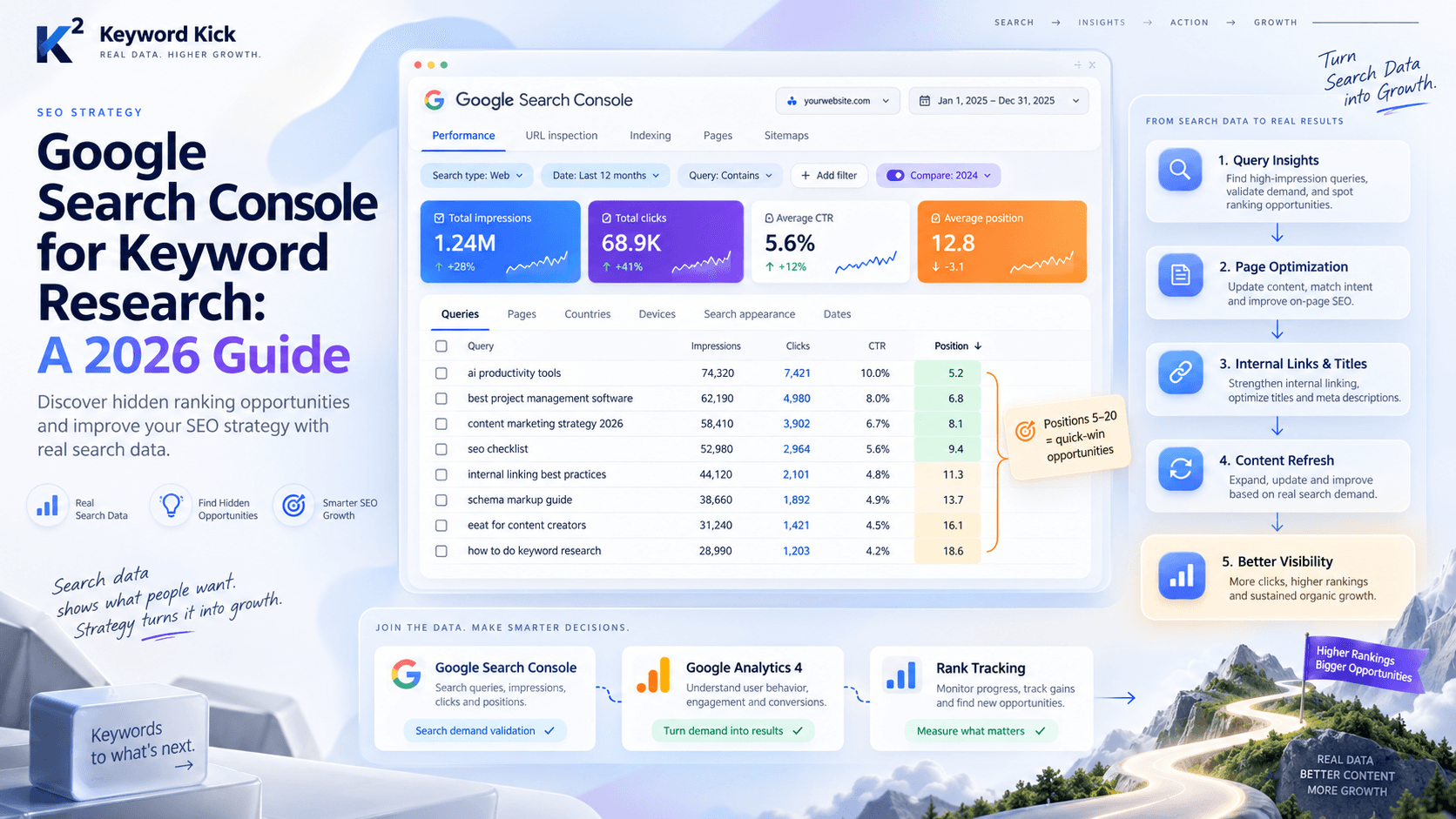
Google Search Console is where you confirm whether your own URLs are earning rich-result style visibility. The report does not replace live SERP checks, but it does show when a page is getting impressions from feature-driven appearances, which is a different signal from a plain ranking report. For teams that only care about their own properties, GSC is often the cleanest starting point, especially when paired with how to use Google Search Console well.
Rank trackers and APIs fill the scale gap
Semrush's 2023 SERP feature update showed how far the category has moved past rank-only reporting, with coverage for 50 SERP features, daily trend history, and separate estimates for traffic coming from SERP features Semrush's 2023 SERP feature update. That matters because modern results pages mix modules in ways a static audit cannot capture. If you need automation beyond a UI, a web scraping api can collect rendered SERP data programmatically, especially when you need consistent snapshots by keyword and device.
A dedicated platform reduces the swivel time
For teams that want less tool hopping, an all-in-one workspace like Keyword Kick can combine SERP feature tracking, rank data, and traffic context in one place. That does not make it magic. It means the feature data can sit next to the performance data instead of in a separate export.
Method | Cost | Depth | Automation |
|---|---|---|---|
Manual SERP Review | Low | High for context, low for scale | None |
Search Console | Low | High for owned URLs | Low |
Rank Tracking Tools | Medium | High for feature coverage | High |
SERP API Collection | Medium to High | Very high if configured well | High |
Dedicated SEO Platform | Medium to High | High across reporting layers | High |
Building a SERP Feature Dashboard and Alert System
A SERP feature dashboard only becomes useful when it's built around the queries that can move revenue. That usually means buyer-intent keywords, pages with meaningful impressions, and competitor terms you already watch. If the dashboard treats every query the same, it turns into a noise machine.
What the dashboard needs to show
The useful fields are straightforward, but each one solves a different problem. You want feature presence, owning domain or URL, and whether the feature sits above or below the fold. You also want a visual record, because a screenshot or rendered-page reference makes it much easier to verify that a layout change was real and not a parsing error tracking workflow recommendations.
The workflow that tends to hold up in practice stores a daily snapshot for each (keyword, location, device, timestamp) and then runs nightly diffs. That lets the system flag events such as feature_appeared, feature_disappeared, citation_added, citation_removed, and snippet_owner_changed, which is exactly the level of detail you need when the question is “what changed?” rather than “what rank are we on?”
Useful filter: alert only when the change touches a priority keyword, because layout churn on low-value queries wastes time fast.
How to keep alerts from becoming spam
The alert logic should be narrow. A good setup notifies you when a feature appears on a keyword you already rank for, when you lose a feature you currently own, or when a competitor gains a feature on a shared keyword. Anything broader starts to train the team to ignore the alerts, which defeats the whole point.
For teams building reporting around this kind of system, a dashboard for AI-era SEO teams is useful context because it reinforces the same principle, one workspace, one view of the search surface, no endless tab switching. The point isn't to admire the dashboard, it's to make the next action obvious.
When the dashboard is working, it should answer a simple question at a glance, “Did we lose visibility on the queries that matter?” That is why a platform like Keyword Kick can be practical, it brings SERP feature tracking, rankings, and traffic context into one place instead of forcing you to reconcile exports by hand. A setup like that is only valuable if the alerting stays disciplined and tied to business-critical queries.
Measuring the Impact of SERP Feature Changes
A feature appearing or disappearing is interesting. It is not automatically important. The work starts when you connect the layout change to clicks, CTR, and the search terms that drive leads or sales impact validation guidance.
Use Search Console as the first truth check
When a feature shift happens, open Google Search Console and compare the timing against the relevant keyword's clicks and impressions. If a featured snippet disappears and impressions fall in the same window, the relationship is hard to ignore. If impressions stay flat but CTR drops, the page may still be visible while losing click share to a new module above it.
That distinction matters because a lot of teams chase rank movement that never touched revenue. A page can hold steady in the organic list and still underperform because the visible screen is now dominated by another feature. Start with the layout, then check traffic data, then judge the commercial intent of the query.
Prioritize by intent, not by curiosity
Start with buyer-intent queries first, then work outward. A local pack matters mainly for local searches. Product-rich results and AI citations matter more for commercial or informational queries, which means the same feature can be urgent on one keyword and irrelevant on another tracking by business impact.
A practical review order looks like this:
Check above-the-fold losses first. If the visible top of the page changed, that is usually the fastest place to find an impact.
Score the ownership gap. Losing a feature to a competitor is more actionable than seeing a new module appear with no clear owner.
Measure the smallest fix first. If one content adjustment can reclaim visibility, do not overbuild the response.
You can also place the analysis inside automated SEO reporting, because feature changes are easier to act on when they sit beside traffic data instead of in a separate spreadsheet.
The point is to identify which layout change moved the business, then respond to that change with the least amount of guesswork.
Common Mistakes and Pro Tips for SERP Feature Tracking
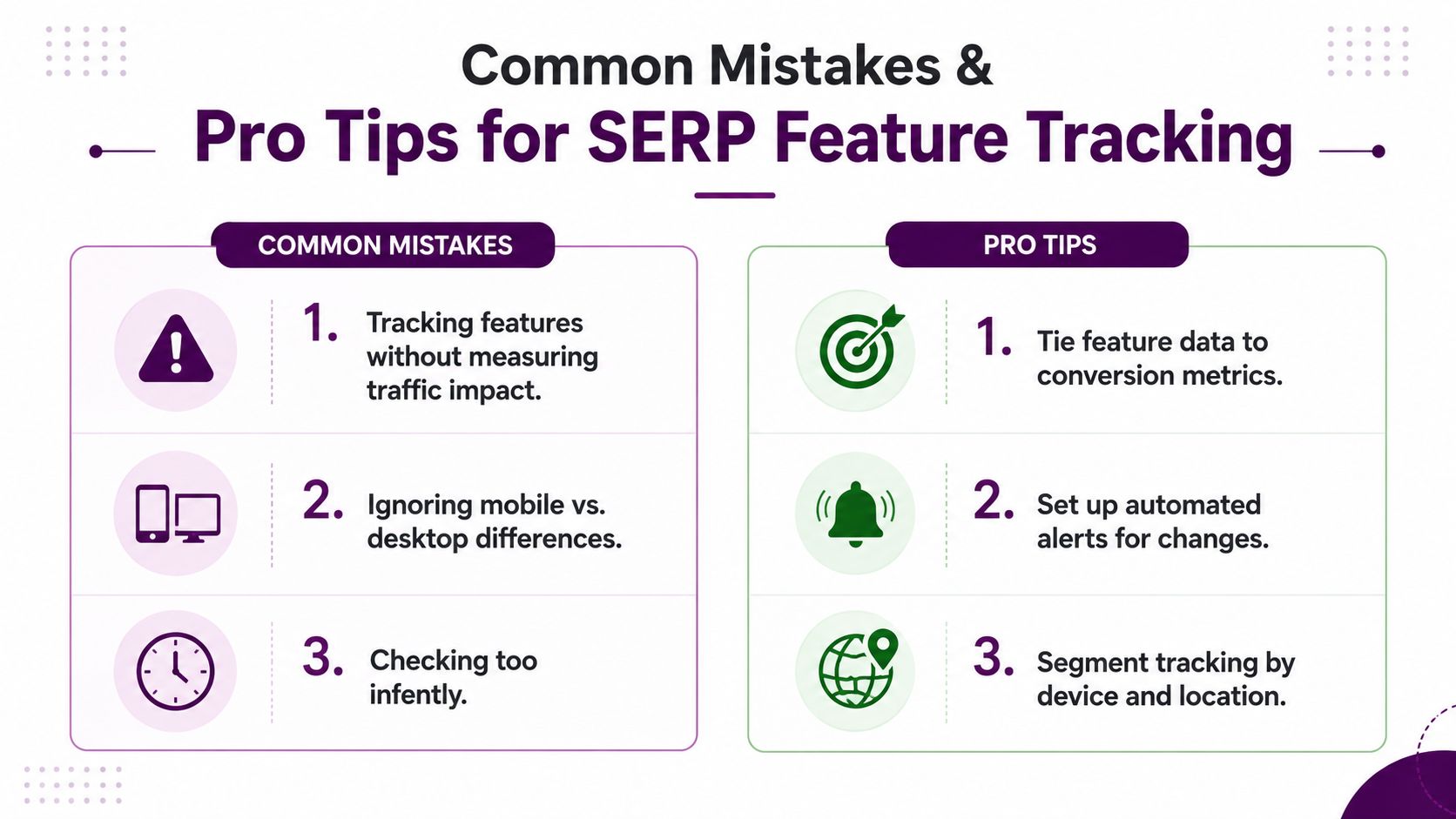
Most SERP feature tracking fails in familiar ways, and the failures are usually self-inflicted. The biggest one is logging feature changes without measuring whether they changed traffic, clicks, or conversions. The second is treating every device and location the same, which distorts visibility as soon as the SERP behaves differently on mobile or in a specific city.
The mistakes that waste the most time
A lot of teams also obsess over features they don't own and don't need. A competitor's video carousel may look impressive, but if it doesn't change the traffic pattern for your query set, it's a distraction. The better habit is to track what steals clicks from your URLs, then ignore the rest.
Don't confuse visibility with usefulness. A feature can be present and still be irrelevant to your traffic.
Another weak spot is checking too often without a review rhythm. Daily panic over minor layout shifts creates busywork, not insight. Weekly trend review is usually enough for stable monitoring, while alerts should handle the important movements.
The habits that make tracking sustainable
The strongest trackers do three things consistently. They monitor above-the-fold placement, not just feature presence. They track share of SERP, meaning how much of the visible page is effectively occupied by them versus competitors and modules. They also segment by intent, because a local pack, an AI citation, and a product-rich result do not carry the same business weight.
A simple operating rule helps here:
Tie feature data to conversion metrics. If the layout changed but nothing moved, don't spend the week overreacting.
Automate the noisy part. Alerts should catch the event, not force manual review of every keyword.
Segment by device and location. Otherwise, you're averaging away the differences that explain the loss.
The biggest pro tip is less glamorous than the tools. Review feature trends on a schedule, decide what changed, then decide whether it mattered. That discipline keeps the team focused on traffic, not trivia.
Your SERP Feature Tracking Workflow in Practice
The cleanest workflow starts small and stays repeatable. Pick the keywords tied to the most impressions and revenue, then track them with at least two lenses, Google Search Console for owned visibility and a rank tracker that monitors SERP features. That gives you both the page-level behavior and the search-page layout that explains it.
Next, put the data in one place. A dashboard that combines feature tracking, rank data, and traffic context makes it much easier to spot when a feature loss lines up with a click drop. Set alerts only for above-the-fold losses on priority keywords, because the goal is to act on meaningful shifts, not every SERP wobble.
Then build a weekly review habit. Check the feature trends, compare them to GSC, and decide whether the right move is to optimize for a lost snippet, publish against a new feature, or ignore a change that had no measurable effect. That last option matters more than people admit, because not every feature change deserves a response.
Start with ten keywords. Track them for two weeks. Once you can connect feature movement to traffic movement without guessing, expand the system across your core query set. That's the difference between watching search results and running visibility management.
If you're ready to stop treating SERP features like background noise, build the workflow in one place and keep the alerts tied to business-critical queries. Keyword Kick brings SERP feature tracking, rank data, and traffic context into the same workspace, so you can see what changed and what to do next without stitching together half a dozen reports.