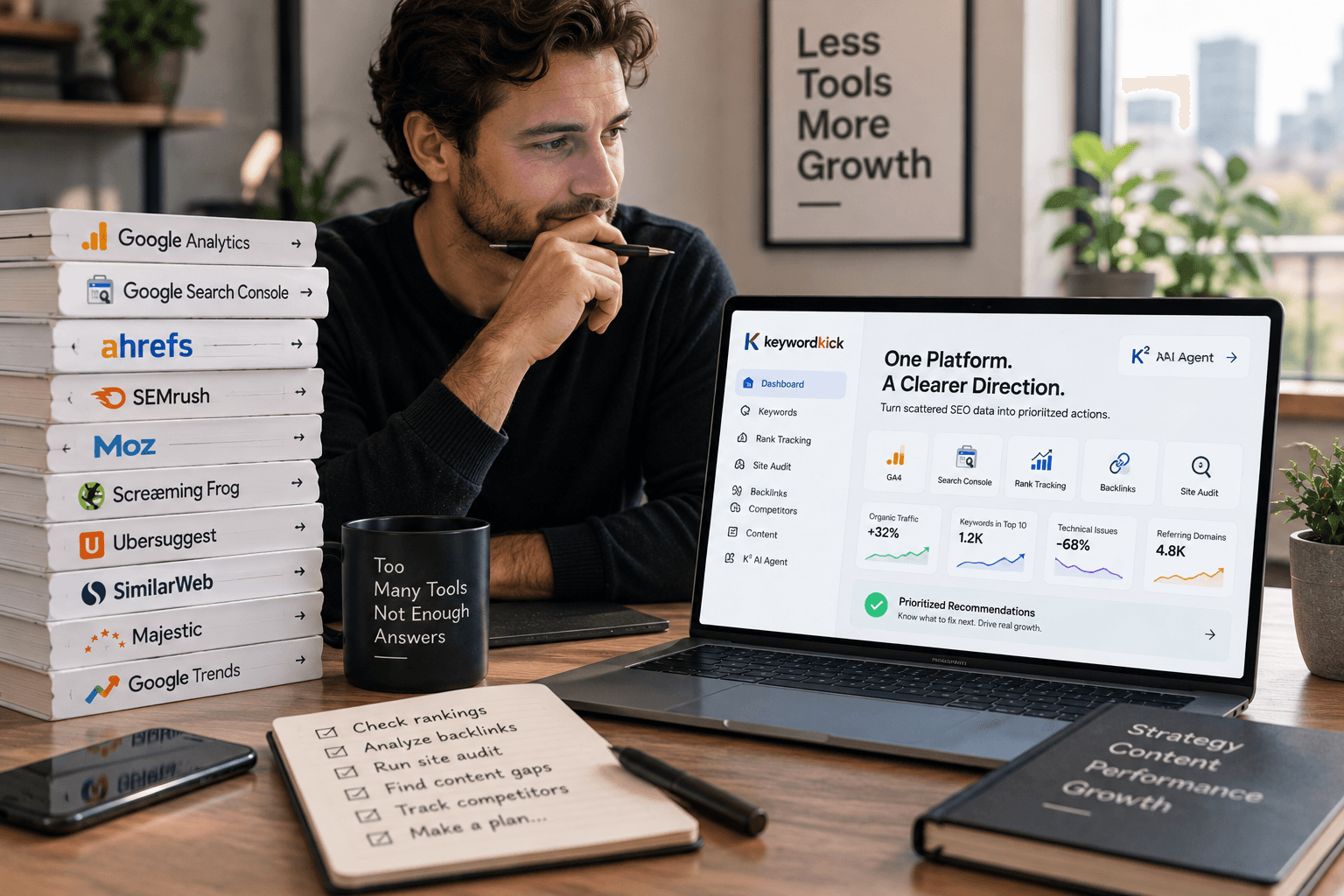
Running a Shopify store without a solid SEO strategy is like opening a shop on a street with no foot traffic. You may have the best products in the world — but if Google can't find them, your potential customers never will. The KeywordKick Shopify integration closes that gap: it brings AI-powered SEO directly into your store, giving you the clarity to fix what actually matters and the data to prove it's working.
Why Shopify Stores Struggle with SEO
Shopify is one of the most popular e-commerce platforms in the world — and for good reason. It's fast to launch, easy to manage, and built for selling. But its default SEO setup has real, well-documented limitations:
Duplicate URLs by design. Shopify serves every product under both
/products/and/collections/product-name/, which splits ranking signals and triggers keyword cannibalization across your own catalog.Thin product descriptions. Stores that rely on manufacturer copy — or leave descriptions sparse — struggle to compete for anything beyond exact-match branded queries.
No keyword visibility. Shopify's native dashboard doesn't show which search queries are driving traffic to which products, or which items are sitting at position 14 and need one push to reach page one.
Image alt text gaps. Hundreds of product images with missing alt text means missed ranking opportunities in both standard and Google Image Search.
These aren't unsolvable problems. They just require the right toolset to surface them systematically — and that's precisely what KeywordKick is built for.
What the KeywordKick Shopify Integration Does
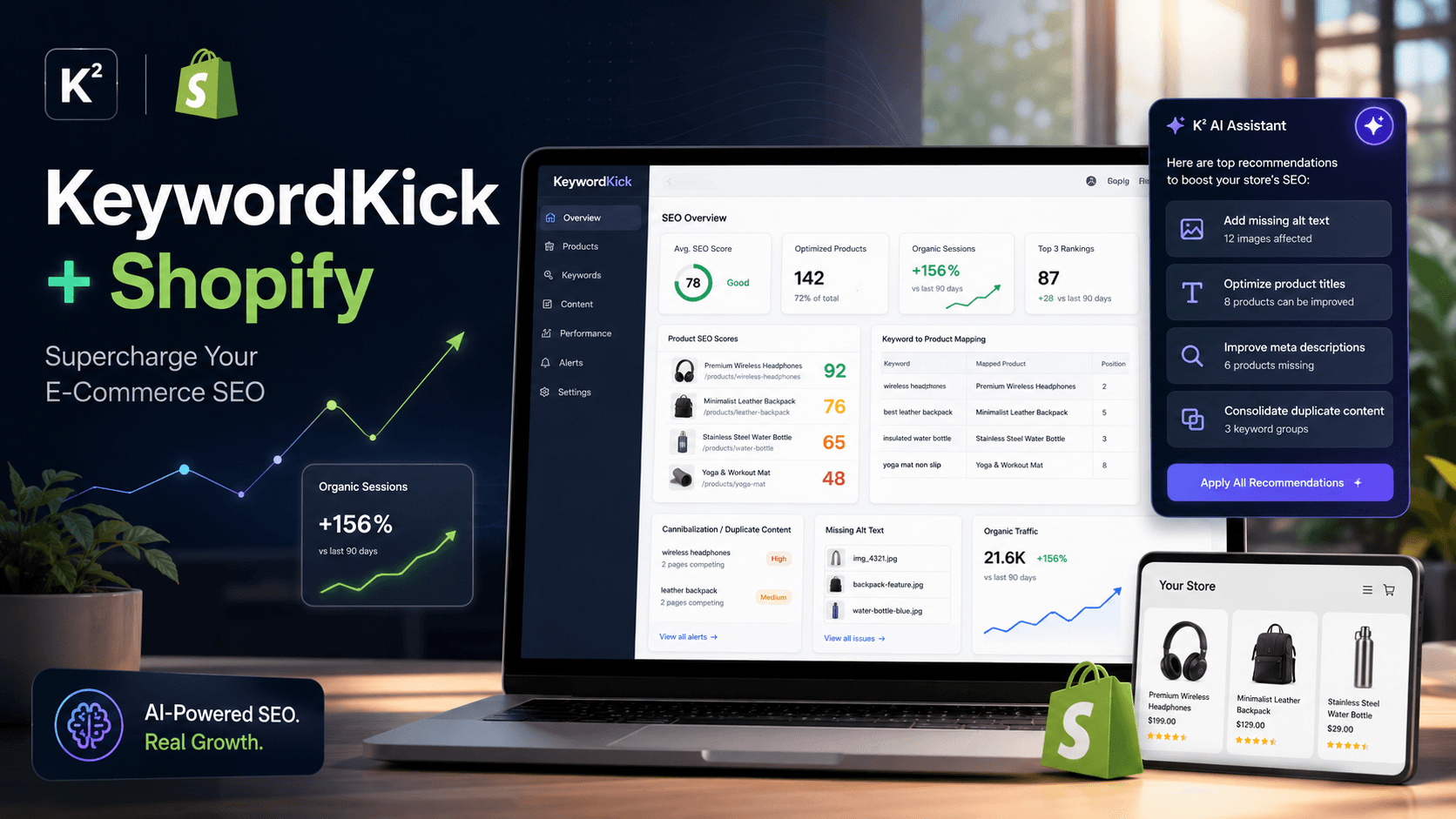
Once connected, KeywordKick syncs your product catalog, collections, pages, and Google Search Console data into a unified SEO dashboard. Here's what you get out of the box.
Product-Level SEO Scoring
Every product in your store receives an SEO score from 0 to 100, calculated from:
Meta title and description presence and quality
Target keyword placement in headings and body copy
Image alt text coverage
Content length and uniqueness
Internal linking signals
Products with the lowest scores are surfaced first, so you can prioritize high-impact fixes without manually auditing hundreds of pages.
Keyword–Product Mapping
The integration maps your Google Search Console queries directly to individual Shopify products. Instead of raw keyword data with no context, you see exactly which search terms are landing on which products — and where the gaps are.
Search Query | Product | Clicks | Avg. Position |
|---|---|---|---|
"leather wallet men" | Men's Leather Wallet | 112 | 5.4 |
"slim card holder" | Minimalist Card Case | 9 | 18.7 |
The second product is sitting on page two. A few targeted optimizations to its title, description, and H1 could push it to page one and multiply its organic traffic. K² AI flags exactly these opportunities automatically — no manual digging required.
Duplicate Content & Cannibalization Detection
Shopify's URL structure is a well-known SEO pitfall. When the same product is accessible via multiple paths — /products/slim-wallet and /collections/wallets/products/slim-wallet — Google has to choose which version to rank. Often, it ranks neither strongly.
KeywordKick detects these conflicts across your entire store and recommends canonical tags to consolidate ranking power onto the correct URL. It also catches duplicate meta titles, duplicate product descriptions, and tag pages that compete with collection pages for the same keywords.
AI-Powered Action Recommendations
K² AI doesn't just report problems — it tells you what to fix and in what order. After analyzing your store, you'll see prioritized recommendations such as:
"Update meta titles on these 5 products — estimated +240 monthly clicks based on current impressions."
"Add canonical tags to 3 collection pages — 7 products are competing for the same query."
"14 product images are missing alt text — fix to improve image search visibility."
Each recommendation is linked to the affected URL, carries a severity score, and can be tracked as a task inside the platform. You review and approve; K² executes.
5 Immediate Wins After Connecting KeywordKick to Shopify
You don't need weeks to see results. Here are five actions you can take in your first session after the integration goes live:
Fix your lowest-scoring products first. Filter by SEO score and tackle anything below 50 — these pages have the most room for improvement and the fastest gains.
Find your page-two keywords. Use the Opportunities panel to identify products ranking in positions 11–20 with high impression volume. A title tweak is often all it takes.
Resolve duplicate URL conflicts. Run the cannibalization report and apply canonical tags to your
/collections/product URLs, pointing to/products/as the canonical version.Write missing meta descriptions. K² can generate SEO-optimized meta descriptions for every product — one click per product, or bulk-applied across a category.
Add alt text to product images. KeywordKick shows you exactly which images are missing alt text and on which products, eliminating the guesswork entirely.
Who Should Use the KeywordKick Shopify Integration?
Store Type | Primary Benefit |
|---|---|
New stores (< 50 products) | Build the right SEO foundation from day one |
Growing stores (50–500 products) | Scale product optimization without an agency |
Large catalogues (500+ products) | Prioritize fixes with AI scoring, not gut feel |
SEO agencies | Manage multiple Shopify clients from one dashboard |
Multilingual stores | Hreflang validation and international keyword tracking |
How to Set Up the Integration (3 Steps)
Getting connected takes under five minutes:
Open your KeywordKick project — or create a new one for your store.
Navigate to Project Settings → Integrations → Shopify.
Enter your Shopify store URL and authorize the connection.
The first sync takes a few minutes depending on your catalog size. Once complete, your SEO dashboard populates automatically and refreshes on a daily basis.
The Bottom Line
Shopify makes it easy to build a store. KeywordKick makes it possible to grow one organically. By combining AI-powered SEO scoring with real Search Console data and product-level insights, you get a clear, prioritized roadmap — not just a list of problems to decode on your own.
If you're serious about reducing paid traffic dependency and building a store that earns its rankings, the KeywordKick Shopify integration is the most direct path to get there.