Introduction
Most client SEO reports fail before the client even reads them.
They're too long, too technical, or buried in vanity metrics that look impressive but mean nothing to someone running a business. The client sees a wall of graphs, skims for something they recognise, and wonders whether they're actually getting results.
A great client report does one thing: it connects SEO activity to business outcomes. It answers the question "is this working?" before the client has to ask.
This guide covers what to include, what to cut, and how to structure a report your clients will actually read — and value.
Why Most SEO Reports Miss the Mark
The gap between what SEOs measure and what clients care about is wider than most agencies realize.
What SEOs focus on | What clients care about |
|---|---|
Domain Rating improvements | More leads and customers |
Crawl error reductions | Is my site working properly? |
Keyword position changes | Am I getting more traffic? |
Backlinks acquired | Is this investment paying off? |
Neither perspective is wrong — but the report needs to bridge both. Lead with outcomes, support with data, explain the work.
What to Always Include
1. An Executive Summary (5 sentences max)
This is the most important section of the report — and the most skipped. Write 3–5 sentences that answer:
What happened this month in plain language?
Is performance trending up, down, or stable?
What's the single most important thing you did or found?
Example: "Organic traffic grew 18% month-over-month, driven by 12 keywords moving from page 2 to page 1. The site audit we ran identified a crawl issue on product pages — now fixed. Next month we're targeting 8 high-impression keywords that are one optimization away from page 1."
That's it. One paragraph. A client who reads nothing else reads this.
2. The Three Numbers That Actually Matter
Pick three KPIs and track them every month in the same place. Consistency builds trust.
Metric | Why It Matters |
|---|---|
Organic sessions / clicks | The headline traffic number — is more traffic arriving? |
Keyword rankings movement | How many keywords improved, held, or declined? |
Conversions from organic | Is the traffic turning into leads, sales, or enquiries? |
Avoid switching KPIs month to month. If you highlight impressions one month, clicks the next, and sessions the month after, clients lose confidence in what you're actually tracking.
3. Rankings Progress
Show the keywords you're actively tracking with current position, last month's position, and the change. Group them clearly:
Keywords that improved
Keywords that declined
New keywords that entered the top 20
Keep this to the 15–20 keywords most relevant to the client's business. A table showing 200 keywords is a wall of noise.
4. Traffic Trend (28-Day Rolling)
A simple line chart of organic clicks or sessions over the last 90 days. Include a reference to the same period last year if the data is available — seasonality context stops unnecessary panic calls.
One chart. Not twelve.
5. Work Completed This Month
List what you actually did. Clients often forget — or assume nothing happened unless you remind them.
"Published 3 new blog posts targeting [keywords]"
"Fixed 14 broken internal links identified in the site audit"
"Optimized title tags on 8 underperforming product pages"
"Acquired 3 new backlinks from [DR 45+] domains"
This section builds perceived value. Even months with modest metric improvements feel productive when the work log is clear.
6. Plan for Next Month
Three to five bullet points. What are you doing next? Why?
This turns the report from a backward-looking document into a forward-looking conversation. Clients who understand what's coming next ask fewer anxious mid-month questions.
What to Leave Out
These are the sections that pad reports without adding client value.
Domain Rating / Authority Score
DR and DA move slowly and mean nothing to a non-SEO. Unless your client has specifically asked to track this, leave it out of the main report. Mention it in a footnote if needed.
Raw Backlink Counts
"We now have 1,847 backlinks" — what should the client do with that information? Track new high-quality backlinks acquired through your work. That's meaningful. Total backlink count is not.
Technical Jargon Without Context
"We resolved 3 canonical tag conflicts and fixed a crawl budget issue on paginated URLs." This is genuinely good work — but it needs translation. Replace with: "We fixed 3 technical errors that were causing Google to index the wrong version of some pages, which should improve how quickly new content gets discovered."
Impressions as the Headline Metric
Impressions are useful context but a weak primary KPI. A site can have 500,000 impressions and barely any traffic. Clients quickly learn that impressions don't equal results. Lead with clicks and conversions.
Traffic From All Channels Combined
Always segment organic from paid, direct, and social. Showing total sessions inflates the organic story and creates confusion when the client asks "why did sessions drop?" and the answer is "you paused your Google Ads."
Report Structure Template
Use this as your monthly framework:
sqlCopy message1. Executive Summary (5 sentences)
2. Key Metrics This Month
– Organic clicks/sessions: [X] vs. [X last month] ([+/- %])
– Keywords in top 10: [X] vs. [X last month]
– Conversions from organic: [X] vs. [X last month]
3. Rankings Movement (table: top 20 tracked keywords)
4. Traffic Trend (90-day chart)
5. Work Completed This Month (bullet list)
6. Issues Found (if any — plain language)
7. Plan for Next Month (3–5 bullets)
One page to two pages for most clients. Three pages maximum for enterprise accounts with multiple projects.
White-Label Reporting
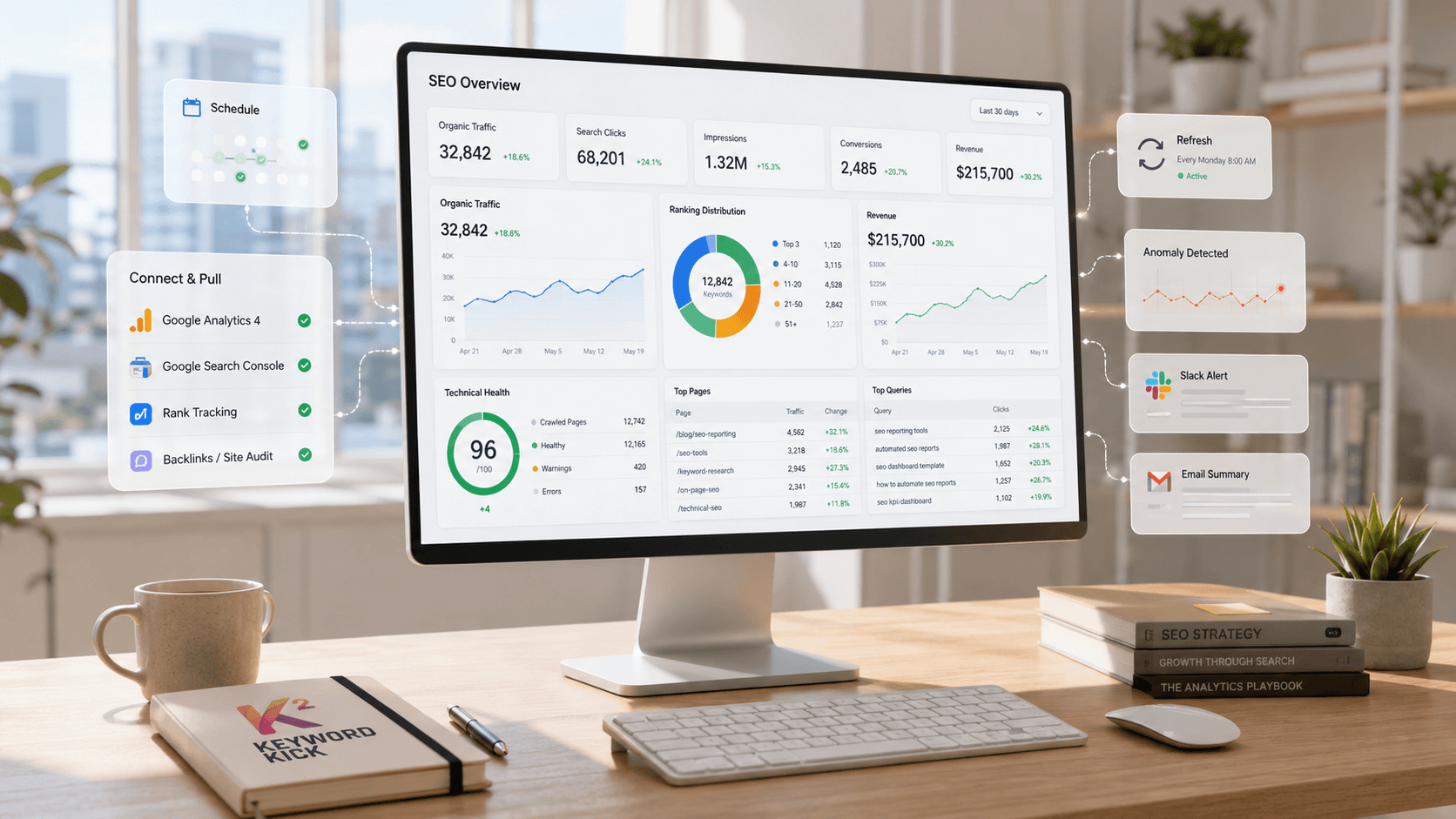
If you're sending reports under your agency brand — not the tool's brand — white-label reporting is essential for maintaining a professional appearance.
Keyword Kick's reporting module lets you generate clean, branded reports with your agency logo and colors. Clients see your brand, not the underlying tool. This matters more than most agencies realize — clients who see third-party tool names in their reports start wondering why they're paying agency rates.
You can pull rank tracking data, site audit summaries, traffic trends, and backlink metrics into a single exportable report — then schedule it to send automatically each month. That's the reporting infrastructure that lets a two-person agency manage 20+ clients without drowning in end-of-month spreadsheet work.
How to Handle Bad Months
Traffic dropped. Rankings declined. The client is going to notice.
Don't bury it. Don't pad the report with positive-looking secondary metrics to distract from the headline. Address it directly in the executive summary:
"Organic traffic declined 12% this month, largely due to a Google algorithm update on [date] that affected many sites in this industry. We've identified the pages most impacted and have a recovery plan — here's what we're doing."
Clients can handle bad news. What they can't handle is the sense that you're hiding something or don't know what happened. A clear explanation with a concrete response plan almost always retains the client. Evasion doesn't.
Frequency: Monthly vs. Weekly
Client Type | Recommended Frequency |
|---|---|
Small business, stable campaign | Monthly |
Active campaign with weekly deliverables | Bi-weekly |
Enterprise / high-spend client | Monthly detailed + weekly snapshot |
New client (first 90 days) | Monthly + onboarding call |
Weekly full reports create expectation problems — SEO moves slowly and weekly data is noisy. A weekly summary (3 bullet points in an email) combined with a monthly full report is the sweet spot for most clients.