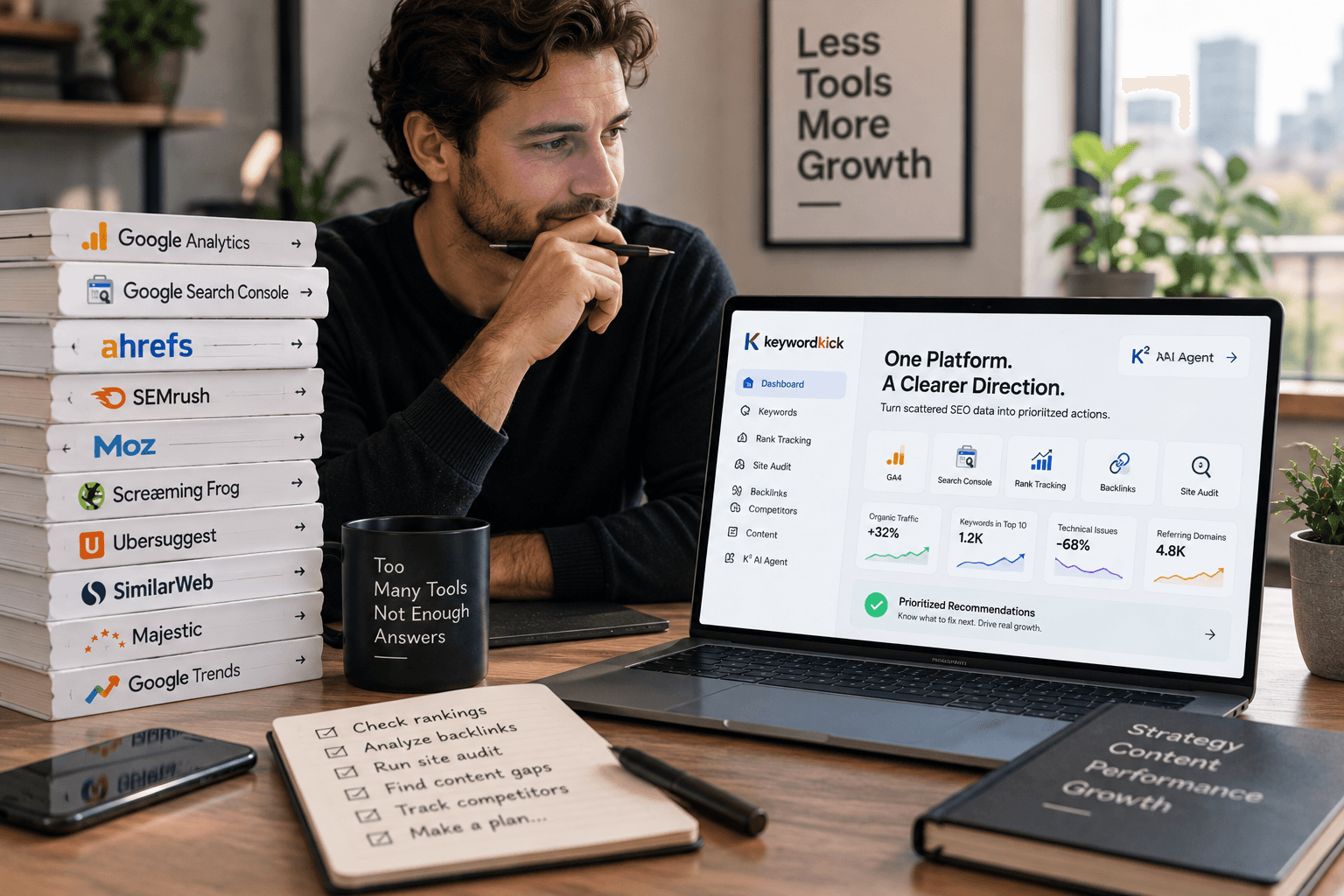
Monday, 8:30 a.m. The account lead is prepping for a client call, the strategist is cross-checking ranking drops in one tab, the technical SEO is in a crawler, and someone else is pulling GA4 and Search Console into a report. That routine is common in agencies, and it gets expensive fast.
A good SEO stack should reduce that coordination cost. If it adds more tabs, more exports, and more analyst time just to answer basic questions, it cuts into margin and slows delivery.
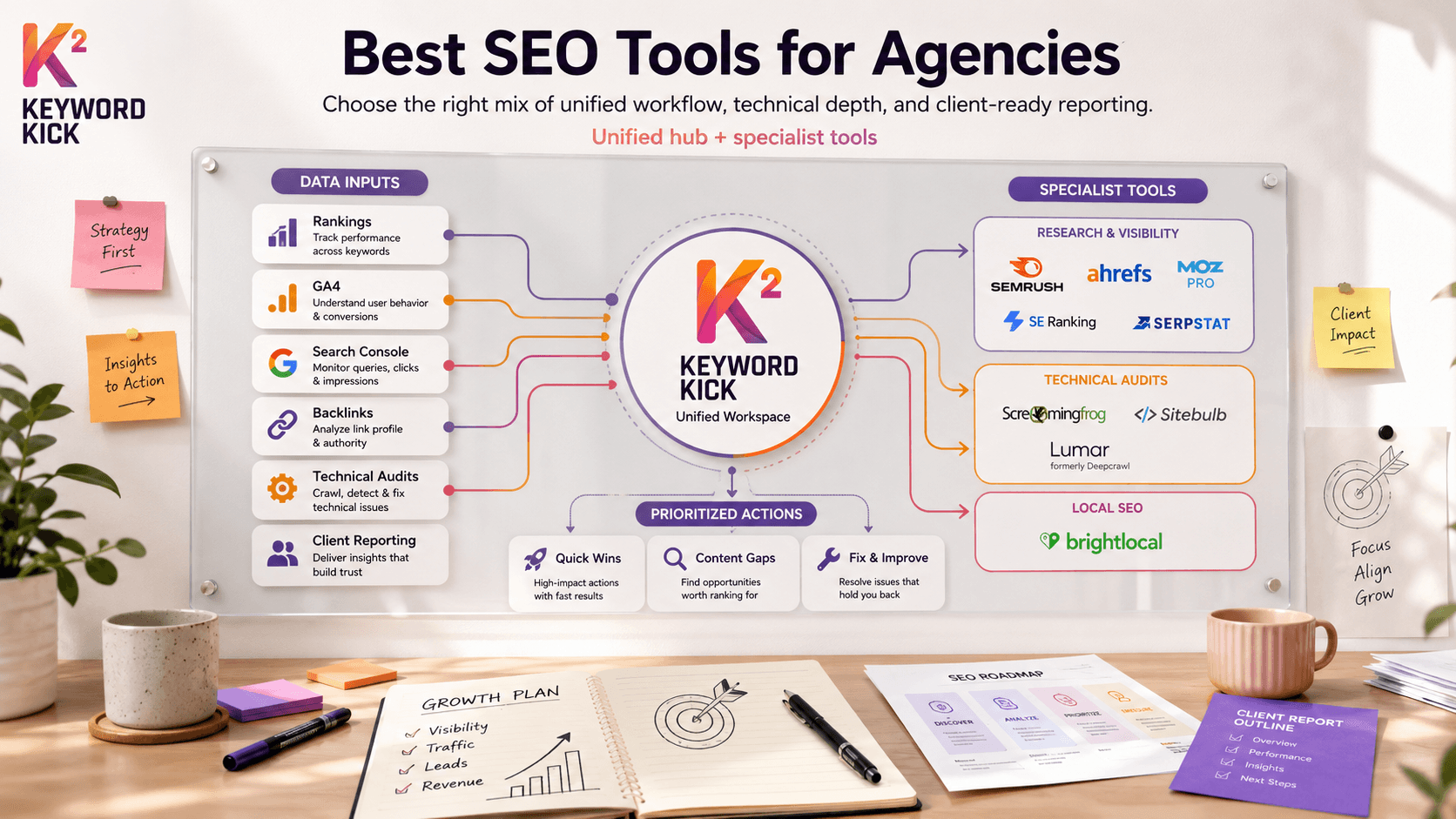
That is the lens for this guide. These are not just the best SEO tools for agencies by popularity. They fit different jobs inside an agency workflow. Some tools are built for broad visibility across rankings, competitors, links, and reporting. Some are better for technical audits. Some are the right choice for local search teams managing listings, reviews, and map visibility. The ultimate decision is not which platform has the longest feature page. It is whether your team needs a specialist tool for a specific task or a unified workspace like Keyword Kick that helps turn scattered inputs into a clear action plan.
That trade-off matters. Specialist tools usually go deeper in one area. They can be the right buy for enterprise audits, complex local programs, or link-heavy competitive work. Unified platforms save time, reduce tool switching, and make it easier to move from diagnosis to execution. Agencies that care about ROI need both perspectives.
I also look at these tools the way an agency operator does. Can the team use them every week without friction? Do they help a strategist explain priorities to a client? Do they make handoffs cleaner for writers, developers, and analysts? If the answer is no, the feature set does not matter much.
One practical example. A content-led agency building search plans for affiliate and social-driven campaigns may use a specialist research workflow for discovery, then push priorities into a central platform for execution and reporting. Resources like the HiveHQ guide to affiliate marketing on TikTok can inform the research side, but agencies still need a system that connects that insight to rankings, technical issues, and client reporting.
Here are the tools I would evaluate for a 2026 agency stack, grouped by where they earn their seat.
1. Keyword Kick
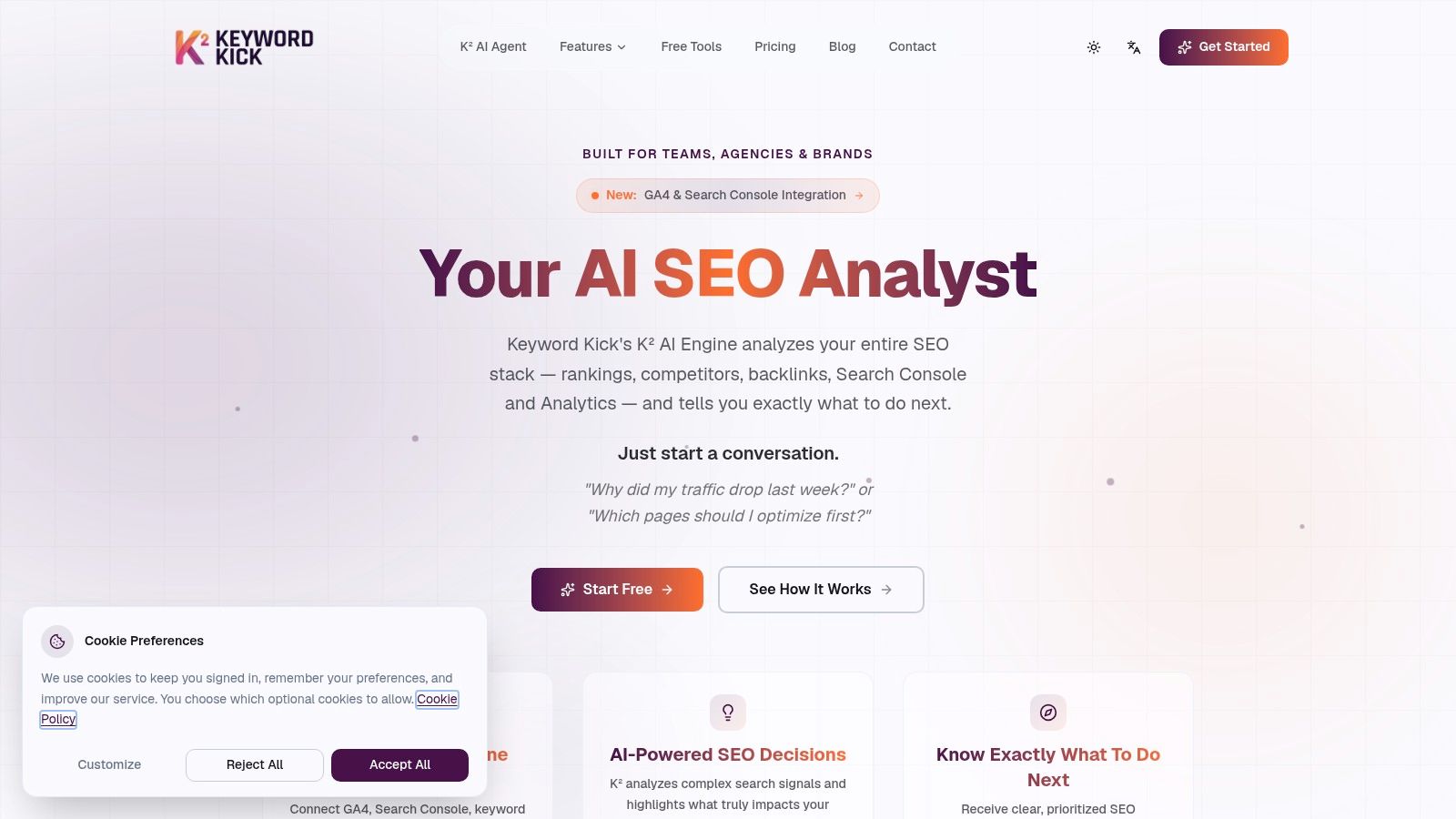
Keyword Kick is the one I'd put at the center of an agency workflow if the goal is less tool switching and more action. It's built as an AI-first SEO workspace, not just a dashboard. That distinction matters. A lot of platforms collect data well. Fewer platforms help a team decide what to do next without another round of analyst interpretation.
The core strength is consolidation. Keyword Kick brings together GA4, Google Search Console, rank tracking, backlink data, and technical SEO signals in one place, then uses its K² AI Agent to answer practical questions like why traffic dropped, which pages deserve attention first, or where cannibalization is hurting performance. For agencies, that means less time translating reports and more time assigning work.
Why it fits agency operations
What makes this useful isn't just the feature list. It's the job-to-be-done. Agencies don't need another pile of metrics. They need a system that turns data into a roadmap a strategist can explain, a writer can follow, and a developer can act on.
Keyword Kick covers that middle layer well:
Unified decision-making: It combines rankings, search data, backlinks, and audits into one workflow instead of forcing your team to compare tabs across several tools.
Built-in prioritization: The K² AI Agent gives step-by-step recommendations, which is more useful than a generic issue log when accounts are moving fast.
Strong technical and content coverage: Daily rank updates, historical trends, SERP feature tracking, keyword cannibalization detection, content-gap analysis, and audits give enough depth for most retainers.
Accessible entry point: The free plan includes GA4 and GSC integration, daily rank updates, tracked keywords, K² messages, cannibalization detection, and audits, which makes testing easy without procurement friction.
Practical rule: If your team spends more time merging exports than assigning fixes, a unified platform is usually the better investment than another specialist subscription.
Pricing also matters here. For smaller teams and consultants, the paid tiers start at $49 per month. Larger agencies can move into higher tiers for more projects, more data retention, JavaScript rendering, and expanded backlink rows. That range makes it realistic to standardize on one platform and scale usage as client load grows.
Where it wins and where it doesn't
Keyword Kick is strongest when your agency wants one hub for ongoing SEO management. It's a better fit for weekly operations than for niche one-off tasks. The AI recommendations are advisory, not automatic, so your team still needs people who can execute technical fixes, rewrite pages, and validate outcomes.
That's not a flaw. It's the right model for most agencies. You want software to tighten analysis and prioritization, not push live changes without oversight.
One more point matters in 2026. Many mainstream roundups still ignore AI-generated answer visibility as its own reporting category. Karl Hughes called out that gap directly in his piece on SEO software for agencies and AI-generated answer visibility. If your clients are asking how they appear in AI-driven results, your stack has to evolve beyond classic rankings. Keyword Kick's unified model is well aligned with that shift because it's built around synthesis and action, not just keyword position monitoring.
For agencies that want a modern core platform, this is one of the smartest places to start. You can also pair that workflow thinking with a broader content strategy approach like this HiveHQ guide to affiliate marketing on TikTok, especially when content, search intent, and discovery channels overlap.
2. Semrush
A common agency scenario is a new client with weak rankings, messy technical debt, two serious competitors, and a reporting cadence that starts next week. Semrush fits that kind of account because it handles research, auditing, rank tracking, and competitor review in one place. You spend less time stitching exports together and more time deciding what to fix first.
That is the true value. Semrush reduces context switching for teams that need one operating system for general SEO work, especially in small and mid-sized agencies where one strategist may own discovery, planning, and monthly reporting.
Where Semrush earns its keep
Semrush works best as an all-in-one platform inside an agency workflow. I'd use it when the goal is broad coverage across multiple client needs, not maximum depth in one narrow specialty. It gives account managers enough visibility to explain performance clearly, while specialists can still get into keyword gaps, site issues, backlink reviews, and competitor movement without jumping between five tabs and three vendors.
Its strongest use cases are practical:
All-in-one account management: Good for agencies that want keyword research, audits, rank tracking, and competitive analysis under one login.
Fast competitor assessments: Useful during proposals, quarterly reviews, and market-entry planning when you need a clear picture quickly.
Client reporting support: The platform makes it easier to turn raw SEO activity into a story clients can follow.
Process standardization: Teams can build repeatable SOPs around one core suite instead of training staff across several disconnected tools.
Semrush also exposes an important trade-off in agency stack design. A unified suite is efficient when you need acceptable performance across many jobs. Specialist tools still win when one channel drives the engagement. If link analysis is the center of the work, agencies often compare Semrush against more focused options, including these Ahrefs alternatives for agency SEO research and backlink analysis.
Semrush is a strong choice when your agency needs one platform to support research, technical triage, and client communication. It gets less attractive as seat costs, project limits, and add-ons start piling up.
That pricing pressure is real. Semrush can become expensive once your client roster grows and more people need access. The interface is also dense. Experienced strategists usually adapt quickly, but junior staff often need documented workflows or they miss useful reports and waste time in the wrong parts of the platform.
For agencies deciding between specialist tools and a unified AI platform such as Keyword Kick, the line is simple. Choose Semrush when breadth and manual control matter more than workflow simplification. Choose the unified route when your bigger problem is turning SEO data into priorities, actions, and clear reporting without so much operational drag.
3. Ahrefs
A client drops into the Monday pipeline review with the same problem agencies see every quarter. Rankings slipped, competitors picked up links, and nobody on the account can explain the shift fast enough. Ahrefs is the tool I want open in that meeting.
It still earns its place in agency stacks because it answers high-value research questions quickly. Site Explorer is strong for backlink analysis and competitor breakdowns. Keywords Explorer and Content Gap help teams find missed topics without a lot of report-hopping. The interface also stays relatively easy to work in, which matters when strategists need answers now, not after a long training cycle.
Best use cases for Ahrefs
Ahrefs makes the most sense when the job is diagnosis and opportunity mapping, especially in accounts where off-page signals and SERP competition matter more than broad marketing workflows.
Backlink-heavy engagements: Digital PR support, link audits, link reclamation, and competitive backlink research.
Competitor-led content planning: Finding the pages, terms, and link-supported topics competitors win with.
Fast SEO triage: Checking what changed, who gained visibility, and where the opportunity sits before the team commits resources.
The trade-off is straightforward. Ahrefs is excellent at research, but agencies still need a separate process for turning that research into prioritized actions, reporting, and repeatable execution. That gap matters more as the client list grows. A specialist tool is often the right call when backlink intelligence drives strategy. A unified platform is often the better call when the bigger problem is operational efficiency.
Cost is the second pressure point. Ahrefs is not hard to justify on link-led retainers or competitive content programs. It gets harder to justify when junior staff only need partial access, or when the agency is paying premium rates for data that never makes it into client deliverables.
For teams comparing specialist research tools against lower-cost options, this list of Ahrefs alternatives for agency backlink analysis and SEO research is a useful starting point.
My view is simple. Use Ahrefs when your agency wins by finding what competitors are doing and turning that into better link, content, and SERP strategy. Use a more unified setup, including tools like Keyword Kick, when the bottleneck is less about data access and more about converting SEO inputs into clear priorities and actions without extra operational overhead.
4. Moz Pro
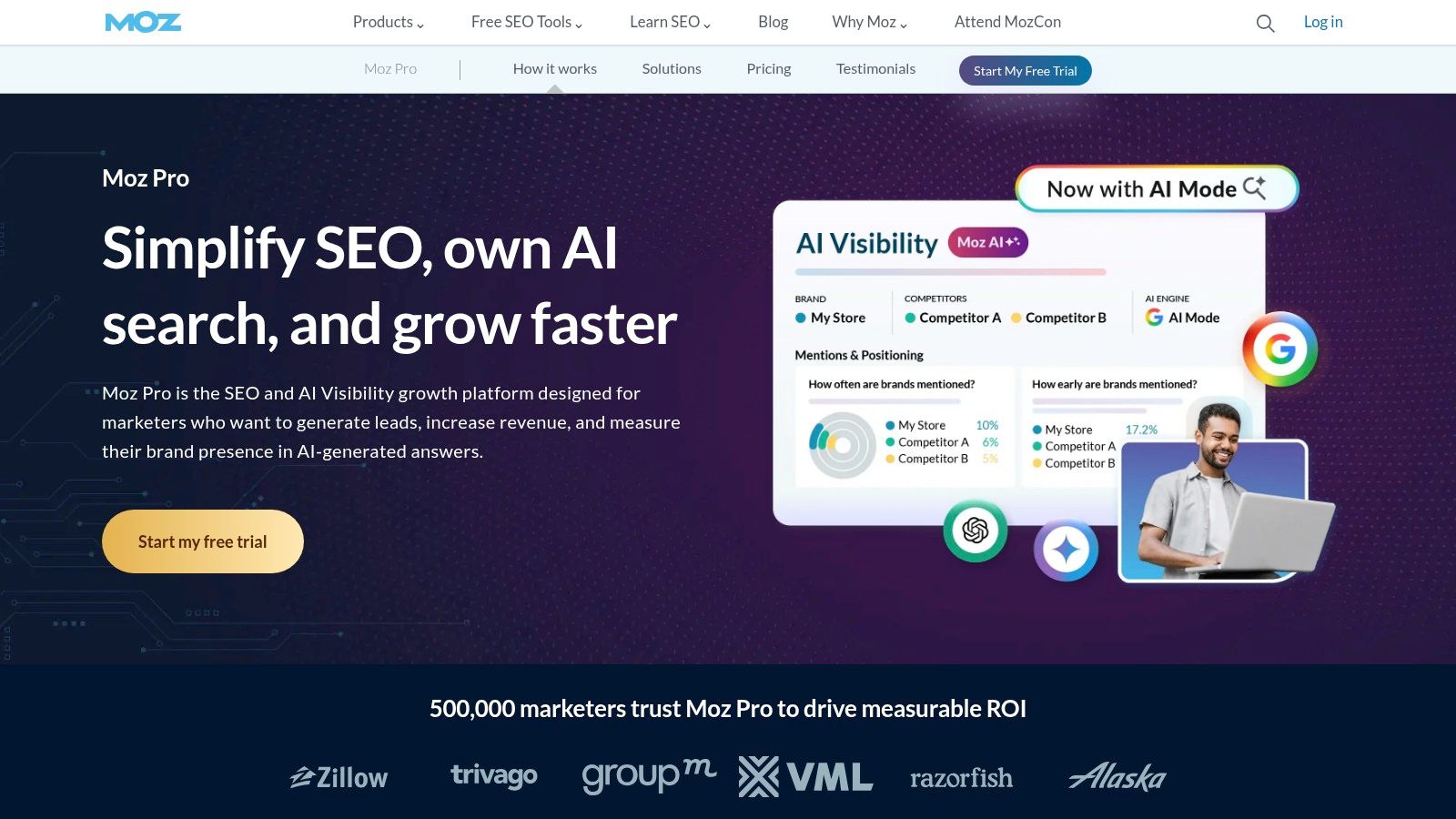
Moz Pro still has a place, especially for agencies that want a simpler learning curve and client-friendly metrics. It doesn't try to overpower you with every adjacent marketing function. Instead, it stays focused on keyword research, on-page guidance, campaign tracking, site crawling, and link analysis.
That focus is why some teams still like it. Domain Authority and Page Authority remain familiar reference points in client conversations, even if your internal strategy doesn't depend on them heavily. When clients want a quick competitive snapshot, Moz's metrics can be easier to explain than a more technical stack of indicators.
Who should use Moz Pro
Moz Pro works best for agencies in three situations:
You need an easier onboarding path: Junior strategists can usually learn it faster than a larger suite.
Clients already understand DA and PA: That makes reporting simpler.
You want a steady core tool without enterprise complexity: Moz does the basics well enough for many small and mid-sized retainers.
It's also useful when the agency's process relies more on execution discipline than on exhaustive data coverage. Not every client needs the deepest backlink database or the most advanced technical crawler. Some just need clear priorities and consistent monthly reporting.
Moz Pro is better for agencies that value clarity over maximum depth.
The trade-off is obvious. Its link index and keyword breadth don't match the biggest players, and its technical crawling depth isn't a substitute for a specialist crawler. If you manage larger or more technical sites, Moz usually needs support from another tool.
5. SE Ranking
SE Ranking is what I'd call a practical agency tool. It may not carry the same status as Semrush or Ahrefs, but it often makes more financial sense for agencies balancing capability against per-client margins.
It started as a rank tracker and expanded into a broader stack with audits, backlink monitoring, competitor research, on-page checks, reporting, and API access. That combination matters for agencies with several active retainers and limited appetite for premium suite pricing.
Why agencies keep choosing it
SE Ranking fits agencies that want broad coverage at a lower total cost. The interface is clean, white-label reporting is useful, and the API gives more flexibility when you need to build custom dashboards or internal workflows.
A few strengths stand out in practice:
Strong value per subscription: It covers the core needs of many SEO retainers without forcing enterprise pricing from day one.
Agency-friendly reporting: Reports look polished enough for client delivery.
Good operational fit: Rank tracking, audits, and research live close enough together that handoffs are straightforward.
For agencies where rank tracking is a major reporting pillar, this companion list of agency rank tracking software tools for 2026 helps frame where SE Ranking sits in the market.
The limit you'll eventually hit
SE Ranking can trail the market leaders in raw data breadth, especially in some regions and niche verticals. That won't matter on every account. It will matter if your team constantly does advanced competitor forensics or international research at scale.
If budget discipline is the priority, it's one of the more sensible picks in this category.
6. Serpstat
Serpstat sits in the same conversation as other value-oriented all-in-one suites, but its appeal is a little different. It's often useful for agencies that want keyword research, clustering, rank tracking, audits, and backlink analysis in one place without paying top-tier rates.
I wouldn't position it as the strongest tool in any single category. I'd position it as one of the more economical ways to cover multiple categories adequately. For some agencies, that's the right decision.
Where Serpstat works best
Serpstat earns consideration when your agency needs breadth more than depth. It's a reasonable fit for smaller teams, mixed client portfolios, and campaigns where clustering and intent work matter.
Its strengths are fairly straightforward:
Broad coverage for the price: Useful when the budget won't support a premium suite.
Keyword organization: Clustering features help when planning content production at scale.
Competitive views: Good enough for regular strategy work and account reviews.
This also ties into a real gap in a lot of agency buying advice. Small and budget-constrained teams often struggle with cost-per-client scalability, yet many mainstream guides still default to expensive enterprise recommendations. A discussion in Reddit's SEO community on small-budget agency tools highlights how often practitioners turn to lower-cost options when serving a small client roster.
The downside is polish and data depth. In tougher niches, you'll feel those limits faster than you would in Ahrefs or Semrush. If your clients are less demanding or your agency needs a broad starter stack, Serpstat is still viable.
7. Screaming Frog SEO Spider
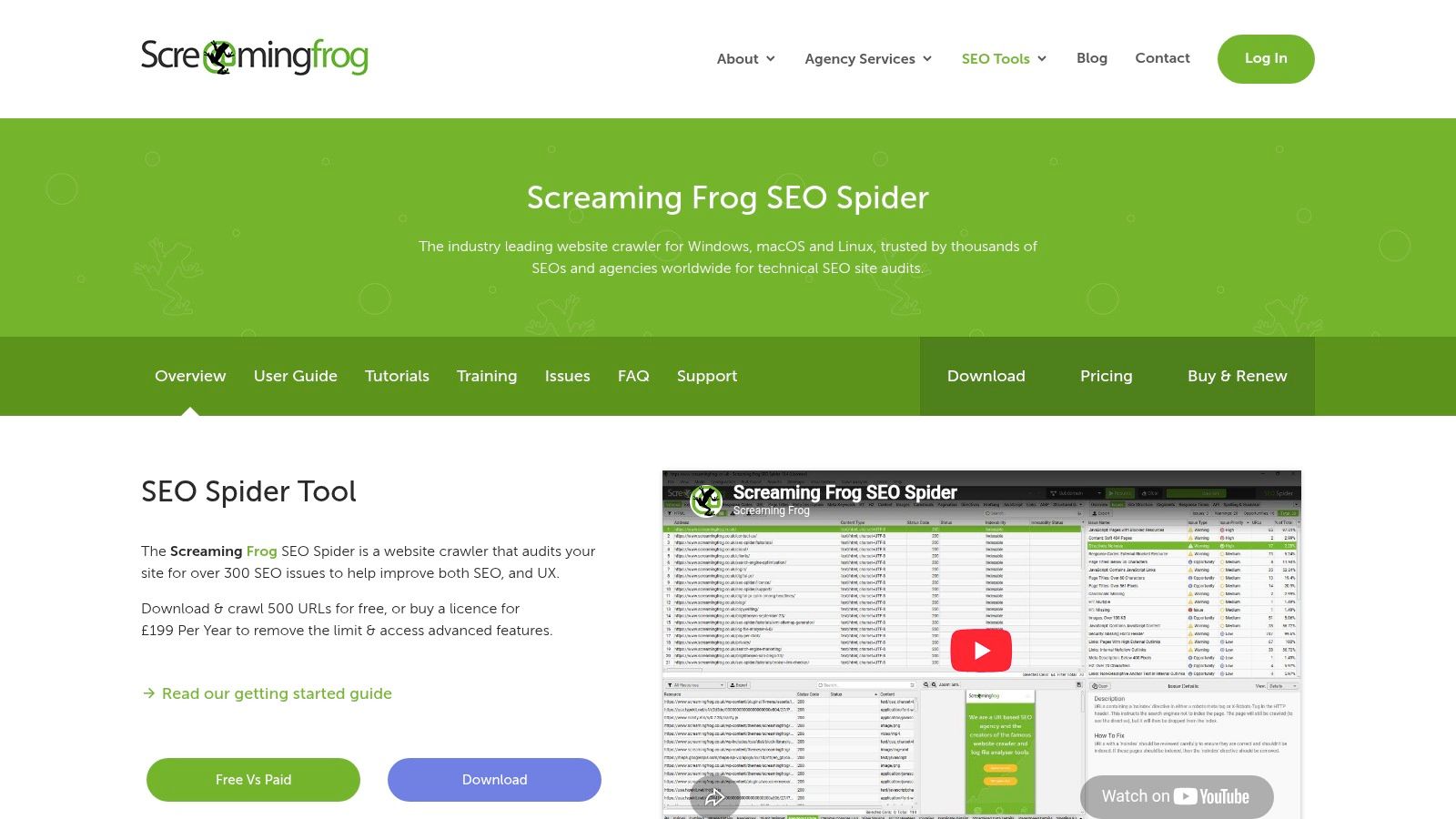
A new client says organic traffic fell after a migration, pages are dropping out of the index, and no one can explain why. That is a Screaming Frog job.
For agency teams, Screaming Frog remains one of the fastest ways to inspect a site at URL level and find the source of technical problems. I use it when I need evidence, not summaries. It is built for diagnosis, QA, and pattern detection across real page sets.
Where Screaming Frog earns its place
This tool belongs in the technical layer of an agency workflow. Your all in one platform can surface opportunities and monitor visibility. Screaming Frog is what the delivery team opens when something needs to be verified page by page.
It is especially useful for work like this:
New client technical audits
Pre-launch and post-migration QA
Custom extraction for audits and troubleshooting
Template-level checks across large groups of URLs
That distinction matters. Agencies often waste time trying to force a suite to do crawler work, or trying to use a crawler as a reporting platform. Screaming Frog does the first job well. It does not do the second without a lot of manual effort.
What it does better than broader platforms
Screaming Frog is strong when the issue is buried in implementation details. It helps teams check canonicals, redirect chains, hreflang, duplicate content, rendering behavior, internal links, and structured data in a way that is much easier to validate than a high-level dashboard.
It also gives technical SEOs more control. Custom extraction, segmented crawls, and export depth make it useful when a standard site audit report is too generic to support a recommendation. If your agency sells technical SEO retainers, that control directly affects margins because analysts can get to root causes faster.
There is a trade-off. Screaming Frog runs on local resources, so very large sites can push hardware limits and slow down production. It also expects an operator who knows what to look for. Junior teams can collect a lot of crawl data and still miss the story.
Screaming Frog is a production tool for technical SEO. It is not the tool I would put in front of a client and call the strategy.
That is why I would not treat it as a standalone agency platform. Pair it with a system that handles research, prioritization, and reporting. In a practical stack, Screaming Frog finds the issue, and your broader platform or workflow layer turns that finding into action.
8. Sitebulb
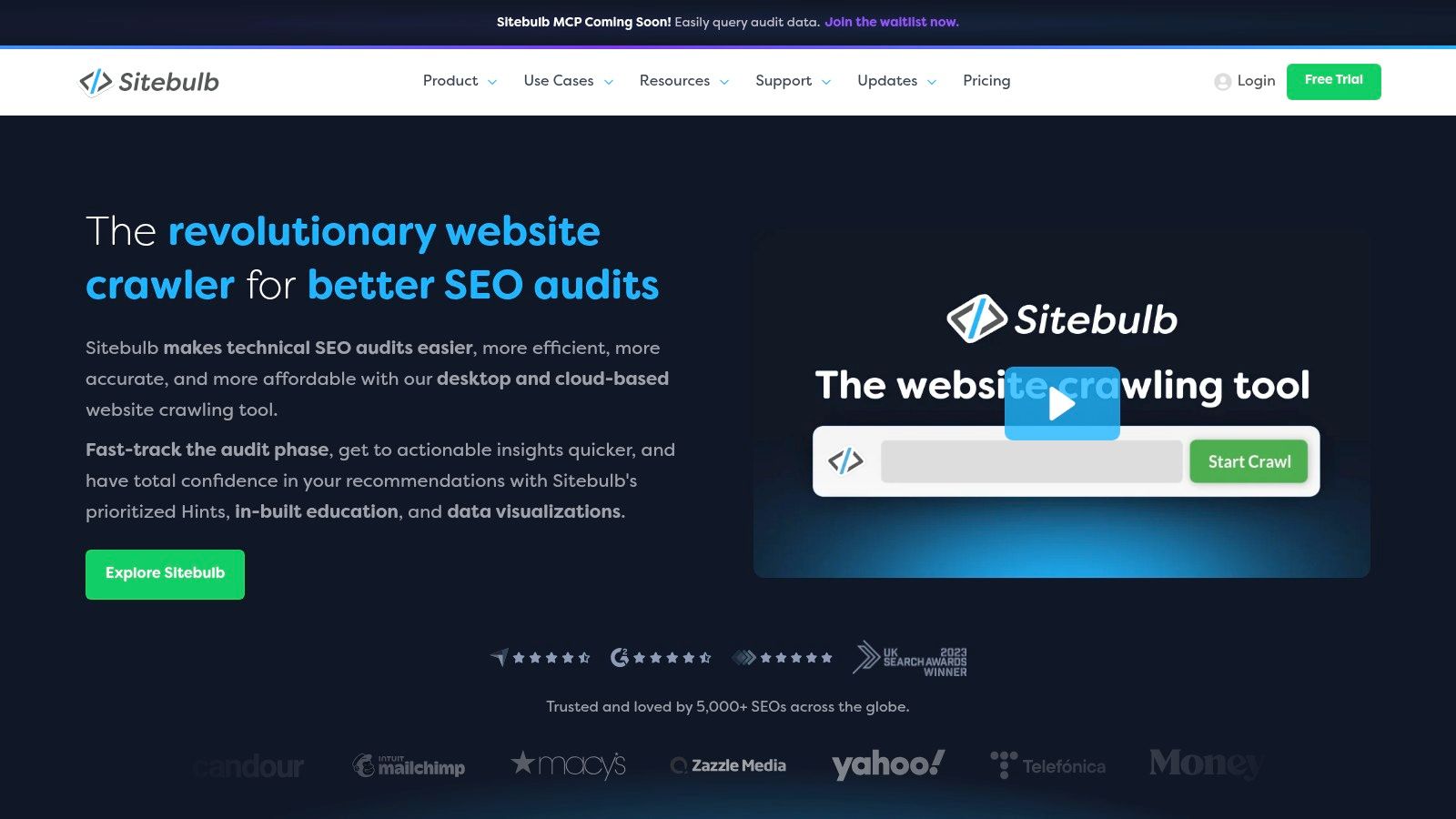
Sitebulb is the crawler I recommend when an agency wants stronger explanation and visualization than Screaming Frog typically gives out of the box. It still handles serious technical work, but it's built in a way that helps teams explain findings more clearly to account managers, clients, and non-SEO stakeholders.
That's a bigger advantage than it sounds. A lot of technical recommendations die because no one translates them well. Sitebulb helps close that gap.
Why Sitebulb is easier to operationalize
The platform's visual graphs, prioritization hints, and cleaner issue explanations make it more accessible in team environments. Technical specialists can audit thoroughly, while less technical teammates can still understand what matters and why.
Its practical strengths include:
Clearer issue explanation: Good for agencies where strategists need to present technical work.
Cloud option: Useful for teams running recurring crawls and managing them centrally.
Collaboration support: Better fit for shared workflows than a purely desktop-only setup.
For agencies serving larger and more complex sites, Sitebulb also aligns with the broader move toward cloud infrastructure for technical SEO. That doesn't mean every agency needs the cloud version. It means teams with recurring enterprise-style crawling often benefit from it.
The trade-off is cost clarity at scale. Desktop and Cloud work differently, and agencies should confirm how usage, scheduling, and team workflows are billed before standardizing on it.
9. Lumar
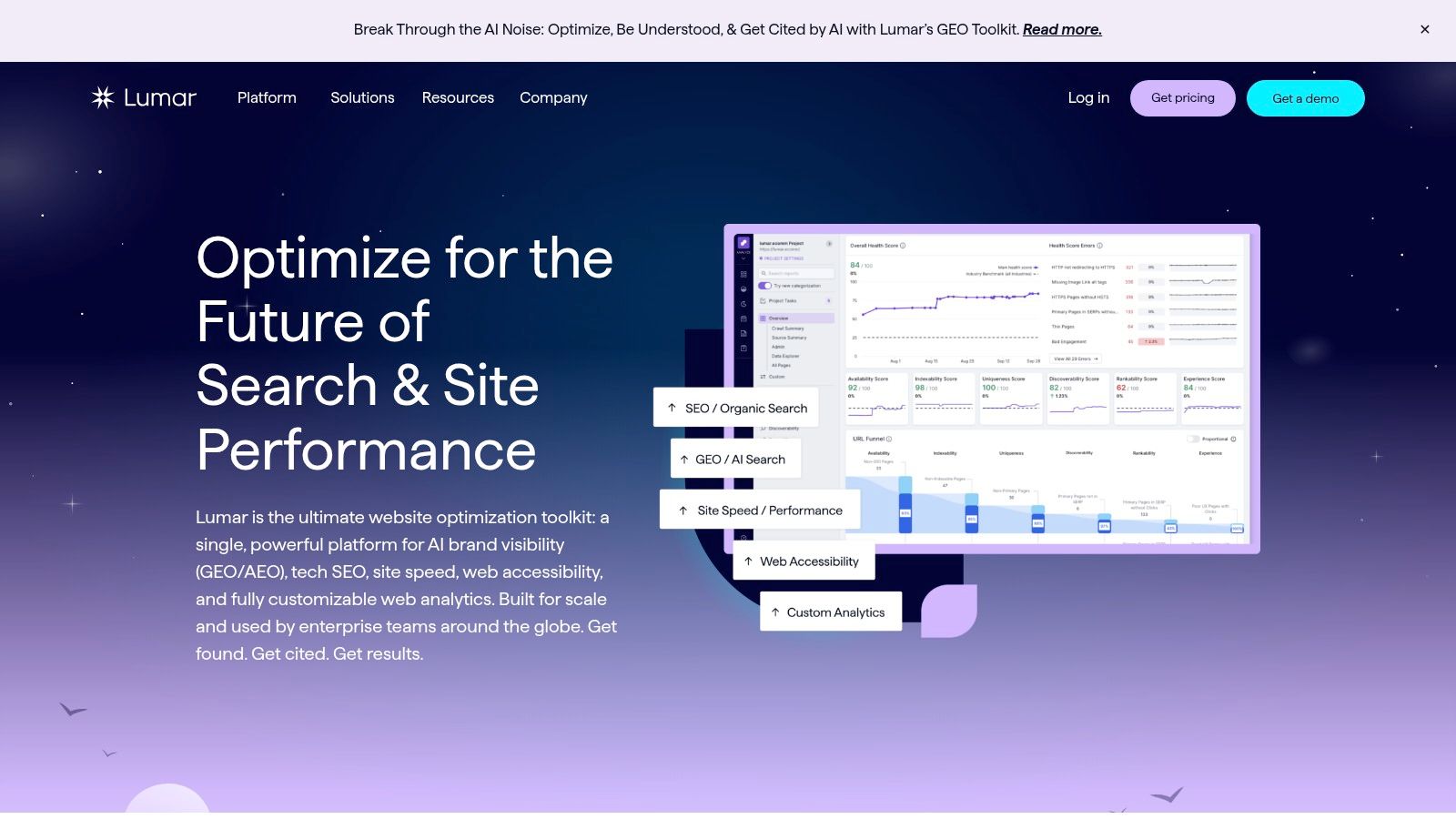
Lumar is not for every agency, and that's the point. This is enterprise-grade crawling and site governance software. If your clients run large, complex websites with many stakeholders and constant deployment changes, Lumar starts to make sense quickly.
For ordinary SMB retainers, it's overkill. For enterprise environments, it can be exactly what keeps technical SEO from becoming reactive chaos.
When Lumar is worth the investment
Lumar shines when the challenge isn't just crawling pages. It's managing recurring technical risk across large digital properties, cross-functional teams, and long implementation cycles.
That usually means situations like:
Very large websites
Frequent site changes that need monitoring
Shared ownership across SEO, product, and engineering
Governance requirements and workflow accountability
The core value is operational stability. One comparative analysis of 40 client campaigns across 10 SEO platforms in 2026 found that only three platforms scaled without breaking the budget at approximately $149, highlighting how cost-efficiency and scalability often matter more than feature breadth in real agency adoption, according to this Indie Hackers analysis of SEO software for agencies. Lumar is usually outside that lean-budget conversation, but it's a useful reminder that enterprise tooling should be purchased for clear operational reasons, not feature envy.
Lumar's downside is simple. It's a serious investment, and many agencies won't need it. Buy it when site complexity demands it. Skip it when a lighter crawler can do the job.
10. BrightLocal
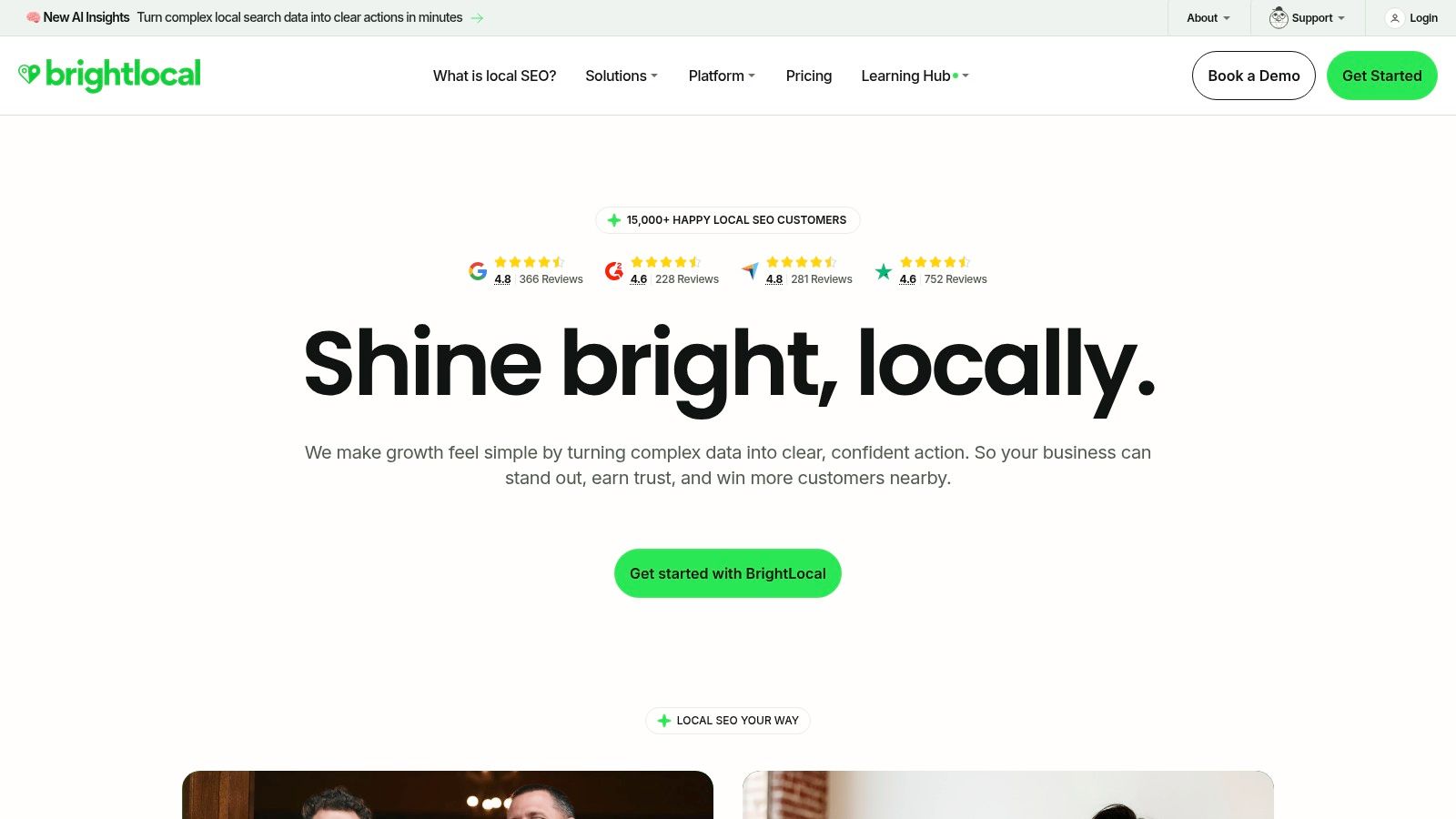
A client has 18 locations, three managers editing Google Business Profiles, inconsistent citations, and a monthly question about why map rankings changed in one ZIP code but not the next. That is the kind of account where BrightLocal earns its seat in the stack.
BrightLocal is built for local SEO operations. Agencies use it to track map pack visibility, monitor reviews, audit Google Business Profile data, manage listings, and report at the location level. A general suite can cover part of that workflow. BrightLocal usually covers it with less friction and better local context.
That distinction matters. In an agency workflow, this is a specialist tool, not an all-in-one platform. Use a unified platform such as Keyword Kick when the job is turning search data into prioritized actions across SEO programs. Use BrightLocal when local search is the service line and location data needs its own system.
Why agencies buy BrightLocal
The strongest use case is multi-location local SEO. Franchises, healthcare groups, home services brands, and agencies with a heavy Google Business Profile workload usually get value fast because the platform is designed around recurring local tasks.
Its practical strengths are clear:
Local rank tracking: Better for city, ZIP, and grid-based visibility checks than broad national reporting.
Listings management: Helpful when NAP consistency and duplicate listings are causing avoidable local ranking issues.
Review monitoring: Useful for service businesses where reputation affects both click-through and lead volume.
White-label reporting: Good enough for recurring client updates without building every report by hand.
BrightLocal also helps separate signal from noise. A location can hold organic rankings and still lose calls because reviews dropped, listing data drifted, or visibility weakened in the immediate service area. Agencies need that local layer if they want to explain performance accurately.
Where BrightLocal fits, and where it does not
BrightLocal is a strong add-on when local SEO is one part of a wider client engagement. It is less useful as your only SEO platform if the account also needs broad keyword research, content planning, backlink analysis, and cross-client prioritization.
That is the trade-off.
Specialist tools create better depth for a specific job. They also add another subscription, another reporting surface, and another process your team has to maintain. For agencies with a handful of local clients, that overhead may not pay for itself. For agencies selling local SEO as a repeatable service, it usually does.
The budgeting reality
BrightLocal can become expensive when pricing scales by location. Small retainers feel that quickly.
The fix is operational, not technical. Price local SEO based on the work involved: listings management, review monitoring, GBP audits, rank tracking, and reporting by location. Agencies that treat local as a cheap add-on often end up doing specialist work on generalist margins.
If local search drives calls, visits, or booked jobs for your clients, BrightLocal is one of the cleaner specialist buys in this category.
Top 10 SEO Tools for Agencies, Feature Comparison
Tool | Core features | Quality ★ | Value & Price 💰 | Target audience 👥 | Standout / Unique ✨ |
|---|---|---|---|---|---|
🏆 Keyword Kick | Unified GA4/GSC, rank tracking, backlinks, audits, K² AI recommendations | ★★★★☆ | 💰 Free forever; paid from $49/mo | 👥 Agencies, in‑house teams, consultants, solo creators | ✨ AI-first prioritized tasks, daily updates, cannibalization detection |
Semrush | Keyword + domain analytics, site audits, position tracking, AI Visibility add‑on | ★★★★★ | 💰 Premium; modular pricing & add‑ons | 👥 SMBs & agencies needing broad marketing suite | ✨ Mature reporting, cross‑channel toolset |
Ahrefs | Backlink index, Keywords Explorer, Site Explorer, rank tracking | ★★★★★ | 💰 Premium ($99+/mo) | 👥 Competitive research teams & SEOs | ✨ Industry‑leading link data and competitor gap tools |
Moz Pro | Keyword Explorer, on‑page guidance, Campaign reports, Site Crawler | ★★★★ | 💰 Mid‑tier pricing; accessible entry plan | 👥 Agencies valuing DA/PA in client reports | ✨ Easy reporting, DA/PA for client conversations |
SE Ranking | Daily rank tracking, audits, backlinks, API, white‑label reporting | ★★★★ | 💰 Budget-friendly ($39+/mo) | 👥 Agencies managing many clients on a budget | ✨ Strong price-to-capability ratio, API & white‑label |
Serpstat | Rank tracking, keyword research, site audit, backlink analysis | ★★★★ | 💰 Lower-cost all‑in‑one tiers | 👥 Agencies seeking value alternatives | ✨ Keyword clustering and market views at low cost |
Screaming Frog SEO Spider | Desktop crawler, JS rendering, custom extraction, integrations | ★★★★★ | 💰 One‑time/annual license (affordable) | 👥 Technical SEOs & dev teams | ✨ Fast, highly configurable crawler for deep audits |
Sitebulb | Visual technical audits, hints/explanations, Cloud collaboration | ★★★★ | 💰 Desktop + Cloud pricing (mid) | 👥 Agencies needing client‑friendly audit reports | ✨ Visual explanations and prioritized insights |
Lumar (Deepcrawl) | Scalable cloud crawling, governance, change monitoring | ★★★★★ | 💰 Enterprise / custom pricing | 👥 Large enterprises with millions of URLs | ✨ Enterprise scheduling, dashboards & workflows |
BrightLocal | Local rank tracking, listings/citations, review monitoring, GBP audits | ★★★★ | 💰 Per‑location pricing (can add up) | 👥 Local SEO agencies & multi‑location businesses | ✨ Purpose‑built local SEO toolkit with white‑labeling |
Building Your Agency's Perfect SEO Workflow
A common agency failure looks like this: the strategist works in Semrush, the technical lead audits in Screaming Frog, the account manager pulls GA4 and Search Console data by hand, and nobody has one place that turns those inputs into a clear next move. The problem is not a lack of tools. It is a stack that burns senior time stitching together answers.
The right setup starts with jobs to be done. Use an all in one platform for ongoing account management. Bring in specialist tools for technical edge cases or local SEO deliverables. Keep the stack narrow enough that your team can train fast, report cleanly, and protect margin.
For most agencies, I recommend this model:
One operating hub for day-to-day SEO: rankings, search performance, technical issues, and priorities in one workspace
One technical crawler for complex sites: Screaming Frog or Sitebulb for migrations, large audits, JavaScript issues, and forensic work
One local SEO platform when local is a real service line: BrightLocal for listings, GBP tracking, reviews, and multi-location reporting
No overlapping suites unless there is a clear return: duplicate subscriptions usually add reports, not better decisions
That distinction matters. Specialist tools are still the right call when the work is specialist. A JavaScript-heavy ecommerce site, a messy migration, or a large publisher with crawl waste problems needs a dedicated crawler. A local agency managing dozens of locations needs local reporting and citation workflows that general suites only cover partially.
For the rest of the workload, a unified platform is usually the better business decision. Keyword Kick fits that role because it connects GA4, Google Search Console, rankings, backlinks, and technical signals in one place, then turns that data into prioritized actions. That is the part many platforms still miss. Agencies do not get paid to collect dashboards. They get paid to decide what to do next and explain why it matters.
Most agency teams need fewer disconnected decisions.
That is also why I would not build a stack around feature checklists alone. The better question is operational: which tool reduces analysis time, improves handoff quality, and helps the team move from data to action without another round of manual reconciliation? If a platform answers those questions, it earns a permanent seat in the workflow. If it only adds another view of the same data, it is overhead.
If I were building an agency stack today, I would use Keyword Kick as the core workspace, add Screaming Frog or Sitebulb for deeper technical assignments, and add BrightLocal only when local SEO drives meaningful revenue. That setup is easier to train on, easier to standardize across accounts, and easier to defend on margin.
If you want one platform to anchor your agency SEO workflow, try Keyword Kick. It connects GA4, Google Search Console, rankings, backlinks, and technical signals in one workspace, then uses the K² AI Agent to show your team the next actions worth taking. Start with the free plan, compare it against your current process, and measure the analyst time you get back.