Introduction
You're ranking on page 1. Traffic should be flowing in. But the clicks never come.
This is a CTR problem — and it's more common than most SEOs admit.
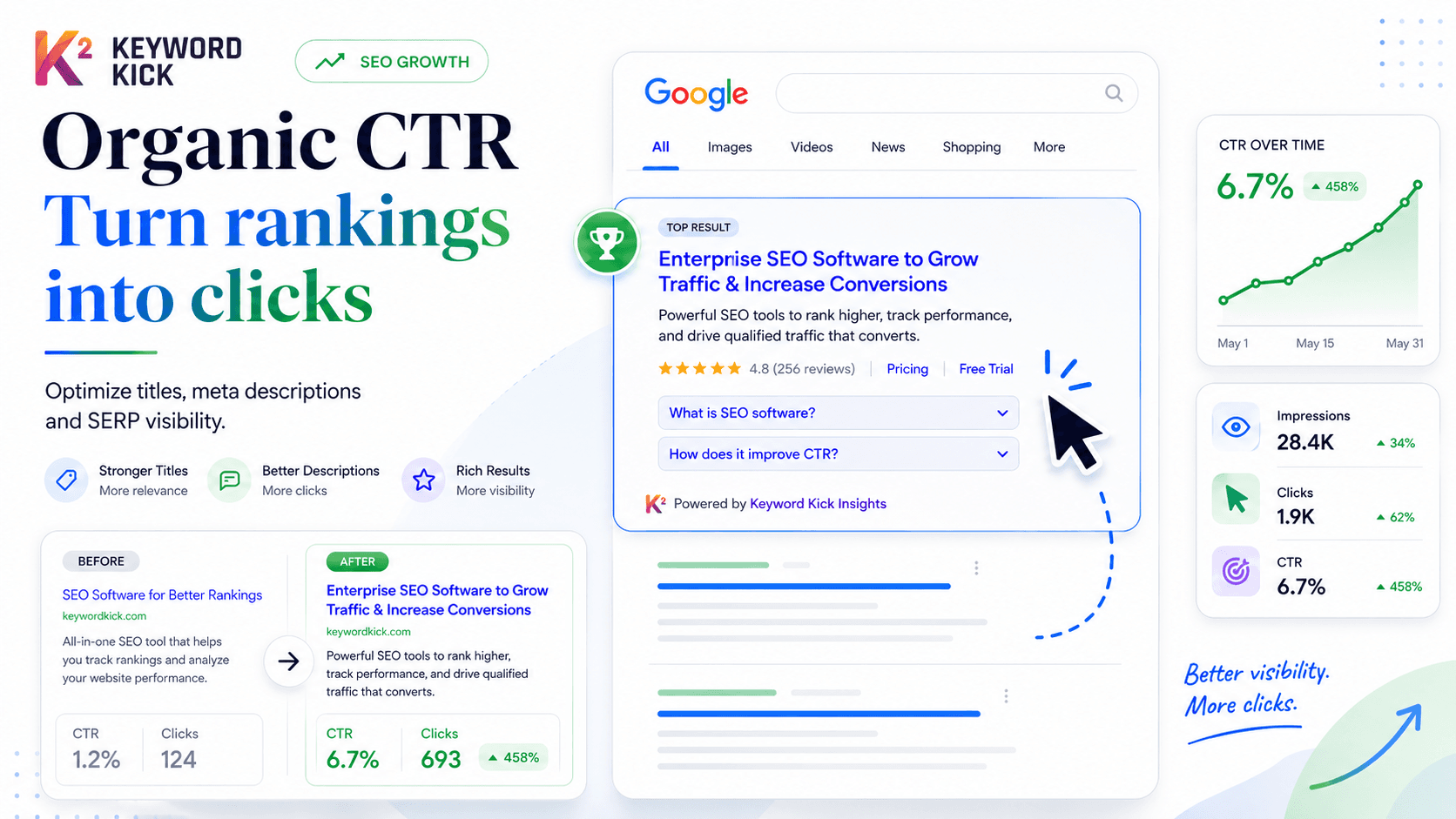
Click-through rate (CTR) is the percentage of people who see your result in Google and actually click it. You can rank in position 3 and still be invisible if your title and meta description don't earn the click.
This guide covers what a "good" CTR actually looks like in 2026, why your CTR might be underperforming, and the specific changes that move the needle.
What Is Organic CTR?
CTR = (Clicks ÷ Impressions) × 100
If your page appeared in search results 1,000 times and received 45 clicks, your CTR is 4.5%.
Google Search Console reports this for every page and query on your site. It's one of the most actionable metrics in SEO — because unlike rankings (which depend on dozens of factors), CTR is almost entirely within your control. You write the title. You write the meta description. You earn the rich snippet or you don't.
Average CTR by Position in 2026
Position is the single biggest driver of CTR. The difference between position 1 and position 5 isn't incremental — it's transformational.
Position | Average CTR |
|---|---|
1 | 25–35% |
2 | 12–18% |
3 | 8–12% |
4 | 6–8% |
5 | 4–6% |
6–10 | 1–4% |
11–20 (Page 2) | 0.5–1.5% |
Source: Aggregated industry data from multiple large-scale CTR studies. Exact figures vary by query type, SERP features present, and device.
What this means in practice:
Moving from position 5 to position 3 on a keyword with 5,000 monthly searches adds roughly 150–300 extra clicks per month — without creating any new content. That's why CTR optimization and ranking improvements work best together.
Average CTR by Industry
Position tells part of the story. Industry tells the rest.
Some niches have structurally lower CTRs because Google answers the query directly (featured snippets, knowledge panels, calculators) — leaving fewer clicks for organic results.
Industry | Typical Page-1 CTR Range |
|---|---|
B2B SaaS / Technology | 3–6% |
E-commerce (product queries) | 2–5% |
Finance / Legal | 3–7% |
Health / Medical | 2–5% |
Travel | 2–4% |
News / Media | 6–12% |
Local Services | 4–8% |
Education / How-To | 5–10% |
Key insight: Informational queries ("how to do X") tend to have higher CTRs than navigational or transactional queries where Google shows rich results, ads, or zero-click answers that satisfy the intent on the page itself.
Why Your CTR Is Lower Than It Should Be
Before fixing CTR, diagnose why it's low. The causes are different and so are the solutions.
1. Your Title Tag Is Weak
A title that starts with a keyword but offers no compelling reason to click is a wasted opportunity. Compare:
❌ Weak | ✅ Strong |
|---|---|
"Backlink Audit Guide" | "How to Do a Backlink Audit in 30 Minutes (Step-by-Step)" |
"SEO Tips 2026" | "12 SEO Tactics That Actually Work in 2026 (With Real Examples)" |
"Keyword Research Tool" | "Find High-Impact Keywords Before Your Competitors Do" |
The stronger titles use specificity, numbers, time frames, and outcome promises — all proven CTR drivers.
2. Your Meta Description Isn't Earning the Click
Many sites have duplicate, auto-generated, or missing meta descriptions. Google then pulls random text from the page — which is rarely compelling.
A good meta description:
Echoes the user's intent (proves you have the answer)
Includes the primary keyword naturally (Google bolds it in results)
Ends with a soft CTA ("Learn how", "See the full list", "Find out why")
Stays under 155 characters
3. SERP Features Are Eating Your Clicks
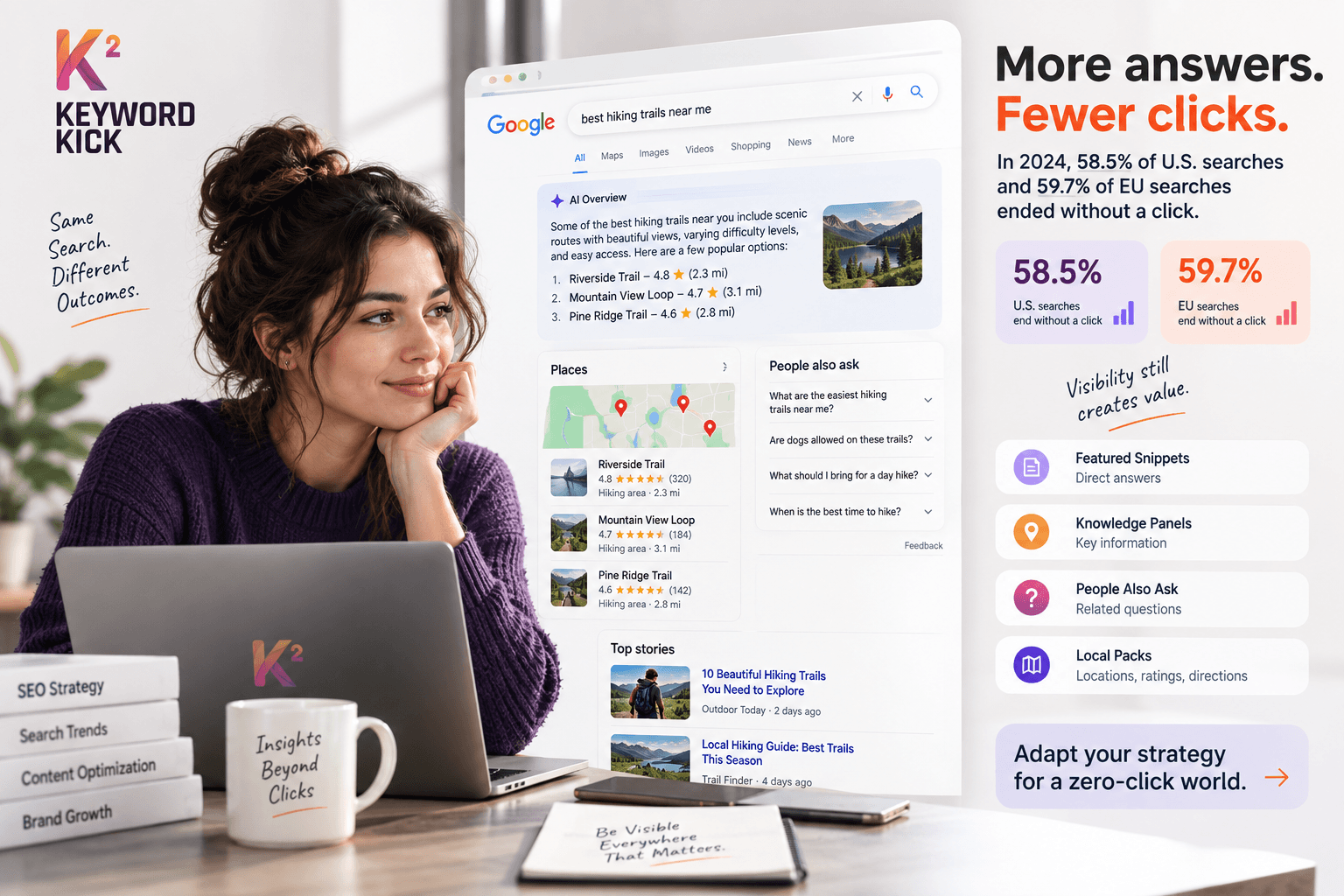
If Google shows a featured snippet, People Also Ask box, or image pack above your result, your impressions stay high but clicks drop — because the query gets partially answered before anyone reaches your link.
This isn't always fixable — but it's important to recognize. A 2% CTR at position 4 on a featured-snippet query isn't a failure; it's expected. Don't burn time optimizing titles for queries where clicks structurally won't come.
4. You're Ranking for the Wrong Queries
Sometimes the keyword driving impressions isn't the keyword you think you're targeting. A page optimized for a transactional query might be ranking for informational variants with very different CTR expectations.
Check your GSC query report: are the high-impression, low-CTR queries actually relevant to your page? If not, they're a signal to either create a separate piece of content or adjust your page's keyword targeting.
5. You're Missing Rich Snippet Opportunities
Star ratings, FAQ dropdowns, recipe cards, and How-To schema all make your result larger and more visually prominent in the SERP — which directly increases CTR, even without a ranking change.
7 Tactics to Improve Your CTR
1. Rewrite Underperforming Title Tags
The highest-leverage move in CTR optimization. Start with pages that:
Have over 500 monthly impressions
Are ranking in positions 4–15
Have a CTR below the position benchmark above
For each page, write 2–3 alternative titles. Test the one that best combines the keyword, a specific number or hook, and a clear value proposition.
Formulas that consistently work:
[Number] + [Adjective] + [Noun] + [Outcome]→ "7 Proven Tactics to Double Your Organic CTR"[How to] + [Desired Outcome] + [Time Frame or Qualifier]→ "How to Fix Thin Content in Under an Hour"[Question] + [Intriguing Answer Hint]→ "Why Your Page 1 Rankings Aren't Sending Traffic (And What to Do)"
2. Write Meta Descriptions That Pull
Every high-impression page with no meta description is leaving clicks on the table. Prioritize those first.
For existing descriptions, check: does it actually answer "why should I click this over the other 9 results?" If not, rewrite it.
3. Add Schema Markup for Rich Results
FAQ schema adds expandable Q&A directly in the SERP. How-To schema shows step numbers. Review schema adds star ratings. Each of these increases visual real estate — and clicks.
Keyword Kick's Site Audit flags pages that are missing schema markup and eligible for rich results.
4. Target Featured Snippets Intentionally
Featured snippets steal clicks from position 1 — but they also give you position 0 if you're the snippet source. A featured snippet typically drives 5–10% more CTR than a standard position 1 result on the same query.
To win snippets:
Answer the query directly in the first 40–60 words of a section
Use the exact question phrasing as an H2 or H3
Format answers as numbered lists, tables, or short paragraphs depending on what the current snippet shows
5. Use Power Words and Emotional Triggers
Certain words reliably increase CTR because they signal value, urgency, or exclusivity:
High-CTR title words: Ultimate, Complete, Proven, Step-by-Step, Free, Fast, Without, Mistakes, Secrets, Exactly
Use sparingly and truthfully — clickbait that doesn't deliver increases bounce rate, which is its own problem.
6. Match Title Format to SERP Intent
Look at the top 5 results for your target query. Are they all list posts? How-to guides? Comparison articles? Your title should signal the same format — or offer a clearly superior alternative.
Ranking with a "What is X" title on a query where competitors have "10 Ways to X" is a CTR mismatch.
7. Monitor CTR Weekly and Iterate
CTR optimization is a cycle, not a one-time fix. The pages you improve this month become the baseline to beat next month.
Keyword Kick's opportunity finder surfaces your high-impression, low-CTR pages automatically — ranked by the traffic you're leaving on the table. Instead of manually sorting through GSC data, you get a prioritized list of exactly which pages to work on next.
How to Find Your Low-CTR Opportunities in Keyword Kick
Open Keyword Kick → Opportunities → select Low CTR
The tool surfaces keywords with high impressions but CTR below position benchmarks
Sort by impressions to prioritize the biggest traffic gaps
Click into any keyword to see the exact queries and URLs involved
Rewrite the title and meta description for the underperforming page
Check back in 2–4 weeks to measure the impact
This takes less time than manually pulling and filtering data in Google Search Console — and gives you more context about why the CTR gap exists.
CTR vs. Rankings — Which Should You Focus On?
Both. But in different order depending on where you are.
Situation | Priority |
|---|---|
Ranking page 2 or below | Improve rankings first — CTR gains are minimal outside top 10 |
Ranking positions 4–10 | CTR optimization gives faster returns than ranking improvement |
Ranking positions 1–3 | Test titles and meta descriptions to maximize the traffic you already own |
High impressions, very low CTR at position 1 | Check for SERP feature interference before blaming the title |