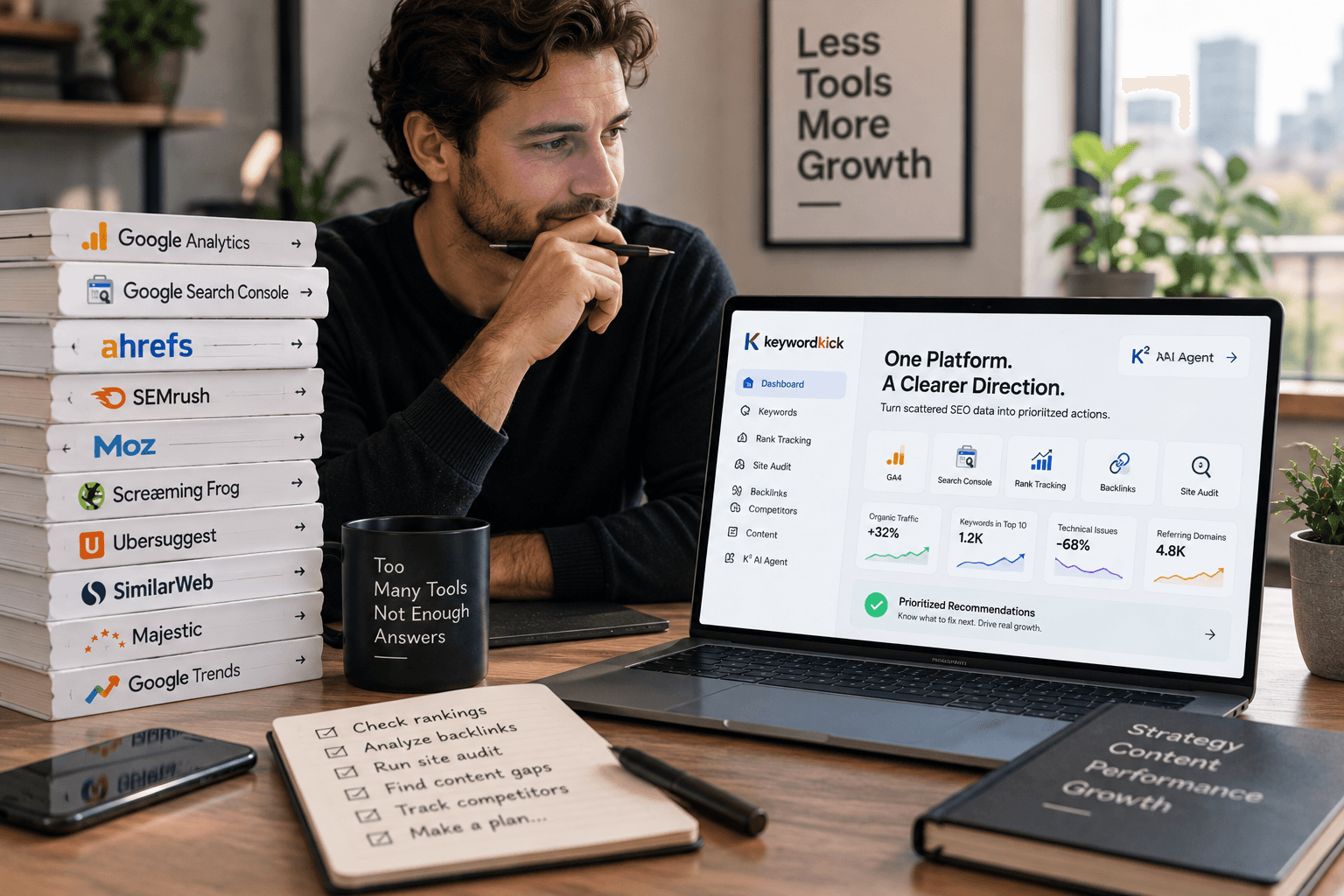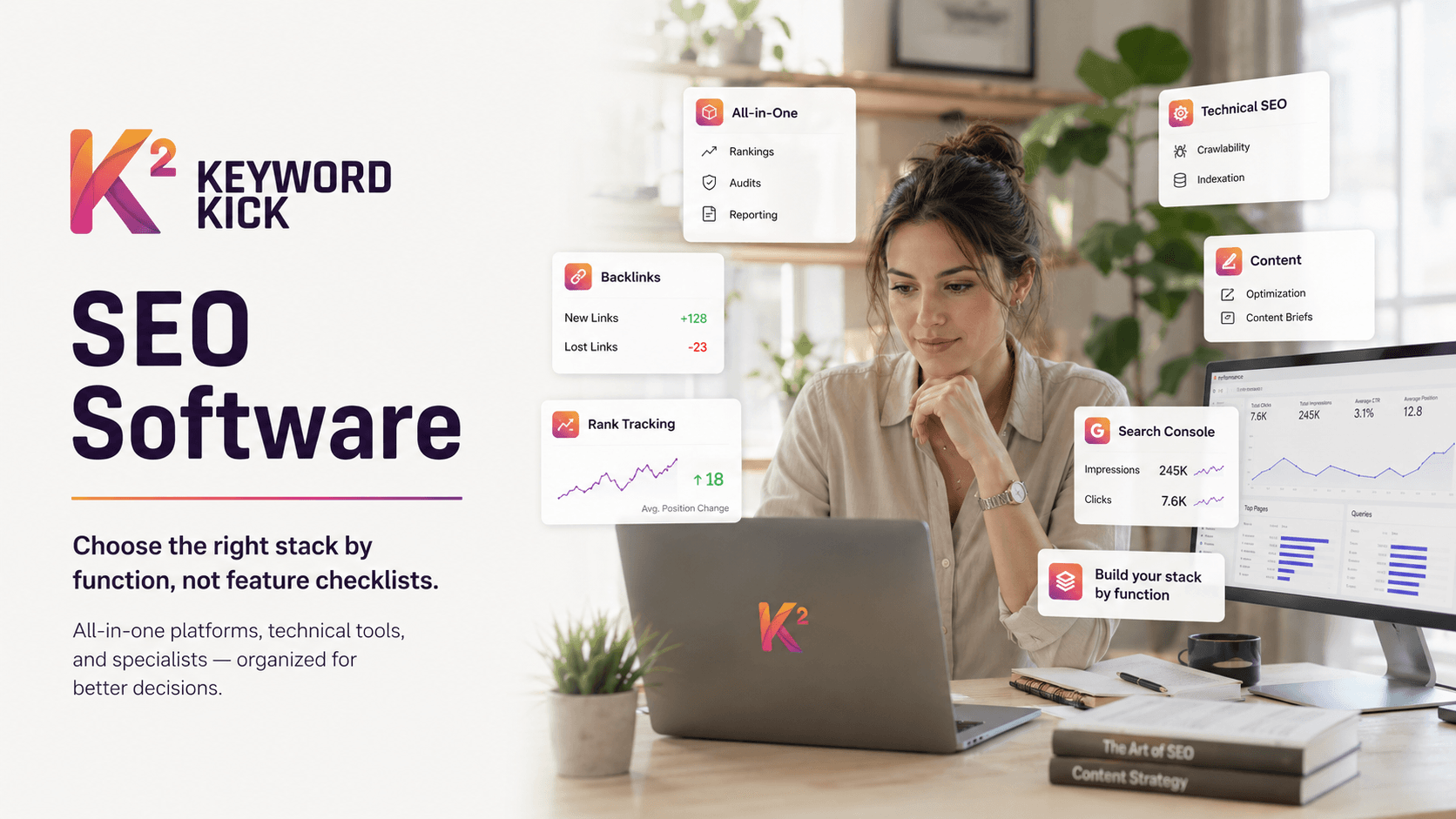
You open your SEO tools on Monday morning and see the same problem again. Rankings moved in one platform, traffic dipped in another, the site crawler found new issues, and nobody on the team can say which change matters first. That is usually the moment an SEO stack stops being useful and starts creating work.
Search still drives a large share of discovery and revenue, which is why SEO software now sits much closer to operations than experimentation. The bigger problem is not tool scarcity. It is fragmentation. Teams buy a rank tracker, add a crawler, bolt on content optimization, then spend the next quarter stitching exports together.
I see the same mistake across in-house teams, agencies, and consultants. They choose tools by feature checklist instead of job to be done. Keyword research, site audits, backlink indexes, content scoring, and reporting all matter. But if those systems do not connect, you still cannot answer the question that controls results: what should be fixed now, what can wait, and what is noise?
This guide organizes tools by function so you can build a stack with intent. Some platforms try to cover the whole workflow. Others go deep on technical crawling, link intelligence, content optimization, or enterprise rank tracking. The useful comparison is not just tool versus tool. It is all-in-one platforms versus technical tools versus specialists, and how those categories work together in practice.
That is also where a unifying layer matters. A platform such as Keyword Kick can pull rank data, analytics, Search Console signals, and audit findings into one workflow, so a team can move from dashboards to decisions. If rank visibility is a core input for your process, its SEO rank tracking features show the kind of workflow connection many stacks are missing.
A few outside analyses in this article also point to the same shift. Buyers are putting more weight on tools that connect first-party data with search visibility, and they increasingly care about newer search surfaces alongside classic rankings. If you need extra context on programmatic SERP collection, this SERP API solutions analysis is useful. Independent commentary on tool selection for smaller teams makes a similar point in this small business SEO tools analysis.
1. Keyword Kick
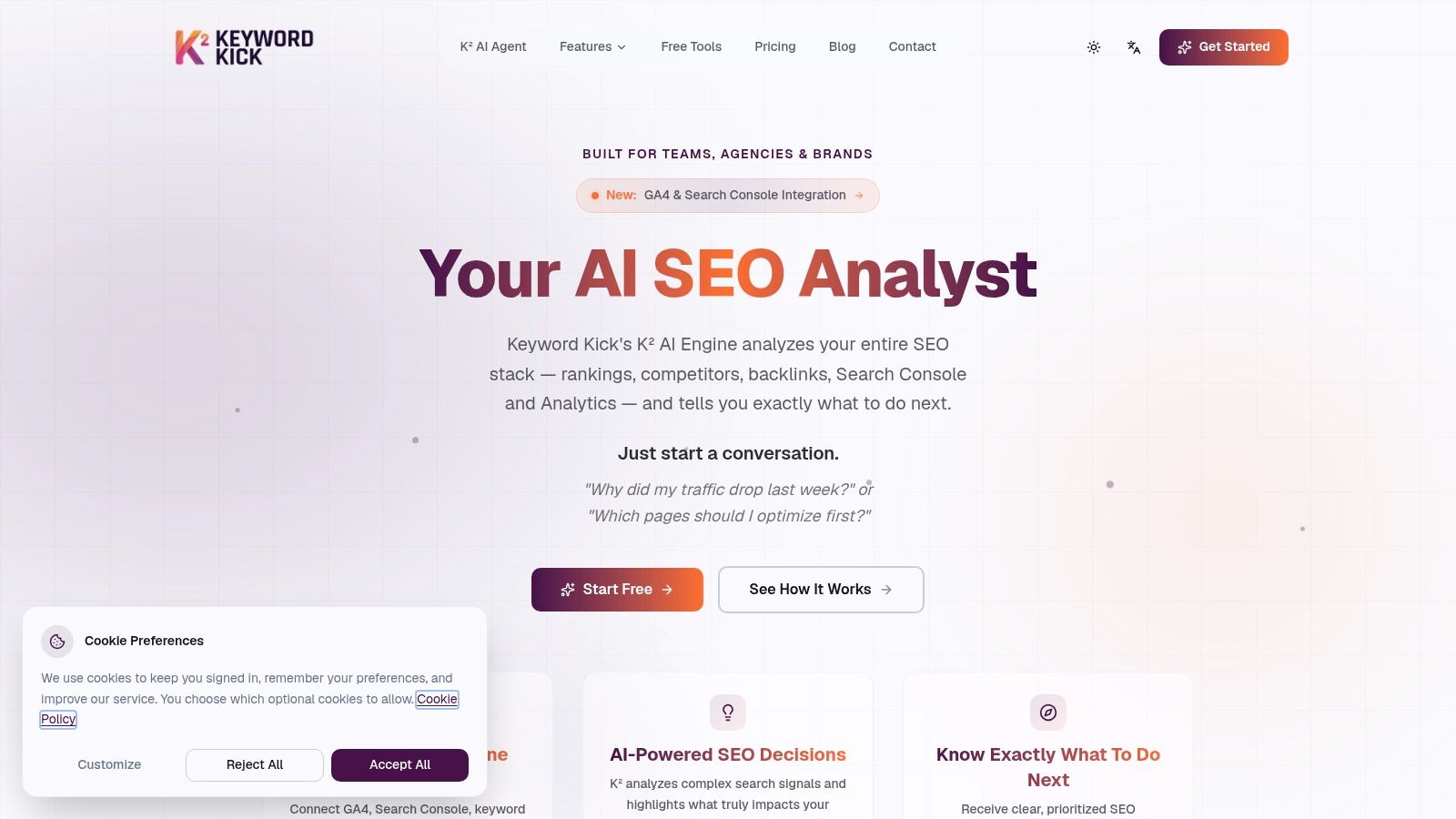
You check rankings, then Search Console, then GA4, then a crawler, and by the end of the review you still do not know what to fix first. That is the operational problem Keyword Kick is built to solve.
Keyword Kick fits the all-in-one category, but its real value is not breadth alone. It acts as a coordinating layer across rank tracking, analytics, backlink monitoring, and technical findings so a team can work from one decision queue instead of four disconnected reports. That distinction matters if you are building an SEO stack by function rather than buying isolated tools one by one.
Why it works in practice
Keyword Kick is strongest when the bottleneck is interpretation. Agencies, in-house teams, and consultants usually already have access to data. The harder part is connecting a visibility drop to the pages affected, the queries involved, the technical cause, and the action owner.
The platform centers that workflow. Connect your core sources, then use the K² AI Agent to identify what changed and what deserves attention first.
That is a meaningful difference from tools that stop at reporting.
A few features make that useful in day-to-day SEO work:
K² AI Agent: Reviews connected project data and produces prioritized recommendations instead of leaving the team to assemble the story manually.
Unified visibility tracking: Brings together rankings, SERP features, backlink context, historical performance, and audit findings in one interface.
Cannibalization detection: Surfaces overlapping pages and query conflicts so content teams can consolidate or re-target before performance slips further.
Technical depth on higher plans: JavaScript rendering and larger audit limits help teams that manage sites where client-side issues affect indexability or content discovery.
Best fit and trade-offs
Keyword Kick makes the most sense for teams that need an operating system for SEO, not just a research database. It is a good fit when weekly reporting has become bloated, handoffs are messy, and no one can quickly answer why performance changed.
I would not treat it as a replacement for every specialist tool in every situation. Large sites with advanced crawling needs may still want a dedicated technical platform. Link-heavy workflows may still rely on a specialist index. But as the unifying layer in the stack, it solves a common failure point. Data exists, but action does not.
The trade-off is setup. The platform gets better once GA4 and Search Console are connected cleanly and naming conventions are consistent. Teams with weak analytics hygiene can still use it, but they should expect some upfront cleanup before the recommendations become reliably useful. If you are comparing platforms in this category, this list of Ahrefs alternatives for different SEO workflows is a useful reference point.
Pricing is straightforward. There is a free plan, and paid tiers start at $49 per month, then $119, $249, and $599 for larger environments. That structure suits teams that want predictable software costs and a platform they can grow into as reporting, auditing, and rank tracking needs expand.
2. Ahrefs
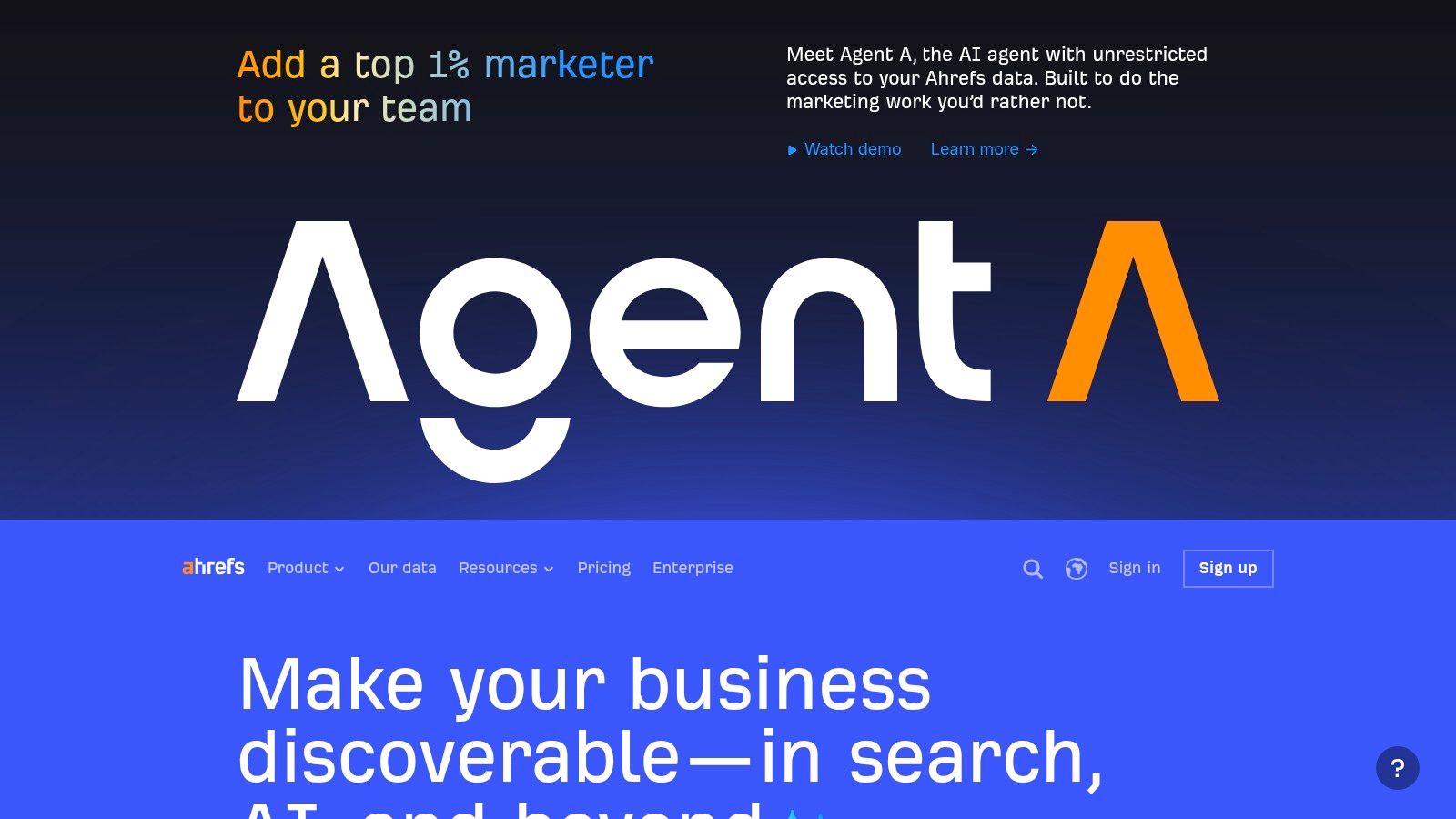
Ahrefs is still one of the safest recommendations in SEO because it does the expensive, difficult part well. It maintains a large third party web index and turns that into usable competitive research, backlink analysis, keyword discovery, rank tracking, and site auditing.
Where it shines is investigation. If a stakeholder asks why a competitor is winning, Ahrefs is one of the fastest ways to inspect their backlink profile, top pages, keyword footprint, and content gaps without needing access to their first party data.
Where Ahrefs is strongest
I'd put Ahrefs in the all in one category, but with a clear bias toward link intelligence and competitive research. Site Explorer remains the part most practitioners come back to because it's fast, deep, and easy to export into a workable analysis.
Its practical strengths usually come down to three things:
Competitive research: Strong for domain and URL level benchmarking.
Backlink analysis: Still one of the first tools many SEOs open when auditing authority and link patterns.
Usable interface: Clean navigation matters when you're training a team or moving quickly.
If your job is market reconnaissance, Ahrefs often feels sharper than broader marketing suites.
Where it falls short
Ahrefs gets expensive as usage grows. That doesn't make it overpriced. It just means you need to be honest about whether your team will use the breadth of data enough to justify the spend.
It's also not the best answer to every SEO workflow. If your main problems involve cross functional prioritization, reporting to non SEO stakeholders, or unifying first party analytics with SEO diagnostics, Ahrefs often needs support from other systems. Teams exploring alternatives can compare options in this review of Ahrefs alternatives.
Ahrefs is excellent at showing what exists. It's less opinionated about what your team should do next.
For many teams, that's a feature, not a bug. Analysts who want direct access to raw competitive context often prefer it that way.
3. Semrush
A common buying mistake is paying for three or four SEO point solutions when the underlying need is one system the broader marketing team will use. Semrush often enters the picture at that stage.
Semrush is one of the strongest All-in-One platforms in SEO because it covers research, auditing, rank tracking, reporting, and adjacent channels in the same environment. That matters for teams that do not work in an SEO-only bubble. Paid search managers, content leads, local teams, and account managers can all operate from the same account instead of passing spreadsheets around.
Semrush tends to fit organizations that need process, permissions, and repeatable reporting as much as raw SEO data. Agencies use it to standardize client workflows. In-house teams use it when SEO has to connect with PPC, content planning, and executive reporting. In a stack-based approach, this is the type of platform that can sit in the middle, while specialist tools handle deeper technical or link-specific work and a unifying system such as Keyword Kick helps turn that data into one prioritized workflow.
Its practical strengths usually show up in a few areas:
Cross-channel context: SEO, PPC, local, and competitor monitoring are close enough together to support planning, not just analysis.
Operational workflow: Projects, reports, and shared dashboards make it easier to run SEO across multiple stakeholders.
Breadth: Keyword research, site audits, position tracking, and backlink review are all usable without switching tools constantly.
The trade-off is focus.
Semrush does many jobs well, but not every module is the tool I would choose if that single function were the only thing that mattered. A technical SEO specialist may still prefer a dedicated crawler for diagnosis. A link analyst may still want a separate source for backlink investigation. If your team regularly runs crawls before launches, migrations, or indexation reviews, pair Semrush with a technical SEO audit process and a dedicated crawler instead of expecting one suite to do everything.
Cost also needs a hard look. The subscription price is only the starting point. Seat limits, report caps, historical data, and add-ons can change the actual budget fast. Teams that use only rank tracking and light audits often end up paying for far more surface area than they need.
Semrush earns its place when the problem is coordination. If the goal is to build a cohesive SEO stack by function, it works well as the all-purpose layer, then passes deeper technical work and prioritization to specialist tools and systems built to connect the full workflow.
4. Screaming Frog SEO Spider
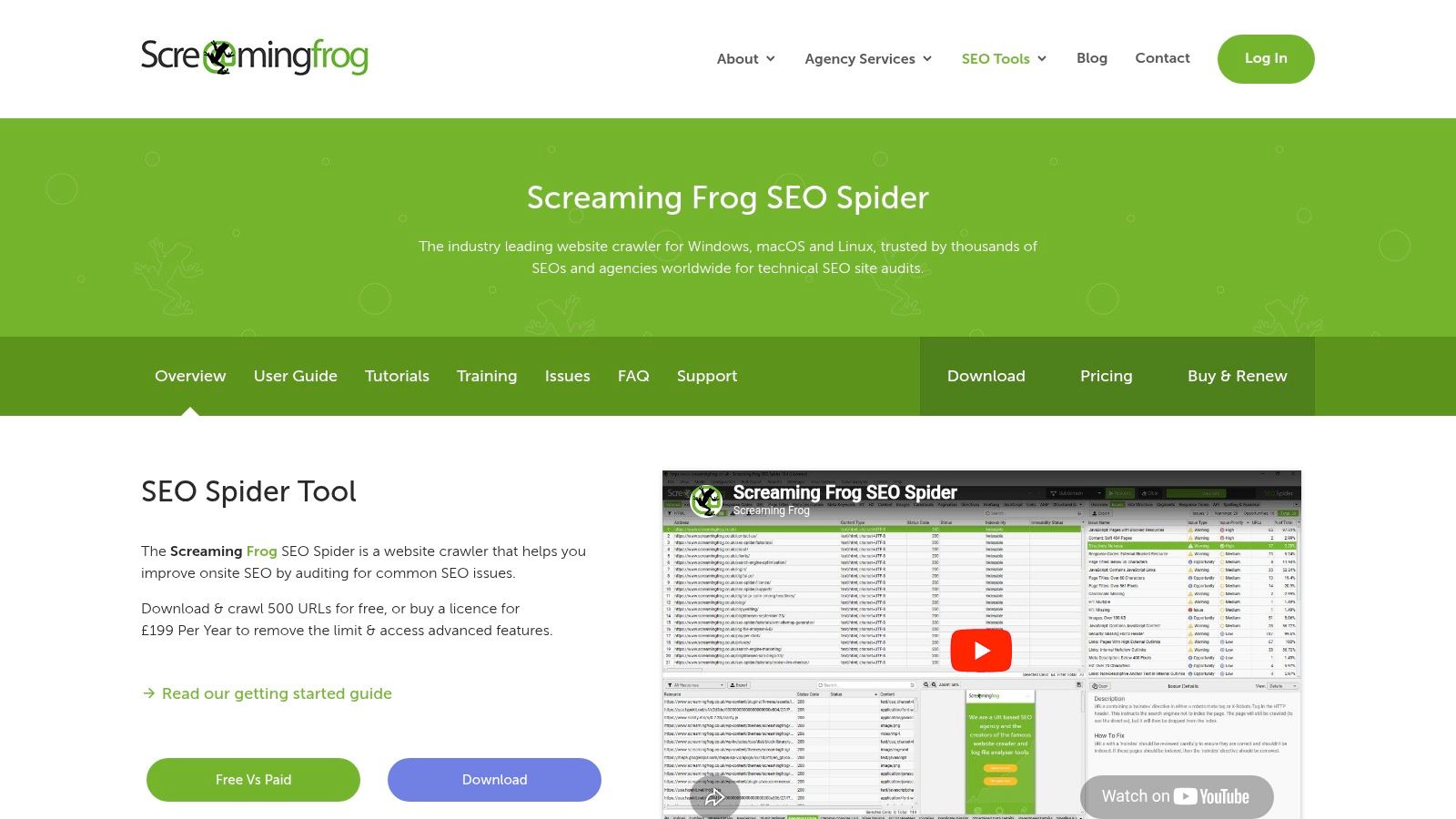
When a site has an indexing problem, bad internal linking, duplicate templates, or JavaScript rendering issues, a general suite usually won't be enough. You need a crawler that lets you inspect the site like a machine does. That's why Screaming Frog SEO Spider remains a standard tool in technical SEO.
This is a desktop crawler, not a cloud dashboard. That distinction matters because the tool is built for hands on diagnostics. It's fast, configurable, and trusted because it reveals details polished platforms often hide behind summaries.
What it does better than all in one suites
Screaming Frog is strongest when you already suspect something technical is wrong and need proof. It's especially useful for audits involving redirects, canonicals, duplicate metadata, orphaned content, pagination issues, and rendering checks.
Useful features include:
JavaScript rendering: Important when client side content affects discoverability.
Custom extraction: Good for schema, templates, structured data checks, and bespoke audits.
Integrations: Pulling in GA4, GSC, and PageSpeed data makes crawl findings easier to prioritize.
If you need to learn the mechanics of a site, this tool teaches you quickly because it exposes the raw structure.
The trade off
Screaming Frog is not collaborative by default. It runs locally, depends on your machine, and can become cumbersome on very large sites unless you know how to manage memory, segmentation, and crawl settings.
That's why I rarely recommend it as a standalone stack for non specialists. It works best as the technical layer inside a broader system. If your team needs a process for turning crawl findings into fixes, this guide to running a technical SEO audit is a good companion resource.
A crawler doesn't fix anything. It shortens the path between suspicion and evidence.
5. Botify
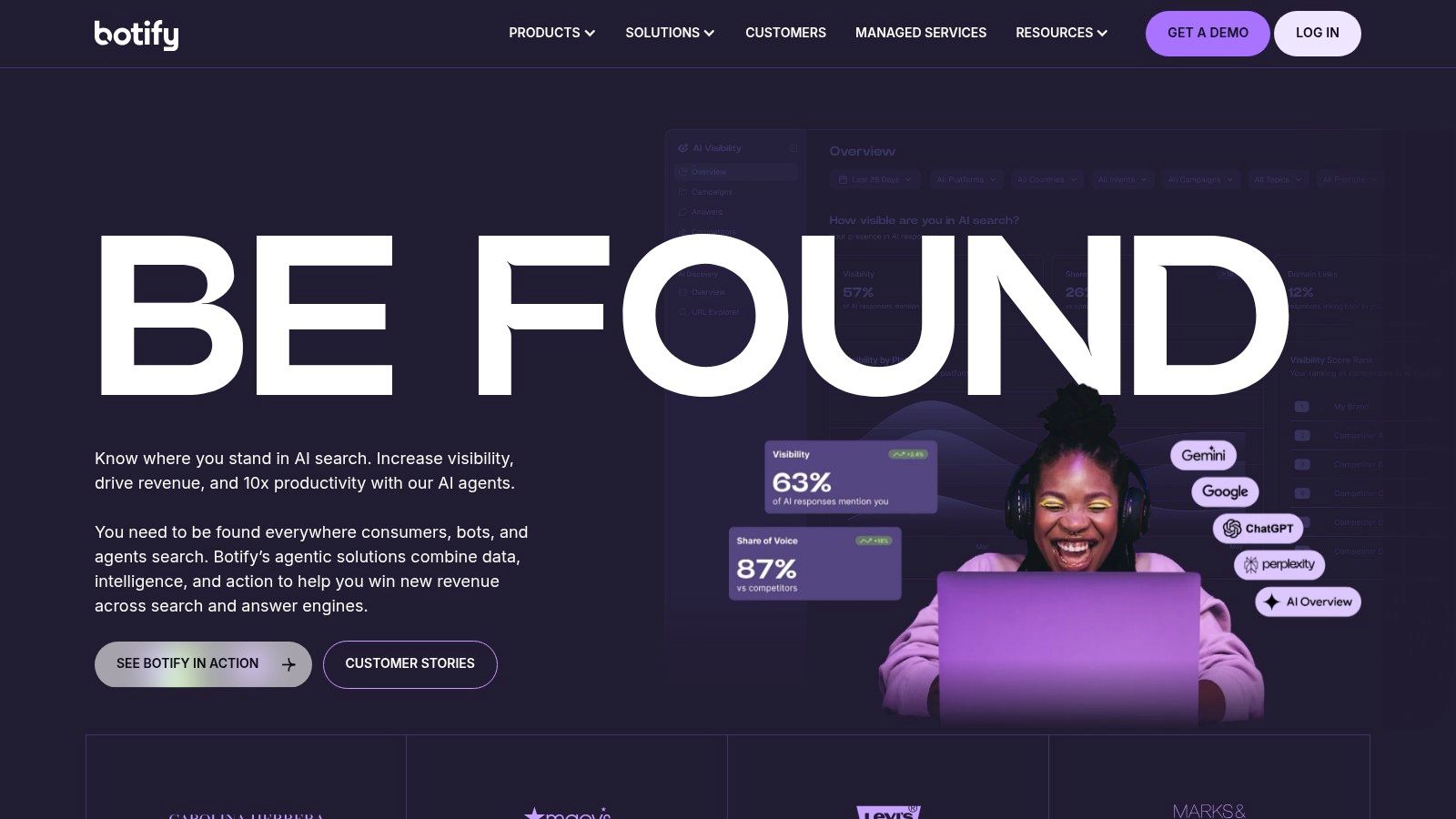
A common enterprise SEO problem looks like this. Rankings slip on a large section of the site, pages are still indexed, and a standard crawl shows no obvious error. The actual issue often sits somewhere between crawl behavior, rendered content, internal linking, and release changes across teams. Botify is built for that kind of investigation.
It fits the Technical category, but its real value is not just crawling bigger sites. Botify brings together crawl data, log files, rendering insight, and workflow layers so teams can separate theoretical issues from problems that are costing traffic now. That matters on publisher, ecommerce, and multinational sites where millions of URLs, faceted navigation, and frequent deployments create failure points that a standalone crawler will miss.
What stands out in practice is decision quality. A technical team can see whether Googlebot is requesting the right URLs, whether important templates render correctly, and whether high value pages are being buried by architecture or duplicate paths. That shortens the path from diagnosis to action.
Useful capabilities include:
Enterprise crawl and log analysis: Helpful when crawl efficiency and site architecture directly affect discovery.
Rendering and indexability diagnostics: Useful for JavaScript heavy templates and platform level issues.
Workflow and activation layers: Better suited to organizations that need fixes routed into broader operational processes.
This is also where Botify fits into a modern SEO stack. Ahrefs or Semrush may handle research and market visibility. Screaming Frog may handle one-off forensic audits. Botify handles ongoing technical oversight at enterprise scale. If a team is trying to unify those signals into one workflow, a platform such as Keyword Kick can help connect research, technical findings, and prioritization instead of leaving each data source in its own silo.
The trade-off is cost and complexity.
Smaller teams rarely need this level of infrastructure. Botify makes sense when logs matter, when release cycles create recurring risk, and when SEO work has to be coordinated across engineering, product, and content teams. If your site is big enough that technical debt turns into traffic loss before anyone spots it, Botify belongs on the shortlist.
6. Lumar
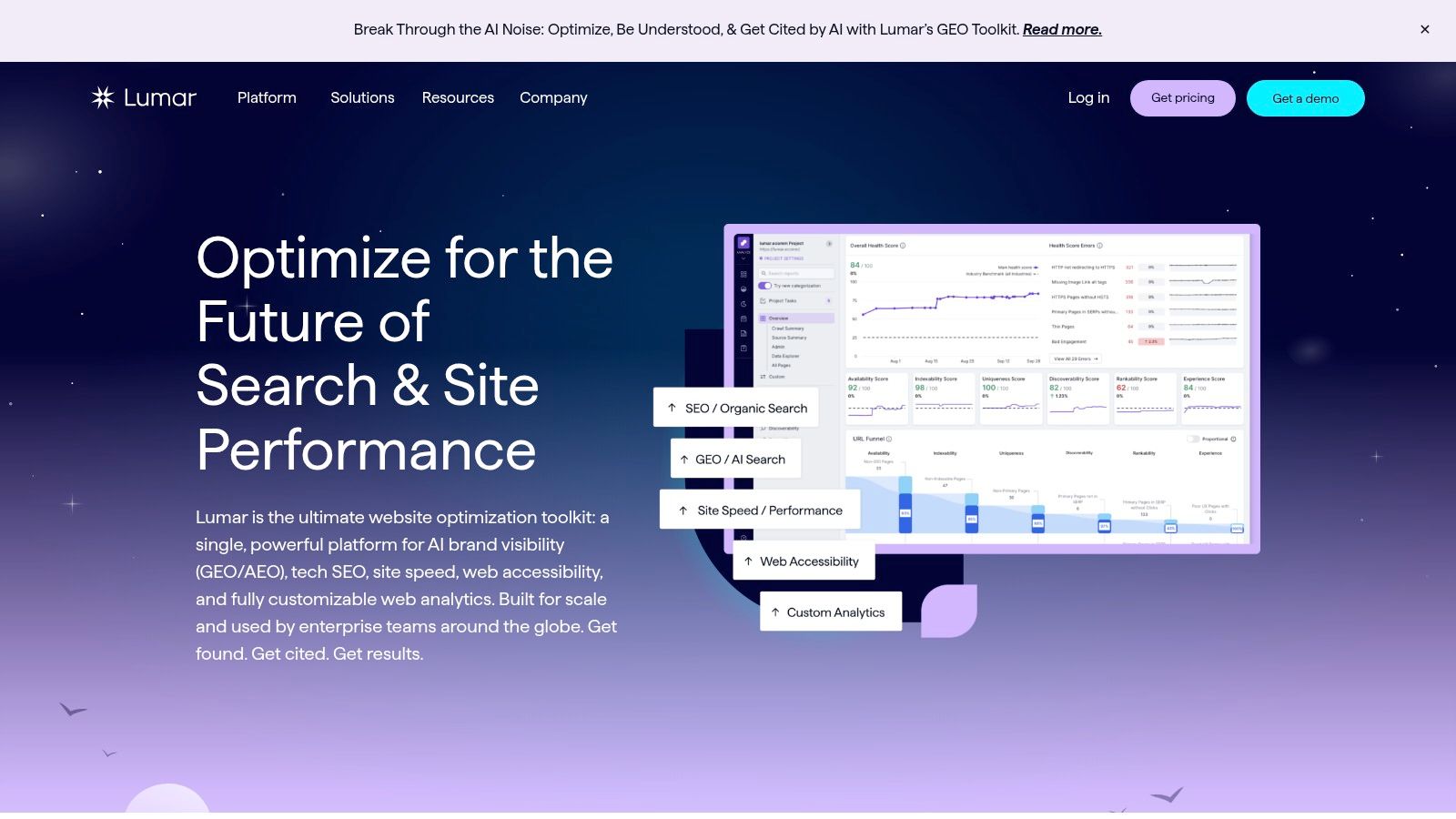
A common problem on large sites is not finding technical issues once. It is catching them every time a release, template edit, or CMS change creates them again.
Lumar fits teams that need ongoing technical QA in the cloud, with reporting that product managers, developers, and SEO leads can all use. It is less about one-off investigation and more about continuous oversight. That distinction matters. A desktop crawler can diagnose a mess after traffic drops. Lumar is better suited to teams trying to spot the regression before it becomes a traffic problem.
What Lumar does well
Its main strength is visibility across recurring technical risk. For ecommerce sites, publisher archives, and other large properties with frequent deployments, that usually means watching indexability, internal linking changes, broken directives, rendering issues, and template-level mistakes over time instead of waiting for a quarterly audit.
Useful capabilities include:
Cloud-based crawling: Better for scheduled monitoring across large sites and multiple environments.
Regression testing and QA workflows: Useful when SEO problems tend to appear after releases or migrations.
Stakeholder-friendly dashboards: Easier to use in organizations where engineering, content, and SEO need the same view of site health.
Broader site quality checks: Helpful if accessibility and performance reviews sit close to technical SEO work.
That makes Lumar a strong Technical category tool in an SEO stack built by function. Ahrefs or Semrush may cover research and competitive visibility. Screaming Frog may handle closer forensic audits. Lumar covers ongoing governance.
Where it fits in a stack
Lumar rarely makes sense as a standalone platform. It works best alongside a stronger research layer and a system for turning technical findings into priorities.
In practice, that means using Lumar to monitor risk, then pulling those issues into a wider workflow with ranking, page value, and opportunity data. A unifying platform such as Keyword Kick can help connect those inputs so teams are not judging technical fixes in isolation.
The trade-off is depth versus flexibility. Teams that want raw crawl exports and total control often prefer Screaming Frog for investigations. Teams that need recurring monitoring, shared dashboards, and clearer accountability usually get more value from Lumar.
If SEO performance tends to slip after deployments rather than during strategy work, Lumar belongs on the shortlist.
7. Majestic
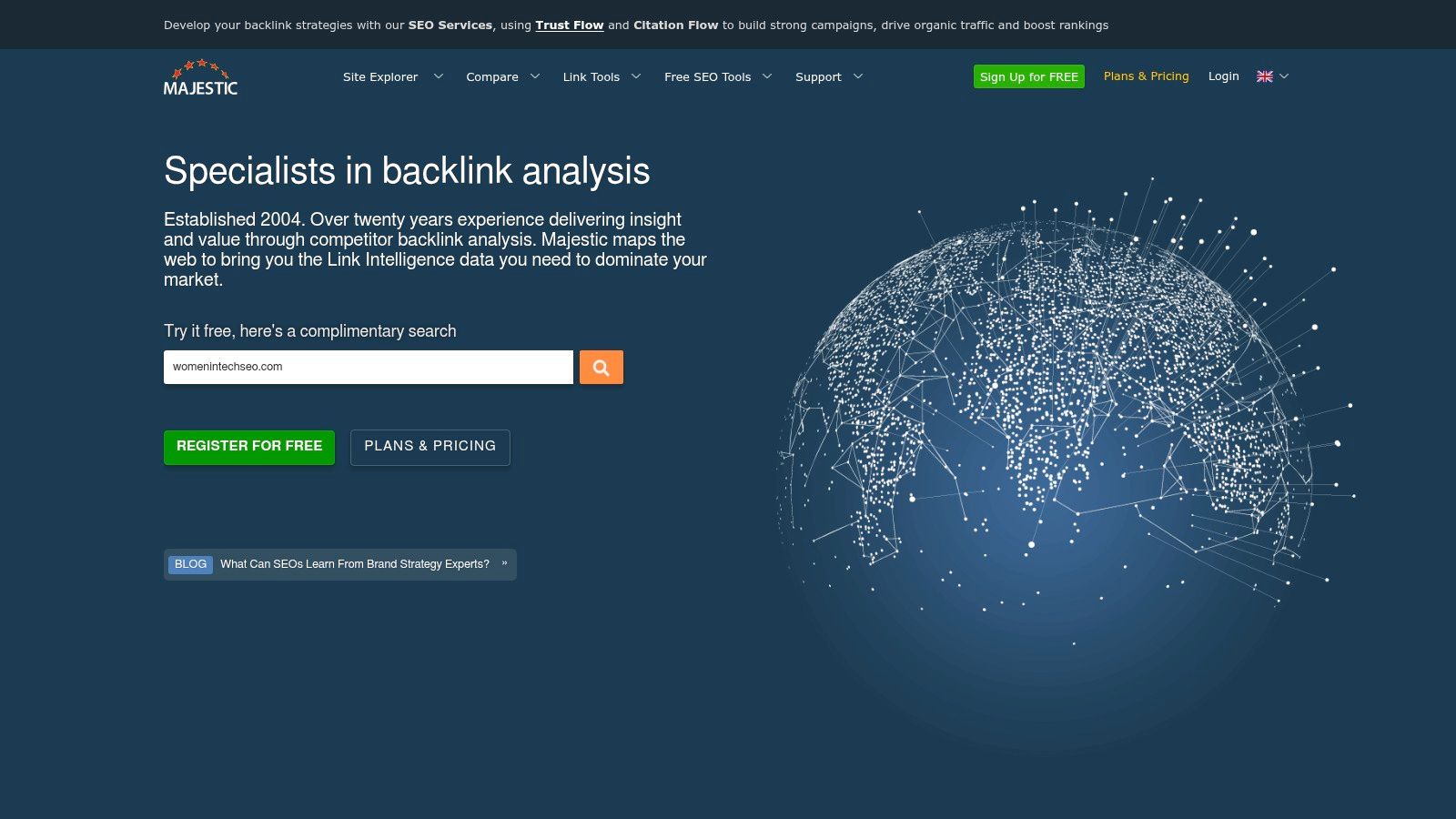
Majestic is a specialist tool. That's the right way to approach it. Don't buy Majestic expecting a modern all in one suite. Buy it when backlink intelligence is the job.
Its appeal has always been link analysis depth and its proprietary metrics, especially Trust Flow and Topical Trust Flow. Those are useful when you need to assess not just whether a site has links, but what kind of topical neighborhood those links come from.
Best use cases for Majestic
Majestic works well for digital PR teams, link builders, and SEOs running competitive backlink audits. It's also useful during due diligence work where link quality matters more than rank tracking or content workflows.
Good reasons to choose it include:
Topical analysis: Helpful when relevance matters as much as raw authority.
Historic and fresh link indexes: Useful for reviewing acquisition patterns over time.
Prospecting tools: Clique Hunter and link graph views still have practical value.
If your strategy depends on understanding link relationships, Majestic can reveal patterns that broader suites flatten into simpler summaries.
Where it can frustrate users
The interface feels dated compared with newer platforms. Some teams will bounce off it for that reason alone.
Still, specialist tools don't need to win beauty contests. They need to answer narrow questions well. Majestic does. Just don't mistake it for a complete SEO stack. It's a component, not a headquarters.
8. Surfer
A common content problem looks like this. The team is publishing consistently, the writing is solid, and pages still stall outside the positions that drive traffic. In that situation, the issue is often not effort. It is weak alignment with what already ranks.
Surfer fits the Specialist category because it focuses on content optimization rather than crawling, link analysis, or enterprise reporting. It helps teams compare a draft or live page against current SERP patterns, then adjust headings, topical coverage, structure, and internal link opportunities with clearer direction.
That focus makes it useful for editorial teams, content marketers, and agencies managing a steady publishing calendar.
Where Surfer earns its keep
Surfer works best when the job is improving on page relevance at scale. Its content editor speeds up briefs and rewrites. Its audit features help diagnose pages that are close to performing but are missing supporting terms, weak subtopics, or better structure. For teams trying to connect writing workflows with search data from multiple systems, it can also sit alongside a broader stack, including platforms and AI search visibility tools, without replacing them.
I get the most value from Surfer on sites that already have topic authority but inconsistent execution. One article is tightly mapped to search intent. The next covers the same subject too broadly, misses obvious subtopics, or underuses internal links. Surfer helps standardize those decisions before the content goes live.
Used well, it reduces editorial guesswork. It does not replace judgment.
Trade-offs to understand
Surfer can improve content operations, but it has limits that matter. It does not explain crawl problems, indexation issues, or link gaps. It also should not be treated as a scoring system to obey line by line. Teams that chase every recommendation too strictly often end up with copy that is padded, repetitive, or less useful to readers.
That is why Surfer works better as one layer in a coordinated SEO stack. Use an all in one platform or your reporting system to find the opportunity. Use technical tools to confirm the page can compete. Then use Surfer to tighten the page itself. If you are centralizing that workflow in Keyword Kick or another hub, Surfer becomes more valuable because its content recommendations are tied to the rest of the decision process instead of sitting in a silo.
As a specialist tool, that is the right role for it. Surfer helps teams publish sharper pages faster. It just needs to be paired with tools that cover the rest of SEO.
9. STAT Search Analytics
A common breaking point in SEO operations is simple: the team can see traffic moving, but it cannot tell which ranking shifts caused it, where they happened, or how widespread the problem is. That is the kind of job STAT is built for. STAT Search Analytics tracks large keyword sets across locations, devices, and SERP features with the depth enterprise teams usually need once rank tracking becomes an operational system, not a spot check.
STAT fits best in stacks where rank data drives reporting, forecasting, or escalation. Large brands, publishers, and agencies often need daily visibility across thousands of terms, plus the ability to segment by market or device without rebuilding reports every week. Smaller teams can get the job done with lighter trackers inside an all in one suite. The trade-off is cost versus control.
Why STAT still matters
General SEO platforms include rank tracking, but it is one module among many. STAT is narrower and better at the hard parts of rank monitoring at scale. That includes broad keyword coverage, strong local tracking, and deeper SERP feature reporting than many bundled tools provide.
That specialization matters because small ranking changes can have a clear traffic impact, especially on high value keywords, as noted earlier. If a business depends on monitoring visibility across product lines, store locations, or national versus local intent, dedicated tracking helps teams catch losses early and identify where gains are occurring.
In practice, STAT is strongest in three situations:
Enterprise keyword monitoring: Useful when a team tracks thousands of terms and needs dependable daily updates.
Local and mobile SERP tracking: Important for franchises, multilocation businesses, and brands competing across regional search results.
Data pipelines and internal reporting: API access matters when SEO teams push ranking data into BI tools, client dashboards, or a central workflow in Keyword Kick.
It also pairs well with newer monitoring layers. If your team now reports on AI answer surfaces alongside traditional rankings, this roundup of AI search visibility tools is a practical complement.
Main drawback
STAT is a specialist product, and it is priced like one. It will not replace an all in one platform for backlink analysis, site audits, or keyword research. For organizations that treat rank intelligence as a core dataset, that limitation is fine. For everyone else, it can be more tool than they need.
10. Google Search Console
Google Search Console is the only tool on this list that I'd call non optional. Everything else is a strategic choice. Search Console is a baseline requirement.
It gives you first party visibility into how Google sees your site. That includes indexing status, performance data, URL inspection, sitemap handling, rich result issues, and alerts tied to security or manual actions. No third party platform can replace that perspective.
Why GSC belongs in every stack
Search Console is where SEO reality starts. Not estimated traffic. Not scraped rankings. Not modeled keyword opportunities. Actual impressions, clicks, CTR, and indexed page feedback from Google.
That matters because ranking changes aren't abstract. The first result in Google carries the strongest click share, and the gap from first to second place is large, as noted earlier. GSC helps you connect those shifts to actual page level and query level outcomes.
Use it for:
Indexing diagnostics: Check whether Google can crawl, index, and serve important URLs.
Query and page analysis: Find pages with impressions but weak click through performance.
Issue detection: Catch coverage, enhancement, and structured data problems early.
What GSC doesn't do
It doesn't give you competitor data. It doesn't provide backlink intelligence in the way specialist tools do. And its historical data and query visibility are limited compared with paid platforms.
Still, every strong SEO stack starts here. The most effective setup usually looks like this: Search Console for first party truth, a rank or competitive platform for broader market visibility, and either a crawler or unified action platform to prioritize fixes.
Top 10 SEO Tools: Core Feature Comparison
Tool | Core Focus | Key USP ✨ | Quality (★) | Audience & Price 👥💰 |
|---|---|---|---|---|
🏆 Keyword Kick | AI‑first all‑in‑one SEO workspace (rank, backlinks, audits, K² AI) | ✨ K² AI agent: prioritized, step‑by‑step actions; cannibalization detection; daily trends | ★★★★★ | 👥 Agencies, in‑house, solo · 💰 Free‑forever; paid $49–$599+/mo |
Ahrefs | Competitive research & backlink intelligence | ✨ Massive link/keyword DB; Site & Keywords Explorer | ★★★★★ | 👥 SEOs, agencies · 💰 Mid–high; scales with usage |
Semrush | Broad marketing suite (SEO, PPC, Content) | ✨ Extensive toolkits + App Center for cross‑channel workflows | ★★★★☆ | 👥 Agencies, marketing teams · 💰 Mid–high; seats/add‑ons can add cost |
Screaming Frog SEO Spider | Desktop technical crawler & audits (JS rendering) | ✨ Deep custom extraction, offline crawls, crawl comparison | ★★★★☆ | 👥 Technical SEOs, devs · 💰 Freemium (500 URLs); low‑cost license |
Botify | Enterprise crawl + logs + AI automation | ✨ Unified crawl+logs+ranking with AI copilots for large sites | ★★★★☆ | 👥 Enterprise orgs · 💰 Sales‑led pricing |
Lumar (Deepcrawl) | Cloud enterprise crawler & monitoring | ✨ QA/Protect, GEO & AI‑visibility metrics, team dashboards | ★★★★☆ | 👥 Mid‑market & enterprise · 💰 Sales‑led pricing |
Majestic | Specialist backlink intelligence (Trust Flow) | ✨ Proprietary Trust Flow & topical link graphs for link strategy | ★★★★☆ | 👥 Link analysts, PRs · 💰 Cost‑effective for backlink focus |
Surfer | Content optimization & AI‑search visibility | ✨ Content Editor with NLP scoring, topic discovery, cannibalization | ★★★★☆ | 👥 Writers, SMBs, content teams · 💰 Affordable mid‑range plans |
STAT Search Analytics (by Moz) | Enterprise‑scale rank tracking & SERP intelligence | ✨ Massive daily tracking, local/desktop mobile, strong API | ★★★★☆ | 👥 Large portfolios, agencies · 💰 Enterprise pricing |
Google Search Console (GSC) | First‑party performance, indexing & diagnostics | ✨ Direct Google data: URL Inspection, Core Web Vitals, sitemaps | ★★★★☆ | 👥 All site owners · 💰 Free (first‑party essential data) |
Final Thoughts
A lot of SEO programs stall for the same reason. The team buys tools to solve individual problems, then spends more time reconciling reports than fixing pages, improving templates, or updating content.
The better way to choose tools for search engine optimization is to build the stack by function. Start with the constraint that is slowing execution right now. If the bottleneck is prioritization, use an all in one layer that pulls performance, technical, and keyword signals into one place. If the bottleneck is engineering quality, add a crawler or enterprise monitoring platform. If the bottleneck is content production, add a specialist tool for briefs, optimization, and refresh planning. If the bottleneck is competitive visibility, invest in dedicated rank tracking or link analysis.
Tool stacks usually break at the handoff points. A technical audit finds hundreds of issues, but nobody can tie them to lost clicks. Search Console shows a drop, but the underlying cause sits in internal linking, rendering, or stale content. Backlink data surfaces opportunities, but the team still needs to decide which pages are worth supporting.
That is why categorizing tools matters more than ranking them. All in One tools help teams coordinate decisions. Technical tools diagnose crawl, indexation, rendering, and site quality issues. Specialist tools go deeper on links, content, or large scale rank tracking. Once each category has a clear job, the stack becomes easier to trust and easier to use.
A practical setup often looks like this:
All in One: one workspace for reporting, prioritization, and workflow management across data sources
First Party Data: Google Search Console, often alongside GA4, for query, click, indexing, and engagement context
Technical Layer: Screaming Frog for direct audits, or Botify and Lumar for larger sites that need monitoring, collaboration, and scale
Specialist Layer: Ahrefs or Majestic for backlinks, Surfer for content operations, STAT for enterprise rank tracking
Buy to close coverage gaps.
A smaller stack used every week beats a larger stack that the team does not trust. In practice, I have seen lean in house teams get more value from Search Console, a crawler, and one coordination layer than bigger teams get from several disconnected subscriptions. The trade-off is real. Fewer tools cut noise and training overhead, but they also require clear ownership and a consistent review process.
The right mix depends on the team. Solo operators usually need speed and low maintenance. Agencies need repeatable workflows, exports, and reporting that clients can read quickly. Enterprise teams need governance, segmented diagnostics, and a way to turn SEO findings into work that content, analytics, and engineering teams can ship.
Keyword Kick belongs in that center layer. It connects rank tracking, backlinks, site audits, keyword research, Google Search Console, and GA4 into a single workflow so teams can judge what changed, why it likely changed, and what to do next. That is how a collection of SEO tools becomes an operating system for search work.