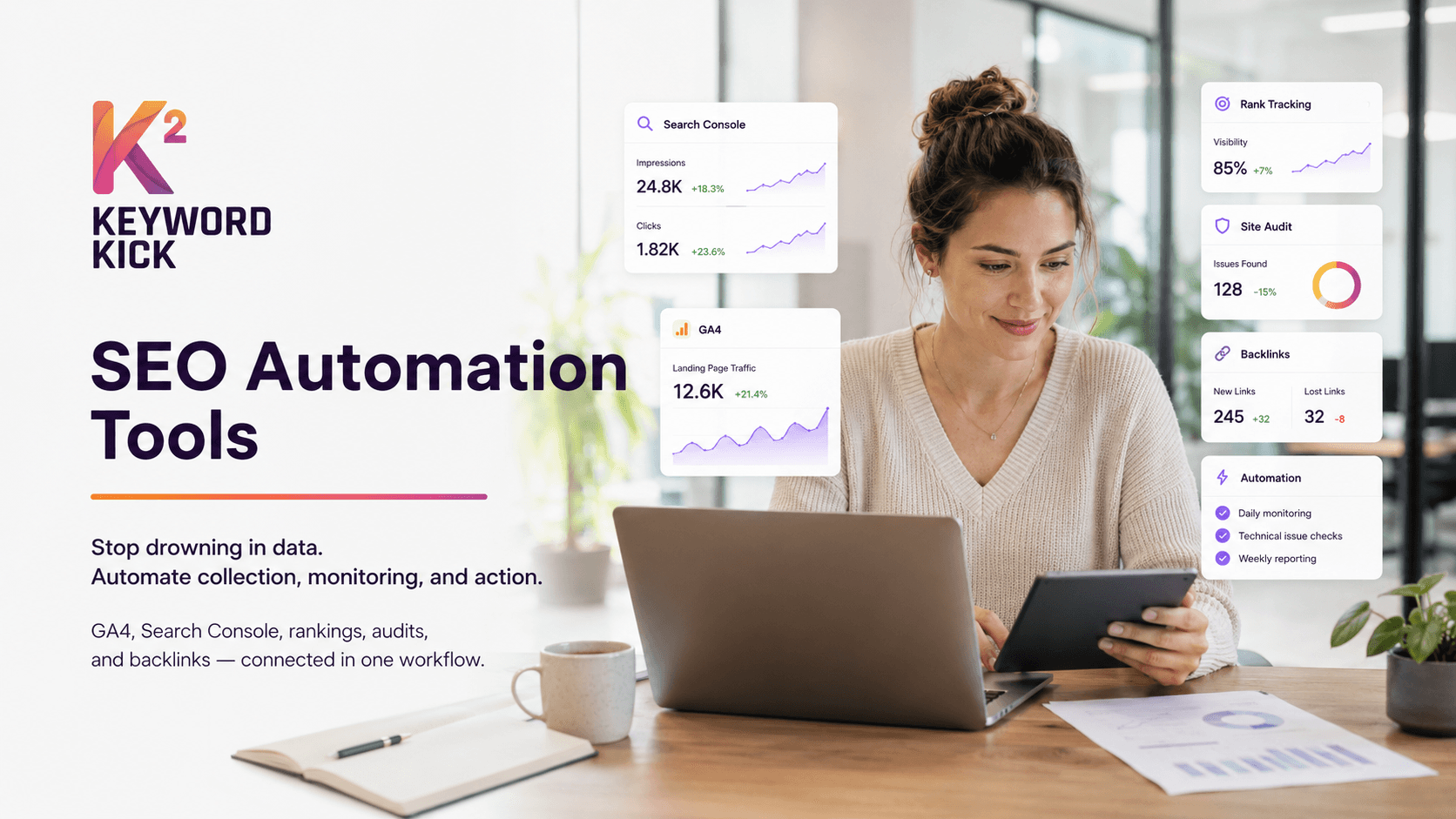
Stop Drowning in Data: Let's Automate Your SEO
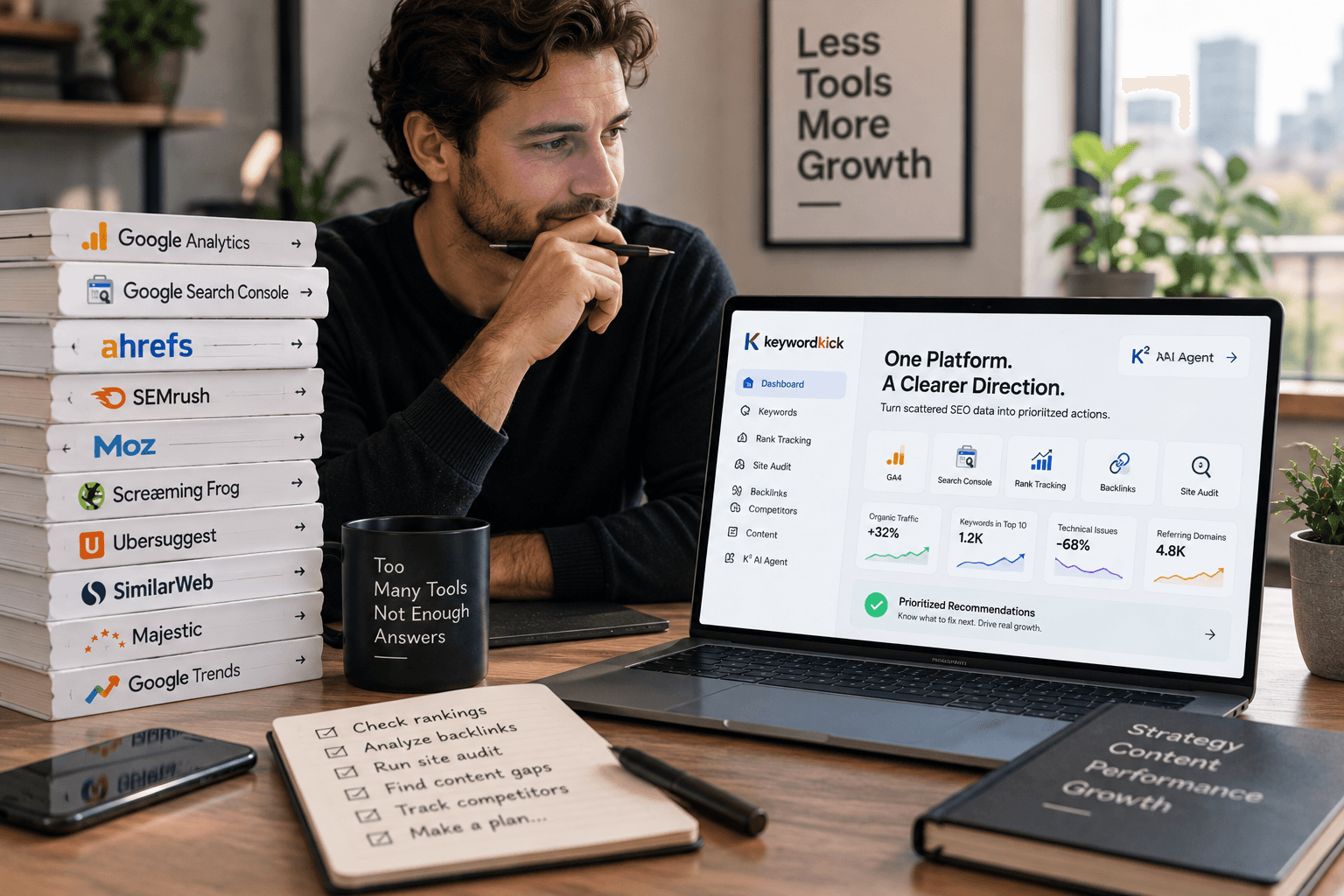
You already have the data. Google Analytics 4 shows traffic shifts. Search Console shows queries and page performance. Rank trackers flag movement. Crawlers surface technical issues. Backlink tools add another layer. Yet many teams still spend too much time exporting CSVs, reconciling conflicting numbers, and building reports that are outdated by the time anyone reads them.
That's the gap SEO automation tools are supposed to close. The useful ones don't just schedule dashboards. They collect signals continuously, connect them to the pages and keywords that matter, and turn noise into action. At enterprise scale, that model is already normal. Ahrefs says its Keywords Explorer searches a database of 28.7 billion keywords, its Rank Tracker can monitor up to 10,000 keywords with daily updates, and its Site Audit checks 170+ technical SEO issues. That matters because modern SEO isn't about checking a handful of pages by hand. It's about creating a system that catches problems early and prioritizes what to fix.
The shift is broader than tooling alone. By 2026, AI-assisted workflows had become mainstream across SEO teams, with adoption and task automation moving well beyond experimentation, according to industry reporting on AI SEO usage. In practice, that means the core buying question isn't “which tool has the longest feature list?” It's “which tool fits the workflow my team uses?”
If you're still piecing together audits, rankings, content briefs, and reporting across multiple apps, this guide will help. If you need a leaner stack for a smaller team, this roundup of SEO software for small businesses in 2026 is also worth a look.
1. Keyword Kick
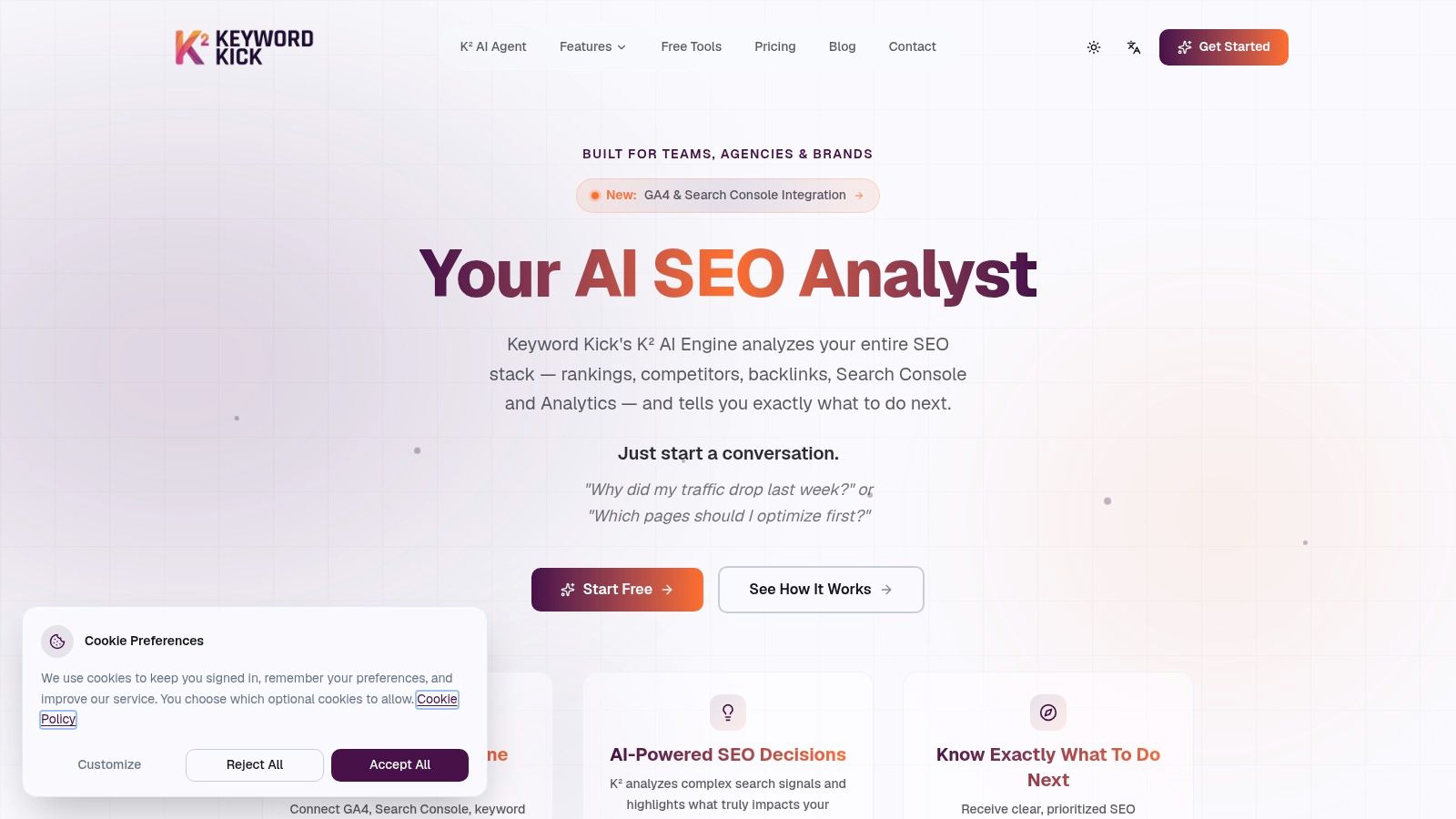
Keyword Kick is the clearest fit for teams that are tired of stitching together GA4, Search Console, rank tracking, backlink data, audits, and content decisions by hand. It's built as an AI-first workspace, not a legacy toolkit with AI bolted on later.
The core difference is how you interact with the platform. Instead of opening five reports and manually tracing a traffic drop, you can ask plain-language questions and get prioritized recommendations tied to your actual project data. That changes the day-to-day workflow from “collect and interpret” to “review and decide.”
Why it works for modern teams
Keyword Kick centers the K² AI Agent, which acts more like an analyst layer than a chatbot. It combines GA4, GSC, rank data, backlink visibility, audits, keyword research, competitor tracking, and SERP feature signals in one place. For agencies and in-house teams, that matters because SEO problems usually aren't isolated. A page can lose traffic because rankings slipped, intent changed, a technical issue appeared, or another page started cannibalizing it.
Its pricing also stays readable. There's a free plan, then paid tiers beginning at $49/month, followed by Pro, Business, and Enterprise options, plus a 7-day trial on paid plans. That structure makes it viable for solo operators and also credible for larger teams that need daily workflows rather than occasional audits.
Practical rule: If your team spends more time reconciling tools than deciding what to do next, an all-in-one system usually returns more value than adding another specialist app.
A lot of vendors claim to automate SEO, but many still stop at reporting. Keyword Kick pushes further into diagnosis. That underserved workflow matters. Recent analysis of the category points out that the primary opportunity is moving from task automation toward systems that explain performance changes and recommend what to do next, as discussed in this review of causal analysis in SEO automation tools.
Best fit and trade-offs
Keyword Kick is strongest for:
Agencies with many client views: Multi-project dashboards and reporting reduce tool switching.
Lean in-house teams: You get one place to investigate drops, opportunities, and technical blockers.
Consultants who need speed: It shortens the gap between audit findings and prioritized action.
The trade-offs are straightforward.
Free plan limits: The entry plan is useful, but larger projects will outgrow it fast.
AI still needs review: Recommendations are useful accelerators, not replacements for strategic judgment.
Broad platforms need discipline: If your workflow is chaotic, software won't fix that by itself.
If you want a better sense of how this model works, Keyword Kick's breakdown of an AI agent for SEO explains the shift from passive tools to guided systems well.
2. Semrush
Semrush is the classic “buy one suite and cover most of marketing” option. That breadth is its strength and also its weakness.
For agencies, Semrush often makes sense because keyword research, site audits, competitive analysis, backlink work, rank tracking, and reporting all live under one roof. If you need a platform that can support both SEO specialists and broader digital marketing stakeholders, it's one of the safer choices. It also pushes into AI and LLM visibility tracking, which matters as search extends beyond traditional SERPs.
Where Semrush fits best
Semrush works best when your team values coverage over specialization. You can automate recurring audits, monitor rankings and competitive visibility, and hand stakeholders polished reports without building a custom stack. That's useful when the SEO team has to communicate with paid media, content, and leadership in the same platform.
The downside is that Semrush can get expensive and cluttered. The base product may cover a lot, but practical use often pushes teams toward add-ons and higher limits. Small teams also run into a common problem: the platform can do so much that people only use a fraction of it.
A better way to think about Semrush is as an operations hub. If you need one log-in for many workflows, it's strong. If you need the cleanest path to technical depth or AI-guided diagnosis, there are better fits.
Many SEO teams don't need more data. They need fewer disconnected decisions.
That's why the market is shifting from raw tool access toward guided systems. The contrast is well explained in this essay on moving from SEO tools to AI-guided systems.
3. Ahrefs
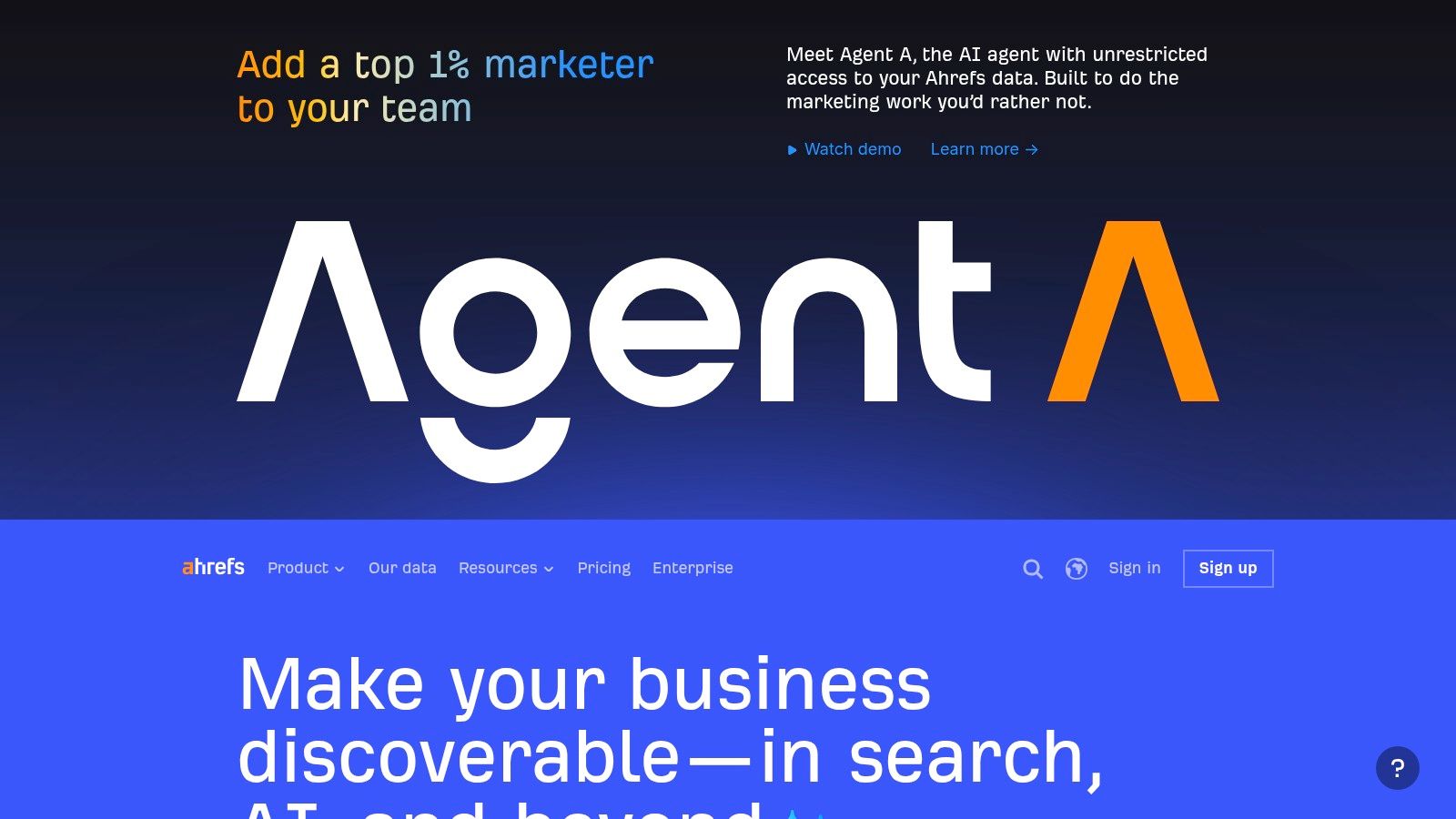
Ahrefs remains one of the easiest recommendations for SEO teams that prioritize link intelligence, competitive research, and straightforward technical monitoring. It doesn't try to be everything for everyone. That focus is part of why people stick with it.
The free Ahrefs Webmaster Tools option is also useful for verified sites, especially if you need recurring technical checks without committing to a larger stack immediately. For smaller sites and consultants, that lowers the barrier to building an automation habit.
Where Ahrefs is strongest
Ahrefs shines when your workflow starts with search demand and competitive gaps. It's especially good for teams that want to understand what competitors rank for, where links are coming from, and which pages deserve attention first. The interface is generally easier to use than some enterprise-heavy platforms, which helps when you need answers quickly.
It's also a solid technical monitoring layer. As noted earlier, Ahrefs has substantial scale in keyword and rank monitoring, which makes it practical for ongoing automation rather than one-off checks. That matters for sites with hundreds or thousands of URLs where manual review isn't realistic.
Where it falls short is workflow orchestration. Ahrefs gives you strong data and recurring audits, but it doesn't always bridge the gap from detection to guided action as smoothly as newer AI-first products. Budget management can also become an issue, especially with plan limits and changing credit structures.
Best team match
Ahrefs is a strong match for:
SEO specialists and consultants: Great for keyword strategy, competitor work, and links.
Content-led teams: Useful for spotting gaps before briefs are written.
SMBs that want real data depth: More practical than many enterprise platforms.
If your automation workflow begins with search demand and topic prioritization, this guide to SEO keyword strategy is a useful companion mindset.
4. seoClarity
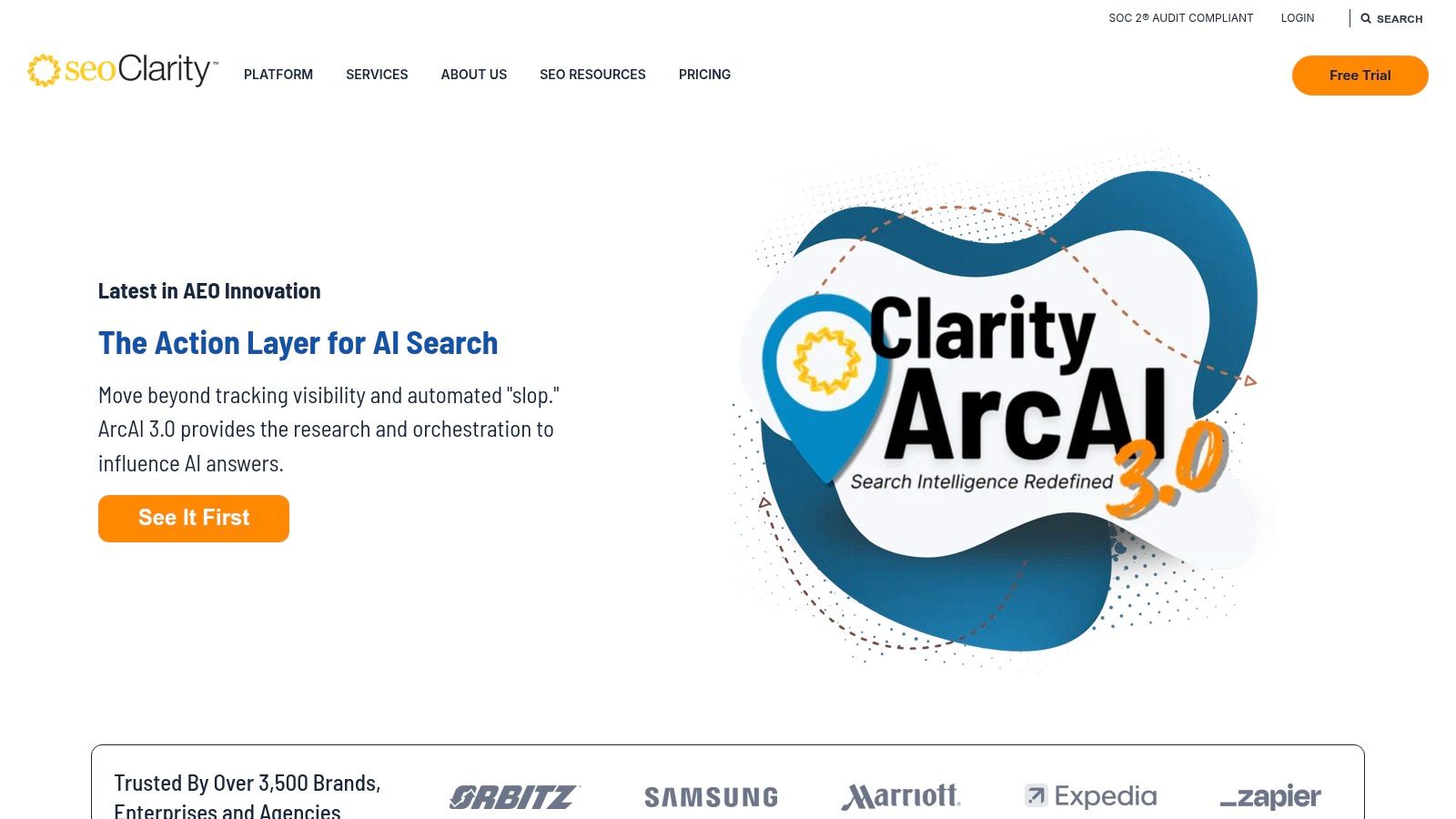
seoClarity is built for organizations that need repeatable SEO processes across large sites, large teams, and layered approvals. It's less about “find me a few opportunities” and more about operationalizing SEO as an internal system.
That shows up in its automation playbooks, testing capabilities, and enterprise governance. Large organizations often don't struggle because they lack data. They struggle because turning findings into approved, shipped changes is slow. seoClarity is designed for that reality.
Why enterprises choose it
seoClarity is strongest when the bottleneck sits between insight and deployment. Its automation modules help teams templatize recurring fixes, validate changes, and push optimization across many pages without rebuilding the workflow each time. For companies with many business units or international properties, that can be more important than any single report.
It also pays attention to AI search and answer engine visibility, which matters more every quarter. Classic rank tracking still matters, but teams now also need to understand where AI-generated answers are changing visibility and which page formats earn representation.
The trade-off is complexity. seoClarity usually requires onboarding, stakeholder alignment, and a team that will use its automation modules. If your organization is small or loosely structured, you can end up paying for operational depth you won't fully use.
5. BrightEdge
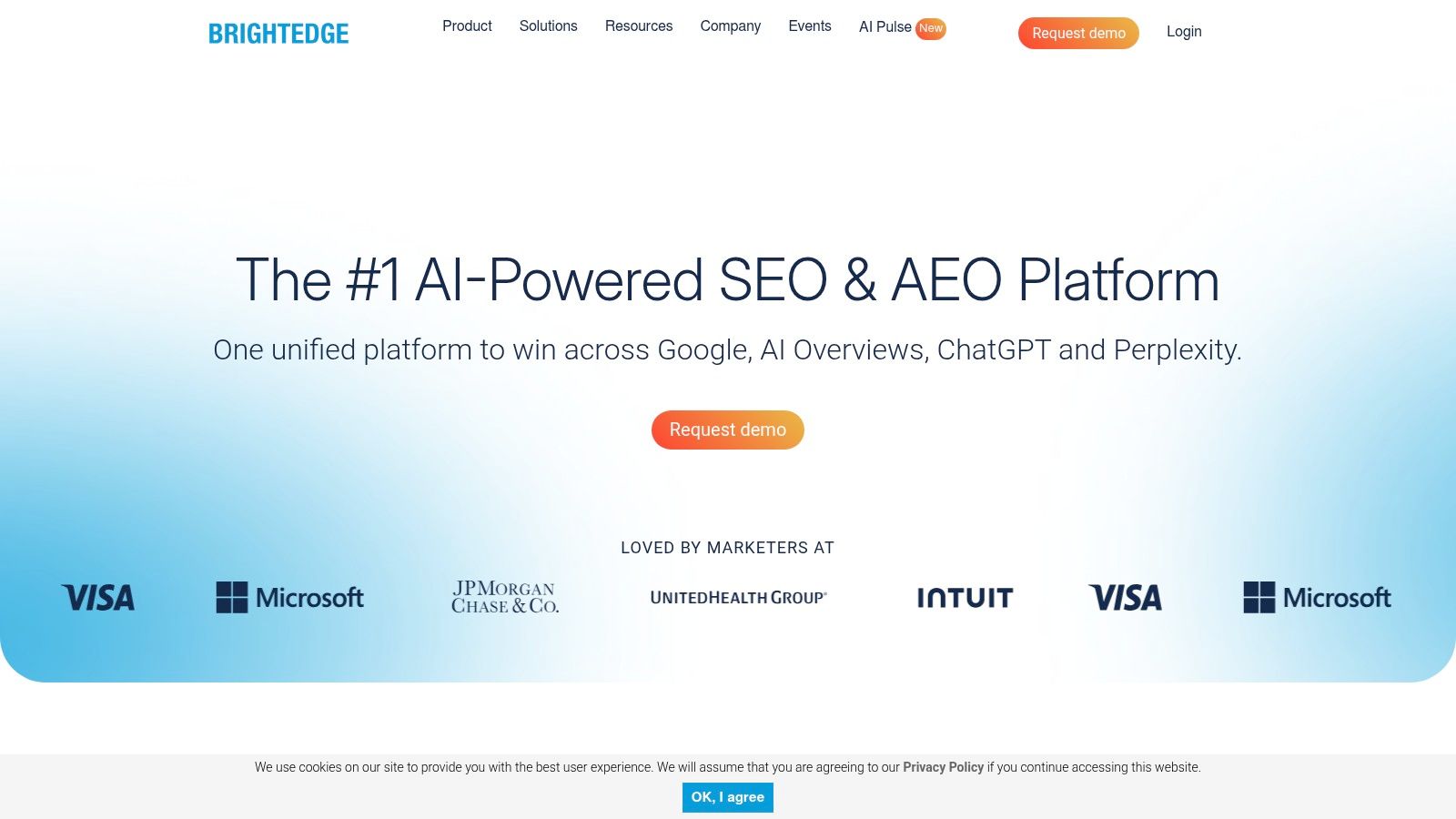
BrightEdge sits firmly in the enterprise camp. It's a platform for organizations that want executive reporting, workflow coordination, large-scale visibility tracking, and content performance insights in one environment.
In practice, BrightEdge is usually less about raw SEO tinkering and more about organizational alignment. Marketing leadership likes it because it translates SEO activity into structured reporting. Cross-functional teams like it because tasking and collaboration are built into the platform.
The practical trade-off
BrightEdge can make sense when SEO has to operate across departments, not just inside a specialist team. That's common in large brands, publishers, and e-commerce companies where content, product, engineering, and leadership all need different views into the same work.
But implementation matters. Tools at this level don't create value just because they're purchased. They create value when a team has clear owners, consistent workflows, and buy-in from the groups making changes. Without that, the platform becomes an expensive reporting layer.
If no one owns implementation, even the best automation platform turns into a dashboard graveyard.
BrightEdge is usually not the right starting point for freelancers, lean startups, or smaller in-house teams. It makes more sense when governance and coordination matter as much as pure SEO analysis.
6. Conductor (Website Monitoring, formerly ContentKing)
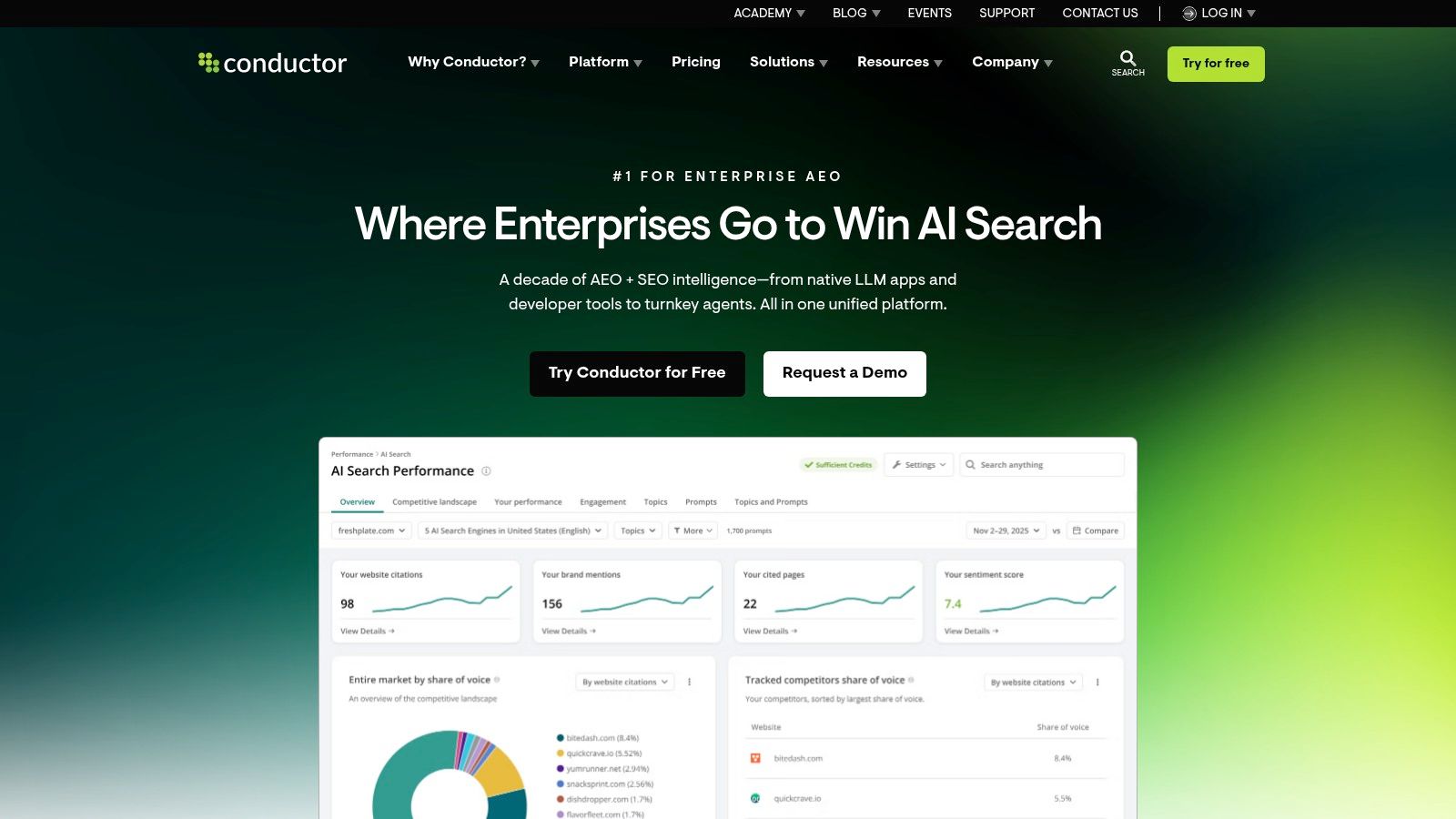
Conductor combines content and keyword intelligence with one of the most useful technical workflows in the category: always-on website monitoring. That's the legacy many teams still associate with ContentKing, and it remains the reason to look closely at the platform.
For sites that change constantly, scheduled audits are often too slow. A broken template, rogue noindex tag, or accidental canonical issue can do damage before the next crawl finishes. Conductor's monitoring approach is built to catch those changes faster.
Best use case
Conductor is a strong fit for enterprise teams that publish often, deploy often, or operate on websites where technical mistakes carry real commercial risk. Newsrooms, large e-commerce operations, and companies with frequent releases tend to benefit most from real-time alerting.
Its IndexNow automation is also useful in environments where fast discovery matters. That doesn't replace sound technical SEO, but it reduces one more manual step in the workflow.
The trade-off is alert fatigue. Real-time monitoring only helps when the system is tuned well. If thresholds are sloppy, teams end up ignoring alerts because there are too many of them. That's not a platform flaw so much as an implementation issue, but it matters.
7. Botify
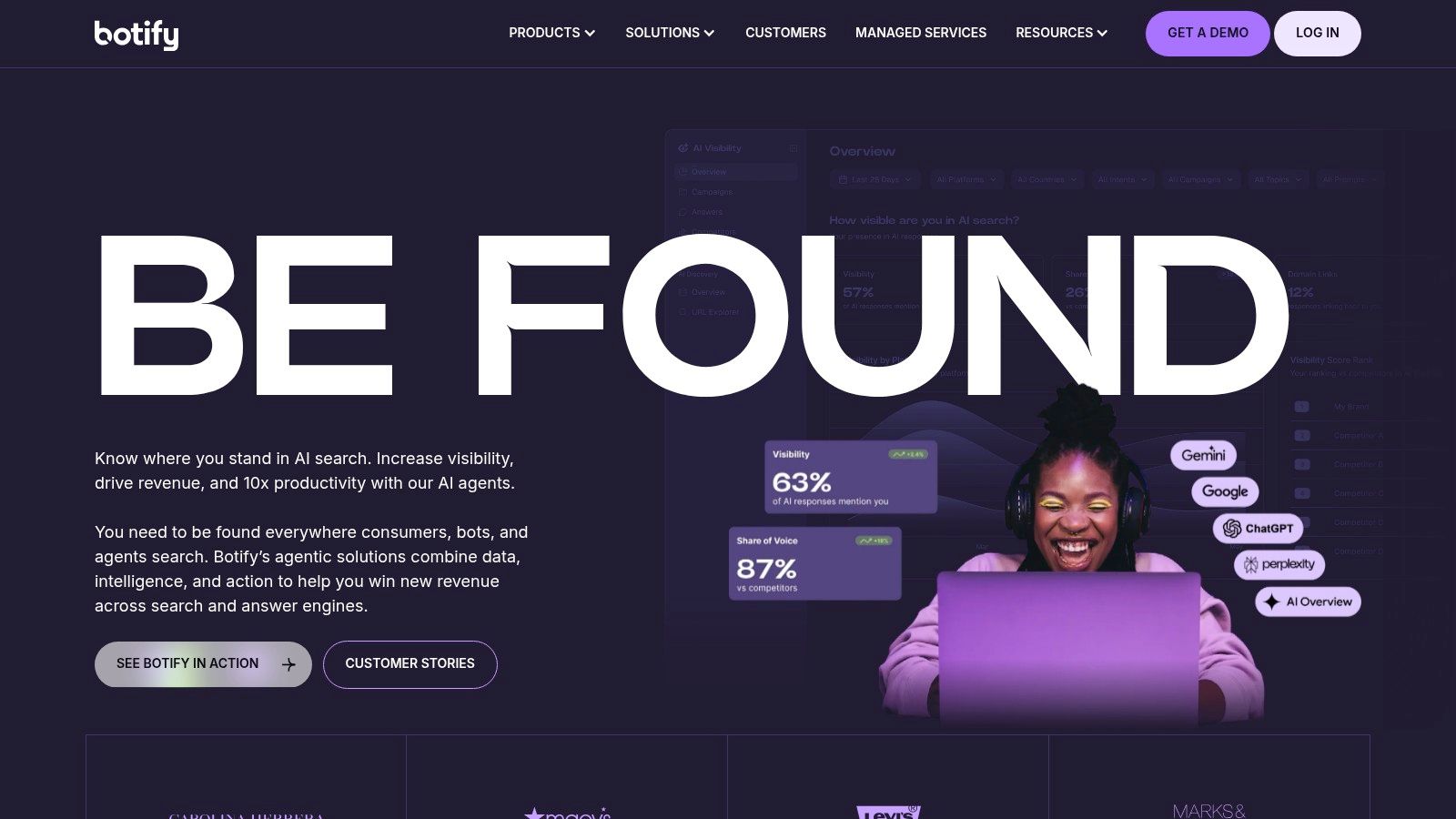
Botify is one of the better choices when technical SEO is the main event, not a supporting function. It focuses on crawling, log analysis, rendering, indexation, and activation. That makes it particularly useful for very large sites where crawl efficiency and discoverability issues have direct business impact.
A lot of tools can tell you that a problem exists. Botify is better when you need to understand whether search engines can reach, render, and prioritize the pages you care about.
What Botify does well
Botify stands out for teams managing sprawling site architectures, faceted navigation, heavy JavaScript, or large inventories that can't be audited manually. It helps technical SEO teams move from “we found issues” to “we know what's blocking discovery and what to fix first.”
That focus also means it isn't the best all-purpose platform for every team. Content marketers and generalist SEO managers may find it too technical if they're looking for broader keyword, reporting, and editorial workflows. Botify is strongest when there's a dedicated technical owner inside the organization.
For enterprise technical SEO, that specialization is often a benefit, not a drawback. But it does mean you should expect Botify to complement part of your stack, not necessarily replace all of it.
8. Lumar (formerly Deepcrawl)
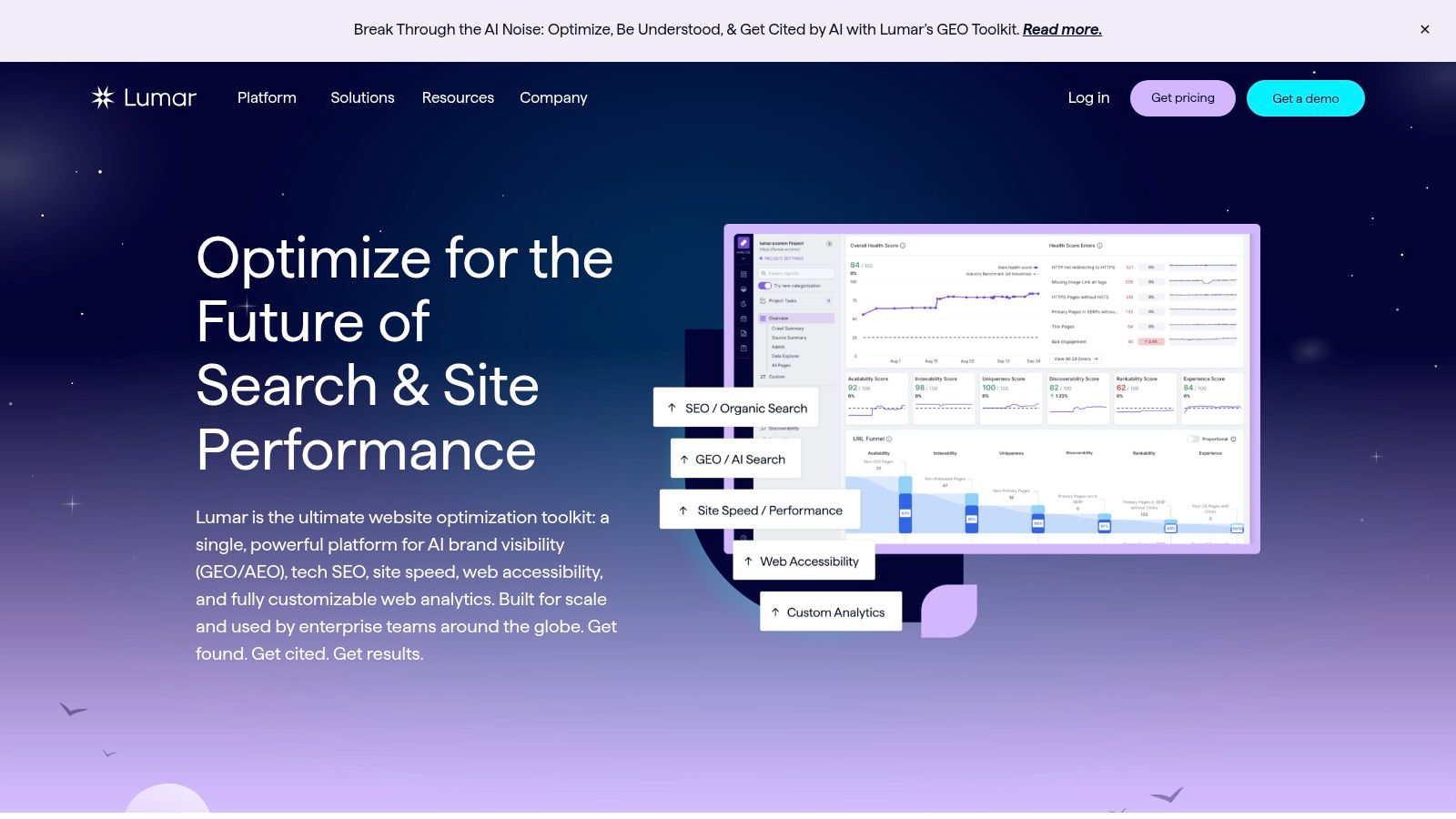
Lumar is a strong option for organizations that treat website quality as a shared responsibility across SEO, performance, engineering, and accessibility teams. It's broader than a crawler, but still grounded in technical site governance.
That makes it useful in companies where SEO issues don't live in a vacuum. A rendering problem, internal linking failure, or template issue often sits alongside performance or accessibility concerns. Lumar fits that kind of environment well.
Where it earns its place
Lumar is best for teams that need scalable crawling, proactive monitoring, and reporting that can travel beyond the SEO department. If your work regularly involves engineers, product owners, or digital governance stakeholders, that cross-functional usefulness matters.
It's also one of the platforms adapting to AI search and generative visibility workflows. That matters because newer search surfaces are changing what “visibility” means. Recent coverage has highlighted the growing need for automation that tracks where brands are represented across systems like ChatGPT, Gemini, AI Overviews, and related experiences, as discussed in this overview of AI search visibility and citation tracking.
The limitation is cost and organizational fit. Lumar makes more sense when you have enough website complexity and enough internal stakeholders to justify its governance strengths.
9. JetOctopus
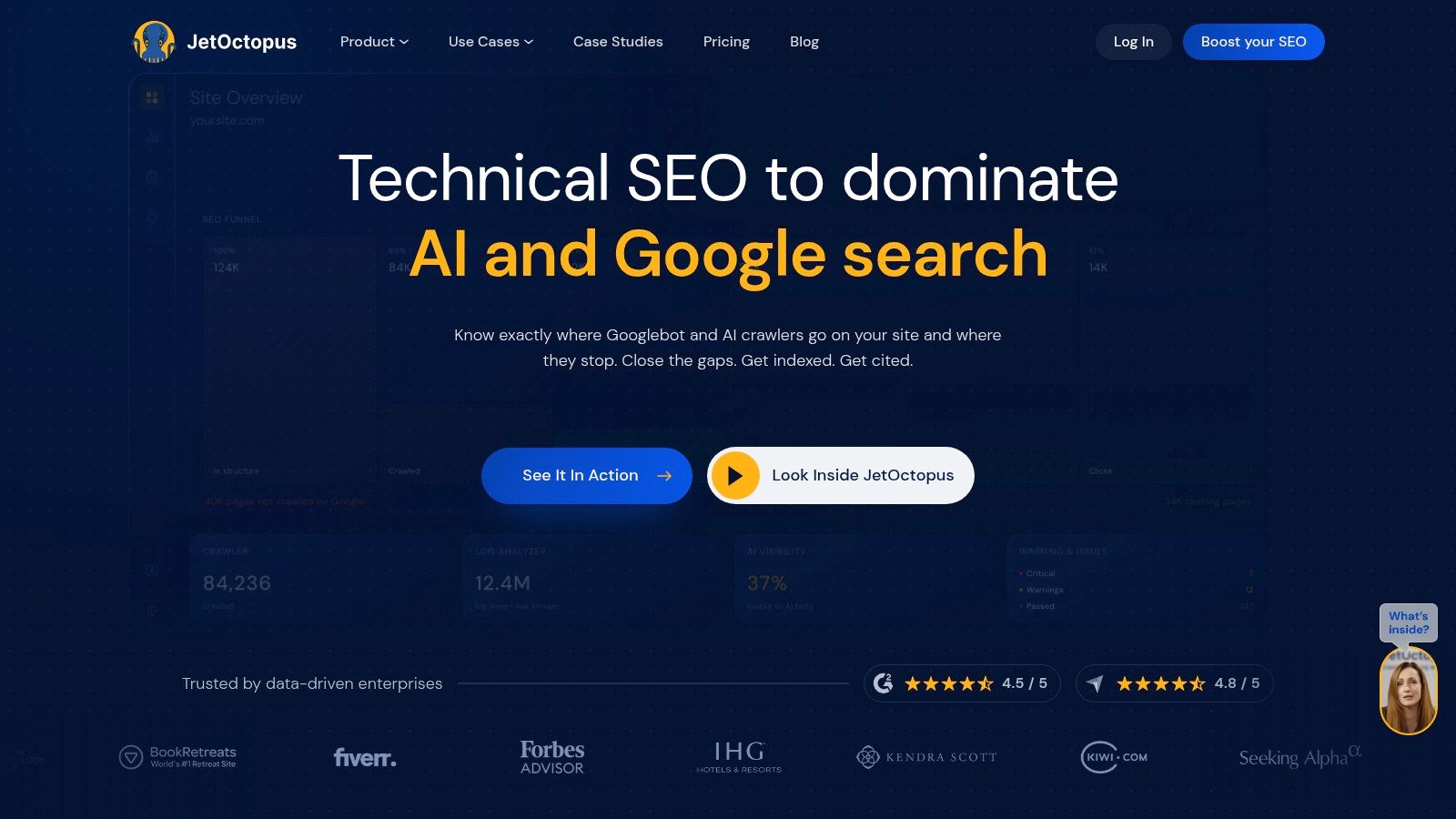
JetOctopus is one of the more practical specialist choices for technical teams that want cloud crawling, log analysis, and Search Console data in the same workflow without jumping immediately to a heavier enterprise suite.
Its appeal is simple. You can inspect crawl behavior, rendering, and indexation issues with enough depth to matter, but the product still feels accessible compared with some enterprise-first platforms.
Why technical teams like it
JetOctopus is particularly useful when crawl budget, bot behavior, and indexation are recurring concerns. That's common on large editorial sites, e-commerce catalogs, marketplaces, and any website where a lot of pages compete for search engine attention. The log analysis layer is the main reason to buy it, because it helps you see what bots are actually doing instead of what you assume they're doing.
The practical trade-off is scope. JetOctopus is not trying to be your complete SEO command center. It won't replace a broader content strategy platform or outreach workflow. It's best used by teams that already know technical SEO is where most of their value is gained or lost.
For mid-sized agencies and in-house specialists, that can be an advantage. You get depth where it counts without paying for a large, all-purpose enterprise stack.
10. SE Ranking
SE Ranking is one of the better value-oriented all-in-one platforms for agencies, SMBs, and in-house teams that want regular automation without enterprise overhead. It covers rank tracking, technical audits, competitor research, backlinks, reporting, and content-oriented workflows at a more approachable level than many large suites.
That makes it a common choice for teams managing multiple projects but still watching spend carefully.
Best fit for budget-conscious operations
SE Ranking works when you need consistency more than maximum depth. Its audit and reporting automation are useful for recurring client work, and white-label reporting helps agencies standardize delivery. Daily rank tracking and competitor monitoring also make it practical for teams that need steady oversight rather than deep specialist research every day.
The limitation is that data depth and advanced capabilities don't always match the largest platforms. If you run very large sites or need advanced technical diagnosis, you may outgrow it. But many teams don't need the biggest enterprise platform. They need something people will actively use.
That's where SE Ranking often wins. It gives smaller teams enough automation to stay disciplined. If you want a second opinion on where it fits, this in-depth SERanking analysis is a useful outside read.
Top 10 SEO Automation Tools Comparison
Product | Core features | Unique selling points ✨ | Quality ★ | Price/value 💰 | Target audience 👥 | Notes 🏆 |
|---|---|---|---|---|---|---|
Keyword Kick 🏆 | Unified GA4/GSC, rank tracking, backlinks, audits, K² AI Agent | ✨ AI‑guided, plain‑language recommendations; cannibalization detection; JS rendering | ★★★★☆ | 💰 Free Forever; paid $49–$599/mo; 7‑day trial | 👥 Agencies, in‑house teams, consultants, solo creators | 🏆 Recommended, modern all‑in‑one with actionable AI |
Semrush | Keyword research, audits, rank & backlink tools, reporting | ✨ Large data coverage; Semrush One AI visibility | ★★★★☆ | 💰 Variable; add‑ons can increase cost | 👥 Agencies & in‑house marketing teams | |
Ahrefs | Backlink index, competitor research, site audits, API | ✨ Industry‑leading link data & competitive research | ★★★★☆ | 💰 Premium tiers; free AWT for verified sites | 👥 SEOs, agencies, analysts | |
seoClarity | Automation playbooks, SEO testing, AEO insights | ✨ ClarityAutomate playbooks & enterprise governance | ★★★★☆ | 💰 Custom enterprise pricing | 👥 Enterprise SEO & ops teams | |
BrightEdge | Visibility tracking, content performance, workflows | ✨ Enterprise collaboration + roll‑up reporting | ★★★★☆ | 💰 Opaque, enterprise pricing | 👥 Large enterprises & content teams | |
Conductor (Website Monitoring) | Real‑time crawling, change alerts, IndexNow automation | ✨ Always‑on monitoring & change tracking | ★★★★☆ | 💰 Enterprise pricing | 👥 Enterprise content/SEO teams | |
Botify | Large‑scale crawling, log analysis, activation workflows | ✨ Activation features to implement sitewide fixes | ★★★★☆ | 💰 Enterprise level (custom) | 👥 Very large technical SEO teams | |
Lumar | Technical SEO, AEO/GEO insights, performance & accessibility | ✨ GEO/AEO focus + scalable governance | ★★★★☆ | 💰 Mid/enterprise pricing (custom) | 👥 Cross‑discipline enterprise teams | |
JetOctopus | Fast JS crawler, real‑time logs, GSC blending | ✨ High‑speed crawling + clear log analytics | ★★★★☆ | 💰 More affordable than some enterprise crawlers | 👥 Technical SEOs, mid→large sites | |
SE Ranking | Rank tracking, site audits, backlinks, white‑label reporting | ✨ Strong price‑to‑features; white‑label & API | ★★★☆☆ | 💰 Value pricing; flexible limits | 👥 SMBs, agencies managing many projects |
Automate Tasks, Not Your Strategy
The best SEO automation tools don't replace SEO judgment. They remove repetitive work, shorten the path from signal to action, and help teams operate at a scale that manual workflows can't sustain. That distinction matters. Automation is valuable when it helps you make better decisions faster. It's dangerous when teams expect it to think for them.
That's also where a lot of buying mistakes happen. Teams purchase broad platforms, turn on every report, and assume the system will create clarity on its own. It won't. A messy workflow inside a bigger tool is still a messy workflow. The right implementation starts with one bottleneck you already understand. Technical health monitoring is a common first step. Rank tracking and change detection are another. Content briefing and prioritization can work well too, especially for publishing-heavy teams.
The market direction is clear. The global AI-powered SEO software market is estimated at USD 2,361.96 million in 2025 and projected to reach USD 9,737.97 million by 2034, with more than 68% of enterprises already integrating AI SEO tools and the cloud-based segment holding about 69.5% of the market. That tells you automation-first SEO stacks aren't a side trend. They're becoming the standard operating model.
Usage data points in the same direction. Separate industry coverage shows 86.07% of SEO professionals have added AI to their strategy, 65% of businesses report better SEO results with AI, and companies using AI publish 47% more content per month. Those numbers don't mean every team needs an AI-first stack immediately. They do mean the baseline expectation has changed. Manual-first SEO is now the exception, not the default.
Automation should handle collection, monitoring, and pattern detection. People should handle prioritization, trade-offs, and business judgment.
If you're choosing a platform, match the tool to the workflow first, then to the budget. Keyword Kick, Semrush, Ahrefs, and SE Ranking work well when you need broad coverage and faster decisions. seoClarity, BrightEdge, Conductor, Botify, and Lumar make more sense when site scale, governance, or technical complexity justify heavier systems. JetOctopus fits neatly when technical diagnostics, log analysis, and crawl behavior are the actual problem to solve.
Don't try to automate everything at once. Pick one workflow where the waste is obvious. Set up the alerts, dashboards, or analysis layer. Use it for long enough to change behavior, not just collect more reports. Then expand.
If your team is also comparing adjacent AI content workflows, ProdShort's AI tool comparison is a useful companion read.
If you want one platform that connects GA4, Search Console, rank tracking, backlinks, audits, and AI-guided recommendations in a way that's usable day to day, Keyword Kick is a strong place to start. It's especially well suited to agencies, consultants, and in-house teams that need prioritized actions instead of another pile of dashboards.