You open Google Analytics expecting a clean view of the organic searches bringing people to your site. Instead, the report is dominated by “(not provided)”, leaving you with landing pages, sessions, and conversions but no reliable list of the queries behind them. The problem isn't a broken filter or a missing GA4 setting. Google hides the query before Analytics receives it.
The practical response is triangulation. Search Console supplies first-party query evidence, landing-page analysis adds intent and business context, rank trackers reveal observed SERP positions, paid data exposes commercial demand, and logs contribute technical behaviour signals. No keyword decision should come from one source alone.
What “Not Provided” Means and Why It Exists
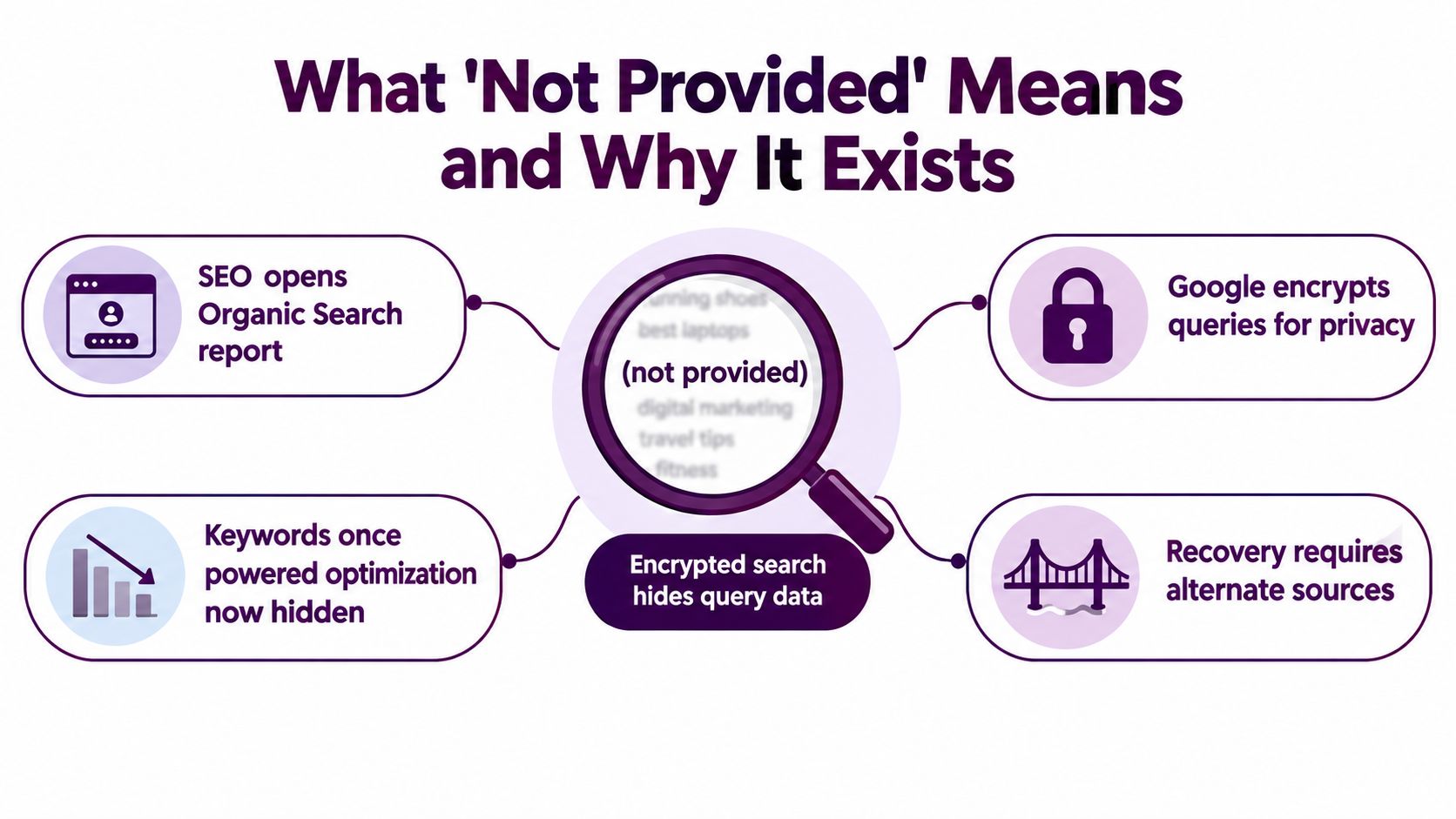
The analytics not provided keyword label describes an organic-search visit where Google withholds the original query string. Analytics can still recognise that the session came from organic search and can usually report the destination page, source and medium, device, location, sessions, and conversions. What it can't reliably show is the exact phrase the visitor entered.
That's an encryption boundary, not a reporting bug. Google's privacy changes stopped the full search query from being passed through to Analytics, so the platform has no hidden field you can activate later. A recovery tool can estimate or join data from elsewhere, but it can't reveal a query that never reached Analytics.
Google Analytics itself reflects this wider change in measurement. Google launched Analytics globally on November 14, 2005, after reworking the Urchin technology it had acquired earlier in the decade. Reporting later noted that about 100,000 accounts were created in the first week, an early sign that web measurement had moved rapidly into mainstream marketing practice. By October 2020, Google had introduced Google Analytics 4 and made it the default for new properties, shifting reporting toward events across websites and apps. The history of Google Analytics puts the “not provided” problem in that broader evolution, from simple traffic counts to cross-platform measurement.
What Analytics can still tell you
The remaining Analytics data is useful, but it answers a different question. It tells you what happened after the searcher arrived:
- Landing page: Which URL received the organic session.
- Traffic context: Whether the visit was organic, direct, referral, or paid.
- Behaviour: What users viewed, engaged with, or ignored.
- Business outcome: Whether the session contributed to a tracked conversion or key event.
- Audience context: Which device, location, and technical environment were involved.
The missing query weakens attribution and intent analysis. You may know that a service page attracted organic sessions and generated leads, but not whether visitors searched for pricing, comparisons, a specific service, or an informational question before landing there.
Practical rule: Don't search for a setting that restores the old keyword report. Build a workflow that joins partial evidence without pretending any source is complete.
Search Console is the first recovery layer because it remains the primary first-party source for Google organic queries. Landing pages provide the join key to Analytics. Rank tracking, paid-search data, and logs compensate for the blind spots that remain. The useful question isn't “How do I remove not provided?” It's “Which independent signals confirm this keyword decision?”
Connecting Search Console as Your Primary Query Source
Start with Search Console before buying another platform or building an elaborate warehouse. Verify the correct property, confirm that it covers the same URLs measured in Analytics, and then connect the matching Search Console property to the relevant Analytics web stream or reporting workflow.
The property match matters. A domain-level Search Console property and a URL-prefix property can cover different URL sets, while subdomains, protocol changes, staging environments, and trailing-slash rules can create misleading gaps. Check the canonical URL format before you interpret any query or landing-page comparison.
Set up the Performance report
Use the Performance report as the query layer, then define the scope before exporting anything. Search Console retains a rolling 16 months of performance history, so every conclusion needs a clear date range. The report also includes anonymised or suppressed rows, which means the visible export isn't a complete inventory of every search variation.
Configure the report deliberately:
- Search type: Set it to Web unless you're analysing another search surface.
- Query and Pages tabs: Move between query-level evidence and URL-level grouping.
- Filters: Use contains and regex rules to separate brand, product, service, and topic patterns.
- Comparison mode: Compare periods when diagnosing a change, rather than blending unrelated dates.
- Device and country: Segment these when the same page serves different audiences or SERP environments.
Remove branded and navigational terms before assessing non-brand opportunities if those searches are already influenced by brand demand. A branded query can have strong CTR and position without representing an optimisation opportunity. Leaving it in the same view can make organic growth look healthier than the non-brand reality.
Export the right evidence
Don't export CTR alone. Pair it with impressions, clicks, and average position so you can distinguish visibility from search-result appeal. A page with strong CTR but limited impressions has a different problem from a page with substantial impressions, weak CTR, and an average position that suggests ranking headroom.
For a clean export, include:
- The query or landing-page URL.
- Clicks and impressions.
- CTR and average position.
- Date range and comparison period.
- Search type, device, country, and applied filters.
- A brand or non-brand classification.
- The destination URL used for later Analytics matching.
The Google Search Console master guide is useful when your team needs a consistent setup across multiple properties.
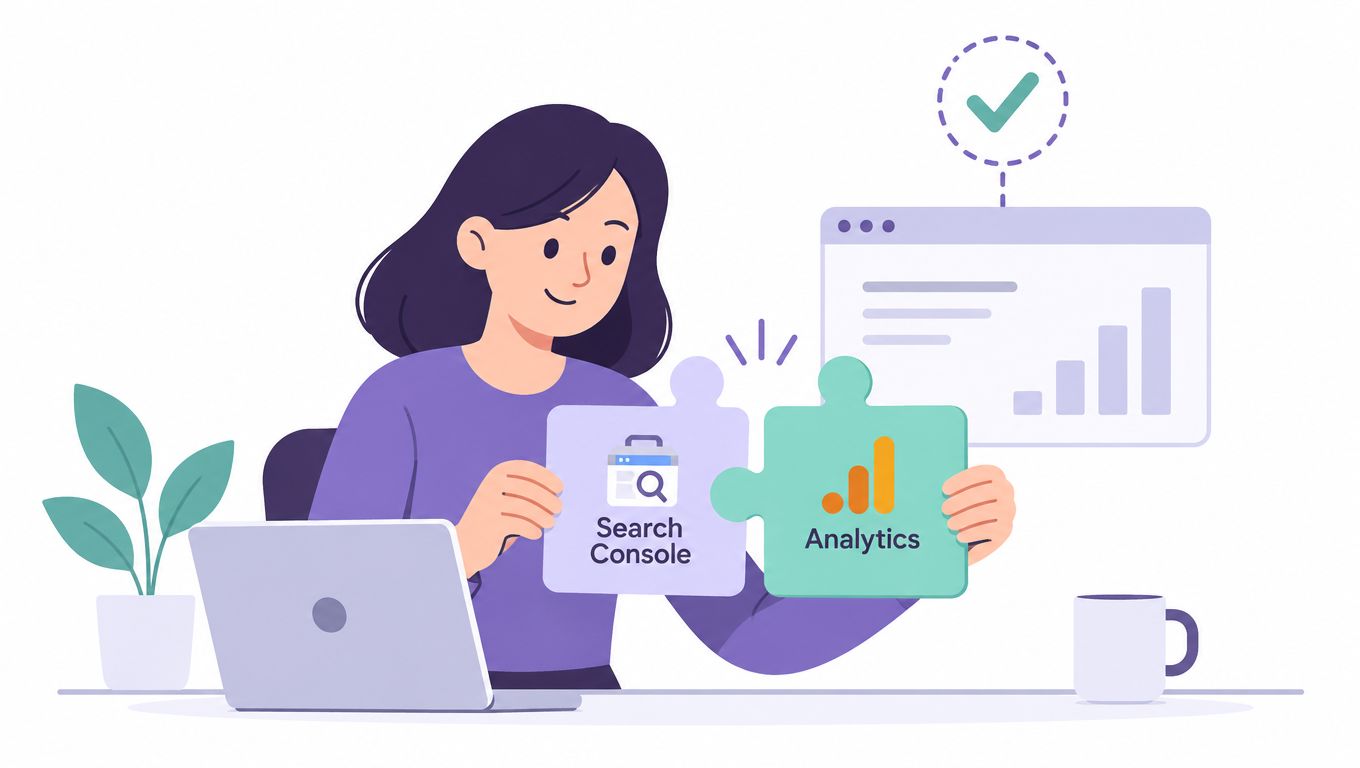
Search Console gives you observed query performance, not a universal keyword database. Use it to establish what Google showed and how searchers responded, then connect those findings to landing-page behaviour in Analytics.
Landing Page Analysis When Queries Stay Hidden
When query data is sparse, make the landing page the centre of analysis. A URL is the most practical bridge between Search Console and Analytics because both systems can associate performance with the page that received or earned the search visibility.
Open the Pages view in Search Console and export URLs with their associated queries, impressions, clicks, and positions. Then group the URLs by template, topic cluster, product family, service line, or conversion role. A page-level view prevents the visible head terms from dictating your entire strategy.
Build query clusters around URLs
Suppose one guide appears for many close variations of the same subject. Don't treat every variation as a separate content brief. Group them around the page, then identify the strongest central theme using impressions, clicks, position, and intent signals. The query with the clearest relevance and meaningful visibility can act as the working head term, while related variations shape headings, examples, FAQs, and internal links.
That's an inference, not proof of a single dominant query. Search Console-style reporting can suppress or truncate low-volume long-tail terms, so the visible cluster may omit the broader demand around the page. The limitations of query reporting are precisely why a page cluster should be validated against another source before you rewrite content.
Review the page itself alongside the export:
- Title: Does the search-result promise match the query cluster?
- H1: Is the central subject clear without narrowing the page too far?
- Body content: Does it answer the informational or commercial need implied by the queries?
- Primary CTA: Does the next action fit the visitors' likely intent?
- Internal links: Do related pages support the same topic without competing for it?
A mismatch can reveal thin content, a weak conversion path, or cannibalisation. For example, a commercial page attracting mostly educational queries may need a supporting guide, not a more aggressive sales message. Several pages attracting the same cluster may need clearer ownership rather than more text on every URL.
Segment before drawing conclusions
Use date ranges to detect seasonal shifts in intent. Use device segmentation to separate mobile query patterns from desktop behaviour, and country segmentation to find local language or market-specific demand that a general keyword database may underrepresent.
Once you've mapped clusters to URLs, those clusters become the join key for the rest of the workflow. Rank tracking can validate which pages appear for the cluster. Analytics can show which pages produce meaningful actions. Logs can confirm how crawlers interact with the URLs. This is why landing-page analysis should precede rank-tracker or log analysis, not run as an unrelated reporting exercise.
Filling the Gaps With Rank Trackers, Paid Data, and Logs
Each additional source closes a different blind spot. A rank tracker observes the SERP on a defined schedule, third-party databases broaden market discovery, paid-search data reveals commercial testing, and server logs show what reached the server. None of these restores the missing organic query string inside Analytics.
For teams comparing tools, this best keyword rank trackers resource can help frame the choice around monitoring needs rather than brand familiarity. If you're assessing accuranker alternatives, compare location handling, URL association, history, export quality, and whether the tool supports the page clusters already defined in Search Console.
| Source | What it recovers | Key blind spot it fills | Freshness | Cost tier |
|---|---|---|---|---|
| Search Console | Observed organic queries, clicks, impressions, CTR, and position | First-party query visibility doesn't exist in Analytics | Historical reporting with a rolling data window | Free |
| Rank tracker | Monitored query positions and ranking URLs | Search Console doesn't provide a controlled daily rank record for every tracked term | Frequent or scheduled snapshots | Paid |
| Third-party keyword database | Market-level keyword ideas and estimated demand patterns | Your own site data can't show opportunities where you have no visible exposure | Depends on the provider's refresh cycle | Paid |
| Paid Search and Auction Insights | Commercial query testing, ad visibility, and competitor auction context | Organic reporting hides demand signals that paid campaigns can test directly | Campaign and reporting dependent | Paid |
| Server logs | Bot requests, crawl frequency, response behaviour, and available referrer details | Analytics and Search Console don't describe every server request | Near real time if logs are accessible | Technical effort |
Rank trackers
Rank tracking is most useful after you've built landing-page clusters. Track a representative set of head, mid-tail, commercial, and intent-specific queries against the URLs that Search Console associates with those themes. The tracker can reveal that a page ranks for a query you hadn't exported, or that two pages alternate for the same cluster, which is a stronger cannibalisation signal than either URL alone.
The limitation is coverage. A tracker only knows the keywords you add or discover through its own database. It can't prove that an untracked term generated a conversion.
Paid data
Google Ads and Auction Insights can test commercial language that organic reports don't expose cleanly. Paid search can show which wording attracts clicks or conversions under controlled campaign conditions, but paid behaviour isn't automatically equivalent to organic behaviour. Ad copy, position, landing-page experience, bidding, and audience settings all change the result.
Use paid findings as a demand and intent signal, not as an organic attribution report.
Logs
Server logs are valuable for technical questions. They can show how often search-engine bots request a URL, whether important templates return errors, and whether crawl activity changes after a release. Referrer strings may add useful context in some environments, but logs won't reliably reconstruct every hidden Google query either.
Choose the combination that addresses your actual gap. A content team may need Search Console plus page clusters and a rank tracker. A technical SEO team may add logs. A growth team testing commercial demand may add paid-search data. Buying all of them before defining the missing decision usually creates more dashboards, not better evidence.
Unifying Recovered Keyword Data Inside Keyword Kick
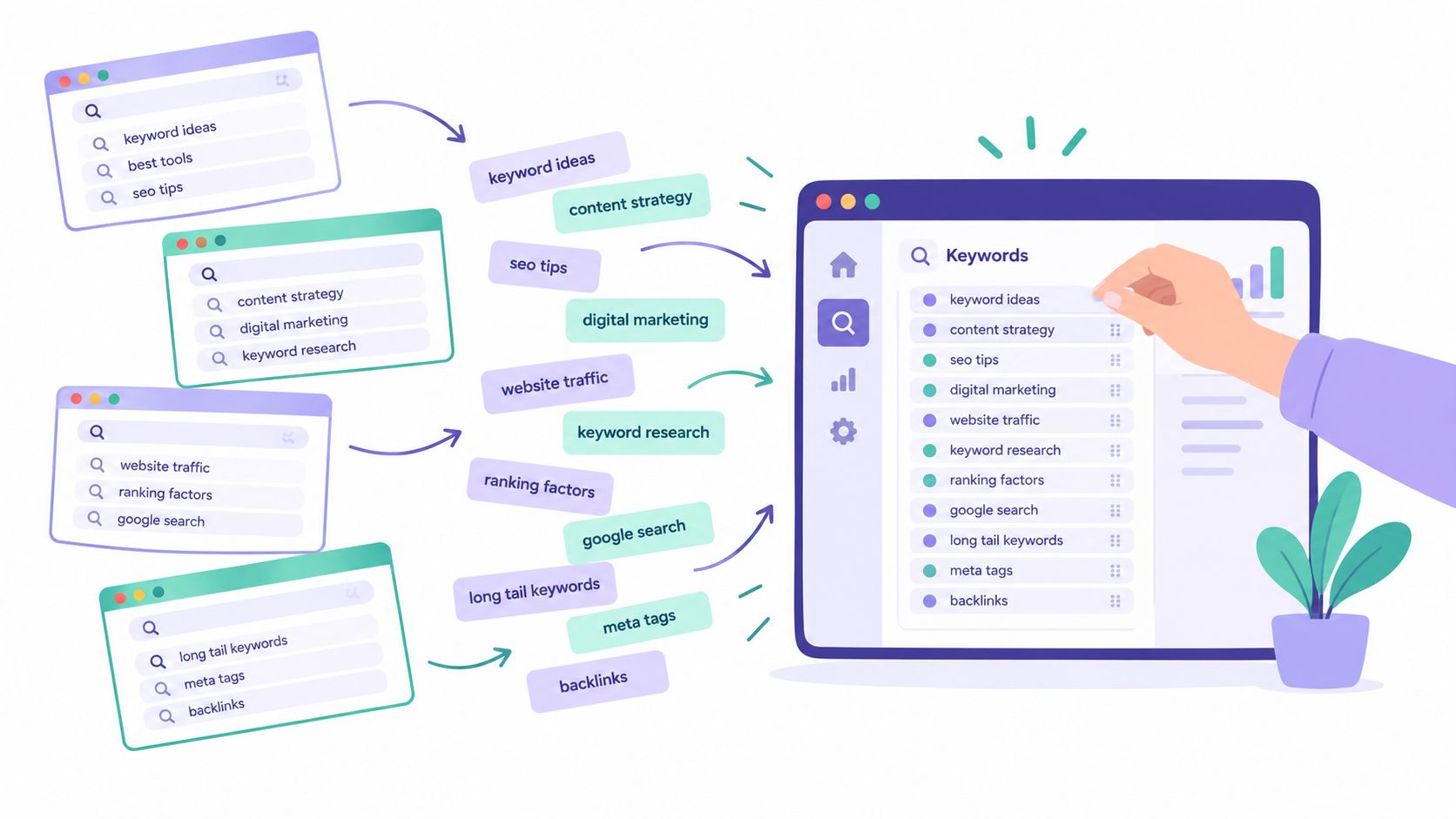
Once the evidence is spread across exports, the work becomes a data hygiene problem. Put each query observation into a common structure, normalise destination URLs, and preserve the source and date so later users can tell observed evidence from inference.
A unified row should contain:
- Query: The exact visible or monitored phrase.
- URL cluster: The destination page or grouped template.
- Intent label: Informational, commercial, transactional, branded, or navigational.
- Source confidence: How many independent sources support the observation.
- Last observed date: When the signal was most recently recorded.
- Supporting metrics: Impressions, clicks, position, CTR, sessions, or conversion context where available.
Import Search Console exports first, then add rank-tracker CSVs, paid keyword reports, and any log-derived referrer information. Map every row to a destination URL, even when the mapping is inferred. An explicit “inferred” status is safer than presenting an assumption as fact.
Score evidence, not just keywords
A query found only in a third-party database is a discovery lead. A query with Search Console impressions and a matching rank-tracker observation is stronger. Add a landing-page conversion pattern from Analytics and the decision has more business context, even though it still doesn't prove query-level revenue attribution.
That distinction prevents overfitting to visible head terms. Search Console may show the head of a cluster, while the rank tracker exposes a monitored variation and Analytics shows that the associated page attracts valuable sessions. The combined signal supports a page decision. One isolated row doesn't.
Use the unified workspace to create a content-brief export with the page owner, primary theme, supporting query cluster, observed intent, evidence sources, SERP opportunity, and recommended action. The recommendation might be a title revision, a new supporting page, an internal-link change, a consolidation, or no change at all.
A platform such as Keyword Kick can bring Analytics, Search Console, rank tracking, backlinks, and technical SEO signals into one workspace, while its K² AI Agent turns connected data into prioritised recommendations. That kind of consolidation is also useful when you're connecting SEO decisions to broader outcomes, including how SEO content drives video leads, because the page remains the common object across channels.
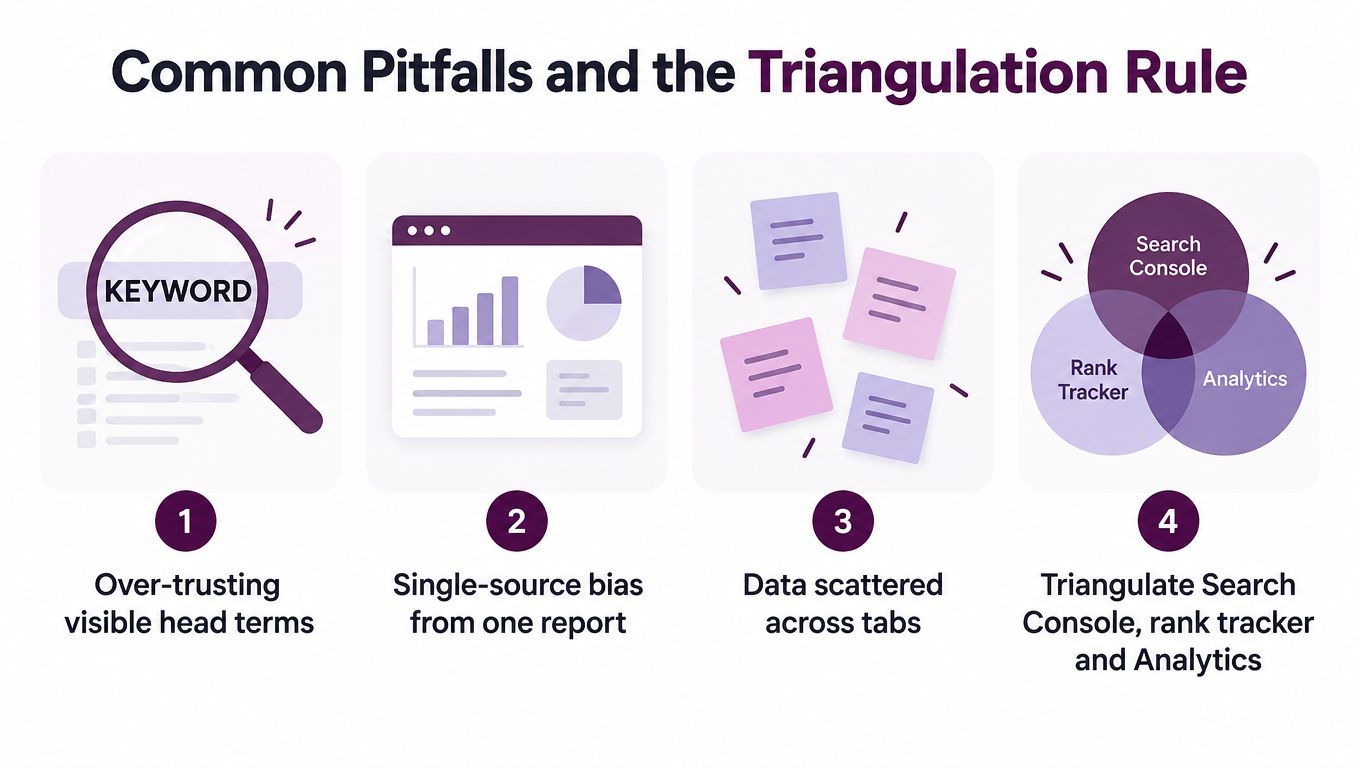
Common Pitfalls and the Triangulation Rule
The most common failure is treating the visible query list as the whole market. Teams optimise for the terms that appear clearly, even when those terms are only the easiest rows for Search Console to expose. The result is often a stronger page for an already-obvious topic, while the suppressed long tail and adjacent intent remain unaddressed.
Another mistake is treating a missing row as proof of missing demand. Search Console-style reporting suppresses and truncates parts of the long tail, particularly where click volume is low. A query absent from the export may be irrelevant, or it may be hidden by reporting limits. You can't distinguish those possibilities from one row alone.
The mistakes that distort decisions
- Head-term fixation: A visible high-level phrase receives attention because it's easy to report, not because it represents the best opportunity.
- Single-query attribution: A team rewrites a page around one query and assumes that phrase caused the conversion, even though Analytics can't connect hidden organic queries to individual outcomes.
- Brand contamination: Branded and non-branded performance are blended, allowing navigational demand to mask weakness in broader discovery.
- Dashboard fragmentation: Search Console, Analytics, rank tracking, and paid reports sit in separate tabs, so no one records which evidence supported the final decision.
The durable answer is a strict triangulation rule: never make a keyword decision from one source alone. Require at least two independent confirmations before changing content, and record the source pair beside the recommendation.
The confirmation doesn't always need to be another query report. Search Console plus rank tracking can validate visibility. Search Console plus landing-page conversion context can validate relevance. A paid-search signal plus a page-level organic cluster can validate commercial intent. The source pair should match the decision you're making.
A keyword can be useful without being perfectly attributable. It becomes dangerous when a team forgets which part is observed and which part is inferred.
A Repeatable Weekly Workflow and Quick Troubleshooting
Use a fixed weekly cadence so the team doesn't restart the investigation every time a report changes. Begin by pulling Search Console queries associated with landing pages showing rising impressions. Cross-check the priority terms against the current rank-tracker snapshot, record disagreements, add any relevant server-log evidence, and push the consolidated row into the unified workspace.
Keep the output small enough to review. Each row should state the URL, query cluster, intent, change observed, sources consulted, confidence, and proposed action. The next content backlog should contain only decisions that satisfy the triangulation rule.
Troubleshooting symptoms
- Impressions fall suddenly: Check the date range, search type, device filter, country filter, and comparison settings before diagnosing a ranking loss.
- Queries disappear: Check whether the missing terms sit below Search Console's visible reporting threshold or have been affected by suppression.
- Search Console clicks don't match Analytics sessions: Review tagging, consent behaviour, redirects, bot filtering, and session-timeout differences before treating the figures as contradictory.
- Rank tracking goes silent: Confirm that the project still has the required verification or connection token and that the tracked domain and URL format remain correct.
The decision filter is simple. A signal can enter next week's backlog only when another independent source supports it, and the record makes clear whether the evidence is observed, inferred, or merely an opportunity hypothesis.
Keyword Kick connects Google Analytics 4, Search Console, rank tracking, backlinks, and technical SEO signals so teams can turn fragmented keyword evidence into prioritised actions. Visit Keyword Kick to consolidate your recovery workflow, identify the pages that deserve attention, and keep every optimisation decision tied to its supporting data.