Stop buying the cheapest subscription and calling it a strategy. A cheap keyword research tool only saves money if it produces one clear decision you can act on, such as writing a page, skipping a topic, or fixing an existing URL. A long export with no priority order isn't research. It's busywork you paid for.
That's the flaw in most budget advice. It ranks tools by monthly price and ignores account requirements, credit burn, export limits, and the hours you'll spend reconciling numbers between five free tabs. Search demand is also far more fragmented than headline volume suggests. A measure worth remembering is that nearly 74% of keywords receive 10 or fewer searches per month, while only about 0.024% exceed 100,000 monthly searches. If your tool only rewards big numbers, it will hide most real demand.
Use this list differently. Pick based on your workflow. If you need occasional checks, choose a free extension or pay-as-you-go credits. If you publish every week, choose a workspace that connects discovery to rankings and performance. Don't pay for a suite to do ten lookups a month, and don't force a free generator to run a client account.
1. Keyword Kick

A free tool that hands you a keyword list hands you homework. Keyword Kick takes a different approach: it's an all-in-one SEO platform built for agencies, in-house teams, consultants, and site owners who are tired of stitching together separate reports. Its K² AI Agent pulls in Google Analytics 4, Google Search Console, Google Ads, rankings, backlinks, and technical signals, then answers practical questions like why traffic fell or which pages to improve first.
That context changes what "cheap" means here. You get a way to prioritize terms against pages that already rank, convert, or cannibalize each other. That beats another CSV export.
What you get beyond keyword lists
- Daily rank tracking: Historical trends, SERP features, and competitor movement in one view.
- Cannibalization detection: Native checks across six conflict types, so you don't target the same intent twice.
- Broader toolkit: Keyword research, backlink analysis, site audits, nine AI content tools, eight SEO generators, and merchant-feed validation.
- Team support: Nine languages supported, with support ticketing built in.
Pricing starts with a permanent free plan, no credit card required. Paid plans are listed at $49/month for Starter, $119/month for Pro, $249/month for Business, and $599/month for Enterprise, with annual billing advertised as saving 18% and a 7-day trial on paid tiers (Keyword Kick pricing). For context, a survey found 65% of companies spend between $50 and $500 per month on SEO software, so the entry point sits at the accessible end of normal spending.
The trade-off is real. The free plan caps you at 20 K² AI messages per month and 10 tracked keywords, so serious workloads need a paid tier. It recommends changes rather than implementing them for you, and JavaScript rendering is limited to Business and Enterprise. If you'd otherwise pay for three subscriptions, the math works. If you only run ten lookups a month, skip it.
2. Google Keyword Planner
Start here if you spend nothing and work mainly on Google. Google Keyword Planner lives inside Google Ads and helps you find keyword ideas from seed terms or a website, review average monthly searches, and check bid estimates. It's useful for broad demand and seasonality checks before you commit to a topic.
Don't mistake it for an organic SEO tool. It was built for advertisers. The competition metric reflects ads, not how hard it'll be to rank organically. You'll also need a Google Ads account and setup, including billing information, before you get useful access.
Treat its numbers as directional, not exact. Independent analysis summarized in the available research found that Keyword Planner overestimates volume for 91.45% of 72,635 examined terms. Volumes often appear in broad ranges, which makes precise forecasting impossible.
Practical rule: Use Keyword Planner to confirm that demand exists and to compare topics at a high level. Validate anything important with Search Console data, SERP review, or a second tool before you brief a writer.
Best fit: Beginners, small businesses, and advertisers planning paid search. Skip it as your only tool if you need organic difficulty, competitor gaps, or page-level prioritization.
3. Microsoft Advertising Keyword Planner
Use the Microsoft Advertising Keyword Planner as your second opinion, not your main workspace. It's free with a Microsoft Advertising account and finds ideas from terms, phrases, or a website. It also shows search-volume data tied to Microsoft's network, which gives you a different angle on demand.
That second source matters when Google numbers look inflated or vague. Comparing both planners won't give you truth, but it will stop you from trusting a single estimate blindly. It's also the obvious choice if you're planning Microsoft Ads campaigns.
Where it helps and where it stops
- Useful validation: Compare suggested ideas and relative demand against Google's planner.
- Campaign planning: Research terms for Microsoft Advertising directly where you'll run them.
- Hard limit: Advertising data still doesn't tell you organic ranking difficulty.
There's no reason to build your whole SEO routine around it if your audience lives on Google. For niche marketplace research, specialist sources like Trendlytic's Etsy research tool can also add context Google and Microsoft miss. Best fit: Advertisers on Microsoft's network and SEOs who want a free cross-check. Skip it if you need SERP analysis, tracking, or content gap work.
4. Ahrefs Free Keyword Generator
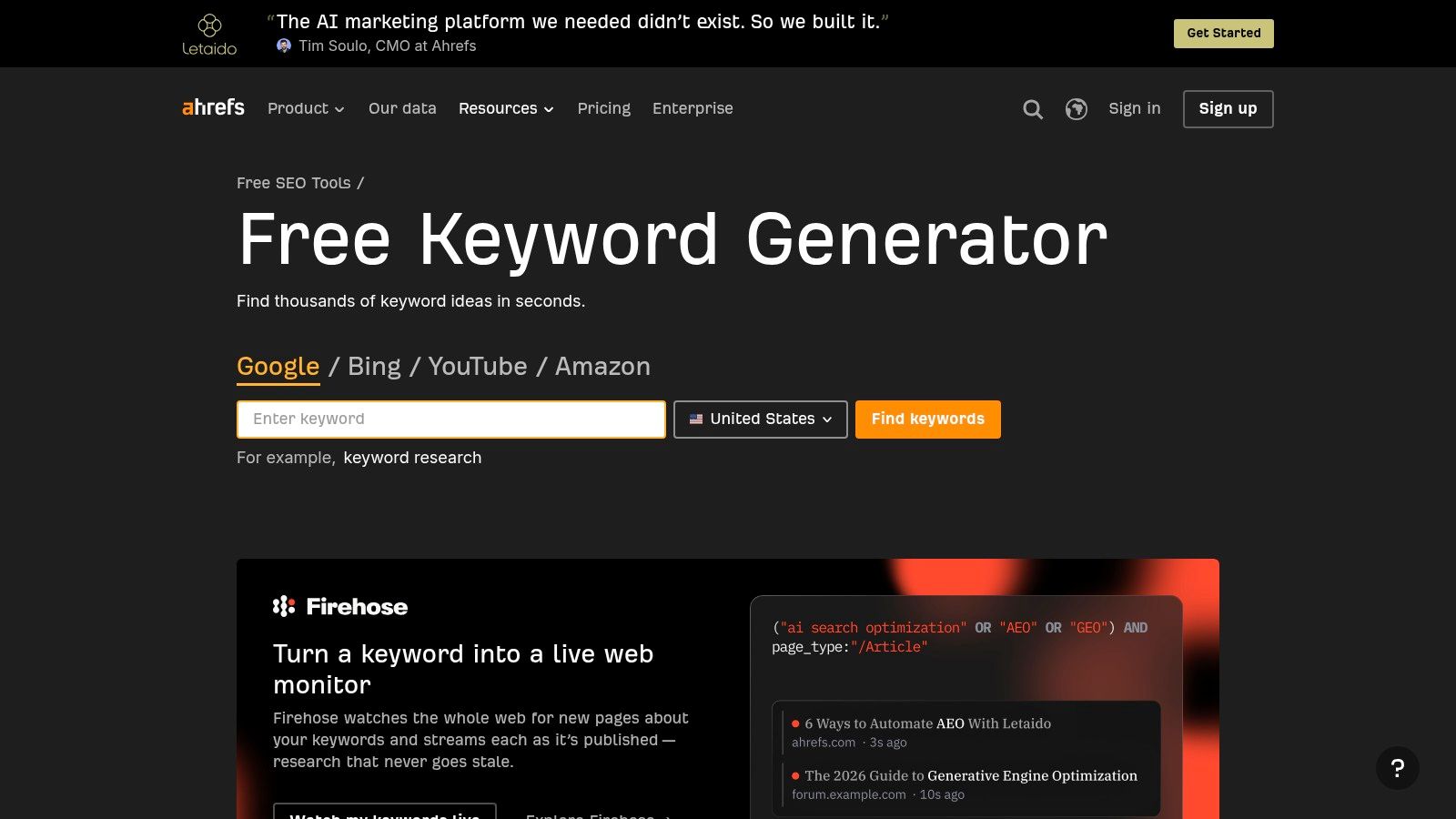
Need ideas in two minutes without opening a project? The Ahrefs Free Keyword Generator does that job well. Enter a seed query and it generates up to 100 keyword ideas with difficulty and search-related metrics. You can also explore ideas for different search engines without subscribing to a paid plan.
It's fast, clean, and ideal for testing whether a topic has enough variations to deserve deeper research. Think of it as a first pass before you spend credits or subscription time elsewhere. If you're comparing broader suites while you test, our guide to a Sistrix alternative shows how bundled platforms differ from single-purpose generators.
Don't stretch it beyond that role. A capped list won't support ongoing keyword lists, client projects, or full competitive analysis. Some Ahrefs features require a paid plan or verified site ownership, so you'll hit walls quickly once you move from brainstorming to planning.
Best fit: Quick ideation, headline checks, and sampling Ahrefs data before paying. Skip it if you need saved lists, rank tracking, historical trends, or repeatable workflows across many pages. For occasional research, though, free and immediate beats powerful and unused.
5. Keywords Everywhere
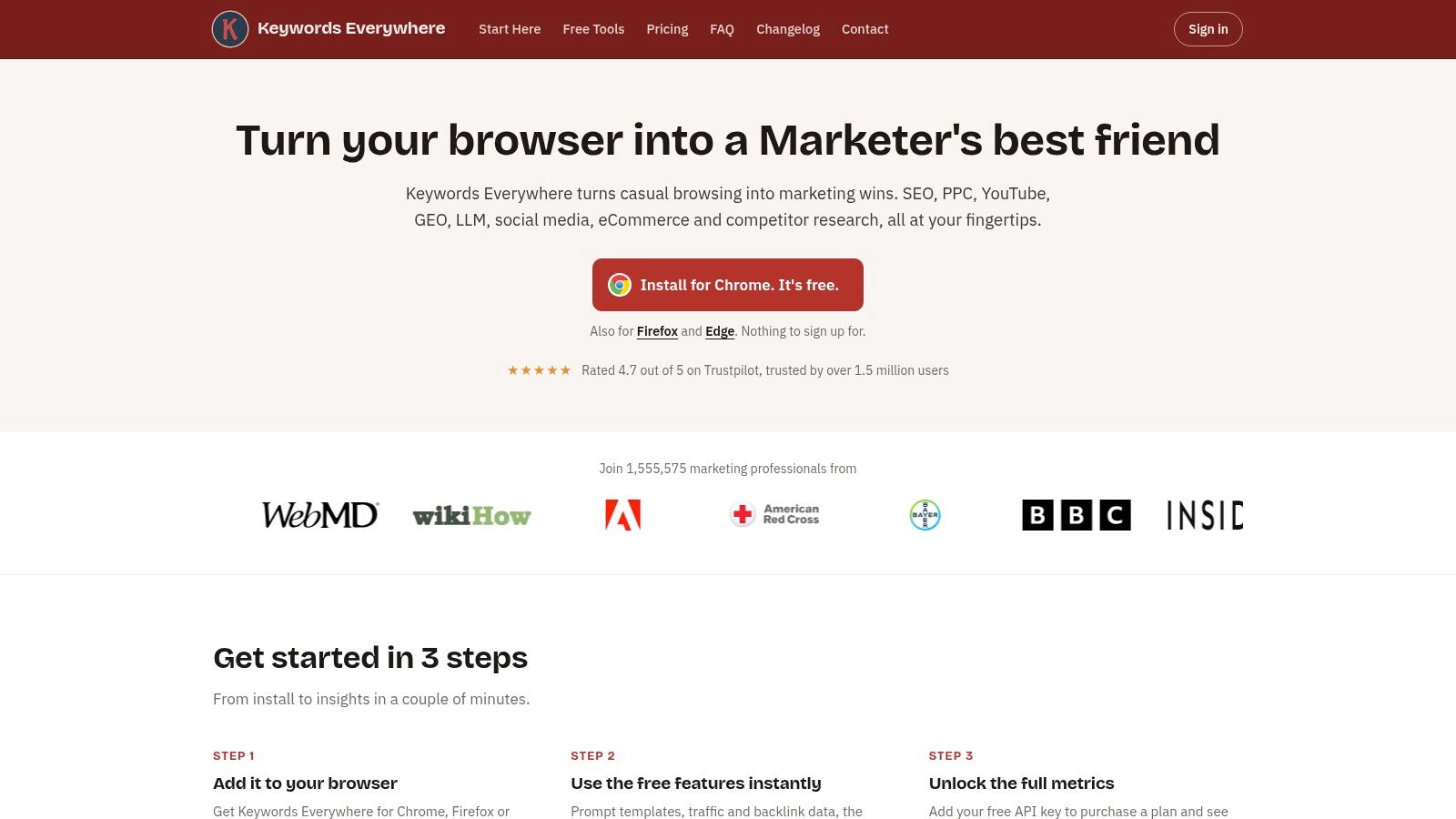
If you research in bursts, don't buy a monthly subscription. Keywords Everywhere is a browser extension that shows volume, CPC, competition, and 12-month trend data on supported search pages and websites. You buy credits instead of paying every month whether you research or not.
That model suits freelancers and site owners who might research heavily one week and not at all the next. One credit returns several data points for a keyword, and you can analyze lists in bulk when you're building a content plan. Teams comparing competitor-focused platforms can also review SpyFu alternatives if competitive intelligence matters more than in-browser metrics.
Watch the credit burn. Credits are used when metrics appear, including for related or suggested terms you didn't specifically request. They also expire after one year, so buying a huge bundle for light use wastes money.
Buy the smallest credit pack that covers your next research sprint. If credits sit unused for months, you didn't save money. You prepaid for data you'll never use.
Best fit: Occasional researchers who live in the browser. Skip it if you need a planning workspace with projects, audits, and tracking in one place.
6. Keyword Surfer
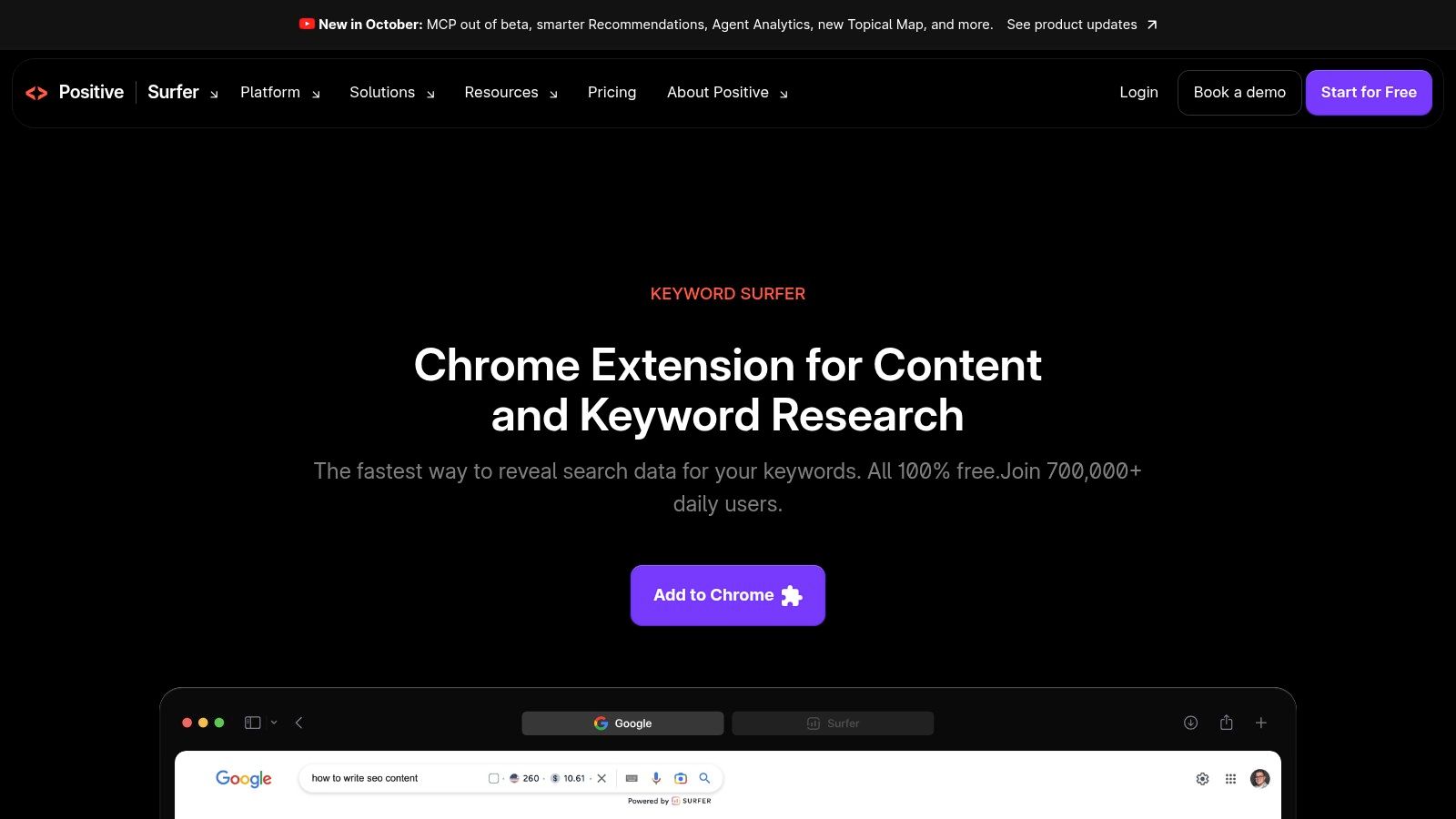
Keyword Surfer keeps research inside Google. This free Chrome extension displays search-volume information and related keyword ideas alongside results, plus CPC and other SEO data points. You don't need Surfer's paid content tools to use it.
For bloggers and content researchers, that placement matters. You can check a term, scan the ranking pages, and spot related phrasing without switching tabs or exporting anything. It's a lightweight discovery aid, and it works best when you're already reviewing SERPs manually.
Set expectations accordingly. It requires Chrome, and its metrics aren't as thorough as a dedicated research platform. Volume here is still an estimate, and estimates deserve skepticism. Analysis of 33,377 ranking keywords found Keyword Planner overstated impressions for top-10 terms by 163%, largely due to grouping and rounding. Any tool feeding you planner-style numbers can inherit similar distortion.
Best fit: Quick checks and brainstorming during manual SERP review. Skip it as your system of record. Save important terms into a real workspace, validate demand elsewhere, and don't base a quarterly content plan on extension numbers alone.
7. Keysearch
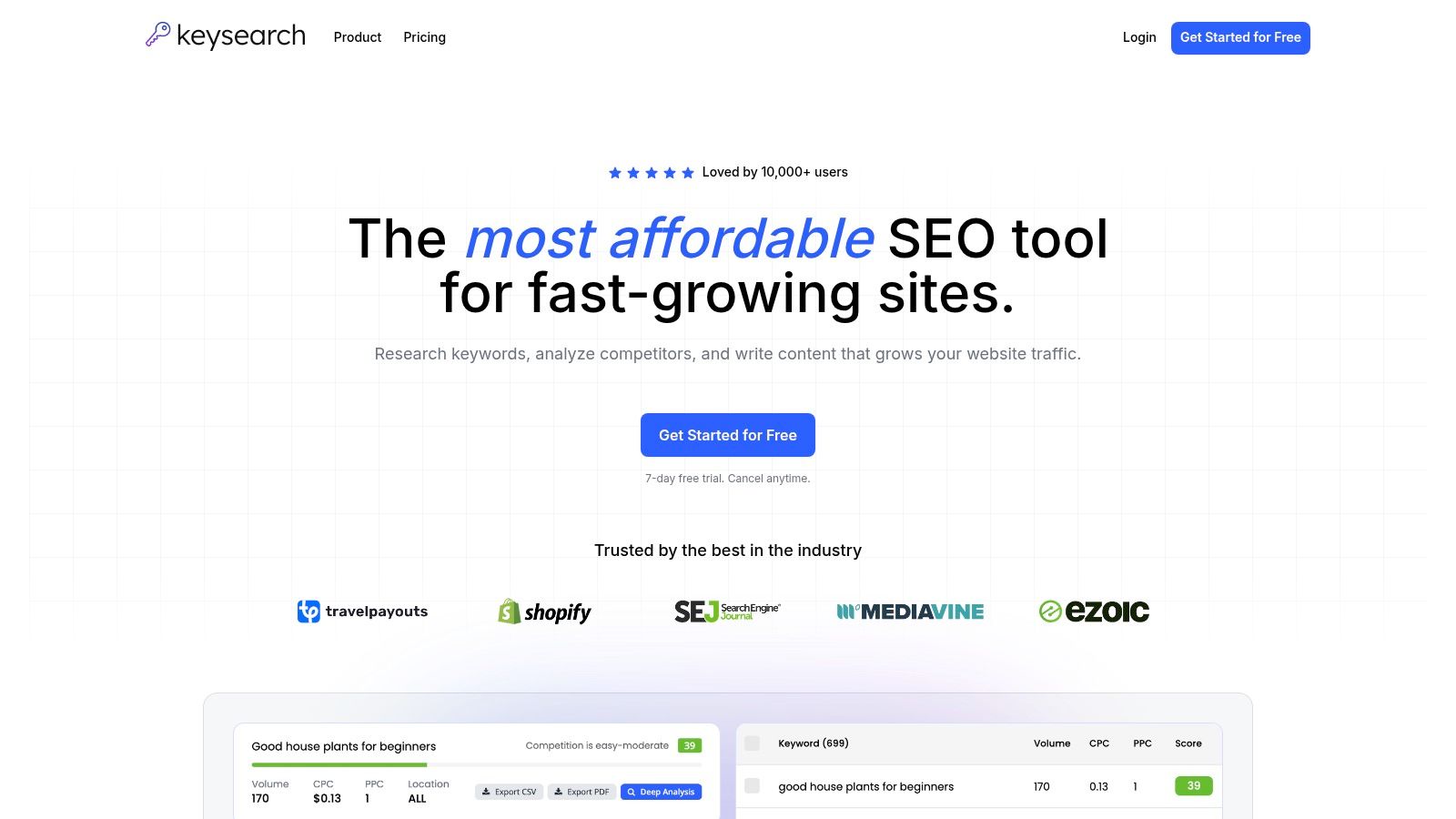
Keysearch makes sense when a free extension stops being enough but an enterprise suite is overkill. It's a lower-cost toolkit combining keyword research and live SERP analysis with competitor and backlink analysis, rank tracking, site audits, YouTube research, and an AI content assistant.
Why solo operators pick it
Bloggers, small businesses, and solo SEOs get several recurring tasks under one subscription. The Starter plan states its keyword search, tracked keyword, and site-audit capacity clearly, so you can judge fit before paying. There's also a 7-day free trial, and the company says you can cancel anytime.
Use that trial aggressively. Seven days is short. Run your actual workflow in the first two days, including a full topic cluster, a competitor check, and rank tracker setup. If daily search or tracked-keyword limits pinch during normal work, they'll pinch harder later.
Best fit: Solo SEOs and small teams wanting core tools in one lower-cost subscription. Skip it if you only need occasional lookups, since the broader interface and feature set will sit unused. Pay for consolidation only when consolidation replaces other tools or manual work.
8. LowFruits
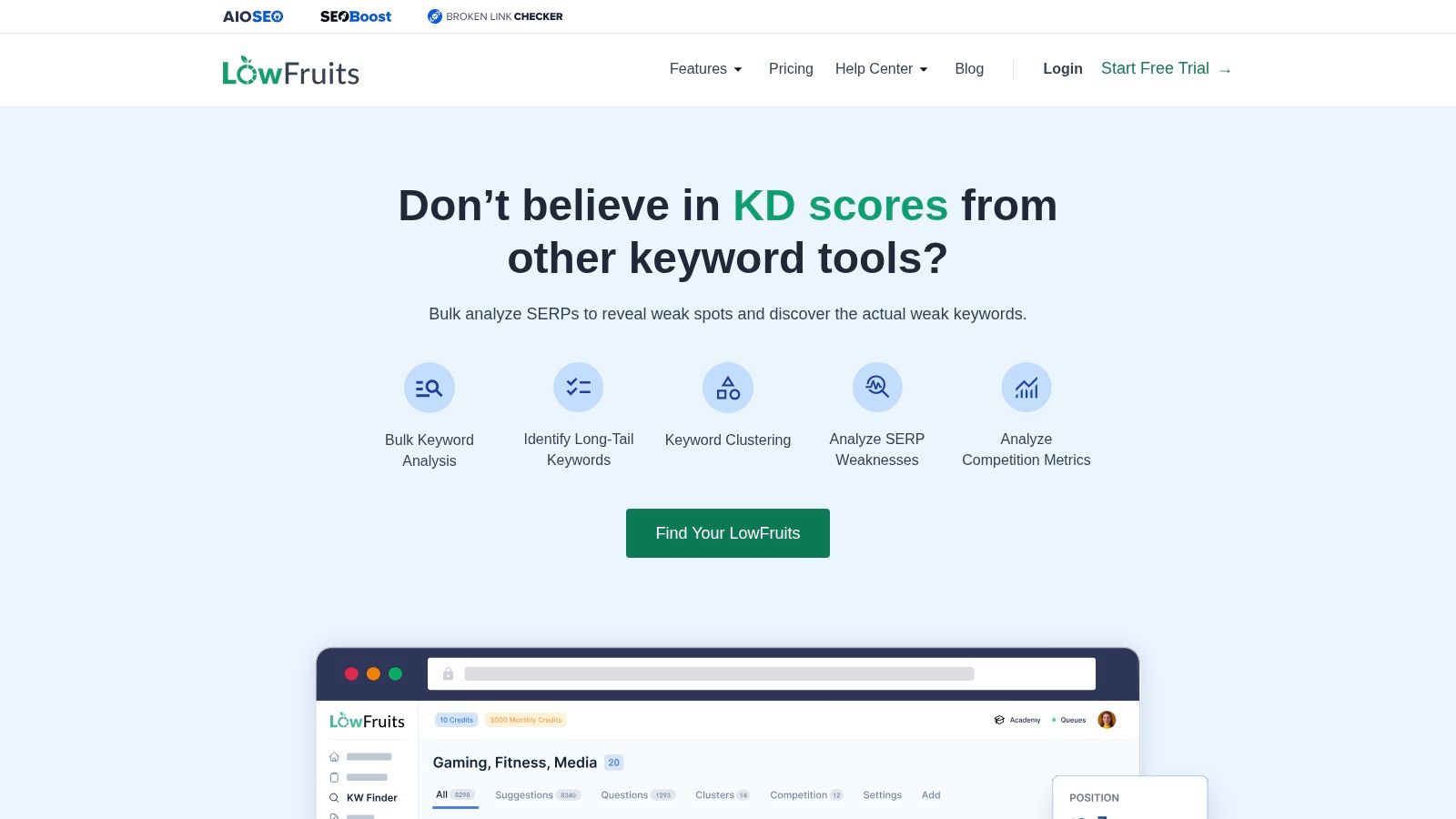
Chasing volume is how new sites waste months. LowFruits flips the question. It analyzes search results for weaker-ranking pages so you can find lower-competition opportunities you might win. For niche publishers and newer sites, that's a more useful starting point than a difficulty score in isolation.
The buying model is flexible. You can subscribe or use pay-as-you-go credits, and free accounts and PAYG users get three free searches every seven days. That lets you test real topics before committing, which is exactly how budget tools should be evaluated.
- Strength: Surfaces actionable low-competition opportunities, not just search volume.
- Flexibility: Pay-as-you-go access suits irregular research schedules.
- Watch out: Costs scale with credit use, so check current bundles on the pricing page.
Its specialization is also its limit. You'll likely need another tool for audits, backlinks, or broader tracking once your site grows. Best fit: Newer and niche sites prioritizing attainable rankings. Skip it if you need an all-in-one workspace today. Buy it for opportunity spotting, not as a complete SEO operating system.
9. Mangools KWFinder
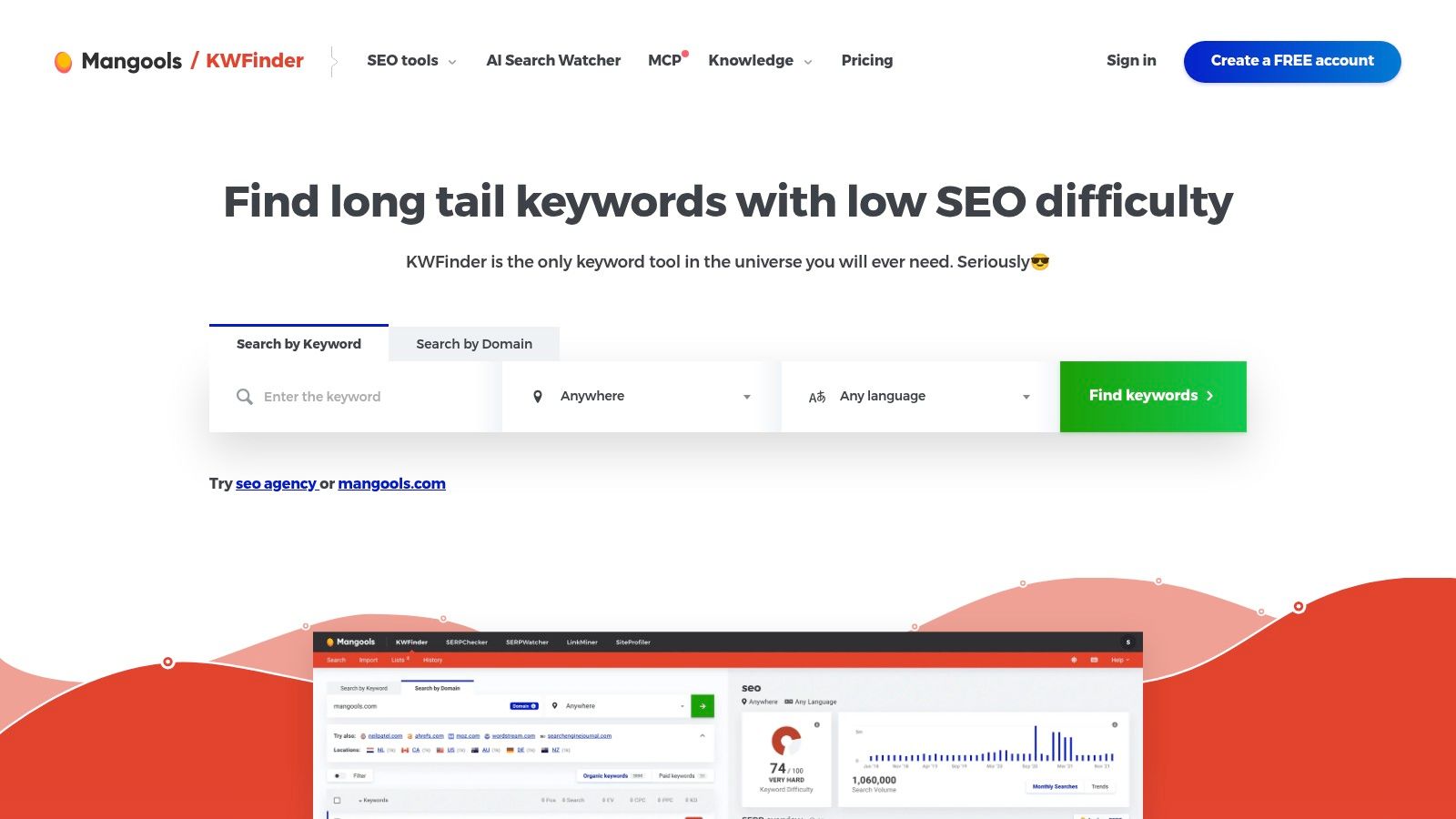
KWFinder is the approachable option in a bundled suite. It combines keyword suggestions, SERP analysis, and difficulty estimates, while the wider Mangools bundle adds rank tracking, backlink, and site-analysis tools. A free plan is available without a credit card, with daily limits.
That makes it easy to test with real queries from your niche. Pay attention to how quickly you burn through daily research limits, since those limits vary by plan. Scale also matters here. Search behavior is massive and constantly shifting, estimated at approximately 5.9 million Google searches per minute in one industry compilation referenced in our verified data, so tools that refresh context regularly beat static lists.
The main catch is packaging. KWFinder can't be purchased on its own. You'll pay for the bundle even if keyword research is all you want, and paid access costs more than free extensions or credit-only tools.
Best fit: Users who want keyword research plus adjacent tools in a friendly bundle. Skip it if you only need one feature. Bundles save money only when you use at least two or three parts every month, so audit your usage.
10. Ubersuggest
Ubersuggest targets solo site owners and freelancers who want several SEO tasks in one place. It combines keyword research and content ideas with competitor and backlink analysis, site audits, and rank tracking. There's a free plan for light use, paid subscriptions, and a lifetime purchase option.
That lifetime option changes the math for some buyers. If you hate monthly bills and your needs stay stable, a one-time purchase can beat years of subscriptions. Readers comparing larger suites on value may also find our SE Ranking vs Semrush breakdown useful before committing to any long-term plan.
Read the terms before you buy. Free access is meant for light research, the seven-day trial requires a credit card, and current plan limits and lifetime terms need careful review. Lifetime deals only save money if the limits and product direction still fit your work later.
Best fit: Freelancers and solo owners wanting a broad starter toolkit, especially if the lifetime terms suit them. Skip it if trial card requirements or light free limits frustrate you. Test the free plan on real pages first, then decide.
Top 10 Cheap Keyword Research Tools Compared
| Tool | Core capabilities | Best for | Standout value | Pricing |
|---|---|---|---|---|
| 🏆 Keyword Kick | AI-guided SEO, keyword research, rank tracking, audits, backlinks, competitor insights | 👥 Agencies, SEO teams, consultants, and site owners | ✨ Unifies SEO data and prioritizes actionable recommendations; ★ broad SEO toolkit | 💰 Free forever; paid plans $49–$599/month; 7-day trial on paid tiers |
| Google Keyword Planner | Keyword ideas, search estimates, bid data, ad forecasts | 👥 Beginners, small businesses, and Google Ads advertisers | ✨ Google Ads demand and seasonality insights | 💰 Free; requires a Google Ads account and billing setup |
| Microsoft Advertising Keyword Planner | Keyword ideas and search-volume data for Microsoft Ads | 👥 Microsoft Advertising users | ✨ Adds a second search-demand data source | 💰 Free with a Microsoft Advertising account |
| Ahrefs Free Keyword Generator | Keyword ideas, difficulty, and search metrics | 👥 Users seeking quick keyword discovery | ✨ Up to 100 ideas without a paid subscription | 💰 Free; limited results |
| Keywords Everywhere | Browser-based volume, CPC, competition, trends, and bulk metrics | 👥 Occasional keyword researchers | ✨ Pay-as-you-go credits; metrics appear in browsing workflows | 💰 Credit-based; credits expire after one year |
| Keyword Surfer | Search-volume data and related ideas in Google results | 👥 Bloggers and content researchers | ✨ Quick research without leaving Google | 💰 Free Chrome extension |
| Keysearch | Keyword research, SERP analysis, rank tracking, audits, backlinks | 👥 Bloggers, small businesses, and solo SEOs | ✨ Several core SEO tools in one toolkit | 💰 Paid plans; 7-day free trial |
| LowFruits | Keyword ideas and search-result weakness analysis | 👥 Niche publishers and newer sites | ✨ Finds potential low-competition opportunities | 💰 Limited free searches; subscriptions or credits |
| Mangools KWFinder | Keyword suggestions, SERP analysis, difficulty, plus bundled SEO tools | 👥 Users seeking an approachable SEO bundle | ✨ Includes rank tracking, backlink, and site-analysis tools | 💰 Limited free plan; paid bundle |
| Ubersuggest | Keyword research, competitor analysis, audits, rank tracking, backlinks | 👥 Solo site owners and freelancers | ✨ Subscription and lifetime purchase options | 💰 Free plan; paid subscriptions and lifetime option |
Build a Research Routine That Stays Within Budget
Pick one primary tool for discovery and stop shopping. Most budget waste comes from overlapping subscriptions, not from choosing the second-best tool. If you publish weekly, that primary tool should save lists, show SERP context, and connect to rankings. If you publish monthly, a free extension plus a planner is enough.
Then add one validation source and nothing else. Pair Google Keyword Planner with Search Console, or pair a paid workspace with Google Trends for seasonality. Remember that Google Trends uses a 0 to 100 relative index rather than absolute search counts, so it can compare direction between terms but can't tell you how many people searched. Use each source for what it measures.
A weekly routine that earns its cost
- Review performance first: Check Search Console queries with impressions but weak clicks before hunting new topics.
- Research in batches: Build one cluster at a time, note intent and difficulty, and assign each term to one page.
- Inspect the SERP: Confirm the ranking page types match what you plan to create.
- Track and revisit: Add published terms to rank tracking and review movement on a fixed day.
This order matters. Improving a page that's already close to ranking usually costs less effort than starting from zero. New keyword discovery should come after you've checked cannibalization, content gaps, and pages losing visibility. That's how a cheap keyword research tool becomes part of an operating routine instead of a monthly guilt subscription.
Measure value as cost per decision, not cost per keyword export. Count how many briefs, page updates, merges, or rejected topics your tool informed this month. If a plan produced three clear actions and saved hours of manual SERP checking, it earned its price. If it produced a spreadsheet nobody opened, cancel it regardless of how cheap it looks.
Upgrade only when a specific limit blocks valuable work. Hitting a credit cap during a client launch is a reason. Wanting prettier charts isn't. The same rule applies to free tools. When you're spending more time reconciling inconsistent metrics across tabs than writing or optimizing, the free stack has become the expensive option.
Finally, handle zero-volume terms with judgment instead of fear. Low-volume and emerging queries often return no data, yet they can be early opportunities for local offers, new products, and specific questions. Triangulate with trend direction, related queries, SERP intent, and your own analytics. Run a small publishing test when the topic is clearly relevant to buyers. Budget research isn't about fake precision. It's about making defensible decisions with imperfect data, then measuring what happens.
Start with the workspace that turns keyword ideas into prioritized page actions, connects your Search Console and ranking data, and flags cannibalization before you publish. Try the permanent free plan from Keyword Kick on your next content cluster and judge it by the decisions it produces, not the size of its keyword export.