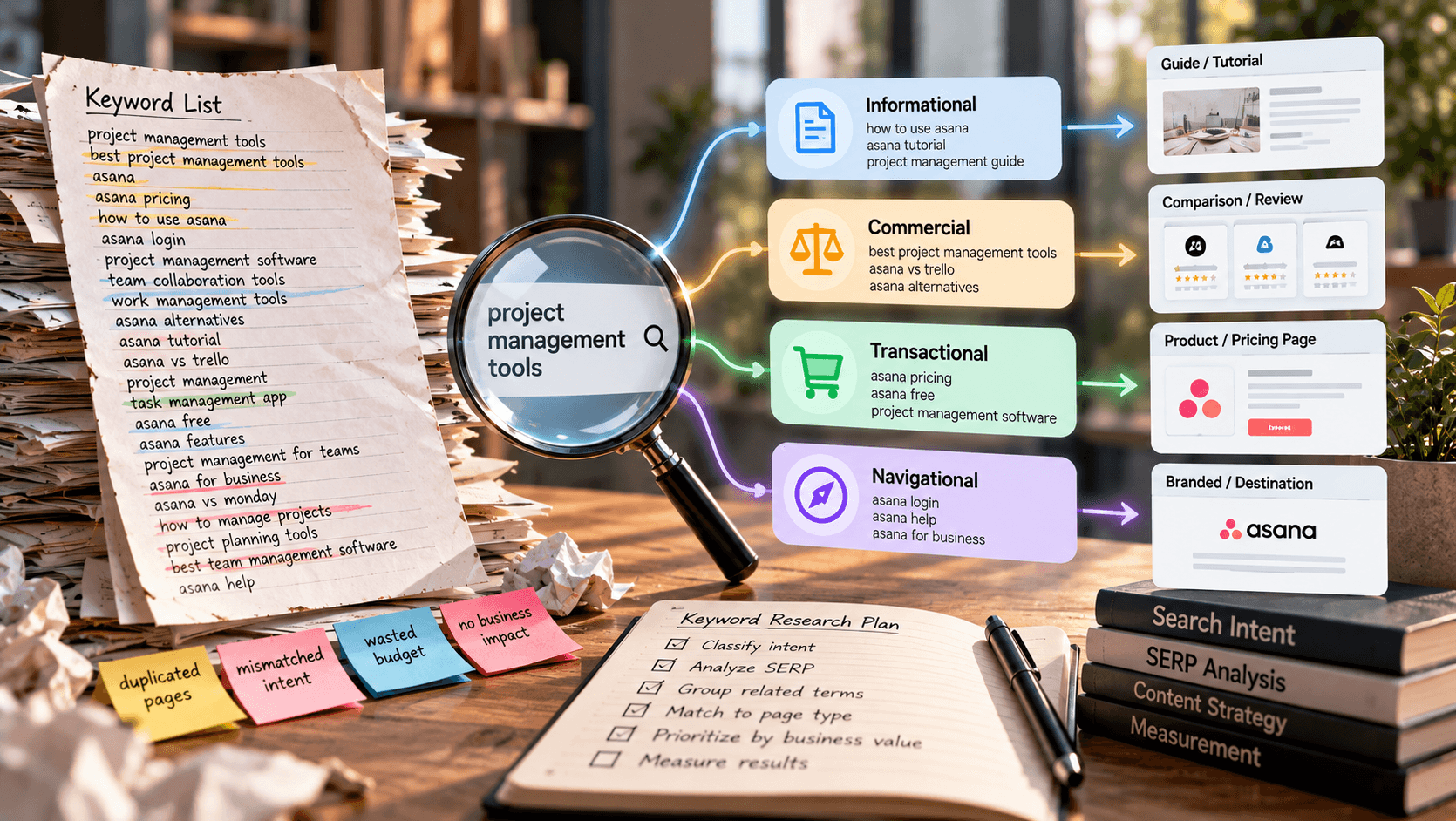
You've exported a keyword list, sorted it by search volume, and found plenty of promising phrases. But you still can't answer the question that matters: which page should you create or improve next?
That's the common failure of choosing a tool by its keyword-volume table alone. The best keyword research tool for SEO depends on the decision you need to make, whether that's finding opportunities, validating a niche, investigating competitors, or prioritizing existing pages.
Accuracy also needs context. An independent comparison of keyword estimates and Search Console impressions reported that third-party volume estimates were approximately accurate for 60% of keywords, compared with roughly 45% for Google Keyword Planner. Treat those findings as a reason to validate estimates, not as a universal accuracy ranking.
Choose software around the work you'll do:
- Discovery and validation: Find relevant searches, inspect intent, and distinguish durable demand from temporary interest.
- Competitive decisions: Examine ranking pages, backlinks, content gaps, and search-result features.
- Execution and cost: Connect research to page priorities without exceeding project, reporting, or subscription limits.
There's no universal winner. Semrush and Ahrefs suit broad professional analysis. Google Keyword Planner provides low-cost directional planning, while KWFinder focuses on localized, long-tail research.
Keyword Kick is the strongest starting point for users who want connected performance data and AI-assisted prioritization. The distinction is practical: established suites support deep investigation, specialists focus research, free utilities validate demand, and unified platforms help turn those findings into an implementation queue.
1. Keyword Kick
Strong fit for teams that need a clear next action after keyword discovery.
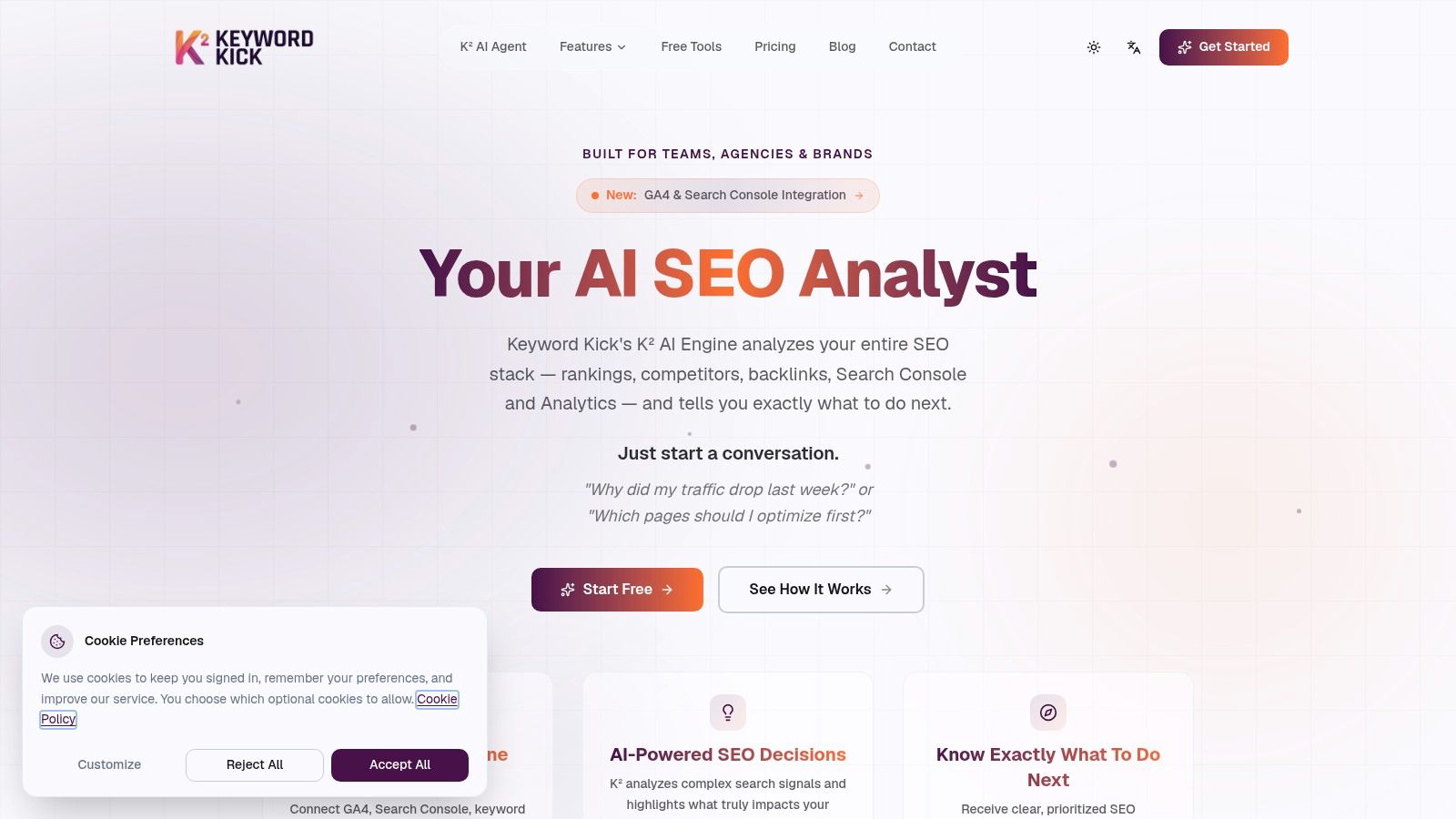
Keyword Kick pulls keyword research into the same workspace as Google Analytics, Search Console, rankings, backlinks, audits, and competitor intelligence. The practical gain is context: an opportunity can be checked against the pages already earning impressions, clicks, links, and conversions.
The K² AI Agent works like a project-level SEO analyst. Ask why traffic slipped or which pages deserve work, then inspect recommendations built from analytics, competitors, technical signals, and search performance.
Where the connected workflow helps
An e-commerce category page with steady impressions and weak clicks is a good test. Use connected evidence to inspect intent, competing pages, technical issues, and overlapping content before commissioning another article.
Discovery, filtering, clustering, and keyword-to-page mapping support that inspection. Daily ranking updates, historical trends, and SERP-feature tracking show whether the change held after release.
- Research advantage: Demand and difficulty estimates sit beside page performance, content gaps, and competitive context.
- Implementation support: Cannibalization checks and audits can reveal overlap or technical problems that should precede new content.
- Hard limit: Recommendations still need review and execution. The platform does not make SEO changes by itself.
Keyword Kick's published pricing lists a permanent Free plan without a credit card, with paid access starting at $49/month and higher tiers at $119, $249, and $599/month. Match project, tracked-keyword, AI-message, and audit allowances to your workload if you manage several clients.
JavaScript-rendered audits sit on higher tiers, and the public site offers little independent proof, so run a real project through the Free plan before treating the AI output as dependable.
Pick Keyword Kick when fragmented data is the bottleneck. Turn accepted opportunities into page assignments with this guide for SEO teams on keyword mapping.
2. Semrush
Choose Semrush when keyword research is part of a broader agency or in-house marketing operation.
Semrush connects its Keyword Magic Tool with competitor research, SERP analysis, position tracking, audits, and content workflows. That breadth makes it useful when a keyword decision needs to survive several questions: who ranks, what content works, what's missing, and how will progress be tracked?
Start with a product category rather than an isolated blog topic. Expand related searches, compare competitor coverage, inspect the results, and separate terms that belong on commercial pages from those requiring supporting content.
Buy the workflow, not the tool count
Semrush's strength is continuity across research tasks. An agency can investigate a competitor, build a keyword set, assign content work, and track the resulting visibility within the same ecosystem.
That doesn't make it the best purchase for occasional brainstorming. The range of reports can distract inexperienced users, and paid access represents a meaningful recurring expense.
- Choose it for breadth: It suits teams that regularly combine keyword discovery, competitor analysis, audits, and reporting.
- Check tier requirements: Historical SEO data and cannibalization analysis belong among the capabilities to verify before subscribing.
- Start narrowly: Use limited free access to test a real assignment rather than browsing every available report.
My recommendation is to define the deliverable before opening the platform: a category-page plan, competitor-gap analysis, or content brief. If you consistently need several connected research functions to produce that deliverable, Semrush makes sense.
If you only need a shortlist of relevant phrases, choose a more focused tool. Paying for breadth only works when your team uses it.
3. Ahrefs
A keyword can look attractive until you inspect the pages and backlinks behind the search results. Ahrefs is the pick for SEO professionals who want that competitive context before committing resources.
Ahrefs combines Keywords Explorer with Site Explorer, backlink research, Site Audit, and Rank Tracker. The useful connection is between a proposed keyword and the pages or domains already earning search visibility.
For example, investigate a commercial comparison query by reviewing the ranking pages before drafting your own. Assess whether their advantage appears to come from content relevance, page format, backlinks, or a combination you can realistically address.
Don't approve a keyword because its difficulty score looks manageable. Approve it when you can explain how your page will compete with the results already there.
Where Ahrefs earns its place
Keywords Explorer supports discovery and SERP analysis, while Site Explorer lets researchers move into competitor visibility and backlink investigation. That makes Ahrefs a strong fit for consultants who need to defend recommendations, not deliver exports.
The trade-off is access and usage management. Full Keywords Explorer access is paid, and credits or reporting limits deserve attention when research involves repeated competitor checks.
Free account tools for verified sites provide an entry point, but they aren't a substitute for the complete research workflow. Match the plan to how often you investigate unfamiliar domains, refresh reports, and export findings.
Choose Ahrefs for page-level competitive assessment. Choose a lighter option if backlink context rarely changes your decisions or you mainly need quick keyword suggestions.
4. Google Keyword Planner
Google Keyword Planner is the practical starting point for directional demand research without a separate SEO-suite subscription.
Available through a Google Ads account, Google Keyword Planner provides keyword ideas, search estimates, advertising cost information, and location-based planning. Use it to investigate how customers describe a product or service and whether those descriptions vary across target markets.
A local service business, for example, can compare service-related terms within its intended location rather than relying on an unrestricted keyword list. Date-range planning also helps keep the research aligned with the period being considered.
Useful input, incomplete SEO workflow
Keyword Planner gives you Google's planning data, but it doesn't provide a complete organic research environment. You'll still need to inspect search results and connect opportunities to your own performance evidence.
- Use search estimates directionally: Compare relative demand rather than treating an estimate as a traffic promise.
- Separate advertising from SEO: Advertising competition and bid information don't establish how difficult an organic ranking will be.
- Budget for manual work: Competitor keyword-gap analysis, rank tracking, and page prioritization require other tools or your own process.
Its simplicity makes it a sensible companion to more specialized software. You can validate language and location assumptions before investing in a broader research workflow.
Choose Keyword Planner for low-cost planning and early validation. Don't choose it as your only platform when your job includes monitoring competitors, diagnosing underperforming pages, or reporting organic progress to clients.
5. Moz Keyword Explorer
Moz Keyword Explorer suits researchers who want to compare opportunity through several metrics rather than search volume alone.
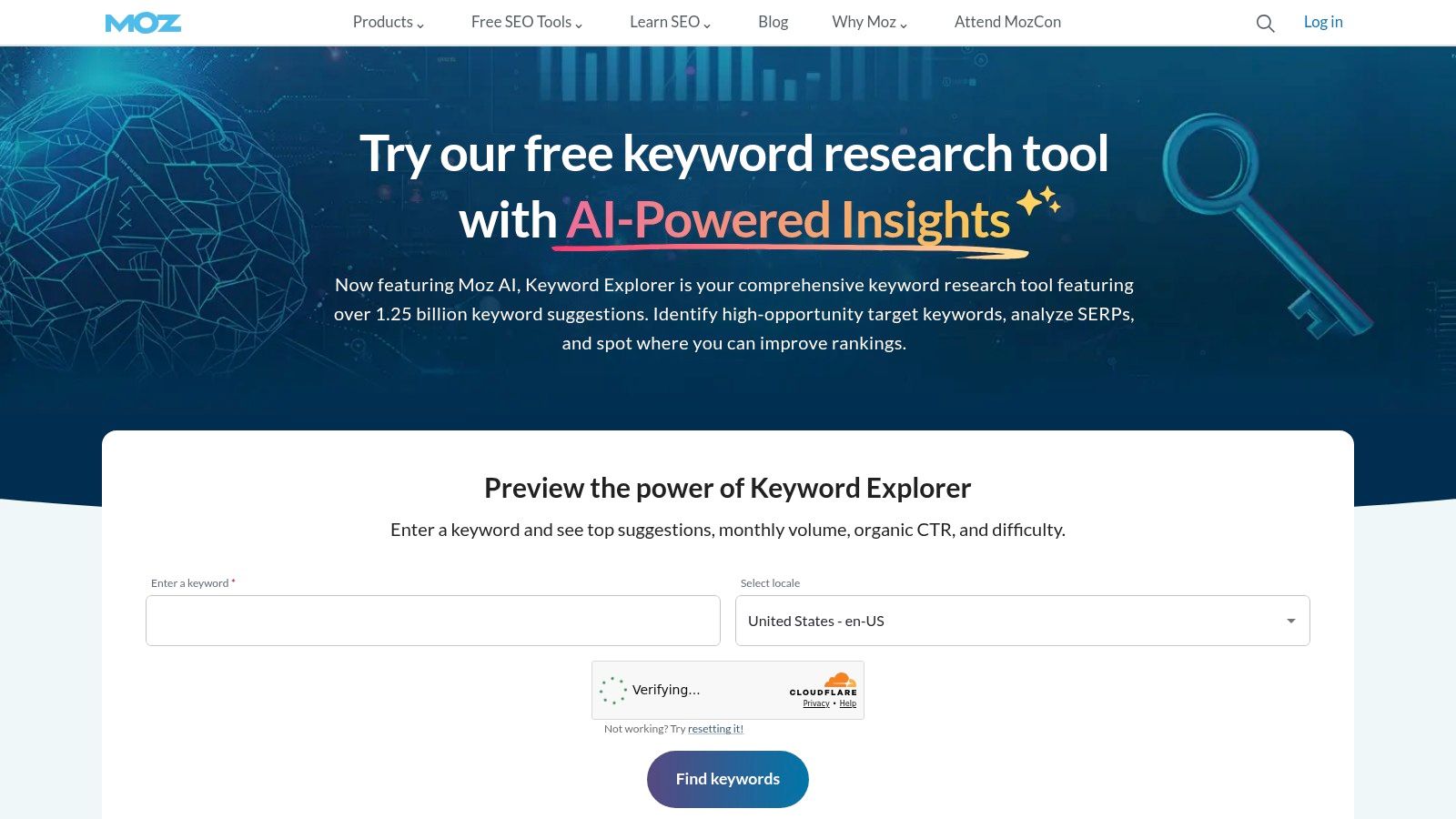
Moz Keyword Explorer combines keyword discovery with demand, difficulty, organic click-through potential, SERP analysis, and keyword lists. That makes it useful for narrowing a plausible topic set into a defensible publishing priority.
The decision should be comparative. A highly relevant term with modest demand may deserve attention before a broader phrase if the results suggest better click potential and a more achievable competitive position.
Make the metrics explain the choice
Use Moz to compare candidates, then write down why the preferred opportunity deserves a page. Keep business relevance in the decision, because a keyword score can't establish whether the searcher is likely to become a customer.
Organic click-through potential is particularly useful as a prompt to inspect the actual results. Review what appears above and around traditional listings rather than assuming ranking position alone determines traffic.
- Main advantage: Several opportunity measures help structure prioritization.
- Best ecosystem fit: Teams that also want Moz Pro's broader SEO functions can keep more work together.
- Purchase constraint: Full research access is tied to paid plans, although limited access is available through a free community account.
The broader suite is harder to justify if keyword research is infrequent and you won't use the surrounding tools. In that situation, evaluate whether limited access covers your real workload before upgrading.
Choose Moz for metric-led prioritization. Keep the final judgment tied to intent, page suitability, and commercial relevance rather than selecting whichever keyword receives the strongest-looking score.
6. SE Ranking
For an agency, discovering a keyword is only the beginning. Someone must assign it to a project, track it, and reuse the evidence in reporting.
SE Ranking combines keyword research with rank tracking, competitor research, and site-level SEO tools. Its reports include related terms, difficulty, estimated demand, advertising metrics, and organic and paid search results.
Choose it for structured project work, particularly when research must feed recurring reporting rather than a standalone spreadsheet. API access also makes it relevant for teams that need to reuse keyword data in other workflows.
Test operational limits early
A sensible agency workflow starts with a client's commercial pages, expands related searches, checks competitors, and moves approved terms into tracking. Evaluate that entire sequence before deciding whether the plan fits.
- Project capacity: Check that client sites and working projects fit the selected allowance.
- Reporting capacity: Verify search, export, and reporting limits against the work your team delivers.
- Access requirements: Confirm seat and API availability rather than assuming they're included.
SE Ranking's volume data is based on Google Keyword Planner, so differences from another provider shouldn't automatically be treated as errors. Validate important opportunities against observed performance and the search results.
For a direct purchasing comparison, use SE Ranking vs Semrush to frame the choice around workflow and allowances. SE Ranking belongs on the shortlist when project organization, tracking, and reusable reporting matter as much as keyword discovery.
7. KWFinder by Mangools
Choose KWFinder for focused long-tail and location-specific research. It's a better fit for narrowing a topic than managing a sprawling SEO operation.
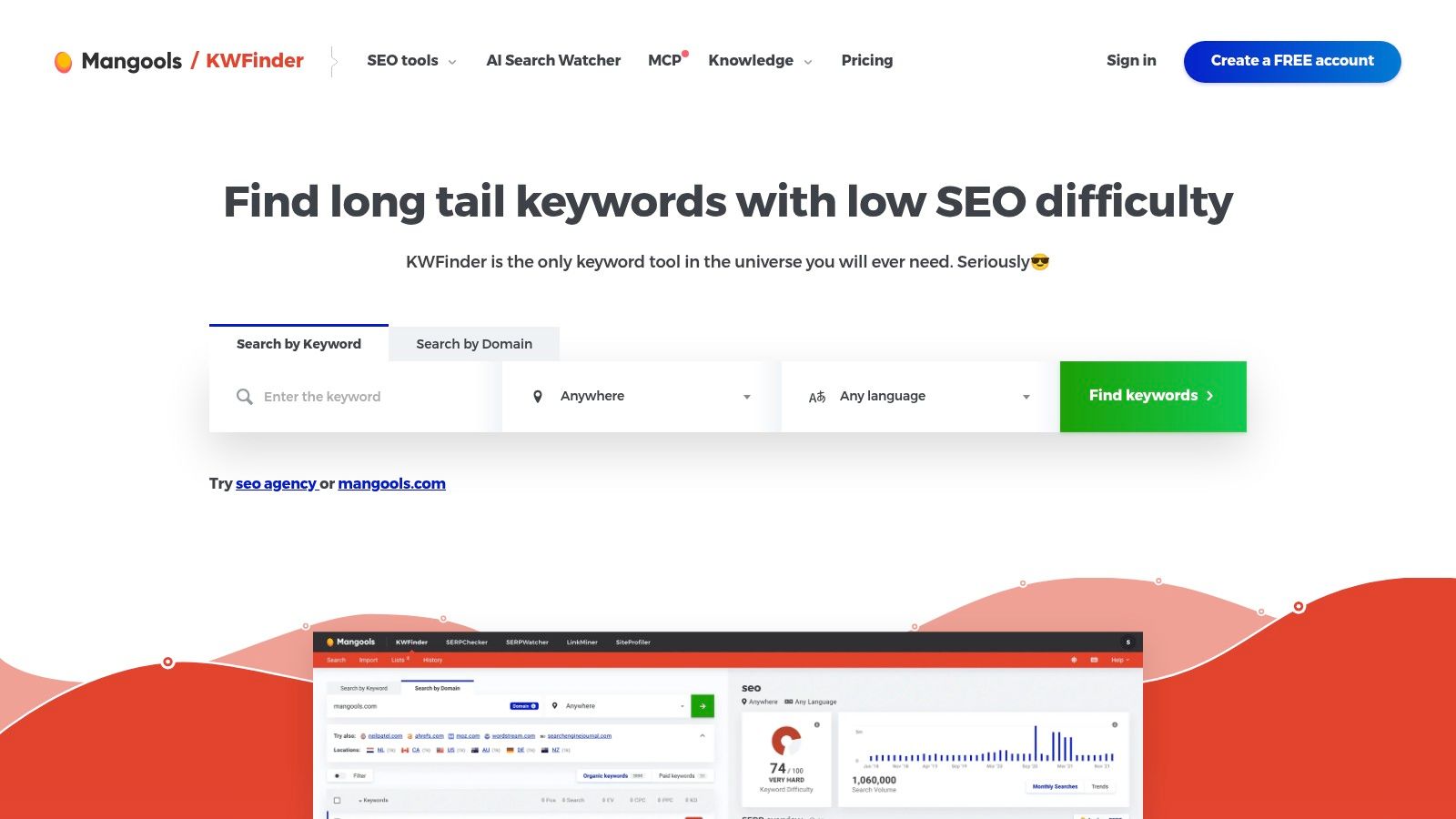
KWFinder by Mangools combines related keyword ideas, competitor research, filtering, and localized SERP inspection. Search-volume and difficulty filters help reduce a broad list, while the results themselves help you decide whether the remaining searches fit your page.
For a freelancer researching a local service site, the useful task isn't collecting every related phrase. It's separating service-page opportunities from informational questions and checking the competition in the intended market.
Practical rule: Apply the target location before approving a keyword. An unrestricted search result isn't a substitute for the market your client serves.
A focused tool inside a broader subscription
KWFinder belongs to the Mangools suite, alongside companion tools for SERP checks, rank tracking, and backlinks. It isn't sold separately, so judge the purchase against both your research needs and any companion tools you'll use.
Bulk imports and keyword lists support an orderly workflow. Import existing ideas, filter them, inspect the relevant results, and retain only terms that have a clear purpose.
The main constraint is research allowance. Daily and plan-based lookup limits can interrupt high-volume work, especially if you repeatedly change locations or investigate many unrelated topics.
A free plan is available without a credit card. Use it to test a representative assignment, then choose paid access only when the available lookup capacity matches your normal workload.
8. SpyFu
Start with SpyFu when your question is about a competitor's search strategy rather than a seed keyword.
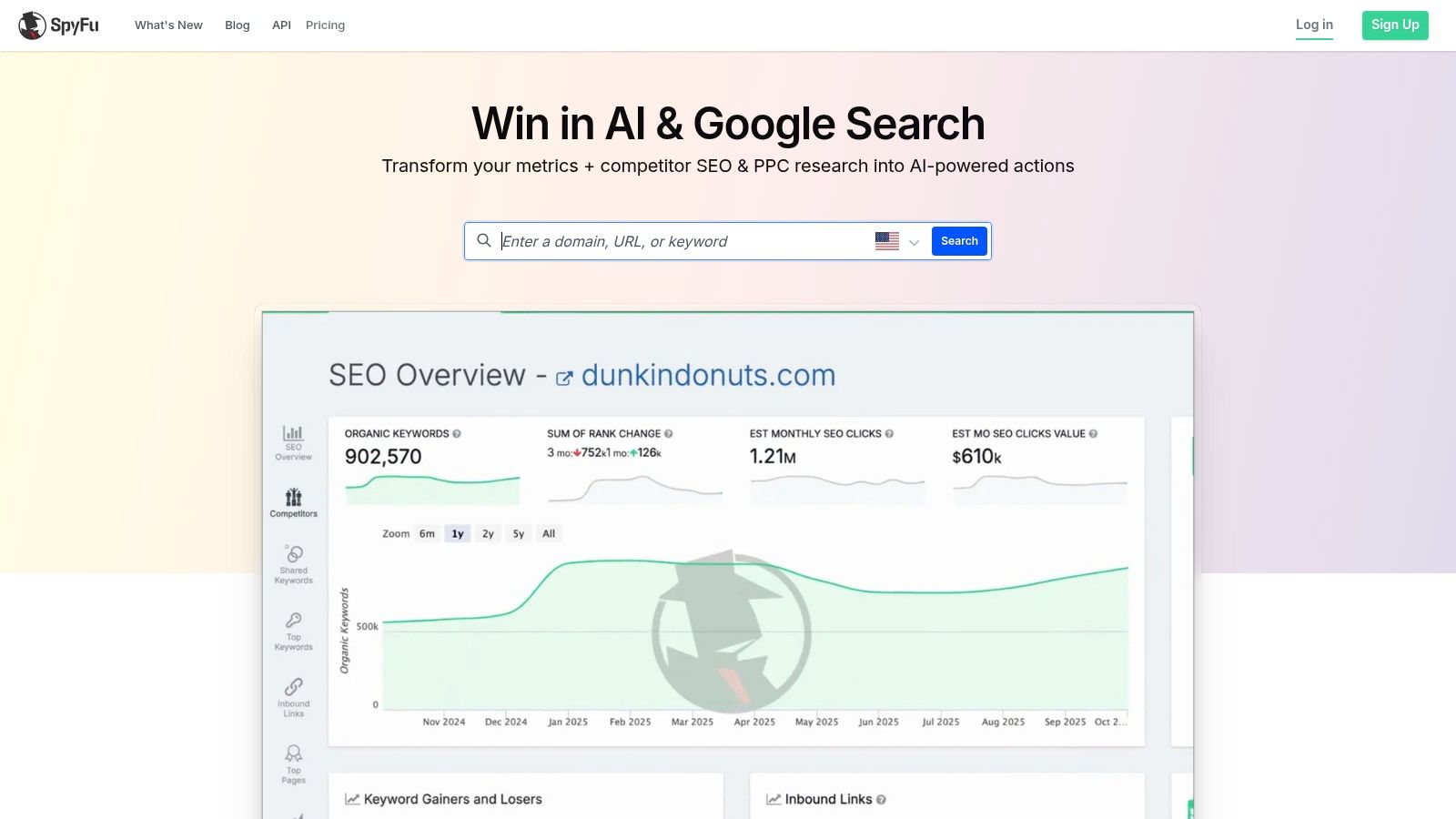
SpyFu emphasizes competitor domain research, including organic ranking keywords and paid-search terms. That approach is useful when you know the competing businesses but haven't yet mapped the searches relevant to your own site.
Investigate a competitor serving the same audience, then distinguish commercially relevant terms from unrelated traffic. Their keyword footprint is a starting point for research, not permission to copy their publishing strategy.
Turn competitive evidence into your own priorities
A practical workflow is to identify relevant competitor terms, group them by intent, and compare them with your existing pages. Investigate the search results before deciding whether to improve a page, create a new one, or ignore the opportunity.
- Strongest use: Competitor-led discovery across organic and paid search.
- Useful supporting capabilities: Exports, organization, tracking, and historical views on certain paid plans.
- Main limitation: A domain-first approach is less direct if you primarily want quick seed-keyword expansion.
Some domain-level information is available to free users. Paid access includes US and international data, but verify coverage for the markets you serve and inspect result, export, history, and tracking allowances.
Choose SpyFu when competitor investigation drives the brief. If you need research tied more closely to audits, analytics, or implementation priorities, compare these SpyFu alternatives before committing.
The right outcome is a differentiated page plan, not an export of everything another company ranks for.
9. Serpstat
Serpstat belongs on the shortlist for teams that need keyword research alongside recurring site analysis and reporting.
Serpstat brings keyword research together with competitor and domain analysis, rank tracking, audits, and backlinks. Its keyword overview includes demand, CPC, competition, difficulty, variations, and competing domains.
That combination suits a team evaluating a category or topic across several sites. Researchers can investigate demand and competitors while keeping site-level problems within the same product.
Capacity matters more than breadth
The purchasing decision should start with the expected workflow. Research a topic, investigate competing domains, export the approved set, and determine how the findings will reach the people implementing them.
Higher plans add API access, batch analysis, and scheduled reporting. Those capabilities matter when teams need repeatable data delivery, but they're unnecessary overhead for someone who only wants occasional keyword suggestions.
- Check search allowances: Repeated exploration can consume capacity even when the final deliverable is small.
- Check export allowances: A usable report inside the interface doesn't guarantee the same capacity for downstream work.
- Check project requirements: Match tracking and audit needs to the actual portfolio.
Serpstat's wider feature set is an advantage only if your team will use it. Don't select a higher tier for hypothetical future requirements while leaving today's workflow untested.
Choose Serpstat for organized, repeatable team research. Prefer a specialist if you don't need its surrounding SEO functions, and evaluate a connected analyst-style platform if interpretation rather than reporting capacity is your main bottleneck.
10. Ubersuggest
A solo site owner needs enough information to choose a useful page, publish it, and monitor progress. Ubersuggest is a sensible option for that broader, hands-on SEO routine.
Ubersuggest includes keyword suggestions, bulk analysis, competitor research, content ideas, rank tracking, and site audits. Its appeal is access to several everyday SEO tasks without choosing a tool solely for deep specialist investigation.
For a blogger, start with a topic that fits the audience. Review suggestions and competing pages, choose a relevant angle, and decide whether the opportunity belongs in an existing article or a new page.
Evaluate the allowance, not just the payment model
Ubersuggest offers limited free access, monthly plans, and lifetime-purchase options. The lifetime option deserves consideration if you want to avoid an ongoing subscription, but it shouldn't outweigh unsuitable usage limits.
Check search, project, tracked-keyword, and export allowances before buying. A payment model that looks attractive won't help if your normal research process repeatedly exceeds the included capacity.
Its figures are estimates assembled from multiple data providers, not exact search counts. Use them to compare opportunities, then validate intent and inspect the actual results.
- Choose it for accessible solo work: Keyword discovery, competitor checks, tracking, and audits sit within the same platform.
- Skip premature upgrades: Establish that free access can't support your workload before paying.
- Keep decisions focused: Retain keywords only when you can identify the audience need and the page that will meet it.
Choose Ubersuggest for a manageable, general SEO toolkit. Evaluate deeper professional suites when your work demands more extensive competitive investigation or complex team reporting.
Top 10 SEO Keyword Research Tools Compared
| Platform | Core SEO & Keyword Features | Standout Value | Best For | Pricing & Access |
|---|---|---|---|---|
| 🏆 Keyword Kick | GA4, Search Console, keyword research, rankings, backlinks, audits, competitor analysis | ✨ K² AI prioritizes actions; detects six cannibalization types. ★ Unified, actionable insights | 👥 Creators, agencies, brands, and larger teams | 💰 Free forever; paid plans from $49/month; 7-day trial |
| Semrush | Keyword ideas, competitor research, rank tracking, audits, content tools | ✨ Broad marketing suite. ★ Extensive research workflows | 👥 Agencies and in-house teams | 💰 Limited free access; paid subscription |
| Ahrefs | Keyword and SERP research, backlink and competitor analysis, audits, rank tracking | ✨ Connects keywords to ranking pages and backlinks. ★ Strong competitive context | 👥 SEO professionals and site owners | 💰 Free tools for verified sites; full keyword research is paid |
| Google Keyword Planner | Keyword ideas, search estimates, ad cost data, location planning | ✨ Google Ads keyword data. ★ Useful for local and paid-search planning | 👥 Advertisers and users seeking basic keyword research | 💰 Available through a Google Ads account |
| Moz Keyword Explorer | Keyword discovery, demand and difficulty metrics, SERP analysis, lists | ✨ Organic click-through potential metric. ★ Multiple signals for prioritization | 👥 SEO teams using the Moz ecosystem | 💰 Limited free access; full workflow requires paid plan |
| SE Ranking | Keyword suggestions, difficulty, volume, CPC, SERPs, rank tracking | ✨ API and reporting options. ★ Supports structured research workflows | 👥 Agencies and teams | 💰 Paid plans with varying allowances |
| KWFinder by Mangools | Keyword ideas, filters, competitor research, localized SERPs | ✨ SERP data across 50,000+ locations. ★ Useful for long-tail research | 👥 Local businesses and keyword researchers | 💰 Free plan; paid access bundled with Mangools |
| SpyFu | Competitor organic and paid keywords, keyword metrics, exports | ✨ Competitor-led discovery. ★ Helpful for SEO and PPC research | 👥 Marketers analyzing competitor strategies | 💰 Some free domain data; paid plans available |
| Serpstat | Keyword metrics, variations, competitor analysis, audits, rank tracking | ✨ Batch analysis and API on higher tiers. ★ Broad SEO toolkit | 👥 Agencies and growing teams | 💰 Paid plans with tier-based limits |
| Ubersuggest | Keyword ideas, bulk analysis, competitor research, rank tracking, audits | ✨ Monthly and lifetime purchase options. ★ Broad toolkit for smaller sites | 👥 Solo site owners and small businesses | 💰 Limited free access; monthly and lifetime options |
Choose the Workflow You Need, Then Test It
The best keyword research tool for SEO is the one that helps you make a defensible decision and carry it into implementation. Don't pay for a large keyword list when your real problem is deciding which existing page needs attention.
Choose Semrush or Ahrefs for broad professional analysis. Semrush suits connected marketing and SEO workflows, while Ahrefs is particularly useful when ranking pages and backlinks shape your competitive assessment.
For more focused needs, choose Google Keyword Planner for low-cost directional planning, Moz for metric-led prioritization, and KWFinder for localized long-tail research. Choose SE Ranking or Serpstat for structured team workflows, SpyFu for competitor-led discovery, and Ubersuggest for accessible solo SEO work.
Test a real deliverable
Run a short trial using the same seed keywords, target market, and competitor set across shortlisted tools. Include an existing page as well as a topic you haven't covered, so you test prioritization and discovery rather than just suggestion volume.
Use an assignment that reflects your role:
- Agencies: Build a client-ready opportunity brief, assign keywords to pages, and test the reporting handoff.
- In-house teams: Investigate an underperforming commercial page using query performance, competitors, and technical context.
- Freelancers: Produce a scoped recommendation that explains the opportunity, implementation work, and evidence.
- Bloggers: Select a relevant long-tail topic, inspect intent, and decide whether to update existing content or publish something new.
Compare data clarity, workflow fit, usage limits, and total recurring cost. Include the surrounding work: spreadsheet cleanup, repeated exports, manual interpretation, and any separate products you still need.
Measure visibility beyond position
Don't evaluate a tool solely on rankings or volume. Pew findings summarized by The Decoder found traditional-result clicks in 8% of searches with an AI Overview, compared with 15% without one, while cited-source clicks occurred just 1% of the time.
A ranking is evidence of placement. It isn't proof that the search result will deliver the clicks or business outcomes you need.
Inspect SERP features, observed impressions, click-through behavior, and conversion relevance. Ask vendors to demonstrate any AI-answer tracking you require rather than assuming ordinary rank tracking includes it.
Keyword Kick is the most practical next step when disconnected evidence slows decisions. Connect your performance data, ask K² which pages deserve attention, and review whether its recommendations produce a clearer implementation queue than your current process.
Start with the permanent Free plan and a real project. Upgrade only after you've confirmed that the recommendations are useful, the workflow fits your team, and the relevant allowances support your workload.
Keyword Kick connects keyword research with analytics, rankings, backlinks, and technical signals so you can prioritize pages using more than estimated search volume. Visit Keyword Kick to start with the permanent Free plan and ask the K² AI Agent which opportunities deserve your attention first.