Beyond the Hype: SEO AI Tools That Work for Free
You've seen the pitch a hundred times. One AI tool promises instant rankings. Another says it will write perfect content, fix technical SEO, and uncover low-competition keywords while you sleep. Then you click through and hit a paywall, a trial trap, or a signup flow that gives you almost nothing useful.
That's the core issue with searching for SEO AI tools free. There are plenty of tools, but the gap between “free” and “usable” is often huge. Some give you a real working tier. Others give you a demo dressed up as a product.
This guide focuses on tools you can put to work now. Not just to generate text, but to research keywords, inspect SERPs, improve on-page content, and build a workflow that doesn't collapse the moment you run out of credits.
The timing matters. The AI SEO software tools market is projected to reach USD 2.43 billion in 2026 and USD 5.97 billion by 2035, with a projected 10.5% CAGR from 2026 to 2035, according to Business Research Insights on the AI SEO software tools market. Free tools aren't a side show anymore. They're part of a mature software category.
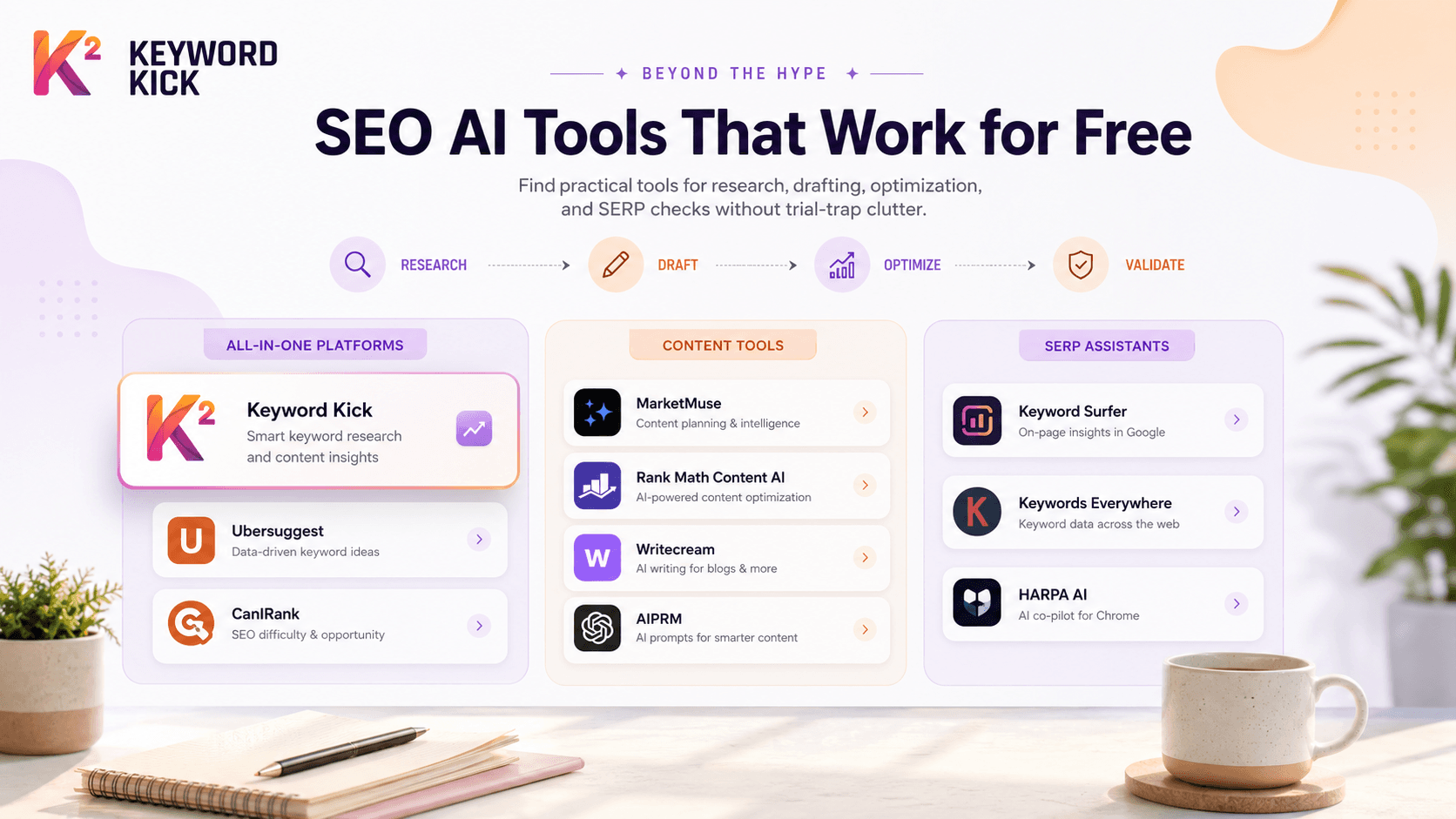
I've sorted the list into practical buckets:
All-in-One Platforms: Tools that act as your central SEO workspace.
Specialist Content Tools: Better for briefs, optimization, drafting, and editing.
Lightweight SERP Assistants: Fast browser-based tools for quick validation and research.
The useful part isn't just the feature list. It's knowing the limits, what each tool is good at, and where the free tier stops being enough.
All-in-One Platforms
1. Keyword Kick

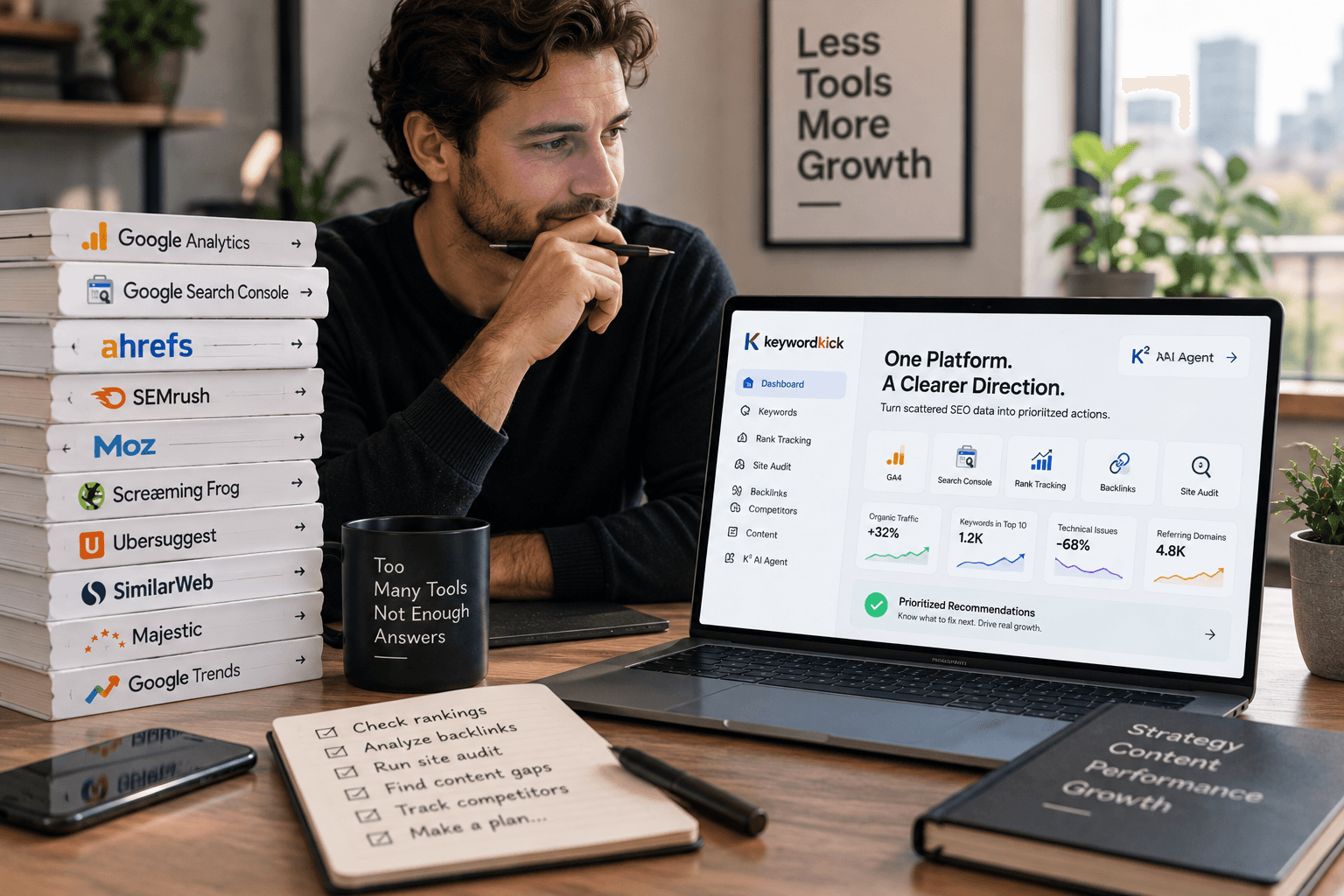
Keyword Kick is the one I'd put at the top if you want an actual operating system for SEO instead of a pile of disconnected widgets. Its biggest advantage isn't that it has AI. Most tools now say that. Its advantage is that it combines ranking data, Search Console signals, analytics inputs, audits, backlinks, and content workflows into one place, then turns that into prioritized actions.
That matters because most SEO teams don't need more dashboards. They need triage. They need to know which pages slipped, which terms are cannibalizing each other, what technical issue is blocking visibility, and what to fix first.
Why it stands out
Keyword Kick's K² AI Agent is built around that exact problem. You're not just pulling reports. You're asking questions and getting action-oriented answers tied to your project data.
The platform also gives you a free forever tier with no card required, which is rare among tools that position themselves as full SEO workspaces. For freelancers and lean teams, that's enough to test whether the product's recommendation layer helps you move faster before you commit to a paid plan.
Practical rule: Free tools are most useful when they reduce decision fatigue, not when they add more metrics you have to interpret yourself.
For a deeper look at that shift from dashboard-heavy workflows to guided execution, this piece on AI-guided SEO workflows is worth reading.
Best fit and trade-offs
Keyword Kick fits agencies, in-house teams, e-commerce operators, and solo SEOs who need one place to manage search performance. It's especially strong if your current setup feels fragmented and you're constantly bouncing between analytics, rank tracking, content docs, and technical audit tools.
Its free tier is useful, but it's still a tier. Heavy users will hit limits on tracked keywords, audit capacity, and AI messages. Also, like any serious SEO platform, it won't implement changes for you. It tells you what deserves attention. Your team still has to make the fixes.
A few strengths stand out:
Unified decision-making: GA4, Search Console, rank tracking, backlinks, audits, and Ads can sit in one workflow.
Prioritized recommendations: K² points to likely causes and likely next steps instead of dumping raw data.
Broad feature coverage: It handles content, technical SEO, tracking, competitive analysis, and cannibalization checks in one product.
Use Keyword Kick when you want free access that's meaningful enough to build habits around, not just poke at for ten minutes.
2. MarketMuse
A common SEO bottleneck looks like this: the keyword is chosen, the draft is half done, and nobody can say with confidence whether the page covers the topic well enough to rank. MarketMuse is built for that problem.
It focuses on content strategy and content depth. It does not try to be your rank tracker, technical crawler, or full SEO command center. That narrower scope is exactly why some teams get real value from it. MarketMuse helps you plan what a page should include before a writer burns hours producing a thin article that needs a rewrite later.
The strongest use case is topic modeling. Instead of handing writers a keyword and a word count, you can build briefs around subtopics, related terms, and coverage gaps. For editorial teams publishing in a defined niche, that is often more useful than another dashboard full of traffic charts.
It works best for three groups: content teams managing briefs at scale, consultants improving weak pages for clients, and site owners building topical authority in one category. If your bigger problem is indexing, internal links, or technical cleanup, MarketMuse will not solve it.
That makes it a good fit in this guide's all-in-one section only with a caveat. It is closer to a content planning platform than a true all-purpose SEO suite. The benefit is sharper recommendations for content. The cost is obvious. You still need other tools for technical SEO, site monitoring, and broader research.
If you want context on why more SEOs are shifting from passive reporting to recommendation-first workflows, this article on dashboard SEO vs AI-guided SEO workflows matches the way MarketMuse is usually used in practice.
The free plan is useful for evaluation, not for running a serious editorial operation. You can test how it scores coverage, review content briefs, and see whether its recommendations match your niche. You will also hit limits quickly if you publish often or need repeated optimization cycles across many URLs.
Use MarketMuse when the main question is content depth, not overall SEO management. It is a strong specialist tool, and that distinction matters before you build it into your workflow.
3. Ubersuggest
Ubersuggest sits in the middle ground between beginner-friendly and useful. It covers keyword research, rank tracking, basic audits, backlink snapshots, and an AI writing component without requiring a steep learning curve.
That simplicity is the point. Plenty of all-in-one SEO platforms throw too much at newer users. Ubersuggest is easier to use, and for quick checks, that matters more than having every possible report.
What works and what doesn't
If you're a freelancer, blogger, or small business owner handling your own SEO, Ubersuggest gives you enough to validate ideas and spot obvious issues. It's also one of the easier ways to test a mixed workflow where you research keywords, inspect a site, and draft around the same topic without switching tools constantly.
Its main weakness is ceiling, not usability. The free plan's daily caps are restrictive, and the AI writing side isn't where I'd build my whole workflow. It's fine for rough assistance, not for final quality. That's a recurring pattern with many freemium SEO tools. The research side is often more useful than the writing side.
Don't judge a free SEO tool by how much text it can generate. Judge it by whether it helps you make a better optimization decision.
Ubersuggest is a good fit when you want one interface offering fundamental features and you don't need deep technical diagnostics. If you're already operating at scale, you'll outgrow it.
You can test that workflow at Ubersuggest.
4. CanIRank
CanIRank takes a more prescriptive angle than many older SEO tools. Instead of drowning you in metrics, it tries to answer a simpler question. What should you do next if you want a realistic chance to improve rankings?
That framing is useful for smaller teams and non-specialists. A lot of free SEO software gives you data without context. CanIRank's appeal is that it turns opportunity analysis into tasks.
Best use case
Use CanIRank when you need prioritization more than exploration. It's a solid option for business owners, junior marketers, and consultants who want a lightweight recommendation engine before stepping into larger platforms.
The limitation is that its free preview is exactly that, a preview. It can help you understand the style of recommendations and whether the interface clicks for you, but it won't replace a daily-use suite on the free plan.
Its strengths are straightforward:
Action-first recommendations: Better for people who don't want to translate reports manually.
Opportunity framing: Helpful when deciding where to invest limited SEO time.
Low-friction entry: Easy to test before committing.
Use CanIRank if you want a planning assistant more than a full technical command center.
Specialist Content Tools
5. Rank Math Content AI
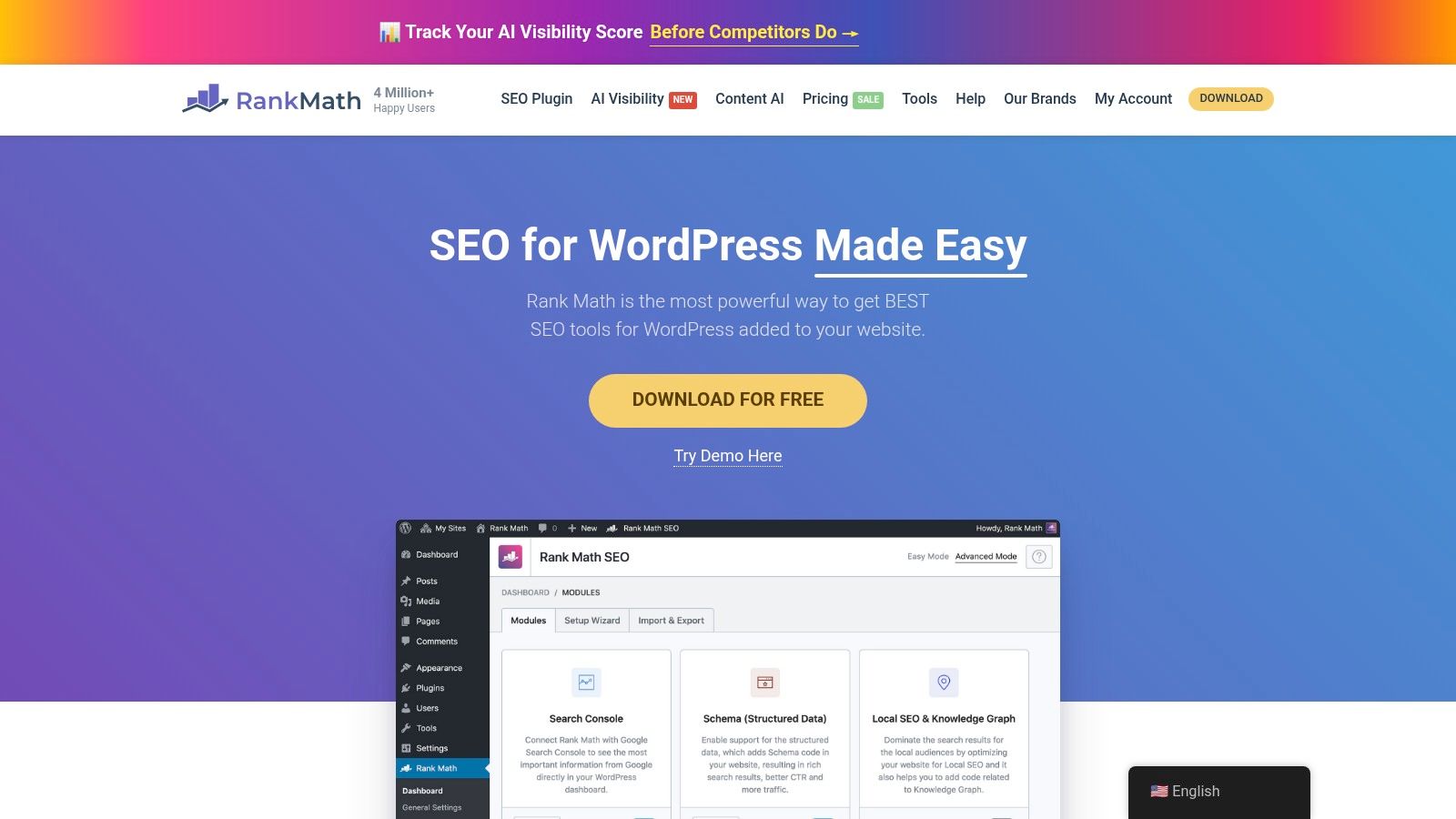
Rank Math Content AI is most useful when your site already lives in WordPress and you want SEO guidance where you write. That in-editor workflow is its real advantage. You don't have to bounce between a content tool, a metadata generator, and your CMS.
The core Rank Math plugin already covers a lot on the technical side for WordPress users. Content AI adds suggestions for titles, meta descriptions, keywords, and content improvements inside the publishing workflow. For small teams, that reduces friction enough to matter.
Practical fit
I like Rank Math most for publishers who want one WordPress-centered setup. If you're running your own site and don't want separate tools for schema, sitemaps, on-page guidance, and metadata support, it's efficient.
There's a bigger market signal behind tools like this. According to Market.us reporting on the AI-powered SEO software market, 56% of marketers were already using generative AI in SEO workflows as of 2025, largely for research, ideation, and rewriting. Rank Math fits that pattern well because it keeps AI assistance close to the act of publishing instead of making it a separate process.
The trade-off is predictable. Free AI usage is capped, and once you depend on the suggestions regularly, you'll feel those limits. Also, it's a WordPress solution. If your content ops happen elsewhere, much of the appeal disappears.
Use Rank Math if WordPress is your main environment and you want AI assistance embedded into your editorial workflow.
6. MarketMuse versus Rank Math for content depth
If I had to choose between MarketMuse and Rank Math for a content-first workflow, the choice is simple. Use MarketMuse when you need strategic planning before writing. Use Rank Math when you need tactical help while editing inside WordPress.
They solve different problems. MarketMuse helps you decide what a strong page should cover. Rank Math helps you tighten execution once you're in the CMS.
That distinction matters because a lot of people buy the wrong type of AI SEO tool. They expect a drafting or optimization assistant to replace topic planning. It won't. It can improve a weak article, but it won't fix a weak content strategy.
7. Writecream
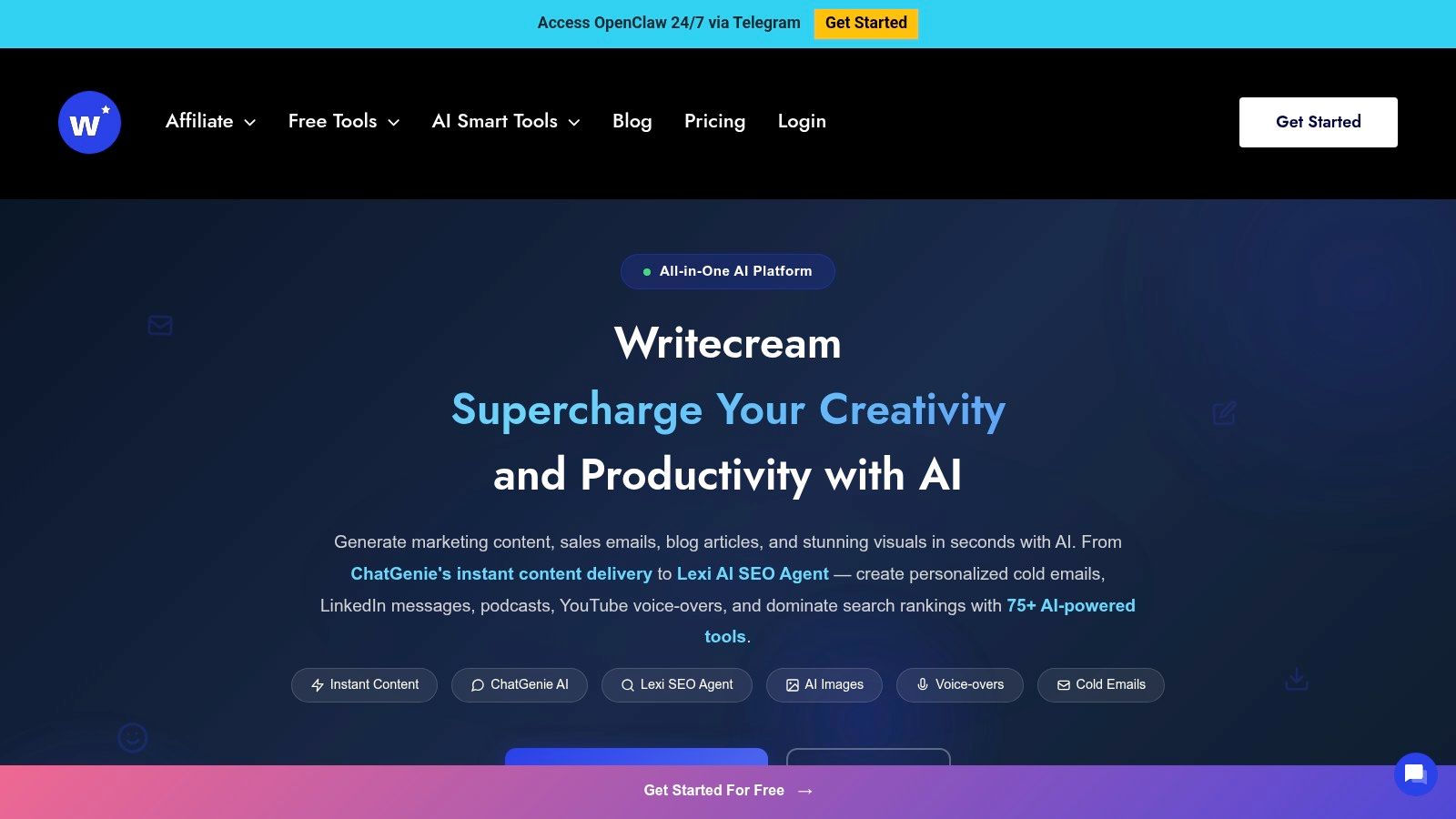
Writecream is an AI drafting tool first, not an SEO platform. That sounds obvious, but it matters because plenty of users search for SEO AI tools free when what they need is help producing rough drafts, intros, meta descriptions, and outreach copy faster.
Writecream gives you that low-friction drafting environment. It's good for experimenting, building first drafts, and testing whether AI-assisted writing fits your process without investing in a broader suite.
Where it earns a place
For freelancers, startup marketers, and solo site owners, Writecream is useful as a drafting layer that complements another research tool. I wouldn't use it alone for SEO, but I would use it to accelerate the first version of content after keyword and SERP research is done.
The downside is the same one you'll hit with most free writing tools. Limits show up fast, and the output quality still depends heavily on the input. If your brief is vague, the draft will be vague. If your positioning is generic, the copy will be generic.
Practically speaking:
Good for: Drafting, rewriting, basic metadata, simple research-led content starts.
Not good for: Technical audits, SERP diagnostics, or deep competitive SEO analysis.
Best paired with: A keyword or SERP research tool from the list below.
You can try it at Writecream.
Lightweight SERP Assistants
8. Keyword Surfer

Keyword Surfer is one of the easiest tools to recommend because it does one job well. It makes Google search results more useful while you're already researching.
That matters more than people admit. Research speed often collapses because you keep opening separate tabs for volume checks, related terms, and content ideas. Keyword Surfer keeps those cues in the SERP.
Best use case
Use it at the beginning of a content workflow. It's strong for sanity-checking topics, spotting related phrases, and deciding whether a keyword deserves a full brief.
It's not a full platform, and that's fine. Not every tool needs to be. The trap is expecting browser extensions to replace actual SEO systems. Keyword Surfer is a research accelerator, not a campaign manager.
The practical upside is speed. The practical limitation is depth.
Try it through Surfer.
9. Keywords Everywhere

Open a SERP, test a seed term, and you can quickly tell whether a topic has room to expand or whether it will collapse into the same few phrases. That is where Keywords Everywhere earns its place.
It adds related terms, long-tail variations, and question patterns directly into the search workflow. For free users, the appeal is not depth. It is convenience at the exact moment you are deciding whether a keyword deserves more work.
Why it belongs in a free stack
Keywords Everywhere fits best in the research category of a free SEO AI toolkit. I would not treat it as a primary keyword database or a replacement for a full research platform. I use it to pressure-test phrasing, spot modifiers, and catch topic angles before I move into briefing or drafting.
That distinction matters. Free plans often look generous until you try to run your whole process inside one tool.
Keywords Everywhere works better as one layer in a workflow blueprint. Use an all-in-one platform for broader keyword direction, use this extension to refine wording on live SERPs, then move the chosen topic into a content tool for structure and optimization. That stack usually gets more value from free plans than forcing one product to do everything.
The trade-off is clear. The browser experience is fast, but the free experience has limits, and the deeper metrics many SEOs want sit behind credits or paid access. That is not a flaw if you use it for what it does well.
Used that way, Keywords Everywhere stays practical and cost-aware. You can install it at Keywords Everywhere.
10. HARPA AI
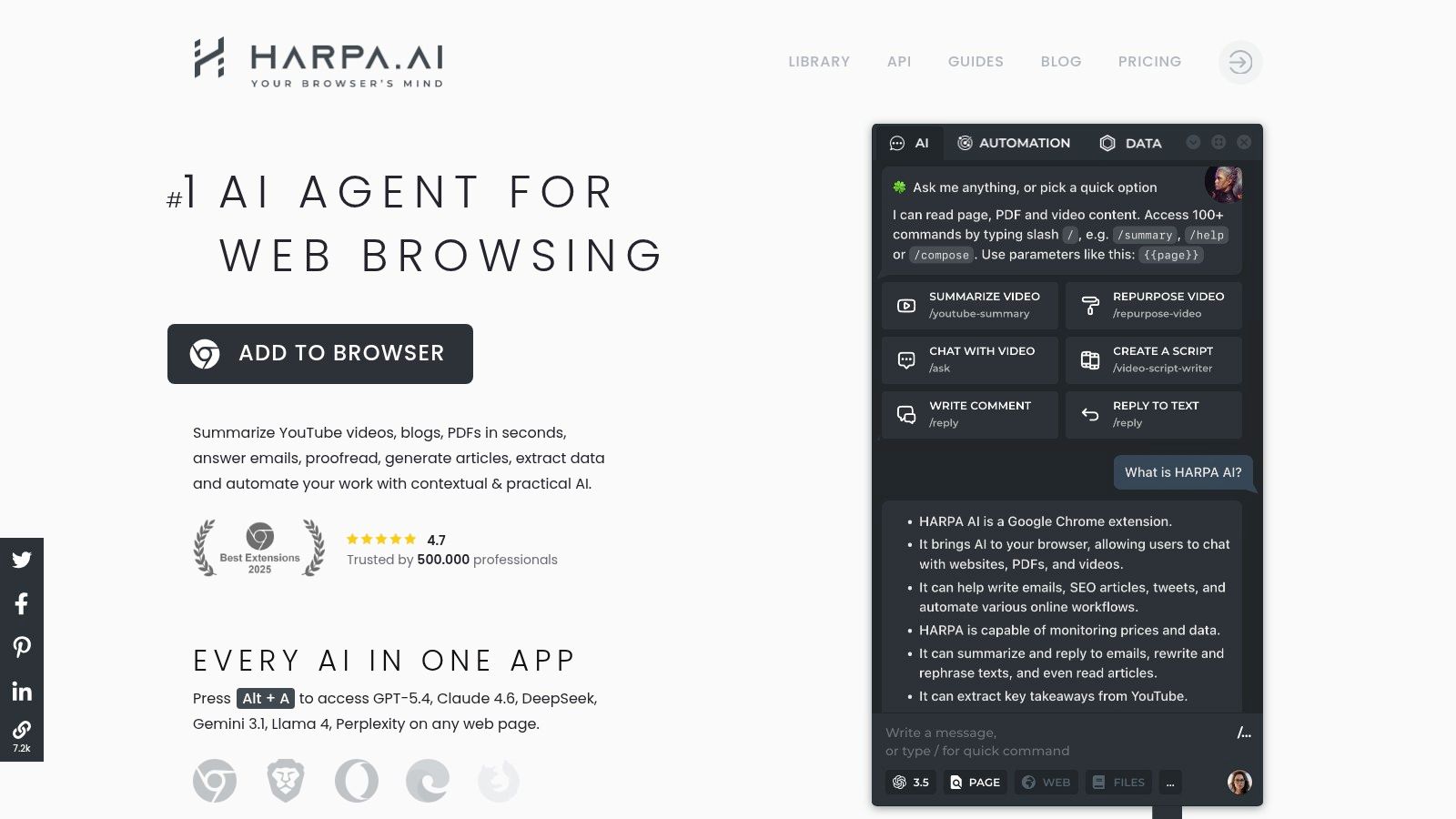
HARPA AI is what I use when I want an in-browser assistant that can interact with the page in front of me. It's useful for summarizing competitors, extracting patterns from ranking pages, drafting outlines from observed SERP structure, and speeding up repetitive SEO analysis.
That browser-native behavior is what makes it different from a plain chatbot. It's not just answering prompts in a vacuum. It's responding to what you're currently looking at.
Where it works best
HARPA AI is ideal for hands-on SERP work. If you review ranking pages manually, compare headlines, inspect structures, or collect angle ideas from competitors, it saves time.
It's also a good entry point into the broader idea of AI agents helping with SEO operations. This explainer on how AI SEO agents work gives useful context for where tools like HARPA fit compared with full platforms.
The catch is usage pressure. Free tasks can run out quickly if you lean on it heavily for summaries and generation. Browser extensions also inherit browser friction. Sessions get messy, tabs pile up, and limits can interrupt flow.
Still, for active research sessions, HARPA AI is one of the more practical free options.
11. AIPRM
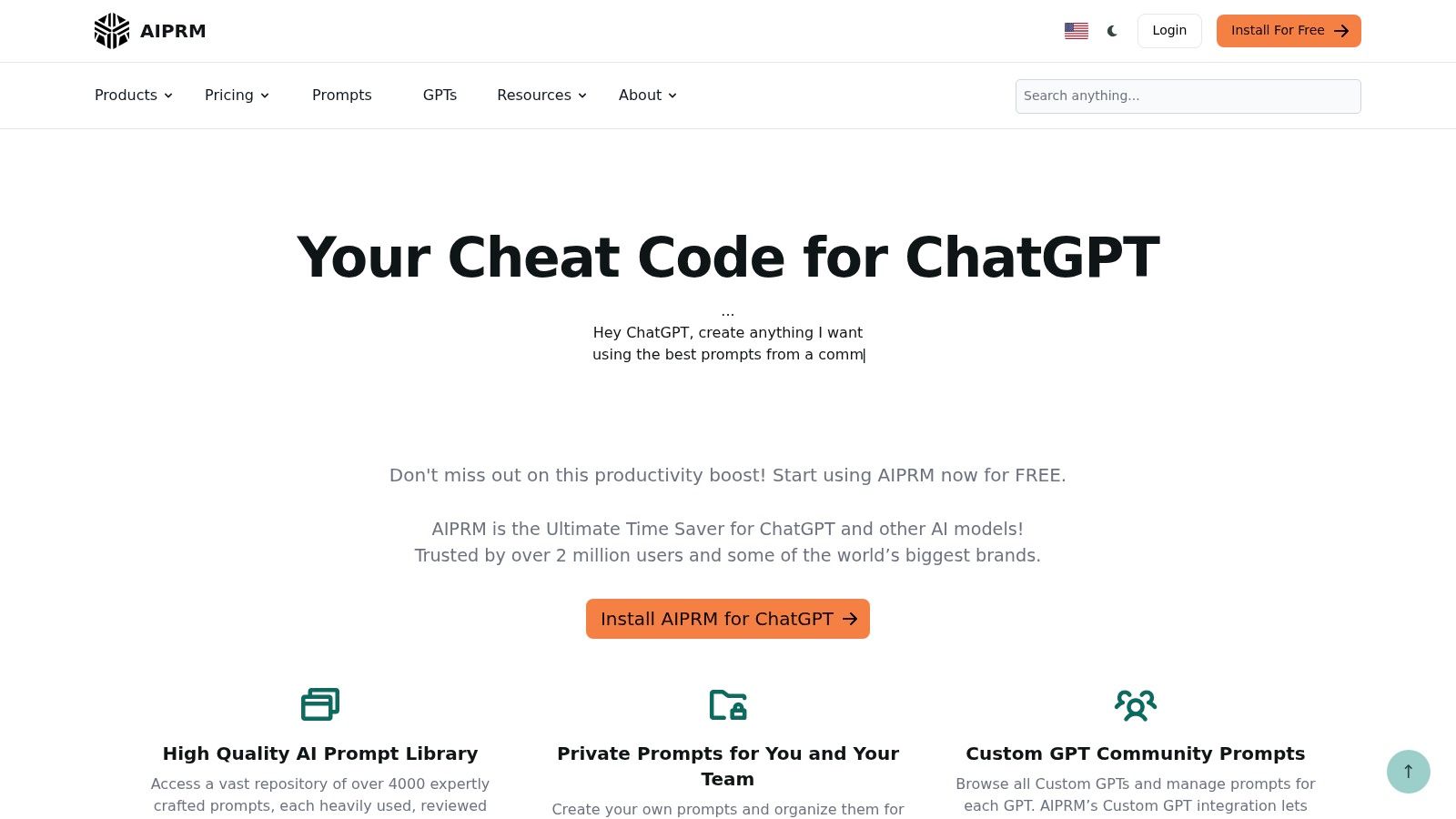
AIPRM is less about data and more about process standardization. If you already use ChatGPT or Claude and you're tired of rewriting the same SEO prompts for briefs, schema ideas, clustering, or metadata, it's a useful shortcut.
Prompt libraries get dismissed because they feel basic. In practice, they're helpful when you want consistency across repetitive tasks. That's especially true for freelancers juggling multiple client sites or teams trying to keep junior writers on a repeatable process.
Honest trade-off
The public prompt library is free and useful, but quality varies. You still need judgment. Some prompts are too generic, some over-engineer the output, and some produce content that sounds like it came from a prompt library.
Use AIPRM as a starting point, not as your strategy. The better your inputs and constraints, the better the result.
You can explore it at AIPRM.
Top 10 Free SEO AI Tools Comparison
Product | Core features | Quality ★ | Price & Value 💰 | Audience 👥 | Unique strengths ✨ |
|---|---|---|---|---|---|
🏆 Keyword Kick | Unified GA4/GSC, rank tracking, backlinks, audits + K² AI agent (22+ tools) | ★★★★★ daily updates, historical trends | 💰 Free Forever (10 keywords, 20 K² msgs); paid from $49/mo | 👥 Agencies, in-house teams, solo creators | ✨ AI-guided prioritized fixes, cannibalization detection, JS rendering, built-in ticketing |
MarketMuse | Topic modeling, content briefs, scoring, topic clusters | ★★★★ deep topical analysis | 💰 Free plan (query caps); paid tiers for scale | 👥 Content teams, SEOs focused on topical authority | ✨ Strong topic modeling & brief builder |
Ubersuggest | Keyword ideas, rank tracking, basic audits, AI Writer | ★★★ beginner-friendly, simple UI | 💰 Free Forever (daily limits); affordable upgrades | 👥 Small businesses, beginners, solo SEOs | ✨ Low learning curve, core tools free |
Rank Math Content AI | In-editor AI suggestions, schema, sitemap, technical SEO controls | ★★★★ WordPress-centric, polished UX | 💰 Core plugin free; Content AI free tier + paid add-ons | 👥 WordPress sites, bloggers, developers | ✨ In-editor optimization, wide WP adoption |
Keyword Surfer (Surfer) | SERP overlays: volumes, related terms, save collections | ★★★★ fast SERP research | 💰 Free Chrome extension; Surfer paid features separate | 👥 SEOs doing quick research, content creators | ✨ Inline SERP insights, no tool-switching |
Keywords Everywhere | SERP overlays, PASF/long-tail ideas, 200+ prompt templates | ★★★ practical, lightweight | 💰 Freemium; basic free features, credits for volume/CPC | 👥 Researchers wanting quick ideas across browsers | ✨ Cross-browser, many free prompt templates |
HARPA AI | Browser agent with 100+ commands, SERP/page analysis, multi-model support | ★★★★ powerful in-browser assistant | 💰 Free tier; paid for higher quotas & automation | 👥 Rapid researchers, content ideation, auditors | ✨ 100+ built-in commands, works with ChatGPT/Claude/Gemini |
AIPRM | Prompt library for ChatGPT/Claude: briefs, schema, outreach templates | ★★★ fast prompt ops | 💰 Freemium; public prompts free, paid for private lists | 👥 Prompt-driven SEOs, agencies using LLMs | ✨ One-click SEO prompts, quick workflow orchestration |
CanIRank | ML-driven opportunity analysis, prioritized to-dos, reporting | ★★★ prescriptive, action-focused | 💰 Free Preview; paid plans for full workflows | 👥 Small agencies, non-experts wanting guided tasks | ✨ Prioritized recommendations geared to execution |
Writecream | Long-form AI writer, ChatGenie search-aware assistant, SEO/meta templates | ★★★ good for drafting & templates | 💰 Free Forever (low limits); paid for higher credits | 👥 Content creators, marketers testing AI drafts | ✨ Multi-format templates, research-aware drafting |
Start Smart with Free SEO AI
A free SEO stack works best when it matches the job in front of you.
A solo consultant cleaning up a weak content library needs a different setup than an in-house marketer validating SERPs between meetings. That is why the category matters more than the headline feature list. All-in-one platforms help with prioritization and workflow control. Specialist content tools help with briefs, topical coverage, and draft support. Lightweight SERP assistants help you research faster without opening five more tabs.
The practical question is not which free tool is best. It is which free plan gets real work done before the limits get in your way.
Use this guide as a build order. Pick one tool from each use case only if you will use it weekly. A simple starting workflow looks like this: use an all-in-one platform to spot opportunities, a content tool to shape or improve the page, and a browser-based assistant to validate what is ranking right now. That setup covers planning, production, and SERP checks without turning your process into tool management.
Free plans also have a real cost. Some restrict credits so heavily that they are only useful for testing. Others give enough access to support a small site, but push historical data, bulk workflows, or team features behind a paywall. That trade-off matters more than flashy AI labels.
One more gap matters. Traditional SEO metrics still help, but they do not fully cover AI-driven discovery. As noted earlier, free tools still do a better job with classic keyword and content workflows than with visibility across answer engines and GEO-style checks.
Start with the task that keeps slipping. If you need direction, choose an all-in-one tool. If your bottleneck is content depth, choose a specialist content tool. If research is slow, install a SERP assistant and remove that friction first.
Keep the stack small. The best free setup is the one you can trust, repeat, and outgrow for the right reasons.