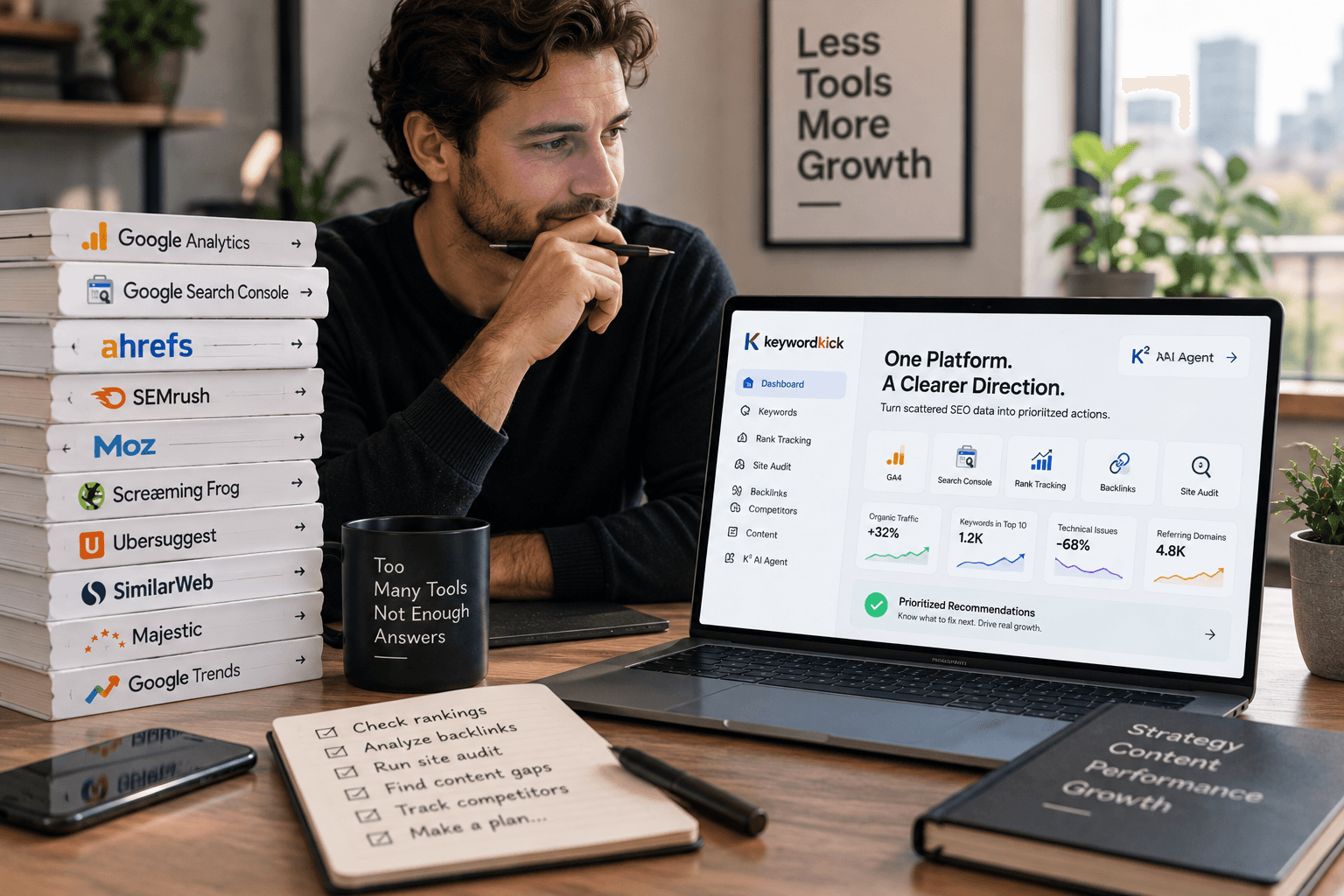
Monday morning, a traffic drop lands in Slack, and the problem is not a lack of data. It is that the data lives in six places, owned by three people, with no clear path from diagnosis to action.
That is the core SEO tools problem. Many teams use one platform for keyword research, another for rank tracking, a desktop crawler for technical audits, Google Search Console for validation, and a spreadsheet to force it all into one view. The result is slow decision-making. Pages that need attention sit untouched because nobody can answer what changed, what matters, and what should be fixed first.
The right search engine optimization tools help teams work in sequence. Research. Audit. Prioritize. Execute. Measure. A single platform can cover part of that workflow, but strong setups usually come from combining tools by function instead of chasing an all-in-one promise that does everything adequately and nothing especially well.
That is the angle of this guide. It does not just rank products from one to ten. It groups them by the job they do best, shows where overlap creates wasted spend, and points out where a mixed stack makes more sense than adding another subscription. If you are comparing all-in-one platforms against specialists, or trying to decide whether a tool like Keyword Kick can replace two or three separate products, this framework will save time.
If keyword discovery is your biggest gap, start with our guide to keyword research tools for different SEO workflows. If you want more practical digital strategy context around search and commerce, Alpha Omega Digital's marketing insights are worth a read.
The sections that follow cover tools for keyword research, competitive analysis, technical crawling, enterprise SEO, and content optimization. Beyond that, they show which combinations fit solo operators, in-house teams, and agencies that need broader coverage without paying twice for the same capability.
1. Keyword Kick
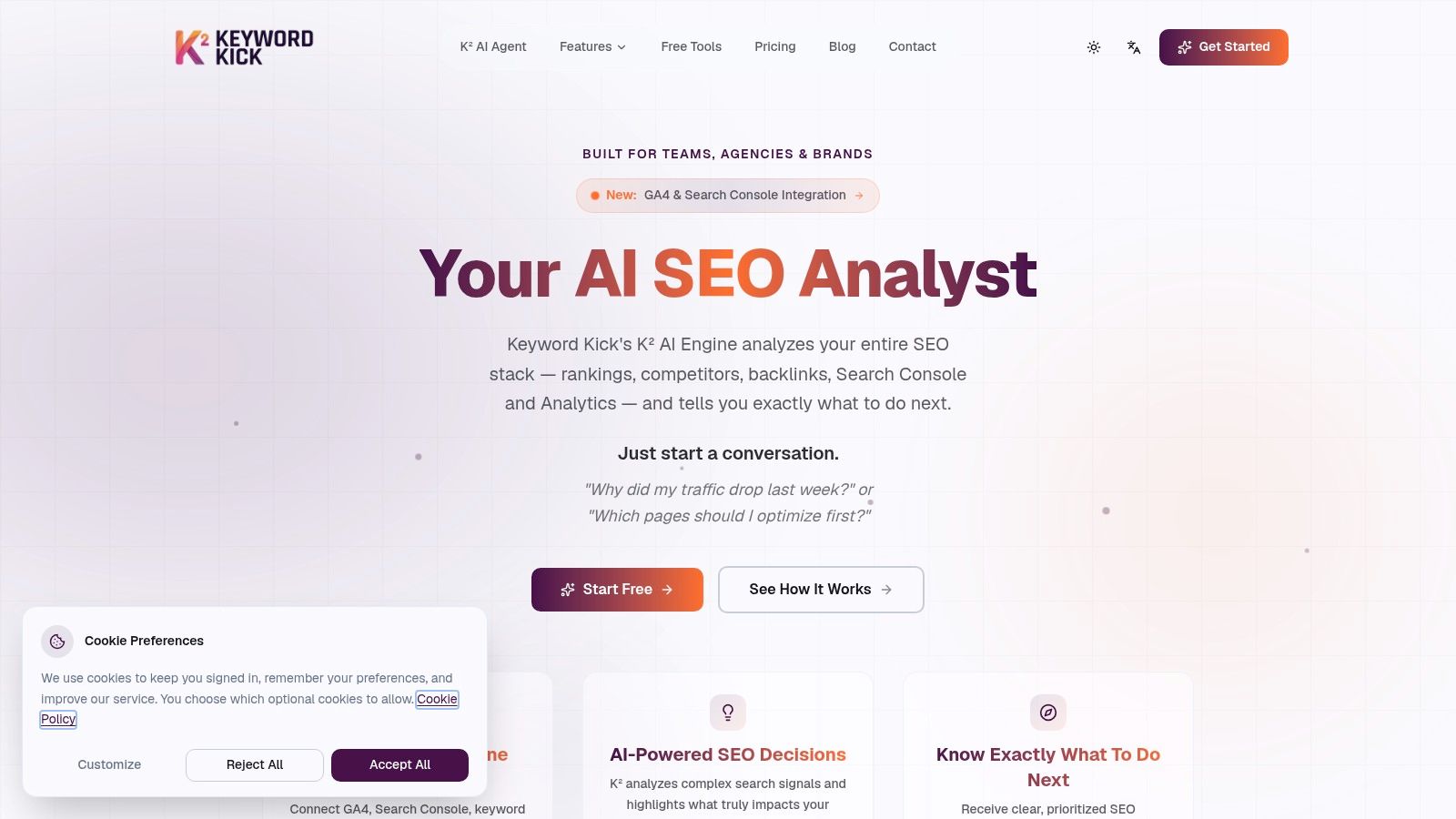
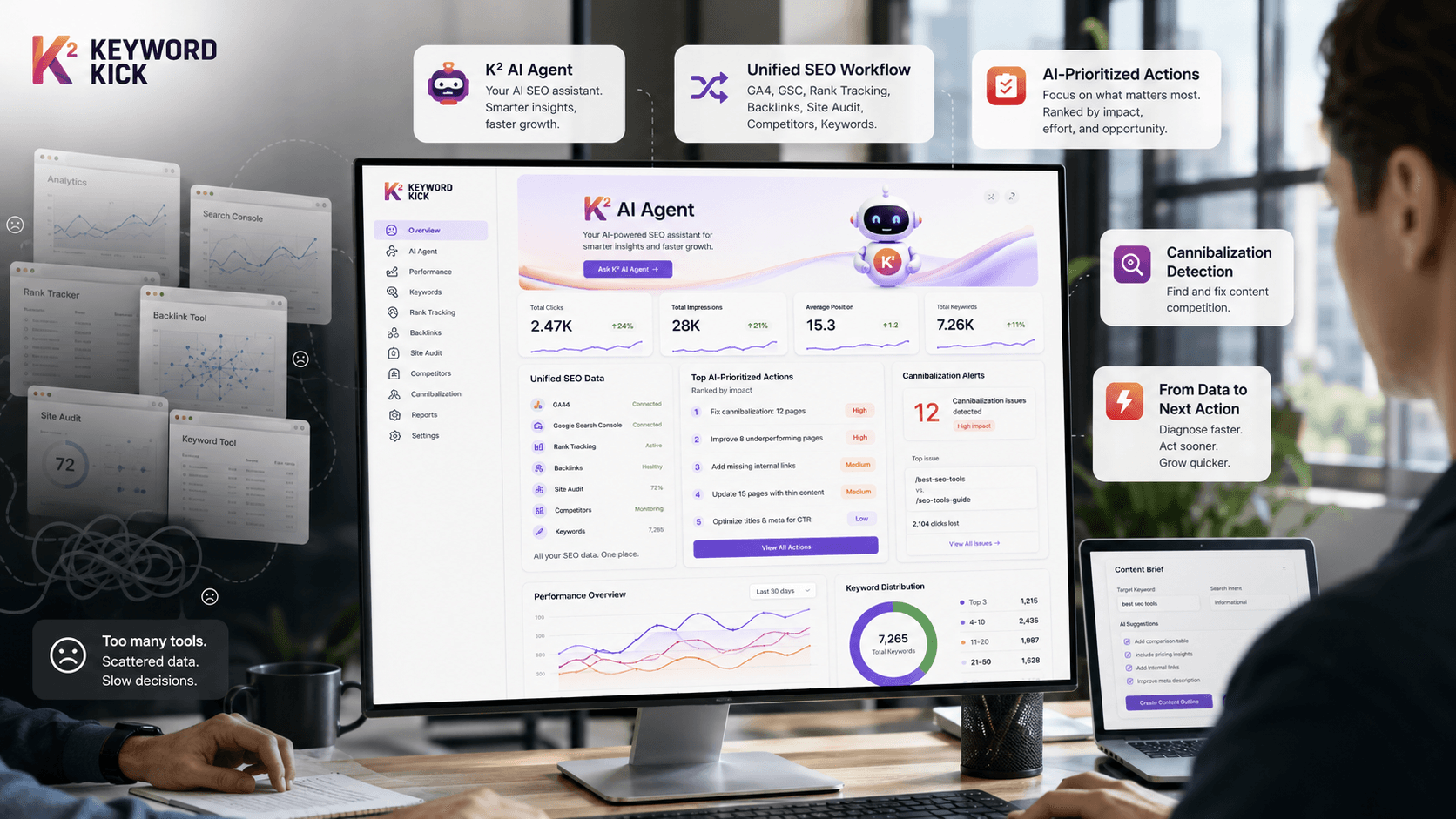
Keyword Kick is the closest fit for people who are tired of stitching together five separate tools just to decide what to do next. It combines keyword research, rank tracking, backlink analysis, site audits, competitor tracking, content tooling, and integrations with GA4 and Google Search Console inside one workspace. The standout difference is that it doesn't stop at reporting. Its K² AI Agent is built to interpret the data and turn it into prioritized actions.
That matters because raw SEO data is easy to collect and hard to operationalize. Teams often know where to look, but they still waste time deciding what deserves attention first. Keyword Kick is designed around that exact gap.
Why it works well in practice
The K² AI Agent can answer plain-English questions like why traffic dropped, which pages should be optimized first, or where cannibalization is hurting performance. Instead of forcing you to compare disconnected dashboards, it reads connected signals across analytics, rankings, links, and technical issues and returns a practical next-step list.
For smaller teams, that's a major advantage. For agencies, it shortens the distance between diagnosis and client action. For in-house teams, it reduces the amount of interpretation needed before work gets assigned.
Practical rule: If your current workflow depends on exports and manual prioritization, an action-first platform usually creates more value than another tool with more charts.
Keyword Kick also handles several jobs that often get split across separate products:
Prioritization first: The platform focuses on what to fix now, not just what exists in the data.
Unified workflow: GA4, Google Search Console, rank tracking, backlinks, competitor analysis, audits, and SERP feature tracking live in one place.
Useful edge features: Cannibalization detection across multiple conflict types, merchant-feed checks, AI content tools, and SEO generators make it more practical than a basic reporting dashboard.
Accessible entry point: There's a free plan, and paid plans start at $49 per month with a 7-day trial.
If keyword research is your main pain point, Keyword Kick also belongs in any shortlist of best keyword research tools.
Where the trade-offs show up
Keyword Kick positions itself as a modern alternative to older suites like Semrush, Ahrefs, and Moz. On the product side, that pitch is credible. On the public proof side, the site doesn't show the same level of visible third-party validation or long history that some incumbents have built over time.
Capacity is the other consideration. The more advanced usage, especially larger-scale JavaScript rendering, broader tracked keyword sets, deeper backlink rows, and longer retention, sits in higher plans. That's normal for this category, but small teams should still map plan limits to actual workflow before committing.
Best fit: solo creators, consultants, agencies, and in-house teams that want one system to recommend actions instead of just exposing data. You can explore it directly at Keyword Kick.
2. Semrush
Semrush is still one of the broadest all-in-one platforms in SEO. If your work leans heavily on competitor research, market sizing, keyword discovery, site auditing, and cross-channel visibility, it covers a lot of ground in one subscription. That's why many agencies adopt it as a central research layer.
Its biggest strength is range. You can move from domain-level competitive research to keyword opportunity analysis, backlink review, site audits, and newer AI visibility modules without leaving the platform. That breadth makes it useful when stakeholders want one tool that can support SEO decisions beyond just rankings.
Where Semrush earns its keep
Semrush is strong when you need comparative context. It's one of the easier platforms for answering questions like which competitors are gaining visibility, where content gaps exist, and which sections of a site need technical attention first. For agency teams, that breadth often matters as much as data depth.
Organic search accounts for about 53% of all website traffic globally, according to Yahoo Finance's SEO statistics roundup. That helps explain why a broad platform like Semrush stays relevant. Teams want one place to monitor and defend a traffic source that still carries huge weight.
Semrush is rarely the cheapest choice, but it can be the simplest choice when one subscription needs to support multiple SEO functions.
The friction point is pricing structure. The core platform is already a meaningful spend for smaller teams, and some of the newer bundles and adjacent modules can push total cost up quickly. If you only need one thing, like a crawler or content optimizer, Semrush can feel like overbuying.
For buyers comparing legacy suites against newer alternatives, this Semrush alternatives breakdown is a useful starting point. The platform itself is at Semrush.
3. Ahrefs
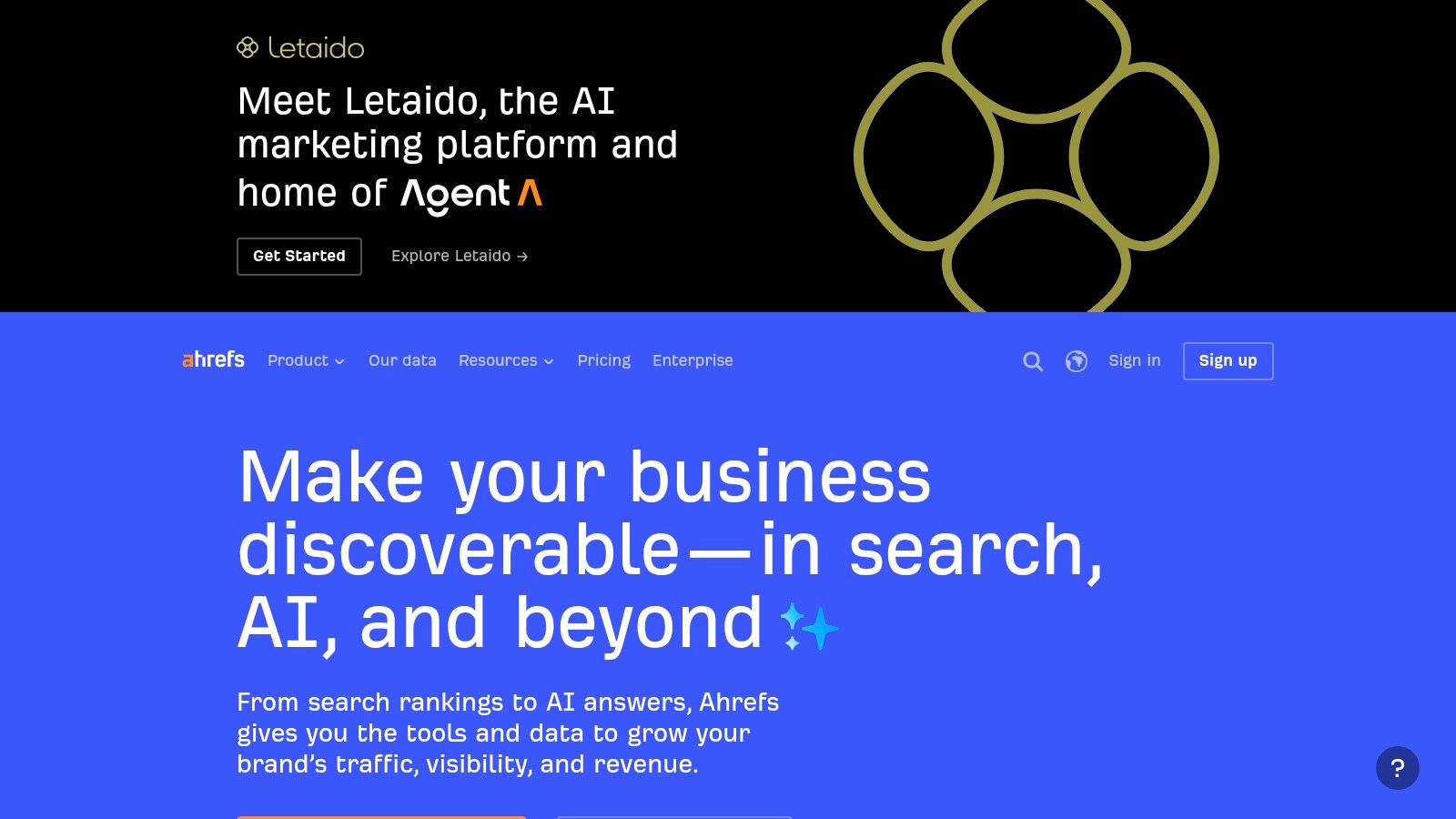
If backlinks and competitive research sit at the center of your workflow, Ahrefs is still one of the first tools to evaluate. A lot of practitioners keep it for one reason: they trust it when they need to understand link profiles, referring domains, anchor patterns, and content gaps at depth.
That doesn't mean it's only a backlink tool. Ahrefs has grown into a broader suite with site audits, keyword research, rank tracking, and AI-assisted workflows. But the link index and competitor exploration remain the main draw.
Best use cases for Ahrefs
Ahrefs works best when your SEO process starts with reverse engineering. You want to know who links to top competitors, which pages attract authority, which topics they own, and where your site falls short. Its workflows are generally clean for that kind of analysis.
It's also useful for editorial SEO teams that build topic clusters and need clear gap analysis. The platform makes it easy to move from a competitor's top pages into keyword ideas and then into prioritization. That's a practical advantage when you're building content plans fast.
Strongest capability: Backlink exploration and competitor link analysis.
Good secondary use: Content gap work, keyword expansion, and audit follow-up.
Less ideal use: Budget-sensitive teams that won't fully use the depth.
One caution matters more now than it used to. The Sage study on methodological discrepancies across SEO tools highlights that tool data isn't perfectly consistent across platforms. That's a good reminder not to treat any single keyword difficulty score or backlink metric as ground truth. Validate important decisions with live SERP checks and free signals, especially before committing content or link-building resources.
Ahrefs is excellent when you know how to interrogate the data. It can feel expensive if you don't. Explore it at Ahrefs.
4. Moz Pro
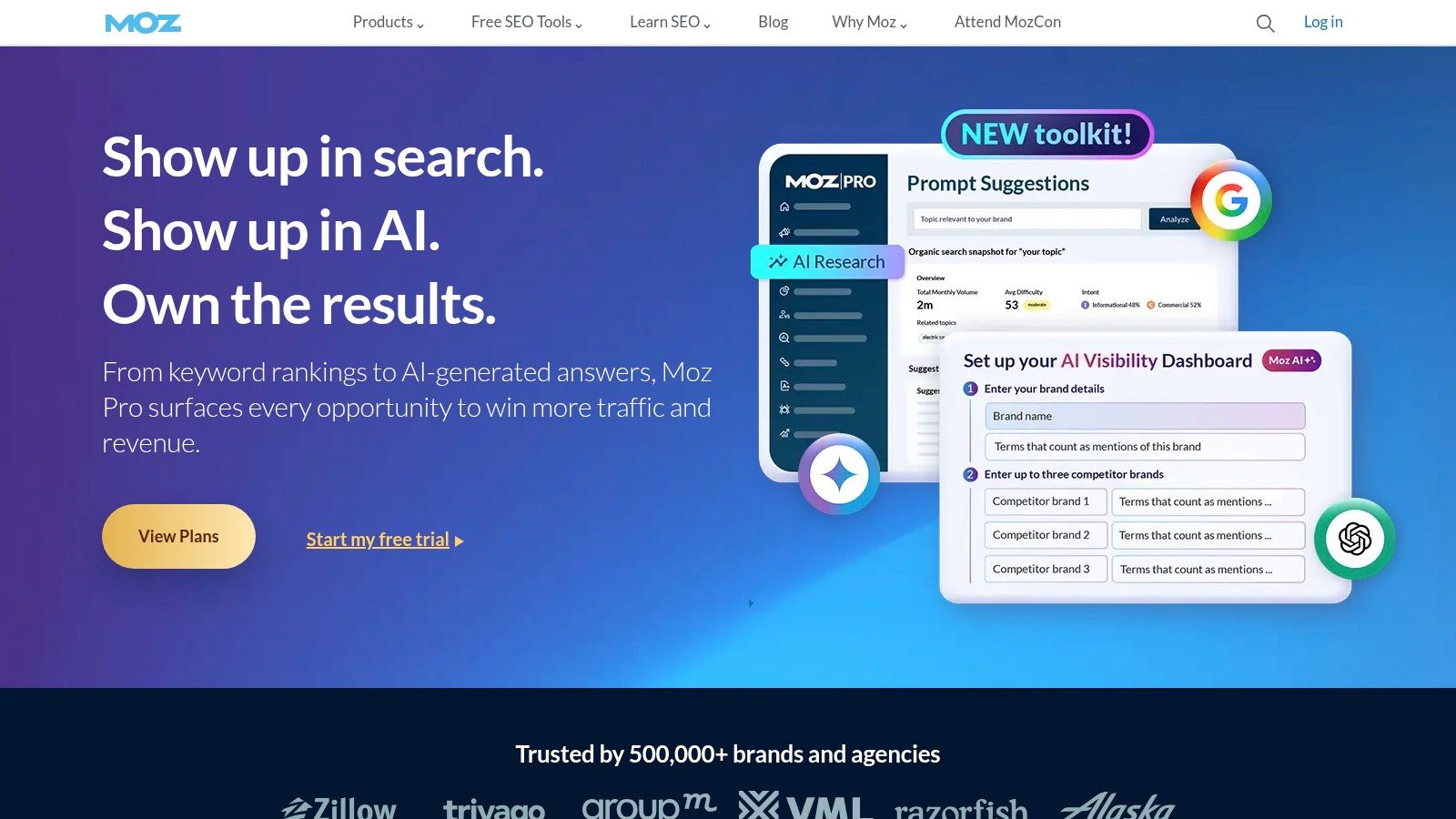
Moz Pro still has a place, especially for SMBs, newer SEO teams, and marketers who want an approachable platform without the heavier feel of enterprise suites. Its interface is easier to get comfortable with than many competitors, and its keyword research, rank tracking, site crawl diagnostics, and Link Explorer remain useful for everyday SEO management.
The reason some teams stay with Moz isn't that it has the largest feature list. It's that it lowers friction. You can get in, find what matters, and report on it without needing a specialist for every workflow.
Where Moz Pro makes sense
Moz Pro is a practical option when your process is straightforward. You're managing campaigns, tracking rankings, checking crawl issues, reviewing page opportunities, and using DA or PA for rough benchmarking. For lean teams, that can be enough.
Its educational ecosystem is also a real advantage. Teams that are still building in-house SEO maturity often benefit from a tool that teaches while it reports. That's not trivial when you're training generalist marketers or content managers.
Moz Pro is usually better for people who want clarity and consistency than for teams chasing the deepest dataset in every category.
The trade-off is data depth. Compared with Ahrefs or Semrush, Moz can feel lighter in index breadth and update cadence. If your workflow depends on aggressive competitive research or large-scale link intelligence, you'll probably outgrow it.
Still, not every team needs the heaviest platform. If you're a smaller business that wants a stable set of search engine optimization tools without enterprise sprawl, Moz remains a sensible option. You can review it at Moz Pro.
5. Screaming Frog SEO Spider
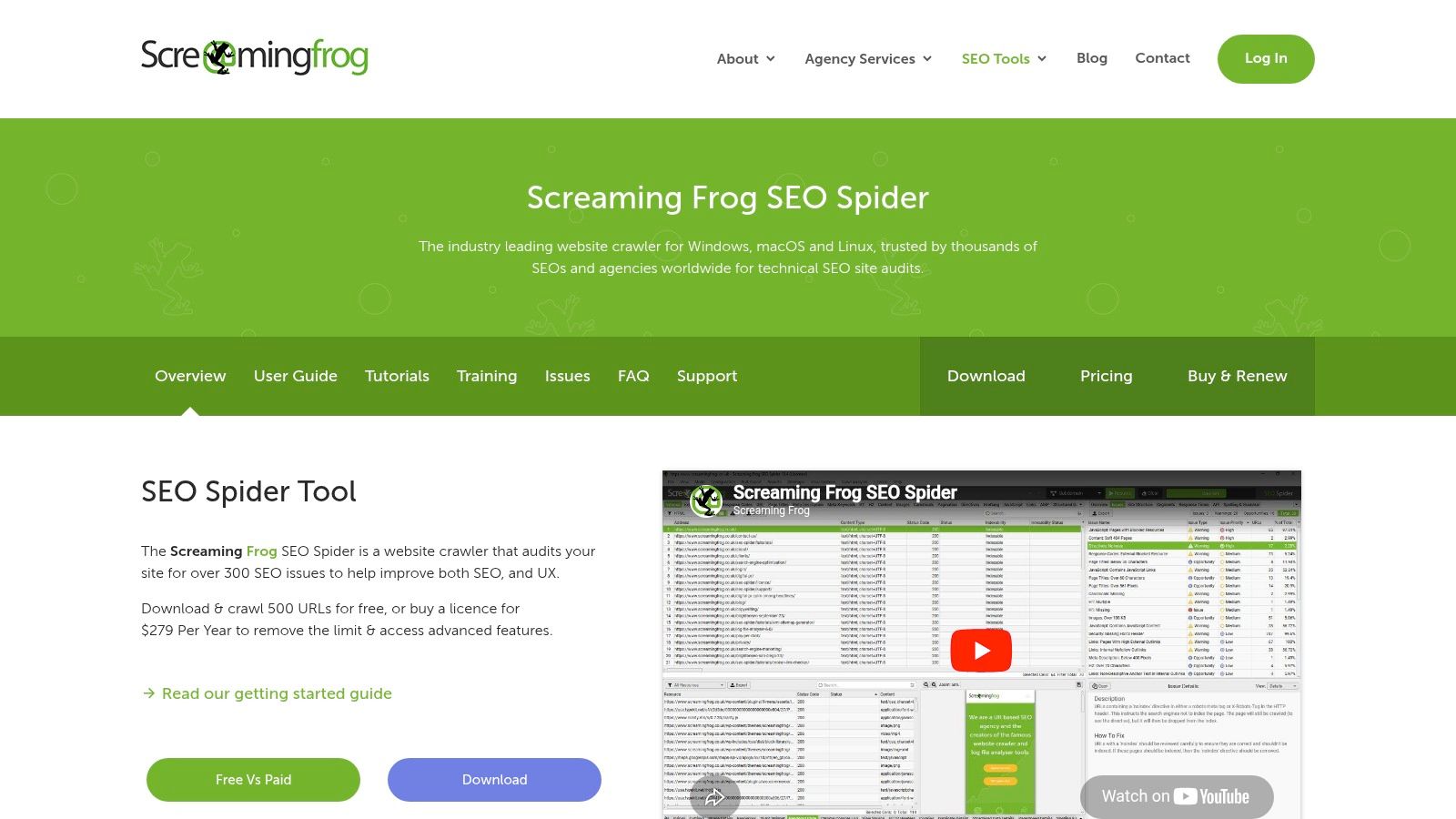
Screaming Frog is what technical SEOs reach for when they need answers from the site itself, not from a third-party database. It's a desktop crawler, and that's the whole point. You control the crawl, the extraction, the rendering, and the exports. If something is broken in templates, internal linking, canonicals, hreflang, pagination, status codes, or JavaScript rendering, Screaming Frog is often the fastest way to verify it.
This is not a glossy executive dashboard. It's a working tool.
Why technical teams keep it installed
Screaming Frog does a lot of jobs that cloud suites still handle less precisely. It crawls fast, supports custom extraction through CSS Path, XPath, and regex, and integrates with Google Analytics, Search Console, and PageSpeed Insights. It also handles structured data analysis, AMP checks, hreflang validation, and bulk export workflows that technical teams use constantly.
If you audit sites regularly, the value is obvious. You can isolate issues by template, directory, parameter pattern, or rendering behavior in a way that broad all-in-one platforms don't always make easy.
Best for: Technical audits, migrations, QA, redirect mapping, internal link analysis.
Not ideal for: Client collaboration, executive reporting, or non-technical users who want guided recommendations.
For teams comparing crawler options and broader audit platforms, this review of site audit software tools for 2026 is a helpful comparison point.
The trade-off is usability at scale. Because it's desktop-based, your machine resources matter. Collaboration also happens outside the tool, usually through exports, sheets, or BI dashboards. None of that is a deal breaker. It just means Screaming Frog is usually one layer in a stack, not the whole stack. The official site is Screaming Frog SEO Spider.
6. Sitebulb
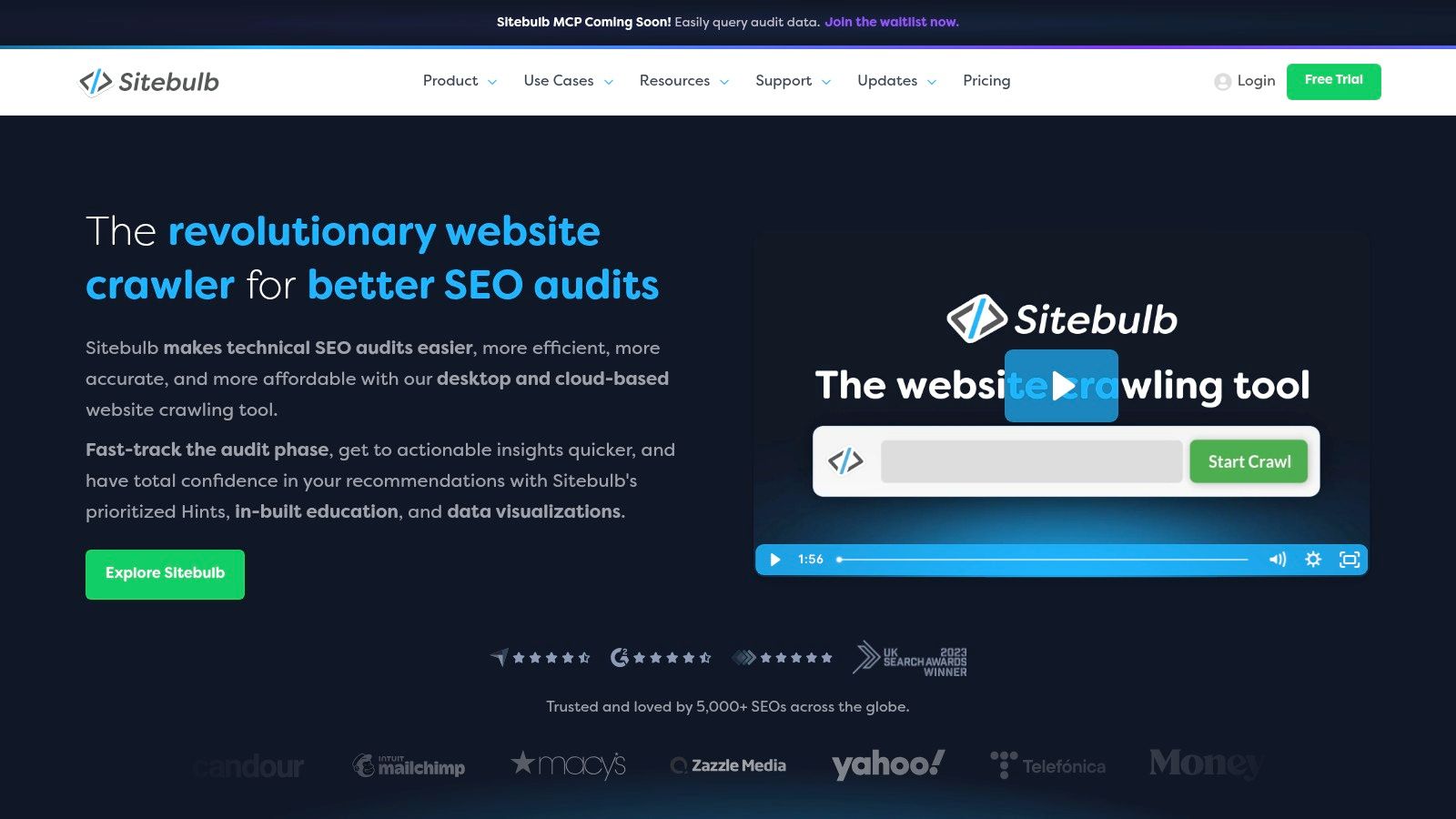
A common audit problem is not finding issues. It is getting other people to act on them. Sitebulb earns its place in an SEO stack because it helps bridge that gap better than many crawler-first tools.
The product is built for technical SEO work, but the presentation layer is what separates it. Its Hints system, crawl visualizations, and issue grouping make it easier to turn a crawl into a prioritized fix list for developers, marketers, or clients. If Screaming Frog is often the tool I use for raw extraction and custom analysis, Sitebulb is the one I reach for when the audit also needs to be explained clearly.
Where Sitebulb fits best
Sitebulb works well for consultants, small agencies, and in-house teams that need technical depth without handing stakeholders a spreadsheet full of URLs and status codes. The desktop version suits hands-on analysts. The cloud product makes more sense for teams that want shared projects, scheduled crawls, and audit history.
That split matters when you build a tool stack. A solo creator or freelance consultant may get enough value from Sitebulb Desktop paired with a rank tracker and a research platform. An agency with multiple reviewers usually gets more from Sitebulb Cloud because collaboration, recurring audits, and presentation start to matter as much as the crawl itself.
Its reporting is a real strength. Crawl maps, internal link views, and guided prioritization help teams spot patterns by template or section instead of reviewing issues one URL at a time.
The trade-off is straightforward. Desktop depends on your machine, and cloud changes the pricing model. Before you buy, decide whether your bottleneck is analysis speed or team visibility. Sitebulb can cover both, but not with the same setup.
Sitebulb is available at Sitebulb.
7. SE Ranking
A common agency problem looks like this. You need rank tracking, audits, competitor checks, backlink monitoring, and client reporting for several accounts, but the budget does not support an enterprise contract for every seat. SE Ranking sits in that gap well.
It covers the core jobs a working SEO team handles every week. Rank tracking is usually the starting point, but its key advantage is that audits, reporting, lead generation features, and client access all live in the same platform. For agencies and in-house teams that need one system to keep campaigns moving, that matters more than having the deepest dataset in every category.
Why agencies often shortlist it
SE Ranking fits teams that want an operational platform first. Sub-accounts, historical rankings, scheduled reports, white-label options, and shareable dashboards reduce the amount of manual work around delivery. That makes it a practical choice for client service, especially when account managers and specialists both need access without buying a separate reporting layer.
It also works well in a stacked setup, which is how I would evaluate it. A solo consultant might pair SE Ranking with Screaming Frog for technical audits and stop there. A small agency can use SE Ranking as the central client-facing platform, then add a specialist content tool or crawler only if the workflow demands it. That is different from buying a premium all-in-one suite and paying for depth you may not use.
The trade-off is clear. Its data breadth and advanced research features can feel lighter than Semrush or Ahrefs for teams doing heavy competitive analysis, large-scale link research, or market-level planning. If your process depends on those tasks every day, SE Ranking may be the support platform rather than the primary research engine.
For growing teams, though, the balance is strong. You get broad coverage, cleaner client operations, and a lower-cost path to a complete SEO stack.
You can evaluate the platform at SE Ranking.
8. BrightEdge
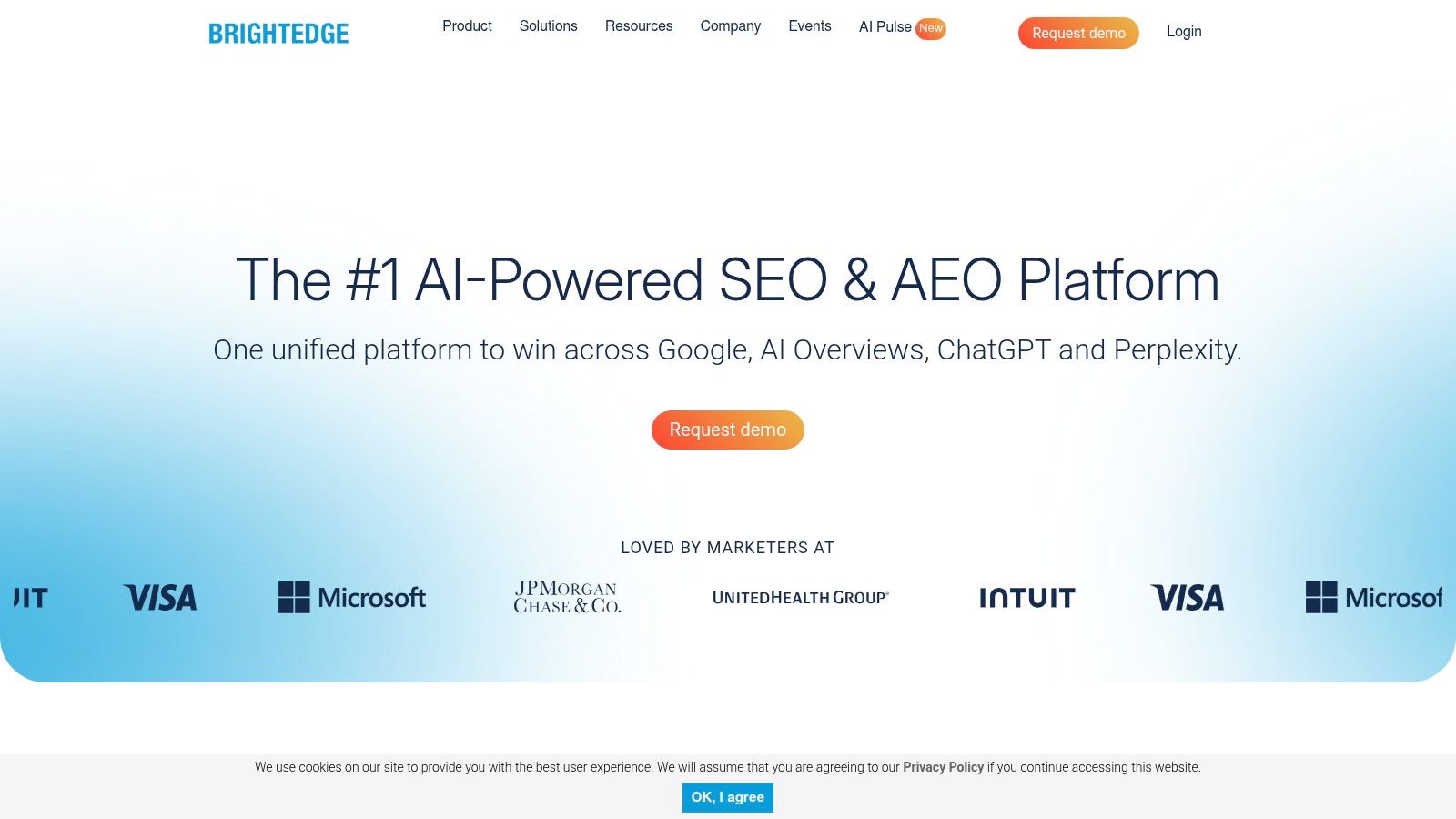
BrightEdge is built for organizations with scale, process, and governance needs that smaller tools don't fully address. Large brands use it when SEO isn't just a channel managed by one team. It's a function that touches content, product, web operations, analytics, and executive reporting.
Its enterprise orientation shows up in the product structure. Data Cube, ContentIQ, workflow controls, and AI visibility features are designed for companies that need repeatable systems, not just point analysis.
When BrightEdge is the right choice
BrightEdge makes sense when your SEO program spans many business units, countries, site sections, or content owners. In that environment, governance matters almost as much as insight. A platform has to support process discipline, reporting consistency, and cross-team adoption.
The platform can be especially useful for enterprise content operations that need to connect research, recommendations, and oversight in one environment. That's a different buying decision from a consultant choosing a personal toolkit.
A useful context point: the global SEO software market was valued at USD 86.52 billion in 2025 and is forecast to reach USD 311.02 billion by 2035 at a 13.37% CAGR, according to Business Research Insights on the SEO and AI SEO software market. Growth at that scale supports more specialized enterprise platforms, and BrightEdge is one of the clearest examples.
The trade-offs are predictable. Pricing is premium. Onboarding takes time. Value depends on having the internal resources to use the platform properly. If your team doesn't have structured SEO operations already, BrightEdge can be more platform than process. For enterprises that do, it's a serious option at BrightEdge.
9. Conductor
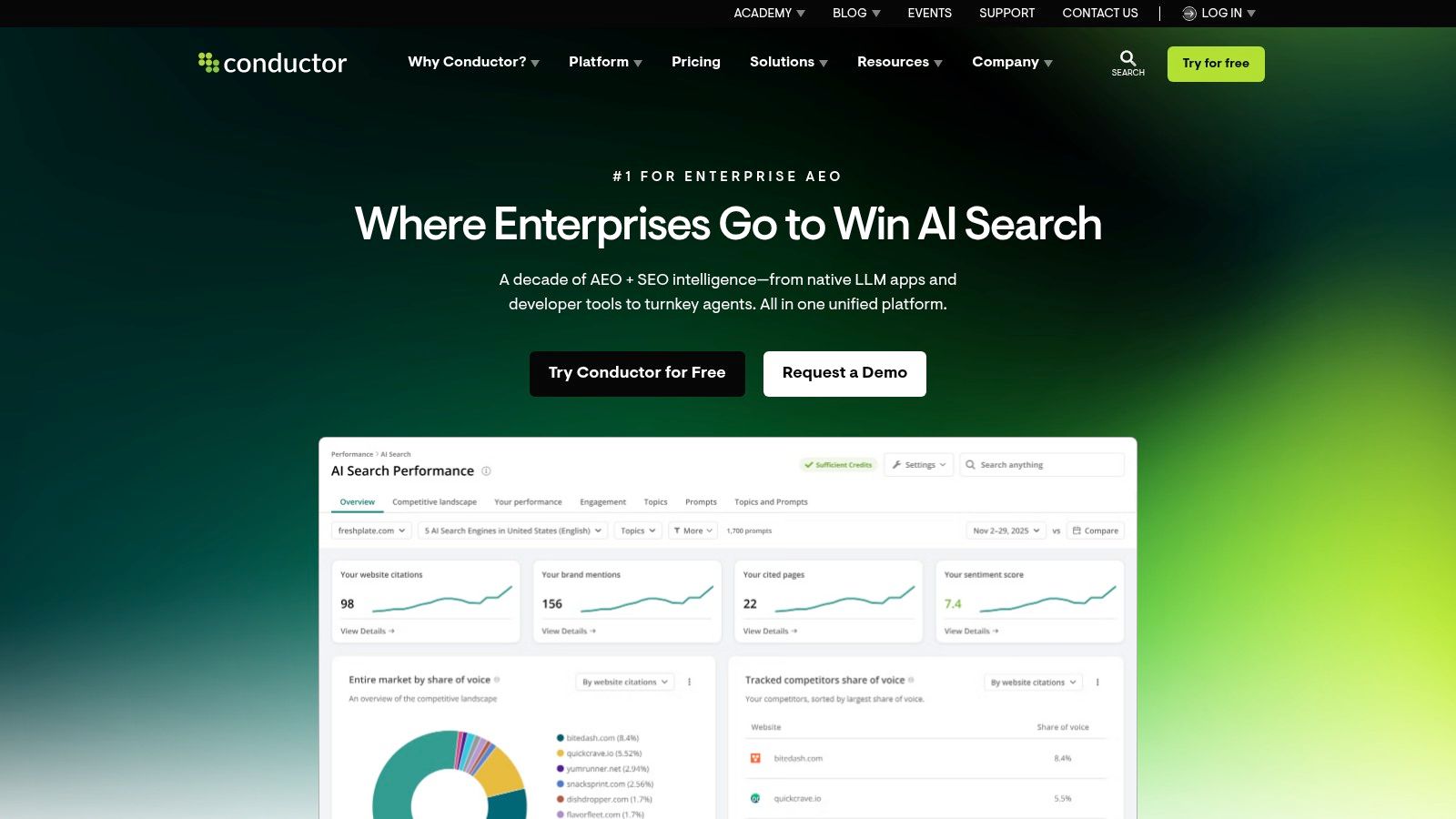
A common enterprise SEO problem looks like this: the content team works in one system, the SEO team reports from another, product marketing owns key pages, and leadership wants one view of performance. Conductor fits that environment better than teams looking for a single-purpose research tool.
Its value is less about raw data breadth and more about getting multiple teams to work from the same priorities. Research, content guidance, monitoring, reporting, and AI-search visibility all sit closer to the operating workflow. That matters when SEO is spread across departments and no single person controls execution end to end.
Why large teams use it
Conductor works best for organizations with formal content operations, multiple stakeholders, and approval layers that can slow down execution. In that setting, a tool has to do more than surface opportunities. It has to help teams assign work, standardize reporting, and keep people aligned on what matters now.
I would put Conductor in the "workflow stack" category rather than the "specialist stack" category. If a solo creator or small in-house team is building a lean setup, tools like Ahrefs, Semrush, SE Ranking, or Screaming Frog usually make more financial sense. If an enterprise team needs one platform that content, SEO, and digital leads can all use without stitching together several disconnected products, Conductor becomes easier to justify.
Best fit: Enterprise teams with shared ownership of SEO and content across business units.
Harder fit: Smaller teams that need quick setup, low cost, and direct access to tactical data.
Main question before purchase: Do you need another source of SEO insight, or a platform that supports coordination across teams?
The trade-off is straightforward. Conductor can solve process problems, but only if the company is ready to use process well. Quote-based pricing, onboarding time, and cross-team implementation work mean this is usually a better fit for mature programs than for teams still proving SEO value. If your toolkit decision is really a stack decision, Conductor belongs on the shortlist for enterprise operations at Conductor.
10. Surfer
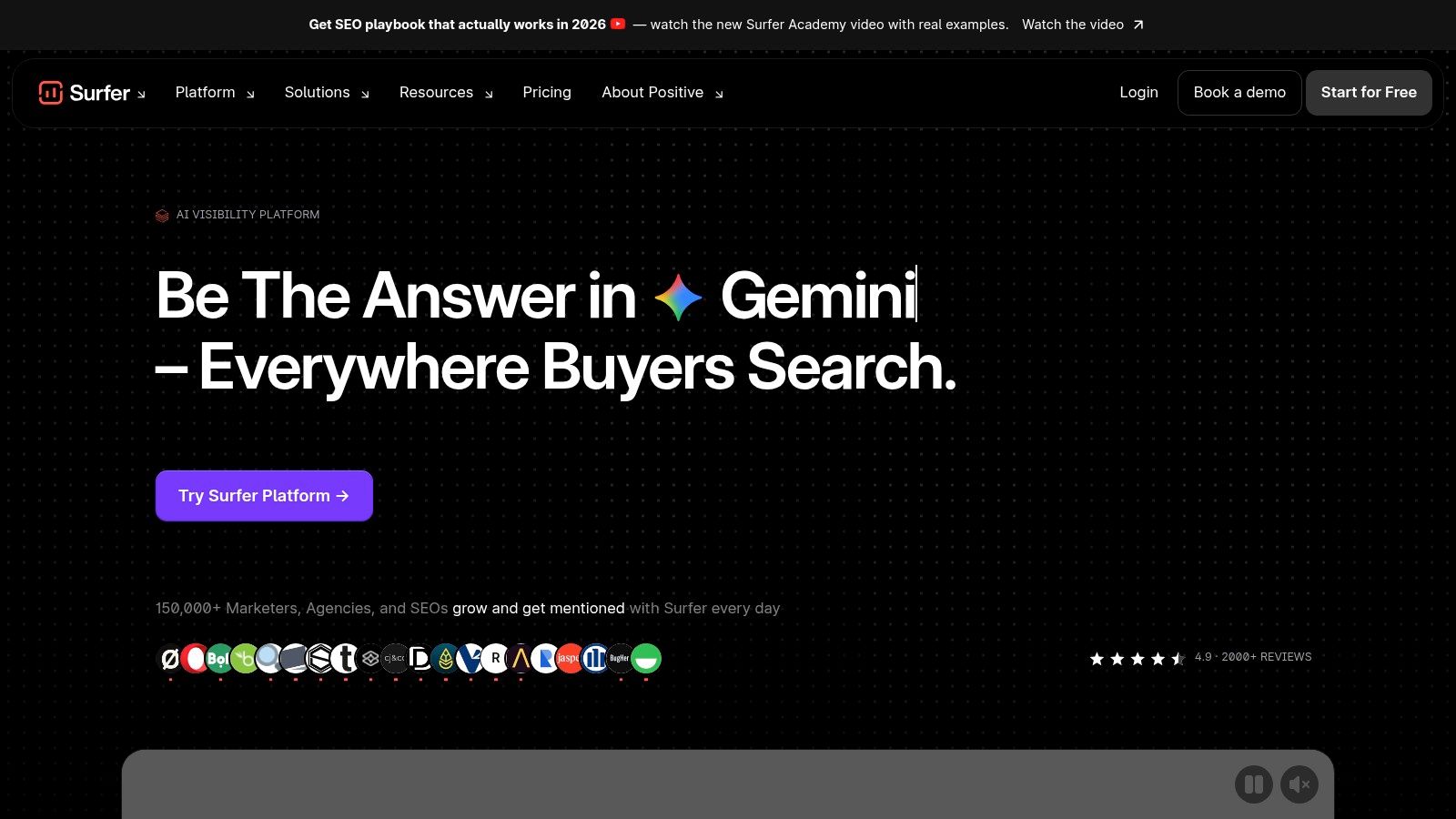
Surfer is not the tool you buy to manage your whole SEO program. It's the tool you add when your content team needs faster, clearer on-page optimization. That distinction matters. Used on its own, it's incomplete. Used alongside a research or tracking platform, it can be very effective.
Its core job is straightforward. It compares your page against top-ranking results and gives writers a structured way to improve coverage, structure, and topical completeness.
Where Surfer adds real value
Surfer fits best in content-heavy workflows. If you publish articles, landing pages, or product-led educational content at volume, the Content Editor and audit workflows can speed up brief creation and revision cycles. Writers get a tighter frame for what to include, and SEO teams get more consistency without editing every draft line by line.
That said, content scoring needs judgment. A page shouldn't be forced to mimic competitor averages if the search intent points elsewhere. That's where a more intent-first process matters.
The underserved angle many teams miss is intent over volume. The LinkedIn piece on using research to support SEO strategies argues that the right audience matters more than a bigger query count from the wrong audience. Surfer can help optimize execution, but it doesn't replace the need to choose the right keyword target in the first place.
Good content optimization software improves strong strategy. It doesn't rescue weak topic selection.
Surfer is best paired with a broader platform like Keyword Kick, Semrush, Ahrefs, or SE Ranking. Let the suite handle opportunity discovery and tracking. Let Surfer tighten the page. That's usually the smartest division of labor. The platform is available at Surfer.
Top 10 SEO Tools Feature Comparison
Product | Core strengths & features (✨) | UX & Quality (★) | Best for (👥) | Pricing & Value (💰) |
|---|---|---|---|---|
Keyword Kick 🏆 | ✨ AI‑first K² agent unifies GA4, GSC, rank/backlinks, audits; prioritized, step‑by‑step actions; daily updates | ★★★★☆ (4.6), action‑first insights | 👥 Agencies, in‑house teams, freelancers, solo creators | 💰 Free Forever + paid from $49/mo; 7‑day trial |
Semrush | ✨ Broad all‑in‑one SEO & marketing suite: keyword research, audits, backlinks, AI visibility | ★★★★☆ (4.5), deep competitive intel | 👥 Agencies and marketers needing wide coverage | 💰 Mid‑to‑high; bundle/add‑ons can be costly |
Ahrefs | ✨ Industry‑leading backlink index, fast crawler, strong competitor research & content tools | ★★★★☆ (4.6), robust link data | 👥 Link‑focused analysts and competitive researchers | 💰 Mid‑to‑high; add‑ons/credits increase cost |
Moz Pro | ✨ Keyword Explorer, DA/PA metrics, approachable UI with learning resources | ★★★★☆ (4.0), beginner‑friendly | 👥 SMBs and SEO newcomers | 💰 Lower entry price; simpler plans |
Screaming Frog SEO Spider | ✨ Desktop crawler with JS rendering, custom extraction, 300+ checks, CLI/export | ★★★★☆ (4.4), technical audit powerhouse | 👥 Technical SEOs and audit specialists | 💰 Flat annual license; high value for technical work |
Sitebulb | ✨ Desktop + Cloud crawls, visualizations, prioritized "Hints", team sharing on Cloud | ★★★★ (4.2), visual, actionable audits | 👥 Teams needing visual reports and collaboration | 💰 Varied (Desktop vs Cloud); evaluate plans |
SE Ranking | ✨ Daily rank tracking, audits, competitor/backlink tools, optional AI modules | ★★★★ (4.1), solid everyday SEO toolkit | 👥 Growing agencies and budget‑conscious teams | 💰 Accessible pricing; strong feature‑to‑price |
BrightEdge | ✨ Enterprise Data Cube, ContentIQ governance, AI search visibility (Hyper Cube) | ★★★★ (4.3), enterprise‑grade datasets | 👥 Large enterprises and global brands | 💰 Premium, quote‑based pricing |
Conductor | ✨ Enterprise AEO + content workflows, monitoring, AgentStack automation | ★★★★ (4.1), strategic org‑wide SEO | 👥 Enterprises focused on AEO/AI‑search | 💰 Premium, quote‑based; onboarding required |
Surfer | ✨ Content Editor with NLP/entity guidance, audits, keyword clustering | ★★★★ (4.0), writer‑friendly optimization | 👥 Content teams and bloggers | 💰 Paid tiers; no permanent free plan; entry limits |
Build Your Stack and Take Action
You inherit an SEO program with five subscriptions, three dashboards nobody trusts, and a backlog of technical issues that never makes it into production. That is a stack problem, not a tool problem.
No single platform covers research, crawling, content work, reporting, and stakeholder alignment equally well. As noted earlier, AI has pushed teams to add more tools, not fewer. The practical question is whether those tools work together and shorten decision time.
Start with the job the stack needs to do.
Solo creators and bloggers usually need a lean setup. One tool should help with topic selection and prioritization. One tool should verify crawlability, indexation, and on-page basics. Keyword Kick plus Screaming Frog is a sensible pairing if you want guided recommendations and direct crawl data. If budget is tight, buy the tool that helps you choose what to publish next, then cover the rest with Google Search Console, Google Trends, manual SERP checks, and forum research.
Freelancers and consultants need range. The stack has to support prospecting, audits, monthly reporting, and the occasional content brief without forcing you into a different platform for every task. Keyword Kick, SE Ranking, or Semrush can act as the main workspace. Screaming Frog or Sitebulb adds technical depth. Surfer makes sense if content optimization is part of the retainer. The trade-off is simple. Broader suites save time in client work, while specialist tools usually give cleaner outputs in one area.
Agencies benefit from a hub-and-spoke model. Put one general platform at the center for competitive research, rank tracking, and recurring reports. Add one crawler for technical audits and one content tool for briefs, refreshes, and editorial QA. Semrush plus Screaming Frog plus Surfer is a common stack because each tool has a clear role. Keyword Kick plus Screaming Frog is another workable combination for teams that want faster prioritization and fewer dashboard handoffs.
In-house teams and e-commerce brands have a different constraint. The stack has to fit existing workflows across content, development, analytics, and merchandising. That often means choosing between faster setup with a platform like Keyword Kick or Semrush, and a heavier enterprise system like BrightEdge or Conductor that supports governance, cross-team workflows, and larger reporting structures. Enterprise software can be the right call. It also creates overhead, so it only pays off when the organization is set up to use it.
Three buying mistakes show up repeatedly:
Buying for data volume instead of fit: Bigger keyword and backlink databases do not help if the team cannot turn findings into tickets, briefs, or page updates.
Treating tool metrics as facts: Traffic estimates, difficulty scores, and content scores are directional. Final decisions still need live SERP review.
Building an enterprise stack too early: Small teams often pay for workflow layers they have not earned yet.
A good stack reduces friction between insight and execution. It helps you spot the opportunity, validate the issue, assign the work, and measure the result without exporting the same data six different ways.
If you want one platform that pulls rankings, backlinks, site audits, GA4, and Search Console into a single action-first workspace, try Keyword Kick. Its K² AI Agent helps agencies, consultants, and in-house teams move from scattered data to prioritized next steps without building a patchwork stack first.