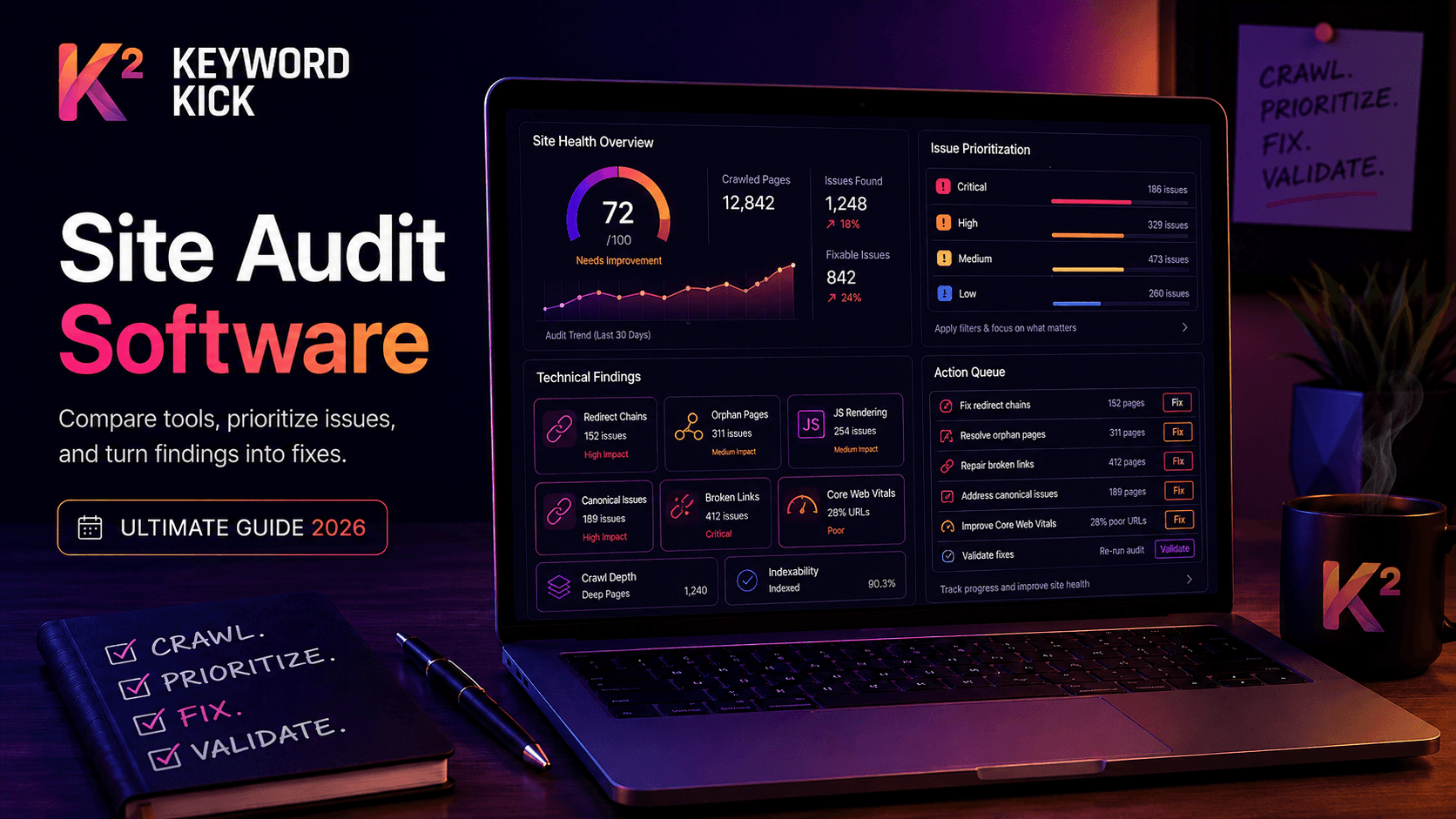
Your site probably has technical SEO problems right now. Not dramatic, obvious problems. Quiet ones. A redirect chain in an old template. Orphaned pages from a migration. JavaScript-loaded content Google may not see the way you expect. Canonical tags pointing to the wrong URL version. Broken internal links no one notices because the page still loads.
That silent drag is why site audits matter. The problem isn't getting a report. Most tools can produce a long list of warnings. The hard part is choosing site audit software that matches how your team works, then turning findings into fixes instead of screenshots in a slide deck.
That choice matters more than ever because audit platforms have moved from niche technical tools into mainstream operational software. Global adoption in construction and industrial sectors rose by about 45% between 2020 and 2025, and more than 68% of medium-to-large firms now use mobile-based audit apps to streamline inspections and reporting. Those shifts also reduced manual inspection errors by an estimated 32% and improved turnaround times by 28%, according to the verified industry summary provided above. The same lesson applies in SEO. Better audit workflows beat bigger reports.
The market itself keeps expanding. The global audit software market is projected to grow from USD 1.31 billion in 2023 to USD 3.38 billion by 2031, with a 12.60% CAGR, according to Markets and Data's audit software market report. More teams are buying software, but that doesn't mean more teams are buying the right software.
What follows isn't just a top-10 list. It's a decision framework built around job-to-be-done. If you're an agency that needs reporting and collaboration, your best option won't be the same as a technical SEO diagnosing rendering issues on a large JavaScript site.
1. Keyword Kick
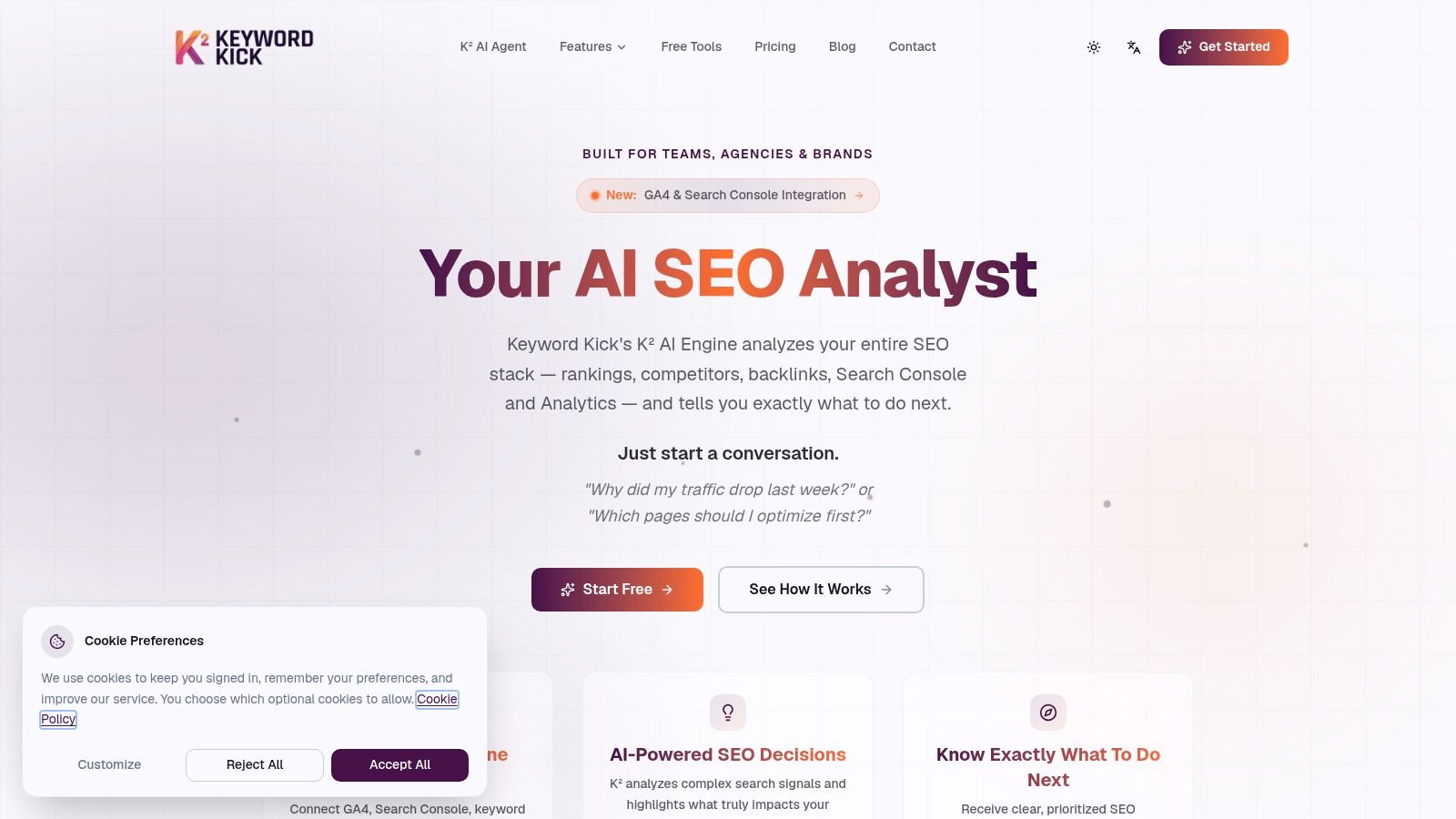
Keyword Kick is the tool I'd put in front of teams that don't just want diagnostics. They want direction. That's the practical difference. Plenty of platforms can tell you what's broken. Fewer can combine rankings, Search Console data, analytics signals, backlinks, and technical findings into a clear answer to, "What should we fix first?"
Keyword Kick is built around that workflow. Its K² AI Agent sits on top of rank tracking, site audits, backlink analysis, competitor data, GA4, Google Search Console, and Google Ads connections. Instead of forcing you to bounce across tabs and export files into a spreadsheet, it tries to turn scattered search data into a prioritized action list.
Best for teams that need prioritization
Keyword Kick distinguishes itself from classic crawlers. If your bottleneck isn't finding issues but deciding what matters, the platform is strong. The built-in site audit workspace also supports JavaScript rendering, which matters on modern sites where essential content, links, or metadata may depend on client-side rendering.
A few practical strengths stand out:
Action-first analysis: K² is designed to answer business questions like traffic drops, page prioritization, and competing pages, not just surface error lists.
Consolidated workflow: Rank tracking, audits, cannibalization detection, backlinks, and competitive analysis live in one platform.
Transparent entry point: There's a Free Forever plan, and paid plans start at $49 per month with higher tiers for larger teams.
Useful for mixed-skill teams: Marketers can understand the recommendations, while technical users still get depth like JavaScript rendering and conflict detection.
Practical rule: If your team routinely says, "We have the data, but we don't know what to do next," choose software that prioritizes action over crawl volume.
The trade-off is straightforward. Keyword Kick doesn't implement fixes for you. It gives you data-backed recommendations, but someone still has to update templates, rewrite content, clean up internal linking, or resolve indexation issues. Lower tiers also have quota limits, so large publishers or agencies with many client sites will likely move to a paid plan quickly.
Where it fits in a real workflow
Keyword Kick is strongest for agencies, in-house growth teams, e-commerce brands, consultants, and startups that want an all-in-one stack without stitching together several separate tools. It feels like a modern alternative to the older suite model because it focuses less on dumping metrics and more on telling teams where to act.
If your current process is "crawl site, export CSV, inspect GSC, check rankings, review backlinks, then build your own priorities," this kind of platform can remove a lot of the manual sorting.
2. Semrush Site Audit
Semrush makes the most sense for teams that want one login for nearly everything. Its Site Audit tool is only one part of a much broader marketing suite, and that's both its biggest strength and its biggest compromise.
For agencies and in-house teams already using Semrush for keywords, competitor research, and reporting, keeping technical auditing in the same environment is efficient. The Site Audit module checks common technical and on-page issues, then ties them back into broader workflow tools like reporting, task management, and optimization ideas.
Best for all-in-one suite buyers
Semrush works well when technical SEO isn't isolated from the rest of your work. If the same people handling audits also own content briefs, rank tracking, client reporting, and stakeholder updates, that shared environment saves time. Teams that need a simpler explanation of technical issues can also benefit from its health scores and trend reporting.
The platform generally suits this type of user:
Agency teams: One stack for multiple client deliverables.
Marketing managers: Easier high-level reporting for non-SEO stakeholders.
Generalists: Useful when technical audits are one part of a broader SEO program.
If you need help translating issues into a process your team can follow, this kind of technical SEO audit guide pairs well with a suite tool like Semrush.
Semrush is rarely the cheapest choice for auditing alone. It becomes more defensible when you actually use the rest of the platform.
The main downside is cost efficiency. If you only need crawling and technical diagnostics, Semrush can feel expensive compared with specialist crawlers. Plan-based project and crawl limits also matter, especially for agencies juggling many sites or enterprise teams with large properties.
3. Ahrefs Site Audit
Ahrefs is a strong choice when link intelligence and technical auditing need to live together. Its Site Audit product isn't just a crawler. It's more useful when read alongside Ahrefs' keyword and backlink data, which gives technical findings more context than a standalone crawl usually can.
That matters in practice. A broken page with no links and no rankings isn't urgent. A broken page with strong backlinks and commercial intent is. Ahrefs helps you see that distinction faster.
Best for SEOs who want context, not just errors
Ahrefs is especially useful for consultants, solo operators, and agency teams that already trust its index data. Verified site owners can also use a limited free option, which lowers the barrier if you're auditing your own site rather than managing a long client roster.
What I like most about Ahrefs is its issue explanations. The tool doesn't assume everyone reading the report is a technical SEO. That's valuable when you're handing findings to editors, product managers, or clients.
A practical use case looks like this:
Find the issue: Surface crawlability, duplication, redirect, and metadata problems.
Measure importance: Check whether affected pages have links, traffic potential, or keyword visibility.
Prioritize fixes: Focus first on pages that combine technical problems with business value.
For teams that need a fix-first process, a simple SEO site audit checklist helps keep remediation grounded in execution rather than endless review.
The trade-off is the usage model. Crawl credits can feel restrictive on lower plans, particularly if you're auditing multiple environments or recrawling sections often. And like Semrush, Ahrefs can be overkill if you only need technical auditing and don't care about the rest of the suite.
4. Screaming Frog SEO Spider
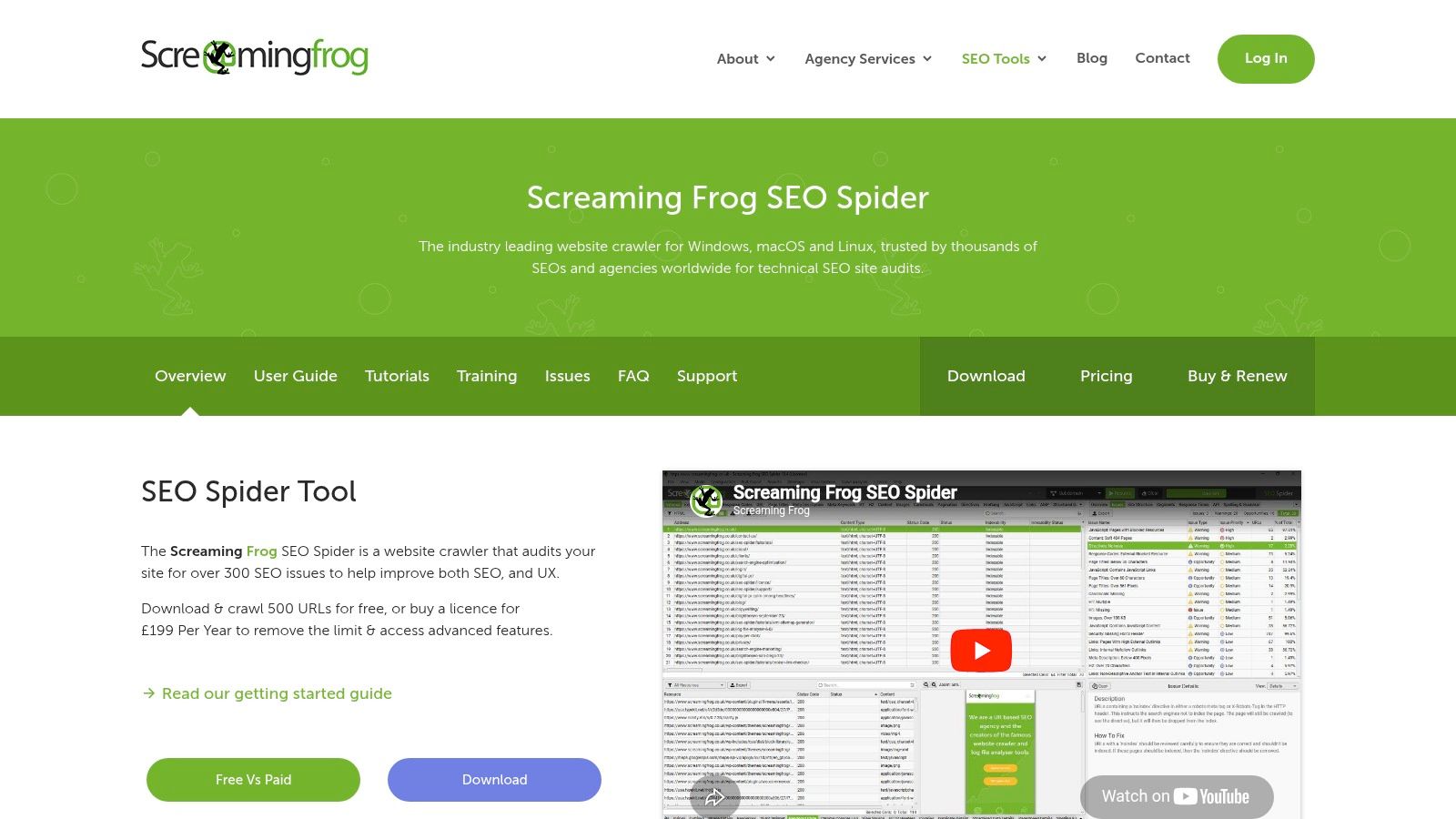
Screaming Frog SEO Spider is still the default technical workhorse for many practitioners. If I need to inspect a site at a granular level, test edge cases, or extract custom data, this is usually where I start.
It is not the prettiest tool. That's partly why it remains so useful. It behaves more like a serious crawler than a polished executive dashboard.
Best for technical specialists and consultants
Screaming Frog shines when you need control. You can crawl sites quickly, render JavaScript, compare crawls, connect APIs, and extract custom elements with precision. That makes it ideal for migration reviews, template audits, internal linking analysis, and QA work.
Its value is often highest in situations like these:
Pre-launch audits: Catch canonical, noindex, redirect, and orphan-page issues before release.
Template diagnostics: Validate metadata and heading output across thousands of URLs.
Custom extraction: Pull schema fields, hreflang values, or specific HTML elements at scale.
API-assisted analysis: Blend crawl data with GA4, GSC, and PageSpeed sources.
When a cloud audit says "there's a pattern," Screaming Frog helps you verify exactly where that pattern starts and ends.
The drawbacks are real. It's desktop software, so performance depends on your machine. Very large crawls can hit memory limits or require careful configuration. Collaboration also isn't native in the same way it is with cloud platforms. You can export and share, but you won't get the same always-on, multi-user workflow without extra setup.
For deep technical work, though, few tools are as flexible.
5. Sitebulb
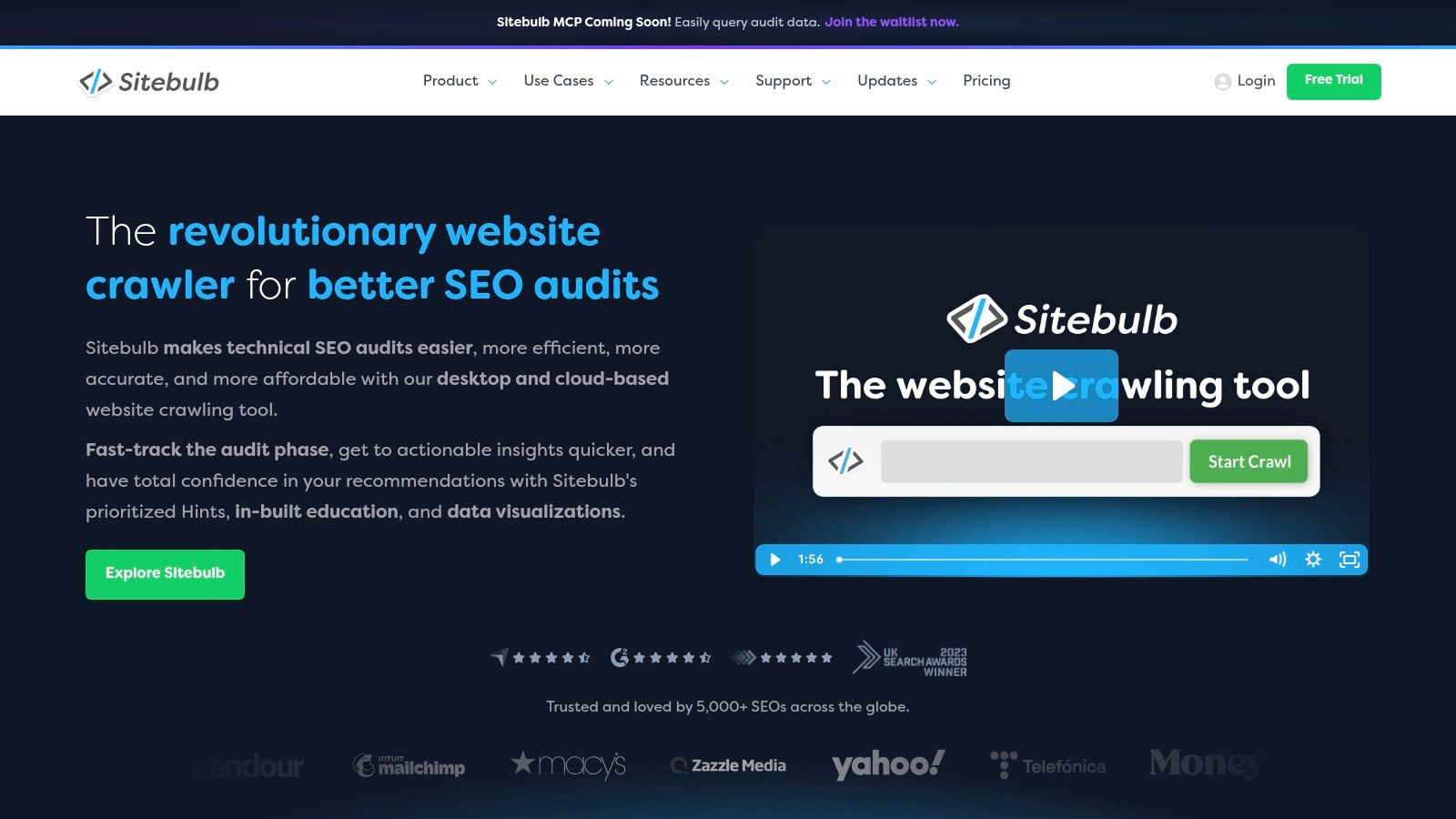
Sitebulb is what I recommend when a team needs to understand technical SEO, not just detect it. Its biggest advantage isn't raw crawl power. It's how clearly it explains what the findings mean.
That educational layer matters more than people think. A tool can be technically excellent and still fail if your team doesn't know why an issue matters or how to sequence fixes.
Best for mixed-skill teams and client education
Sitebulb's "Hints" system is the core reason to buy it. It prioritizes issues and explains them in language that makes sense to marketers, account managers, and developers who don't live in crawl reports all day. The visualizations also help when you need to explain site architecture or internal linking to stakeholders.
This makes Sitebulb especially useful for:
Agencies presenting audits to clients
In-house teams training junior SEOs
Consultants who need a report people will read
JavaScript crawling is included, which is important because rendered content and navigation issues are common on modern sites. The option to move from desktop to cloud also gives teams a path to scale without changing tools completely.
The compromise is that desktop mode still depends on local hardware, and cloud access adds cost. If your work is heavily enterprise-scale from day one, you may outgrow the sweet spot that makes Sitebulb appealing in the first place.
6. Lumar
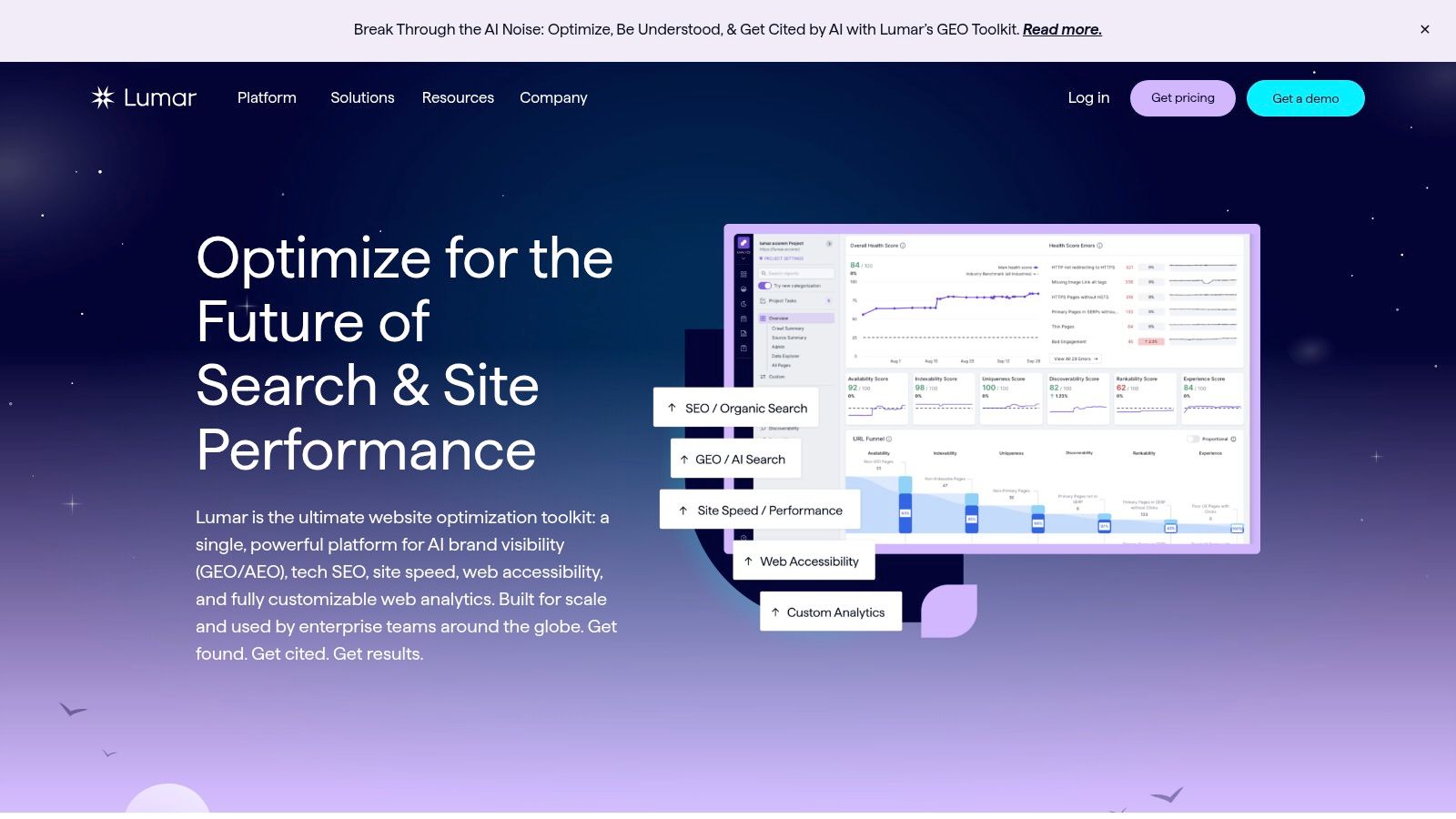
Lumar isn't for casual audits. It's built for organizations that need governance across large, complex web properties. If you manage multiple brands, international sites, or sprawling enterprise architectures, that's where Lumar starts to make sense.
The product has grown beyond classic crawling. It spans technical SEO, accessibility, performance, and broader website quality monitoring.
Best for enterprise governance
Lumar fits companies where SEO doesn't operate alone. Large brands often need coordination across engineering, compliance, UX, accessibility, and regional web teams. A basic crawler won't solve that organizational problem. A governance platform might.
This type of setup works well when you need to:
Monitor multiple domains and site sections
Track health over time across business units
Standardize quality controls across teams
Create an operational system, not just a one-time audit
Historically, cloud-based audit platforms saw a major jump during the pandemic, with usage increasing by 300% in 2020 as remote inspection needs accelerated, according to the verified industry summary above. Lumar fits that broader shift toward centralized, always-available auditing.
The obvious downside is scale and cost. Lumar requires a sales conversation, and for small sites it will be too much platform for the problem. If you're running a single brand site and doing periodic audits, you probably don't need enterprise governance software.
7. Botify SiteCrawler
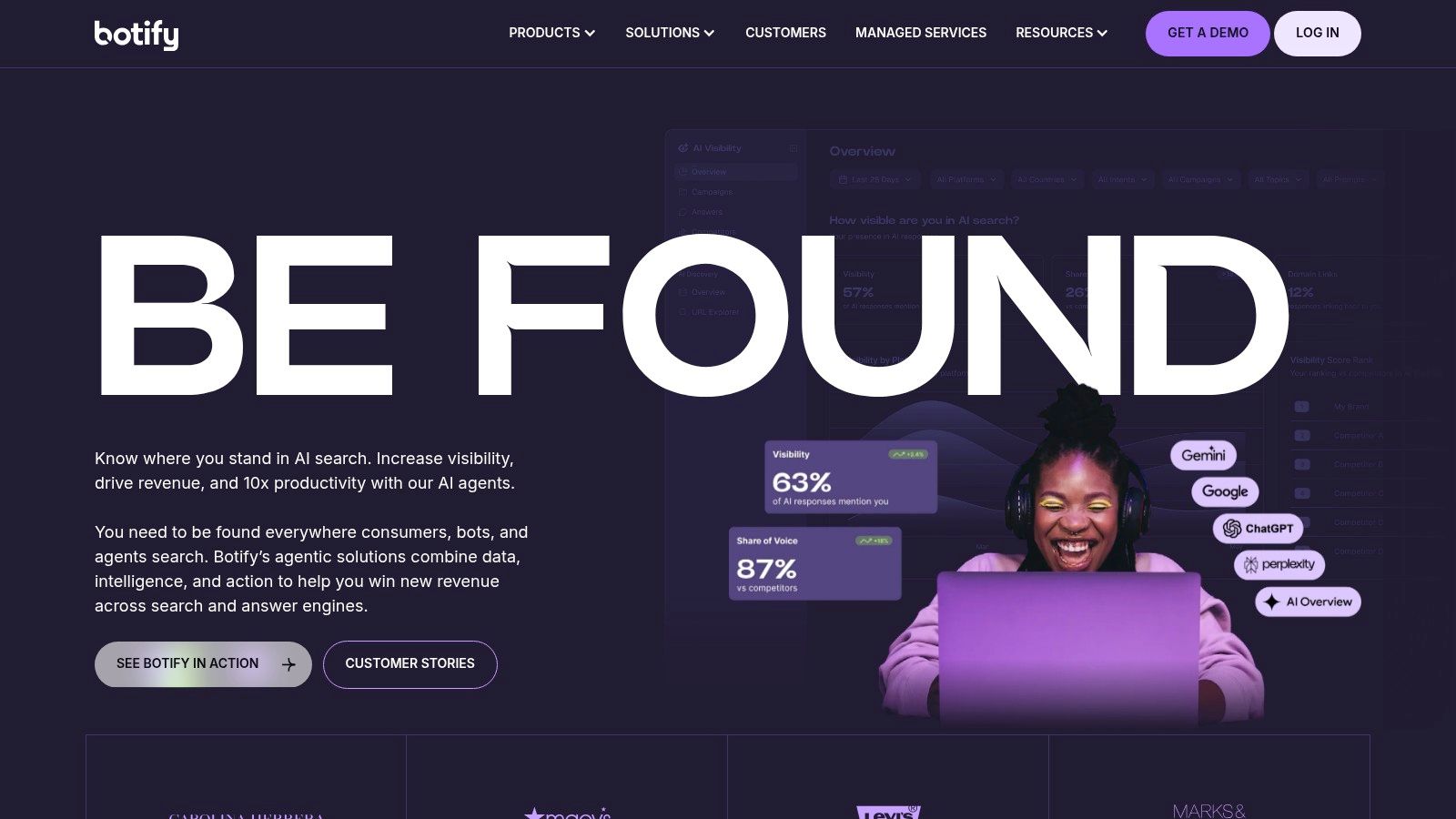
Botify is one of the better fits for large sites where JavaScript rendering accuracy isn't optional. On modern enterprise sites, SEO problems often sit inside rendering layers, faceted navigation, or complex template logic. If your crawler can't evaluate that properly, your audit won't reflect what search engines process.
Botify leans hard into that enterprise reality. SiteCrawler is designed for cloud-scale crawling, rendering, and operational workflows tied to implementation.
Best for rendering-heavy enterprise sites
The product is strongest when SEO needs to work closely with product and engineering teams. It's not just about finding issues. It's about creating an operational system where findings move into action across very large websites.
Botify is a strong fit when these conditions are true:
JavaScript affects critical content or links
The site has huge URL volume
SEO work depends on cross-functional implementation
You need downstream activation, not just reporting
By 2025, 75% of new audit software releases featured AI-driven analytics and real-time data capture, according to the verified industry summary above. Botify fits that newer generation of platforms built for continuous monitoring rather than occasional checks.
The trade-off is complexity. Small teams usually won't need this level of infrastructure, and non-technical users can struggle without onboarding. Pricing is also custom, which usually places it outside the practical range for freelancers and small businesses.
8. Oncrawl
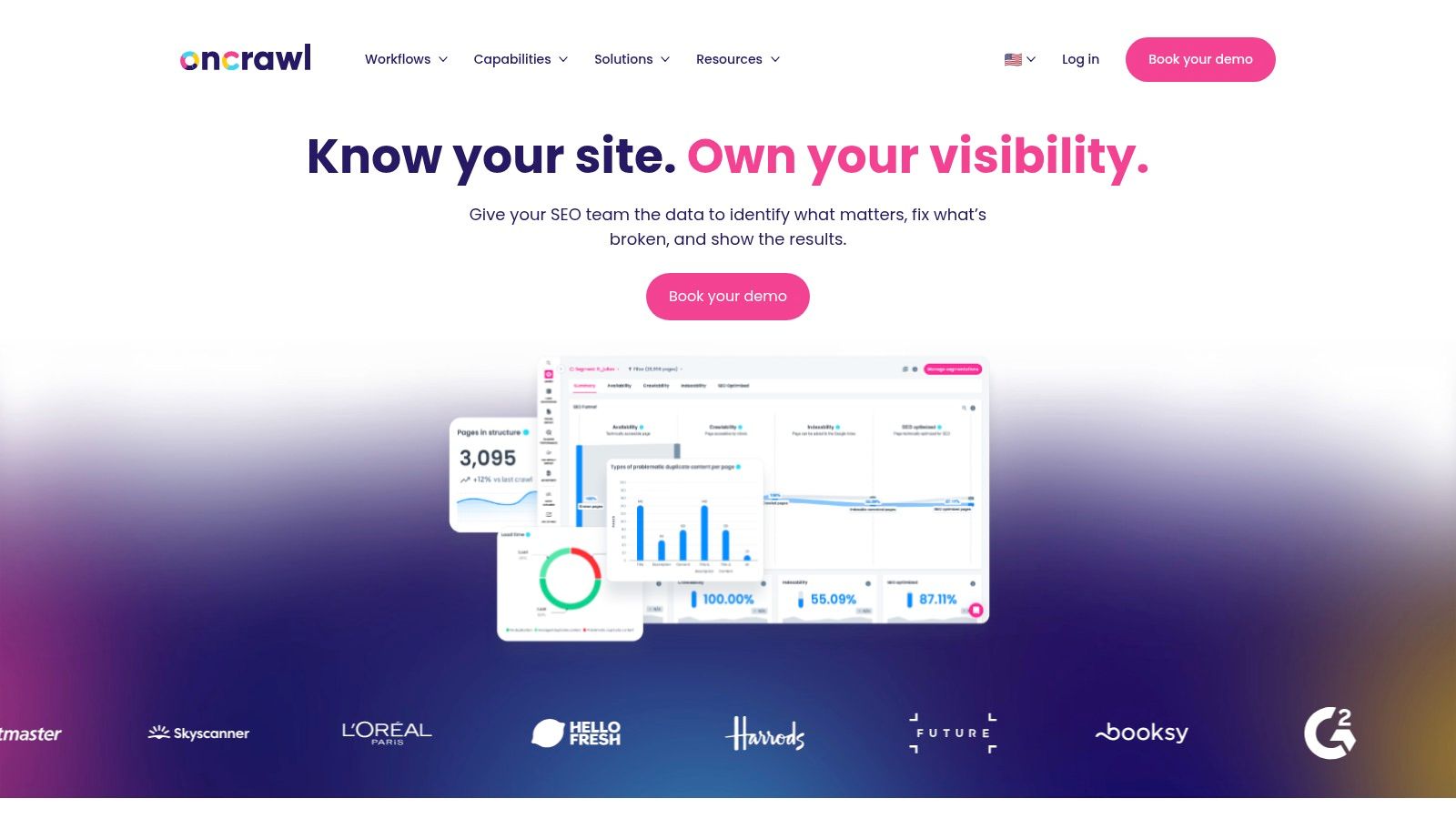
Oncrawl is less about surface-level issue detection and more about technical SEO as a data discipline. If your work involves crawl budget, server log interpretation, and indexation behavior at scale, Oncrawl is one of the more serious tools in this category.
It connects crawl data with server logs and performance data, which gives you a more complete view of how pages move from discovery to crawl to potential visibility.
Best for crawl-budget and log-file analysis
This is the kind of platform you buy when a normal audit report isn't enough. Large publishers, marketplaces, and enterprise commerce sites often need to know not just what's broken, but how bots spend time across the site.
That makes Oncrawl useful for questions like:
Which sections get crawled heavily but deliver little value
Which important URLs are undercrawled
How internal linking aligns with real bot behavior
Whether technical changes improve crawl efficiency over time
On big sites, crawl data without log data can send you in the wrong direction. You need to know what search bots actually requested, not just what your crawler found.
Oncrawl's downside is the same thing that makes it powerful. It's not beginner software. Teams new to log-based SEO may struggle at first, and pricing usually requires a sales process. For smaller sites, the depth can be unnecessary.
9. JetOctopus
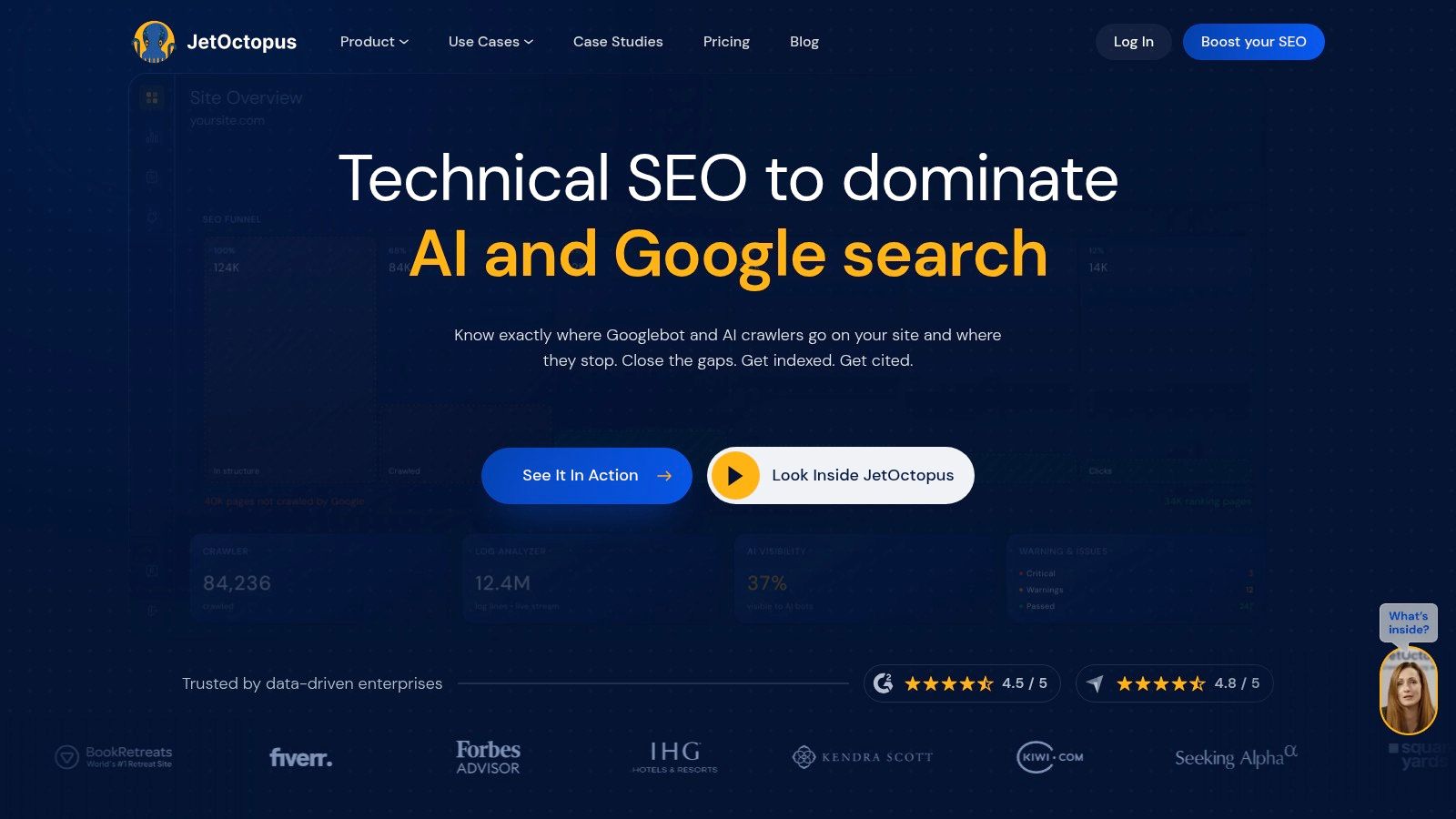
JetOctopus fits teams that have outgrown basic SaaS audits but are not ready for a heavier enterprise rollout. I usually consider it when a site is large enough that crawl speed, segmentation, and log visibility affect day-to-day SEO decisions, yet the buyer still wants public pricing and a shorter evaluation cycle.
That positioning matters. A lot of site audit tools look similar on a features page, but the fundamental choice is about job-to-be-done. If the job is "scan a site and get a list of issues," JetOctopus can be more tool than you need. If the job is "recheck large sections fast, compare segments, and connect crawl findings to bot activity and search data," it makes more sense.
Best value for large technical sites
JetOctopus works well for in-house technical SEOs, agencies handling bigger properties, and teams that need cloud crawling without the procurement friction common in higher-end platforms. The useful part is not just that it crawls at scale. It helps teams break a large site into meaningful groups, inspect internal linking patterns, and review log data alongside crawl findings and inputs from GA4 and GSC.
That leads to a practical workflow. Audit a section, isolate the templates or directories that matter, check whether search bots are spending time there, then prioritize fixes based on both technical severity and business value. For large sites, that is a better decision model than treating every warning as equally important.
The trade-offs are clear:
Choose JetOctopus if: You need fast recrawls, strong segmentation, and log analysis without committing to a full enterprise platform.
Be cautious if: Your team is new to technical SEO tooling and needs a more guided, beginner-first interface.
Plan ahead if: Log analysis volume is high, because costs can still rise with larger implementations.
The short version is simple. JetOctopus is a strong fit for teams in the middle of the market. It gives advanced technical users room to work, without forcing every buyer into the heaviest platform category.
10. SEO PowerSuite WebSite Auditor
SEO PowerSuite is the budget-conscious desktop option for people who audit often and don't want to think in SaaS usage credits. WebSite Auditor, the audit component in the suite, is a practical pick for consultants, freelancers, and smaller agencies that need repeatable audit work at a lower ongoing cost.
It won't match the cloud collaboration of larger SaaS platforms, but that's not really the point. The point is ownership and volume.
Best for cost-conscious consultants and small agencies
If you're running many audits and care more about unlimited project flexibility than polished enterprise workflow, WebSite Auditor does the job. It combines technical checks with on-page optimization features like content editing and TF-IDF analysis, which can be useful when your audit work blends technical and content recommendations.
The tool is especially appealing when you want:
Desktop control: No usage-based crawl billing for regular audit work.
Broad utility: Technical checks plus content optimization in one bundle.
Client deliverables: White-label PDF reporting on the Enterprise plan.
There's also a broader cost lesson here. Non-expert buyers often underestimate total ownership. A 2025 Gartner report found that 68% of small businesses face unanticipated expenses averaging $12K per year because of poor software onboarding, according to the verified data provided above, though the supplied reference is unusual and should be treated cautiously. Regardless of vendor, hidden costs usually show up in training, process changes, and implementation time.
That is why a lower subscription price doesn't automatically mean lower real cost. Desktop software can be economical, but only if your team is comfortable managing it.
Top 10 Site Audit Tools Feature Comparison
Tool | Core features | UX & Quality (★) | Price / Value (💰) | Target (👥) & Unique Selling Points (✨ / 🏆) |
|---|---|---|---|---|
🏆 Keyword Kick | AI-driven recommendations, GA4/GSC + rank/backlink audits, cannibalization detection, JS rendering, daily ranks | ★★★★☆, action-first insights, daily updates | 💰 Free Forever; Starter $49/mo → Pro $119 → Business $249 → Enterprise $599; 7‑day trial | 👥 Agencies, in‑house, e‑commerce, consultants, solos. ✨ K² AI Agent delivers prioritized, step‑by‑step actions. 🏆 Recommended |
Semrush – Site Audit | Health score & issue trends, JS rendering, Core Web Vitals, GA4/GSC, on‑page ideas & reporting | ★★★★☆, mature UI, team workflows | 💰 Premium tiers; higher cost than single‑purpose crawlers | 👥 Agencies & marketing teams. ✨ Broad integrations, reporting, training resources |
Ahrefs – Site Audit | Cloud crawler, issue guidance, backlink + keyword linkage, report builder, AI helpers | ★★★★☆, strong context from link/index data | 💰 Paid plans; free limited option for verified owners | 👥 Agencies, solo site owners. ✨ Tight backlink + index context for audit recommendations |
Screaming Frog SEO Spider | Desktop crawler, unlimited URLs (hardware), JS rendering, custom extraction | ★★★★☆, extremely fast, technical control | 💰 Free ≤500 URLs; affordable annual license per user | 👥 Agencies & consultants. ✨ Best‑in‑class crawl speed & granular control |
Sitebulb (Desktop & Cloud) | 300+ prioritized Hints, JS crawling, GA4/GSC + visualizations, desktop + cloud options | ★★★★☆, visual, education‑focused UX | 💰 Desktop affordable; cloud adds subscription cost | 👥 Teams learning technical SEO & client reporting. ✨ Outstanding visualizations & explanatory Hints |
Lumar (formerly Deepcrawl) | Enterprise‑scale crawling, accessibility & performance governance, cross‑domain monitoring | ★★★★☆, enterprise monitoring & governance | 💰 Custom enterprise pricing (sales) | 👥 Multi‑brand/global organizations. ✨ Governance, scale & multi‑site monitoring |
Botify – SiteCrawler | Googlebot‑like rendering, cloud‑scale crawling, automated workflows & activation | ★★★★☆, deep rendering fidelity, enterprise support | 💰 Custom/enterprise pricing | 👥 Very large sites & SEO/product teams. ✨ Accurate JS rendering + activation features |
Oncrawl | Crawl + server log analysis, flexible crawl settings, extensive exports & integrations | ★★★★☆, data‑rich, steeper learning curve | 💰 Custom enterprise pricing | 👥 Data‑driven SEO teams managing millions of URLs. ✨ Crawl‑log cross‑analysis for indexation & crawl budget |
JetOctopus | High‑speed crawling, log analysis, GA4/GSC integration, segmentation & exports | ★★★★☆, fast, technical interface | 💰 Accessible public pricing; free trial available | 👥 Large sites seeking value. ✨ Generous limits, fast crawl performance |
SEO PowerSuite – WebSite Auditor | Desktop crawl & on‑page checks, TF‑IDF, content editor, white‑label PDF reports | ★★★☆☆, desktop‑centric, cost‑effective | 💰 One‑time/desktop licensing; very cost‑effective for frequent audits | 👥 Consultants & budget teams. ✨ Unlimited projects offline, white‑label reporting |
From Data Overload to Actionable Insights
The best site audit software isn't the one with the longest feature list. It's the one that helps your team fix the right things in the right order. That's the standard I use when choosing a tool, and it's the easiest way to avoid paying for software that looks impressive in a demo but never becomes part of your workflow.
Start with the job you need done. If you need executive-friendly reporting and a broad marketing stack, Semrush is the practical choice. If backlink context matters as much as technical diagnostics, Ahrefs is strong. If you need precision and full control, Screaming Frog still belongs in the toolkit. If your team is learning technical SEO and needs explanation with the findings, Sitebulb is one of the easier platforms to operationalize.
Enterprise teams have a different decision entirely. Lumar, Botify, Oncrawl, and JetOctopus aren't competing on the same axis as desktop crawlers or all-in-one SMB suites. They solve scale, monitoring, rendering, log analysis, and governance problems. If you're auditing millions of URLs, trying to validate JavaScript-heavy content, or coordinating across large teams, those platforms make more sense than lower-cost generalist tools.
The next filter is implementation reality. Ask four questions before you buy anything:
Who will use it every week: A technical SEO, a general marketer, an agency account team, or a mixed group?
What kind of site are you auditing: A brochure site, an e-commerce catalog, a publisher, or a large JavaScript application?
What happens after the audit: Do developers get tickets, does a content team update pages, or does no one own fixes?
How much interpretation can your team handle: Raw exports, guided issue explanations, or AI-assisted prioritization?
If you can't answer the last two clearly, don't buy the deepest crawler first. Buy the tool that makes action easier.
That is where Keyword Kick stands out. For teams buried in disconnected SEO data, it does something many tools still don't do well. It turns site audit findings, rankings, analytics, backlinks, and competitor signals into a prioritized next step. That matters because most SEO teams don't fail on awareness. They fail on execution sequencing. They know there are problems. They don't know which few are holding performance back most.
One more practical point. Test with a real section of your site, not a sales demo domain. Crawl a category, a blog folder, or a representative template set. Check whether the tool helps you answer actual questions. Can you identify indexation problems quickly? Can you explain findings to a non-technical stakeholder? Can you move from issue discovery to assigned work without rebuilding the report elsewhere?
The market for audit platforms keeps growing because more organizations now treat auditing as an operational requirement, not a nice-to-have. Verified industry data notes that cloud-based segments accounted for 59.09% of market share in 2025 and are projected to keep growing at a faster pace in the years ahead, as summarized in the previously cited Markets and Data report. That trend makes sense. Teams want scalable systems, shared visibility, and continuous monitoring.
Still, software doesn't create outcomes. Teams do. The right platform makes good decisions easier and bad prioritization harder.
Start small. Run a crawl. Validate the findings against your own site knowledge. Fix a contained set of high-impact issues. Then decide whether the software helped you move faster, communicate better, and act with more confidence. That's how you choose the right tool.
If you want a platform that doesn't stop at diagnostics, try Keyword Kick. It brings site audits, rank tracking, backlinks, GA4, Search Console, and competitor insights into one workspace, then uses the K² AI Agent to tell you what to do next. For agencies, in-house teams, consultants, and site owners who need prioritization more than another spreadsheet, it's one of the most practical places to start.