A migration finishes, the redirects look healthy, and then users start reporting that important pages lead nowhere. A product comparison points to a removed URL. A resource hub contains links to old folder paths. A navigation component still generates a destination that no longer exists. The visible 404 is only the symptom. The actual problem is that your internal link graph no longer reflects the site you operate.
Learning how to fix broken internal links requires more than exporting every 404 and replacing URLs at random. You need a workflow that discovers failures across rendered pages, logs, and search data, then ranks repairs by user value, organic discovery, conversion importance, and semantic relevance. The strongest process also checks accessibility and introduces publishing controls so the same link rot doesn't return after the next redesign or content cleanup.
Discovering Broken Internal Links Across Your Site
Broken internal links rarely stay isolated. A removed product page may be referenced in templates, editorial content, related-item modules, XML or JSON data, and JavaScript-generated navigation. If you run one crawl with default settings, you may catch the obvious HTML links while missing the paths users and search engines encounter elsewhere.
The scale of the problem justifies continuous monitoring. In a 2024 Pew Research Center study of government websites, researchers analyzed approximately 42 million links. 86% were internal links pointing to another page on the same website, 6% led to pages that were no longer accessible, and 21% of government webpages contained at least one broken link (Pew Research Center's link-rot report). The figures concern government websites, not every site, but they show why internal-link maintenance belongs in an operating process rather than a one-time cleanup.
Build a complete failure inventory
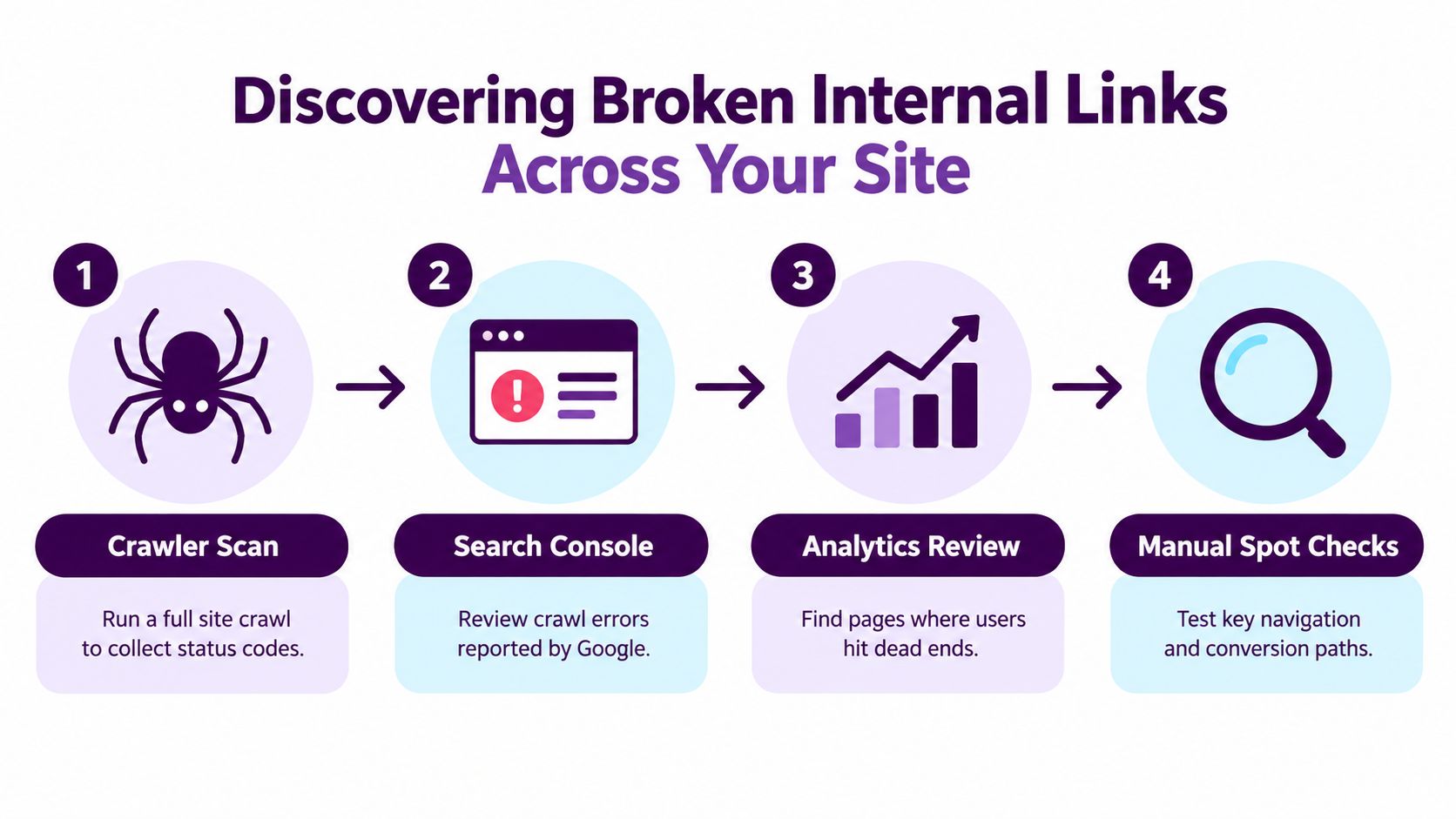
Start with a full crawl of the rendered site. Configure the crawler to execute JavaScript, follow links exposed after rendering, and record the source page, anchor text, destination URL, response status, final URL, and page type. Google generally discovers links through crawlable <a href="..."> elements, so script events that don't produce standard anchors may not be reliably extracted. Google's guidance on crawlable links is useful when reviewing components that generate links dynamically.
Then add other evidence rather than treating the crawler as the complete truth:
- Server logs: Find requests for failed internal destinations, including URLs reached directly through bookmarks, old external links, feeds, or pages your crawler couldn't access.
- Search data: Review Google Search Console for indexing and crawling issues, then compare reported URLs with your crawl export.
- Analytics paths: Look for sessions that enter an error template or abandon after a failed navigation step.
- Manual checks: Test search, navigation, filters, product selectors, account paths, and checkout journeys in a browser.
Use how to detect dead links as a supplementary reference when setting up the discovery process, but don't merge every reported URL into the repair queue without checking its source and business context.
Classify before assigning work
Export every internal URL returning a 4xx or 5xx response, then identify why it failed. A typo, a deleted page, a redirect-chain target, a case mismatch, a trailing-slash mismatch, and a JavaScript-generated link may all appear as “broken” in a report, but they require different owners and fixes.
Create one master inventory with the referring page, link location, response behavior, rendered result, and suspected cause. Keep the inventory active after deployment. Migrations, URL restructures, product removals, and content consolidation are predictable moments when new failures appear, so schedule additional discovery around those releases instead of waiting for complaints.
Prioritizing Repairs Based on SEO and User Impact
A broken link in an archive and one inside checkout can return the same HTTP status, yet their business consequences differ sharply. Triage gives the team a defensible order of work, so the first repair batch protects revenue, lead generation, accessibility, and high-value journeys rather than just clearing the largest error bucket.
Build the queue from impact signals. Record the broken URL, referring-page count, organic entrances, backlinks, conversion value, crawl frequency, and confidence in a suitable replacement. The HTTP status guidance in RFC 2616 helps distinguish response behavior, but status alone cannot show which repair deserves priority. Add the affected template, source component, device context, and whether the link can be reached with a keyboard or understood from its anchor text. A technically working destination still creates an access problem if the link is unusable for assistive technology.
| Impact Tier | Signals to Evaluate | Action Priority |
|---|---|---|
| Critical | Checkout, lead form, account, product path, or high-value navigation; strong conversion relevance; repeated user entrances | Assign immediately to the responsible developer or content owner, then test the complete journey across relevant devices and input methods |
| High | Editorial hub, category page, frequently linked resource, meaningful organic entrances, or important external references | Repair the source link and protect the former destination when a suitable successor exists |
| Medium | Several referring pages, regular crawling, moderate discovery value, or a clear replacement | Include in the next content or technical repair batch |
| Low | Isolated archive, weakly linked page, little user activity, and no confident successor | Remove or replace the reference after confirming that the content has no continuing purpose |
Score the destination, not just the error
Referring-page count shows how widely the failure is distributed. Organic entrances indicate whether search users may encounter the dead destination during a broader journey. Backlinks suggest that the former URL may still matter outside the site. Conversion value identifies defects that can interrupt a commercial task.
Replacement confidence should influence the queue. A related article is not automatically the right successor for a link promising installation instructions. A homepage does not replace a missing product detail page. If the team cannot explain how the proposed destination satisfies the original intent, mark the item uncertain and involve the content owner instead of applying a broad redirect.
Practical rule: Repair the link that blocks a valuable task before the link that merely inflates the error count.
After ranking individual URLs, group failures by template and source component. One footer rule may affect many pages, while an outdated paragraph may affect one. A template repair can remove a large number of failures efficiently, but volume must not conceal low business impact. Add recurring checks to the CMS publishing workflow, require owners to review links before deleting or renaming pages, and record approved replacements. Use how Keyword Kick analyzes SEO as a reference for connecting search and business signals when building the prioritization view.
Diagnosing the Root Cause of Link Failures
A migration can leave hundreds of internal links returning 404, but the status code is only the symptom. The failure may come from a renamed page, a typo, a case mismatch, a routing rule, or deliberate content removal. Diagnose the source before choosing a repair. A redirect applied to the wrong cause can carry the same problem into a new URL.
Separate temporary absence from permanent removal
Start with the original source HTML, server logs, CMS history, and URL change records. Test likely variations in case, encoding, trailing slash, and slug spelling. Check whether the destination exists under a new address, whether the failure affects a shared template, and which CMS or routing rule generated the URL. This separates a source-link defect from a destination or infrastructure defect.
If the page moved, update the referring anchor to the final live URL. A permanent redirect can preserve compatibility for users, bookmarks, and external references to the old address, while the internal source is corrected. Record the approved replacement so later editors do not recreate the obsolete link.
A removed resource needs a different response. HTTP guidance distinguishes a resource that is currently unavailable from one known to be permanently gone. Use a 404 when permanence remains uncertain. Use a 410 when the resource was permanently removed and has no suitable successor. In either case, remove or replace internal references instead of directing visitors to an unrelated page.
Test the meaning of the replacement
A redirect can return the expected status and still fail the user. Sending “download the pricing guide” to a generic resources page preserves a technical path but breaks the task implied by the anchor. Sending every obsolete URL to the homepage creates the same mismatch.
WCAG 2.1 requires the purpose of each link to be determinable from its text or programmatically determined context, except where ambiguity is unavoidable. A sound repair therefore has to work across HTTP behavior, search discovery, and semantic usefulness, as described in the WCAG 2.1 link-purpose requirements.
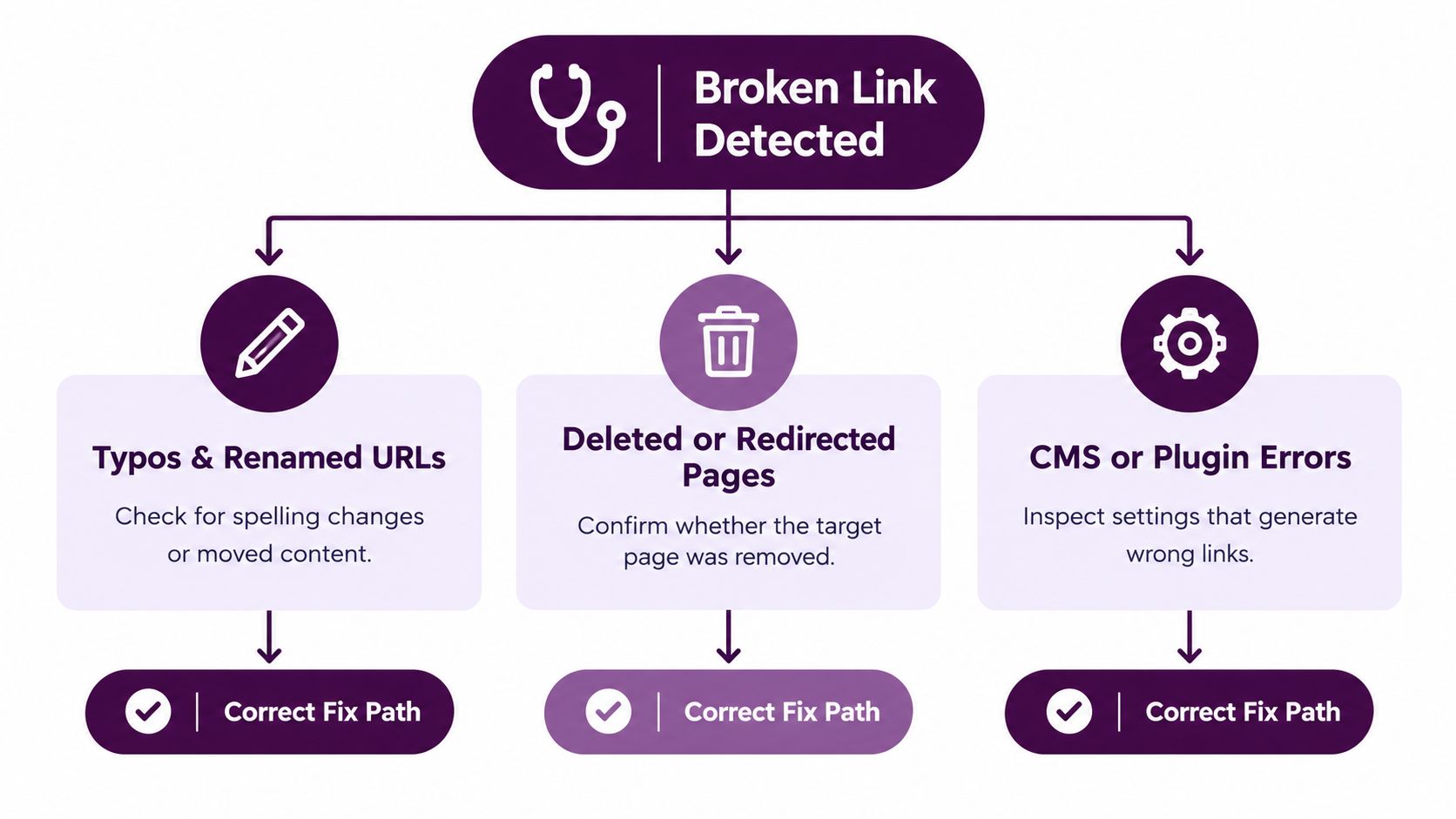
Read the original anchor as a user scanning links out of context, including a screen-reader user. Replace vague wording such as “click here” where the content owner can do so, and confirm that the destination fulfills the surrounding copy. Diagnosing the Root Cause of Link Failures is a useful visual reminder that the source and destination must be checked together.
- Typo or URL variation: Correct the source anchor and standardize the canonical path.
- Moved content: Link directly to the equivalent live page. Keep a permanent redirect as a compatibility layer only when it serves a defined purpose.
- Deleted content: Remove the link or provide a useful alternative. Do not invent equivalence.
- Wrong generated URL: Trace the CMS, plugin, feed, or JavaScript component, then correct its generation rule rather than patching every rendered page. Require link checks during publishing and page deletion reviews to reduce recurrence.
Implementing Targeted Fixes and Redirects
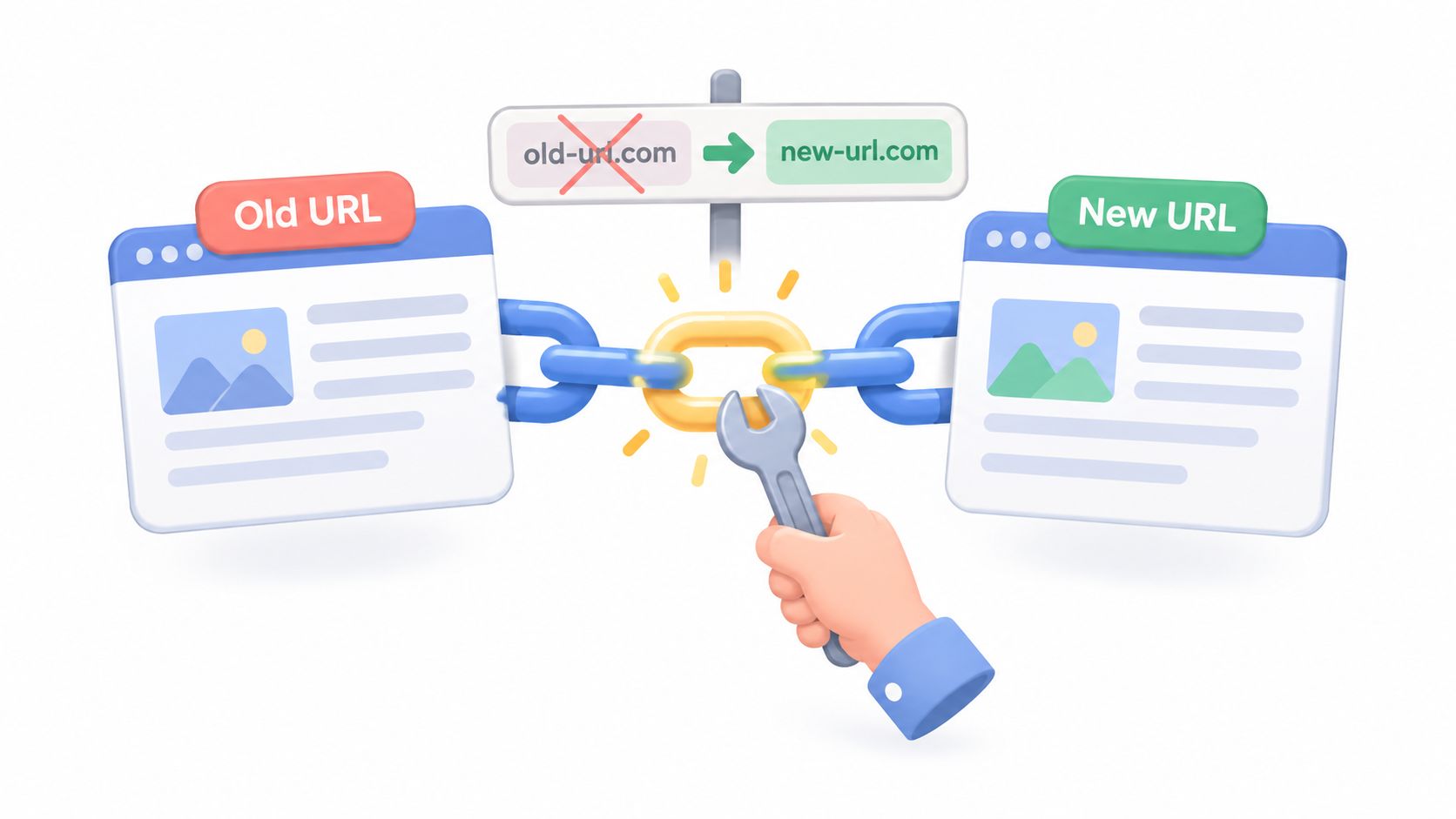
Once the cause and replacement are clear, execute the smallest reliable change. Directly updating the source anchor is usually preferable for internal links because it leaves the site pointing at the final destination. A redirect still has value when users, bookmarks, or external sites request the old URL, but it shouldn't become a substitute for maintaining current internal references.
Choose the right execution path
For a content-managed page, open the referring content, replace the old destination with the final live URL, and preserve or improve the anchor's descriptive context. Don't paste an address into a rich-text field if the CMS has an internal page selector that tracks relationships. Internal references managed through the CMS are easier to review when pages are renamed or scheduled for deletion.
For a template or component failure, repair the shared source. A footer, related-content module, breadcrumb, filter, or product card can generate the same bad URL across many pages. Test the component in the rendered browser after deployment because the server response may not reveal a client-side routing error.
For a redirect, map the old URL to the closest equivalent live destination and use one permanent hop. Avoid redirect chains, loops, and unrelated homepage targets. A redirect that keeps a legacy URL usable is useful. A redirect that changes the promised task is misleading, even if it satisfies a crawler.
Implementation check: The final internal link should use a standard anchor with an
href, descriptive text, and a path that a user and crawler can discover without relying on a nonstandard script event.
Handle the messy URL variants
Case sensitivity can break paths on some server environments even when the visible URL appears almost identical. Trailing-slash differences, encoded characters, outdated folder names, and inconsistent parameter handling can produce failures that are easy to miss in a visual review. Normalize the internal source links, then test the old and new forms deliberately.
JavaScript deserves separate attention. A button may move through an event handler without exposing a crawlable anchor, or a client-side application may return a 200 response while rendering an error state. Check the HTML produced before and after rendering, and make sure important movement remains available through ordinary anchor markup.
During a migration, keep the URL map, source-page list, owner, replacement decision, and validation result together. A practical website migration SEO checklist can help teams coordinate redirects, content checks, and launch verification, but your repair queue still needs site-specific decisions.
The repeatable sequence is straightforward: crawl the rendered site, export internal 4xx and 5xx destinations, classify each failure, inspect logs and HTML, select the closest equivalent, update the source anchor, and add a permanent redirect only when the old address has meaningful inbound value. Deployment isn't the finish line. It starts the validation phase.
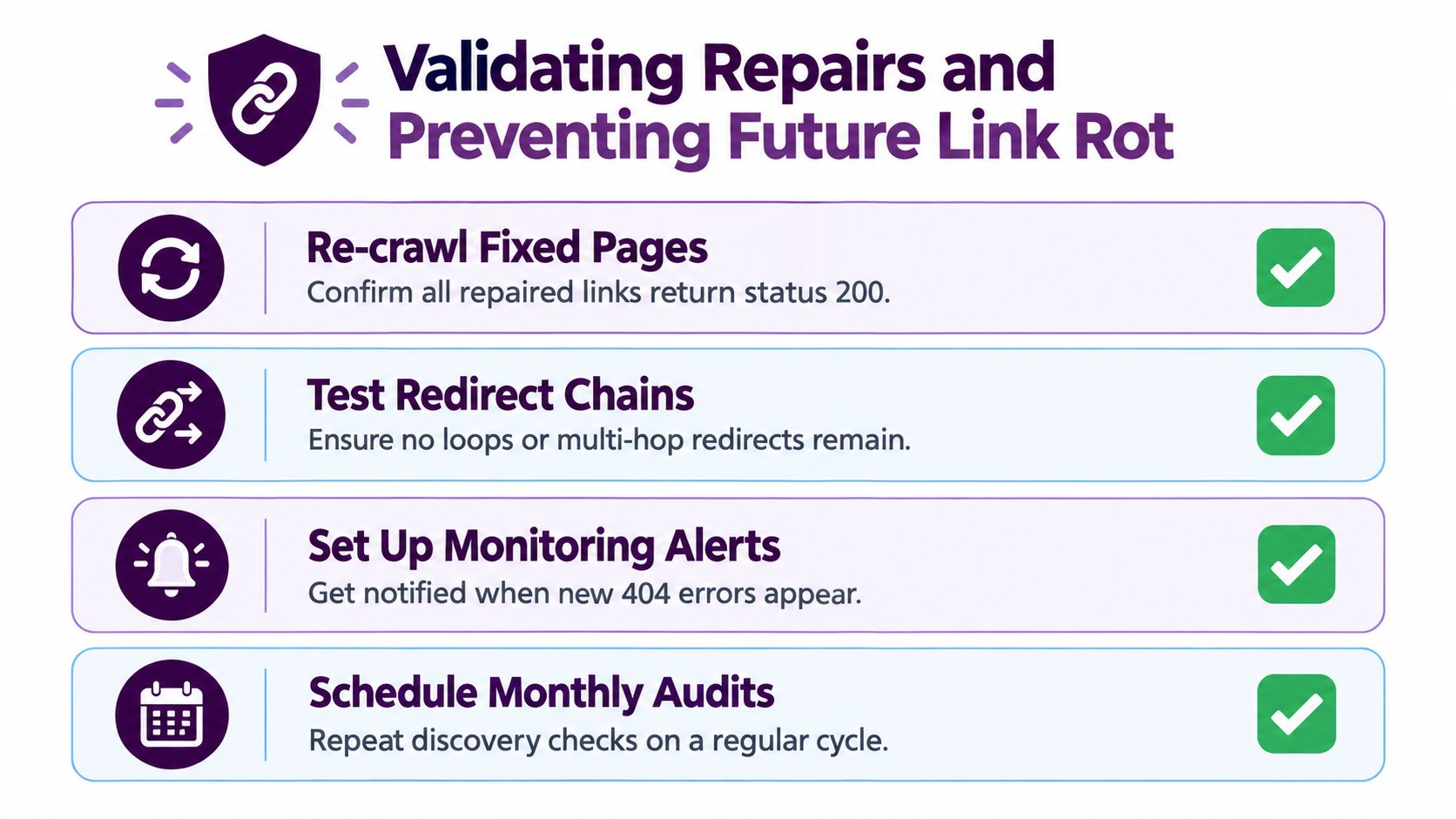
Validating Repairs and Preventing Future Link Rot
A repaired URL can still fail the user journey. A 200 response may serve an error template, break client-side routing, or expose different content to crawlers. A redirect may resolve successfully while sending visitors to the wrong task or an irrelevant page. Validate both the response and the destination's meaning.
Close the loop after deployment
Recrawl repaired source pages with more than one user-agent perspective. Confirm the expected status using the HTTP protocol reference, then verify the rendered content, canonical URL, and final destination. Run each repaired redirect through a redirect checker tool to confirm a single hop, the correct final URL, and no loops.
Use a browser check for pages that depend on client-side routing, personalization, filters, or interactive navigation. Test keyboard access and visible link labels as well. A repaired path that works only with a mouse, or leaves an unclear focus state, remains a usability and accessibility defect.
Inspect the architecture around every repair. The former destination may still appear in a feed, structured data, template, PDF, or JavaScript bundle. The change may also remove the only internal route to a useful page. Your final crawl should therefore identify orphaned pages and stale references, rather than stopping after confirming that 404 responses have disappeared.
Track measures that show whether the system is improving:
- Broken-link rate: Count failing internal destinations against the same site scope over time.
- Orphan-page count: Review pages with no supporting internal path.
- Redirect-hop count: Find compatibility redirects that have accumulated extra steps.
- Destination validation rate: Confirm that repaired URLs return the intended status and content.
- Organic entrances to repaired pages: Monitor whether search visitors reach the restored destination during the first 28 days after release using your analytics platform's landing-page report.
These are control metrics, not universal SEO uplift benchmarks. A lower error count helps, but the stronger outcome is a destination that remains relevant, discoverable, accessible, and usable.
Put prevention inside publishing
Link rot usually reflects a workflow gap. Give editors a CMS-managed internal-link selector instead of relying on hand-typed URLs. Require replacement review before a page is renamed, moved, consolidated, or deleted. The content owner should check incoming links before removing a destination, while developers should test shared components after template changes.
Add link validation to pre-publish checks. Inspect standard anchors, rendered output, canonical paths, and important generated elements. Schedule recurring crawls, then run event-driven audits after migrations, URL restructures, product removals, and content consolidation.
A monthly report that nobody owns is not a monitoring system. Assign each failure a responsible team, a priority, a target date, and a verification result.
Building a Sustainable Internal Linking Workflow
The durable solution is to make link health part of how the site is managed. After a migration recovery, teams often keep a redirect spreadsheet and a list of known errors. Those are useful starting points, but they don't prevent a writer from linking to an outdated URL, a developer from changing a template, or an editor from deleting a page without reviewing its incoming references.
Give each URL change a controlled path. Before publishing a renamed page, the editor identifies the new canonical destination and the developer confirms compatibility behavior for the old address. Before deleting content, the owner decides whether the page should be replaced, archived, or permanently removed. Before changing a component, the developer tests the rendered links and gives SEO a crawlable release environment.
Turn repair data into governance
A practical operating rhythm can be simple:
- During planning: Record URL changes, replacements, owners, and affected templates.
- Before release: Crawl the staging or rendered environment, including JavaScript-generated navigation.
- At launch: Test priority journeys, important hubs, forms, products, and account paths.
- After release: Recrawl, inspect logs, review search data, and confirm that repaired pages remain reachable.
- During publishing: Use CMS-managed internal references and block or flag destinations that fail validation.
Content and development teams should share the same inventory. Writers understand whether a replacement preserves the reader's intent. Developers understand whether a bad URL originates in a component, routing rule, or data feed. SEO can connect those decisions to discovery, backlinks, and internal architecture. No single team sees the whole failure pattern alone.
The strongest sites don't measure success by how quickly someone closes a 404 ticket. They measure whether users can complete the task promised by the link, whether crawlers can discover the intended page, and whether the repair remains stable after the next content release. That standard also protects accessibility because a semantically accurate link is more useful than a technically valid detour.
When a site has thousands of historical URLs, start with the highest-impact paths and templates. Repair the source anchors, preserve valuable old destinations with focused permanent redirects, remove references to content with no successor, and keep orphan-page review in the same process. Over time, this shifts internal linking from reactive patching to controlled information architecture.
Keyword Kick offers site audits, JavaScript rendering, and prioritized technical SEO recommendations that can help teams identify and organize broken-link work. Visit Keyword Kick to connect technical findings with search and performance data, then turn the repair queue into concrete actions.