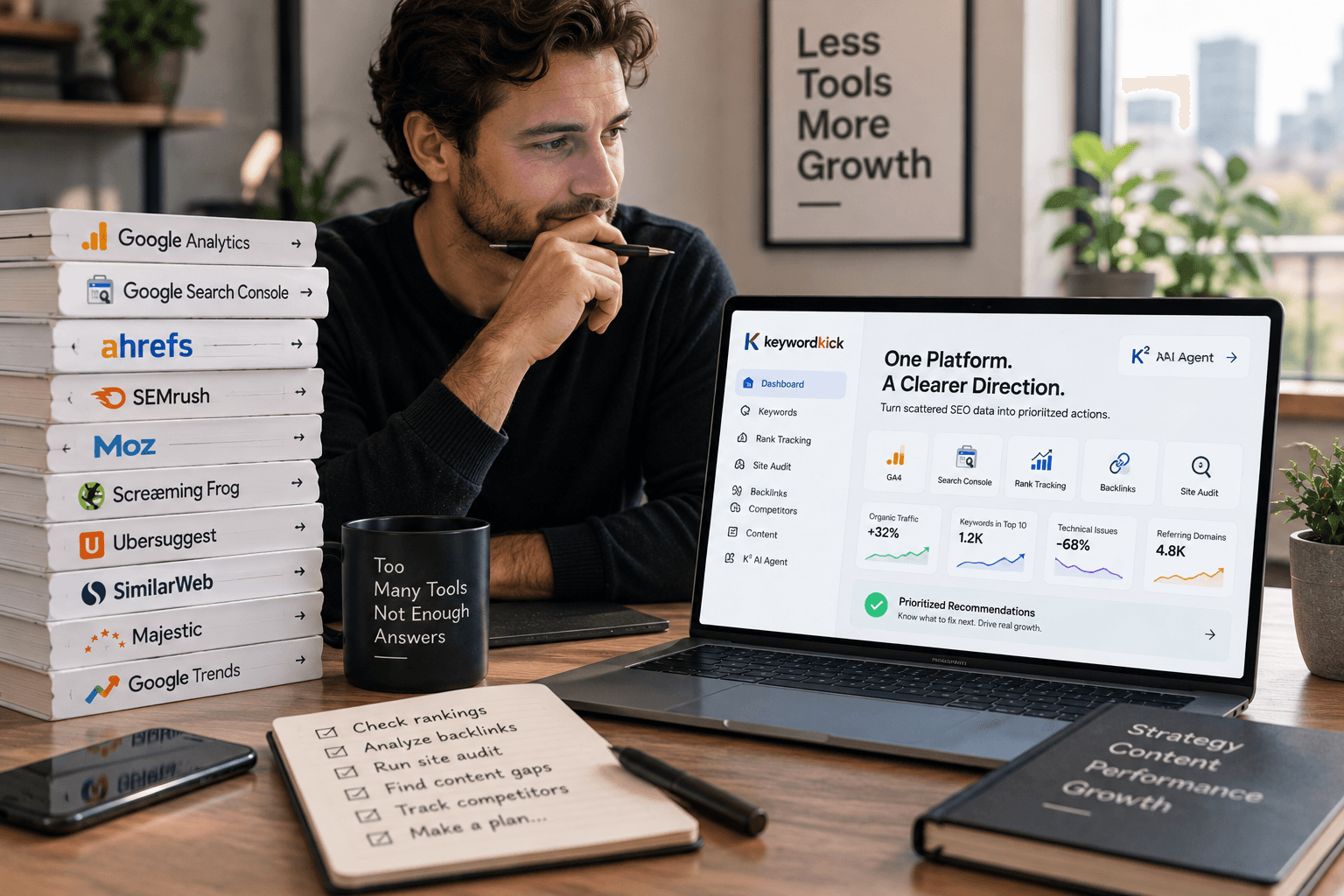
You're probably dealing with the same SEO mess many organizations encounter once a site grows past a few dozen important pages. Search Console is open in one tab. GA4 is open in another. A rank tracker sits somewhere else. Technical crawl exports live in a spreadsheet nobody wants to clean up. A traffic drop shows up on Tuesday, but the actual cause might be a template change from last week, a lost internal link, or a page that slipped out of indexation.
This is the primary appeal of an SEO automation tool. It's not “doing SEO for you.” It's stopping your team from wasting skilled time on detective work that software should handle first.
Manual SEO breaks down in predictable ways. Teams spend too much time collecting data, too little time interpreting it, and almost no time acting fast enough. That's why automation has moved into the mainstream. Backlinko's 2026 data shows 22% of marketers use automation for SEO efforts, which puts it alongside established use cases like live chat at 24% and landing pages at 27% in the same dataset, according to Backlinko's marketing automation statistics.
From SEO Overload to Automated Clarity
A junior SEO usually starts by learning individual tasks. Check rankings. Export Search Console queries. Run a crawl. Review title tags. Build a report. That works for a while.
Then the site gets bigger, or the client list grows, and the process breaks. You can still do every task manually, but you can't do it quickly enough to catch problems before they affect visibility.
Where teams usually get stuck
The bottleneck usually isn't lack of effort. It's fragmented information.
Traffic data lives in analytics: You can see the drop, but not the technical cause.
Technical issues live in crawlers: You can see broken canonicals or noindex errors, but not whether they hit revenue pages.
Ranking changes live in another tool: You can see movement, but not whether the page also slowed down or lost schema.
Reporting lives in decks and sheets: By the time the report is ready, the issue is already old news.
That's why so many SEO workflows feel reactive. The team notices something after the damage is done, then starts stitching evidence together by hand.
Practical rule: If your team spends more time preparing SEO data than deciding what to do next, the workflow is already too manual.
What automation changes
A good SEO automation tool acts like a central nervous system for search operations. It pulls signals from the systems you already use, watches for changes, and surfaces the few things that actually need attention.
That changes the day-to-day job in a useful way:
Manual workflow | Automated workflow |
|---|---|
Pull exports from multiple tools | Data is unified in one workspace |
Run crawls when someone remembers | Scheduled monitoring keeps running |
Notice problems after reports | Alerts flag issues earlier |
Build status updates by hand | Reports and summaries are generated automatically |
For agencies, this means fewer hours lost to repetitive reporting and account triage. For in-house teams, it means less guessing about whether a ranking loss came from content, technical debt, or a tracking issue.
The important shift is mental, not just operational. Automation moves SEO from “check everything all the time” to “review the right signals and make better decisions.”
What an SEO Automation Tool Really Is
The term “automation” often conjures up images of bulk actions, scheduled reports, or AI writing prompts. That's too narrow.
An SEO automation tool is better understood as a co-pilot. It connects your instruments, keeps watching them in the background, and points out what changed before you have to hunt for it yourself.
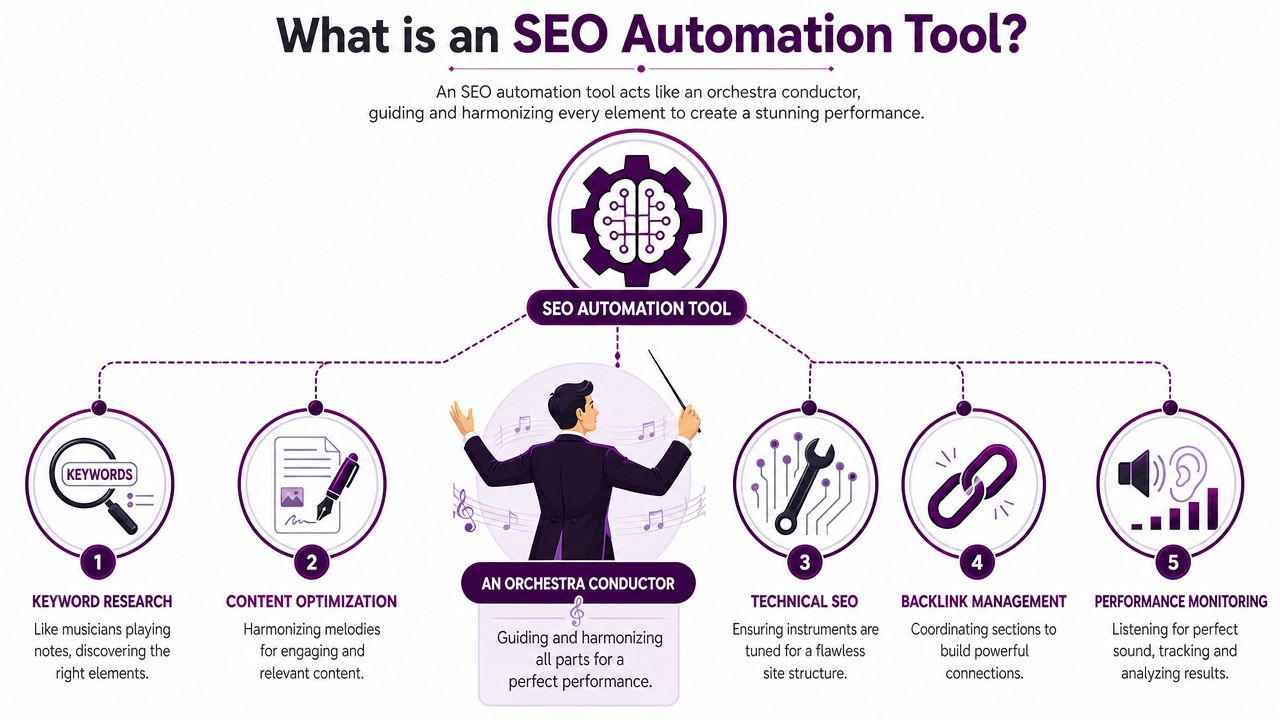
Think of it like an operations layer
The useful part isn't that the platform stores data. Plenty of tools store data. The useful part is that it connects sources, compares signals, and reduces noise.
A practical setup often includes:
Search performance inputs: Google Search Console and rank tracking
Behavior inputs: GA4 or similar analytics data
Technical inputs: crawls, page speed, rendering, indexing signals
Competitive inputs: keyword gaps, SERP features, backlink movement
Workflow outputs: alerts, reports, task recommendations, stakeholder summaries
If you want a plain-language breakdown of how these systems fit together, this guide on what an SEO platform is and how data-driven SEO works is useful context.
Why scale matters
This category isn't built just for small-site housekeeping. Modern platforms operate at a scale that would be impossible to manage manually. Siteimprove's overview of the landscape notes that some tools track keywords across a 32+ billion keyword database spanning 170+ countries, while others handle 37,000 locations in 46 languages. That gives these systems real weight for global tracking and competitive analysis, as outlined in Siteimprove's SEO automation tools landscape matrix.
That scale matters because modern search visibility is broader than “where do we rank for ten head terms.” Teams now need to monitor local packs, international pages, AI answer visibility, and competitor movement across markets.
A strong tool also helps with adjacent search shifts. If your team is adapting content for AI-mediated discovery, a focused generative engine optimization strategy can complement the more traditional rank, crawl, and reporting workflows handled inside your platform.
An SEO automation tool should reduce interpretation time, not just generate more dashboards.
If it only creates a prettier pile of disconnected charts, it hasn't solved the actual problem.
The Five Core Capabilities Unpacked
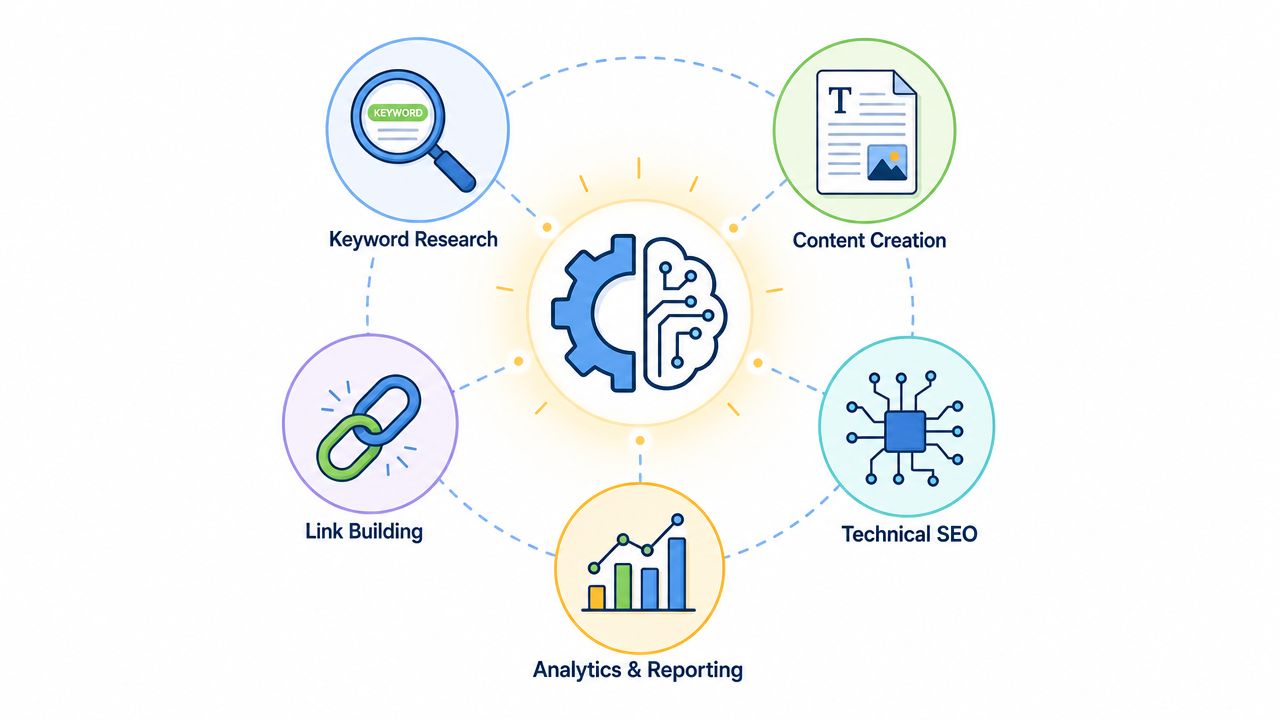
Once you strip away marketing language, most useful SEO automation tools revolve around five capabilities. The difference between average and strong platforms is how well they connect them.
Data integration
This is the foundation. If the tool can't pull the right signals together, everything else is surface-level.
Make's industry guidance describes the technical base clearly: these systems typically rely on scheduled crawling plus API integrations with sources like Google Analytics, Google Search Console, and PageSpeed Insights, which is what enables daily monitoring without manual checking, as explained in Make's overview of SEO automation.
Before automation, an analyst exports three systems and tries to reconcile them in a sheet. After automation, the platform can show that rankings dropped on a set of URLs that also lost clicks, slowed down, and had a template-level metadata issue.
Automated audits
Quarterly technical audits sound responsible. They're also too slow for active sites.
A proper automated workflow crawls on a schedule, tracks changes over time, and flags issues when they appear. That helps with things like indexation changes, internal linking gaps, redirect chains, broken canonicals, or sudden noindex mistakes.
The value isn't just finding errors. It's finding them while they're still small.
Rank tracking with context
Basic rank tracking tells you position. Useful rank tracking tells you what changed around the position.
Look for tools that connect rankings to:
Landing page behavior
SERP feature presence
Competitor overlap
Page-level technical changes
Historical movement by keyword group
That context changes prioritization. A ranking dip on a low-value blog page is one thing. A drop on a category page tied to conversions is another.
Recommendations that become a queue
Raw SEO data creates backlog. Good automation creates a work queue.
That means the tool doesn't just say, “these pages have issues.” It says, in effect, “start here, because these pages combine traffic potential, ranking slippage, and technical weakness.”
Some platforms do this through rule-based prioritization. Others layer AI on top. Either way, the test is simple: can a junior team member open the tool and know what to work on first?
Workflow automation
This is the least glamorous capability, but it often saves the most frustration.
Useful workflow automation includes:
Scheduled reports for clients or stakeholders
Alerts for major page or traffic changes
Recurring health summaries
Task handoffs to content, dev, or account teams
Shared notes around issue status
Tools don't create leverage by replacing judgment. They create leverage by removing repeated setup, exports, and status chasing.
When that layer is missing, the tool may still be informative, but it won't change how the team operates.
The Business Case for SEO Automation
The case for automation isn't “SEO is hard, so buy software.” That's weak. The actual case is operational.
A team's most limited resource usually isn't data. It's skilled attention. Good SEO people shouldn't spend their week assembling the same reports, rechecking the same pages, or manually comparing the same inputs.
Time shifts from collection to action
The first gain is obvious. Routine tasks get compressed.
Monthly reporting, recurring audits, ranking checks, traffic anomaly reviews, and page monitoring can all be systematized. That doesn't mean the SEO team works less. It means they spend more of their time on the part humans are good at: diagnosing patterns, choosing trade-offs, and aligning search work with business goals.
For agencies, that often means account leads stop living inside slide decks. For in-house teams, it means fewer fire drills caused by late detection.
Prioritization improves
The second gain matters more than speed. You stop treating every issue as equally urgent.
Most sites have more SEO issues than the team can fix in a quarter. Some are cosmetic. Some are structural. Some affect pages nobody cares about. Others hit the small set of URLs that drive pipeline or revenue.
An automation layer helps sort that backlog. It connects performance impact to technical findings, so the team can act on the issues that deserve developer time, editorial effort, or executive visibility.
Operations scale without chaos
Agencies and larger brands feel the difference.
Without automation, adding more clients or more site sections usually means adding more manual labor. Reporting expands. QA expands. Monitoring expands. The process gets slower exactly when the business needs it to get faster.
With automation, scale is still work, but it's controlled work.
Without automation | With automation |
|---|---|
New accounts create reporting overhead | Templates and scheduled reports reduce setup |
More pages mean more manual QA | Ongoing monitoring catches repeat issues |
Team knowledge stays in individual spreadsheets | Shared systems centralize findings |
Senior staff spend time on routine checks | Senior staff spend time on strategy |
There's also a less visible business benefit. Automation gives managers a clearer operating model. You can see what's broken, what's improving, and what's stuck in implementation. That makes SEO easier to manage across account teams, content teams, developers, and leadership.
An SEO automation tool isn't just a productivity purchase. It's a way to make search work more predictable.
Real World Workflows for Agencies and In-House Teams
Theory is easy. The useful question is what the workflow looks like on a normal week.
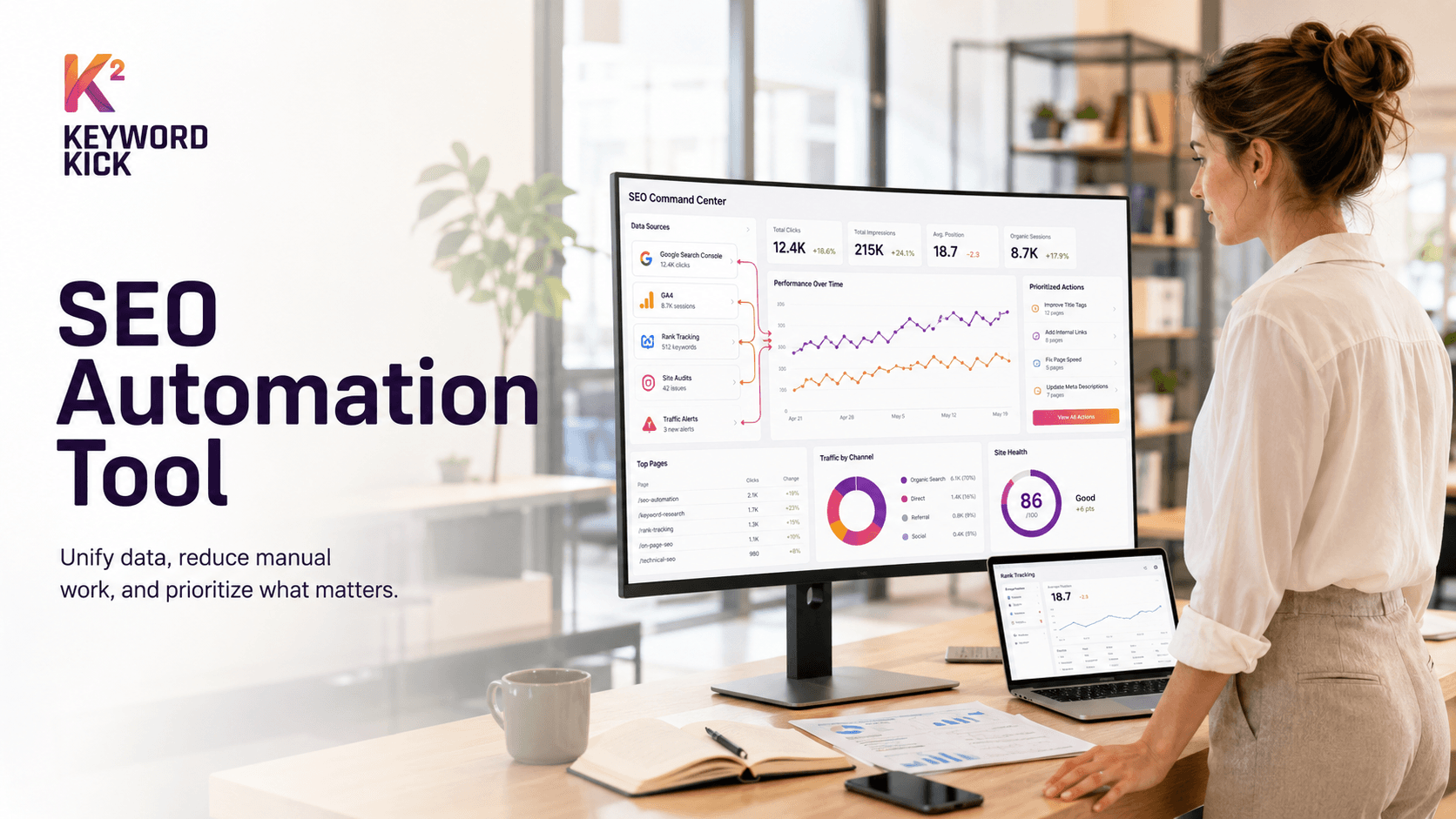
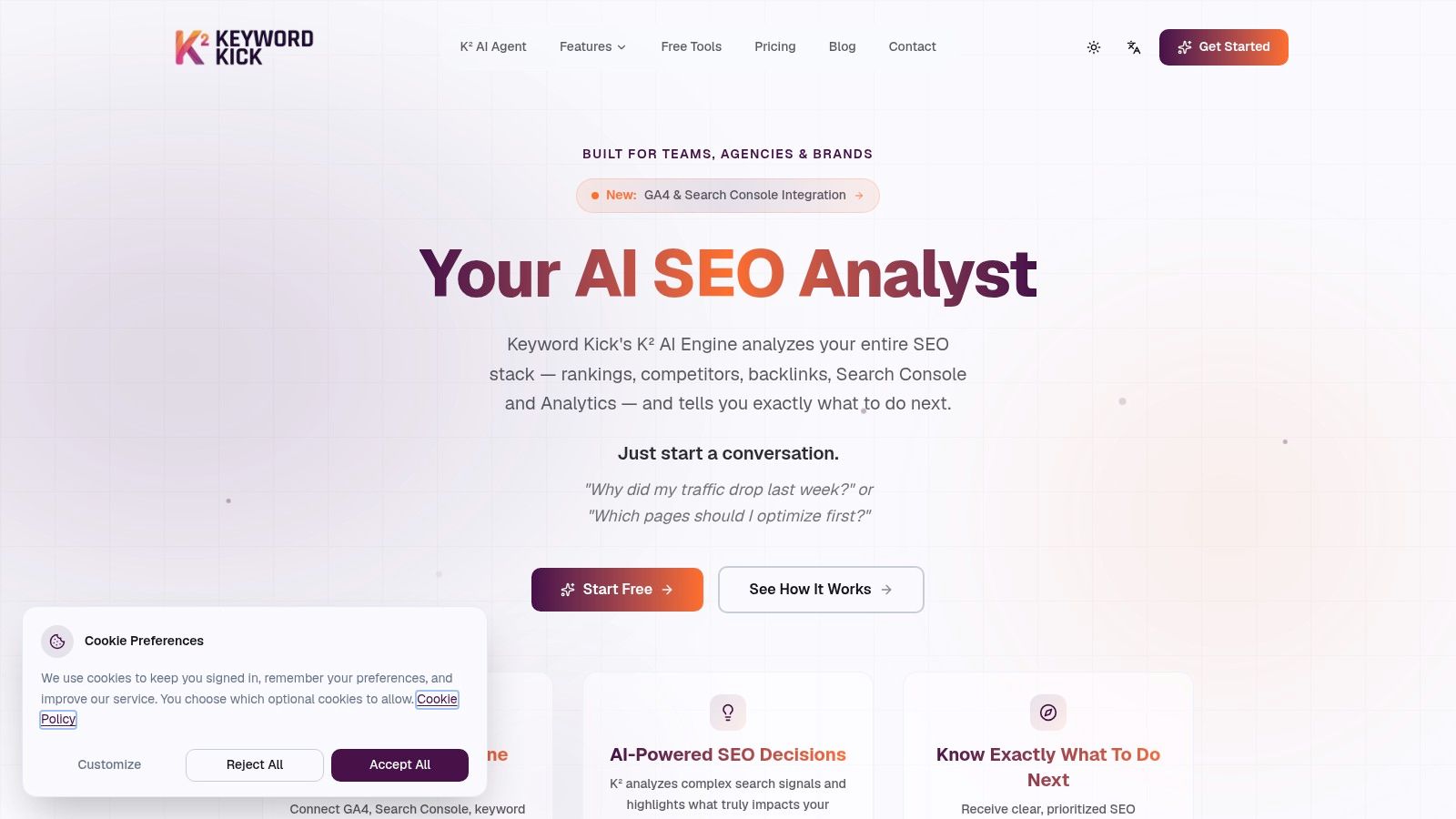
Here's the kind of dashboard view teams usually want to work from.
Agency workflow on a new client
A solid agency workflow starts with connection, not recommendations. First, connect the client's core sources. Search Console, GA4, rank tracking, and the site crawl need to sit in one place.
Then run an automated discovery pass. That usually surfaces the first useful buckets fast:
Pages losing visibility
Template-level technical issues
Content gaps by topic or intent
Cannibalization patterns
Reporting baselines for the account
At that point, the account lead should resist the urge to dump everything into a giant audit. The better move is to separate findings into three lists:
Immediate fixes for problems that block crawling, indexing, or page performance
Near-term opportunities where rankings are close and content upgrades can move the needle
Strategic work such as architecture, topic expansion, or internal linking redesign
Some teams now use AI-assisted workflows to make that triage faster. If you're evaluating that model, this article on AI agents for SEO and autonomous workflows is a practical next read.
In-house workflow for ongoing site management
In-house teams usually need a different rhythm. They're not proving value in a monthly client call. They're protecting and growing an existing site while coordinating with product, engineering, and content.
A useful operating cadence looks more like this:
Set alerts for important page groups, not the whole site
Monitor page templates so one bad release doesn't spread unchecked
Track competitors by topic cluster instead of vanity head terms
Review cannibalization regularly on sites with active publishing calendars
Send role-specific reporting so executives, content leads, and developers each get what they need
One platform offers a solution by unifying signals well. For example, Keyword Kick is built to connect GA4, Search Console, rank tracking, backlinks, and technical data into one workspace so teams can ask practical questions like why traffic dropped or which pages should be optimized first.
Agencies need repeatable onboarding. In-house teams need repeatable monitoring. The best workflow isn't the same for both.
What doesn't work in practice
A few workflows sound efficient and usually fail:
Automating every alert: Teams stop paying attention once the notifications get noisy.
Reporting on everything: Stakeholders don't need every keyword movement. They need clear decisions.
Assigning fixes without context: Dev teams ignore vague SEO tickets.
Trusting recommendations blindly: A machine can identify patterns. It can't know internal priorities unless you apply them.
The strongest teams treat automation as a filter. It gathers signals, narrows the field, and supports decision-making. It doesn't replace an operating process.
How to Choose the Right SEO Automation Tool
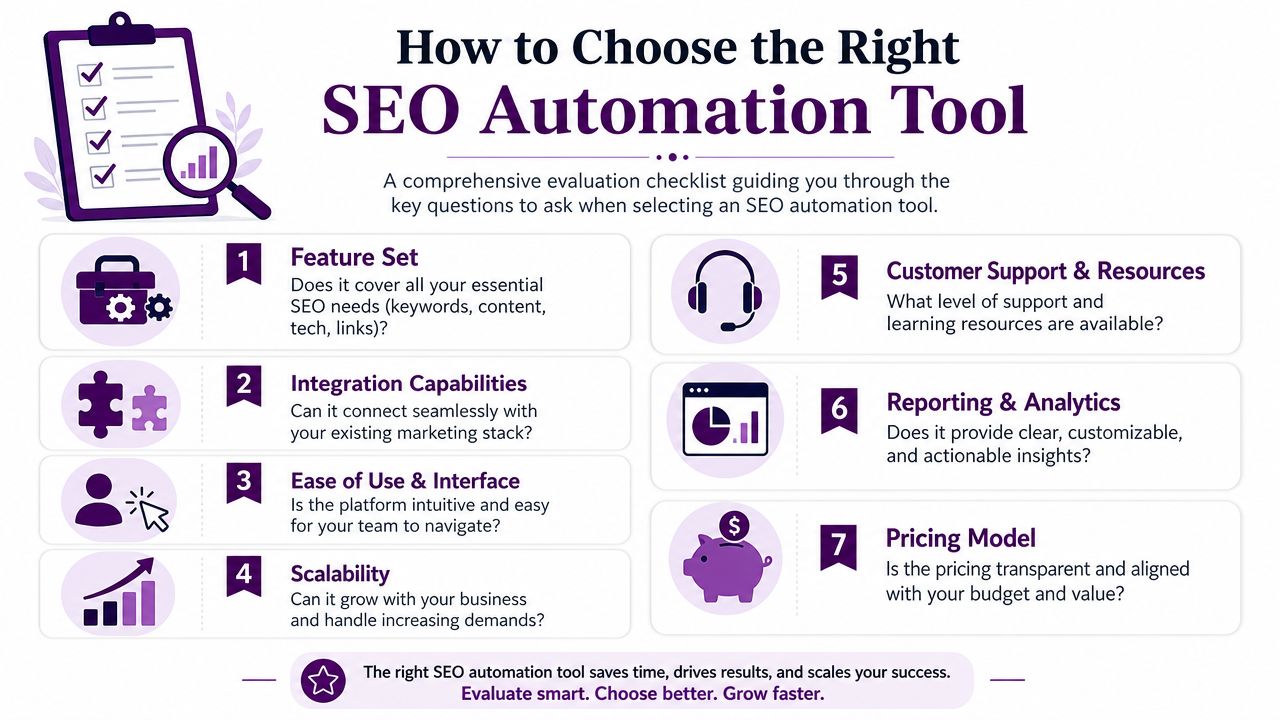
Most tool evaluations go wrong because teams compare feature lists instead of operating fit. A platform can look impressive in a demo and still be wrong for your workflow.
The better approach is to ask sharper questions.
Start with data quality and integrations
The first question is simple. What can it connect to, and how cleanly?
If the platform can't reliably pull your core data sources together, everything built on top of it becomes suspect. You want integrations that are stable, practical, and useful for your existing stack, not just a long logo row on a pricing page.
A useful comparison point is whether the platform supports the workflows you already run. If you're researching categories and options, this overview of SEO automation software is a good baseline.
Check technical depth, not just interface polish
A lot of tools look capable until you test them on a modern site. Then you find out the crawl is shallow, the rendered version is weak, or structured data checks are incomplete.
ClickRank's guidance is right to make this a differentiator: strong platforms should be able to crawl JavaScript-rendered content and validate structured data, because superficial crawlers can miss indexation and architecture issues that hurt visibility, as covered in ClickRank's review of SEO automation tools for agencies.
If your site relies on JavaScript frameworks, faceted navigation, heavy templates, or schema-driven SERP visibility, this isn't a nice-to-have.
Ask what the tool does after it finds a problem
Dashboards are common. Prioritization is less common.
You want to know:
Does it surface actions or just metrics
Can it group issues by impact
Can different stakeholders get different views
Can reports be customized without manual rebuilding
Can alerts be tuned so they stay usable
A platform that only visualizes data is still leaving a lot of interpretation work on your team.
Make sure it fits the next version of search
Traditional SEO workflows are now overlapping with AI answer visibility, brand mentions, and entity-level tracking. If your team is looking at that broader shift, a curated list of AI search optimization tools can help you evaluate what belongs inside your stack and what should stay separate.
Use that as an overlay, not a distraction. The core product still needs to do the basics well.
A short vendor checklist
Question | Why it matters |
|---|---|
Can it connect your main data sources cleanly? | Without that, insights stay fragmented |
Can it handle JavaScript and structured data? | Weak crawlers miss real technical issues |
Does it prioritize actions? | Teams need a queue, not another dashboard |
Are reports flexible by stakeholder? | Execs, devs, and SEOs need different views |
Will it still fit if your site portfolio grows? | Re-platforming later is painful |
The right choice usually isn't the tool with the longest feature page. It's the one that matches your workflows, technical reality, and team maturity.
Your First 90 Days with an SEO Automation Tool
The first mistake teams make is trying to automate everything at once. Don't.
Start with one site, one business unit, or one SEO problem that already causes repeat pain. Technical monitoring is often the cleanest pilot because the before-and-after is easy to see.
Days 1 to 30
Connect the basics first. Search Console, analytics, crawl data, and ranking inputs should be in place before anyone asks the platform for strategic answers.
Then set up only a few automations:
One recurring health report
One alert for meaningful traffic or ranking changes
One prioritized task view for pages that matter most
Days 31 to 60
Use the tool in live workflow. Don't just admire the dashboard.
Review what it flags. Compare that with what your team would have found manually. Refine the alert thresholds. Remove noisy reports. Tighten the page groups and templates you monitor.
This is also a good time to think beyond classic search. Teams adapting content for answer engines may find this guide on optimizing for generative AI search useful as they expand what “visibility” means.
Days 61 to 90
Once the setup feels stable, expand carefully. Add more sites, more templates, or more stakeholder reporting. But keep one rule in place: human review stays on top of strategic and brand-sensitive work.
Straight North makes that boundary clear. Even when automation is powerful, tasks like reviewing AI-generated title tags or briefs for tone and accuracy still need manual review, and a hybrid workflow with human-led strategy and final approval is essential for quality control.
Automation is reliable for monitoring, aggregation, and repetition. It is not reliable enough to own brand judgment, editorial nuance, or SEO strategy on its own.
That's the right way to use an SEO automation tool. Let the system handle the routine load. Keep the important calls with people who understand the business.
If you want one place to unify search data and turn it into prioritized actions, Keyword Kick is worth a look. It's built for agencies, in-house teams, and consultants who need rank tracking, audits, backlinks, keyword research, and AI-assisted analysis in the same workflow instead of spread across disconnected tools.