Monday starts with a familiar mess. Traffic is down on a core page, two important URLs still are not indexed, a client wants competitor movement explained by noon, and the tool you bought for “all in one SEO” still cannot connect the cause to the next action without three exports and a spreadsheet.
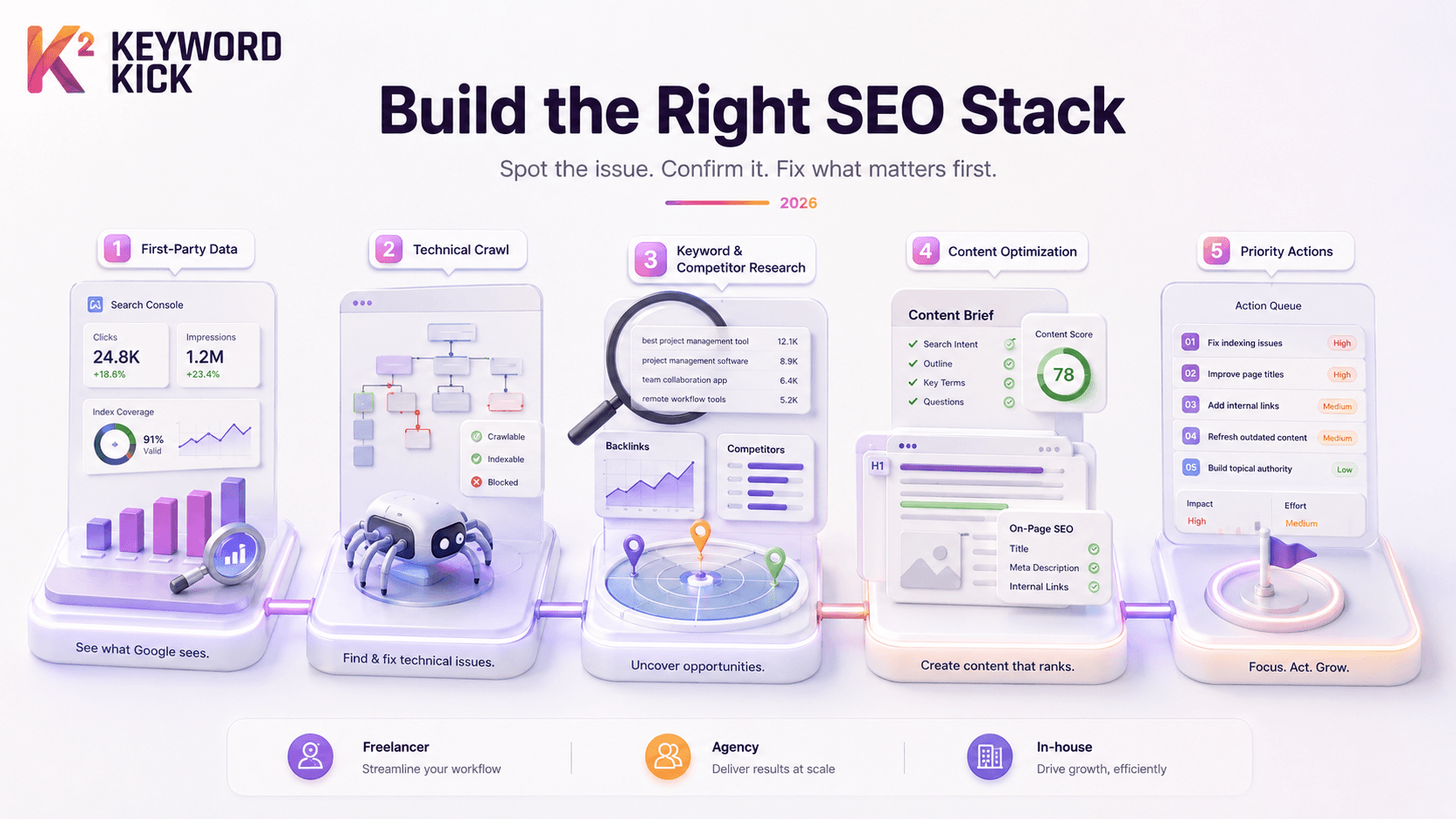
That is the essential starting point for any seo tools top discussion. The useful question is which stack helps you spot the issue, confirm it with first party data, and decide what to fix first. In practice, that means combining tools for different jobs. Search Console for visibility and indexing signals. A crawler for technical diagnosis. A research platform for keywords, links, and competitors. A content tool if your team is actively updating pages at scale.
The stack should also match the team using it. Freelancers usually need broad coverage without heavy overhead. Agencies need repeatable workflows across multiple sites and clear reporting. In house teams often care more about connecting SEO findings to revenue, development queues, and content operations than they do about having every feature under one login.
I start with first party data and build outward from there. That approach keeps the workflow grounded in what Google is showing, not just what third party estimates suggest. Then I add the missing layers, usually a crawler, a competitive research tool, and a rank or content platform depending on the site.
If you are still deciding where to start, it helps to map tools by job instead of by brand. A dedicated keyword research tool stack for SEO planning solves a different problem than a crawler or an indexation monitor. That sounds obvious, but it is where many buying mistakes happen.
The tools in this guide are not here because they all do the same thing. They are here because they fit together in real workflows, and because the right combination looks different for a solo consultant, an agency team, and an in house SEO lead.
1. Keyword Kick
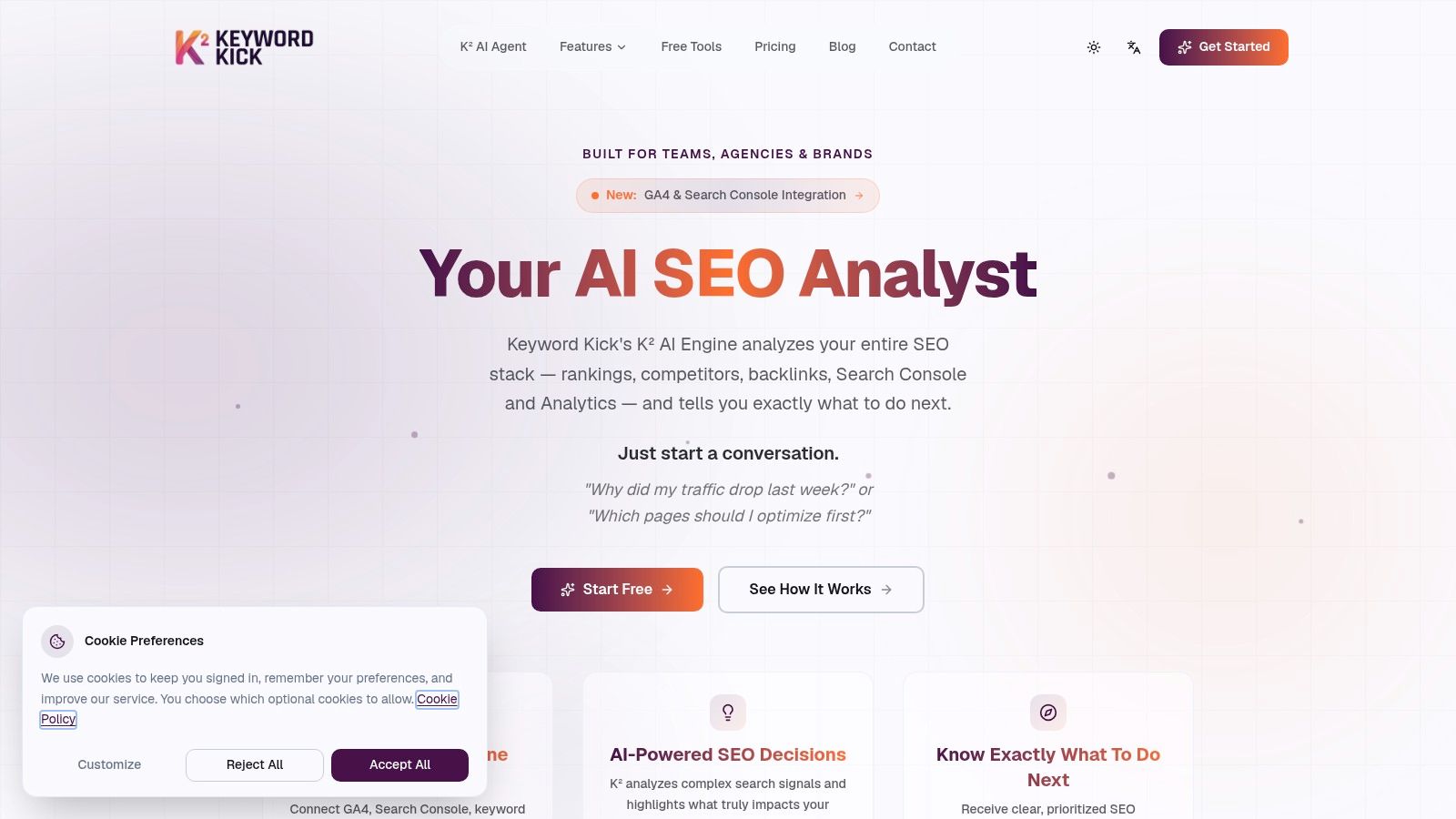
Keyword Kick is the closest thing here to a command center. It connects GA4, Google Search Console, rank tracking, backlink data, and technical signals into one workspace, then uses its K² AI Agent to turn that mess into prioritized actions. That's its core value. Many organizations don't lack data. They lack a system that tells them what matters first.
I like it most for operators who are tired of stitching together reports manually. If traffic dropped last week, you can ask that directly. If you need to know which pages deserve attention first, K² surfaces likely causes such as content gaps, cannibalization, or technical blockers and maps the next steps. That's different from a dashboard that just shows trend lines and leaves the diagnosis to you.
Where it fits best
Keyword Kick works well for freelancers who've outgrown pure free tools, agencies that need one working view across clients, and in house teams that want less reporting friction. It covers rank tracking, backlink analysis, site audits with JavaScript rendering, keyword research, competitor analysis, and SERP feature tracking in one place.
Its free forever plan matters too. The AI SEO software tools market is projected to grow from USD 2.43 billion in 2026 to USD 5.97 billion by 2035 at a 10.5% CAGR, which tells you AI assisted workflows are becoming standard. A free entry point makes that shift easier to test without committing your whole stack on day one.
Practical rule: Use AI prioritization to decide what to do next, not to replace judgment. The best results come when a human reviews page context, business value, and implementation effort.
A strong setup is Keyword Kick plus Google Search Console for direct validation, then a dedicated crawler when you need deeper technical inspection. If your workflow starts with query discovery, Keyword Kick's own guide to best keyword research tools is a useful companion.
What works and what doesn't
What works: Unified reporting reduces context switching and helps teams move from diagnosis to action faster.
What works: The mix of daily updates, historical views, and competitor context is practical for ongoing optimization.
What doesn't: Large enterprises may still want more clarity on higher tier limits before standardizing across many teams.
What doesn't: AI recommendations are only as good as the connected sources and the operator reviewing them.
Use Keyword Kick when the biggest bottleneck in your process is prioritization.
Visit Keyword Kick.
2. Semrush
Semrush is the broadest generalist on this list. If your team wants SEO, competitive research, content workflows, reporting, and adjacent channels under one roof, it's a serious option. Agencies often land here because the platform gives them one system for multiple client motions instead of separate point tools for each one.
Its strongest use case is day to day operational coverage. Keyword research, site audits, backlink analysis, position tracking, and link building all live in one ecosystem. Add the integrations with GA4, GSC, and Looker Studio, and it becomes a practical reporting layer for teams that need client ready outputs.
Best for broad coverage
Semrush makes sense when your SEO work is tied closely to content, paid, local, social, or PR. That breadth is useful. It also means you're paying for a lot of scope, some of which smaller teams won't fully use.
If your agency sells multiple digital services, Semrush is often easier to justify than a narrower SEO only suite.
A fair trade off is cost creep. As users, projects, and add ons increase, the total bill can rise fast. That doesn't make it a bad choice. It just means you should buy it for workflow coverage, not because you assume every feature will be best in class.
For a head to head perspective, this breakdown of Semrush vs Ahrefs is worth reviewing before you commit.
Visit Semrush.
3. Ahrefs
Ahrefs is the tool I reach for when the question is competitive pressure. Who's overtaking us, which pages are earning links, what topics are gaining traction, and where are the backlink gaps? Few platforms are as dependable for that style of analysis.
Its backlink index is the main draw, but the deeper value comes from how link data and SERP research work together. You can size an opportunity, inspect the current winners, look at linking patterns, and decide whether the page needs content improvement, stronger authority signals, or both.
Where Ahrefs wins
Ahrefs is excellent for:
Backlink gap analysis: Finding domains linking to competitors but not to you.
SERP intelligence: Checking what kinds of pages rank and how stable the results are.
Content prospecting: Surfacing topics and pages worth building or refreshing.
I don't recommend Ahrefs as the only tool for every team. It can be expensive if you need broad collaboration, and some workflows trigger extra usage costs. But if link intelligence and competitive research sit at the center of your strategy, Ahrefs earns its place quickly.
One caution for 2026. Traditional rank tracking and backlink analysis still matter, but buyers also need to think about AI search visibility. Saffron Edge argues that most tool lists still miss this blind spot, even as marketers treat AI search as a major new challenge. Ahrefs is strong for classic SEO research. You may still want another layer for AI focused monitoring and prioritization.
Visit Ahrefs.
4. Moz Pro
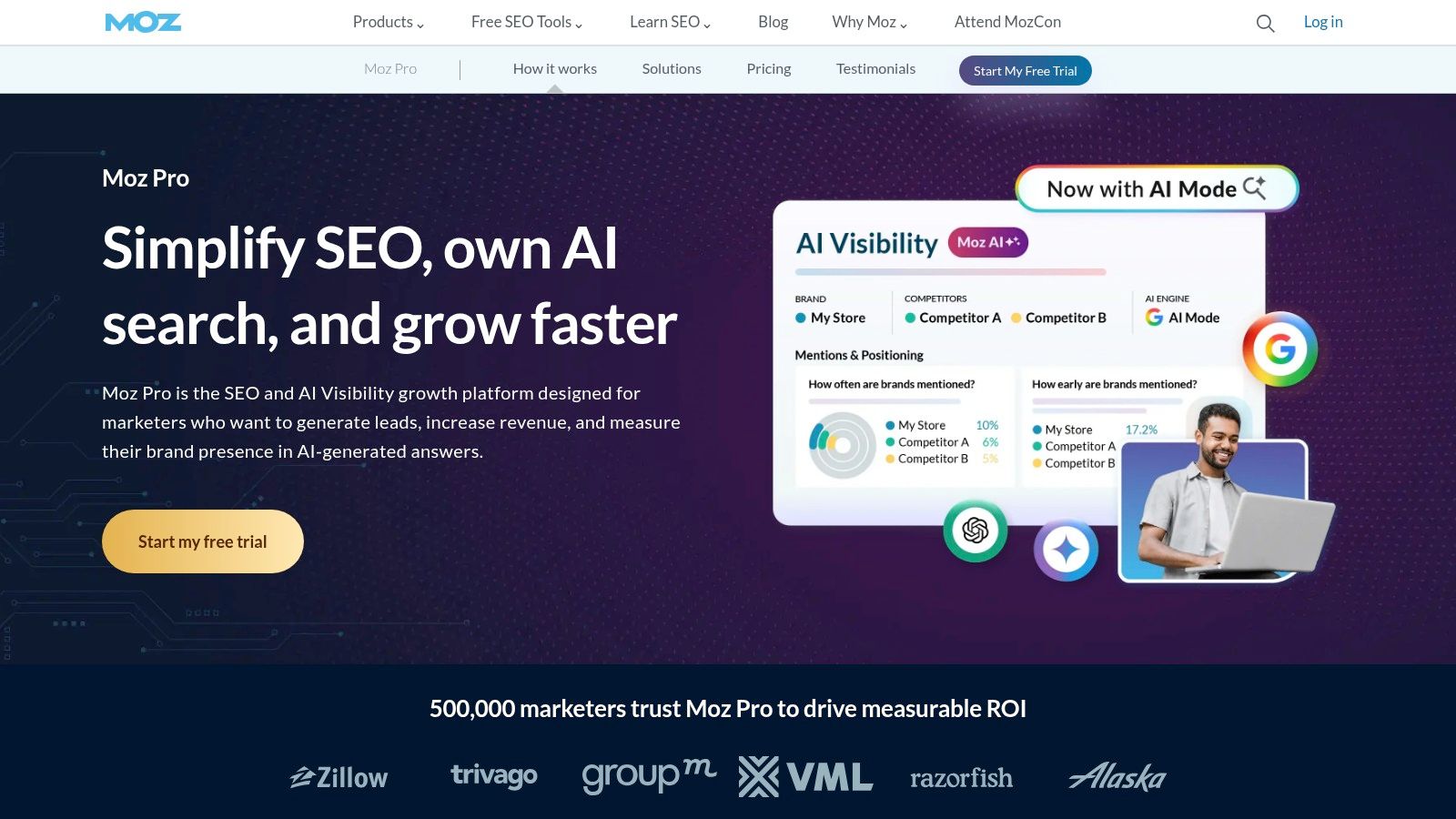
Moz Pro remains one of the easier platforms to recommend to marketers who want solid SEO coverage without a steep learning curve. It handles keyword research, site audits, rank tracking, and link analysis well enough for a lot of small and midsize teams. It's approachable, and that matters more than many experienced SEOs admit.
Domain Authority and Page Authority are still familiar reference points in marketing conversations. I wouldn't use them as the only decision signal, but they help non specialists understand relative strength quickly. For stakeholder communication, that simplicity is useful.
Good for teams that need clarity
Moz Pro is a fit when the team using the tool isn't made up of pure SEO specialists. Its interface is easier to use than some heavier suites, and the educational side of the Moz ecosystem lowers onboarding friction.
That said, power users will hit limits. If you do heavy competitive research, need larger and fresher databases, or manage more complex technical programs, you'll probably pair Moz with another tool. That's not a knock on the platform. It's just where it sits in the stack.
Moz Pro is often a good first serious SEO subscription for a marketing team. It's rarely the last tool an advanced team adds.
Visit Moz Pro.
5. Google Search Console
A common workflow problem looks like this. A rank tracker says visibility is up, analytics looks flat, and a stakeholder wants an answer before the next meeting. Google Search Console is the first place to check because it shows how your verified site appears in Google Search, not an outside estimate.
It covers the basics that every stack needs. Queries, clicks, impressions, average position, indexing status, URL inspection, manual actions, and enhancement reports all live in one place. It will not show you the full market or competitor strategy, but it gives you the clearest view of your own search performance.
The source of truth in the stack
Search Console is strongest when you use it with other tools instead of expecting it to do everything alone.
For example, I use it to spot pages with high impressions and weak CTR, then pair that data with a suite like Semrush or Ahrefs to review query intent, title tag competition, and content gaps. For technical work, Search Console often surfaces the symptom first. Coverage issues, indexing drops, or Core Web Vitals warnings. Then a crawler helps confirm the underlying cause across templates or sections of the site.
Its day to day value is practical:
Performance diagnosis: Find pages that are visible in search but underperform on clicks.
Indexing checks: Confirm whether priority URLs are indexed and review exclusion reasons.
Post-publish validation: Inspect a URL, test accessibility, and request indexing when needed.
As noted earlier in the article, shifts in Google Search features have made first-party monitoring more important, not less. Search Console shows whether impressions are growing, whether clicks are keeping pace, and which queries are changing at the page level. That is the baseline you compare everything else against.
If you're setting it up from scratch, follow this guide to Google Search Console setup.
Where it fits, and where it doesn't
Search Console belongs in every stack, but it is only one layer. Freelancers can pair it with a rank tracker and a crawler and cover a lot of ground for a modest budget. Agencies usually combine it with reporting tools, crawlers, and a competitive research platform. In-house teams often use it as the operational source for weekly monitoring, then connect the findings to dashboards and ticketing workflows.
Its limits are clear. You do not get broad competitor intelligence, deep backlink analysis, or polished multi-client reporting. That is fine. Search Console earns its place by answering the first question fast: what is Google doing with this site right now?
Visit Google Search Console.
6. Screaming Frog SEO Spider
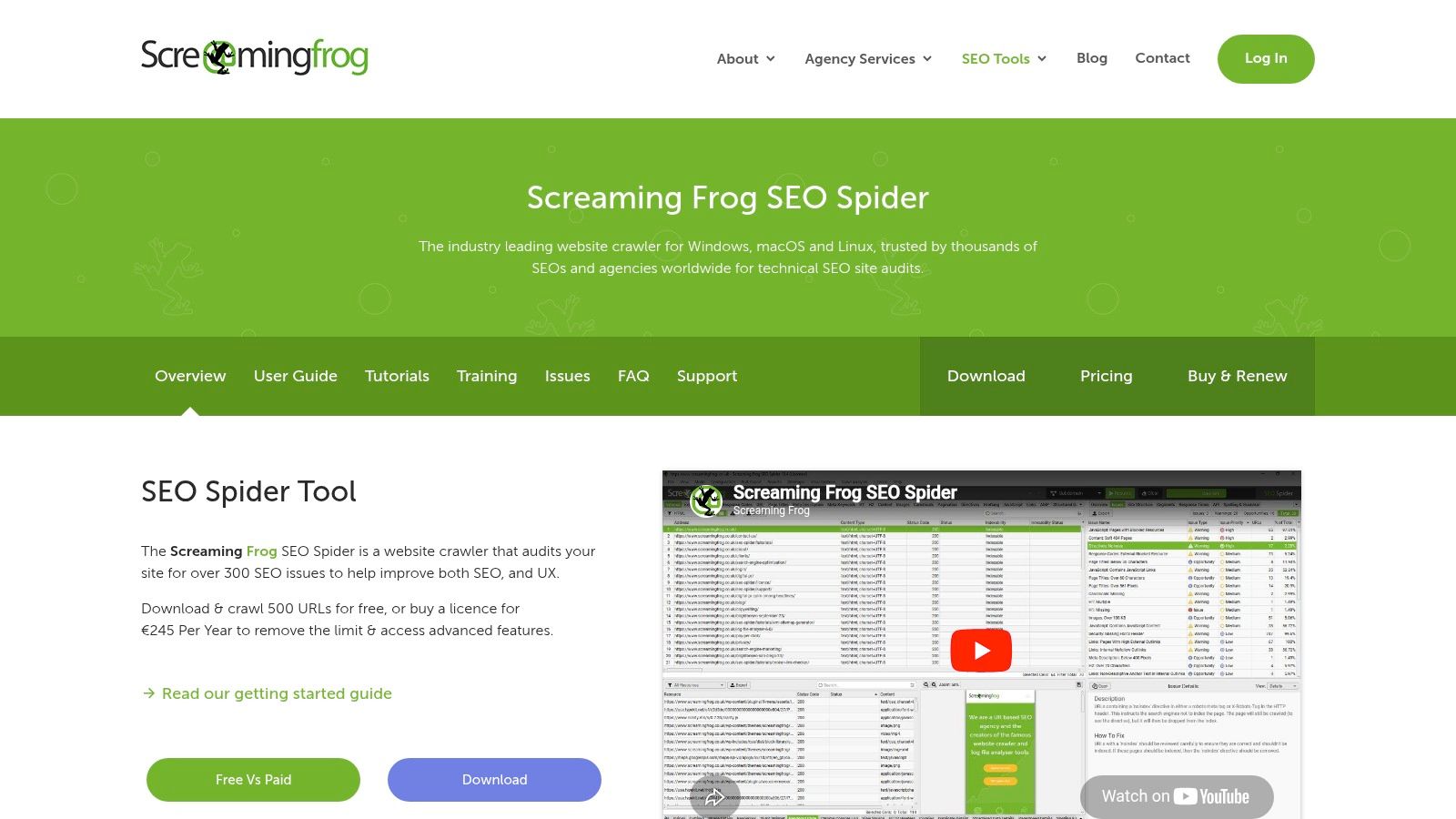
Screaming Frog is where nice dashboards end and real technical work begins. If you need to crawl a site, inspect canonicals, analyze redirects, find duplicate elements, extract data, or render JavaScript, this is still one of the sharpest tools available.
It rewards technical curiosity. You can keep it simple with standard audits, or you can turn it into a custom extraction machine using CSS, XPath, or regex. That flexibility is why agencies and technical SEOs keep it installed even when they already pay for large cloud platforms.
Best use cases
Screaming Frog is excellent when you need:
Detailed crawl control: Custom configurations for specific technical questions.
JavaScript rendering: Better visibility into modern sites and client side elements.
Scalable exports: Clean data for developers, analysts, and QA workflows.
The trade off is usability. It's a desktop crawler, so large jobs depend on local resources, and the reporting presentation isn't polished out of the box. For stakeholders, you'll often export findings elsewhere or pair it with a friendlier reporting layer.
Use Screaming Frog to find the issue. Use another tool or a clean document to explain it to stakeholders.
Visit Screaming Frog SEO Spider.
7. Sitebulb
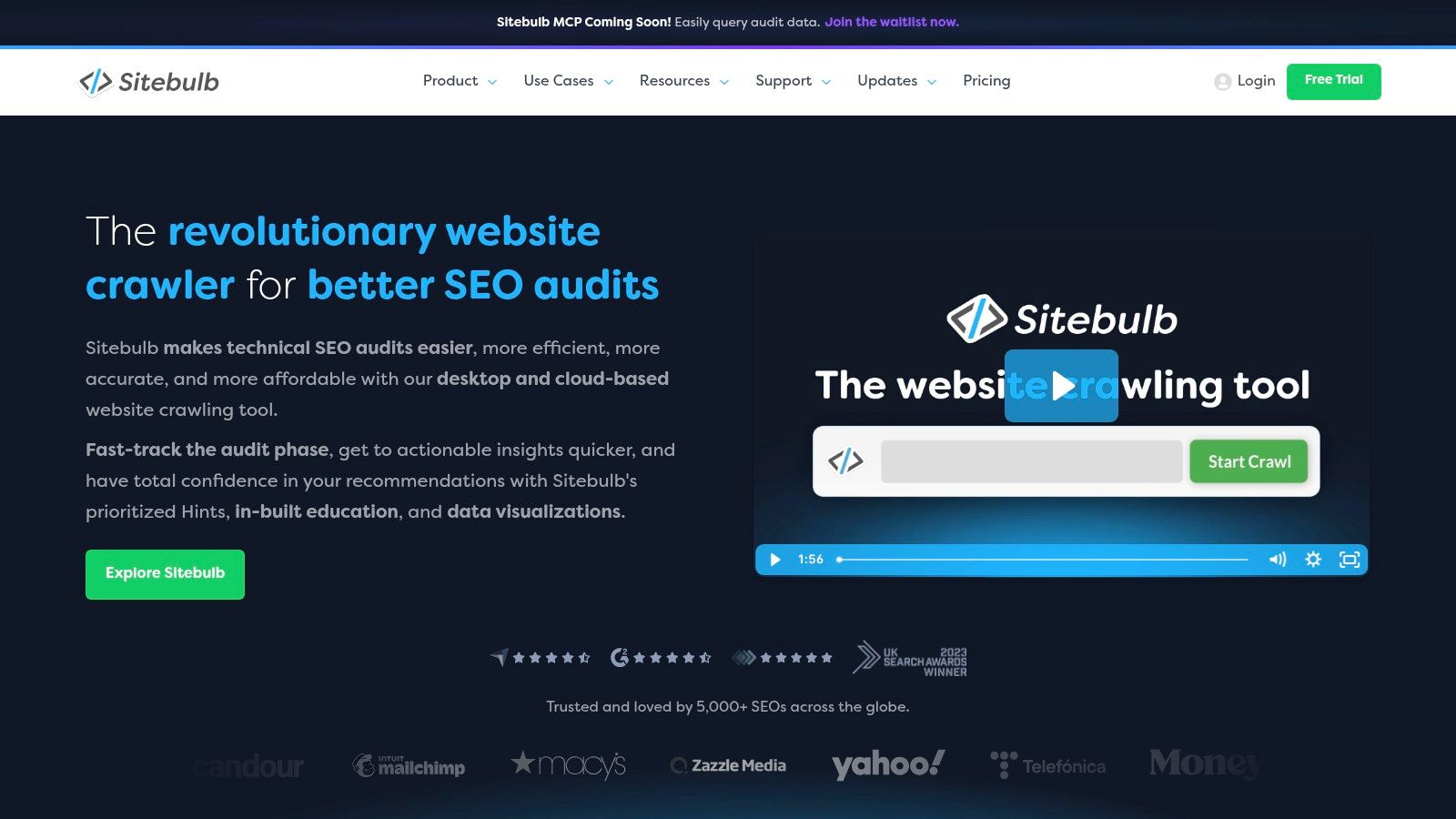
Sitebulb solves a common technical SEO problem. The audit may be correct, but nobody outside the SEO team understands it. Sitebulb packages technical findings in a more visual, stakeholder friendly way, which makes it easier to turn audits into decisions.
Its Hints system is useful because it prioritizes issues in readable language instead of dumping raw crawl data on the user. Visual crawl maps help too. When you're trying to explain architecture problems, orphaning, or internal linking weaknesses, pictures often do the work faster than spreadsheets.
Why teams choose it
Sitebulb is a strong fit for consultants, in house teams presenting to leadership, and agencies that want polished technical reporting without rebuilding every audit manually. The Cloud version also helps teams collaborate more easily when several people need access.
The main limitation is that it's still a crawler. It doesn't replace competitor research, link analysis, or first party search performance tools. Think of it as the technical reporting specialist in your stack.
A practical pairing is Sitebulb plus Google Search Console for validation, then a suite like Keyword Kick or Ahrefs to connect technical findings to ranking impact.
Visit Sitebulb.
8. SE Ranking
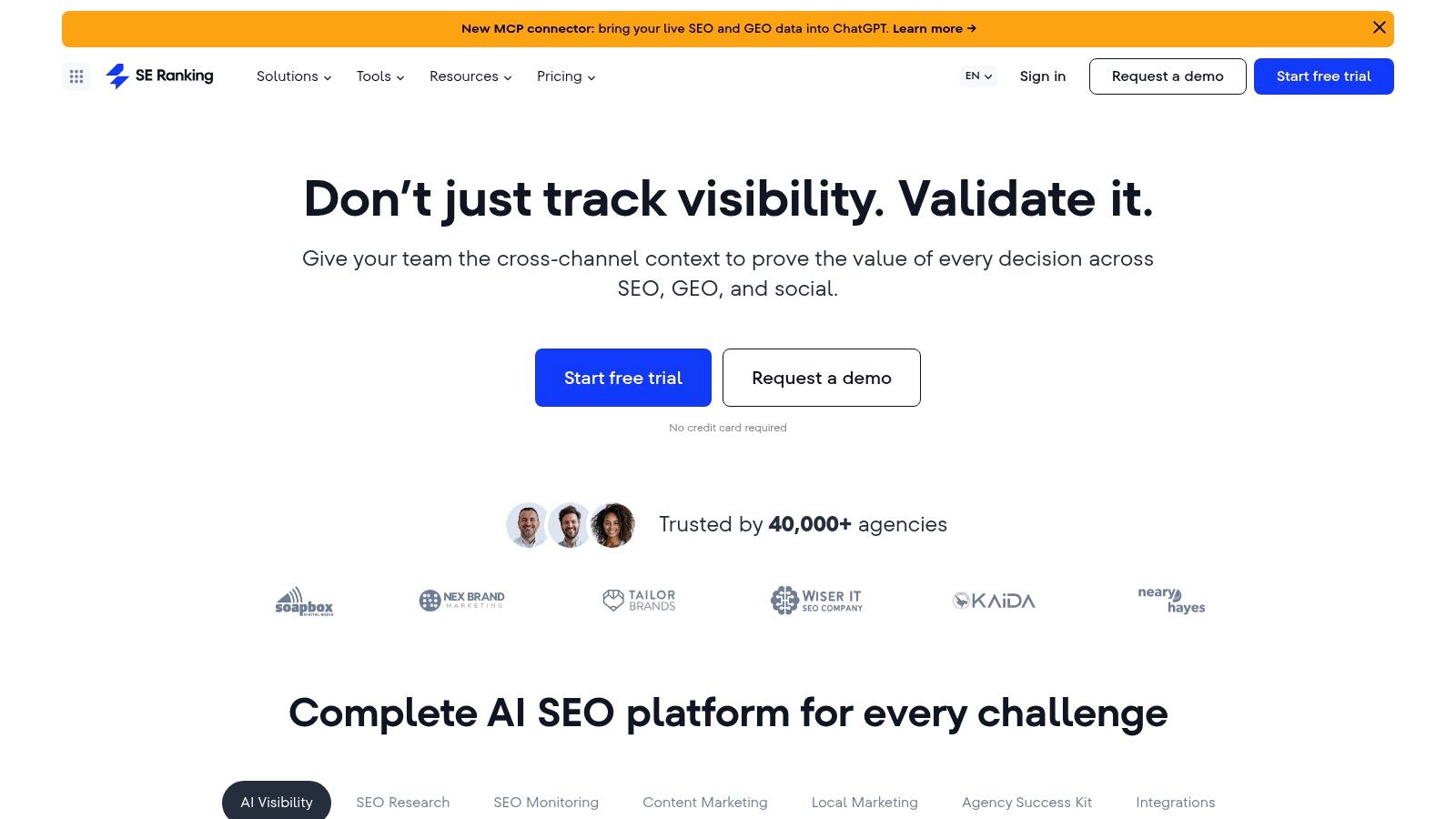
SE Ranking sits in a smart middle ground. It covers the core jobs typically required, including rank tracking, audits, keyword and domain research, backlink analysis, and reporting, without always pushing buyers into enterprise style pricing logic.
That makes it attractive for agencies managing several smaller clients and in house teams that want a capable all around platform with daily tracking. If project management, collaboration, and routine reporting matter as much as raw data depth, SE Ranking is easy to shortlist.
Where the value shows up
Its practical strengths are:
Daily rank tracking: Useful for teams that monitor movements closely.
Agency fit: Projects, seats, and client workflows are built into the product logic.
Balanced coverage: Enough research, tracking, and auditing for many standard programs.
SE Ranking won't beat the biggest incumbents in every database or advanced niche capability. That's fine. Not every team needs the largest link index or the broadest adjacent channel toolkit. Many need a dependable operating platform that keeps work moving.
I usually recommend SE Ranking to teams that are budget aware but don't want to feel boxed into a lightweight starter tool.
Visit SE Ranking.
9. Majestic
Majestic is a specialist. That's exactly why some SEO teams still keep it in the stack. If your work involves serious link evaluation, prospecting, topical authority review, or risk analysis, Majestic's Trust Flow and Topical Trust Flow give you another lens that broader suites don't replicate in the same way.
I don't treat Majestic as a primary platform. I treat it as a second opinion on links. When link quality is the question, having a dedicated tool with its own metrics and graph views can sharpen your judgment.
Best as a complement
Majestic makes the most sense for:
Link prospecting: Reviewing relevance and quality before outreach.
Risk checks: Looking beyond raw link counts.
Topical mapping: Understanding whether a site's backlink profile aligns with the subject area.
Its weakness is obvious. It's narrow. You won't use it for content workflows, broad technical SEO, or day to day performance monitoring. But if your stack lacks deep link analysis, Majestic fills that gap cleanly.
Visit Majestic.
10. Surfer
Surfer is for teams that need to produce and improve content faster without guessing what “optimized” should look like. Its Content Editor, scoring system, audits, and SERP driven recommendations help writers and editors work from a clearer brief.
I like Surfer most in refresh workflows. You already have a page. It ranks, but not well enough. Or it used to rank and now it's drifting. Surfer gives you a structured way to compare your page to what's currently winning and decide where the content is thin, misaligned, or incomplete.
Best use in a real stack
Surfer works best when paired with other tools:
Use GSC or Keyword Kick to spot pages losing momentum.
Use Ahrefs or Semrush to inspect the SERP and competing pages.
Use Surfer to tighten the page brief, rewrite sections, and refresh coverage.
It's important not to overtrust the score. Better optimization doesn't automatically mean better content. Search intent, expertise, product fit, and page usefulness still decide whether the page deserves to rank. In 2026, that's especially relevant because Google E-E-A-T and zero click search behavior continue shaping strategy, alongside Generative AI, as noted earlier.
A content score is a guide for editing. It isn't a substitute for original insight or credible experience.
Visit Surfer.
Top 10 SEO Tools: Feature Comparison
Core features | Quality (★) | Value & Pricing (💰) | Target audience (👥) | Unique selling point (✨/🏆) |
|---|---|---|---|---|
🏆 Keyword Kick, Unified GA4, GSC, rank tracking, backlinks, audits + K² AI agent | ★★★★☆ | 💰 Free forever + 7‑day trial; scalable tiers | 👥 Agencies, in‑house teams, solo creators, enterprises | ✨ AI‑driven prioritized, step‑by‑step recommendations that reduce reporting friction |
Semrush, Keyword DB, site audit, backlinks, position tracking, modular toolkits | ★★★★★ | 💰 Tiered; can get pricey with users/projects | 👥 Agencies & in‑house teams needing full‑suite reporting | ✨ Comprehensive toolkits & mature multi‑client workflows |
Ahrefs, Large backlink index, Keywords Explorer, Site Audit, Rank Tracker | ★★★★★ | 💰 Premium pricing; higher entry cost for full features | 👥 Competitive analysts, agencies, SEOs | ✨ Best‑in‑class backlink data & deep SERP intelligence |
Moz Pro, Keyword research, audits, rank tracking, DA/PA metrics | ★★★★☆ | 💰 Mid pricing; approachable for smaller teams | 👥 Marketers & small SEO teams | ✨ Industry‑recognized DA/PA and strong educational resources |
Google Search Console, First‑party performance, indexing, URL inspection | ★★★★☆ | 💰 Free | 👥 Every site owner / webmaster | ✨ Official Google data for performance & indexing diagnostics |
Screaming Frog SEO Spider, Desktop crawler, JS rendering, custom extraction | ★★★★★ | 💰 Flat annual license; resource‑intensive on large sites | 👥 Technical SEOs & agencies | ✨ Powerful, precise crawling with 300+ audit checks |
Sitebulb, Visual crawl maps, prioritized Hints, JS crawling, Cloud option | ★★★★☆ | 💰 Competitive desktop pricing; Cloud varies | 👥 Teams & stakeholders needing clear visuals | ✨ Stakeholder‑friendly visual reports & actionable Hints |
SE Ranking, Daily rank tracking, audits, research, client reporting | ★★★★☆ | 💰 Strong value with generous limits; affordable for agencies | 👥 Multi‑client agencies & budget‑conscious teams | ✨ Affordable daily tracking + project/collaboration features |
Majestic, Fresh/historic backlink indexes, Trust Flow metrics, link graph | ★★★★☆ | 💰 Accessible pricing for dedicated link analysis | 👥 Link analysts, outreach & risk teams | ✨ Trust Flow/Topical Trust Flow & detailed link graph visualizations |
Surfer, Content Editor, content audits, SERP analyzer & outlines | ★★★★☆ | 💰 Mid pricing; focused on content workflow | 👥 Content teams, writers, SEO content strategists | ✨ NLP‑driven content scoring and SERP‑aligned briefs |
Action Plan Choosing and Combining Your SEO Tools
A stack falls apart fast when every tool overlaps and nobody knows which one owns the next decision. The right setup is simpler. Start with the data source you trust, add one platform that helps you prioritize work, then bring in specialists only where the workflow needs more depth.
That usually means Google Search Console first. After that, choose a command center such as Semrush, Ahrefs, SE Ranking, or Keyword Kick based on how your team works. Then add a crawler like Screaming Frog or Sitebulb for technical QA, or Surfer if content production and refreshes are the bottleneck.
Tool stacks by team type
Freelancers and solo operators usually need coverage, not complexity. Google Search Console gives performance and indexing data. Keyword Kick adds prioritization and day-to-day tracking, and Screaming Frog's free version is enough for many smaller sites. That combination handles diagnosis, task ordering, and technical checks without forcing a large monthly spend.
Agencies need clearer division of labor. A command-center tool should help the team review multiple accounts, spot movement quickly, and turn findings into client-ready actions. Semrush fits well when the agency also supports paid media or broader digital reporting. Keyword Kick fits better when the pain point is sorting through GA4, Search Console, rankings, backlinks, and site issues to decide what deserves attention first. Add Screaming Frog for deeper audits. Add Surfer only if the content team is producing briefs, updates, and optimization passes every week.
In-house teams usually need two things at once. Strong competitive context and reporting that non-SEOs can follow. Ahrefs works well for competitor and link analysis. Pair it with Keyword Kick for prioritization across the site, then use Sitebulb when product managers, developers, or leadership need visual reporting that makes technical issues easier to understand.
A sample workflow that actually works
A page loses clicks, rankings soften, and nobody agrees on the cause. Start in Google Search Console. Check query mix, CTR trend, and indexing status for that URL. If impressions are still healthy, the page often has an intent, snippet, or competitive problem rather than a visibility problem.
Next, review the page in your main platform and compare it against the rest of the site. Look for broader drops, competing URLs, recent technical changes, and shifts in keyword coverage. Then inspect the SERP in Ahrefs or Semrush. See which pages replaced yours and why. In practice, teams use this analysis to separate a content refresh from a structural fix.
If the page needs content work, use Surfer to tighten the brief, expand missing subtopics, and remove weak sections. If internal linking, canonicals, rendering, or crawl depth look suspicious, confirm those issues in Screaming Frog or Sitebulb before publishing changes.
After the update goes live, request indexing in Google Search Console and watch the page in your tracking tool. That closes the loop and keeps each product in a defined role instead of turning the stack into a pile of overlapping subscriptions.
If you want one platform to anchor that stack, Keyword Kick is a practical option. It brings GA4, Google Search Console, rank tracking, backlinks, keyword research, competitor analysis, and technical signals into one workspace, then helps teams decide what to fix first. That is useful for solo consultants who need focus and for larger teams that are tired of stitching reports together by hand.