You've got GA4 in one tab, Search Console in another, a rank tracker saying positions slipped, a crawl report flagging hundreds of warnings, and a competitor spreadsheet that still doesn't tell you what to do first. That's the normal state of search work, not a personal failure. The problem usually isn't a lack of data. It's that the signals aren't connected to a decision.
The best SEO tools for digital marketers aren't the ones with the longest feature menus. They're the ones that answer a specific question well, fit how your team works, and make the next action obvious. A content lead choosing topics needs something different from a technical lead diagnosing indexation, or an agency lead reporting across clients.
This roundup covers 10 tools organized around those jobs. You'll get pricing cues, setup trade-offs, integrations, blind spots, and where each tool belongs in a real workflow. Keyword Kick appears first because it works as the central operating layer, connecting GA4, Google Search Console, rankings, backlinks, technical signals, and competitor data before you act. The specialists that follow still matter. The point is knowing when you need one, and when you're just paying twice for the same report.
1. Keyword Kick
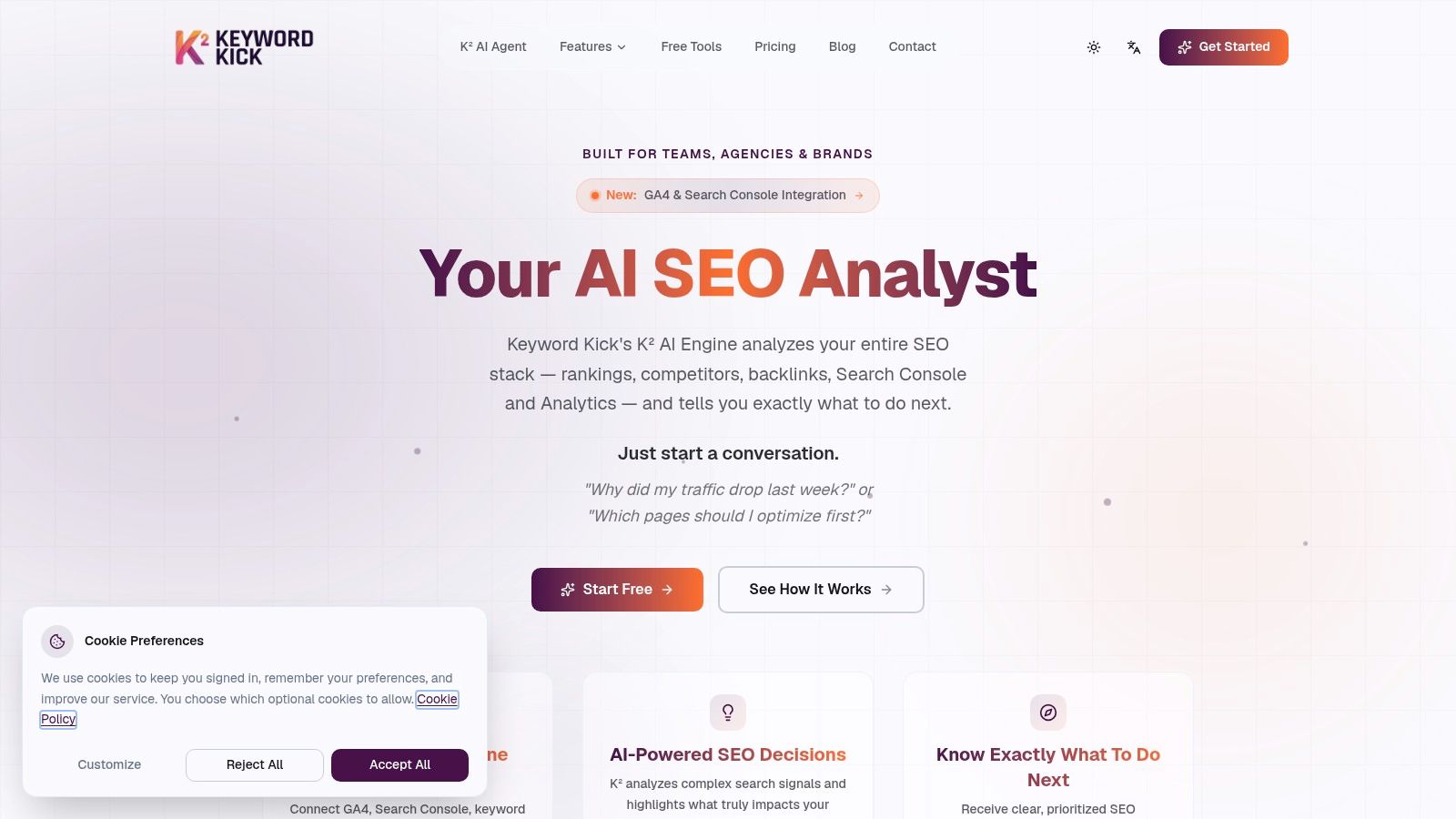
A traffic drop usually sends a marketer into five tabs before anyone agrees on the next move. Keyword Kick is built for that moment: K², an AI analyst, pulls GA4, Search Console, rankings, backlinks, and technical signals into one workspace and frames the job as questions, such as why traffic fell or which pages deserve work first. Adoption is already wide: a 2024 survey cited by TechJury found 86% of SEO experts had integrated AI into their workflow, while 65% of companies reported improved results after adopting AI-driven content and optimization strategies. Wide adoption still does not prove automated output ranks; the useful version is evidence-grounded recommendations a person reviews before shipping.
The value is sequencing.
What It Handles Day to Day
Keyword Kick covers daily rank and SERP feature tracking, keyword research, competitor analysis, backlink analysis, site audits, and cannibalization detection across six conflict types. It also bundles 22+ specialized AI tools, nine AI content tools, and eight SEO generators, with JavaScript rendering on higher tiers and support for nine languages. For an agency or in-house team, that can replace a few narrow subscriptions, but setup still means connecting data sources and deciding which projects matter.
- Good fit: Agencies, in-house teams, consultants, and solo owners who want prioritized actions rather than disconnected dashboards.
- Pricing: A permanent free plan needs no credit card. Paid tiers on Keyword Kick's pricing page start at $49/month, with Pro at $119, Business at $249, and Enterprise at $599, plus a seven-day trial on paid plans.
- Watch out for: Free and lower tiers cap tracked keywords, projects, and audits. K² recommends; your team still reviews, edits, and ships.
2. Semrush
A campaign team managing SEO, content planning, and paid search can keep those workflows in one suite with Semrush. It brings together keyword and competitor research, position tracking, site audits, backlink analysis, on-page recommendations, topic research, and reporting. That range works well for agencies running recurring campaigns and preparing client reports, though solo marketers may not use enough of it to justify the subscription.
Position tracking is most useful when it follows a defined business goal. Choose a focused set of revenue-relevant terms, check changes regularly, and investigate meaningful drops or gains. Tracking hundreds of keywords without assigning someone to review them adds cost without guiding decisions.
Semrush also has a learning curve. Its interface takes time to master, plan-based usage limits can constrain agencies managing many clients, and higher tiers may exceed a solo marketer's needs. Pricing for the SEO Toolkit starts at $139.95 per month, with a seven-day trial, according to Semrush's pricing page. If you're comparing the two major suites, compare Semrush and Ahrefs before committing.
3. Ahrefs
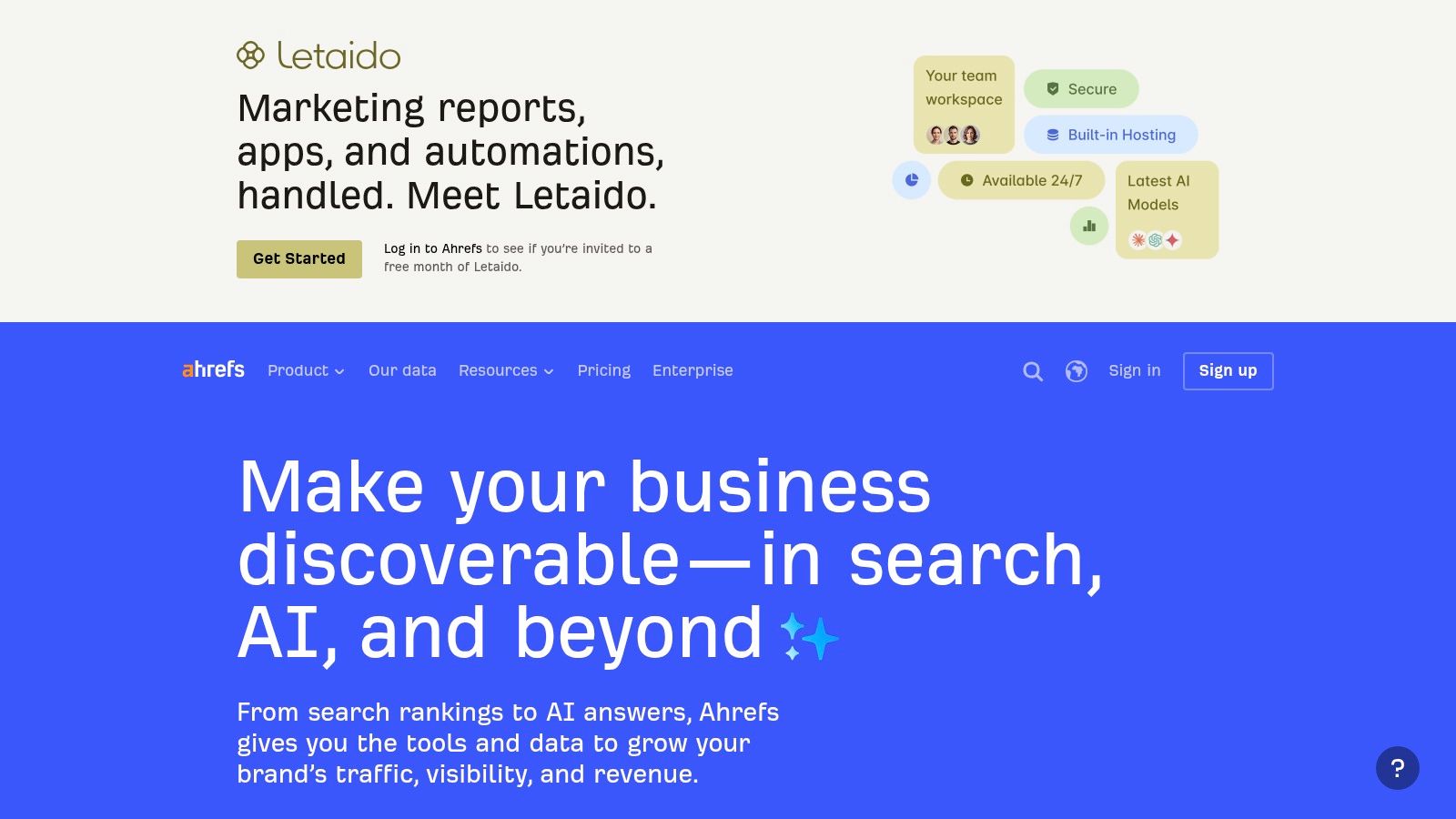
Ahrefs built its reputation on answering one question better than almost anyone: what is working for your competitors, and why. Drop a rival's domain into Site Explorer and you get its estimated organic traffic, top pages, and backlink profile in seconds. Keywords Explorer handles idea generation and search metrics, while Site Audit and Rank Tracker keep tabs on your own site. For content gap analysis and link prospecting, that research-first workflow is hard to beat.
The honest caveat: Ahrefs surfaces data and leaves the decisions to you. Its traffic and volume figures come from modeled estimates rather than first-party analytics, so treat them as directional and validate against your own Search Console numbers before committing budget. There is no built-in layer that sorts findings into a prioritized fix list, which is where a platform like Keyword Kick, covered earlier, earns its place in the stack. Experienced SEOs enjoy the freedom. Everyone else stalls on interpretation.
- Best for: Backlink and competitor research, content gap analysis, link opportunity prospecting.
- Pricing: A free plan covers verified sites with limited insights, and the Starter plan is $29 per month on Ahrefs' pricing page, though its monthly usage caps are tight.
- Watch out for: Advanced AI visibility tracking is a separate purchase, not bundled in.
If Moz Pro is also on your shortlist, the Ahrefs vs Moz Pro comparison breaks down where each one is stronger.
4. Moz Pro
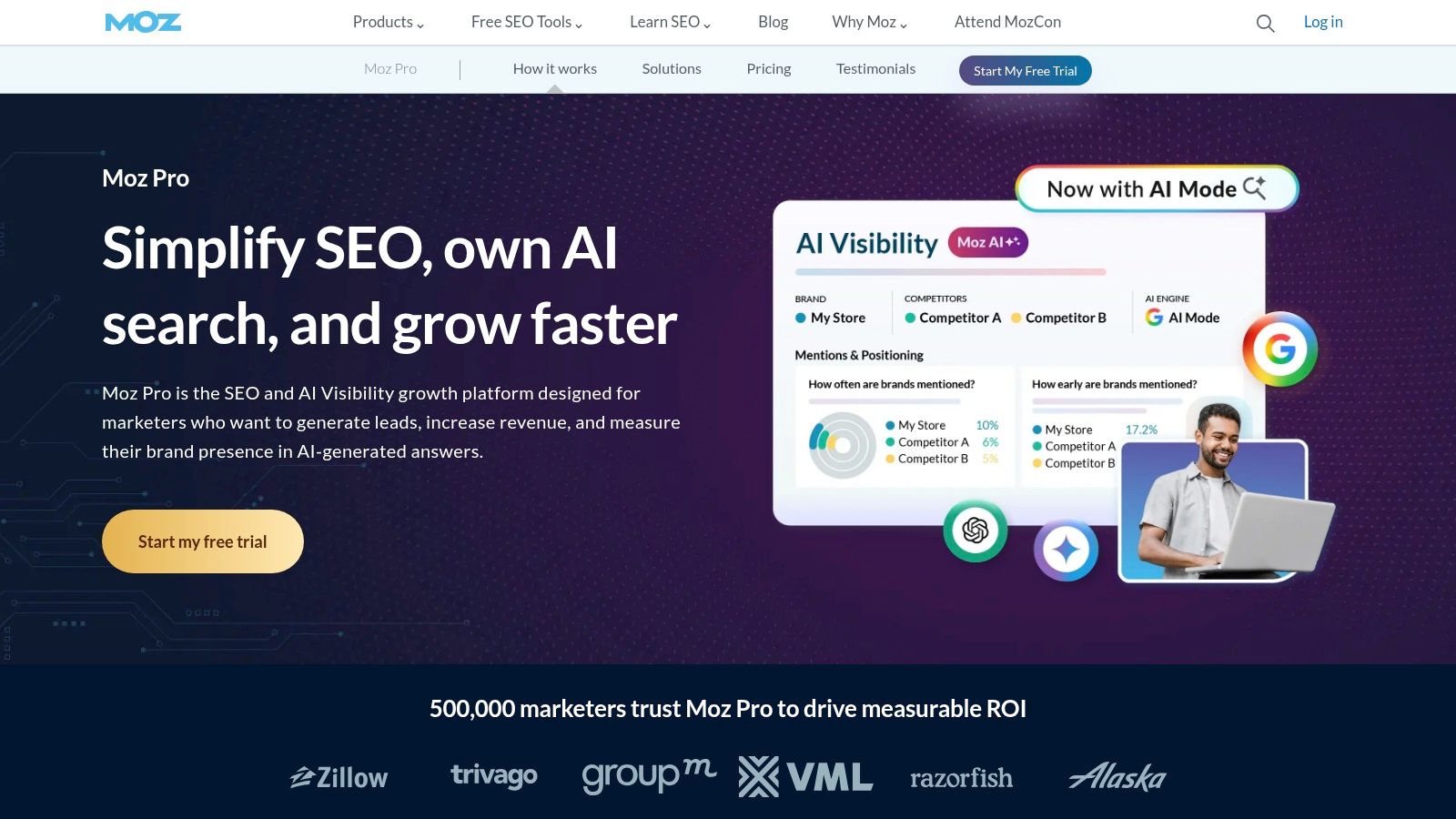
A four-person in-house team inherits a site, a spreadsheet of keywords, and a backlog of technical tickets. The decision is whether one subscription can cover discovery, monitoring, crawling, and link checks without enterprise overhead. Moz Pro fits that narrower brief: Keyword Explorer handles discovery and prioritization, rank tracking follows your terms, site crawling surfaces technical and on-page issues, and Link Explorer plus MozBar support link and page research.
A Necessary Word on Authority Scores
Moz is known for Domain Authority, which works for triage: comparing sites at a glance, sizing up whether a link prospect is in your league, or benchmarking against competitors. Treat it as Moz's modeled score rather than a Google metric. Teams get into trouble when DA becomes the campaign target while rankings, qualified traffic, and conversions go unreported.
Moz's own listing puts the Starter tier at about $49 per month, so confirm current plans and limits on Moz Pro's pricing page. Free Moz tools help with quick checks alongside the paid platform. Moz Local is a separate product, so listing management means another subscription if local search matters. If research is already covered elsewhere, run Moz for monitoring and audits, then let Keyword Kick sort those signals into a prioritized action queue.
5. SE Ranking
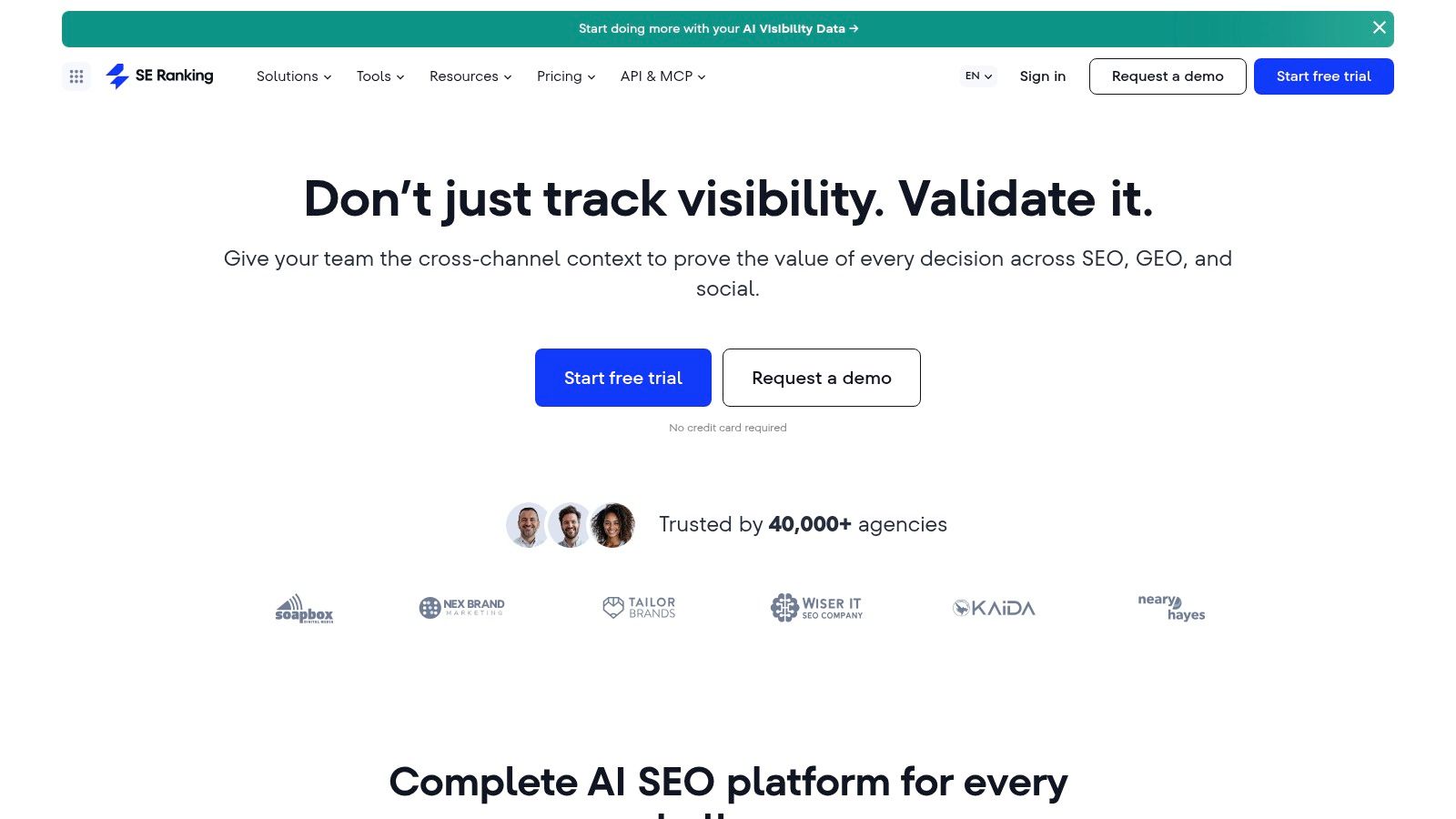
A consultant with eight small clients has a different problem from an enterprise SEO team: every site needs rank monitoring, audits, competitor checks, and client-ready reports, but no single site justifies a heavyweight suite. SE Ranking is built for that middle ground, covering keyword research, competitor analysis, rank tracking, website audits, backlink analysis, content tools, and local SEO features with agency reporting layered on top.
Its strongest fit is monitoring as a routine. Rankings shift because of algorithm updates, competitor publishing, SERP feature changes, and your own edits, and a monthly screenshot cannot separate those causes. Continuous tracking segmented by device and location, paired with scheduled audits, gives client sites a reasonable rhythm when deep specialist tooling would be overkill.
The Core plan is listed at $129 per month, or $103.20 per month billed annually, on SE Ranking's pricing page, with a 14-day trial that doesn't require a card. There is no permanent free plan, so treat the trial as the evaluation window and run it against a real client problem. Agency and API add-ons can raise the total, and site and keyword limits need checking against actual client load.
For a head-to-head view, see SE Ranking vs Semrush. If the stack already includes separate research and audit tools, feed SE Ranking's monitoring signals into Keyword Kick, as noted earlier, so movements become prioritized actions rather than another report nobody opens.
6. Google Search Console
Every tool on this list is optional except this one. Google Search Console is Google's free service for verified site owners, and it reports impressions, clicks, queries, and average position straight from Google Search. A 2025 survey summary reports 97% of SEO professionals use it, making it the most widely adopted resource in that dataset. That adoption reflects a simple fact. This is first-party data, not a third-party estimate.
Use it diagnostically. Falling impressions suggest your exposure or indexing has weakened. Stable impressions with declining clicks point toward SERP feature displacement or weak titles and snippets. URL Inspection shows crawling and indexing status for individual pages, sitemap submission and indexing reports catch coverage problems, and alerts flag certain site issues. Reviewing query and page changes weekly surfaces the classic opportunity, high impressions, near-first-page positions, and poor click-through rate.
Search Console tells you what Google actually did with your pages. Everything else is a well-informed guess layered on top.
The limits are clear. You need verified access, so there's no competitor research, no full technical crawler, and the data covers Google only. Treat it as your ground truth layer, then let paid platforms add competitor context, backlink data, and prioritization on top.
7. Screaming Frog SEO Spider
When a site has a technical problem nobody can pin down, this is usually the tool that settles the argument. Screaming Frog SEO Spider is desktop crawling software that finds broken links, errors, redirect chains, and duplicate content, and reviews titles, metadata, directives, and structured data across every URL it can reach.
A crawler earns its place because search engines weigh many interacting signals at once. An industry summary reports Google considers more than 200 variables across domain, site, page, link, spam, and user-interaction signals, and cites the March 2024 core update as reducing unoriginal, low-quality content by 45%. The crawler won't improve your content. It will show whether technical faults are undermining everything else, which is why I reach for it first on migration checks and pre-launch QA. Pair it with a prioritization hub like Keyword Kick so the findings land as ordered actions instead of another spreadsheet.
- Best for: Deep technical audits, migration checks, pre-launch QA, custom data extraction.
- Pricing: The free version crawls up to 500 URLs. A paid licence is listed at $279 per user per year on Screaming Frog's pricing page, which grants larger crawls, saved crawls, JavaScript rendering, and integrations with GA4, Search Console, and PageSpeed Insights.
- Watch out for: It's desktop software, so big crawls depend on your machine's memory, and per-user licences add up across a team. There's no shared cloud workspace.
8. Sitebulb
A raw crawl export means little to a client or a busy developer. Sitebulb takes the same category of crawl data and pairs it with explanations. It audits hundreds of SEO issues, supports JavaScript crawling, and its prioritized Hints explain what a problem likely means and what to investigate next. Visualizations of site structure make it easier to show a stakeholder why crawl budget is being wasted, rather than just telling them.
That presentation layer is the differentiator against a pure crawler. If your bottleneck is getting technical fixes understood and approved, explanations and clean PDF reports move work faster than extra crawl configuration. Pro adds audit comparisons, scheduled audits, and customizable PDF reports, and GA4 and Search Console integrations let you overlay performance data on crawl findings, so a technical issue on a high-traffic template gets fixed before one on a page nobody visits.
Sitebulb offers a fully featured 14-day desktop trial, with desktop and cloud pricing shown on Sitebulb's pricing page. Be clear about scope before buying. This is a technical audit tool, not a keyword and backlink suite. Desktop crawling depends on local hardware, and cloud pricing aimed at teams costs considerably more than desktop access.
9. Surfer
Content teams hit a different wall than technical SEOs. The research is done, the draft is written, and it still misses the subtopics and intent signals the pages outranking it all cover. Surfer is built for that gap, with content optimization, AI-assisted article creation, and Topical Maps for planning related content, plus Google Docs and WordPress integrations that slot into existing writing workflows.
Where it earns its keep is turning one ranking post into a brief for the next three. A writer gets a structured outline, an editor gets a coverage check, and the content lead gets a map of what to publish next instead of a blank calendar.
Use It With Your Eyes Open
Surfer's guidance is derived from what's currently ranking, which makes it useful for coverage checks and catching obvious gaps in a draft. It isn't a ranking guarantee, and treating its recommendations as a checklist to max out produces bloated, formulaic pages. The better workflow is to write for the reader first, then use Surfer to spot missing subtopics and intent mismatches. Its higher plans add team features and AI visibility tracking, which matters more as answer engines reshape what content visibility even means.
Listed plans include Discovery at $49 per month and Standard at $99 per month on Surfer's pricing page, with usage limits rising by tier. Surfer won't replace a technical crawler or a backlink database, and that's fine. Buy it for the content workflow and pair it with a platform that handles the rest.
10. BrightLocal
A plumber, a dental chain, a franchise: none of them need a national average position. They need to know whether they show up in Google Maps and local results, street by street. BrightLocal is built for that job, combining local rank tracking with map and geo-grid views, Google Business Profile and citation audits, listing management, and review monitoring on higher plans.
The geo-grid is what justifies the subscription. A business can rank well at its own postcode and be invisible two miles away, and a single average position hides that completely. Agencies running multi-location clients get a footprint map per site, with a clear read on where competitors are winning nearby. Citation audits and listing management cover the consistency work local rankings depend on, the unglamorous fixes nobody wants to do by hand.
Where does it fit alongside the rest of the stack? Local visibility is one signal among many, so teams using Keyword Kick as their hub can fold BrightLocal's geo-grid findings into the same prioritized view as national rankings, audits, and content work.
Plans start at $31 per month billed annually on BrightLocal's pricing page, varying by location count and billing frequency, with a 14-day trial and some free local tools. The specialization cuts both ways. It won't handle broad national keyword research or deep backlink analysis, costs climb as you add locations, and citation building can be a separate spend. For local-heavy clients, a general suite rarely matches it.
Top 10 SEO Tools for Digital Marketers: Feature Comparison
| SEO Platform | Core Strengths | Standout Feature | Best For | Price & Value |
|---|---|---|---|---|
| 🏆 Keyword Kick | ★ All-in-one SEO: rankings, keywords, backlinks, audits, competitors | ✨ K² AI connects GA4, Search Console, and SEO data to prioritize next steps | 👥 Agencies, teams, consultants, and solo site owners | 💰 Free forever; paid plans from $49/month; 7-day trial |
| Semrush | ★ Broad SEO and digital-marketing suite | ✨ Combines SEO, content, competitor, and paid-search workflows | 👥 Agencies and in-house marketing teams | 💰 SEO plans from $139.95/month; 7-day trial |
| Ahrefs | ★ Backlink and competitor research | ✨ Site Explorer and Keywords Explorer | 👥 SEO researchers, marketers, and site owners | 💰 Limited free plan; Starter from $29/month |
| Moz Pro | ★ Keyword, rank, crawl, and link tools | ✨ Domain Authority and MozBar | 👥 SEO teams and small businesses | 💰 Starter reported from about $49/month; verify current pricing |
| SE Ranking | ★ Broad SEO research, tracking, audits, and reporting | ✨ Agency reporting and optional add-ons | 👥 Consultants, agencies, and in-house teams | 💰 Core $129/month or $103.20/month billed annually; 14-day trial |
| Google Search Console | ★ First-party Google Search performance and indexing data | ✨ Query, click, impression, and URL inspection reports | 👥 Verified site owners and SEO practitioners | 💰 Free |
| Screaming Frog SEO Spider | ★ Detailed technical site crawling | ✨ JavaScript rendering and custom extraction | 👥 Technical SEOs and site auditors | 💰 Free up to 500 URLs; paid licence $279/year |
| Sitebulb | ★ Technical audits with prioritized guidance | ✨ Visualizations, audit comparisons, and explanatory Hints | 👥 Technical SEO teams and consultants | 💰 14-day desktop trial; check current desktop/cloud pricing |
| Surfer | ★ Content planning and on-page optimization | ✨ Topical Maps and AI-assisted content workflows | 👥 Content marketers and SEO writers | 💰 Plans from $49/month |
| BrightLocal | ★ Local rankings, listings, and reviews | ✨ Map and geo-grid rank tracking | 👥 Local businesses and multi-location agencies | 💰 Plans from $31/month billed annually; 14-day trial |
Build a Smarter SEO Tool Stack
Stop shopping for a single tool that does everything. A strong stack usually has three layers. First, a free first-party source, Google Search Console and GA4, so you're measuring what happened on your site. Second, a specialist for your main job, whether that's Screaming Frog or Sitebulb for technical validation, Surfer for content, or BrightLocal for local visibility. Third, a central hub that connects those signals and tells you what to do next. That's the role Keyword Kick is built for, with Ahrefs or Semrush added when you need deeper competitive and backlink research than your hub provides.
That hub layer matters more now because visibility and traffic are drifting apart. Pew Research Center findings reported U.S. users clicked a traditional result in only 8% of visits when Google showed an AI summary, versus 15% with no summary, and a separate study found organic CTR fell from 1.76% to 0.61% on queries with AI Overviews. A page can be cited, shape a buyer's shortlist, and still show declining clicks. If your reporting collapses everything into one organic traffic number, you'll misread that completely.
Don't assume ranking well automatically gets you cited, either. Reported overlap between Google's top-10 organic results and AI Overview citations has been only 17% to 38%, and Seer Interactive found cited pages received 35% more organic clicks, while noting causation wasn't proven. Treat those as correlations to test, not levers to pull blindly. Separate discoverability, answer inclusion, visits, and revenue in your reporting, and run small experiments before restructuring content around AI citations.
A useful test for any tool: If it vanished tomorrow, which decision would get harder? If you can't answer, cancel it.
Your Seven-Day Implementation Plan
Start by connecting your data sources, GA4 and Search Console first, so every tool works from first-party truth. Then write down the three or four decisions your team makes monthly, such as which pages to refresh or which technical fixes to escalate, and pick a small KPI set tied to those decisions.
Next, test your shortlist against one real problem, a traffic drop or a cannibalization conflict, inside the trial window. Judge tools on whether they explain the cause and prioritize the fix, not on demo dashboards. Finally, audit your existing subscriptions and cut anything duplicating a function without adding workflow value. Among SEO tools for digital marketers, the stack you'll use every week beats the impressive one you open quarterly.
If your data lives in five tabs and still doesn't tell you what to fix first, Keyword Kick connects GA4, Search Console, rankings, backlinks, and technical signals so K² can turn them into prioritized next steps. Start on the free plan, connect your properties, and ask it why your traffic moved this week.