You know you need SEO, but your software budget says otherwise. That's where many find themselves stuck. They know free tools exist, yet the actual experience is messy: one tool shows queries, another shows traffic, another catches broken links, and none of them tell you what to fix first.
That's the main problem with search engine optimization tools free options. It's not that they're useless. It's that they're fragmented. You can absolutely build a workable stack without paying upfront, but only if you understand which tools provide first-party truth, which ones fill in gaps, and where free tiers start wasting your time.
The good news is that free SEO tooling is no longer limited to bare-bones browser extensions. By 2025, the ecosystem had expanded to at least 28 distinct platforms across keyword research, audits, backlinks, and technical performance, according to Buffer's roundup of free SEO tools. The bad news is that more options don't automatically mean better decisions.
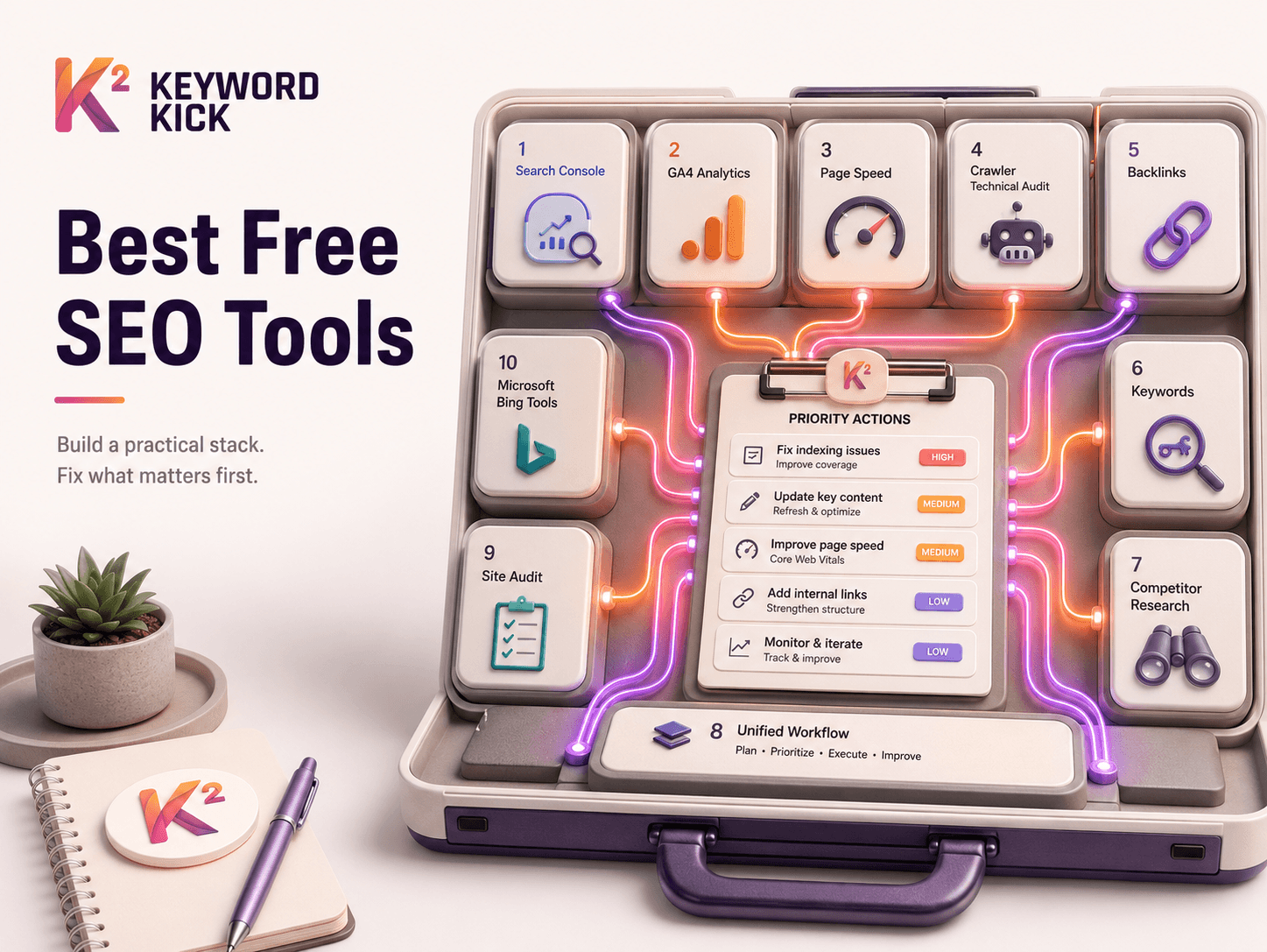
Below are the 10 tools I'd combine into a functional free stack. Each one has a job. I'll show you where it fits, where it falls short, and when it makes sense to stop stitching tools together and move to a single platform.
1. Keyword Kick
If you're tired of juggling Search Console, GA4, rank trackers, audit crawlers, and backlink snippets, Keyword Kick solves the actual workflow problem. It isn't just another dashboard. It's built to connect the data sources SEOs already use and turn them into prioritized actions.
That matters because most free stacks break at the interpretation step. You can find impressions in one tab, conversion data in another, and technical issues in a third. What many organizations still lack is a clear answer to questions like: why did traffic dip, which pages deserve attention first, and where are rankings being lost to cannibalization or technical debt?
Where it fits in a free stack
Keyword Kick works best as the layer that consolidates everything else. It pulls together Google Search Console, Google Analytics 4, rank tracking, backlinks, site audits, competitor signals, and SERP tracking in one workspace. Its K² AI Agent then helps translate those inputs into step-by-step recommendations.
That's the part many practitioners need. Raw data is useful. Deciding what to do Monday morning is harder.
Practical rule: Free tools help you collect evidence. A unified platform helps you decide.
A few details stand out:
Native data connections: It combines GSC and GA4 directly, which is where a lot of SEO analysis should start anyway.
Action-oriented AI support: K² doesn't just surface metrics. It's designed to answer operational questions and suggest next steps.
Broader workflow coverage: Rank tracking, backlinks, technical audits, and competitor analysis live in the same environment.
Useful agency features: Cannibalization detection and project-specific AI tools are the kind of features that reduce repetitive manual review.
Trade-offs to know before you rely on it
The free plan is usable, but it's still a gateway into a broader platform. Lower tiers have practical limits around tracked keywords, audits, rows, and AI usage, so larger sites will outgrow them fast. Teams managing several properties or doing heavy technical work will likely need a paid tier.
It's also newer than incumbents like Ahrefs, Semrush, and Moz. That doesn't make it worse, but it does mean some buyers will want more third-party validation before consolidating their stack.
If your current process involves exporting data from five tools into spreadsheets, this is the kind of platform worth trialing early. If keyword research is your main bottleneck, their guide to best keyword research tools is a solid starting point, and Wistec's guide to keyword volume research is useful context when you need to sanity-check demand.
2. Google Search Console
A common SEO mistake looks like this: rankings slip, traffic softens, and the team starts rewriting pages before checking whether Google is even indexing the right URLs. Google Search Console prevents that kind of wasted effort. It is the first tool I check because it shows how your own site performs in Google Search, not how a third-party platform estimates it.
Search Console works best as the source of truth in a free SEO stack. Use it to confirm what pages are getting impressions, what queries already have traction, and whether technical issues are holding back pages that should be earning traffic. If you are setting it up for the first time, this Google Search Console setup guide covers the basics.
Start with three reports:
Performance: Find pages with strong impressions but weak CTR. Those are often the fastest title tag and meta description wins.
URL Inspection: Check whether Google can crawl and index a specific page before changing the content.
Coverage and enhancements: Surface indexing problems, mobile usability issues, and other signals that can suppress growth without triggering obvious alerts.
Its strengths are clear, but so are the limits. Search Console does not help much with competitor research, broad keyword discovery, or backlink analysis beyond a narrow view of your own site. Data also comes with delays, and the interface is not built for large-scale workflow management.
That trade-off matters for the bigger picture. Search Console is the foundation of a free stack, not the whole stack. Pair it with GA4 for post-click behavior, PageSpeed Insights for page experience, and a crawler like Screaming Frog for site-wide technical checks. Once you are exporting from four or five tools just to answer simple questions, that is usually the point where an all-in-one platform starts saving time.
3. Google Analytics 4
Google Analytics 4 answers a different question from Search Console. Search Console tells you how people found you in Google. GA4 tells you what they did after they landed.
That distinction matters more than many teams realize. SEO wins aren't pageviews. They're useful visits that lead to signups, leads, purchases, or other meaningful actions. A page can rank well and still be a weak business asset.
What GA4 is actually good for
The strongest SEO use cases in GA4 are landing page analysis, conversion tracking, and behavior review. If a page gets organic traffic but users bounce quickly or never convert, your issue may be intent mismatch, weak UX, or poor offer alignment, not rankings.
GA4 also helps with diagnosis when traffic drops. Sometimes the issue is SEO. Sometimes it's measurement, attribution shifts, or a page template change that hurt engagement.
A few practical uses stand out:
Landing page review: Compare organic entrances against engagement and conversions.
Explorations: Use pathing and funnel views to understand where search visitors stall.
Segment analysis: Separate branded from non-branded landing pages when evaluating performance.
The downside is obvious. GA4 has a steeper learning curve than many marketers want, and the interface often slows simple analysis. It's powerful, but not forgiving. Teams that never set up events or conversion definitions usually end up with a lot of charts and very few answers.
This is why GA4 works best paired with Search Console. Search Console finds search opportunities. GA4 tells you whether those opportunities are commercially useful.
4. PageSpeed Insights with Lighthouse
PageSpeed Insights is where SEO and development teams stop arguing and start looking at the same screen. It combines Lighthouse lab testing with field data when available, which makes it one of the clearest ways to evaluate page performance and Core Web Vitals issues.
A lot of teams misuse it by obsessing over the score alone. That's usually the wrong move. The score is directional. The diagnostics and opportunities are the part that drives fixes.
What to pay attention to
Start with templates, not random URLs. Test a product page template, a blog template, a category page, and your homepage. If one template is heavy, the problem is usually structural.
If you're actively working on site speed, this Core Web Vitals improvement guide is a practical companion.
Field data: Best for understanding real user experience when enough traffic exists.
Lab data: Best for debugging likely problems on lower-traffic pages.
Lighthouse SEO checks: Helpful, but basic. Don't confuse them with a full SEO audit.
Field data won't always appear, especially on smaller pages or newer sections of a site. And because this tool is URL-specific, it's weak for broad sitewide auditing. That's where a crawler becomes necessary.
I use PageSpeed Insights to confirm there's a performance issue, then use developer tools or a crawler to understand its pattern across the site.
5. Screaming Frog SEO Spider Free Version
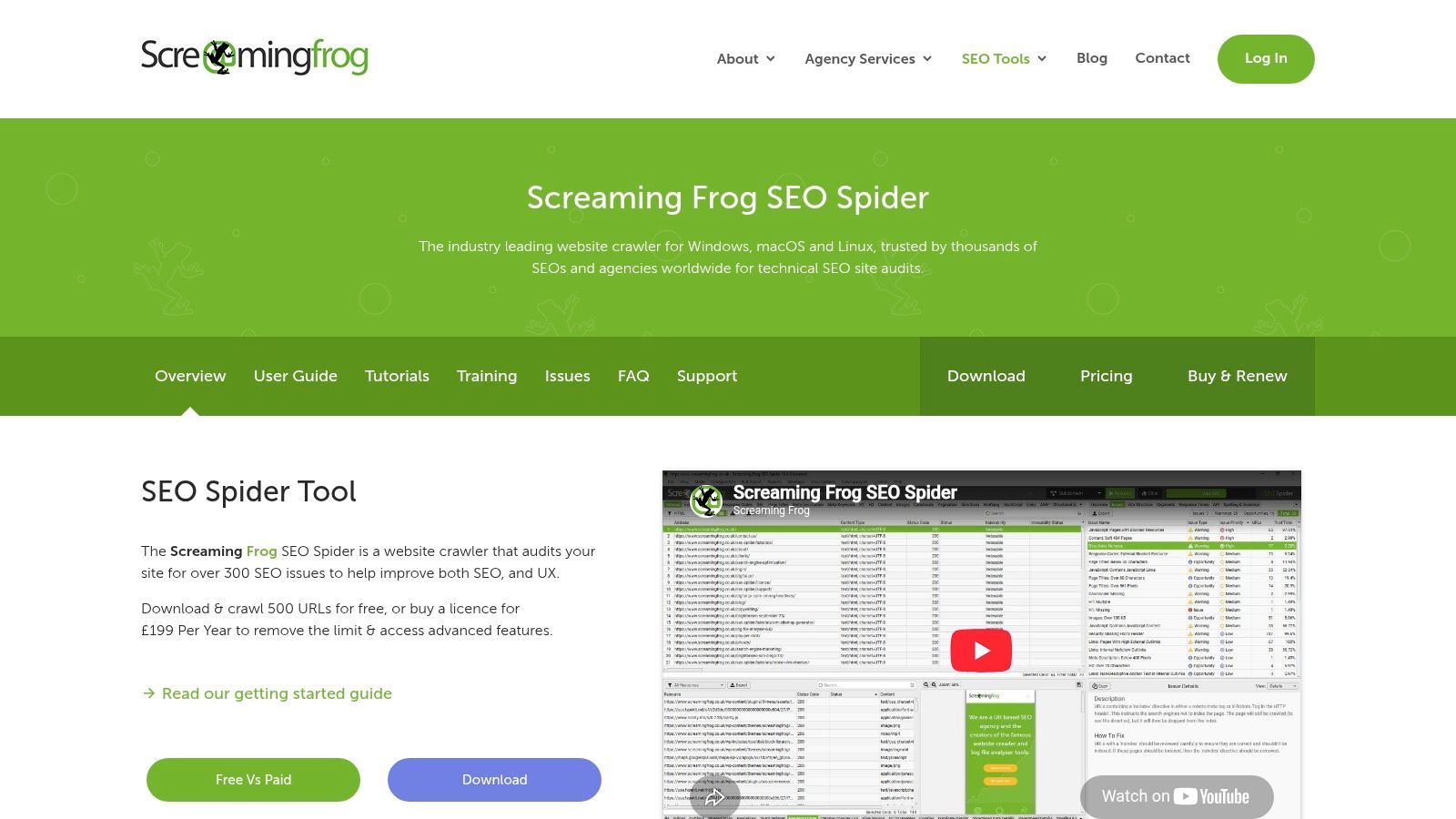
A common free-stack problem looks like this. Search Console shows a page losing impressions, PageSpeed Insights shows the page is slow, and nobody can tell whether the issue is isolated or spread across hundreds of URLs. Screaming Frog SEO Spider helps answer that fast because it crawls the site at scale and exposes patterns.
The free version has a hard ceiling, so it works best when you use it with intent. I usually save it for one section, one template group, or one specific problem. That might mean crawling only /blog/, only product pages, or a hand-picked list of URLs from Search Console. On smaller sites, that is often enough to find the fixes that matter.
What to check first
Screaming Frog is strongest for technical pattern-finding. Use it to review:
Status codes: Find broken pages, redirect chains, and URLs wasting crawl activity
Indexability signals: Check noindex directives, canonicals, and blocked pages
On-page duplication: Spot repeated title tags, meta descriptions, and thin page groups
Internal linking: See orphan risk, weak linking paths, and overlinked utility pages
This is the tool I reach for when a site has too many pages to inspect manually, but not enough budget for an enterprise crawler.
The trade-off is clear. The free version runs out quickly on larger sites, and desktop crawls can strain a laptop if the site is heavy. It also does not replace Search Console. Search Console shows what Google is doing. Screaming Frog shows what your site architecture and technical setup make possible.
Used together, they form the backbone of a functional free SEO stack. Search Console tells you where performance slipped. Screaming Frog helps you trace the cause across templates, folders, and internal links. If you keep hitting crawl limits, need scheduled audits, or want reporting in one place, that is usually the point where consolidating into a paid platform starts to make sense.
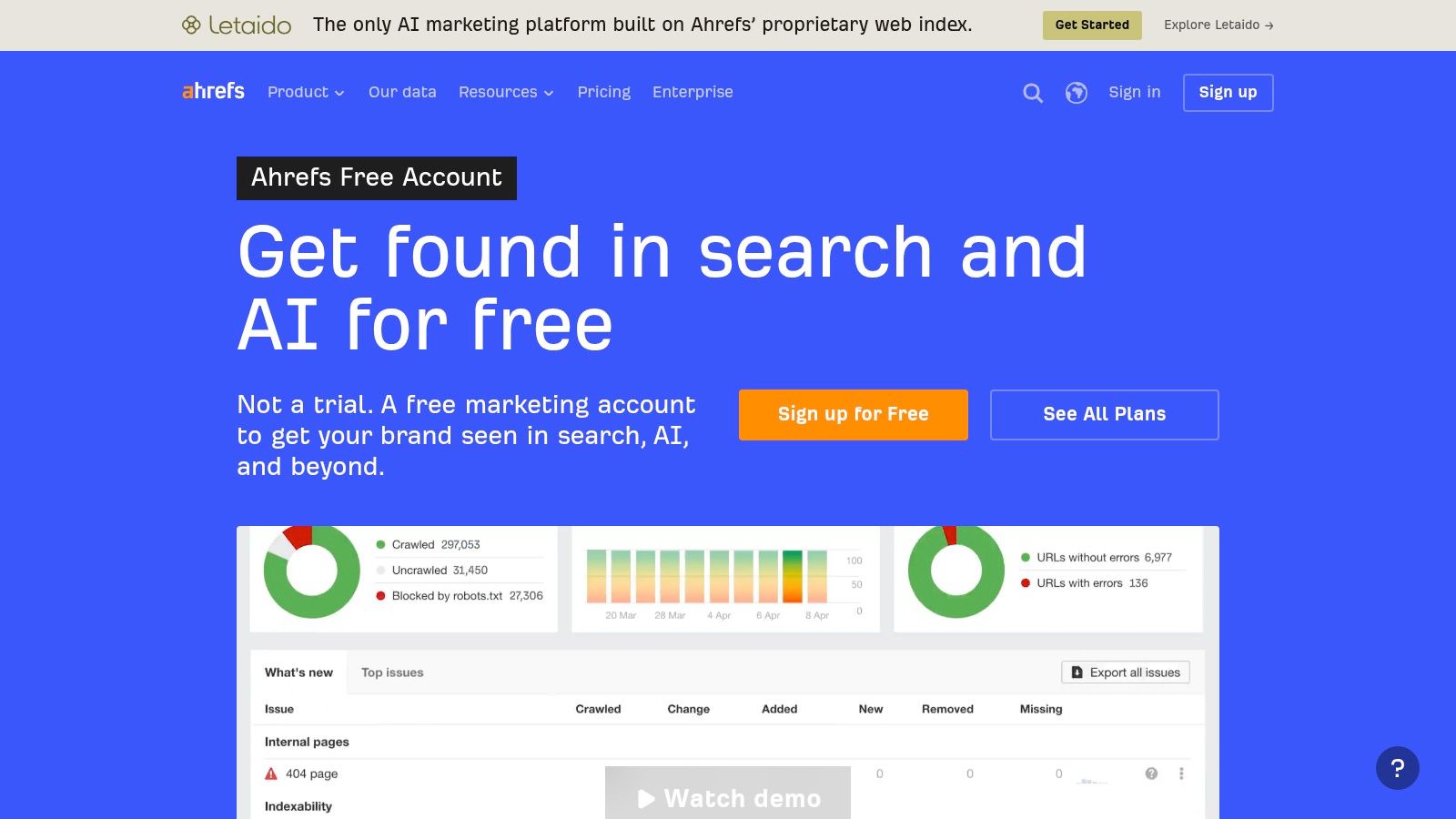
6. Ahrefs Free
Ahrefs Free becomes useful right after the first question Search Console cannot answer well: who is linking to this site, and are those links pointing at pages that matter?
That is the role Ahrefs fills in a free SEO stack. Search Console gives you Google-owned performance data. Ahrefs adds a third-party view of backlinks and site issues for verified properties, which helps you sanity-check what you are seeing elsewhere.
The best use for the free tier is narrow and practical. Verify your site, review which pages attract links, and look for technical problems that deserve a closer check. If a page is ranking, but has weak internal support and no meaningful backlinks, Ahrefs helps confirm that gap. If a page has links but no traffic, that usually points back to content quality, search intent, or indexing rather than off-page authority.
What I like here is the workflow fit. Use Search Console to find pages that lost clicks or impressions. Then open Ahrefs to check whether those pages have link equity, whether newer pages are earning links instead, and whether a technical issue may be limiting performance on your verified domain.
A few strong use cases:
Backlink review: See whether priority pages have any external links, and whether links are clustering around low-value URLs instead
Site issue checks: Flag technical problems on verified sites before you spend time fixing the wrong thing
Page-level validation: Compare your top linked pages with your top performing pages to spot mismatch
The limitation is real. Free Ahrefs is built for your own sites, not broad competitor research. You can get enough data to diagnose your property and make better decisions inside a free stack, but sustained competitive analysis still sits behind the paid product.
That makes Ahrefs a good specialist tool, not a full replacement for the rest of your stack. If you keep bouncing between Search Console, Screaming Frog, Ahrefs, and another keyword tool just to answer one question, that friction is usually the signal to consider an all-in-one platform.
7. Semrush Free Account
Semrush is useful in free mode for one reason: spot checks. I wouldn't build a full workflow around the free account, but I would absolutely use it to get a quick read on keywords, domains, and backlinks when I need directional research.
Many free users frequently get frustrated. The interface promises a lot, then the usage caps arrive fast. That's not a flaw so much as the business model.
When the free account is enough
If you need to validate a topic, inspect a domain briefly, or grab a quick snapshot of a backlink profile, Semrush can still help. It's a strong “peek behind the curtain” tool for freelancers and in-house marketers deciding whether a paid suite is worth it.
What it does well:
Broad interface: You can touch keyword, domain, and backlink tools in one place.
Quick competitor checks: Good for validating whether a market is crowded.
Light audit work: Enough for early-stage reviews.
What it doesn't do well in free mode is depth. Historical data, larger reports, and sustained research are restricted. If you find yourself returning to it daily and constantly hitting limits, that's your signal that you either need a better free stack or a paid consolidation move.
8. Moz Free Tools
Moz Free Tools are most useful when you want quick context without opening a full platform. MozBar, in particular, is still handy for live page review and link prospect triage.
I don't treat Moz metrics as the final word on anything. But I do use them as directional signals when reviewing sites quickly, especially during outreach planning or early SERP review.
Where Moz still helps
MozBar shines in-browser. If you're checking title tags, basic on-page elements, or relative authority signals while evaluating search results, it's convenient. Link Explorer and Keyword Explorer can also help with quick checks when your main stack doesn't provide enough external perspective.
Best use: Fast SERP review and link prospect screening.
Good secondary use: Basic keyword ideation when you want another lens.
Weakest use: Deep research. Free query limits get in the way quickly.
Moz's free toolkit is best treated as a lightweight supplement, not a central system. If you already have Search Console, GA4, and one crawler, Moz adds convenience. It doesn't replace those tools.
9. Google Ads Keyword Planner
Google Ads Keyword Planner is the tool I use when a keyword list looks promising on paper but still needs a reality check. You can pull ideas from almost anywhere, but Planner is useful because it ties those ideas to Google Ads demand signals, including bid pressure and advertiser competition.
That matters in a free SEO stack. Search Console shows what you already rank for. Keyword Planner helps you see adjacent terms, modifier patterns, and commercial intent before you create new pages. Used together, they cover a gap that neither tool handles well on its own.
Where it fits in the workflow
Start with terms from Search Console, customer language, or site categories. Run those through Keyword Planner to expand variants, spot intent shifts, and compare phrasing that looks similar but may attract very different advertisers. CPC data is not an SEO metric, but it is a practical signal that a query may carry revenue potential.
I would not use Keyword Planner by itself to choose targets.
Free accounts often get broad volume ranges instead of precise estimates, and the tool says very little about organic difficulty, SERP features, or what type of content is already winning. That is the trade-off. It is strong for validation and idea expansion, weaker for final prioritization.
A practical use case is topic planning. If several close variants cluster around the same intent, that usually points to one strong page instead of three thin ones. If the terms split by intent, such as informational versus transactional, build separate assets and confirm the difference with a manual SERP review.
Keyword Planner earns its place in a free stack because it helps you make better decisions before production starts. Once you need accurate volumes at scale, difficulty scoring, SERP tracking, and content gap analysis in one place, this is usually the point where stitching together free tools starts costing more time than it saves.
10. Bing Webmaster Tools
Bing Webmaster Tools deserves more use than it gets. Many teams ignore it because Google drives more attention. That's a mistake. Bing offers useful diagnostics, performance reporting, backlink data, and a built-in site scan that makes it one of the better free complements to Search Console.
The strongest market-level signal here is adoption. Free SEO tools, specifically Google Search Console and Bing Webmaster Tools, achieve a 94% adoption rate among global SEO practitioners, according to the verified data linked to ContentMation's SEO tool market summary.
Why it matters more now
Bing data broadens your visibility outside Google and gives you another source of first-party-style insight. It also matters in the wider AI search conversation. Verified background research highlights that AI search visibility is still poorly addressed by free tooling, and Bing's ecosystem is one of the few places where that conversation overlaps with practical webmaster data.
What Bing does well:
Performance and index reporting: Helpful for cross-checking with Google.
Site Scan and Site Explorer: Useful technical reviews without extra software.
Backlink reporting: Not exhaustive, but still valuable.
The downside is lower traffic volume for most sites and a different interface that takes some getting used to. Still, if you want a serious free stack, leaving Bing out makes no sense.
Top 10 Free SEO Tools, Feature Comparison
Tool | Core capabilities | Quality (★) | Price / Value (💰) | Target (👥) | Unique selling point (✨) |
|---|---|---|---|---|---|
Keyword Kick 🏆 | All‑in‑one SEO: native GA4+GSC, rank tracking, backlinks, audits (JS), keyword & competitor tools | ★★★★★ actionable AI guidance | 💰 Free forever; paid from $49/mo (scales to $599) | 👥 Agencies, in‑house teams, freelancers, solo creators | ✨ K² AI Agent with prioritized, step‑by‑step recommendations; cannibalization detection |
Google Search Console | Performance, Index Coverage, URL Inspection, Enhancements | ★★★★☆ first‑party search data | 💰 Free | 👥 SEOs, site owners, devs | ✨ Gold‑standard Google indexing & search data |
Google Analytics 4 (GA4) | Event-based analytics, explorations, conversion tracking, ML insights | ★★★★☆ deep behavior analysis | 💰 Free | 👥 Analysts, marketers, product teams | ✨ Cross‑platform user behavior & funnel analysis |
PageSpeed Insights (Lighthouse) | Lab (Lighthouse) + field (CrUX) CWV, diagnostics, mobile/desktop audits | ★★★★☆ actionable speed & UX fixes | 💰 Free | 👥 Developers, SEOs, UX teams | ✨ URL‑level Core Web Vitals with lab+field data |
Screaming Frog SEO Spider (Free) | Desktop crawler: on‑page exports, broken links, metadata, JS render (paid unlock) | ★★★★☆ trusted technical crawler | 💰 Free (Lite: ≤500 URLs) | 👥 Technical SEOs, auditors | ✨ Fast, detailed site crawls & exportable reports |
Ahrefs Free | Site Audit, backlink index, organic keywords for verified domains | ★★★☆☆ strong backlink checks (verified) | 💰 Free (verification + limits) | 👥 Site owners, backlink analysts | ✨ Ahrefs backlink data access for verified sites |
Semrush (Free) | Keyword research, domain/backlink snapshots, limited site audit | ★★★☆☆ broad toolkit (limited free) | 💰 Free (strict daily limits) | 👥 Marketers, competitive researchers | ✨ Quick competitor & keyword spot‑checks across modules |
Moz Free Tools | MozBar, limited Link Explorer/Keyword Explorer, DA/PA metrics | ★★★☆☆ handy in‑SERP metrics | 💰 Free (low query caps) | 👥 SEOs vetting links & quick checks | ✨ In‑browser MozBar authority & on‑page metrics |
Google Ads Keyword Planner | Keyword discovery, volume ranges, competition, CPC forecasts | ★★★☆☆ good demand & CPC signals | 💰 Free (Ads account; exact vols may require spend) | 👥 PPC & SEO researchers, content planners | ✨ CPC forecasts + Google search demand context |
Bing Webmaster Tools | Performance, Index, Backlinks, Site Scan, URL submission, API | ★★★☆☆ complementary search data | 💰 Free | 👥 Site owners wanting Bing insights | ✨ Bing‑specific crawl/index reports + AI insights |
From a Free Stack to a Unified Strategy
You spot a drop in clicks, open Search Console, then bounce to GA4 to check engagement, PageSpeed Insights to test the template, Screaming Frog to crawl the section, and Ahrefs or Semrush to see whether links or competitor movement played a role. That workflow is common. It also gets slow fast.
A free SEO stack can do real work if you use each tool for a specific job and accept the limits. Search Console and Bing Webmaster Tools give first-party visibility into queries, indexing, and crawl issues. GA4 ties those visits to outcomes. PageSpeed Insights and Lighthouse help isolate performance problems. Screaming Frog catches on-page patterns at scale. Ahrefs, Semrush, Moz, and Keyword Planner add outside context for links, competitors, and demand.
The friction shows up between tools, not inside them.
Teams lose time translating one finding into the next action. A low-CTR query in Search Console should lead to a title test, an intent check, and a page review. Instead, it often turns into screenshots, exports, and side conversations because each tool answers only part of the question. Free tiers also force trade-offs. Query caps limit research depth. Crawl limits hide sitewide patterns. Delayed or sampled data can muddy prioritization.
That is the primary ceiling with stacks of free search engine optimization tools. The issue is coordination. If two analysts can look at the same exports and leave with different priorities, the stack is creating overhead.
A practical setup looks like this:
Use first-party data as the source of truth: Search Console, GA4, and Bing Webmaster Tools
Run technical validation second: PageSpeed Insights, Lighthouse, and Screaming Frog
Add competitive and link context third: Ahrefs Free, Semrush Free, and Moz
Use keyword tools to confirm demand, not dictate strategy: Google Ads Keyword Planner and earlier-stage discovery tools
Order matters. Start with what your site is already ranking for, where users drop off, and what search engines are indexing. Then validate technical blockers. Only after that should you spend time expanding keyword lists or comparing competitor domains.
Consolidation starts to make financial sense when the team spends more time stitching reports together than fixing pages. That usually happens before feature limits become the main problem. The cost is less about software and more about decision lag, duplicated analysis, and inconsistent reporting across stakeholders.
A unified platform like Keyword Kick fits at that stage because it reduces the handoff problem. Instead of checking five dashboards to explain one traffic drop, you can review connected search, analytics, ranking, backlink, and technical signals in one workflow and act on a prioritized list.
The smart approach is not free versus paid. It is building a free stack that works, then replacing fragmentation once it starts slowing execution.
If you're ready to move from scattered reports to a single SEO workflow, Keyword Kick is worth a serious look. It connects your Search Console, GA4, rankings, backlinks, and technical signals, then turns that data into clear next steps. That's the fastest way to stop managing tools and start managing growth.