Your Website Is Leaking Traffic. Here's How to Find the Holes.
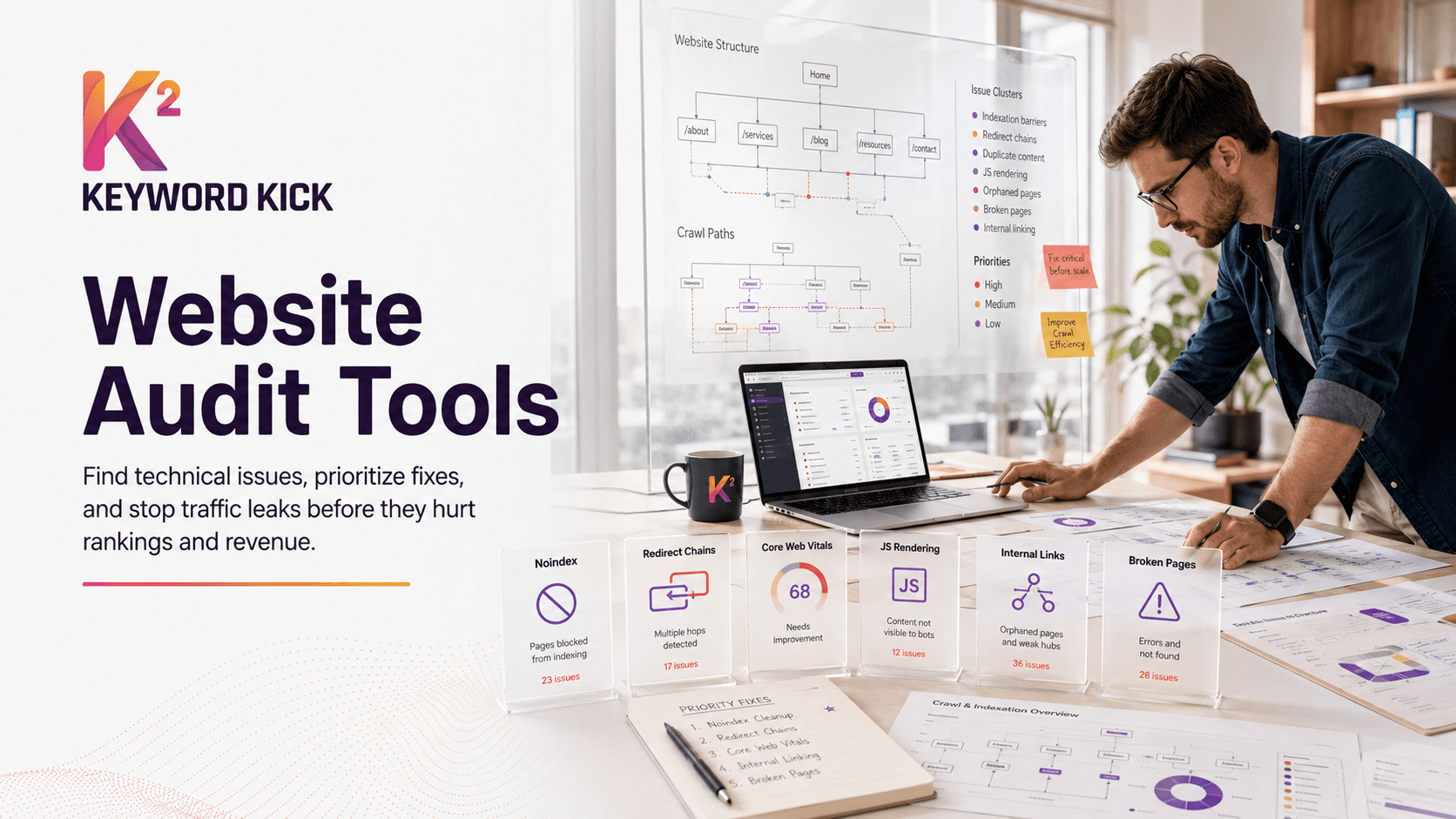
A technical problem rarely announces itself. A noindex tag lands on the wrong template. A redirect chain appears after a migration. JavaScript hides content that looked fine in staging. Rankings slip, pages stop getting crawled properly, and revenue follows.
That's why website audit tools matter. They don't just flag what's broken. The good ones help you see which problems are noise, which ones deserve developer time now, and which ones can wait. If you already have a process, audit software makes it faster. If you don't, it gives you a place to start.
Google pushed this category forward years ago with PageSpeed Insights and later Lighthouse in Chrome DevTools. Lighthouse now audits performance, accessibility, SEO, Progressive Web Apps, and more, which is one reason performance and accessibility are no longer side concerns in technical SEO (AudioEye on Lighthouse and PageSpeed Insights). If you want a strong manual framework to pair with software, Bruce & Eddy's website audit methodology is a solid reference.
The problem is choice. Some tools are built for solo consultants who need speed and affordability. Others are better for agencies that need client reporting. Others only start to make sense when you're managing huge sites, multiple teams, and recurring audits at scale.
1. Keyword Kick
Keyword Kick is the tool I'd put in front of someone who wants fewer dashboards and more direction. A lot of platforms are good at collecting data. Fewer are good at turning that data into a clear answer to questions like, "Why did traffic drop?" or "Which pages should I work on first?"
Its advantage is the all-in-one setup. GA4, Google Search Console, rank tracking, backlinks, technical audit data, and AI-assisted recommendations live in the same workspace. That matters because most audit bottlenecks aren't caused by a lack of findings. They're caused by context living in five different tabs.
Why it works for mixed workloads
Keyword Kick fits freelancers, in-house teams, and agencies that need one operating system instead of a stack stitched together by exports. The K² AI Agent is the part that makes it different. It acts more like a project analyst than a crawler, reading across connected SEO signals and surfacing actions instead of just issue lists.
For practitioners, that changes the audit workflow in a useful way:
Prioritization comes first: Instead of staring at a giant defect log, you start with likely impact.
Cannibalization is native: That's valuable when rankings aren't falling because of one broken page, but because multiple pages compete for the same intent.
Technical plus content lives together: You can go from audit finding to content action without switching systems.
If you need a practical benchmark for what to review before pages go live, this SEO site audit checklist is a good companion to the platform.
Practical rule: Unified tools save the most time when one person owns both diagnosis and execution. If your technical SEO, content, and reporting all sit with different teams, the value comes from shared context, not just convenience.
Best fit and trade-offs
Keyword Kick is strongest for people who want action-oriented auditing without paying enterprise-platform prices from day one. The free tier lowers the barrier, and paid plans are clearly listed, which is refreshing in a category where pricing often disappears behind a sales form.
The trade-off is scale management. If you're running very large projects, longer retention, bigger quotas, and JavaScript-heavy auditing will push you toward higher plans. It also doesn't lean on public awards or big testimonial walls, so you have to evaluate it more on the product itself than on borrowed brand trust.
For most SMBs, consultants, ecommerce teams, and smaller agencies, that's a fair trade. If your biggest pain is tool sprawl, Keyword Kick is one of the strongest answers on this list.
2. Semrush Site Audit
A client asks for an audit on Monday, wants a slide-ready summary by Wednesday, and expects clear priorities tied to traffic and revenue. That is the kind of job Semrush handles well.
Semrush makes sense when the audit needs to live inside a broader SEO workflow. Agencies, in-house teams, and consultants already using the platform for keyword research, rank tracking, competitor analysis, or reporting usually get more value from keeping technical checks in the same system than from adding a separate specialist crawler right away.
Where Semrush fits best
Semrush is strongest for teams that need more than a list of errors. It connects crawl findings with GA4 and Google Search Console data, which helps turn "this page has an issue" into "this issue is affecting a page that is significant." That context speeds up prioritization, especially when non-technical stakeholders are involved.
It also works well in client-facing environments. The reports are familiar, the interface is approachable, and the workflow is easy to hand off between SEO, content, and account teams. For an agency managing several SMB or mid-market accounts, that matters as much as crawl depth.
The trade-off is straightforward. Semrush is a suite first and an audit tool inside that suite. If you want a pure technical crawler for large-scale analysis, custom extraction, or forensic troubleshooting, tools like Screaming Frog or Sitebulb usually give a specialist more control. Semrush wins when speed, accessibility, and cross-team use matter more than crawl flexibility.
If link quality is part of your audit process, pair the crawl with a proper backlink audit workflow so technical fixes and authority issues are prioritized together.
Best for agencies and consultants: Good fit when audits need to become client updates, recurring reports, and action plans fast.
Best for in-house marketing teams: Useful when SEO work touches content, reporting, and stakeholder communication in one platform.
Less ideal for technical specialists: Better options exist if your main job is advanced crawling rather than integrated SEO operations.
I rarely recommend Semrush as the cheapest option. I recommend it when the primary bottleneck is getting findings into action across different people. In that setting, Semrush is often the right tool for the job, even if it is not the most technical one on the list.
3. Ahrefs Site Audit
A common audit scenario looks like this. The crawl finds a problem on a page, but the key question is whether that page is worth fixing now, later, or not at all. Ahrefs is strong in that moment because technical issues sit close to backlink data, keyword visibility, and page-level opportunity.
That makes Ahrefs a practical choice for consultants and in-house SEOs who prioritize by business impact, not just by error count. If a page has broken internal links, weak performance signals, and no search demand, the answer is different than it is for a page with links, rankings, and revenue potential. Ahrefs helps make that call quickly.
Why Ahrefs works well for day-to-day SEO decisions
Ahrefs is less about forensic crawling than about fast prioritization inside an existing SEO workflow. The interface is clear, the issue grouping is easy to review, and the surrounding context matters. You can move from crawl findings to backlink profile, organic keywords, and competing pages without switching tools or rebuilding the picture manually.
That is a true advantage.
I usually recommend Ahrefs to teams that already use it for research and want their audit process connected to the same dataset. It saves time, and it reduces the gap between finding a problem and deciding what to do about it. For teams that weigh authority signals alongside technical fixes, this backlink audit process fits naturally with how Ahrefs is usually used.
Who should choose it
Ahrefs fits freelancers, consultants, and lean in-house teams that want one primary platform for audits, keyword research, and link analysis. It is especially useful for content-led SEO programs where the priority is deciding which pages deserve attention first.
The trade-off is control. Technical specialists doing large-scale analysis, custom extraction, or edge-case debugging will usually get more flexibility from Screaming Frog or Sitebulb. Larger organizations with heavy monitoring needs may also outgrow it and move toward enterprise platforms built for wider operational coverage.
For everyone else, Ahrefs earns its place by helping you answer a harder question than "what is broken?" It helps answer "what should we fix first, and why?"
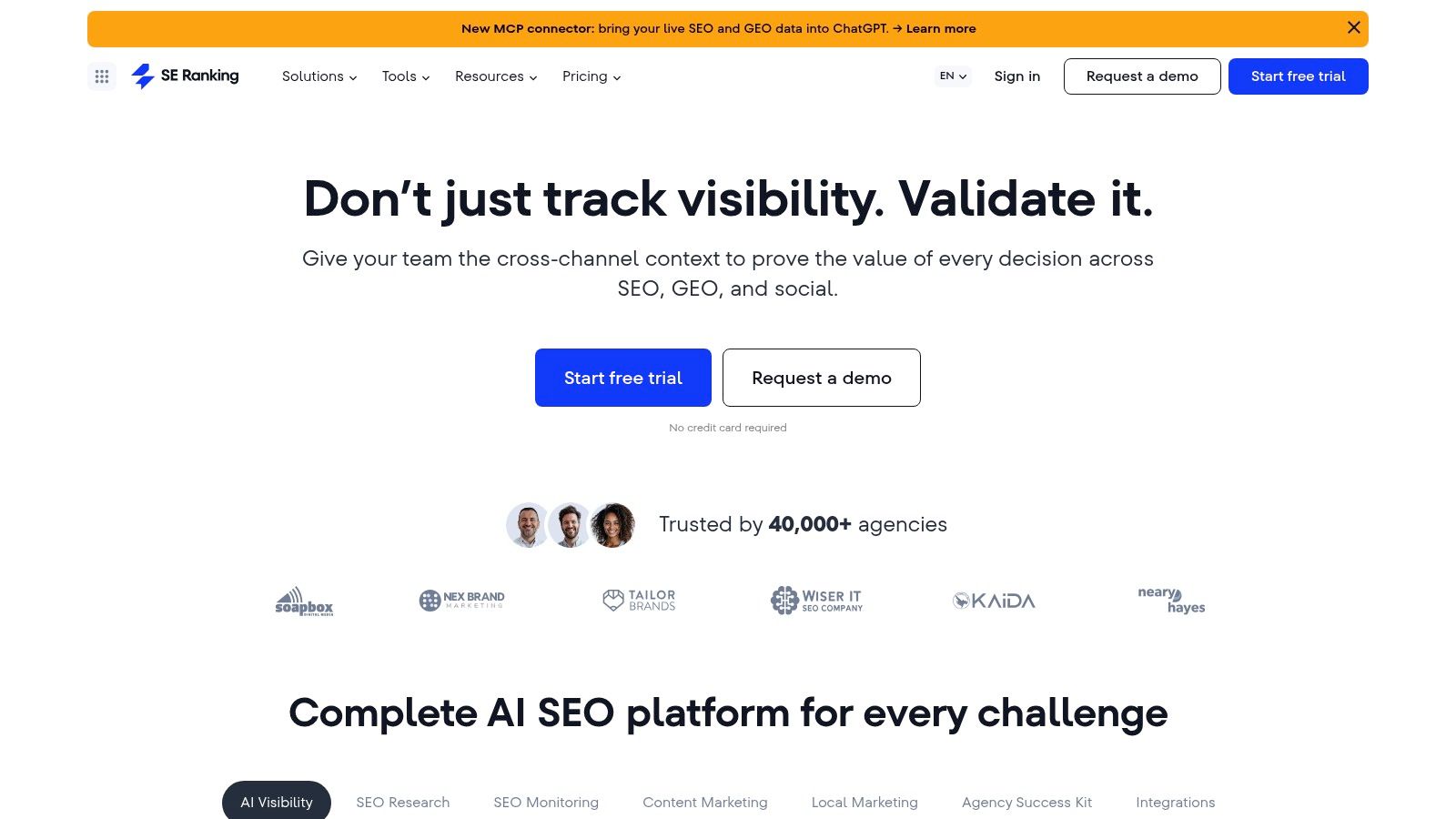
4. SE Ranking Website Audit
A small agency with recurring local SEO clients usually needs something different from a technical specialist auditing a complex ecommerce build. SE Ranking fits that first job well. It gives freelancers, SMB teams, and smaller agencies an audit tool they can use week to week, without paying for enterprise features they will not touch.
That positioning matters.
SE Ranking's Website Audit is strong because it keeps the work practical. The checks are broad enough to catch the problems that repeatedly show up in real client accounts, and the output is readable enough for account managers and clients to understand without a long translation layer from the SEO team. If the goal is to spot issues, explain them clearly, and turn them into recurring tasks, SE Ranking does that better than many tools in its price range.
Best use case
SE Ranking is a good match for teams that want one platform to cover the daily operating stack. Audit reporting, rank tracking, competitor research, and client-facing workflows sit in the same environment, which cuts down tool switching and makes handoff easier.
I recommend it most often in three situations:
Freelancers: Good fit when budget matters and the audit needs to support reporting, not just diagnosis.
Agencies: Useful for recurring client work where clear issue lists and straightforward reports save time.
In-house SMB teams: Works well when one marketer or a small team handles SEO alongside other channels.
The trade-off is depth. SE Ranking covers the common technical checks well, but it is not the tool I would pick first for rendering problems, advanced crawl configuration, or enterprise-scale forensic work. Teams doing that kind of analysis usually need a crawler with more control or a platform built for larger, more complex sites.
That is why SE Ranking earns a place on this list. It is not trying to be the specialist's tool. It is a practical choice for teams that need a capable audit product inside an affordable, easy-to-run SEO workflow.
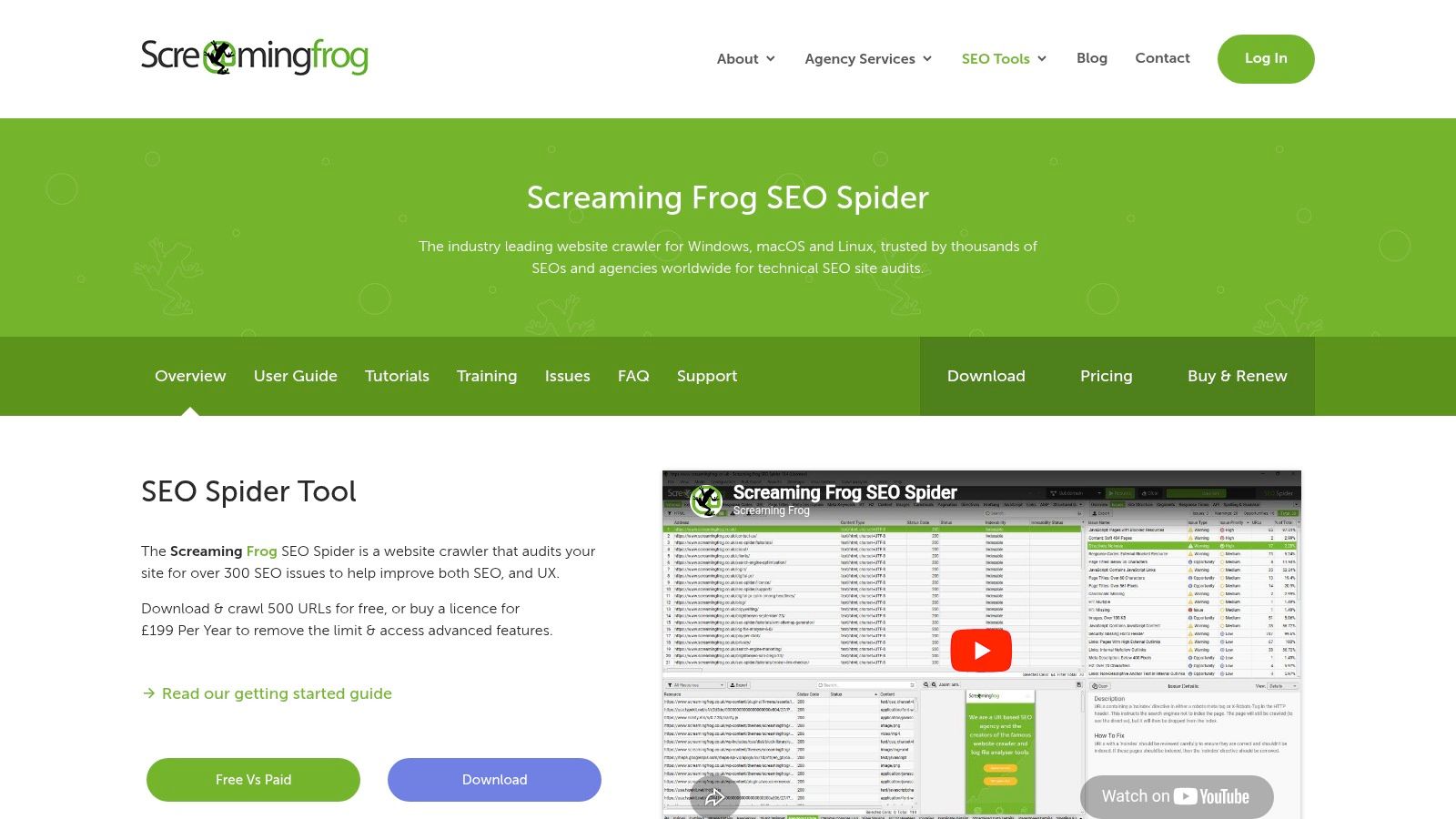
5. Screaming Frog SEO Spider
Screaming Frog is what you use when you need to inspect the site, not just review a dashboard. It remains one of the most useful tools for technical SEO because it gives you control. You can crawl staging, locked-down environments, parameter-heavy sites, odd architectures, and pages that cloud tools sometimes oversimplify.
This is the tool for deep dives. Migration QA. Redirect audits. Canonical cleanup. JavaScript verification. Custom extraction. If a site is doing something messy, Screaming Frog is often where the mess becomes visible.
What it does better than suite platforms
Desktop crawlers still matter because they're flexible. Screaming Frog lets you shape the crawl, inspect raw and rendered output, and pull custom data in ways general-purpose suites usually don't.
That makes it especially valuable for technical specialists and advanced consultants.
Great for debugging: You can isolate patterns fast.
Great for secure environments: Useful when a site can't be audited easily by outside cloud platforms.
Great for release QA: Run focused checks before and after deployment.
Field note: When a site looks fine in browser testing but rankings suggest Google sees something else, I want a crawler that lets me compare assumptions against actual output. Screaming Frog is still one of the fastest ways to do that.
The trade-off is collaboration. It's not designed to be your client-facing reporting hub. It also depends on your machine, so very large crawls demand planning and hardware. But for hands-on technical SEO, it's still one of the best website audit tools you can own.
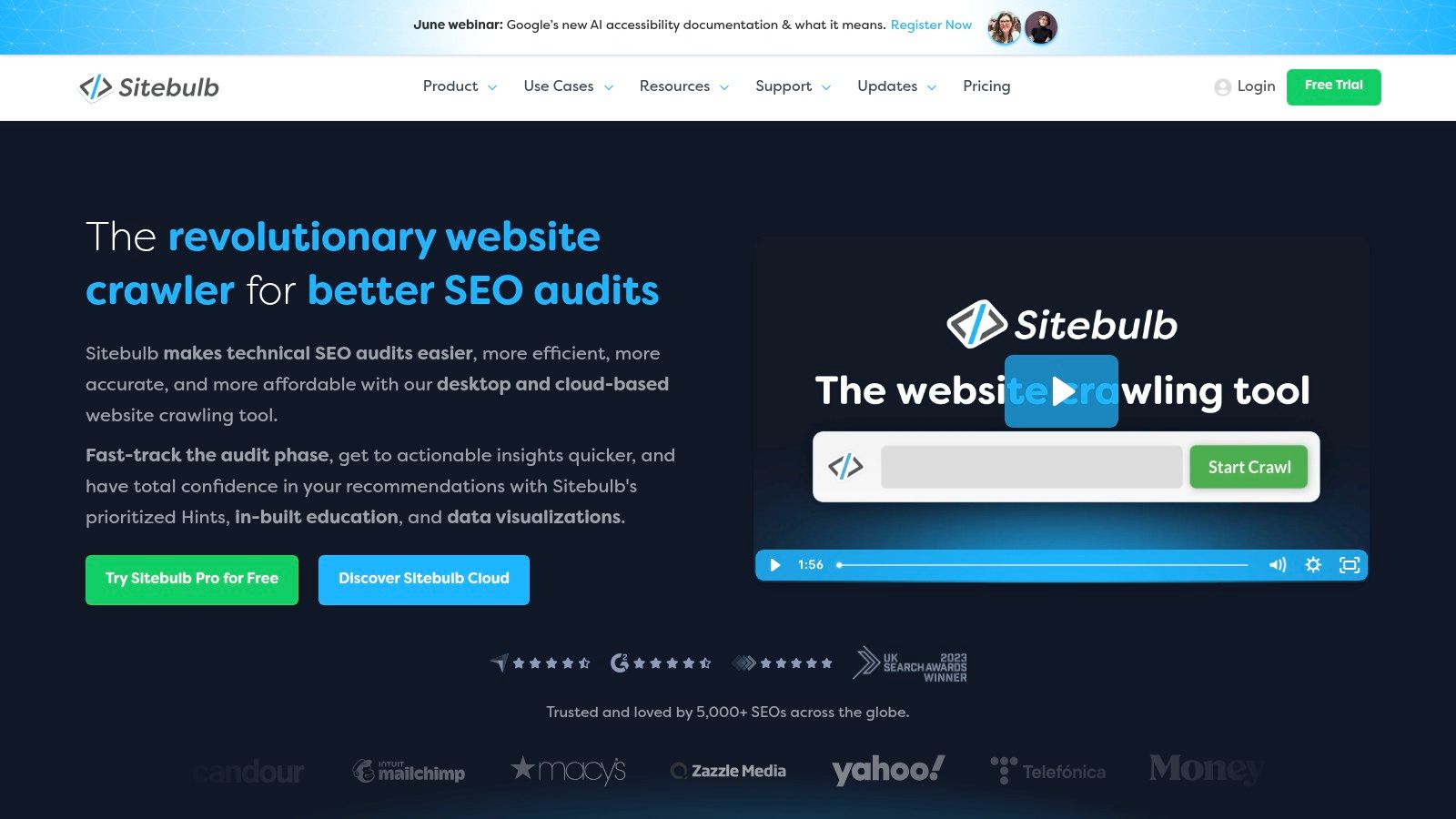
6. Sitebulb
Sitebulb sits in a useful middle ground. It's technical enough for serious audits, but it presents findings in a way that's easier to explain to clients, marketers, and non-technical stakeholders. That combination is why many agencies like it.
Where Screaming Frog feels like an inspector's toolkit, Sitebulb feels more like an analyst that also teaches. Its hints, visuals, and explanations reduce the gap between discovery and understanding.
Why agencies like it
If you regularly need to hand over findings to clients or internal teams, presentation matters. Sitebulb does a good job of turning technical issues into something readable without sanding off the detail.
Its rendering views are also strong. Comparing response HTML with rendered HTML is useful when JavaScript changes what users and crawlers receive.
Best for client communication: Reports are easier to walk through in a meeting.
Best for guided technical analysis: Strong if you want explanation alongside issues.
Less ideal if you only want speed: Power users sometimes prefer the raw flexibility of Screaming Frog.
Sitebulb is often the right answer for agencies that want technical depth but don't want every audit to require translation. If your problem isn't just finding issues, but helping other people understand them, Sitebulb earns its place.
7. Lumar
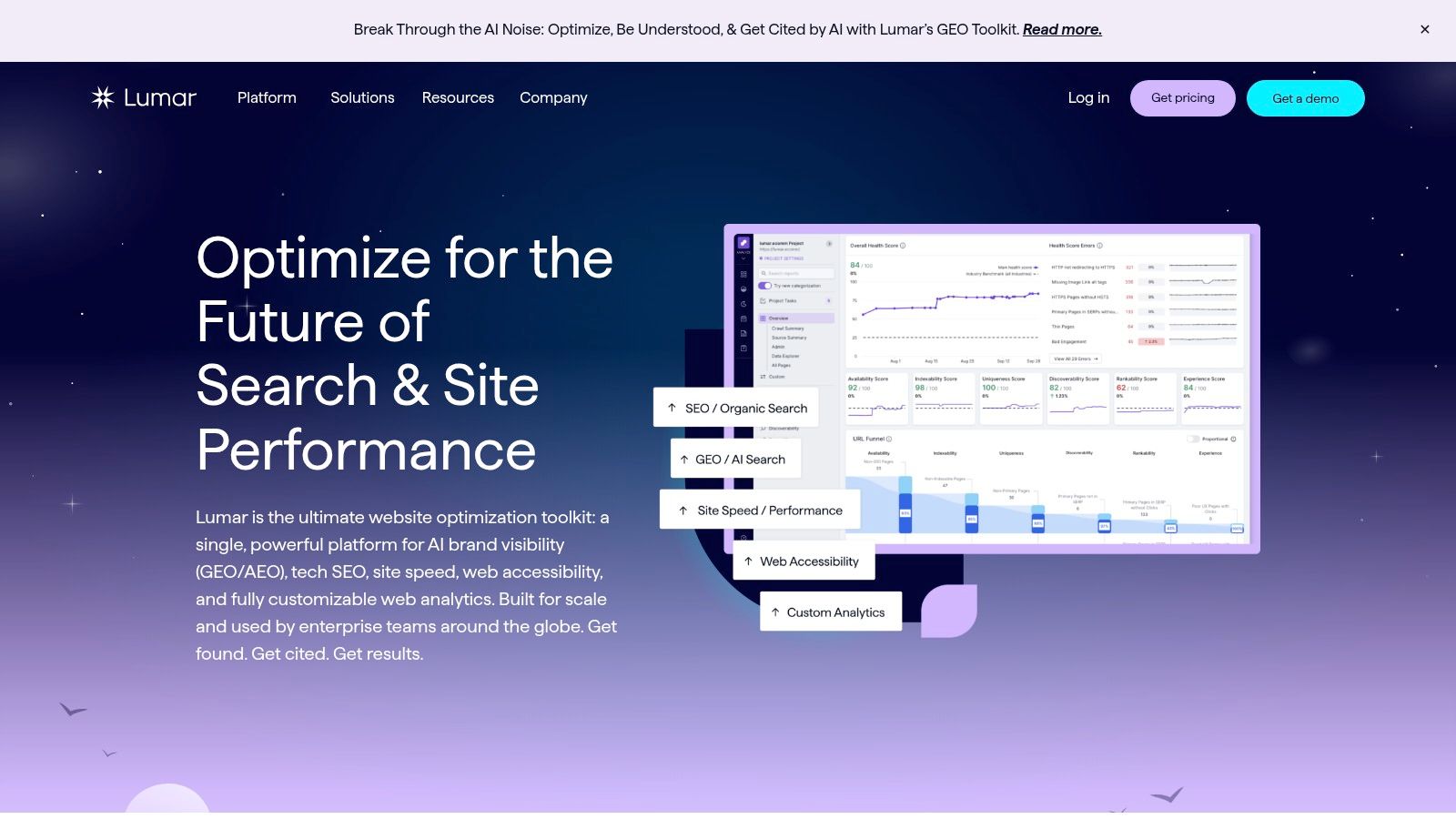
A developer pushes a template change across thousands of category pages on Friday. By Monday, internal linking shifts, canonicals drift, and a chunk of high-value URLs drops out of the crawl path. That is the kind of problem Lumar is built to catch and monitor.
Lumar fits teams where auditing is part of ongoing site operations, not a one-off cleanup. Large ecommerce brands, publishers, marketplaces, and international sites usually need scheduled crawling, change monitoring, and reporting that product, engineering, SEO, and accessibility teams can all use. A desktop crawler can find issues. Lumar is stronger when the job includes governance across a very large site.
That makes it a better match for enterprise programs than for freelancers or small agencies. The trade-off is straightforward. You get cloud-based crawling, recurring checks, and workflows built for multiple stakeholders, but you also take on higher cost, longer setup, and more process.
Where Lumar earns its budget
Lumar is useful when the hard part is not finding errors. The hard part is keeping large sites stable as teams ship changes every week. It helps central SEO teams monitor patterns across business units, flag regressions early, and give each stakeholder a view that matches their role.
It also appeals to organizations that want technical SEO, accessibility, and site quality reviewed in the same system. That matters in enterprise environments where one team owns search visibility, another owns compliance, and engineering owns implementation.
Best fit and limits
Lumar is a strong choice for enterprise SEO teams, in-house technical leads, and agencies managing very large, high-stakes sites. It is a weak fit for solo consultants, local businesses, and standard SMB sites that need fast audits without platform overhead.
Best for enterprise governance: Strong when audits need to run continuously across large, changing sites.
Best for cross-team workflows: Useful when SEO findings need to move into product and engineering processes.
Less ideal for lean teams: Quote-based pricing and onboarding effort only make sense if the platform will be used regularly.
If the main question is "Which crawler should I run?" Lumar may be more than you need. If the core question is "How do we keep a huge site healthy as multiple teams keep changing it?" Lumar is one of the better answers.
8. Botify
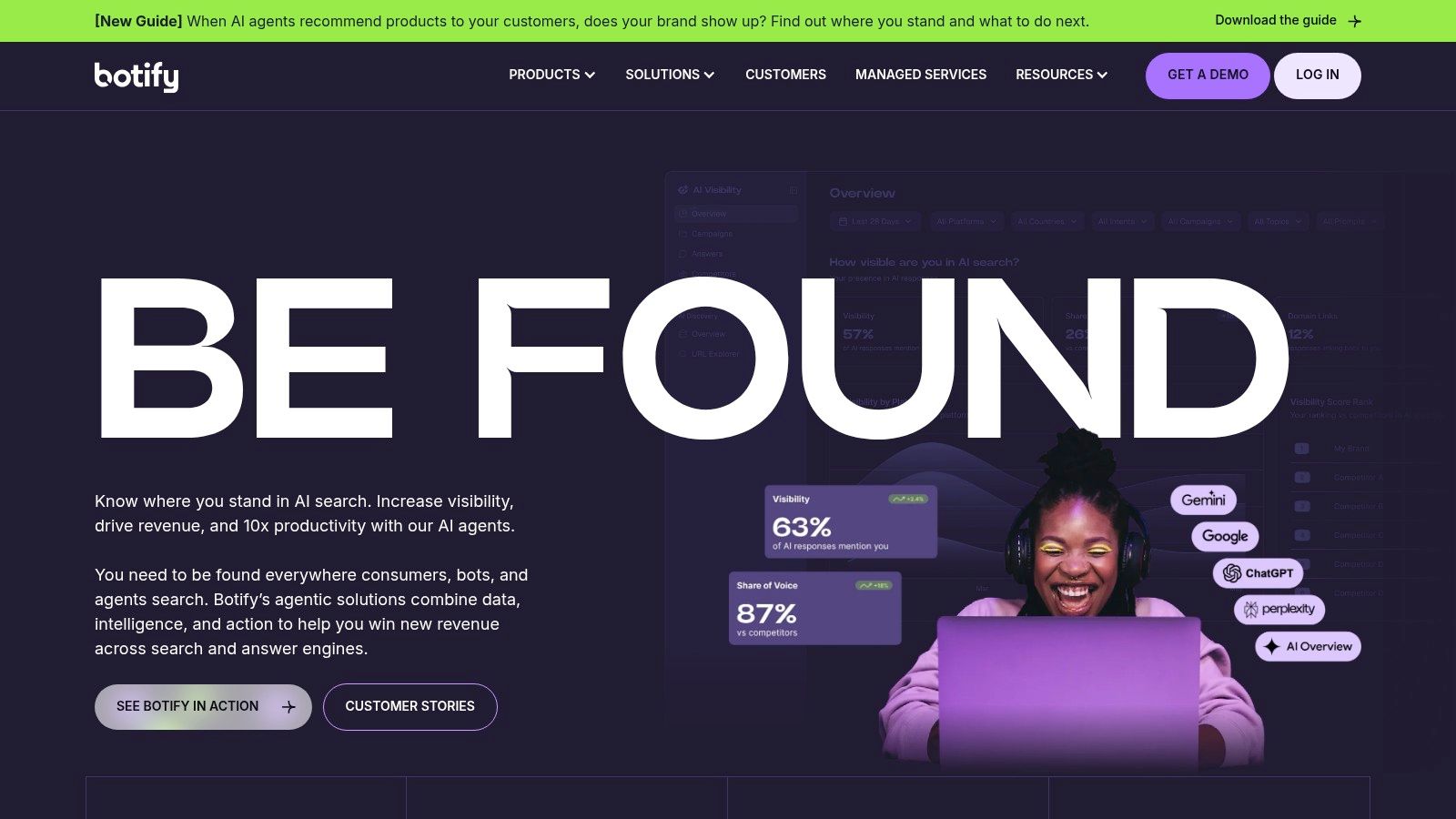
Botify is for teams that want to connect technical findings to actual business signals. That's the main reason enterprises buy it. Not because it crawls pages. Plenty of tools crawl pages. Botify's appeal is the combination of crawl data, log analysis, and analytics data in one model.
For very large sites, that changes prioritization. Instead of asking only "what's broken?", teams can ask "what's broken on pages that matter?" That's a better question.
Where Botify earns its keep
Publishers, large ecommerce operations, and complex content sites often struggle less with finding issues than with deciding where to focus. Botify is useful when crawl behavior, indexation, revenue pages, and traffic patterns need to be reconciled.
Its implementation is heavier than simpler tools, but that's the point. It's not trying to be lightweight.
Best for enterprise prioritization: Good when you need logs plus analytics context.
Best for large, revenue-linked sites: Strong for organizations where technical fixes need commercial justification.
Poor fit for small teams: Too expensive and too involved for most SMBs.
Botify isn't a casual purchase. It's a platform decision. If your site is big enough that crawl waste, discovery issues, and indexing patterns affect major business outcomes, that decision can make sense.
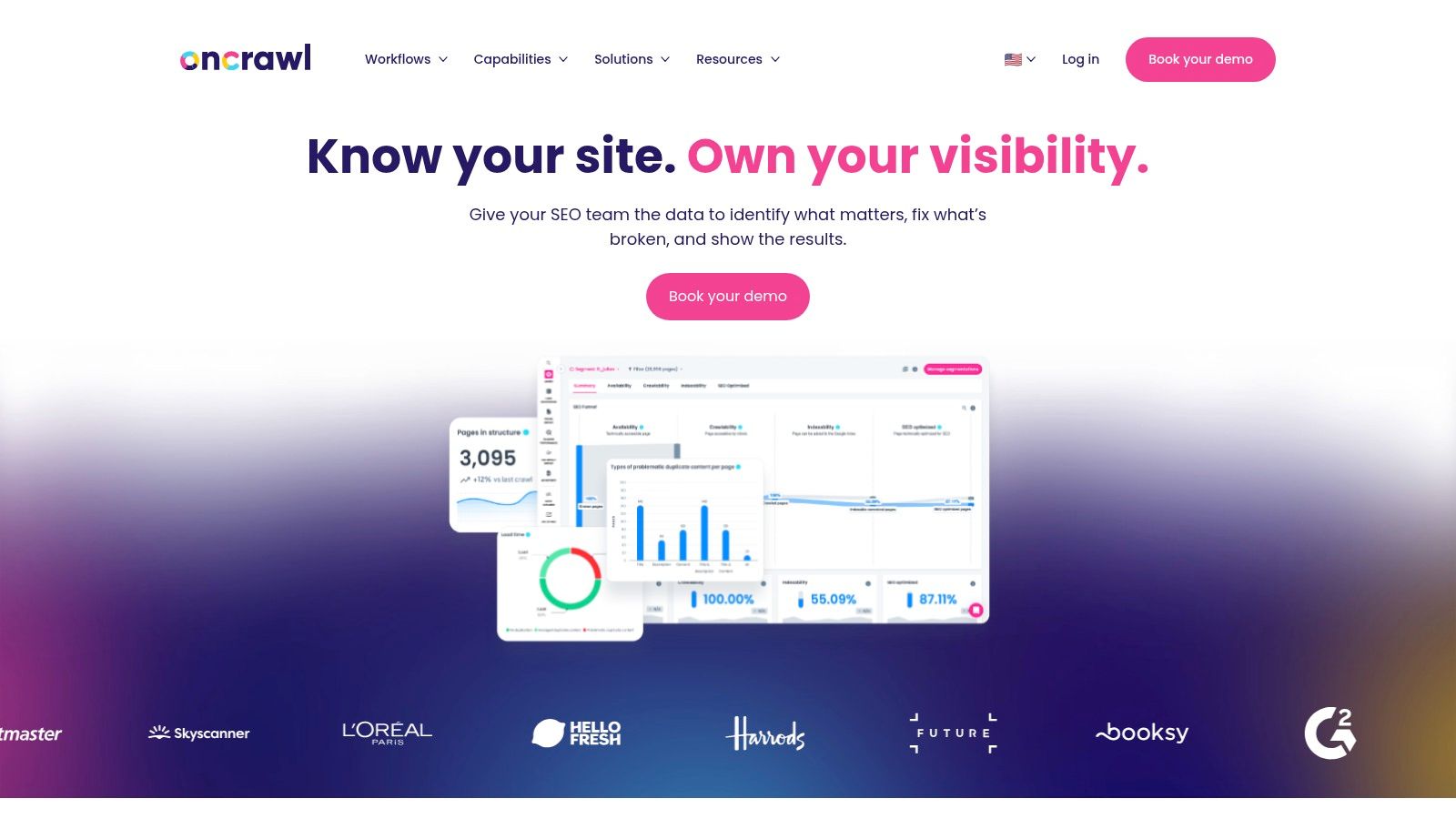
9. Oncrawl
Oncrawl has become more interesting as technical SEO expands beyond classic crawler diagnostics. It's still a cloud-based platform for large-scale crawling and log analysis, but it's also leaning into questions around AI bots, machine-readable visibility, and how modern discovery systems differ from traditional search crawlers.
That matters because standard audits still miss part of the picture.
The AI visibility gap
A growing weakness in audit content is that it often treats "SEO audit" and "search visibility audit" as the same thing. They're not. The emerging issue is whether your content is structured, understandable, and citation-ready for AI-driven answer systems.
The background here is important. SEO Site Checkup now claims LLM visibility features, and the broader discussion around AI engine visibility points to a gap between traditional audits and what AI-facing discovery systems need (SEO Site Checkup and LLM visibility discussion).
Oncrawl is relevant because it has started surfacing views into AI and LLM bot activity rather than stopping at classic crawl analysis.
Who should look at it
Oncrawl fits technical SEO teams that want data storytelling across architecture, logs, and evolving bot behavior. It's not a beginner tool, and it won't be the easiest starting point for smaller teams.
If you're working on large sites and asking questions about how different bots access, interpret, and revisit content, Oncrawl is one of the more forward-looking options on this list.
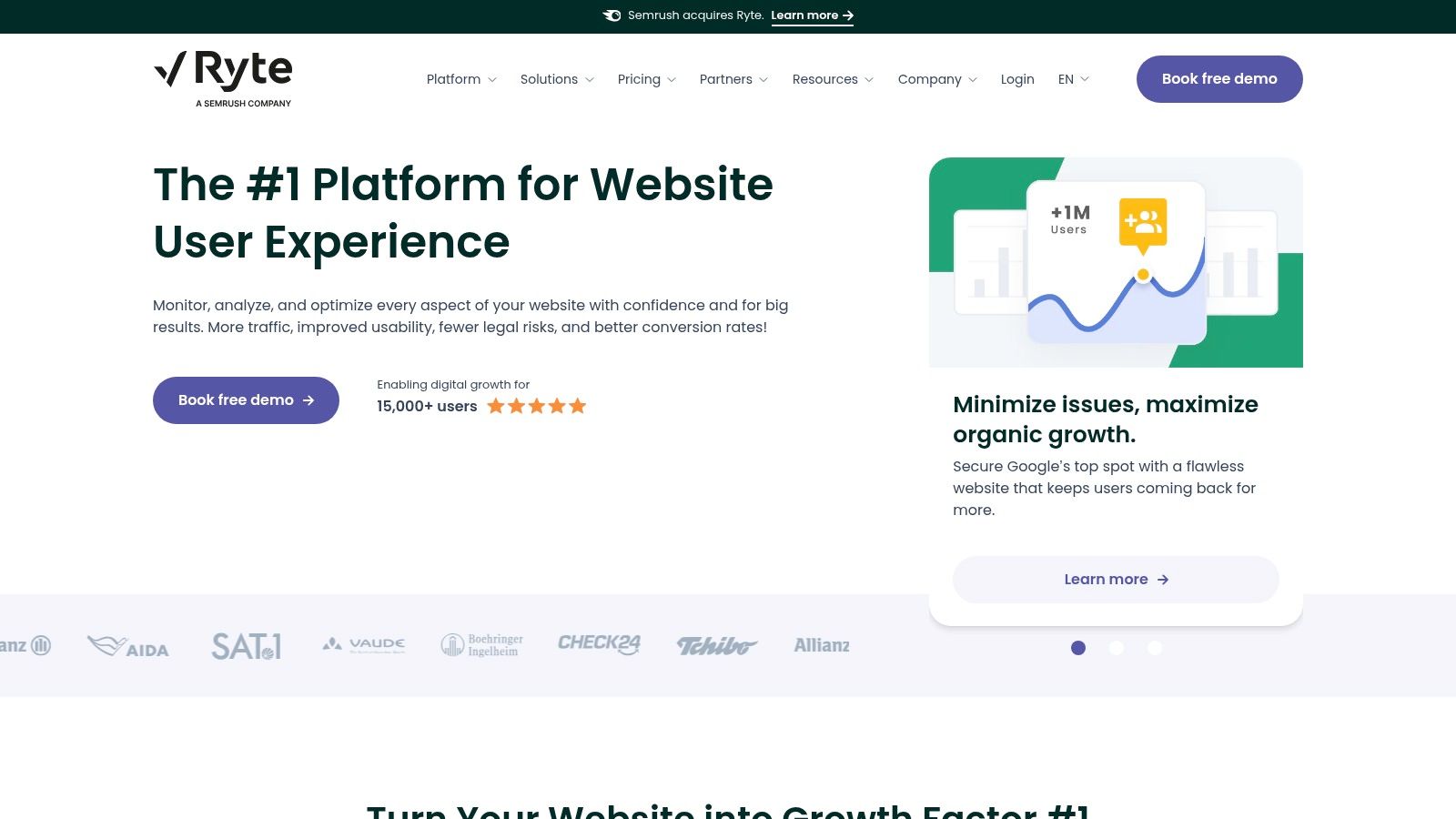
10. Ryte
Ryte is a good reminder that not every website audit tool should be judged only by SEO depth. Some organizations need a wider governance view. SEO matters, but so do accessibility, compliance, quality assurance, and overall website experience.
That's where Ryte stands apart. It frames website health more broadly than a crawler-first platform would.
Why some teams prefer Ryte
For organizations where SEO teams work closely with UX, compliance, content, and web governance groups, Ryte can be easier to adopt than a pure technical SEO platform. The language is broader, and the product is built around website quality as much as search performance.
That doesn't make it the best fit for everyone. If you're a consultant doing fast technical audits for client sites, Ryte may feel too expansive. If you're inside an organization that wants one platform to support web quality across disciplines, it can make more sense.
A useful audit tool should match your org chart as much as your site architecture. If the findings have to travel through compliance, UX, content, and engineering, narrow SEO-only tools can create friction.
Ryte is best for larger companies that want SEO inside a wider website-success framework. For smaller teams, it's often more platform than they need.
Top 10 Website Audit Tools Comparison
Product | Core capabilities | Quality (★) | Value & Pricing (💰) | Target audience (👥) | Unique selling points (✨) |
|---|---|---|---|---|---|
🏆 Keyword Kick | Unified GA4/GSC/rank/backlink audits + AI-driven recommendations | ★★★★☆ | 💰 Free forever; paid from $49/mo (Starter→Enterprise) | 👥 Agencies, in-house teams, freelancers, ecommerce, solo creators | ✨ K² AI Agent, native cannibalization detection, step‑by‑step actionable tasks |
Semrush – Site Audit | 140+ checks, desktop/mobile crawls, Site Health & Copilot tie‑ins | ★★★★☆ | 💰 Premium SaaS pricing; higher tiers add seats/add‑ons | 👥 Agencies, marketing teams, consultants | ✨ Integrated ecosystem (rank, content, analytics) + Copilot AI |
Ahrefs – Site Audit | 170+ checks, Health Score, Lighthouse/CrUX embeds, API | ★★★★☆ | 💰 Subscription with credit/usage limits; free WMT for verified sites | 👥 SEOs focused on backlinks & keyword intel | ✨ Strong link & keyword handoff, fast reliable crawler |
SE Ranking – Website Audit | 120+ checks, GA4/GSC/Looker Studio, historical data | ★★★★ | 💰 Competitive, lower entry pricing (good SMB value) | 👥 SMBs, agencies, freelancers on budget | ✨ Transparent pricing, beginner‑friendly reporting, AI add‑on option |
Screaming Frog SEO Spider | Desktop crawler, JS rendering, custom extraction, offline audits | ★★★★☆ | 💰 Free limited; paid license for unlimited crawling (desktop) | 👥 Technical SEOs, devs, QA on releases | ✨ Extremely configurable, ideal for secure/staging and deep debug |
Sitebulb | Prioritized "Hints", visual crawl maps, strong JS diagnostics | ★★★★ | 💰 Desktop licences + separate Cloud plan (desktop cheaper) | 👥 Consultants, agencies needing client‑friendly reports | ✨ Readable visuals, educational guidance, side‑by‑side render vs raw |
Lumar (Deepcrawl) | Ultra‑fast cloud crawling, Lighthouse embeds, log data integration | ★★★★★ | 💰 Quote‑based enterprise pricing | 👥 Large enterprises, publishers, marketplaces | ✨ Scales for massive sites, custom metrics & dashboards |
Botify | Cloud crawler + log analysis + analytics blending, AI workflows | ★★★★★ | 💰 Enterprise pricing (custom) | 👥 Enterprise publishers, e‑commerce, data teams | ✨ Deep log+crawl+analytics integration, revenue‑centric insights |
Oncrawl | Scalable cloud crawler, log monitoring, AI bot insights, APIs | ★★★★☆ | 💰 Enterprise sales/quote pricing | 👥 Data‑driven technical SEO teams, large sites | ✨ Cross‑analysis of crawl/logs/perf; AI LLM bot visibility lenses |
Ryte (Website Success) | WUX focus: SEO, QA, performance, accessibility, compliance | ★★★★ | 💰 Sales‑assisted pricing (enterprise tiers) | 👥 Organizations aligning SEO with UX/compliance | ✨ Holistic Website UX & governance modules, A/B support |
From Data to Action Choosing and Using Your Audit Tool
The best website audit tools aren't universally "best." They're best when matched to the job, the team, and the way work is performed. That's why this category frustrates people. A freelancer diagnosing indexation issues on a mid-sized site doesn't need the same stack as an enterprise team managing millions of URLs, multiple developers, accessibility requirements, and recurring reporting across departments.
Start with budget and scale. If you're a freelancer or small team, tools like Screaming Frog, SE Ranking, and Keyword Kick usually make the most practical sense. They give you enough depth to find real issues without forcing you into enterprise pricing or a long setup cycle. If you're running large sites with ongoing technical operations, Lumar, Botify, and Oncrawl become more relevant because scale changes the problem. You're no longer just finding issues. You're managing systems, workflows, and competing priorities.
Then look at workflow. If you want one place for rankings, backlinks, site auditing, and broader SEO work, all-in-one platforms like Keyword Kick, Semrush, and Ahrefs are easier to live with. They reduce context switching, which matters more than most feature comparison charts admit. If your main need is technical debugging, a specialized crawler such as Screaming Frog or Sitebulb is often the smarter buy. They won't replace a full suite, but they will help you see things suite dashboards can blur.
The next filter is reporting. Agencies need different output than in-house specialists. Client-friendly visuals matter. Clear summaries matter. A tool can be technically excellent and still be the wrong choice if every report requires translation. That's where Sitebulb, Semrush, and SE Ranking often make life easier than more technical-first systems.
Once you've picked a tool, the process should stay simple.
Configure the crawl: Set scope, crawl depth, speed limits, rendering options, and API connections like GA4 and Google Search Console.
Review the overview first: Health scores and summary dashboards aren't the whole truth, but they help you spot where to focus.
Fix high-impact errors first: Crawl blocks, server errors, broken redirects, canonical mistakes, and indexation problems should come before cosmetic cleanup.
Work through warnings carefully: Duplicates, metadata issues, internal linking gaps, and template inconsistencies matter, but not all of them deserve equal urgency.
Export and assign: Turn findings into tasks. If work isn't assigned, the audit was just a report.
Recrawl after fixes: Verification is part of the job. Don't assume implementation matched the recommendation.
A good audit routine is cyclical, not one-off. Sites change. Templates change. developers deploy things that look harmless but affect crawlability, rendering, or page experience. Scheduled monitoring helps, but so does discipline. The strongest teams don't just run audits when traffic drops. They build auditing into releases, content launches, migrations, and quarterly reviews.
One more practical point. For larger organizations, a composite stack often works better than one vendor. One tool may be better for issue discovery, another for rendering validation, another for performance, and another for broader workflow integration. That's not inefficiency. That's often how experienced teams reduce blind spots.
Choose the tool that helps you act, not the tool with the longest feature page. Raw data isn't the goal. Better decisions are.
If you want one platform that connects rankings, backlinks, GA4, Search Console, technical audits, and AI-assisted prioritization into a single workflow, Keyword Kick is a strong place to start. It suits freelancers, agencies, and in-house teams that are tired of jumping between tools and want clearer next steps instead of bigger dashboards.